Community listing page, reviews here may not be monitored by the author.
Sterilis - A post-apocalyptic wasteland modpack

No reviews yet
Using futuristic tech, build a rocket and escape the barren wastes of what was once Earth.

Community voices
Reviews
No reviews yet. Be the first to review this project!
Get it on
Available Platforms
About
Project Details
For authors
Embed Badge
If you're the author of this project, you can embed a live badge anywhere that supports HTML or Markdown. It updates automatically whenever ratings change.
Use HTML for any page that supports it, or Markdown for README files and Markdown-based descriptions.
Identifiers
Platform IDs
Resources
External Links
About
Description
Design and build your own rocket and explore the galaxy, or stay in the unforgiving environment of the post-apocalyptic wasteland. This pack is designed to be challenging, but not impossible for inexperienced players. This can also be played without the wasteland for a different experience.
The wasteland has to be enabled with the world type setting when creating a world.
Some of the mods included are:
- Advanced Rocketry - Design a rocket or a space station and put it in orbit, or mine resources from asteroids.
- Alchemistry - Use what materials you have to genetically create plants and bring some life back to Earth.
- Future Versions - This modpack may be in 1.12.2, but it has features from versions up to 1.16.
- Modern Ruins Pack - The surface is littered with ruins of the old civilization.
- Zombie Awareness - The zombies evolved and can now hear your every move. You might want to live underground or build a big wall to keep yourself safe.
- Weather 2 - If the zombies aren't enough, now you also need to worry about severe weather.
- Tech mods - Ender IO, Industrialcraft, Mechanism, and more.
*Runs best with at least 4 GB of RAM
Adding Optifine is recommended as I am not allowed to due to licensing restrictions. Instructions for doing so are as follows:
1. Download Optifine .jar file for minecraft 1.12.2. The latest version of the file should be called "OptiFine_1.12.2_HD_U_G5.jar"
2. Right-click this modpack in your "My Modpacks" section
3. Select "Open Folder"
4. Go into the folder called "mods"
5. Paste the Optifine file in that folder
Screenshots
Gallery
-
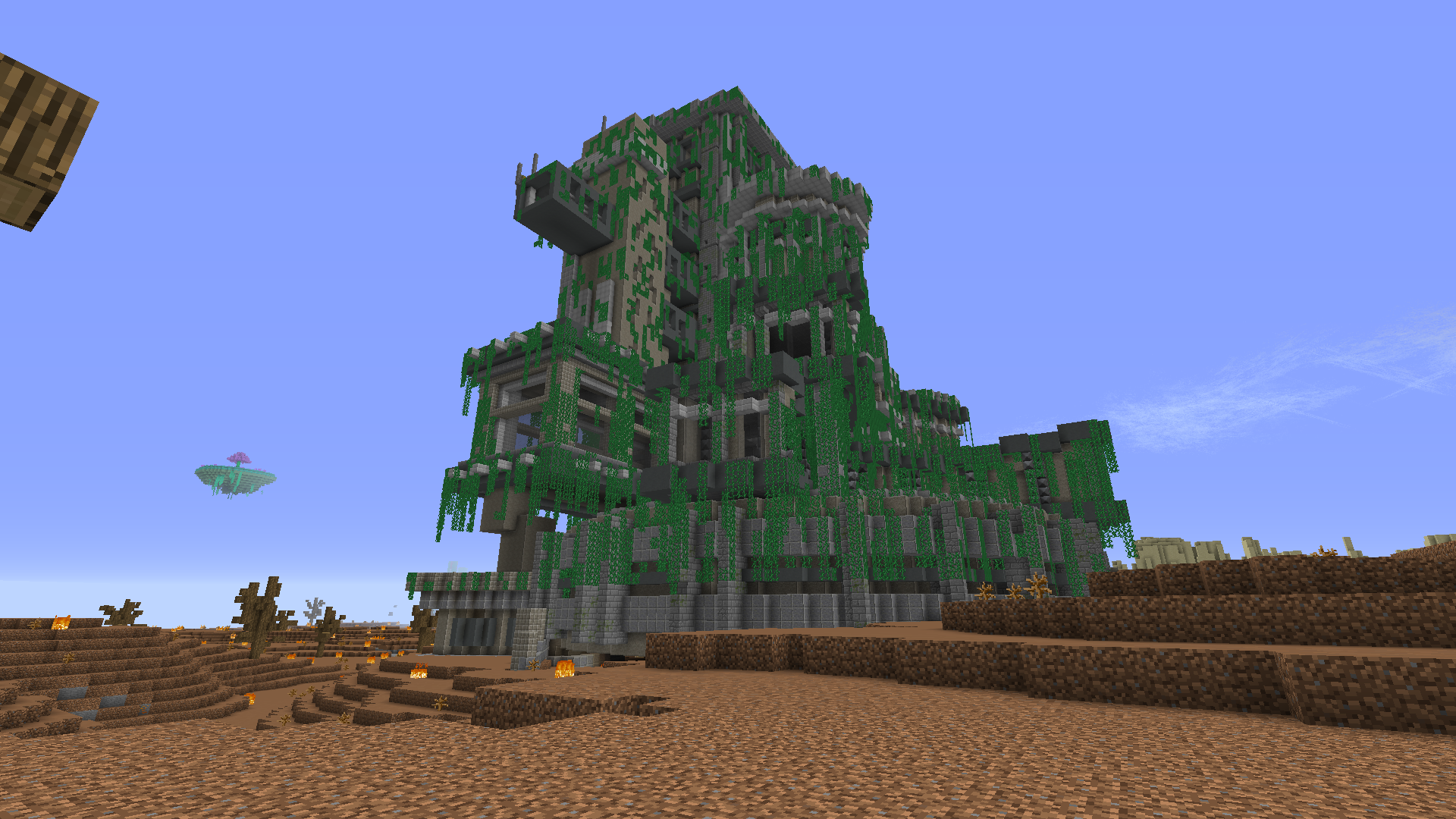 The Surface #3
 -
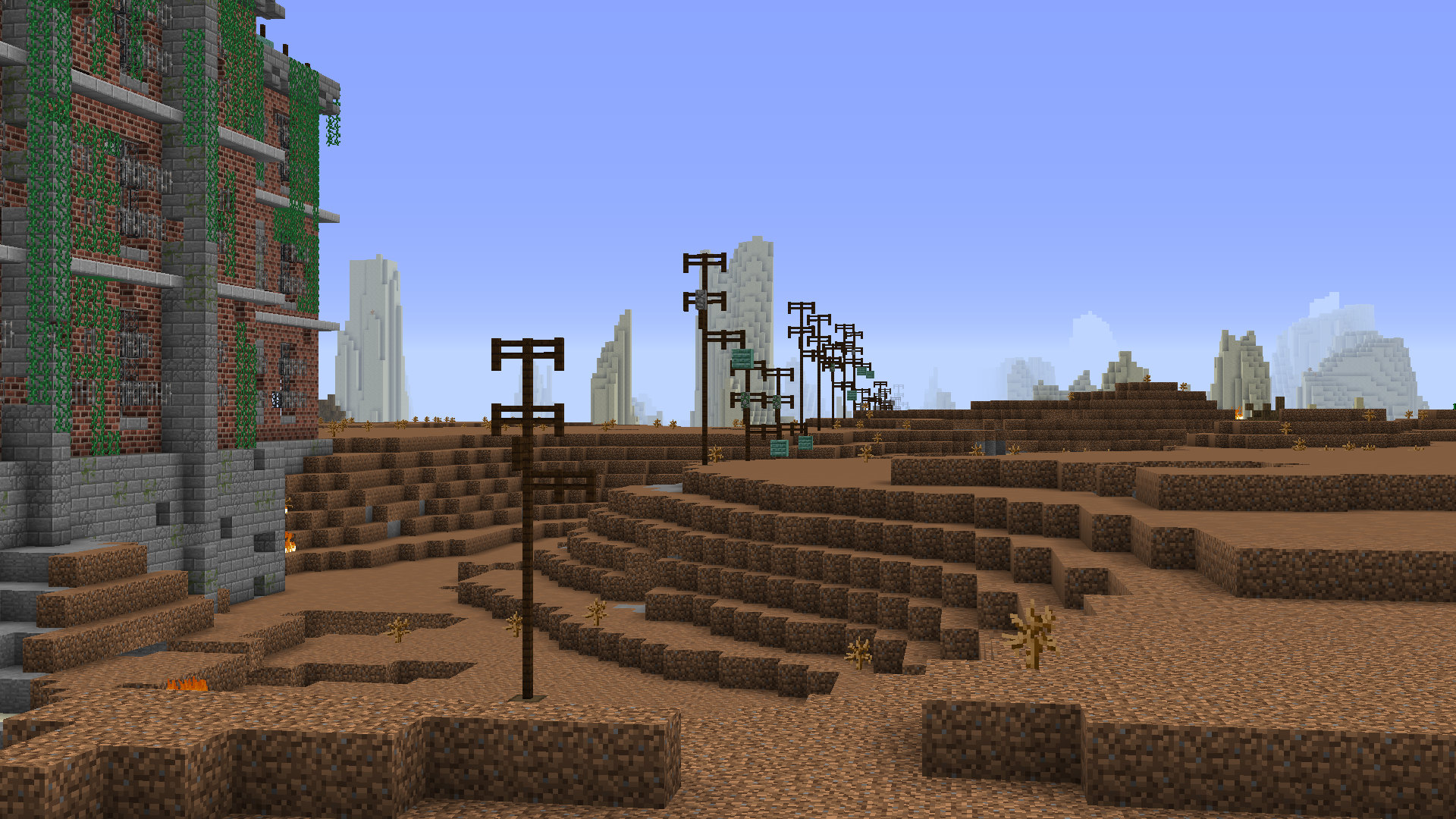 The Surface #2
 -
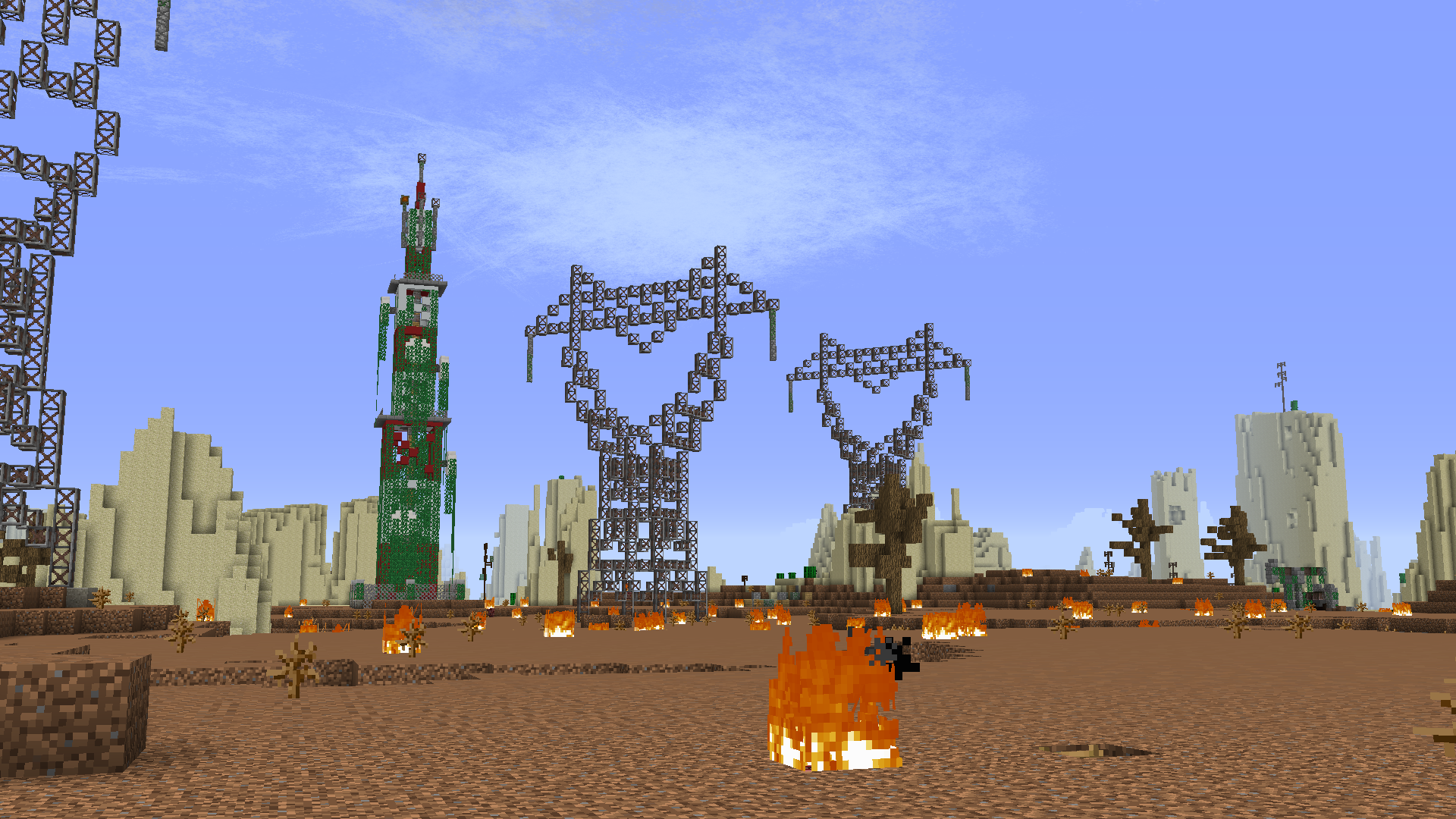 The Surface #1
 -
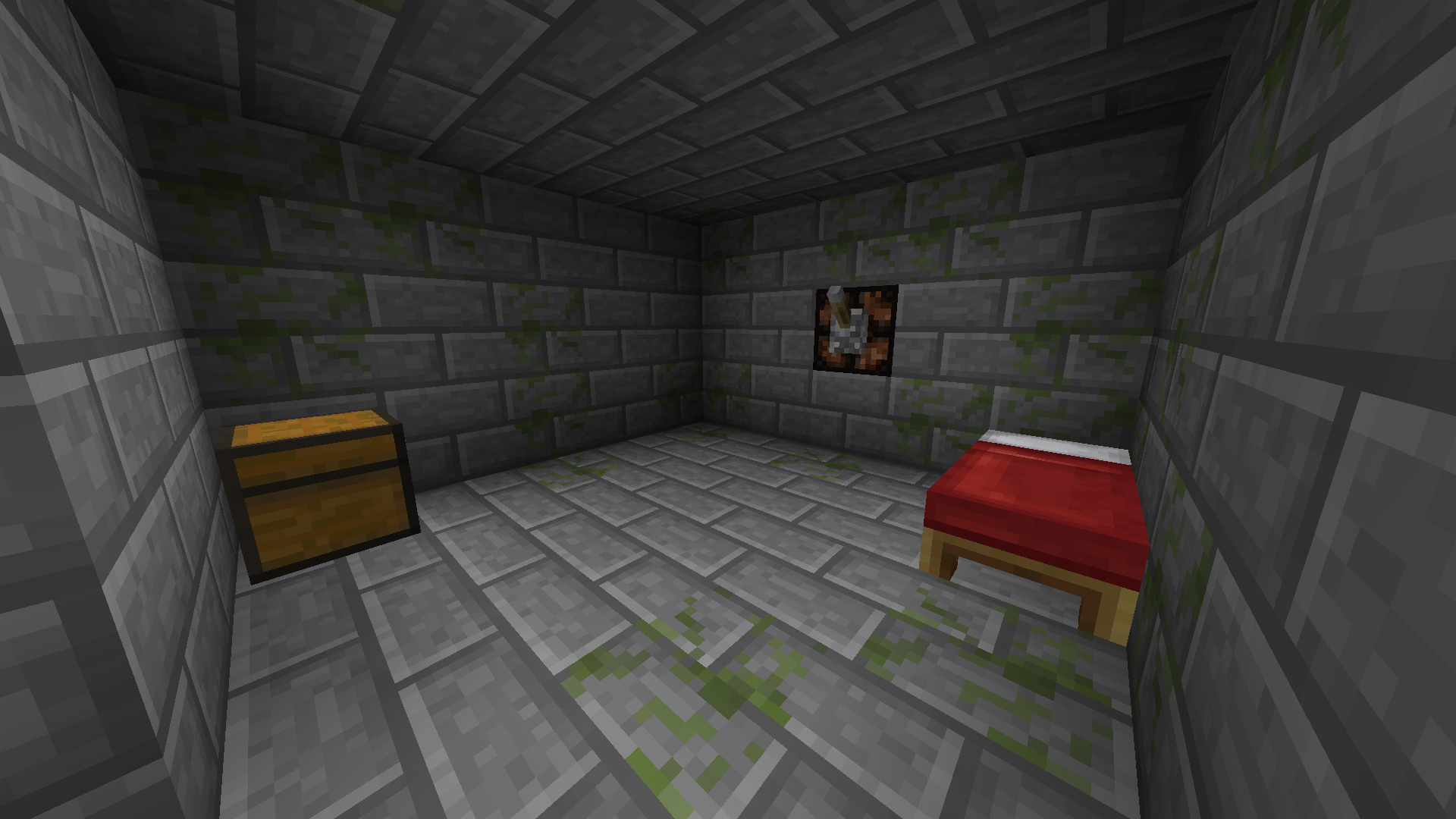 The Bunker
Versions
Files
Relations
Project Relations
More like this
Similar Modpacks
Suggestions use data such as tags, dependencies, dependents, descriptions, titles, and more to rank how much they overlap with this modpack.
On ModDex
Community snapshot
By the numbers
Statistics
 (opens in a new tab)
Get it on
Available Platforms
On ModDex
Community snapshot
By the numbers
Statistics
Resources