Community listing page, reviews here may not be monitored by the author.

Community voices
Reviews
No reviews yet. Be the first to review this project!
Get it on
Available Platforms
About
Project Details
For authors
Embed Badge
If you're the author of this project, you can embed a live badge anywhere that supports HTML or Markdown. It updates automatically whenever ratings change.
Use HTML for any page that supports it, or Markdown for README files and Markdown-based descriptions.
Identifiers
Platform IDs
Resources
External Links
About
Description
TA|Core
Must have mods for any modpack. I know, this is Core Modpack!
Discord server.
You must download optifine and put .jar file in «mods» folder, this core_modpack will NOT works without installed optifine.
1.19.2 description
Quickstart guide:
Step1. Install 1.19.2 from official Minecraft launcher(not from Overwolf/Curse Client).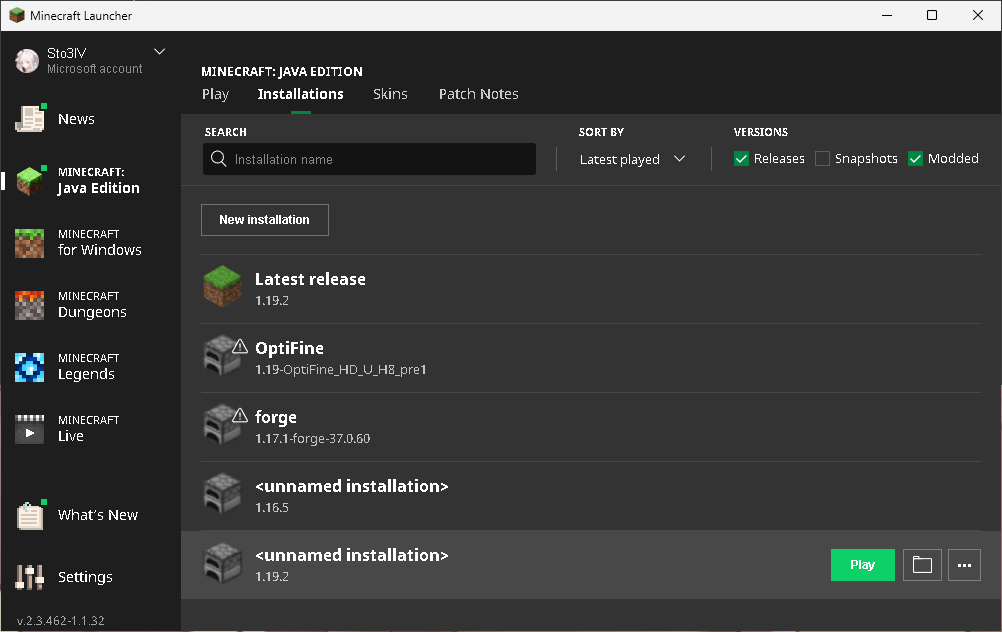
Step2. Download Optifine. Launch .exe file and press extract. Cut extracted mod file to mods folder in your istance directory.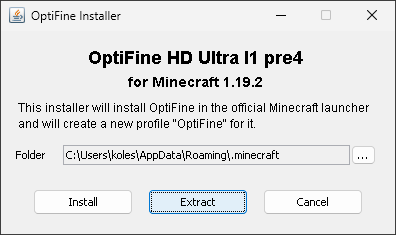
Step3. Launch your game. Go to video settings, check that optifine is installed.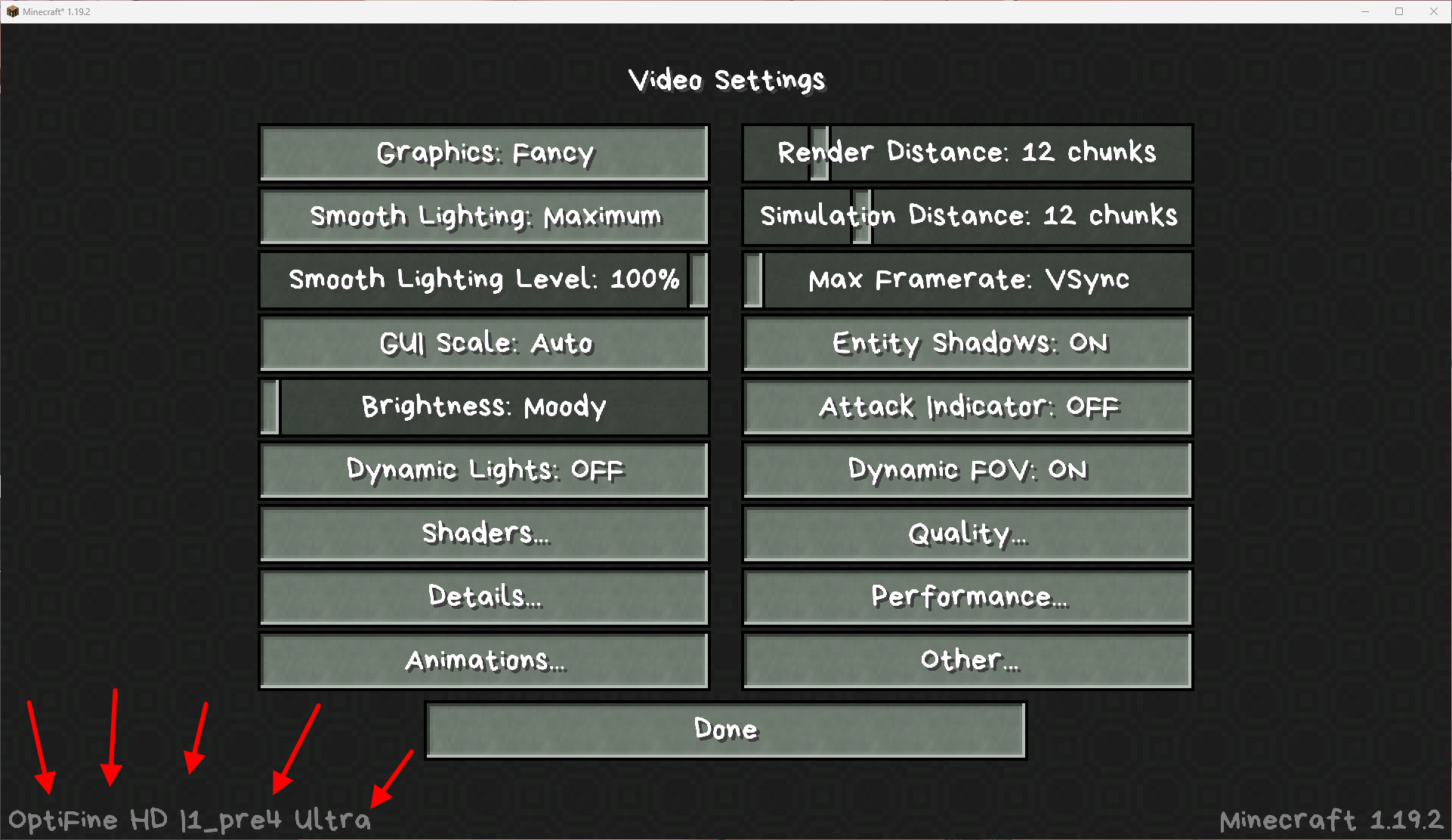
All mods included in this modpack I recomend use in every minecraft modpack. Because its like better vanilla.
3D Skin Layers for fancy skins, like in voxel games. AppleSkin mod, because its very hard to remember how many hunger points every food restore. Architectory, because 2/3 of all mods for 1.19.2 need a core mod. Backpacked for additional inventory space. Badpackets, because 2/3 of all mods for 1.19.2 need a core mod. Balm, because 2/3 of all mods for 1.19.2 need a core mod. BetterAdvancements redesign your advancements screen from little window to fullscreen variant. It help you to see all achivments from lots of mods/datapacks. BetterAnimals adds more Fauna for your minecraft. With BetterControls you can set sprint/crouch to on/off by button, like in some stealth games. BetterTitleScreen disables forge and MCP texts at bottom left. BOP, because I cant imagine minecraft without it. Biomes from this mod is like default biomes for me. >>>under_construction<<<
1.15.2 description
Quickstart guide:
Step1. Check, that optifine is installed. If not download it. And check brightness settings. It must be at minimum
Step2. Make sure, that all resourcepacks is enabled.

Step3. Add your favourite mods in this modpack core.
Backup is required, because you never know what can happen.
Better sprinting. Why? Because in all FPS games, I used shift to sprint. Make minecraft like FPS! Don't like? You can enable double tapping in settings. You sprint on V button, by default. Also with it, you can build your favorite bridges over the precipice without a dehydrated little finger. Lock sneak на G button.
Personally, I don’t really like shaders, although I admit that it’s prettier with them. Therefore, I built many of the functions (lighting, sounds) into the resource pack! A!? Не ожидали? Important, do not disable DO NOT DISABLE resourcepack. Because the shaders are there, also some settings of the mods and textures I moved in resourcepack too. If you disable resourcepack, you may have missing textures/invisible mobs because of this. DO NOT DISABLE resourcepack! Oh yes, and still the minecraft-brightness should be at a minimum, this is also part of the modpack settings.
Mess in inventory? Make your inventory clean, again! = button.
Optifine, I can't include it because of copyright. So just download it yourself from official site.
Make sure you use the latest version of forge.
Put painting → type in chat /painting → enjoy.
IronChests for bigger chests.
Hwyla helps you to know how much hp the half-dead boss has left.
JEI, JER and Light Overlay.
-Bro, where are u?
-I ded br0. 88times, xD.
-How could you die from a spider?
-But it was B0$$-Spider, br0.
-Why did you start fighting with him, bro?
-I decided to check that co0l g0lden sword with fire aspect, br0.
-Did you remember your death location?
-I forgot, br0, sorry!
-Look at the chat, bro.
-ty, br0.
-Where are you, bro?
-X: 270 Z: 12400.
-I'm here, but I can't find you, bro?
-Say me Y-coordinate, br0.
-Y: -10, br0. I'm falling, br0.
Nether portal spread.
DurabilityViewer for leaving 1 durability unit on a pickaxe with a silk touch, and then combine it with another pickaxe on the anvil.
InstantLava with lava monsters.
Controlling for key controlling.
Colytra with coremod will help you with elytra and chestplate slot.
Blur for you GUIs, because i like blur.
Anvil Tweaks for ultra enchantend super weapons.
Rare Ice for travel.
Trample Stopper for farmer and his evil friend.
Sound Filters for surround sounds in caves just like I like.
I don't like bedrock. Dig down to the nether!
In a good modpack, all buttons are configured perfect as defaults, but if you broke something and now everything is terrible, then you can return everything as it was.
On this, the entire list of must have mods for any modpack is complete.
1.12.2 description
Quickstart guide:
Step1. Check, that optifine is installed. If not download it.
Step2. Check brightness settings. It must be at minimum.
Step3. Make sure, that all resourcepacks is enabled.

Step4. Add your favourite mods in this modpack core.
Backup is required, because you never know what can happen. And by tradition, Core mod for this mod.
Better sprinting. Why? Because in all FPS games, I used shift to sprint. Make minecraft like FPS! Don't like? You can enable double tapping in settings. You sprint on V button, by default. Also with it, you can build your favorite bridges over the precipice without a dehydrated little finger. Lock sneak на G button.
Personally, I don’t really like shaders, although I admit that it’s prettier with them. Therefore, I built many of the functions (lighting, sounds) into the resource pack! A!? Не ожидали? Important, do not disable DO NOT DISABLE resourcepack. Because the shaders are there, also some settings of the mods and textures I moved in resourcepack too. If you disable resourcepack, you may have missing textures/invisible mobs because of this. DO NOT DISABLE resourcepack! Oh yes, and still the minecraft-brightness should be at a minimum, this is also part of the modpack settings.
And in addition to this, for the same atmosphere this has Better Foliage. And Core mod, by tradition. Lags? F8 to disable.
Mess in inventory? Make your inventory clean again! = button.
If you decide to add more mods, then you will need OpenEye, in order to understand why minecraft has crashed.
Optifine, I can't include it because of copyright. So just download it yourself from official site.
Make sure you use the latest version of forge.
Put painting → type in chat /painting → enjoy.
Chest transoprter for relocation. Or if your friend put the chest in the wrong place. And Core mod for them.
ToroHealth helps you to know how much hp the half-dead boss has left.
JEI, JER, JEBP, JEROI, BlockDrops, and More Overlays.
-Bro, where are u?
-I ded br0.
-How could you die from a spider?
-But it was B0$$-Spider, br0.
-Why did you start fighting with him, bro?
-I decided to check that co0l g0lden sword with fire aspect, br0.
-Did you remember your death location?
-I forgot, br0, sorry!
-Look at the chat, bro.
-ty, br0.
-Where are you, bro?
-X: 270 Z: 12400.
-I'm here, but I can't find you, bro?
-Say me Y-coordinate, br0.
-Y: -10, br0. I'm falling, br0.
Early nether adventures. Well, or just find a portal while traveling, that's cool!
DurabilityShow for leaving 1 durability unit on a pickaxe with a silk touch, and then combine it with another pickaxe on the anvil.
Lava is infinite too.
Familiar Fauna for more fancy non-loot fauna for minecraft world.
Controlling for key controlling.
Colytra helps you with elytra and chestplate slot.
Hwyla.
Blur for you GUIs, because i like blur.
Sound Filters for surround sounds in caves just like I like.
I do not like to delve into bedrock. I like flat bedrock more.
In a good modpack, all buttons are configured perfect as defaults, but if you broke something and now everything is terrible, then you can return everything as it was.
On this, the entire list of must have mods for any modpack is complete.
 .
.Screenshots
Gallery
-
How to install step 3
-
How to install step 1
-
how to install step 2
-
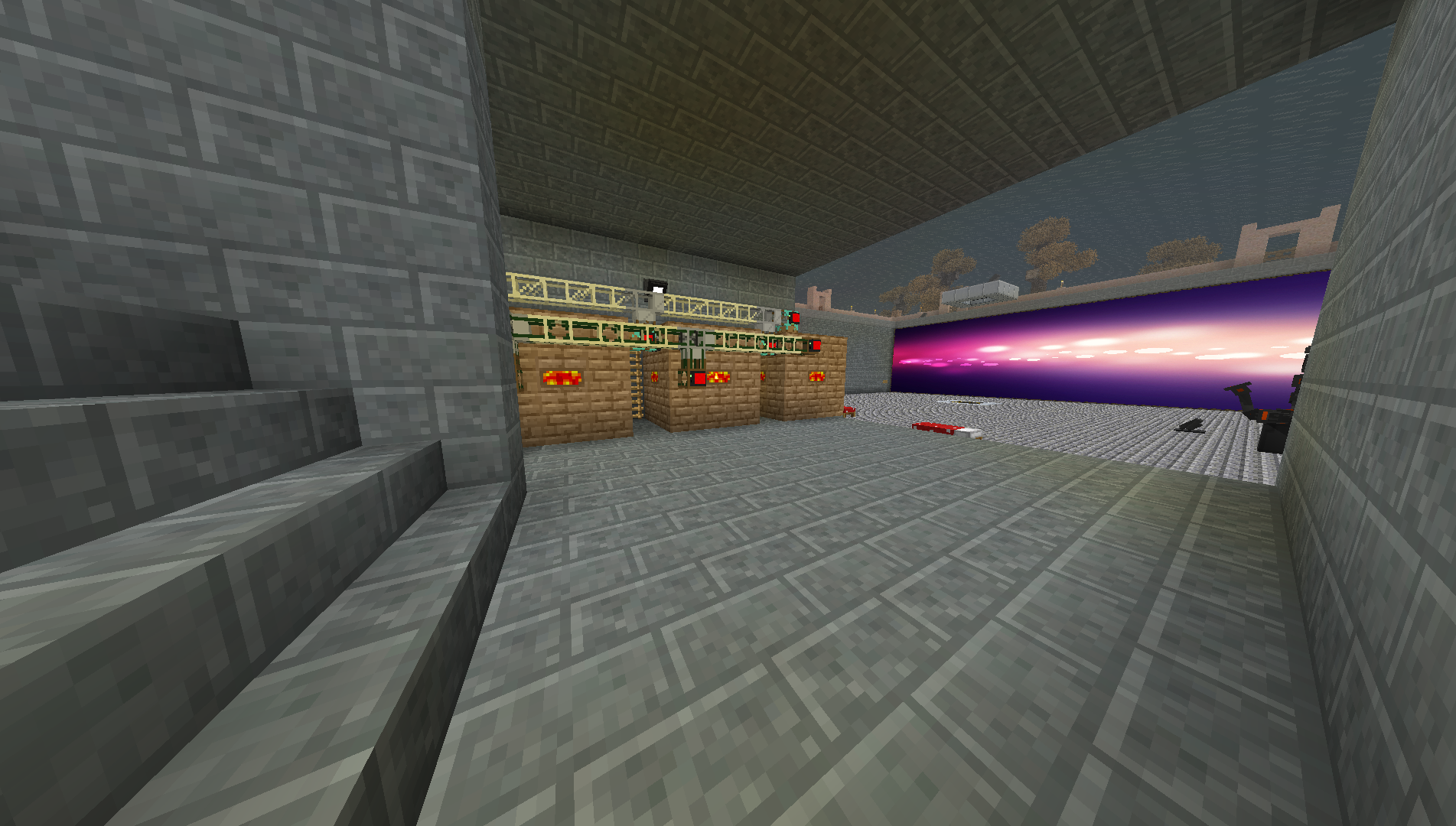 Screenshot 13 from Материя modpack Painting on the wall.
 -
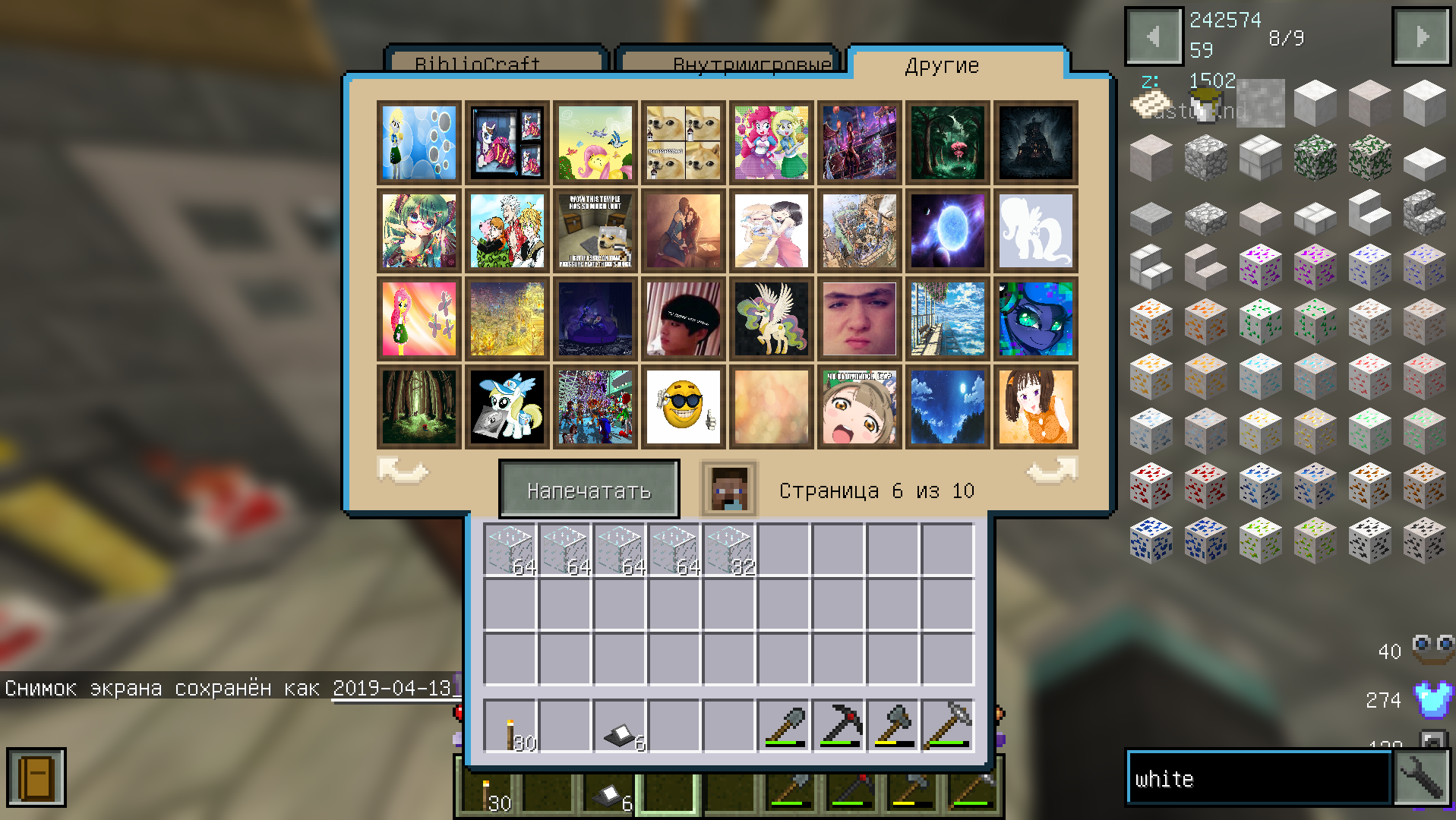 Screenshot 12 from Материя modpack Some more paintings.
 -
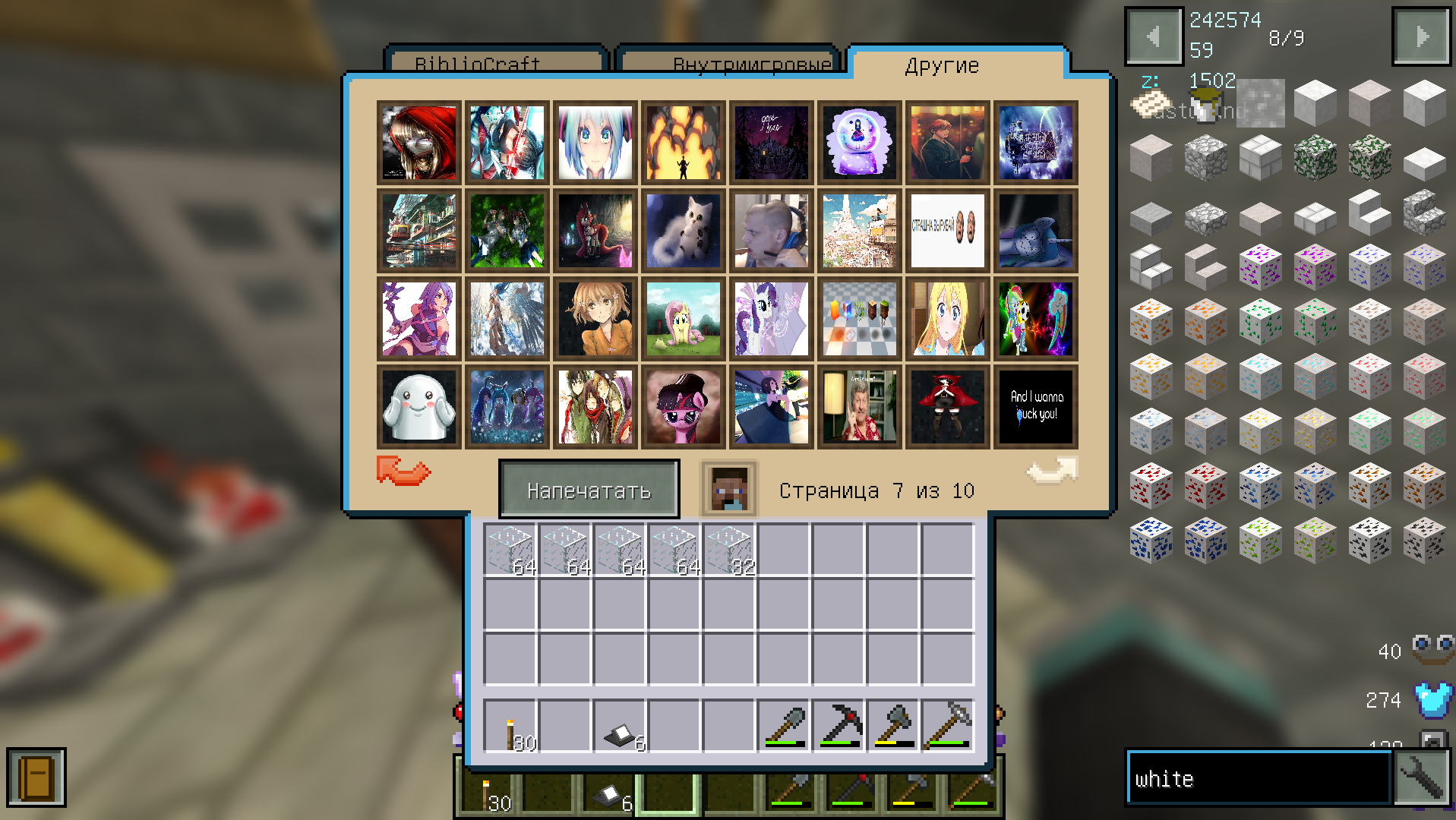 Screenshot 11 from Материя modpack Some paintings.
 -
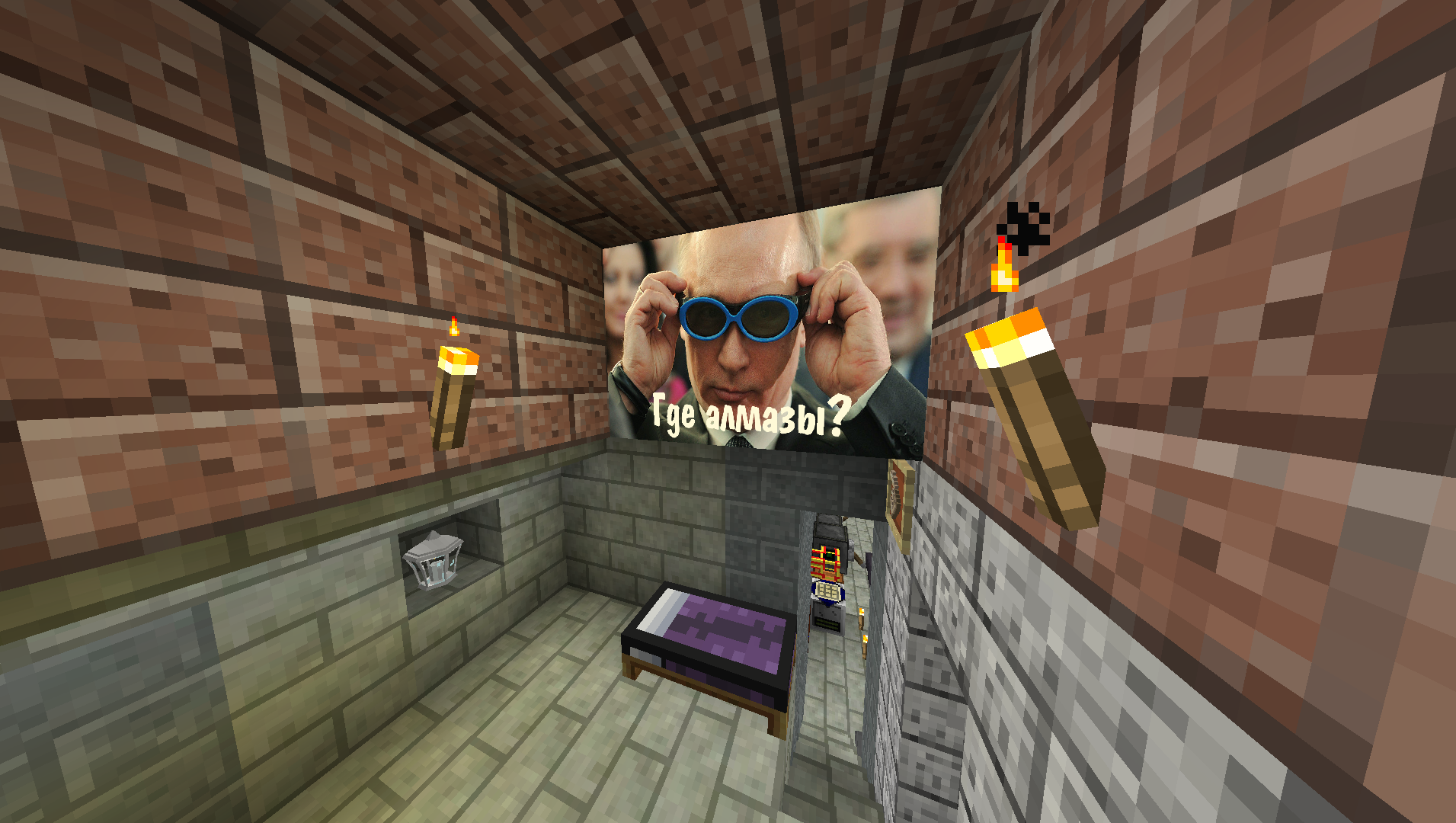 Screenshot 10 from Материя modpack Custom paintings, bed texture incloded in this core modpack, which used in other modpack.
 -
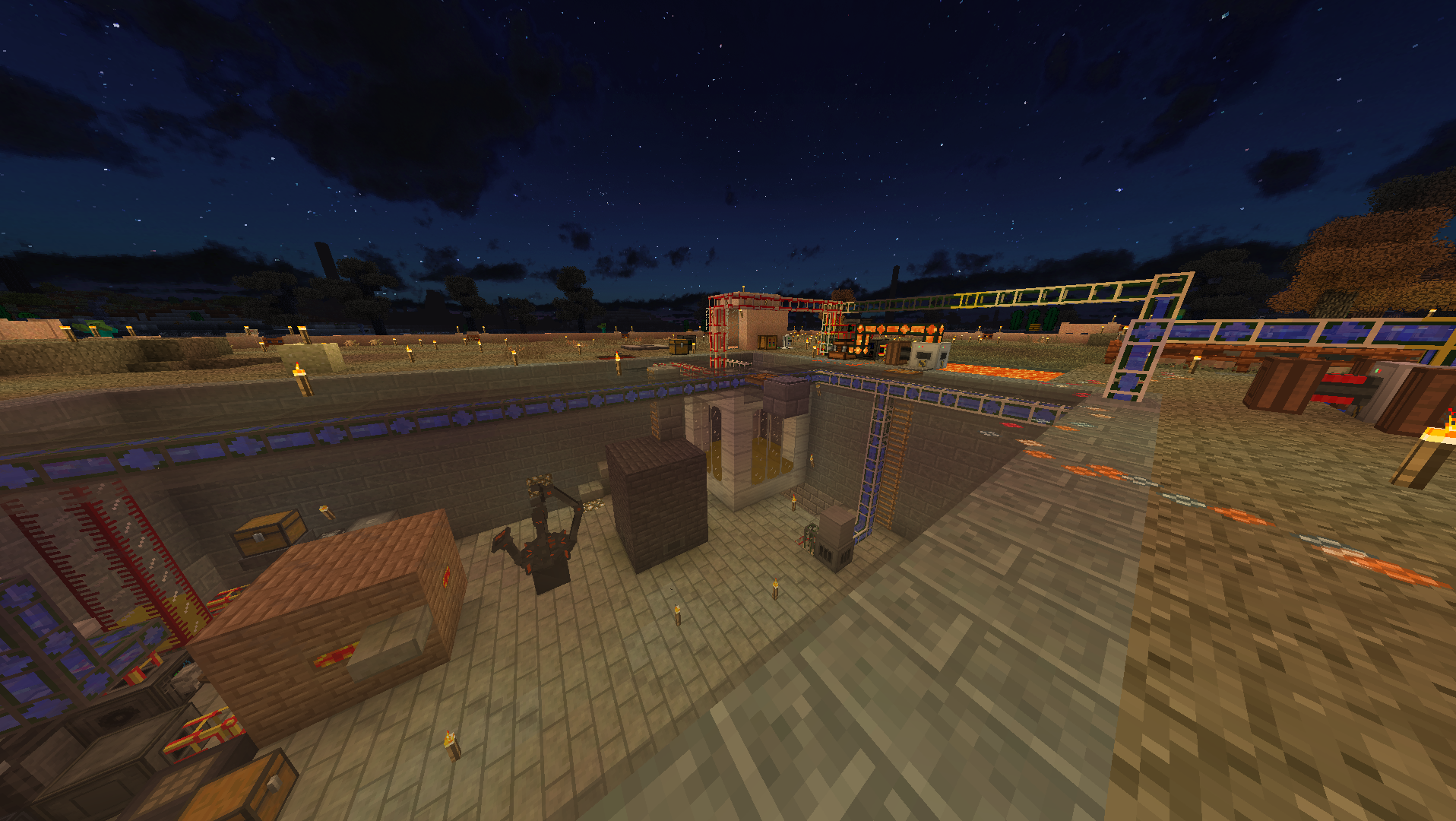 Screenshot 9 from Материя modpack Another lighting example from Материя modpack. This core modpack used there.
 -
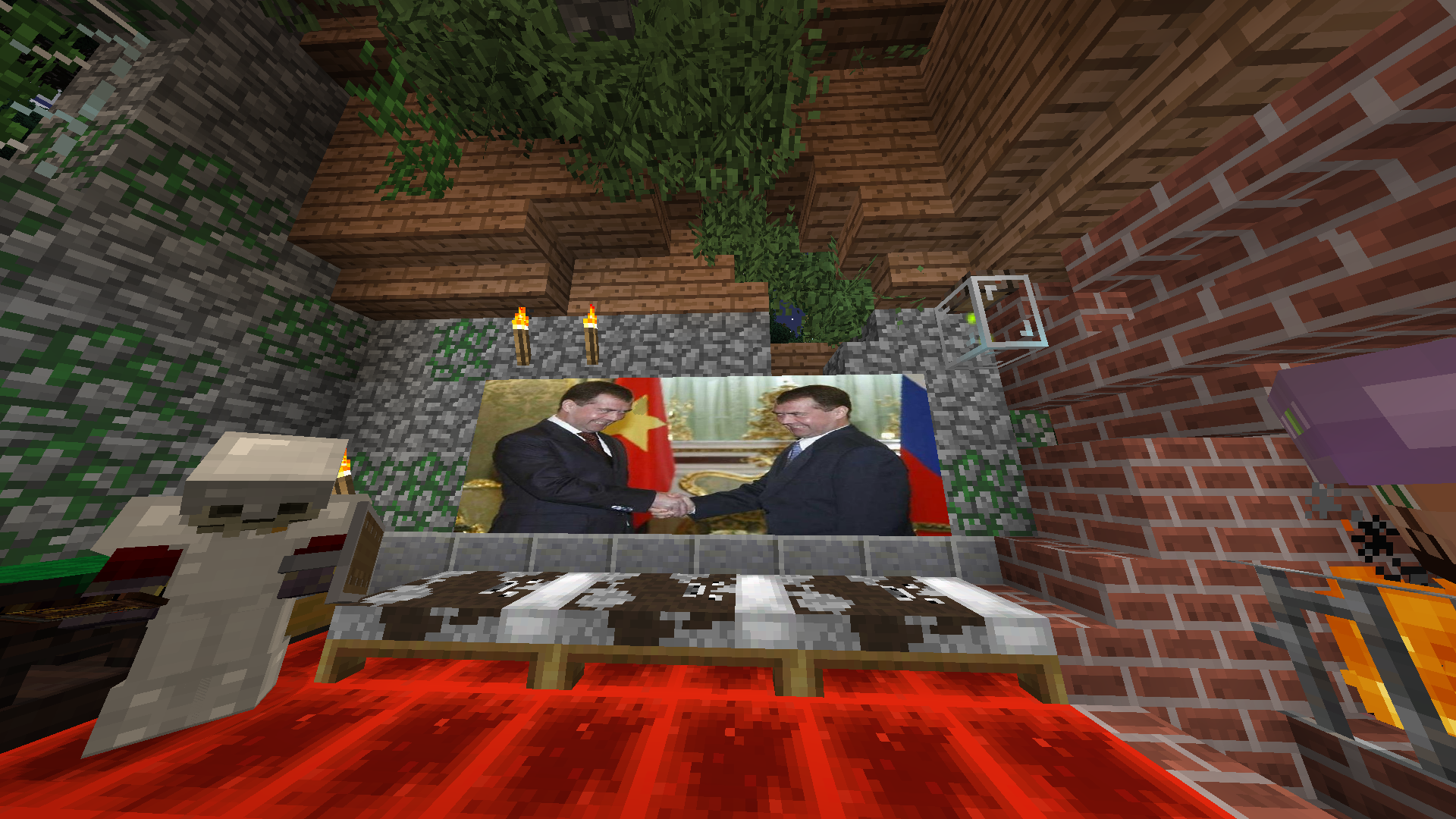 Screenshot 8 Custom Bibliocraft Paintings.
 -
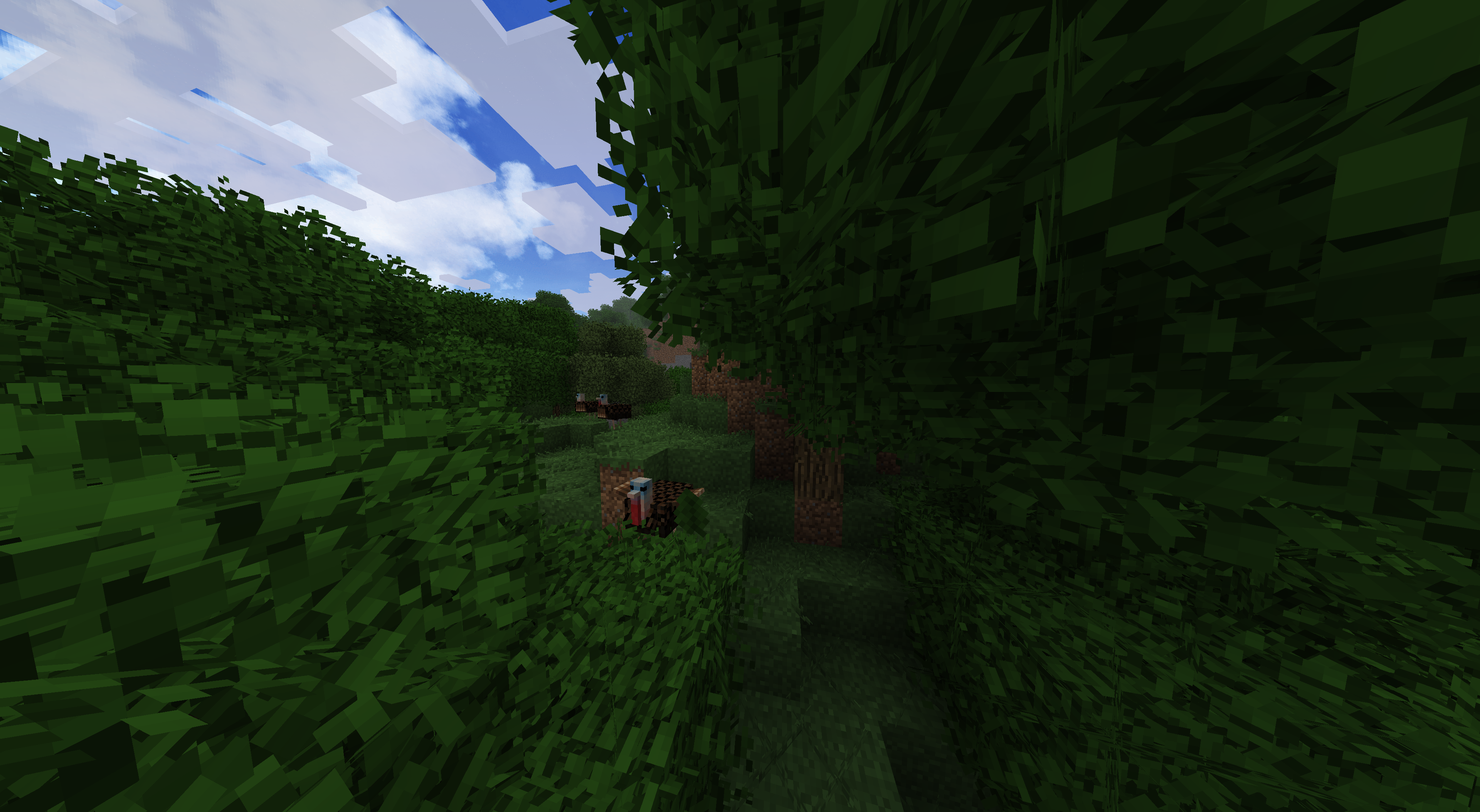 Screenshot 7 Fancy trees with Turkey.
 -
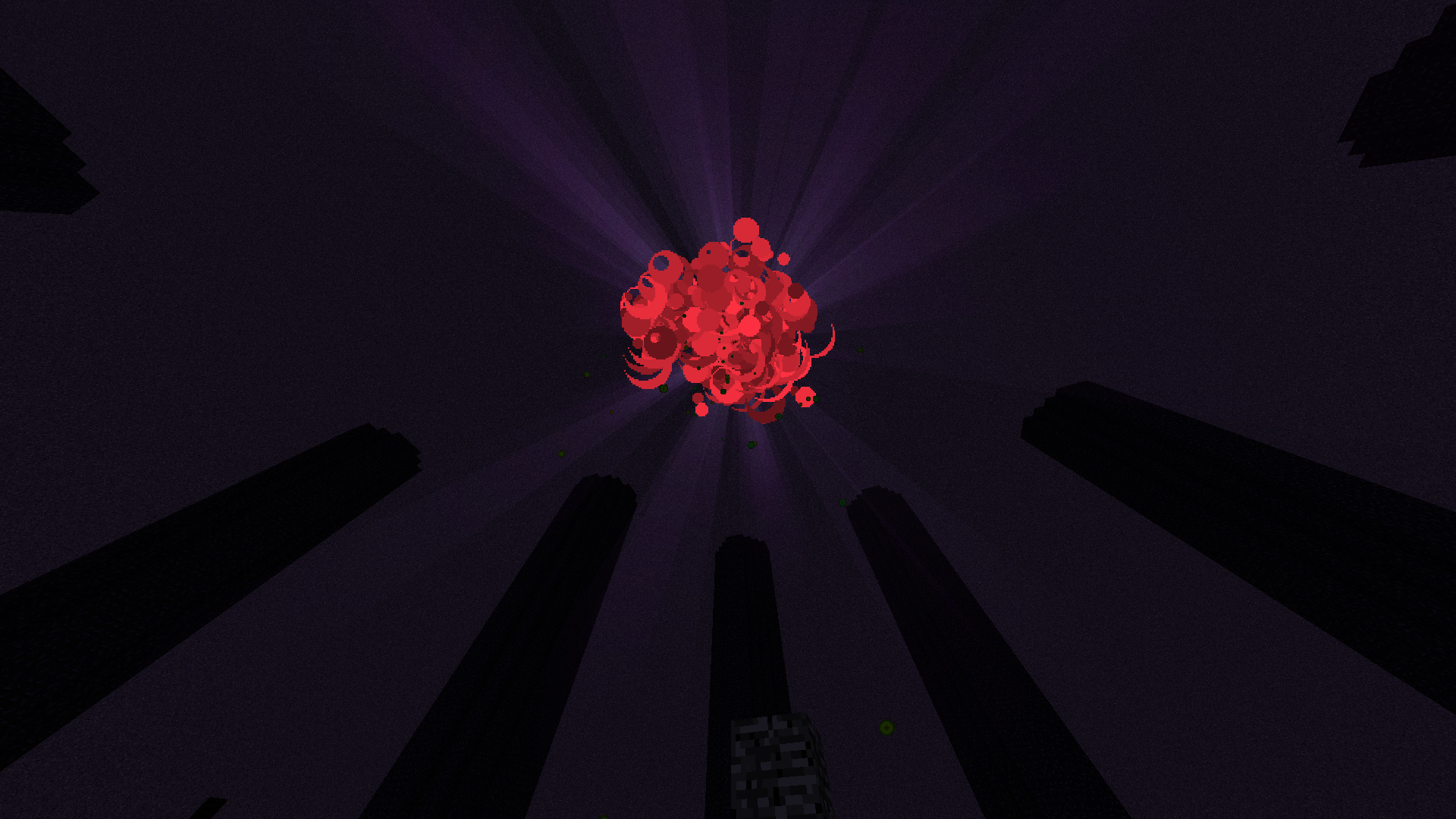 Screenshot 6 from Twilight modpack You can't daylight with nightvision potion!
 -
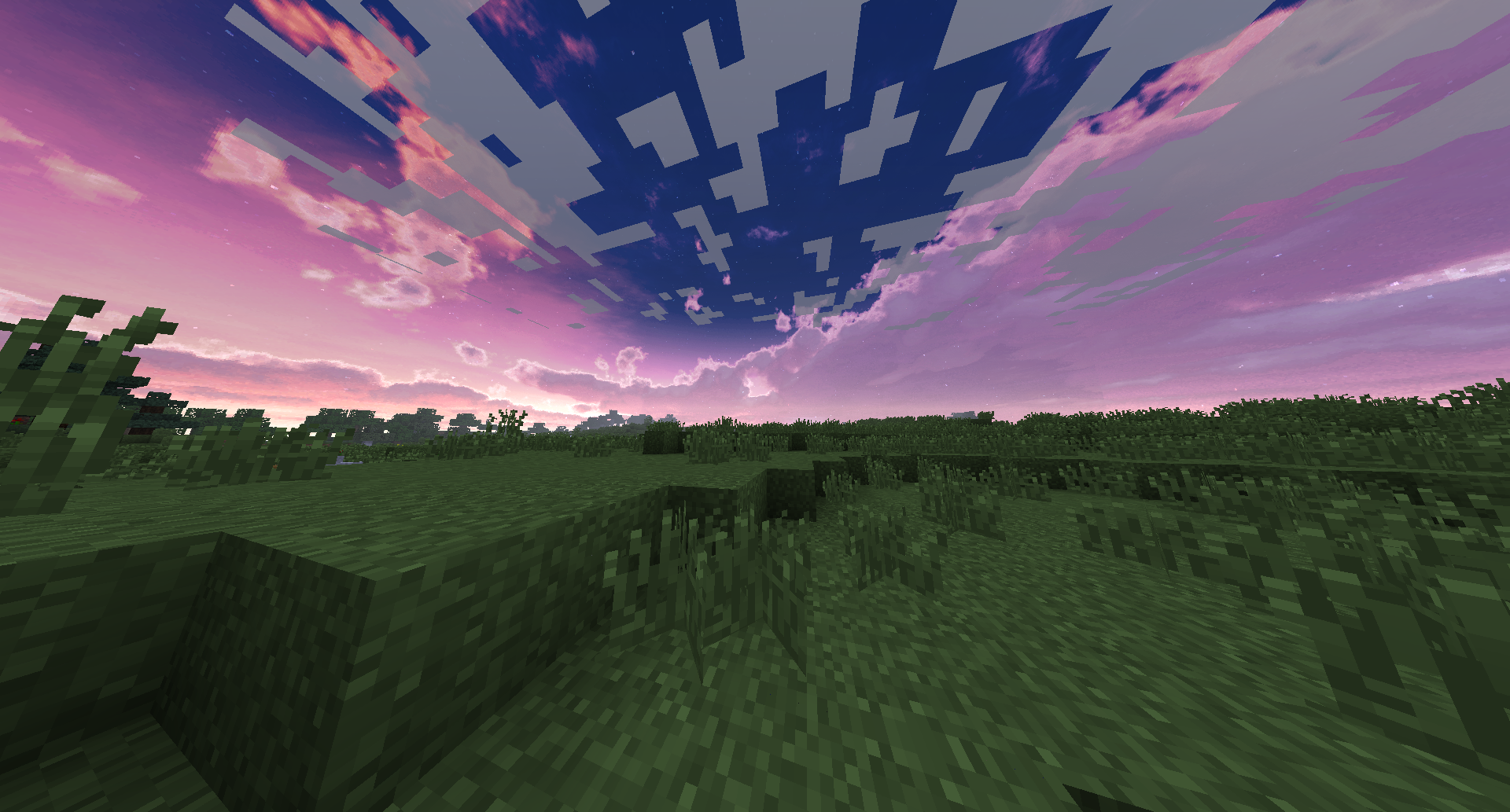 Screenshot 5 Sunset.
 -
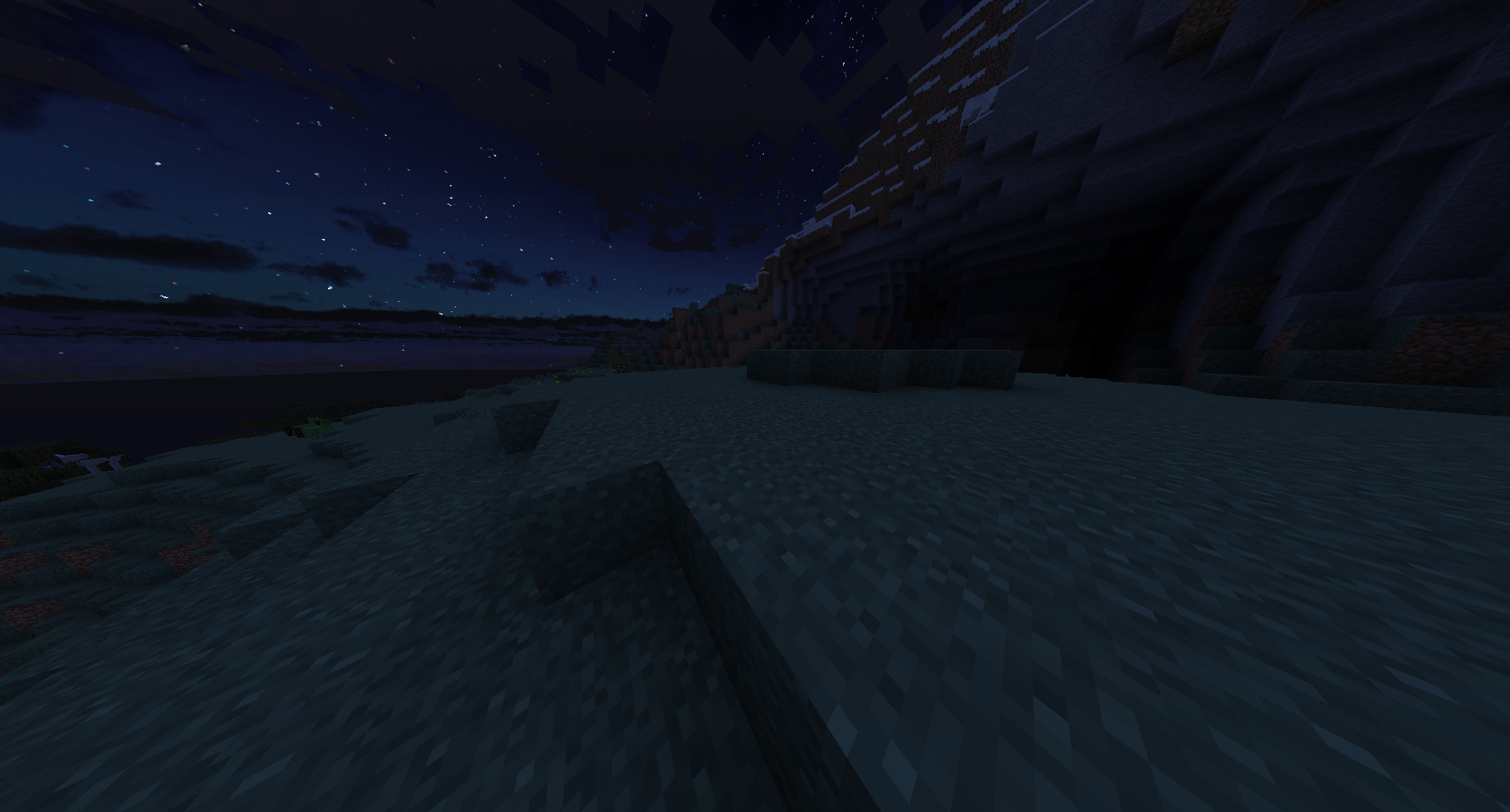 Screenshot 4 Other night.
 -
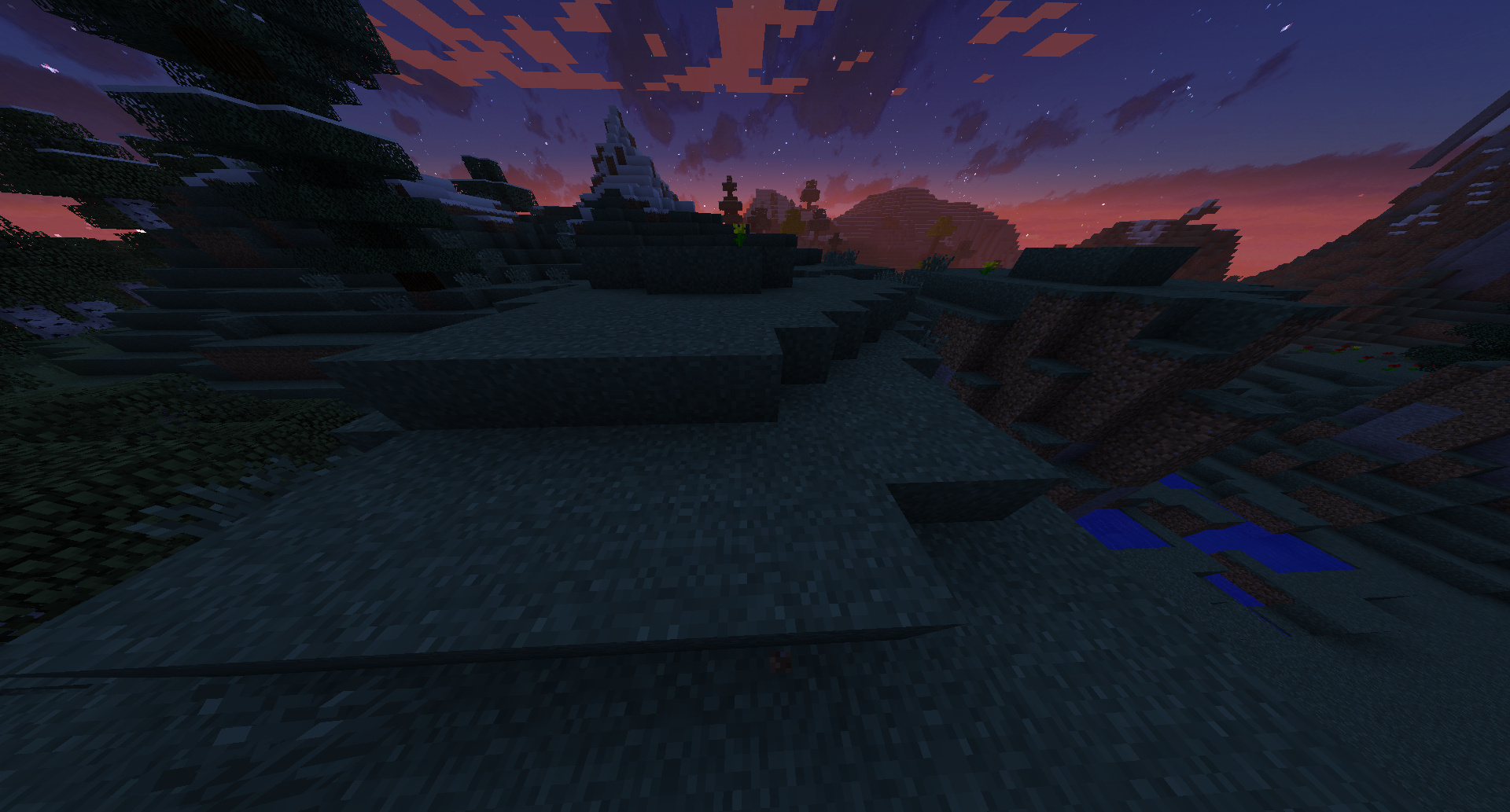 Screenshot 3 Night light.
 -
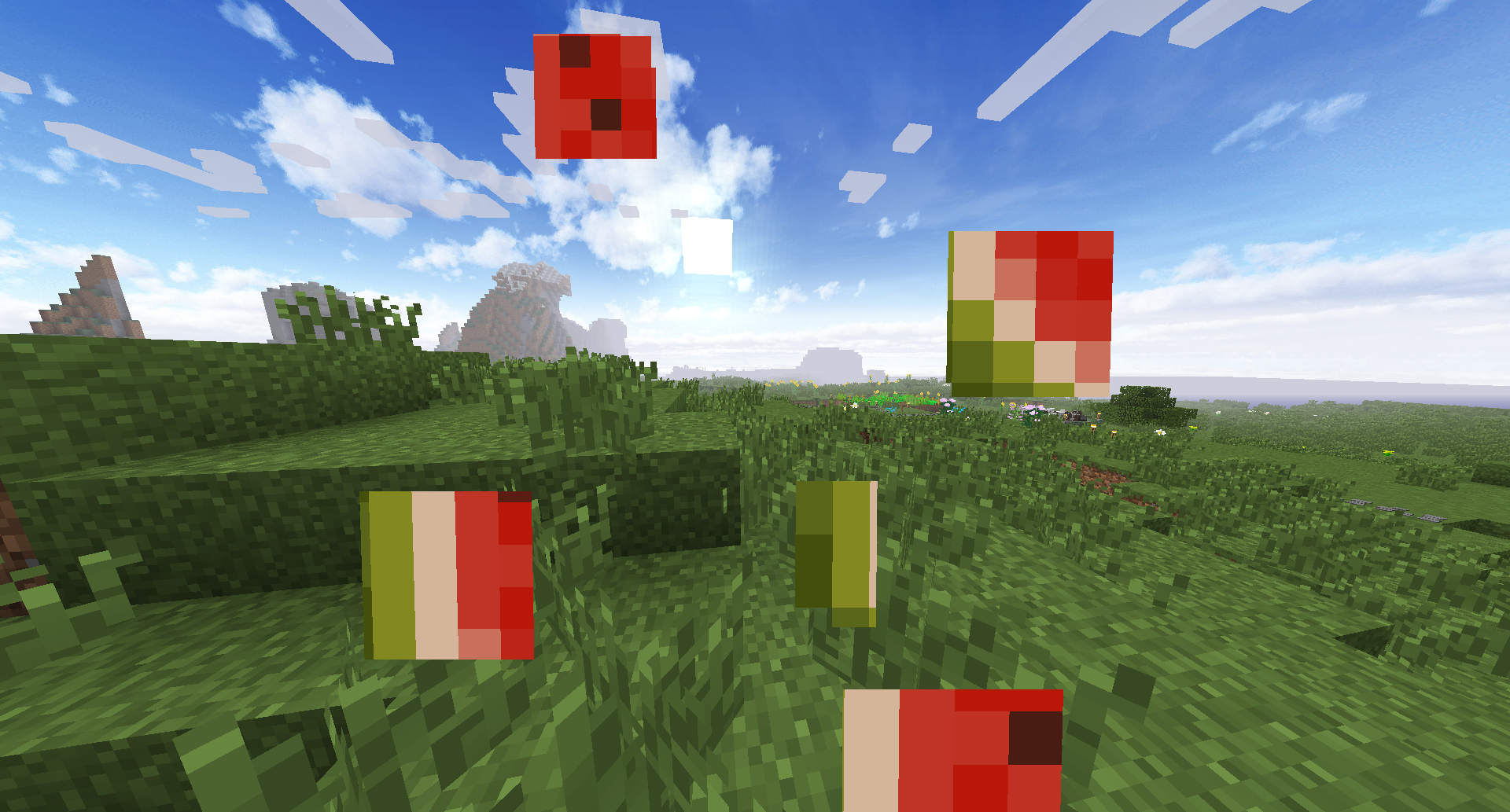 Screenshot 2 Fancy sky.
 -
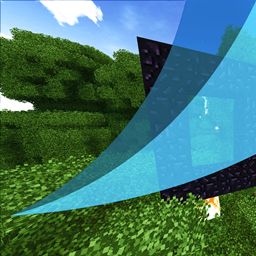
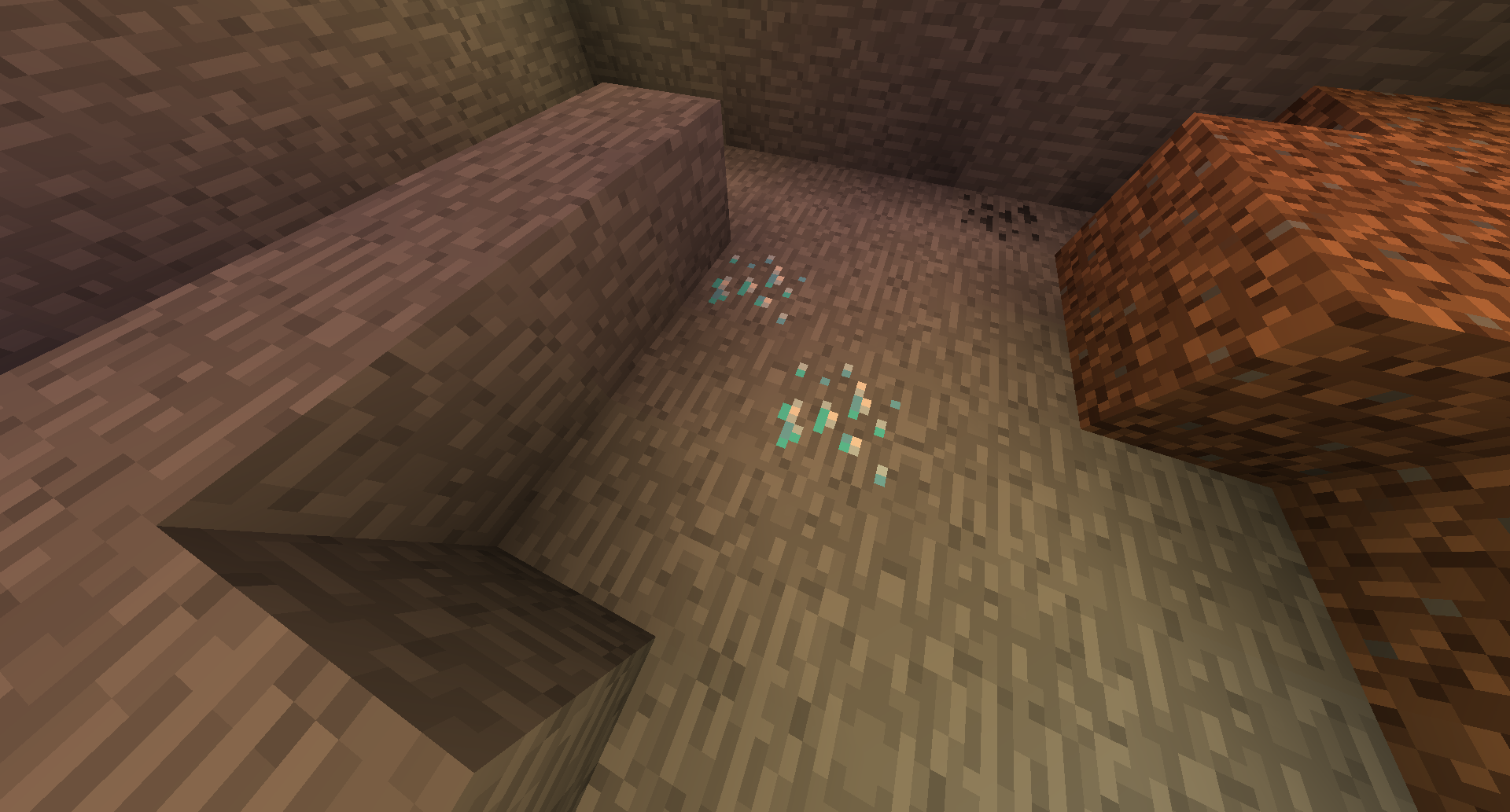 Screenshot 1 Smooth lighting from resourcepack.
Versions
Files
Relations
Project Relations
More like this
Similar Modpacks
Suggestions use data such as tags, dependencies, dependents, descriptions, titles, and more to rank how much they overlap with this modpack.
On ModDex
Community snapshot
By the numbers
Statistics
Want to reach Minecraft players?
We're looking for a server hosting partner to feature here and other parts of the site. Interested? Send us a message!
Get in touchGet it on
Available Platforms
On ModDex
Community snapshot
By the numbers
Statistics
Resources