
Community listing page, reviews here may not be monitored by the author.
Vanilla Vistas

No reviews yet
A vanilla+ modpack dedicated to overhauling minecraft's immersion and visuals without using shaders.
Community voices
Reviews
No reviews yet. Be the first to review this project!
Get it on
Available Platforms
Compatibility
Supported Environments
Must be installed on both the client and the server.
About
Project Details
For authors
Embed Badge
If you're the author of this project, you can embed a live badge anywhere that supports HTML or Markdown. It updates automatically whenever ratings change.
Use HTML for any page that supports it, or Markdown for README files and Markdown-based descriptions.
Identifiers
Platform IDs
Resources
External Links
About
Description
Vanilla Vistas
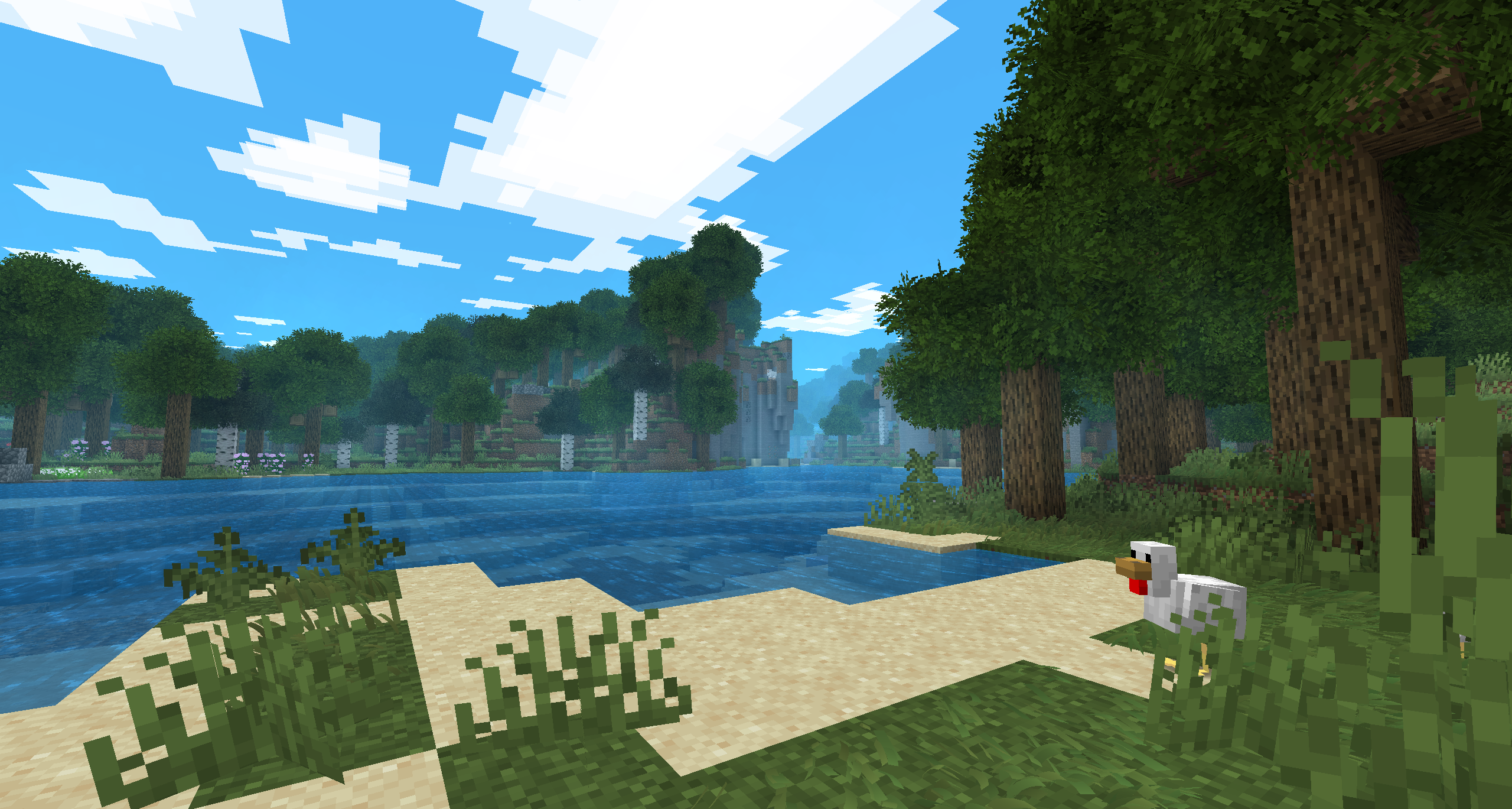
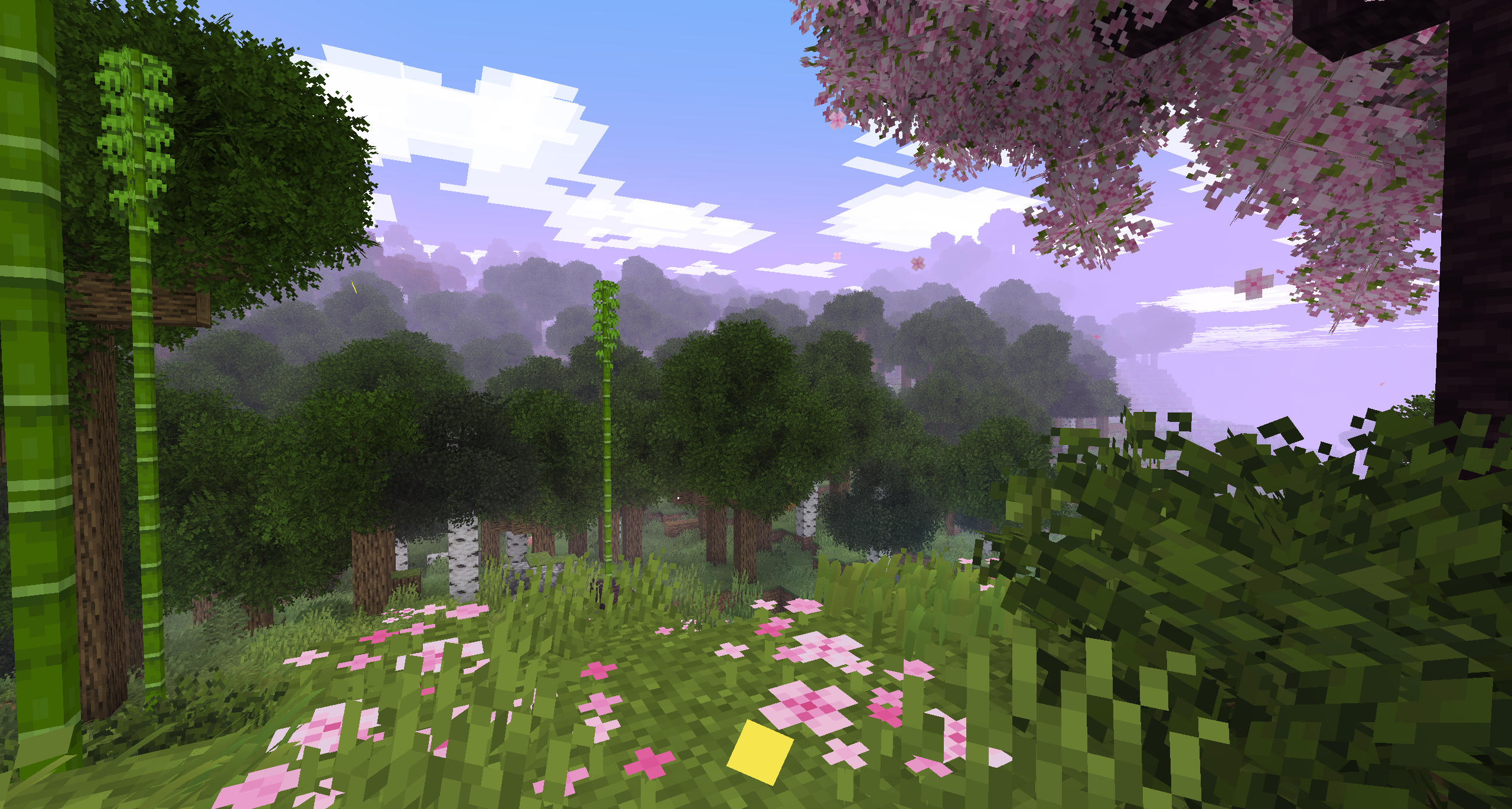
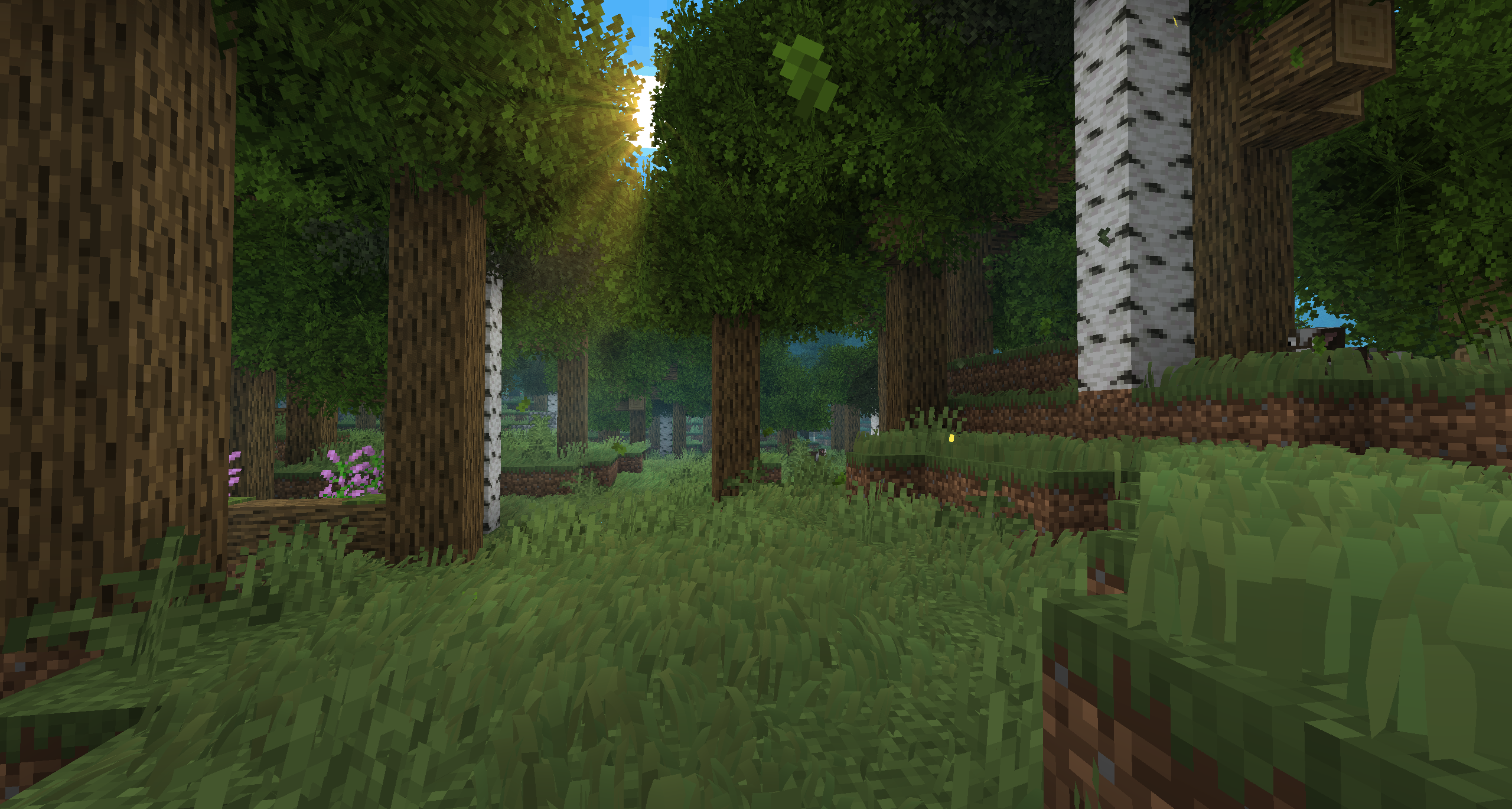
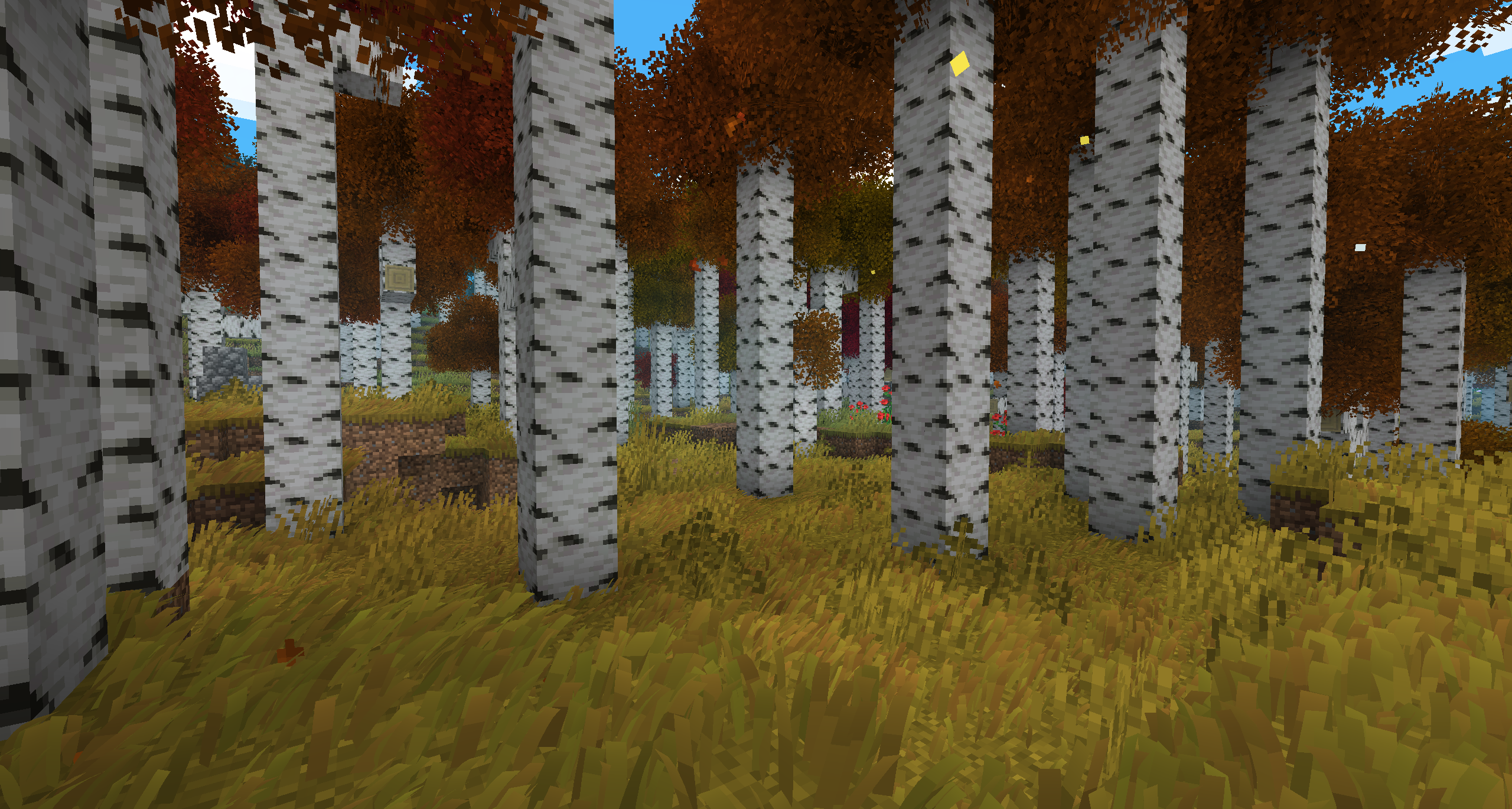
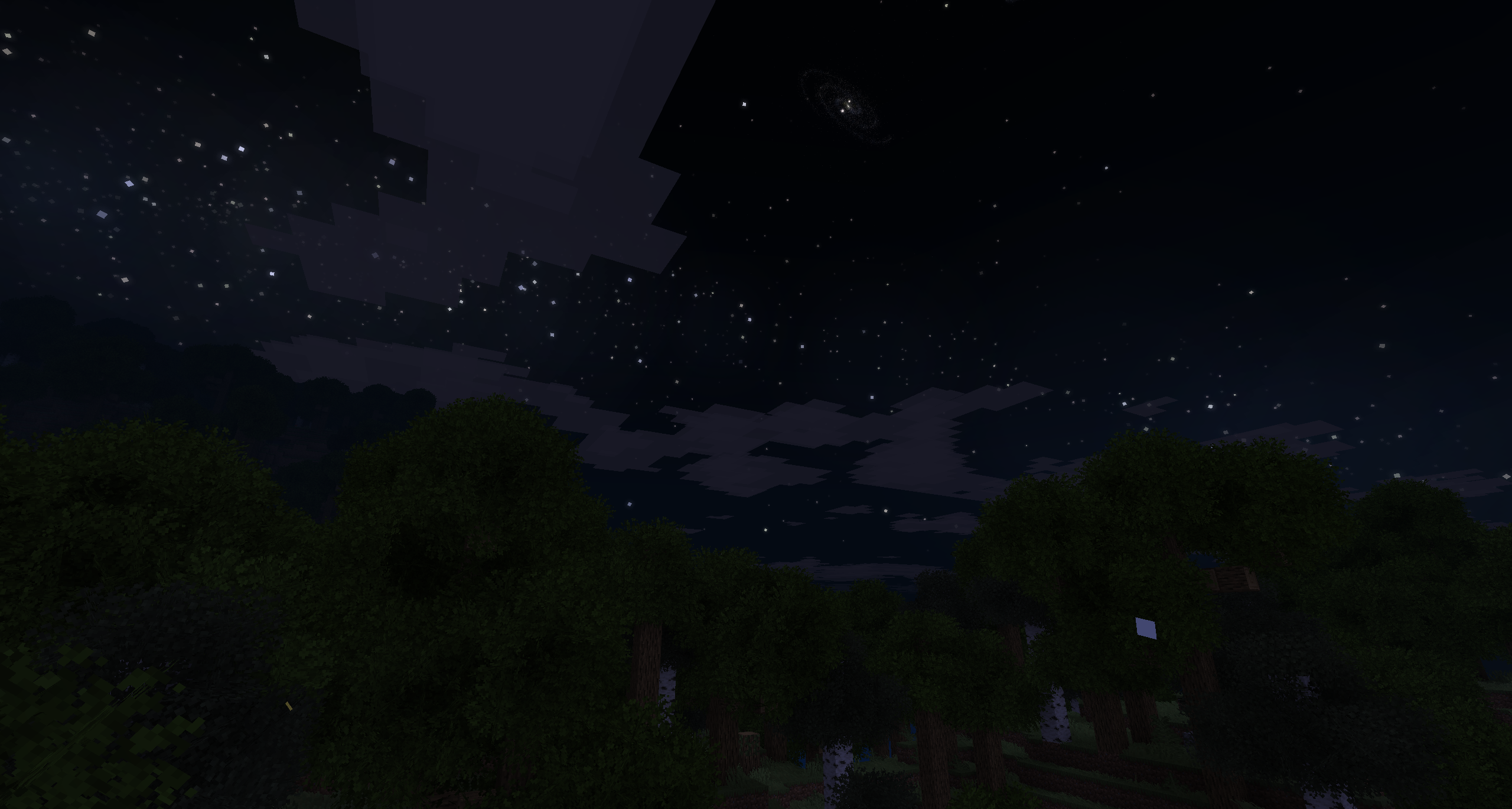
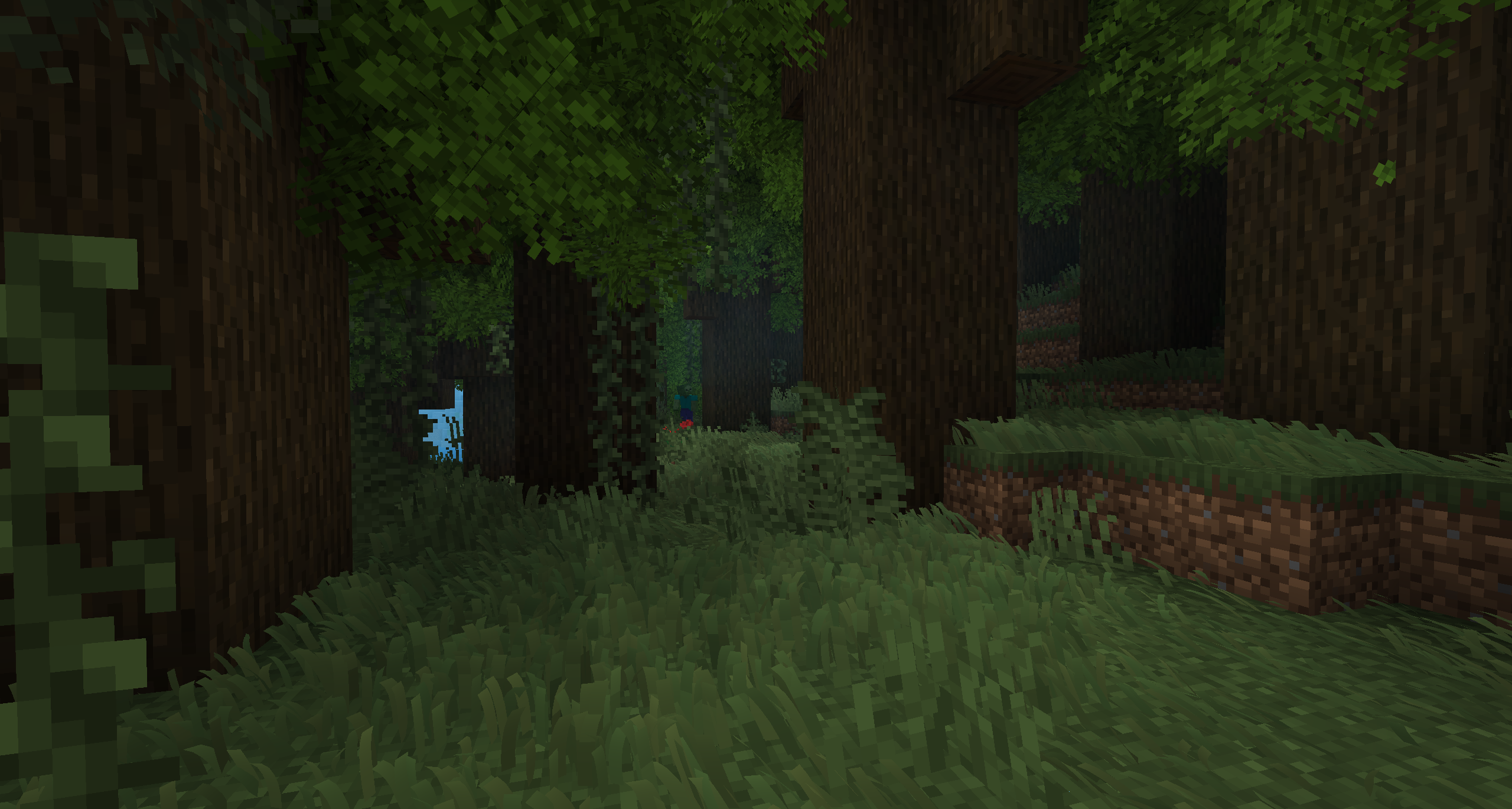
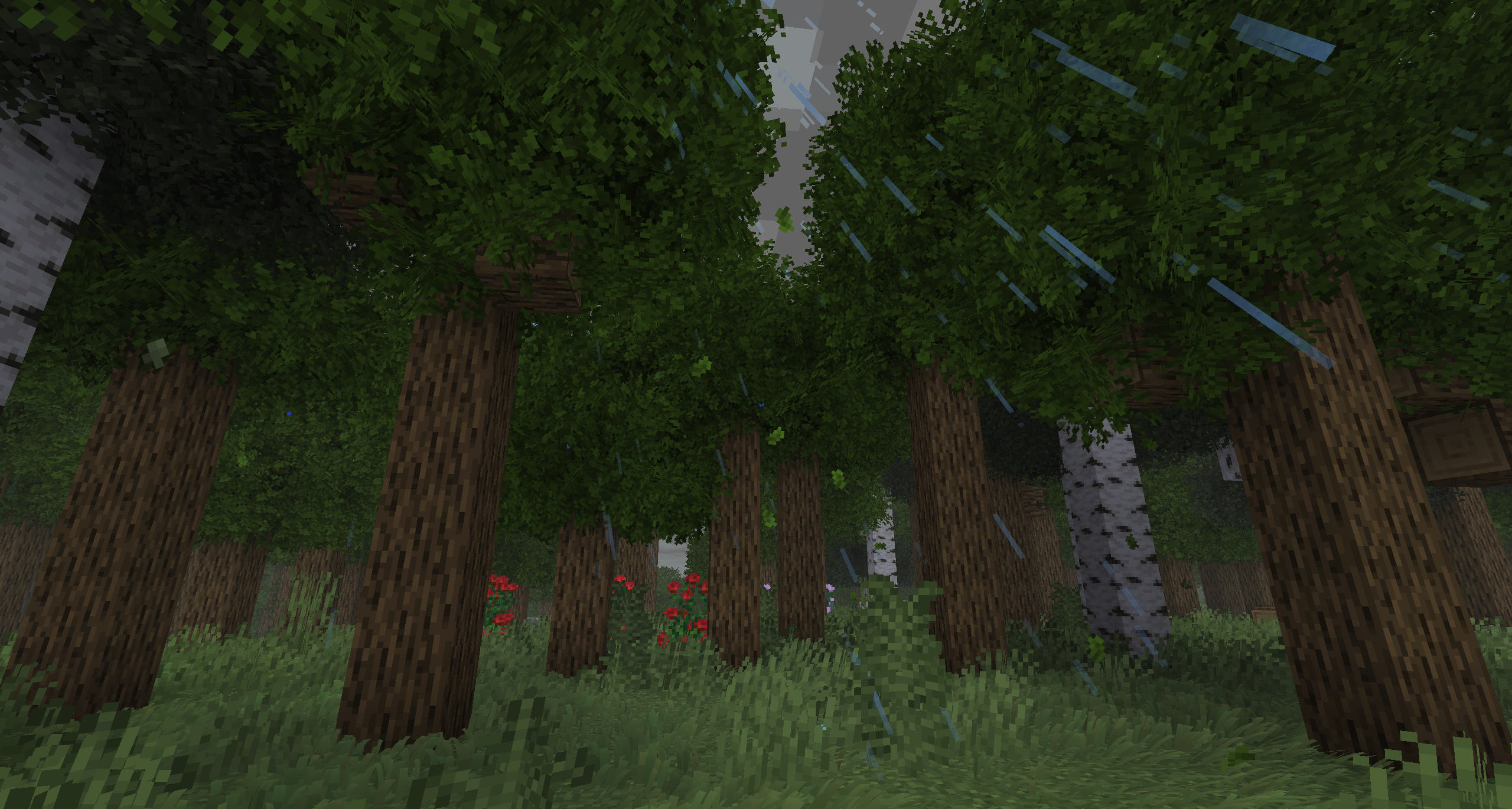
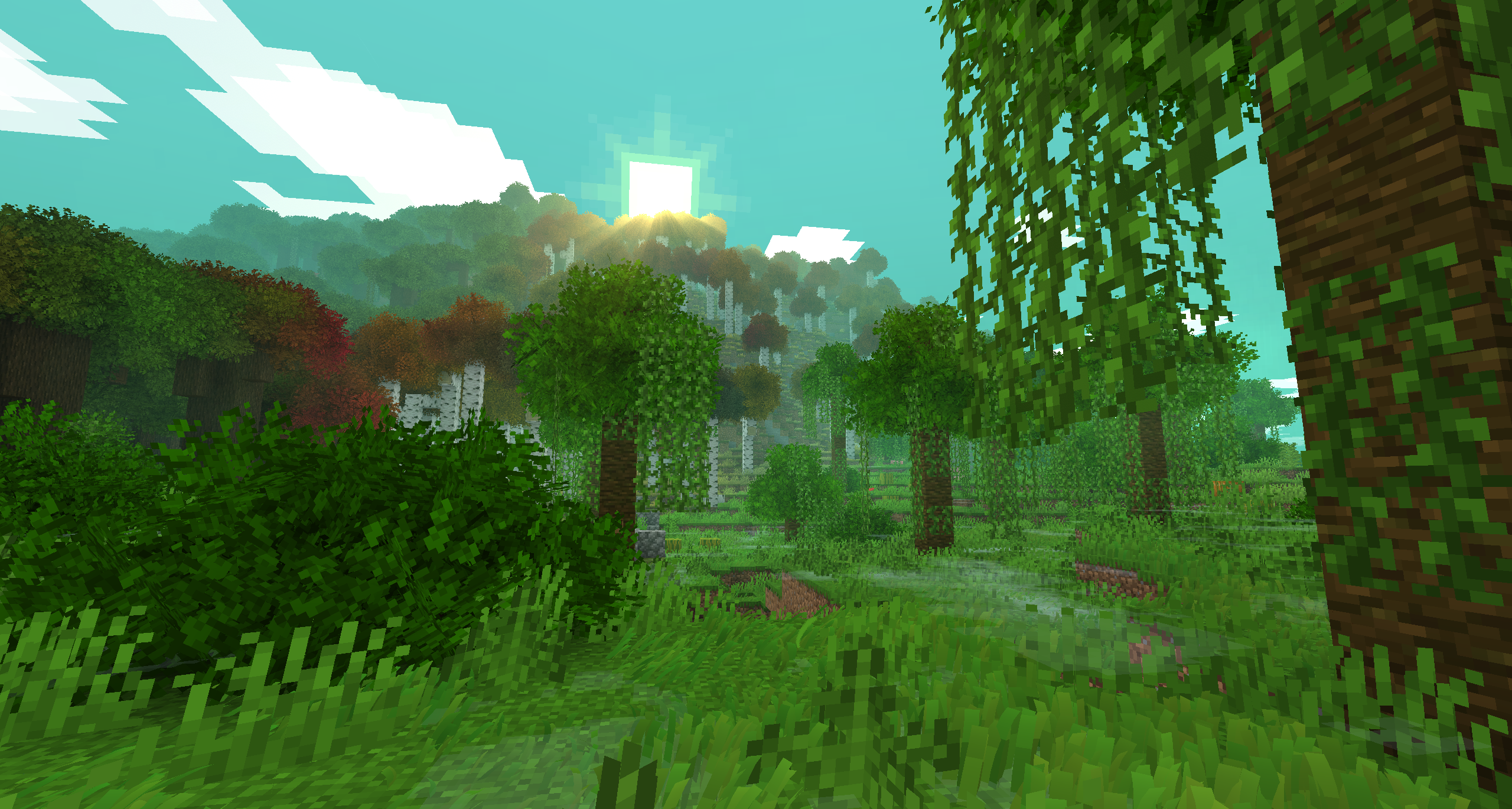
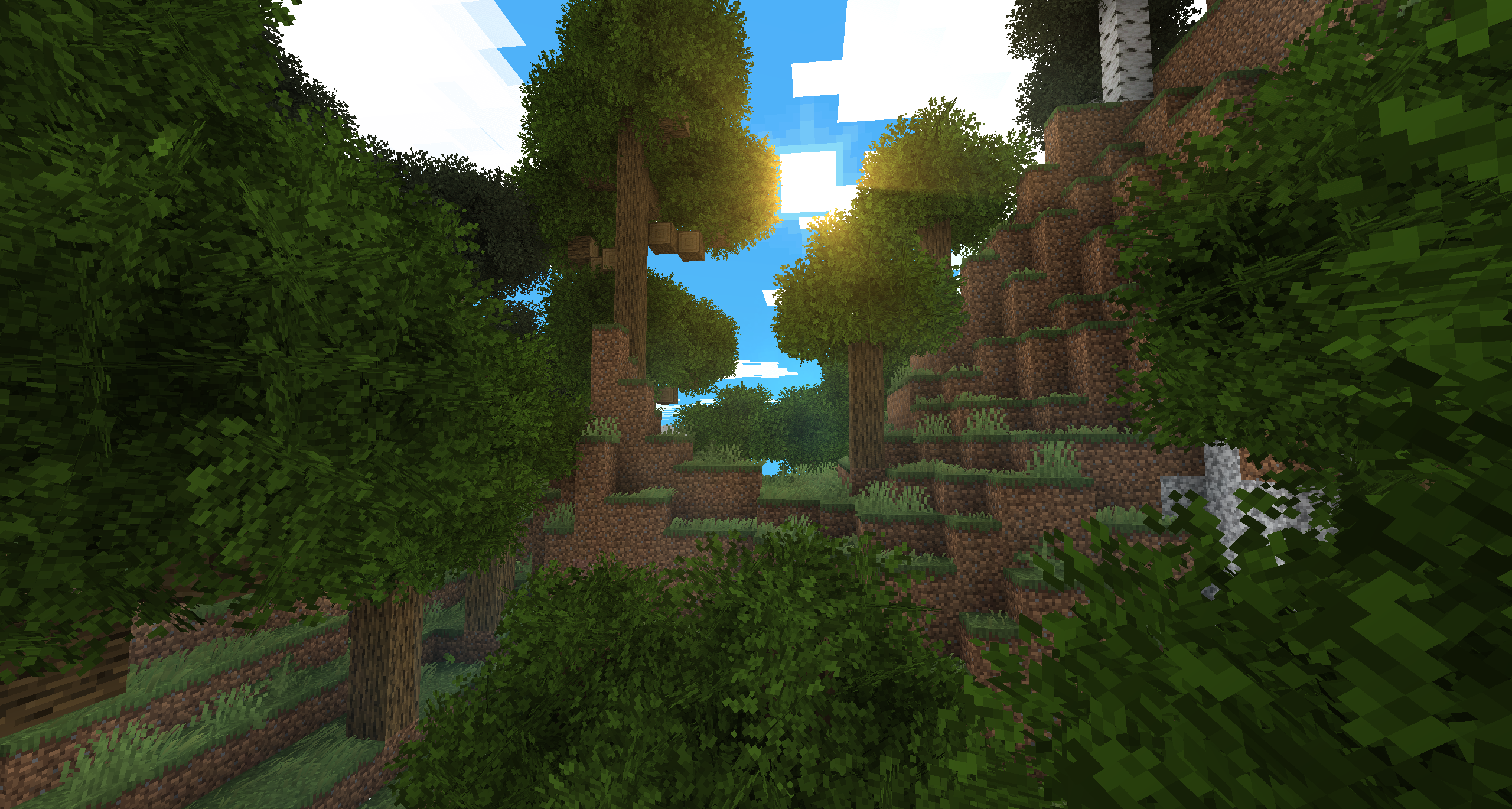
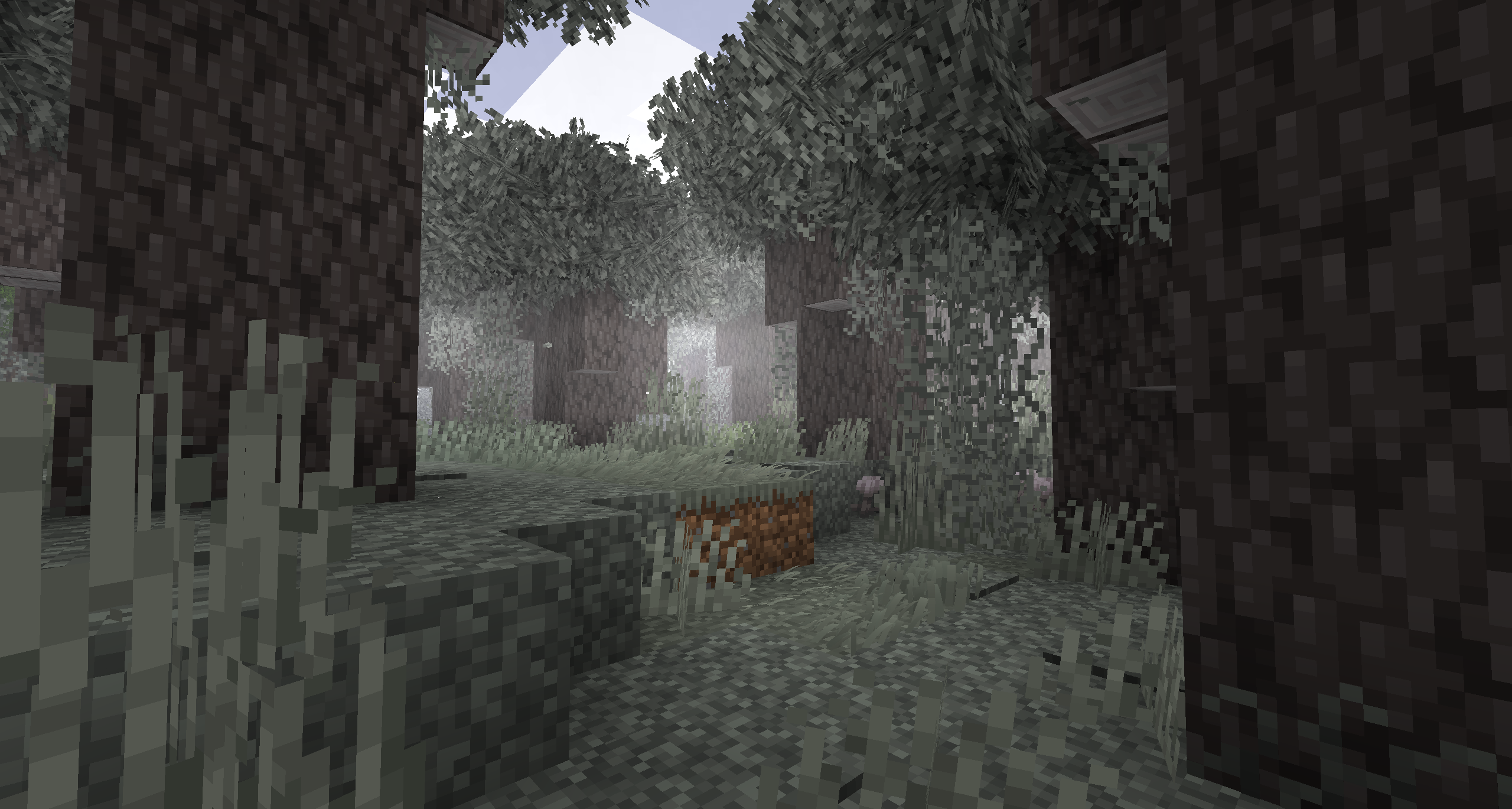
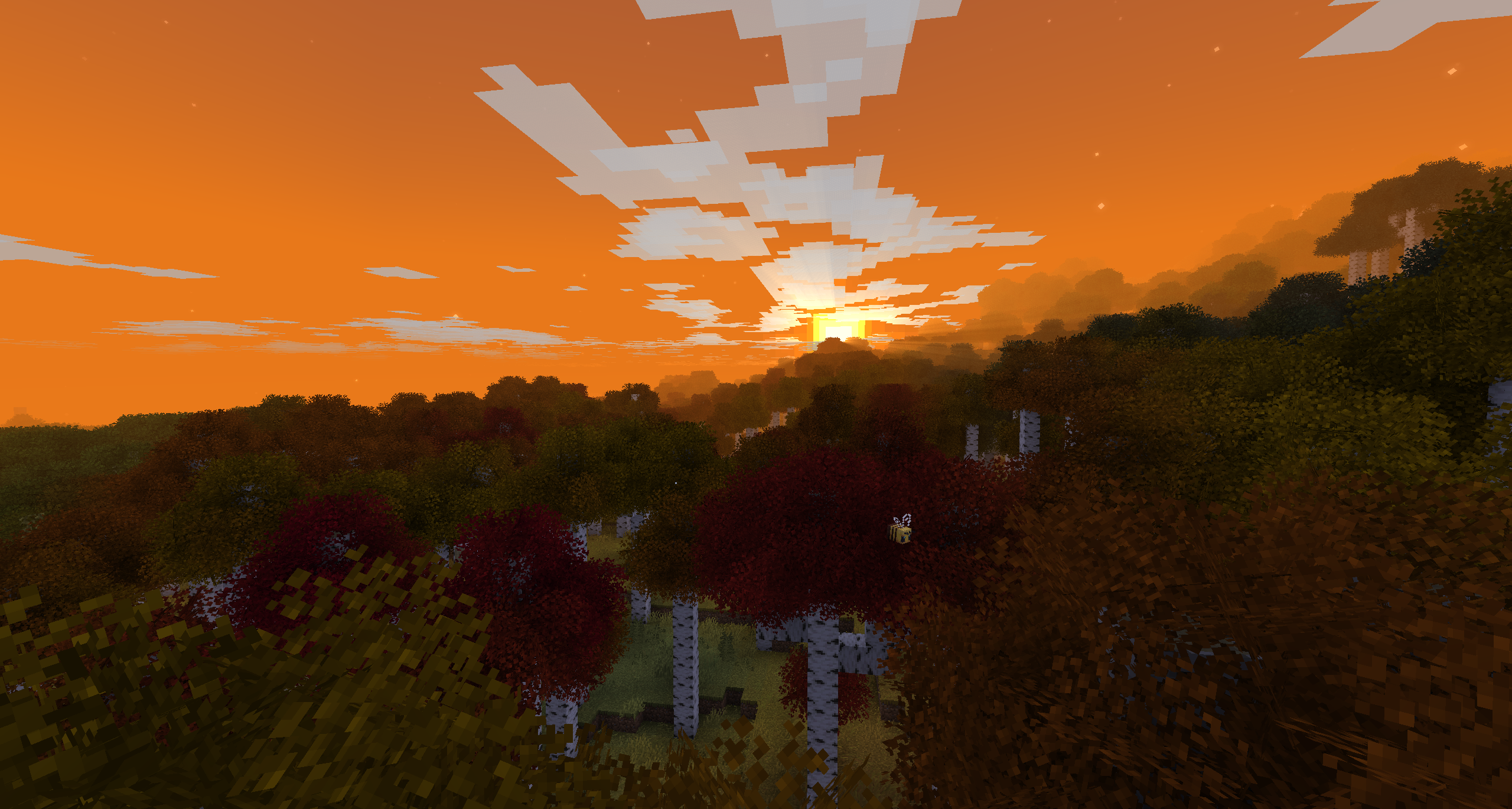
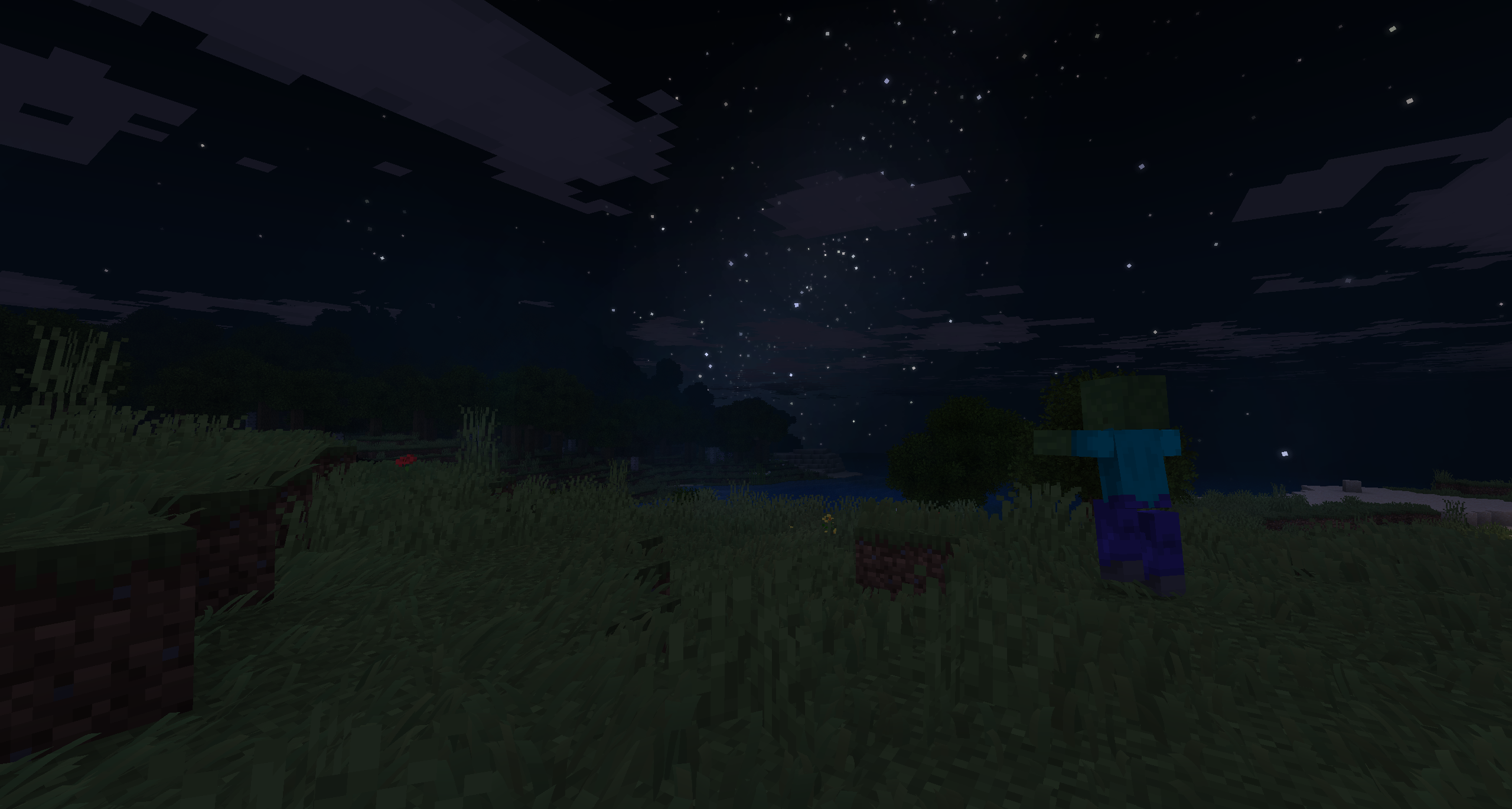
Vanilla Vistas is a stylized overhaul to vanilla minecraft, attempting to make the game as immersive and cinematic as possible without any shaders. This pack completely overhauls the game's visuals, audio, animations, and ingame UI.
Features
- Enhanced overworld visuals
- Prettier foliage
- Godrays and atmospheric fog
- Better world generation
- Improved player and mob animations
- Improved first-person animations and combat
- Smooth animated UI
- QoL improvements
- (Almost) Full controller support
- Steam deck tested (Somewhat slow worldgen, but fps smooths out over time)
- Voice chat and improved third-person interactions
- Ambient sounds and effects
...And more!
Notes
Though it may look like it, Vanilla Vistas is NOT client-side. The pack relies on server side mods for terrain generation, misc improvements, and feature backports.
I recommend you set your modpack's java memory to at least 4096, or you might have performance problems.
This modpack is incompatible with shaders, and will break if they are installed!
This modpack relies on many curated resource packs to function. To preserve the experience, these packs are forced enabled, however if you would like to manually change them disable the mod
Global Packs.
Controller support is only configured for xbox controllers and steam deck by default in this release, but more controller types may come with time. Some controller types should work without configuration. To configure a controller, you'll need to bind the Change Block Shape keybind in controlify settings. My default bind for it is the right face button (B on an xbox controller)
Screenshots
Gallery
-
-
-
-
-
-
-
-
-
-
-
-
-
Banner
Versions
Files
Relations
Project Relations
More like this
Similar Modpacks
Suggestions use data such as tags, dependencies, dependents, descriptions, titles, and more to rank how much they overlap with this modpack.
On ModDex
Community snapshot
By the numbers
Statistics

Want to reach Minecraft players?
We're looking for a server hosting partner to feature here and other parts of the site. Interested? Send us a message!
Get in touchGet it on
Available Platforms
On ModDex
Community snapshot
By the numbers
Statistics
Resources