Community listing page, reviews may not be monitored by the author.


Community voices
Reviews
No reviews yet. Be the first to review this project!
Get it on
Available Platforms
About
Project Details
For authors
Embed Badge
If you're the author of this project, you can embed a live badge anywhere that supports HTML or Markdown. It updates automatically whenever ratings change.
Use HTML for any page that supports it, or Markdown for README files and Markdown-based descriptions.
Identifiers
Platform IDs
Resources
External Links
About
Description
This modpack aims to create an immersive psychological horror experience.
The goal of this modpack is to make you scared without killing you every 5 minutes or destroying your base. Some of the entities can attack you and break some blocks (glass, torches, lanterns), but they give you a chance to fight them or to run.
The entities of the mods are here to make you feel watched, haunted... feel like there is always something behind you.
Most mods can be configured with the configured mod. To do this, select the Mod button in the main menu or the pause menu, select a mod and click config.
There's a total of 3 Herobrine mods. From the fog, the end of herobrine, and HIM. They all do different things, so it won't feel too repetitive, and you can always configure them/remove one if you think it's too much.
RECOMMENDATION
-From the Fog-
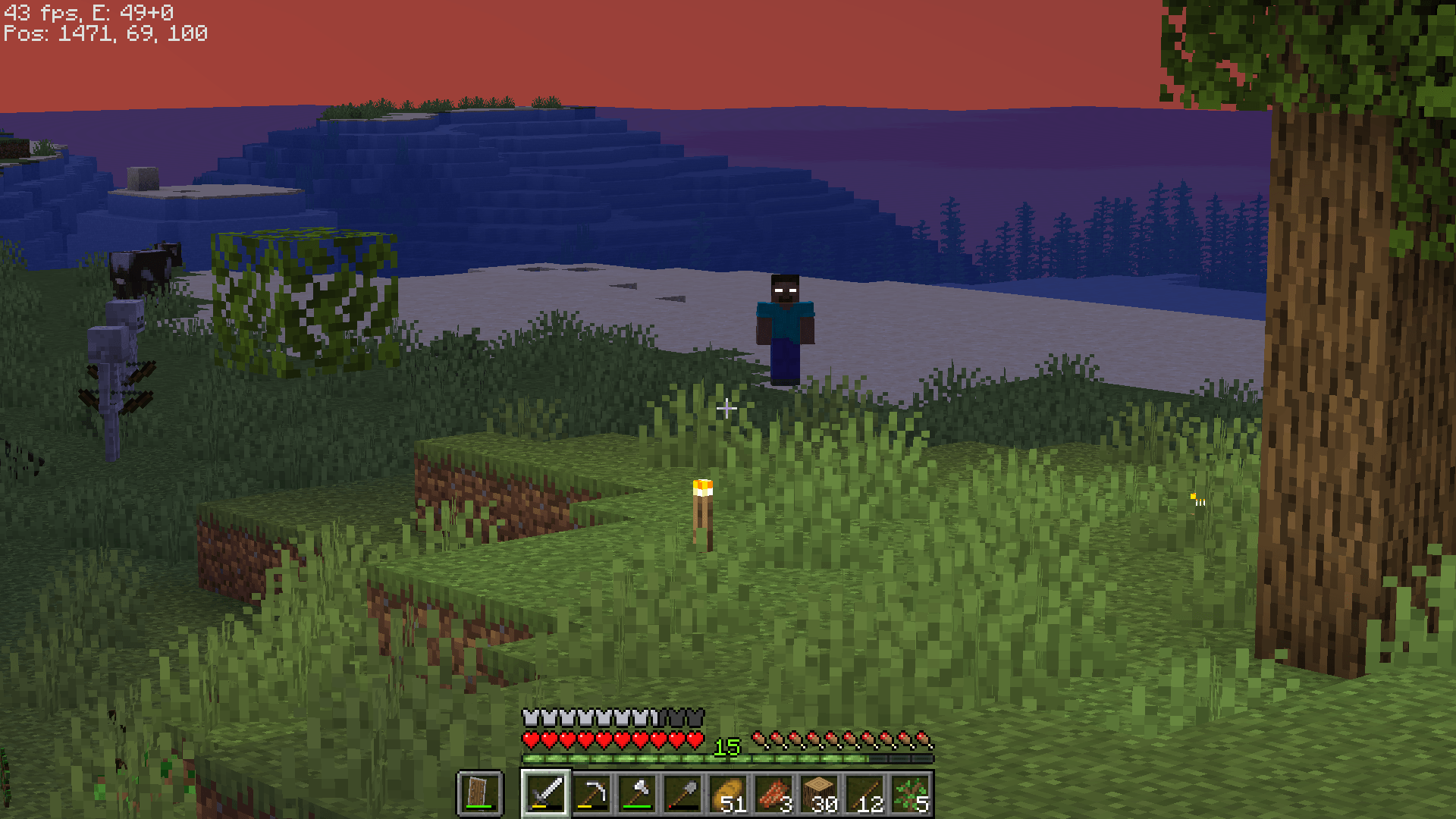
This is one of the three Herobrine mods of the pack. I recommend that you change the Skin to Alex. To change the configuration, use /function fromthefog:admin/config
If you don't have it, download the Two Moons texture pack from Lunar Eclipse
-HIM-
This is the other Herobrine mod. To activate it, you can either do /haunt in-game or use the caller block. You can craft it with a redstone torch surrounded by deepslate. Place it on the ground and right-click it
-Optifine-
Optifine is required to use Fresh Animation and shaders
-Shaders-
You can use any shaders, but Simply Upscaled is good for potato PC
-Hold my Items-
This mod renders some items in 3D. I recommend disabling this feature for the camera (exposure) because this causes the Camera Item to appear in your pictures.
-In Your World-
I recommend that you disable the random night change, as it resets the day count.
Screenshots
Gallery
-
 into_the_fog_logo.png into_the_fog_logo.png
 -
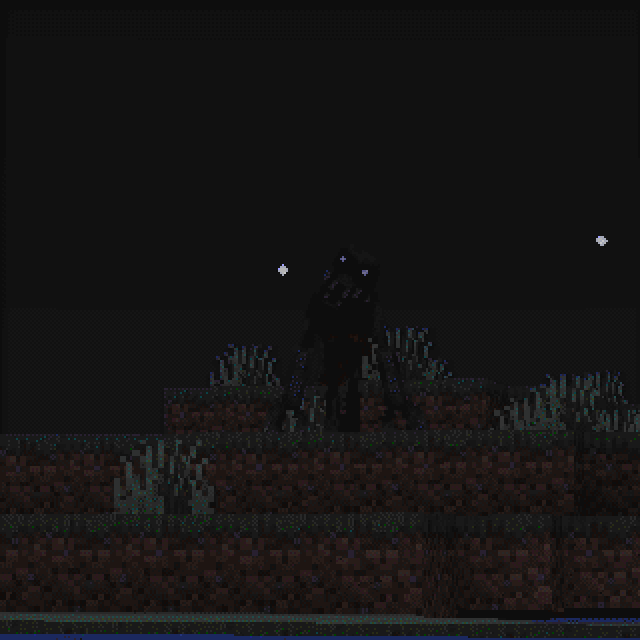 The midnight lurker
 -
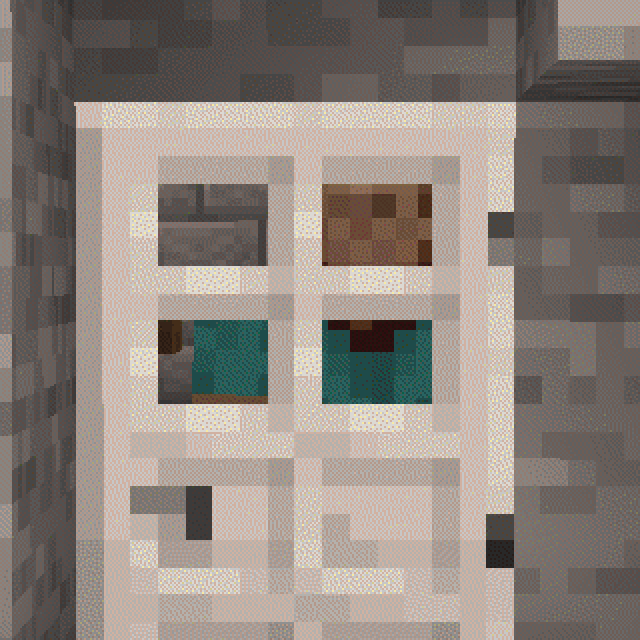 The anomaly The anomaly inside a player's base
 -
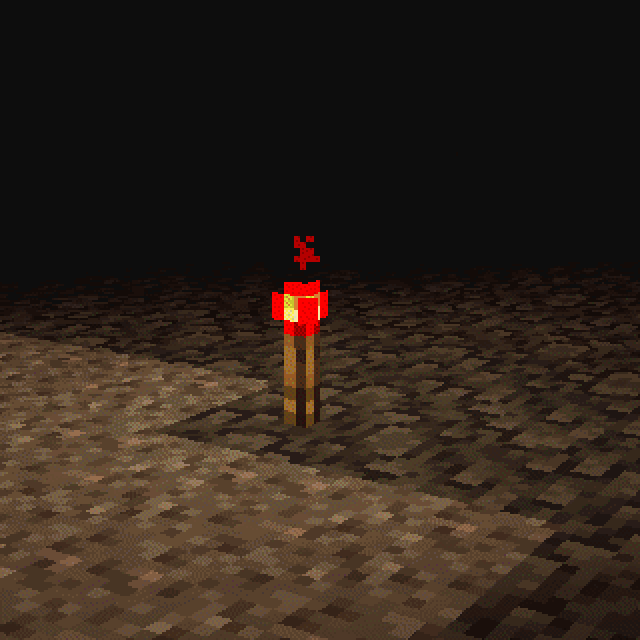 torch Redstone torch left by Herobrine (from the fog)
 -
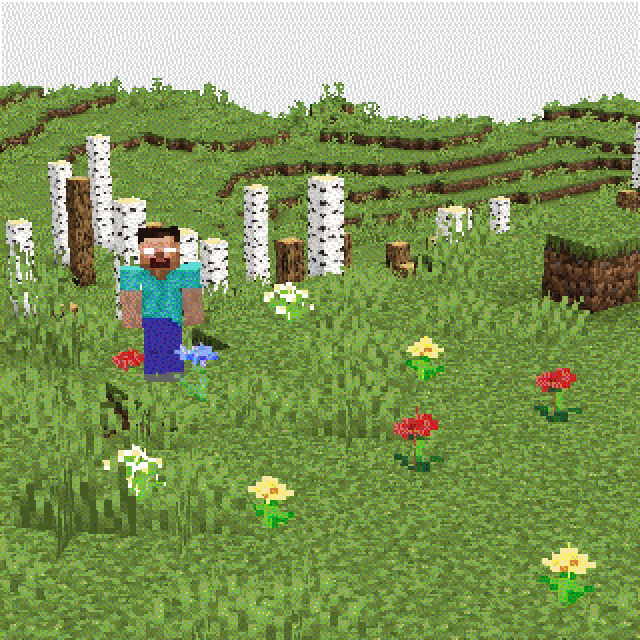 leafless forest Picture taken with the Exposure mod
 -
 Alex From the fog mod using Alex's skin
 -
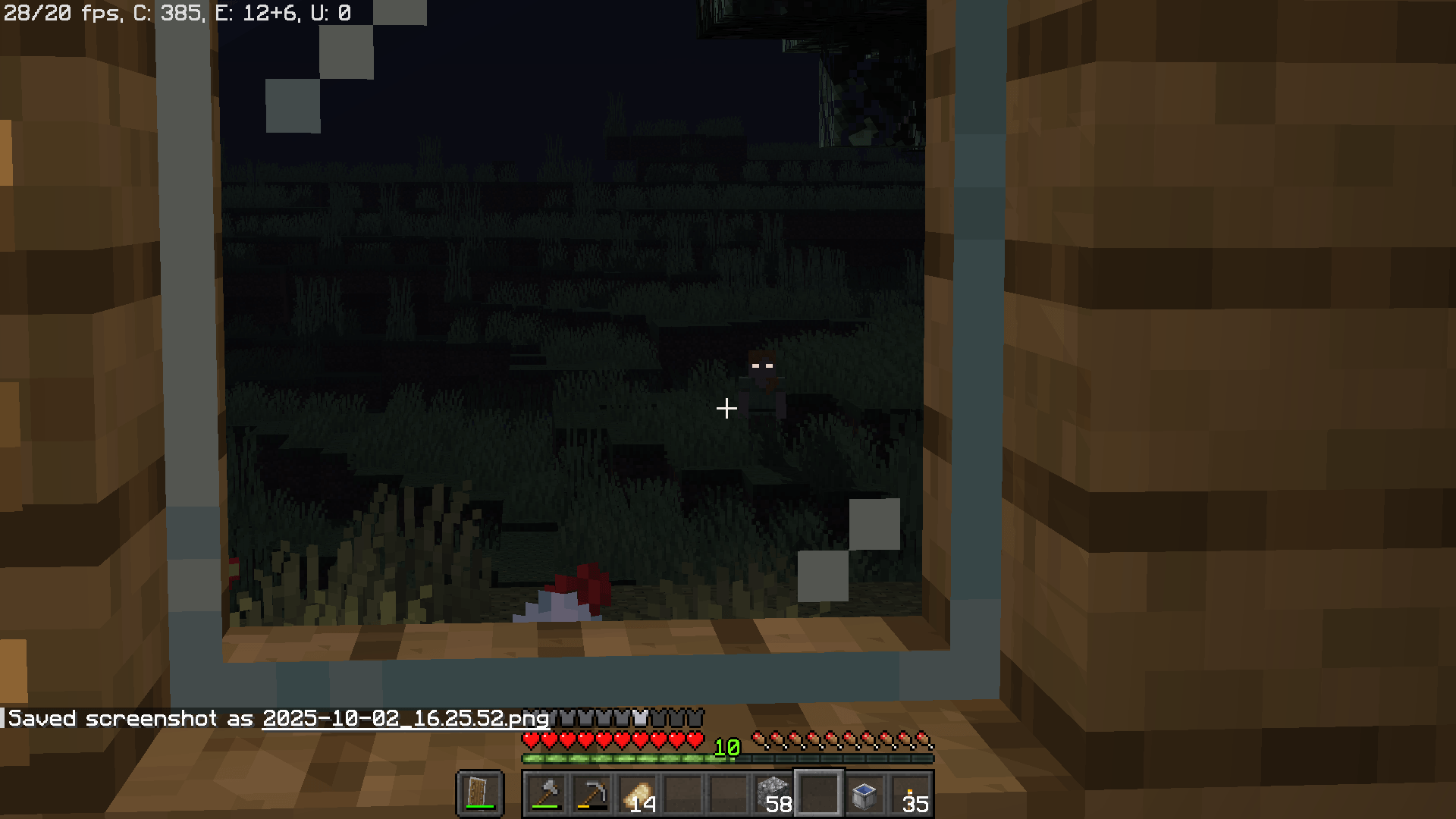
 Herobrine
 -
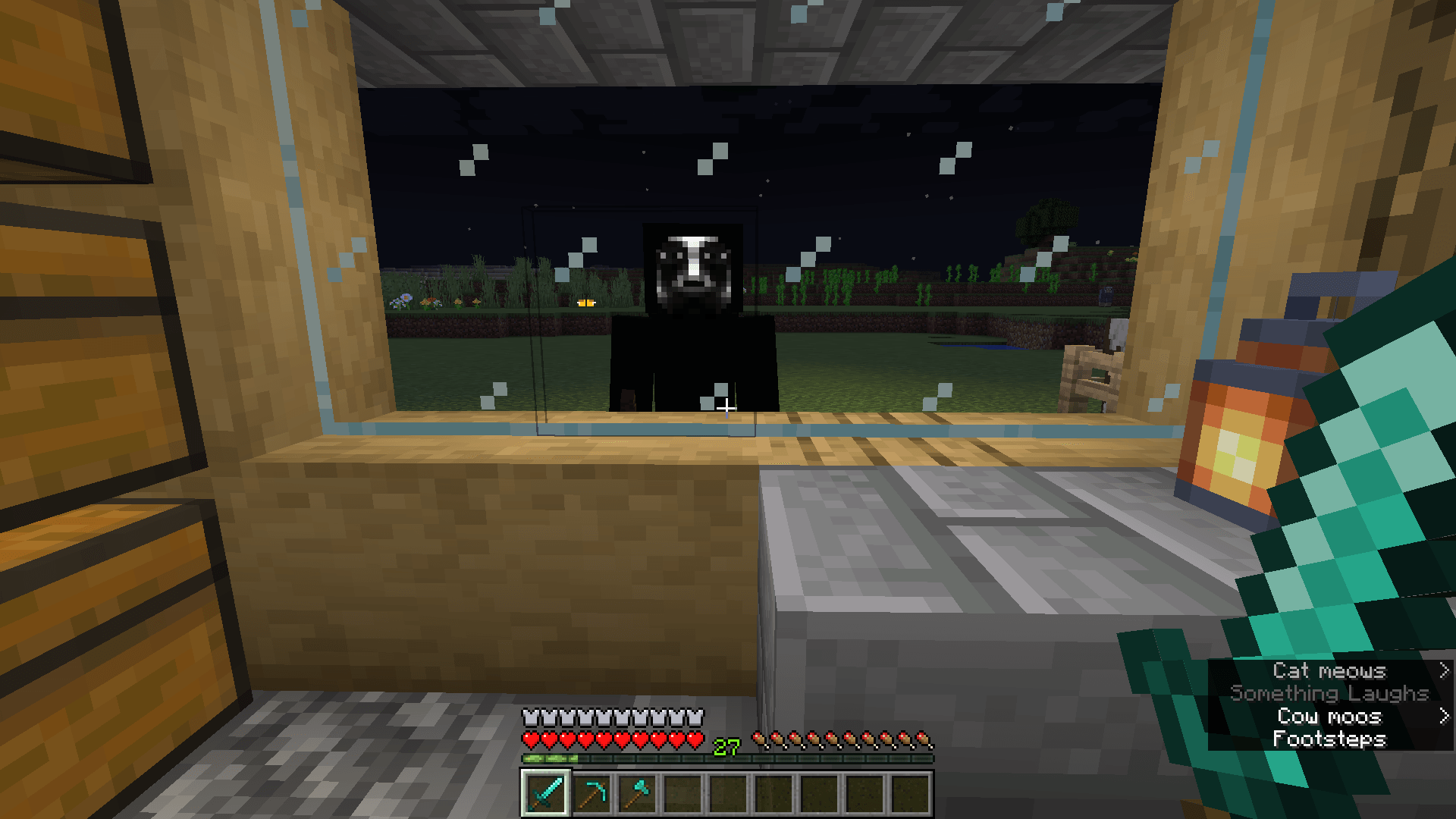 the knocker
Versions
Files
Relations
Project Relations
More like this
Similar Modpacks
Suggestions use data such as tags, dependencies, dependents, descriptions, titles, and more to rank how much they overlap with this modpack.
- PARANOIA - Below the Shadows
- just let it go bruh its over
- It`s a modern Horror Experience for me and my Friend
- TREPIDATION - A Horror Experience
- From the Fog Reimagined
- From The Fog Modpack (made by calvin)
- Cartoon From The Fog
- HorrorCraft - Survive the Night
- Calvin's Horror (Season 4)
- Calvin's Survival Experience
- Beyond The Fog S3 (DynamicPancake)
- Dead Of Night | Horror Survival
On ModDex
Community snapshot
By the numbers
Statistics

Get it on
Available Platforms
On ModDex
Community snapshot
By the numbers
Statistics
Resources