Community listing page, reviews may not be monitored by the author.
Advanced Item Counter

No reviews yet
Advanced Item Counter is a Forge mod (1.20.1/1.20.4) for tracking up to 9 quintillion items in 10 virtual slots. It features a real-time HUD, a management GUI, and admin commands for auto-mining and negative value tracking

Community voices
Reviews
No reviews yet. Be the first to review this project!
Get it on
Available Platforms
About
Project Details
For authors
Embed Badge
If you're the author of this project, you can embed a live badge anywhere that supports HTML or Markdown. It updates automatically whenever ratings change.
Use HTML for any page that supports it, or Markdown for README files and Markdown-based descriptions.
Identifiers
Platform IDs
Resources
External Links
About
Description
Advanced Item Counter
A high-performance, server-authoritative virtual item storage system for tracking massive quantities of items without cluttering your inventory.
📋 Overview
Advanced Item Counter allows players to track up to 9 quintillion items across 10 virtual storage slots, keeping your main inventory clean and organized. Perfect for automated farms, mining operations, and resource-intensive servers.
✨ Key Features
⚡ 10 Virtual Slots — Assign and track up to 10 unique item types per player
🔢 Massive Quantities — Support for over 9 quintillion items using 64-bit values
⛏️ Auto-Mining Tracking — Automatically track specific blocks as they're mined
📊 Real-Time HUD — On-screen overlay with dynamic color coding
➖ Negative Quantity Support — Track debt or deficits with full negative value support
💾 Zero Quantity Persistence — Items remain tracked even when quantity reaches zero
🔒 Server Authoritative — Prevents duplication exploits with server-side validation
💿 Persistent Storage — Data saved to player NBT, survives death and logouts
🎮 How to Use
Opening the GUI:
- Press V (default keybind) to open Virtual Storage
- Click empty slot to assign a new item type
- Right-click item to open removal menu
- Click inventory item to quickly add to virtual storage
⚠️ Note: Player movement is locked while GUI is open to prevent accidental actions.
💻 Commands
All commands require itemcounter.admin permission
| Command | Description |
|---|---|
/itemcounter allow_negative <player> <true/false> |
Toggle negative value tracking |
/itemcounter clear <player> [item] |
Clear specific item or entire storage |
/itemcounter getblock <player> <block_name> |
Set auto-tracked mined block |
/itemcounter give <player> <item> <amount> |
Add items to virtual storage |
/itemcounter take <player> <item> <amount> |
Remove items from storage |
/itemcounter set <player> <item> <amount> |
Set exact item count |
/itemcounter list <player> |
Display all tracked items in chat |
⚙️ Configuration
Configuration file: config/advanceditemcounter.toml
- maxSlots — Number of virtual slots (Default: 10)
- HUD Position — Adjust overlay X/Y coordinates
- Formatting — Choose between FULL, COMPACT (1K/1M/1B), or SCIENTIFIC notation
🔧 Installation
Requirements:
- Minecraft 1.20.1 or 1.20.4
- Forge 47.2.0+ (1.20.1) or 49.0.19+ (1.20.4)
Steps:
- Download the appropriate version from the Files tab
- Place the JAR in your
mods/folder - Launch Minecraft with Forge profile
🤝 Support & Links
- 💬 Discord Community: Join our Discord
- 🐛 Report Issues: GitHub Issues
- 📖 Full Documentation: Wiki
📜 License
All Rights Reserved — Developed by GamerBhai
This mod is provided for personal and server use.
Screenshots
Gallery
-
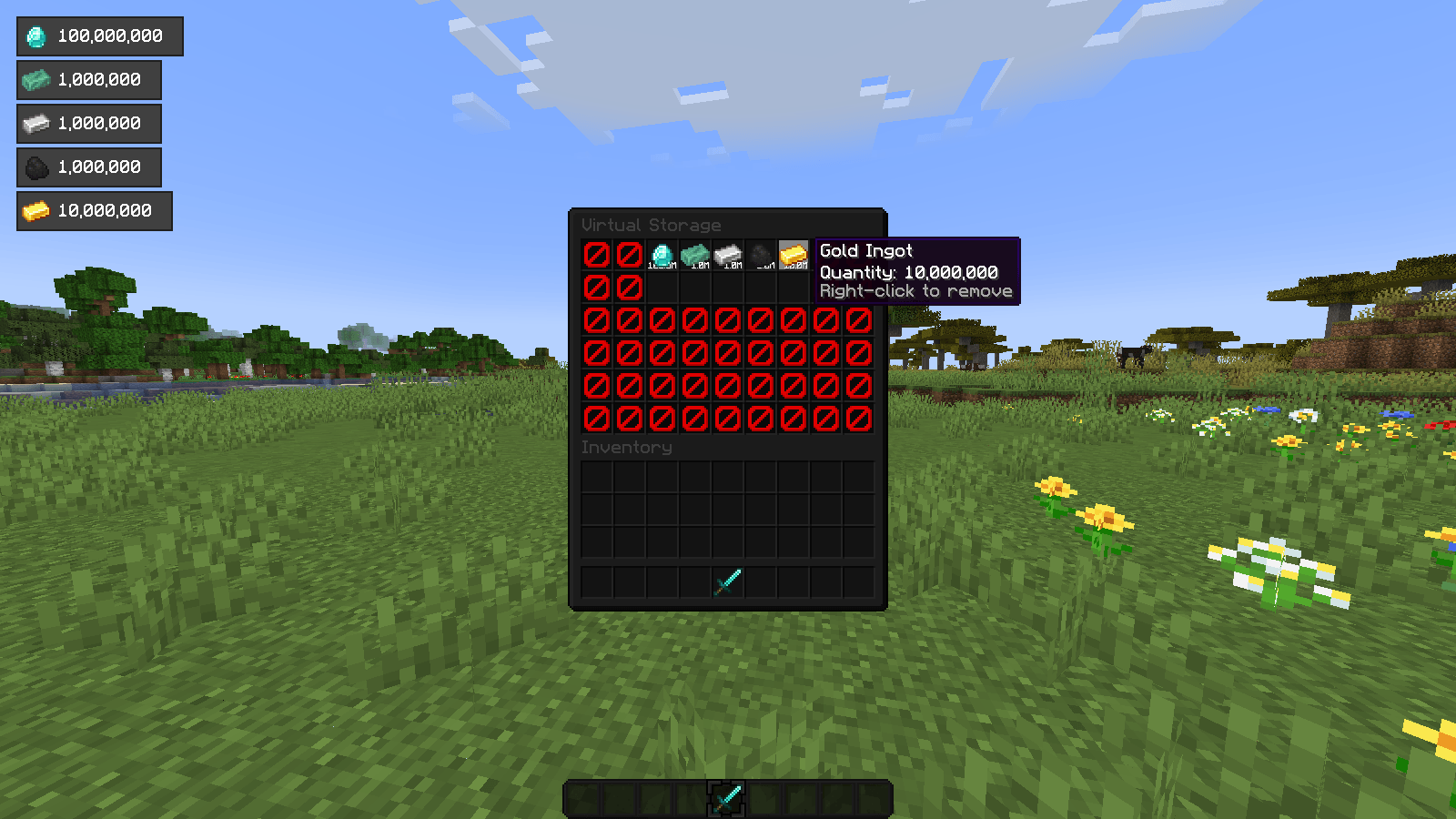 Virtual Storage
 -
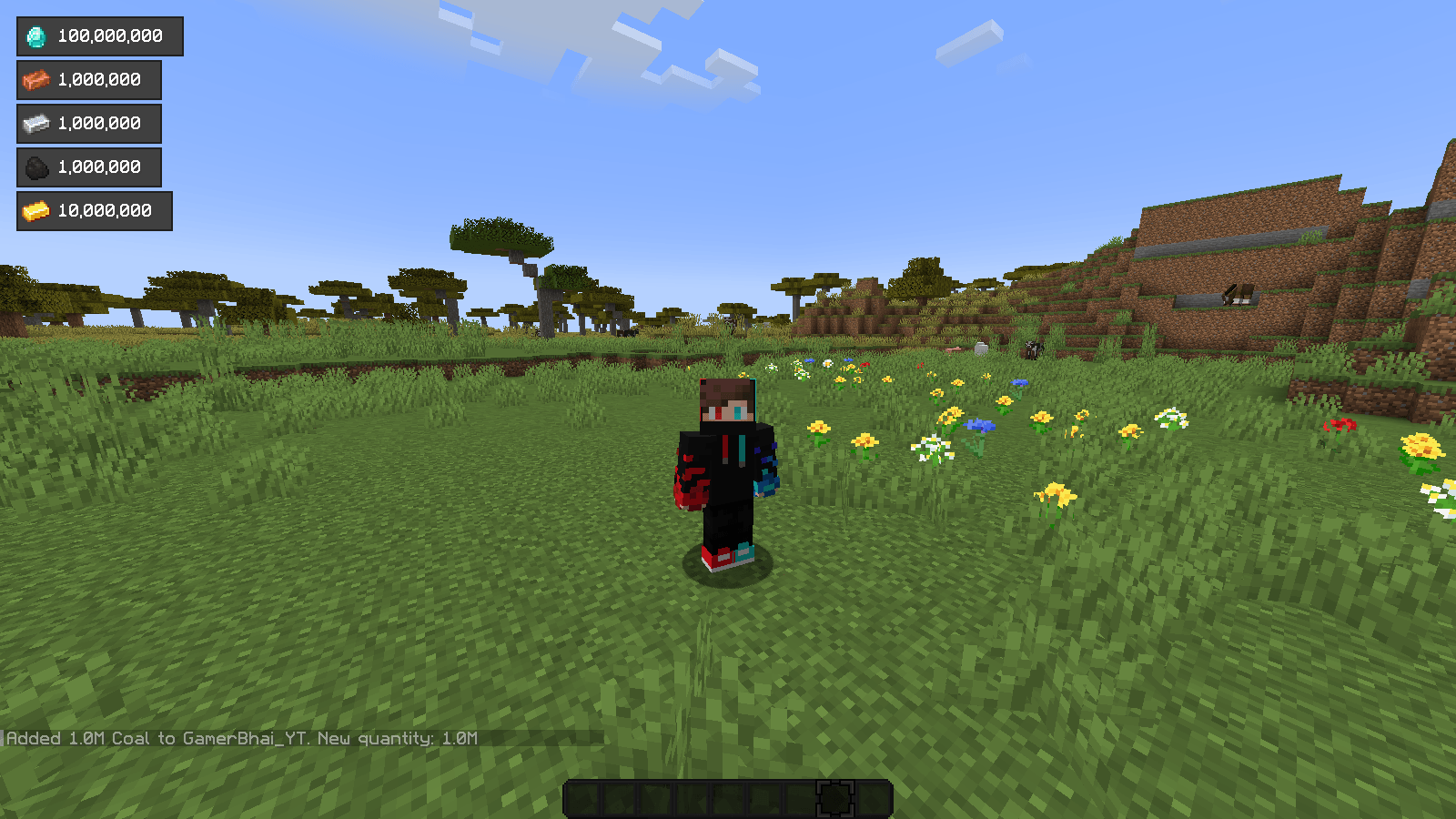 Multiple Items Can Count
 -
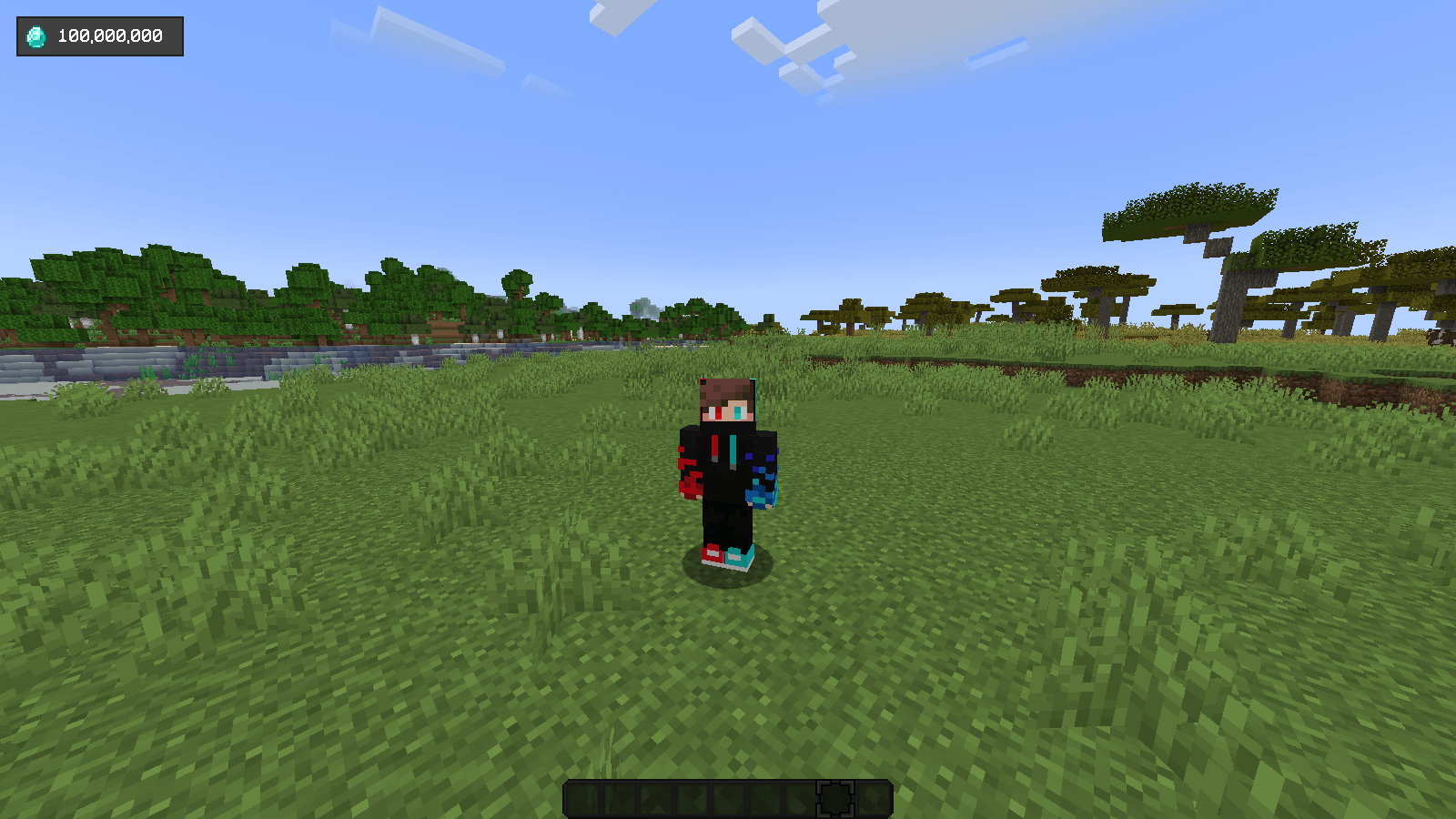 Show Counted Items At Left Corner
Versions
Files
Relations
Project Relations
More like this
Similar Mods
Suggestions use data such as tags, dependencies, dependents, descriptions, titles, and more to rank how much they overlap with this mod.
On ModDex
Community snapshot
By the numbers
Statistics

Get it on
Available Platforms
On ModDex
Community snapshot
By the numbers
Statistics
Resources