
Community listing page, reviews here may not be monitored by the author.
AE Wireless Transceiver


No reviews yet
This is a ae wireless transceiver mod ,It can provide convenient wireless channel access.
Community voices
Reviews
No reviews yet. Be the first to review this project!
Get it on
Available Platforms
Compatibility
Supported Environments
Must be installed on both the client and the server.
About
Project Details
For authors
Embed Badge
If you're the author of this project, you can embed a live badge anywhere that supports HTML or Markdown. It updates automatically whenever ratings change.
Use HTML for any page that supports it, or Markdown for README files and Markdown-based descriptions.
Identifiers
Platform IDs
Resources
External Links
About
Description
AE Wireless Transceiver
Please prioritize downloading the latest version.
An addon for Applied Energistics 2 that introduces a fully wireless transceiver system to your AE2 network.
Introduction
- User-friendly operation with an intuitive GUI.
- Completely wireless design — no cables, no power required.
- Full cross-dimensional transmission support.
- Customizable transmission channel names.
- Integrated FTB Teams support, ensuring complete isolation of channels and connections between different teams.
- Jade support for convenient in-world information display.
What’s New in 1.3.0
Added two new items:
- Wireless Connector
- Wireless Destroyer
Wireless Transceivers can now establish direct connections to blocks without placing any cables, making network setup significantly faster and more intuitive.
New Items & Usage
Wireless Connector
The Wireless Connector allows you to wirelessly bind and connect blocks to a transceiver channel.
How to bind: Hold the Wireless Connector and Shift + Right-click a transceiver set to Transmission Mode. This binds the connector to the transceiver’s current channel.
How to connect: After binding, Right-click a target block to establish the wireless connection.
⚠️ Important:
1.Connections are face-based. Some blocks only support specific sides for connections, so make sure the binding and connection are performed on the correct face.
2.Starting from version 1.3.3-3, the connection defaults to full cache mode, which requires chunks to stay loaded; otherwise, the connection will be lost (can be modified in the configuration).
Wireless Destroyer
The Wireless Destroyer allows you to safely remove existing wireless connections.
Simply Right-click a connected block to disconnect it from the channel.
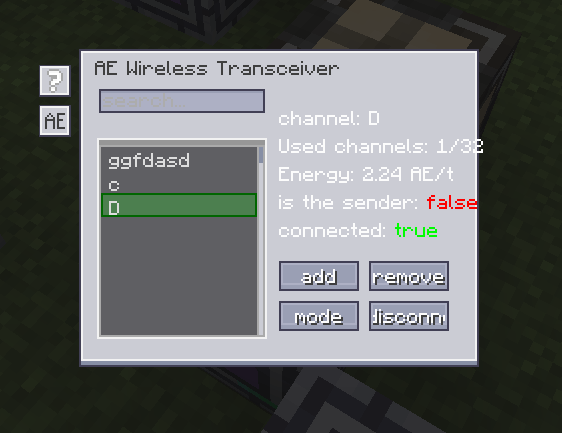
How to use Transceiver Block
When placed, the transceiver defaults to Receiving Mode.
To switch to Transmission Mode, click the toggle button in the GUI.
To select a channel, click the corresponding row in the channel list. The selected row will be highlighted, indicating the active connection.
Credits
The background and button textures used in this GUI are sourced from the ym-additions mod. Special thanks to the development team for authorizing their use.
AE Wireless Transceiver
Please prioritize downloading the latest version.
An addon for Applied Energistics 2 that introduces a fully wireless transceiver system to your AE2 network.
Introduction
- User-friendly operation with an intuitive GUI.
- Completely wireless design — no cables, no power required.
- Full cross-dimensional transmission support.
- Customizable transmission channel names.
- Integrated FTB Teams support, ensuring complete isolation of channels and connections between different teams.
- Jade support for convenient in-world information display.
What’s New in 1.3.0
-
Added two new items:
- Wireless Connector
- Wireless Destroyer
Wireless Transceivers can now establish direct connections to blocks without placing any cables, making network setup significantly faster and more intuitive.
New Items & Usage
Wireless Connector
The Wireless Connector allows you to wirelessly bind and connect blocks to a transceiver channel.
How to bind: Hold the Wireless Connector and Shift + Right-click a transceiver set to Transmission Mode. This binds the connector to the transceiver’s current channel.
How to connect: After binding, Right-click a target block to establish the wireless connection.
⚠️ Important:
1.Connections are face-based. Some blocks only support specific sides for connections, so make sure the binding and connection are performed on the correct face.
2.Starting from version 1.3.3-3, the connection defaults to full cache mode, which requires chunks to stay loaded; otherwise, the connection will be lost (can be modified in the configuration).
Wireless Destroyer
The Wireless Destroyer allows you to safely remove existing wireless connections.
Simply Right-click a connected block to disconnect it from the channel.
How to use Transceiver Block
When placed, the transceiver defaults to Receiving Mode.
To switch to Transmission Mode, click the toggle button in the GUI.
To select a channel, click the corresponding row in the channel list. The selected row will be highlighted, indicating the active connection.
Credits
The background and button textures used in this GUI are sourced from the ym-additions mod. Special thanks to the development team for authorizing their use.
Screenshots
Gallery
-
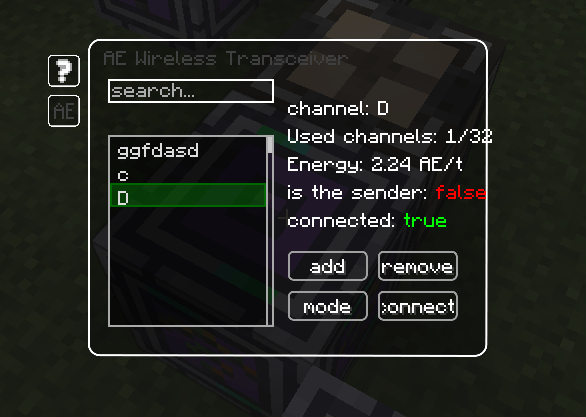 GUI 1.png
 -
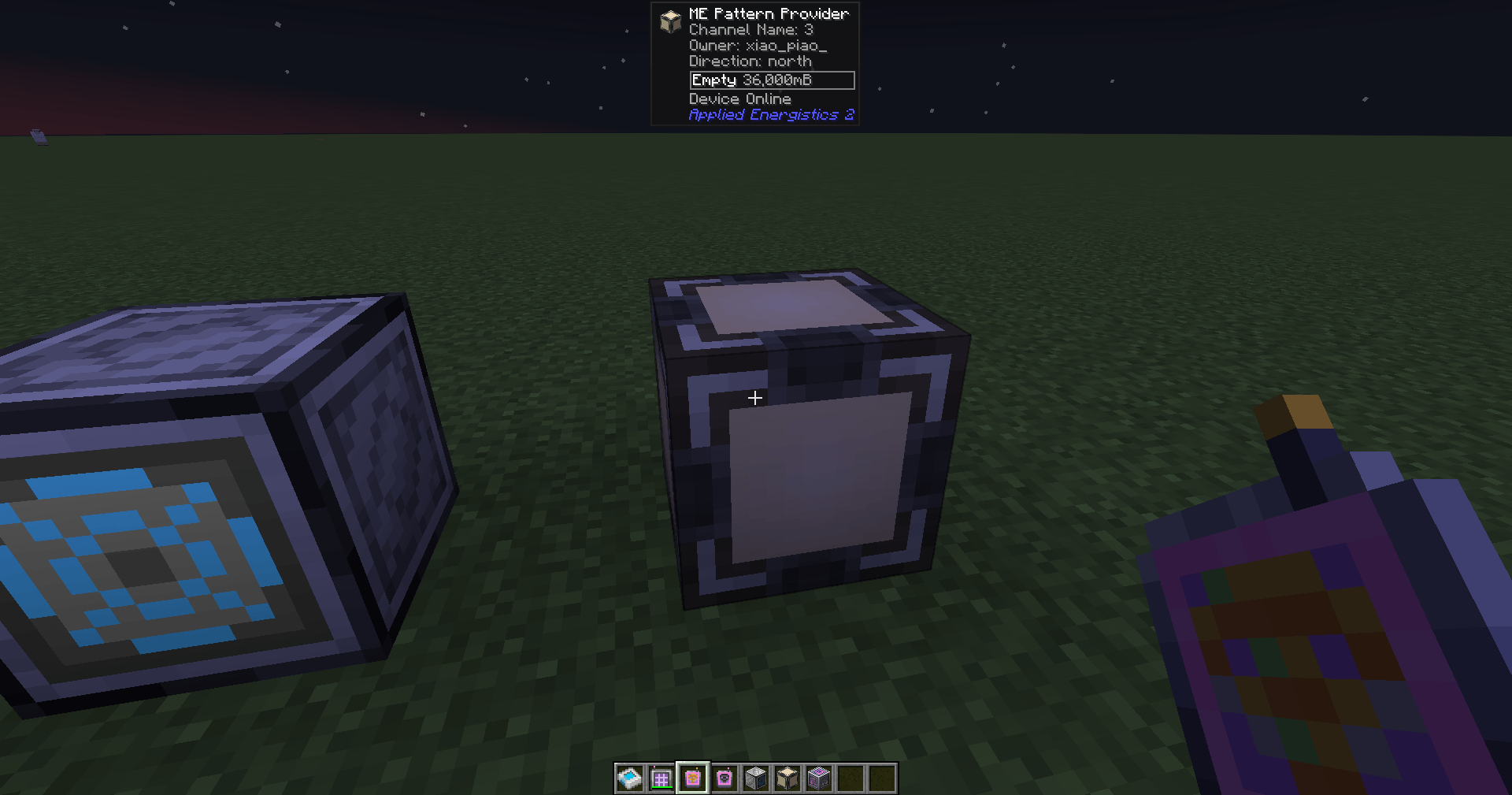 Block connected via Wireless Connector Block connected via Wireless Connector
 -
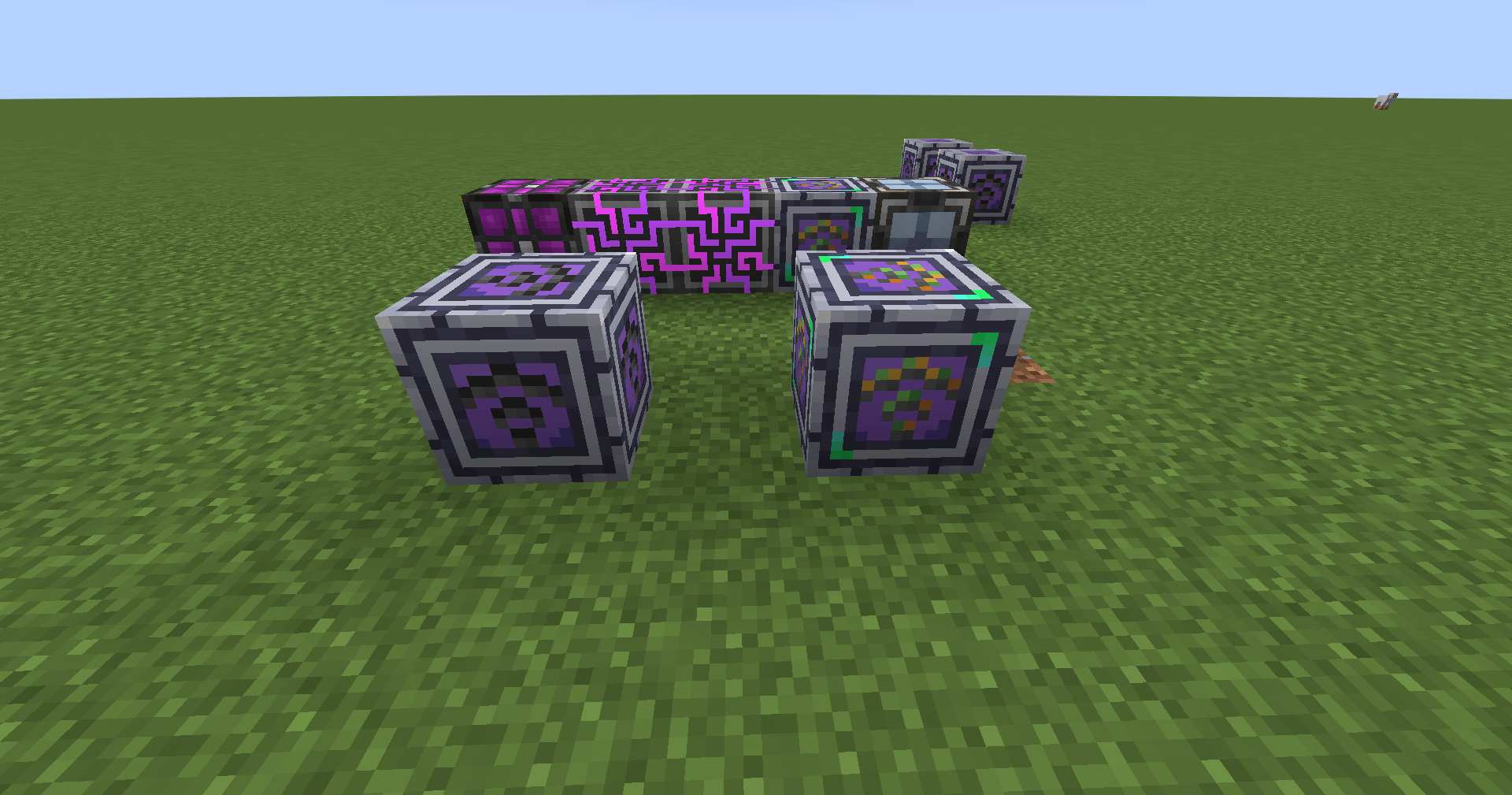 Texture Maps for Different States Snipaste_2025-12-06_15-04-28.png
 -
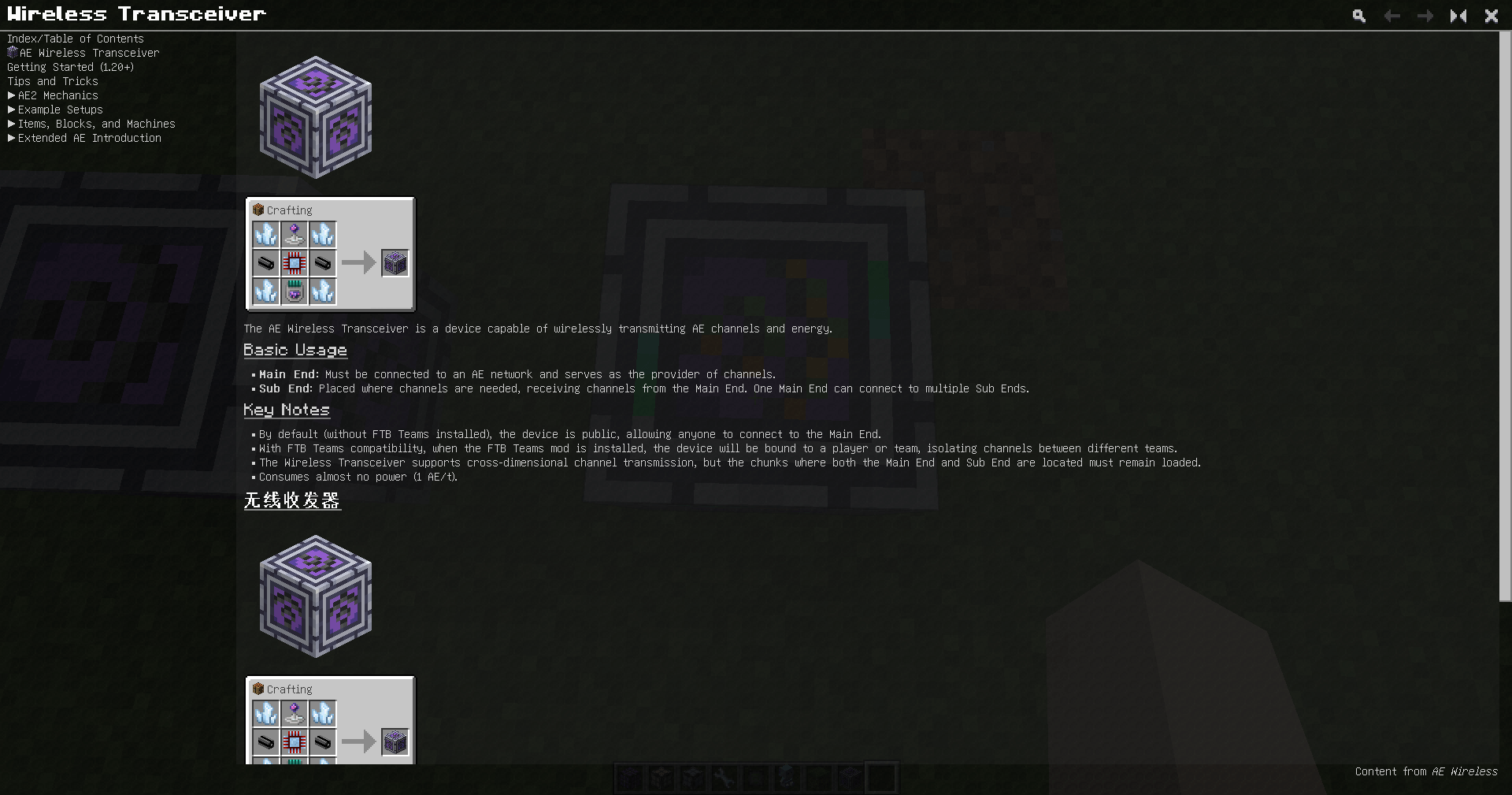 Guide Snipaste_2025-12-06_15-05-20.png
 -
 Optional texture Snipaste_2026-01-18_10-40-35.png
 -
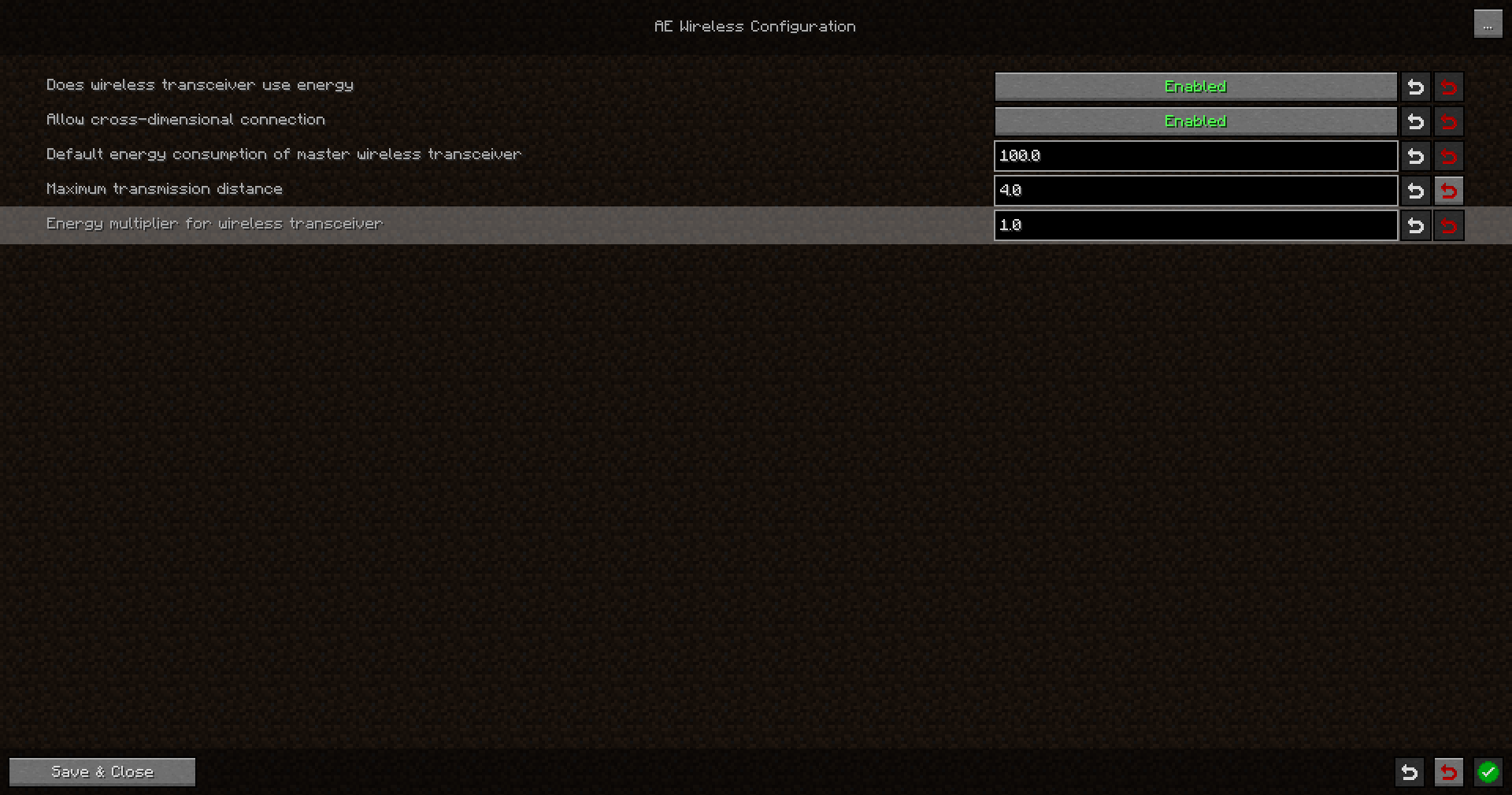 Config Snipaste_2026-01-18_10-33-55.png
-
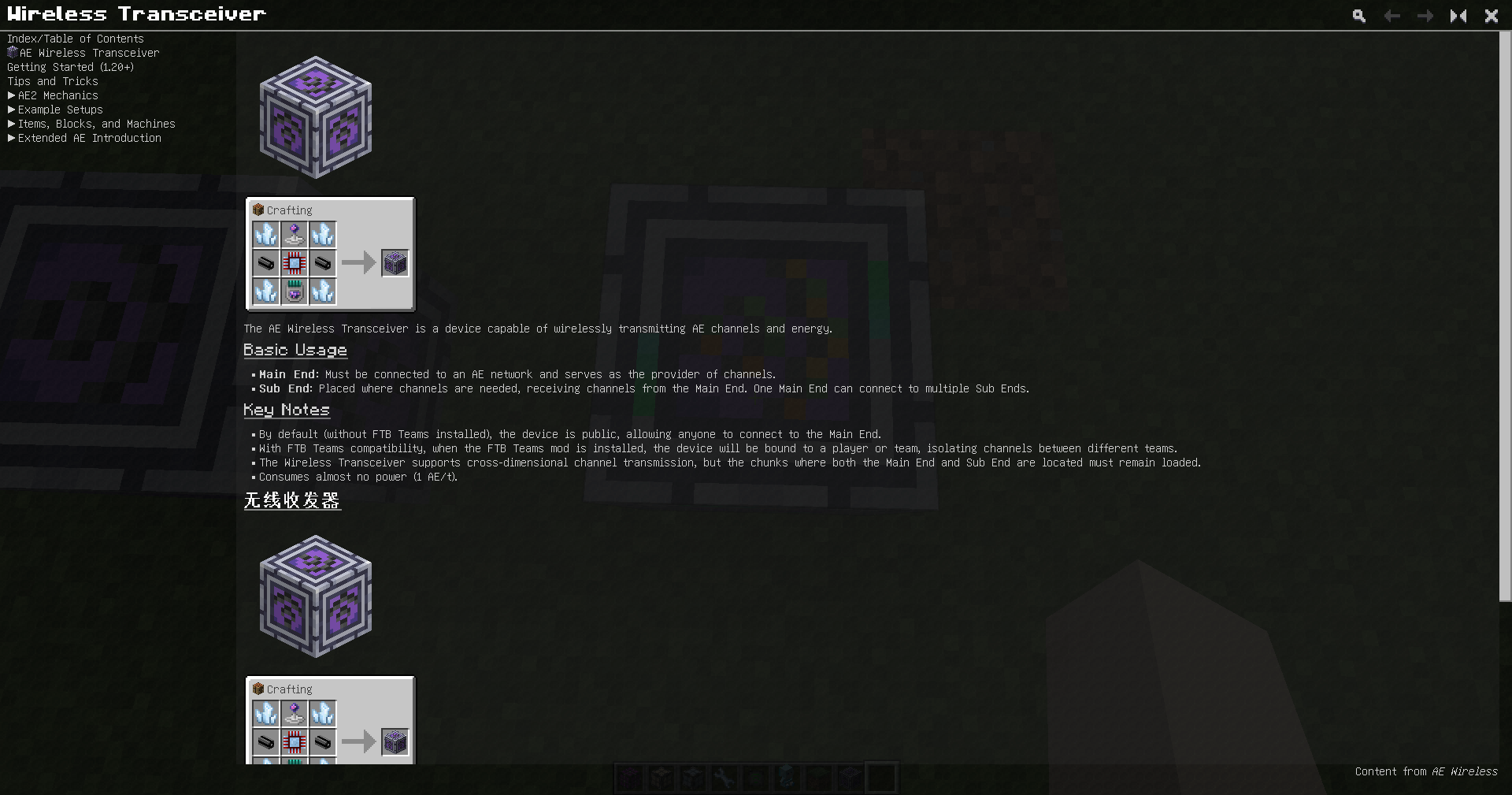 Guide
Guide -
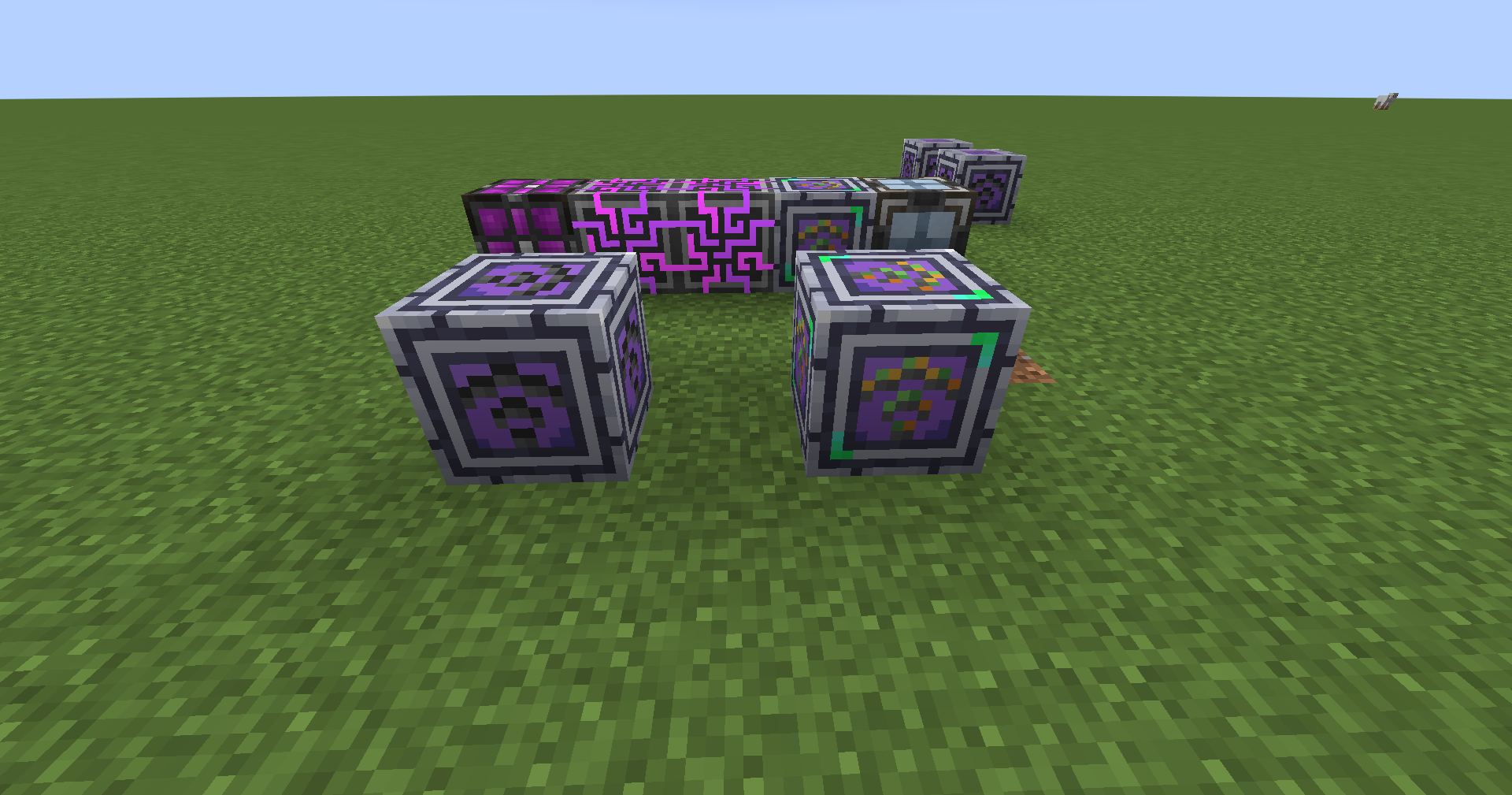 Texture Maps for Different States
 -
 Cool GUI
 -
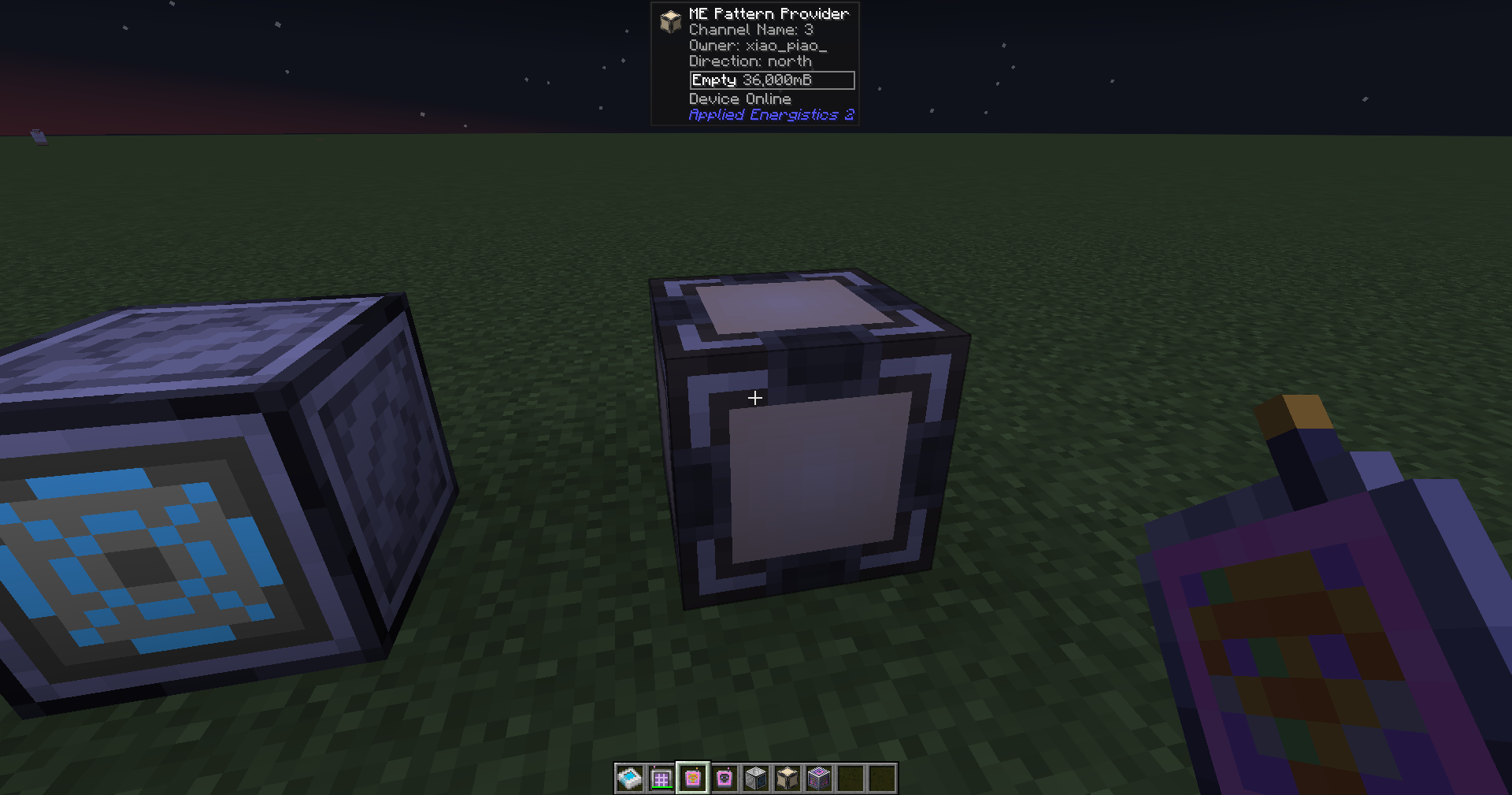 Block connected via Wireless Connector
Versions
Files
Relations
Project Relations
More like this
Similar Mods
Suggestions use data such as tags, dependencies, dependents, descriptions, titles, and more to rank how much they overlap with this mod.
On ModDex
Community snapshot
By the numbers
Statistics
Want to reach Minecraft players?
We're looking for a server hosting partner to feature here and other parts of the site. Interested? Send us a message!
Get in touchGet it on
Available Platforms
On ModDex
Community snapshot
By the numbers
Statistics
Resources