
Community listing page, reviews here may not be monitored by the author.
Aeronautics: Variable Tanks

No reviews yet
Add a multi-block fluid tank. The tank can be any shape or size. The weight varies depending on the tank's size and capacity. (Sable)
Community voices
Reviews
No reviews yet. Be the first to review this project!
Get it on
Available Platforms
About
Project Details
For authors
Embed Badge
If you're the author of this project, you can embed a live badge anywhere that supports HTML or Markdown. It updates automatically whenever ratings change.
Use HTML for any page that supports it, or Markdown for README files and Markdown-based descriptions.
Identifiers
Platform IDs
Resources
External Links
About
Description
Adjacent tanks are automatically treated as a single tank, regardless of their shape.
Since the appearance in Sable changes dynamically based on the fill level, this mod adds tanks that are easy to use for airships, ships, vehicles, fuel tanks, and burst tanks.
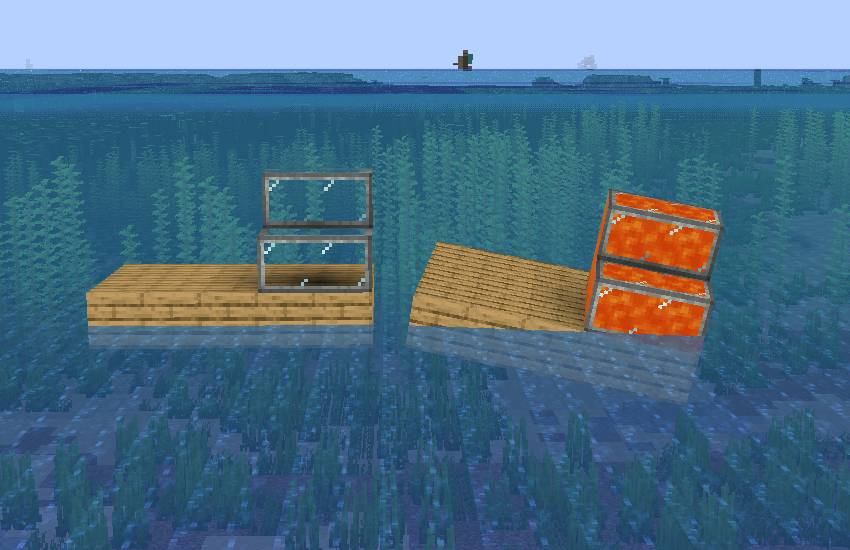
List of Added Blocks
Variable Tank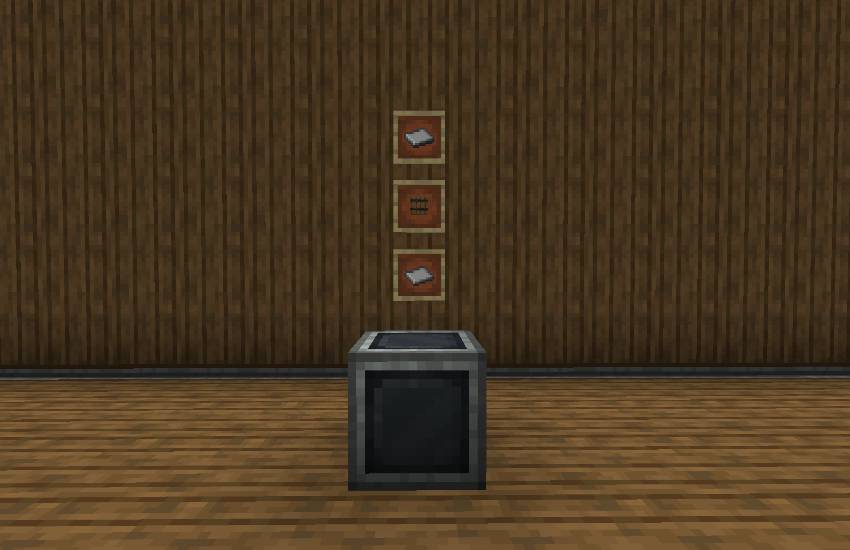
ID: aero_variable_tanks:variable_tank
This is generally a transparent tank.
It is suitable for structures where you do not want the internal liquid to be visible, such as fuel tanks inside aircraft.
Transparent Variable Tank
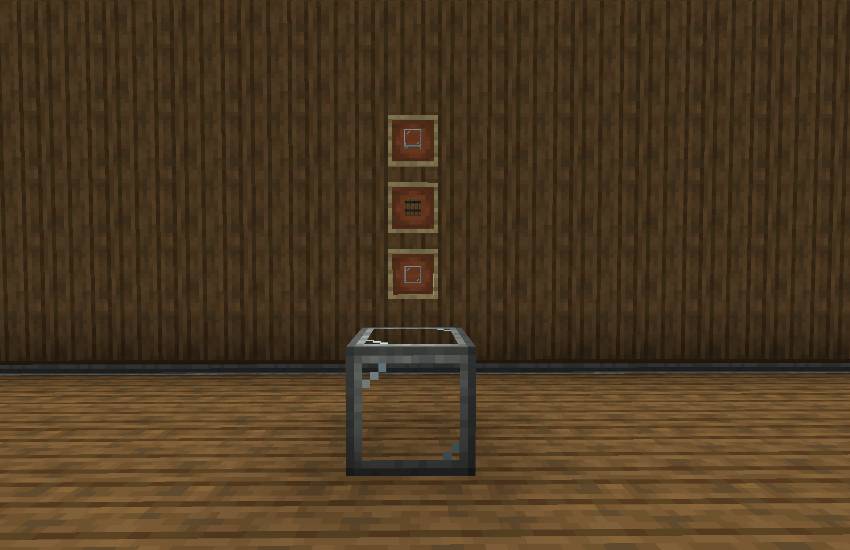
ID: aero_variable_tanks:transparent_variable_tank
This is a transparent tank.
The liquid appears to be filled from the bottom, and the liquid level appears continuous between connected tanks.
Copycat Variable Tank
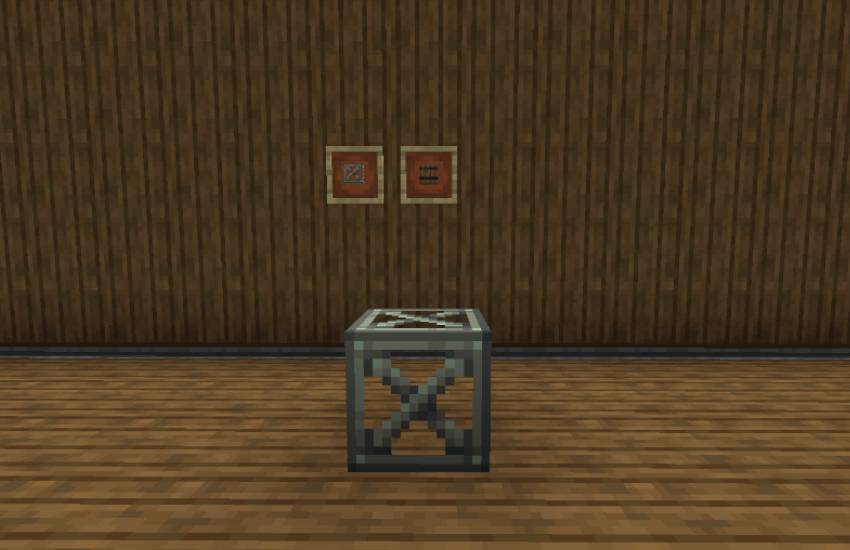
ID: aero_variable_tanks:copycat_variable_tank
It functions as a liquid tank while allowing you to customize the appearance of any block.
Features
- Automatic multi-blocking with adjacent tanks
- Liquid input/output via Create pipes and pumps -
Input/output settings per face using the Create wrench
- Dynamic changes in Sable weight based on fill level
- Empty tank weight is set to `0 kpg`
- Easy weight adjustment using the maximum contents weight system
- Support for Connected Texture on standard and transparent tanks
- Liquid level rendering for transparent tanks
- Copycats+ compatible Copycat Tanks
- Support for Create Mask Overlay - Support for Create Display Link
- Comparator
output support
- Configurable via the Mods menu
How to Use
1. Place a tank.
2. Place tanks of the same type or compatible tanks adjacent to each other to automatically form a single tank network. 3.
Use the Create Wrench to set the input/output mode for each face.
Equip the Create Goggles and look at the tank to check its contents, capacity, fill level, number of connections, and weight. 7. Connect a Create Display Link to output tank information to a display. 8. In Sable / Create Aeronautics, the weight changes based on the tank’s fill level.
Tank Inputs and Outputs
Right-click a tank’s face with the Create Wrench to toggle that face’s port settings.
The Create Wrench is a tool used to rotate, configure, and retrieve Create blocks.
Toggle order: None → Input → Output → Input/Output → None
Screenshots
Gallery
Versions
Files
Relations
Project Relations
More like this
Similar Mods
Suggestions use data such as tags, dependencies, dependents, descriptions, titles, and more to rank how much they overlap with this mod.
On ModDex
Community snapshot
By the numbers
Statistics
Want to reach Minecraft players?
We're looking for a server hosting partner to feature here and other parts of the site. Interested? Send us a message!
Get in touchGet it on
Available Platforms
On ModDex
Community snapshot
By the numbers
Statistics
Resources