Community listing page, reviews here may not be monitored by the author.
Ariah's Simple Teleporters

No reviews yet
Adds the ability to create paired teleporters that even work across dimensions simply.
Community voices
Reviews
No reviews yet. Be the first to review this project!
Get it on
Available Platforms
About
Project Details
For authors
Embed Badge
If you're the author of this project, you can embed a live badge anywhere that supports HTML or Markdown. It updates automatically whenever ratings change.
Use HTML for any page that supports it, or Markdown for README files and Markdown-based descriptions.
Identifiers
Platform IDs
About
Description
Ariah's Simple Teleporters follows both the Minecraft Datapacks Official Conventions and Style and the Smithed Conventions.
About
Ariah's Simple Teleporters aims to bring simple two-way teleporters unobtrusively into Minecraft while keeping a vanilla feel. Each teleporter pad is made up of a netherite block, so outfitting your world with them is a late game endeavor.
Optional Resource Pack
There is an optional resource pack introducing a texture for the teleporter linker. You can download it if you click on the version you wish to download instead of only hitting the download button. You can find the latest version here.
Creating a Teleporter
To get started, simply place a netherite block somewhere in your world. This will serve as your teleport pad, so make sure you can stand on it.
Next, drop an ender pearl onto that block. It'll start smoking and you'll be given a teleporter linker. Take this, and drop it onto another netherite block somewhere else in your world (this DOES work across dimensions). Once you've done that, the teleporters will link and you'll begin to see nether portal particles coming from both teleporters.
Teleporters do ensure that the chunk they are in is always loaded in order to allow them to work across any number of blocks and between dimensions.
Using a Teleporter
In order to use the teleporter, simply stand on top of one of the linked netherite blocks and throw an ender pearl in any direction. This will instantly teleport you to the other end, without even taking damage!
You can also use a teleporter by standing near one of the netherite blocks and throwing your ender pearl at the block. Remember that after teleporting you will end up on top of your destination teleporter, so you should still make sure there is space above your teleporters.
Removing a Teleporter
Removing a teleporter is extremely simple. Just mine one of the linked netherite blocks and both teleporters will deactivate. You can then use those netherite blocks for another purpose, or you can make new teleporters with them!
Uninstalling
If you have been using this datapack in your world but want to uninstall it for any reason, first run the command /function ariahtp:uninstall in order to remove the teleporter entities and also make sure the chunks they were in don't continue to be forceloaded.
Screenshots
Gallery
-
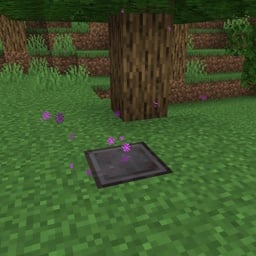
 Linked Teleporter A teleporter in a forest! I wonder where it leads?
 -
 Unlinked Teleporter This one is waiting for its pair to be created.
 -
 Teleporter Linker If you aren't using the optional resource pack, this will instead just look like an enchanted book.
 -
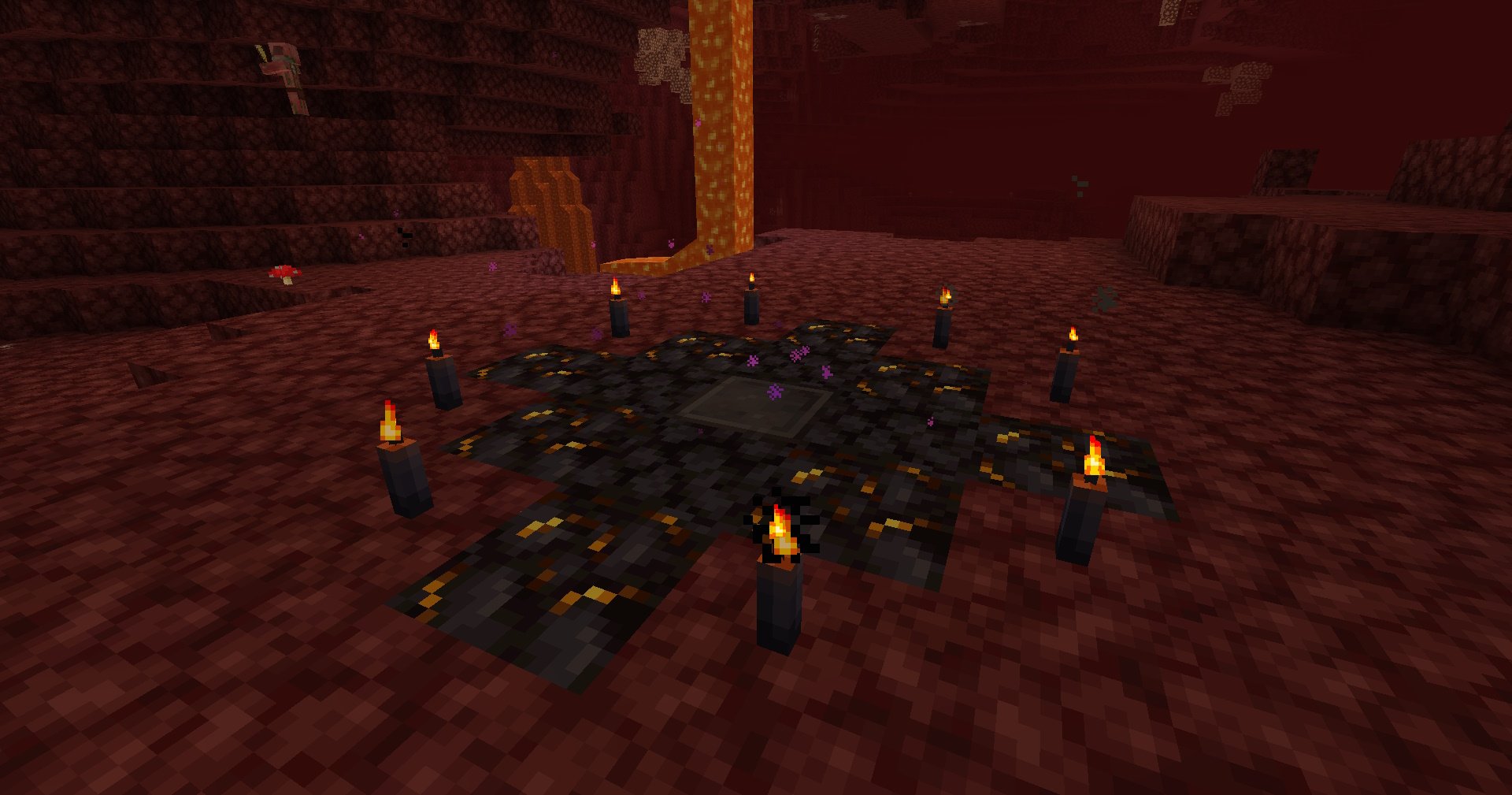 Fancy Nether Teleporter This one's in the nether! It also looks like somebody added some other blocks to make it look cooler! These are of course not necessary but feel free to make whatever kind of teleporter pad you want!
Versions
Files
Relations
Project Relations
More like this
Similar Mods
Suggestions use data such as tags, dependencies, dependents, descriptions, titles, and more to rank how much they overlap with this mod.
On ModDex
Community snapshot
By the numbers
Statistics

Want to reach Minecraft players?
We're looking for a server hosting partner to feature here and other parts of the site. Interested? Send us a message!
Get in touchGet it on
Available Platforms
On ModDex
Community snapshot
By the numbers