Community listing page, reviews may not be monitored by the author.
Armor HUD Durability Bars


No reviews yet
Adds fully customizable bars that display armor durability on the screen.

Community voices
Reviews
No reviews yet. Be the first to review this project!
Get it on
Available Platforms
Compatibility
Supported Environments
Runs entirely on the client. Works on vanilla servers.
About
Project Details
For authors
Embed Badge
If you're the author of this project, you can embed a live badge anywhere that supports HTML or Markdown. It updates automatically whenever ratings change.
Use HTML for any page that supports it, or Markdown for README files and Markdown-based descriptions.
Identifiers
Platform IDs
Resources
External Links
About
Description
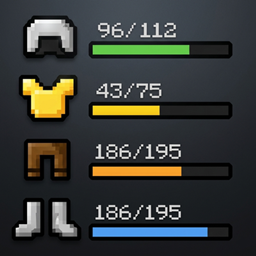
This mod adds four dynamic status bars to the bottom-left corner of your screen, providing a real-time view of your armor's current and maximum durability. The bar colors shift automatically based on remaining durability transitioning from blue to green, yellow, orange, and finally red. If an armor slot is empty, the bar remains gray. Also an icon of the equipped item is displayed on screen (by default to the left of each bar).
To prevent gear from breaking, the bars will begin to flicker when armor durability is low (under 20% by default). The lower the durability, the more intense the flickering becomes.
Configuration
The mod is fully customizable. Simply press the "Down Arrow" key (rebindable in settings) to open the configuration menu.
Choose from four built-in presets: Default, Vertical, Simple, Pill, Slots, I_lines, Without bars, Rainbow and Mini.
Advanced Customization
You can also fine-tune the UI to your liking:
- Bar positioning
- Bar width and length
- Corner rounding
- Outline thickness
- Gradients
- Text format and alignment
- Bars flicker
- Custom bar colors based on durability (available only in text mode)
This mod adds four dynamic status bars to the bottom-left corner of your screen, providing a real-time view of your armor's current and maximum durability. The bar colors shift automatically based on remaining durability transitioning from blue to green, yellow, orange, and finally red. If an armor slot is empty, the bar remains gray. Also an icon of the equipped item is displayed on screen (by default to the left of each bar).
To prevent gear from breaking, the bars will begin to flicker when armor durability is low (under 20% by default). The lower the durability, the more intense the flickering becomes.
Configuration
The mod is fully customizable. Simply press the "Down Arrow" key (rebindable in settings) to open the configuration menu.
Choose from four built-in presets: Default, Vertical, Simple1, Simple2, Black_and_white, I_lines, One_color, Pinky, Rainbow and Mini.
Advanced Customization
You can also fine-tune the UI to your liking:
- Bar positioning
- Bar width and length
- Corner rounding
- Outline thickness
- Gradients
- Text format and alignment
- Bars flicker
- Custom bar colors based on durability (available only in text mode)
Screenshots
Gallery
-
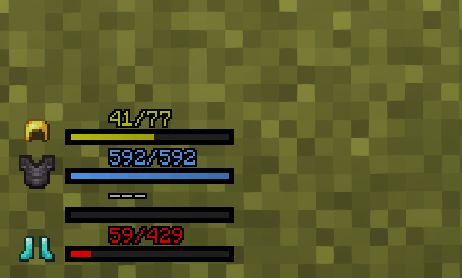 image-attachment_83b6e939-ce44-4b72-9141-db0e44aee10a.png
 -
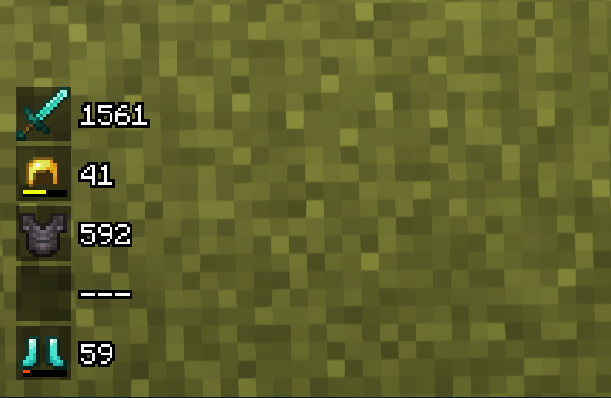 image-attachment_fd151d20-ab28-42f2-a03f-c770d465ea40.png
 -
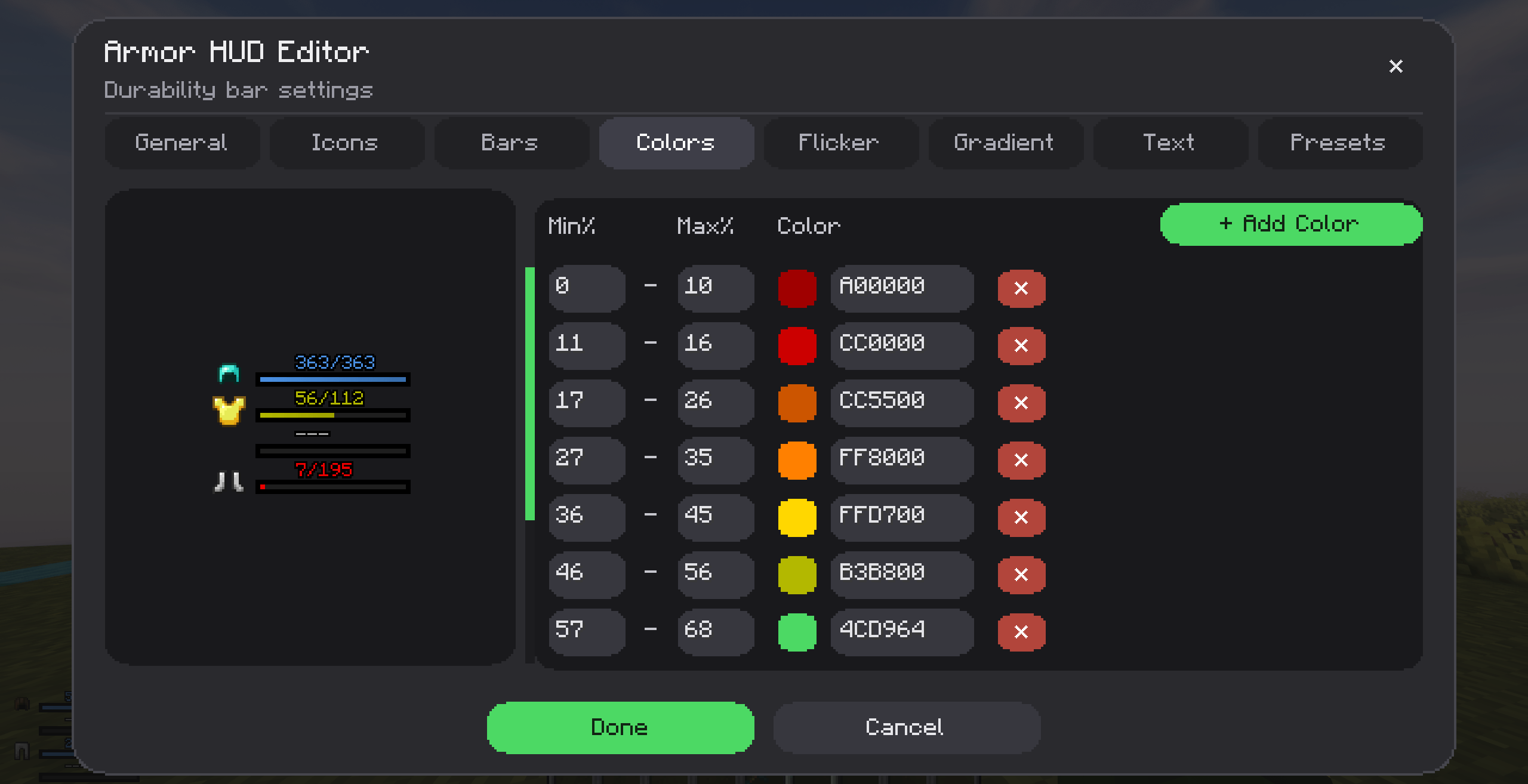 image-attachment_dd1ac368-0ca9-4dcd-a41b-55a392522e41.png
 -
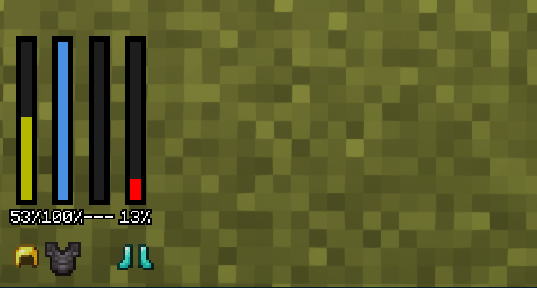 image-attachment_020dd92f-ac1f-4638-b595-348599c4a864.png
 -
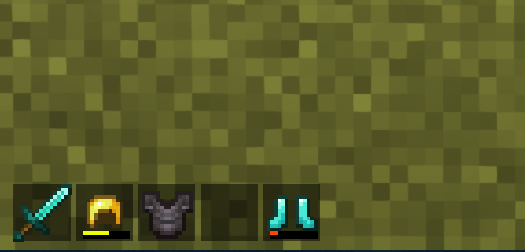 image-attachment_bb9b8c57-af2f-4fea-b3c8-d02b969faf13.png
 -
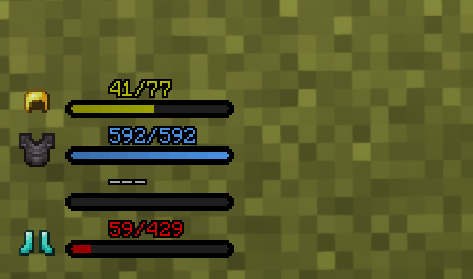 image-attachment_2ae31895-7e67-4e6e-b0de-190bcd3869d7.png
 -
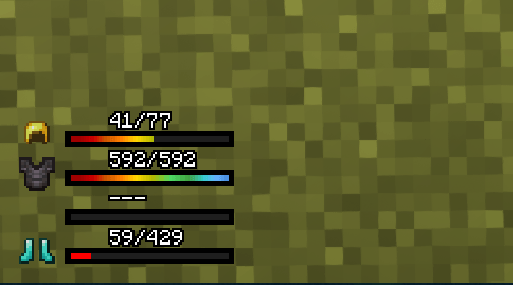 image-attachment_edb6036e-4bf7-492c-89e5-733d46a9c14c.png
 -
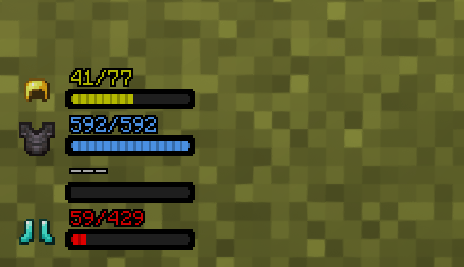 image-attachment_1c5121a1-e823-402f-a129-cd44fa28de74.png
 -
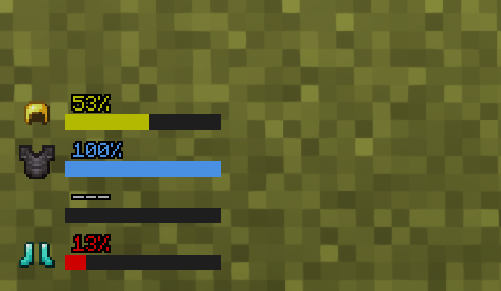 image-attachment_9410da83-8cb5-4a6a-b544-8eac5e4235e1.png
 -
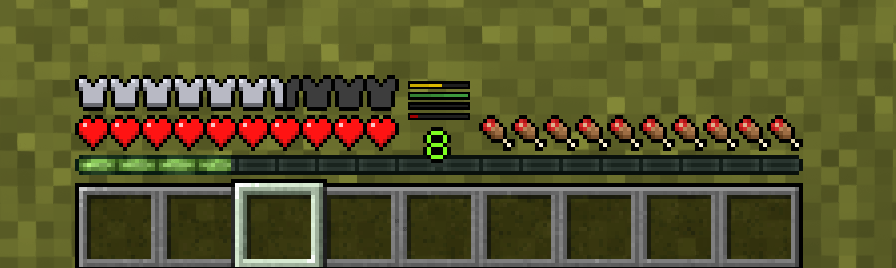 image-attachment_20b21d8f-7364-4984-b7bc-c2b8759a21d6.png
-
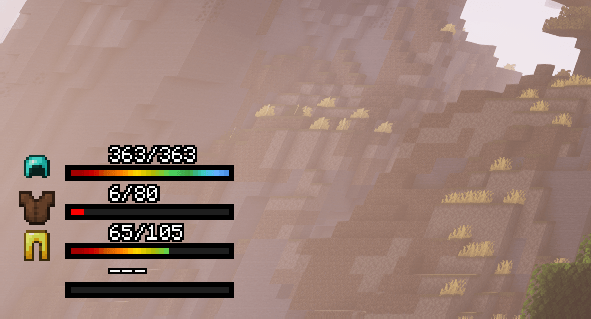 Rainbow
 -
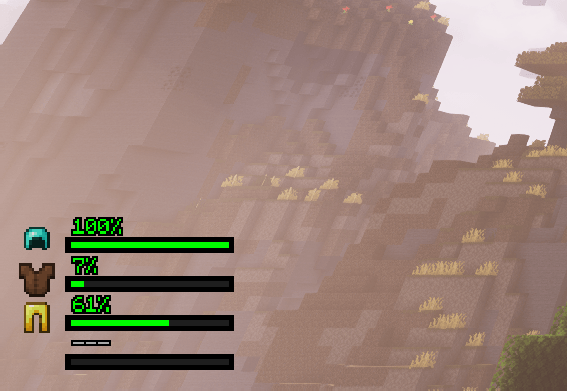 One color
 -
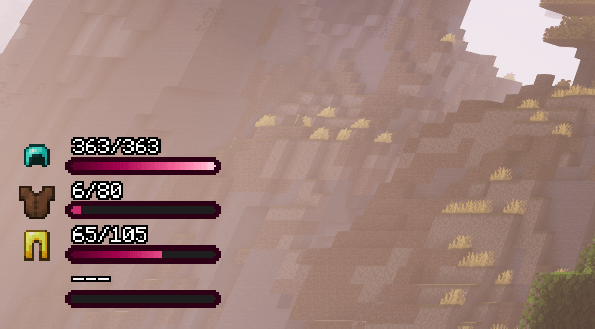 Pinky
Pinky -
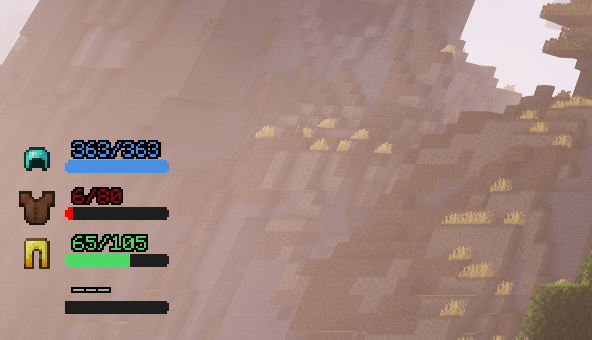 Simple1
 -
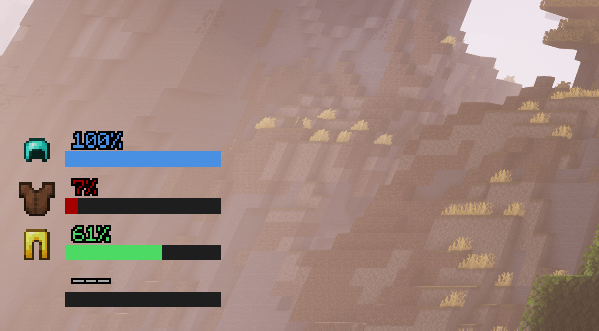 Simple2
 -
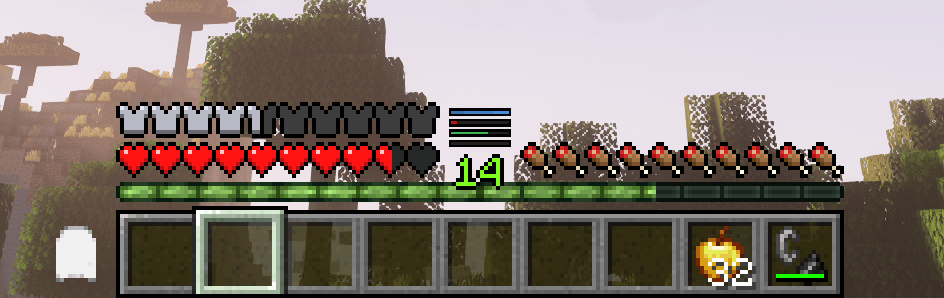 Mini
Mini -
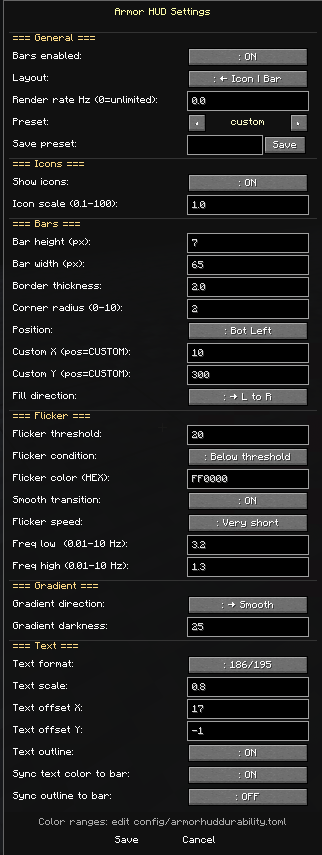 Settings
 -
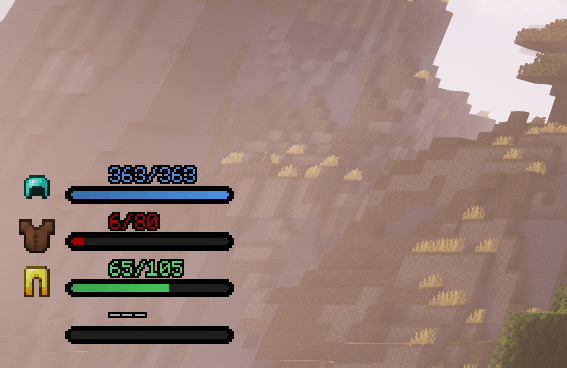 default
 -
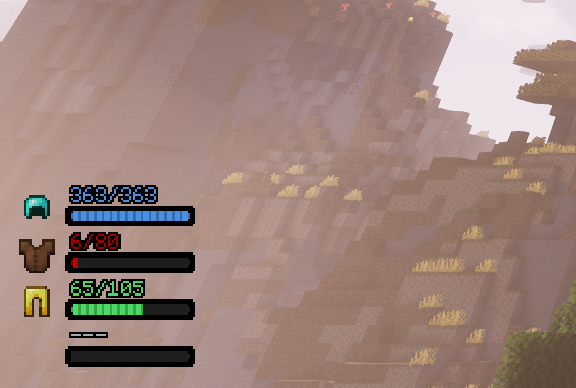 I lines
 -
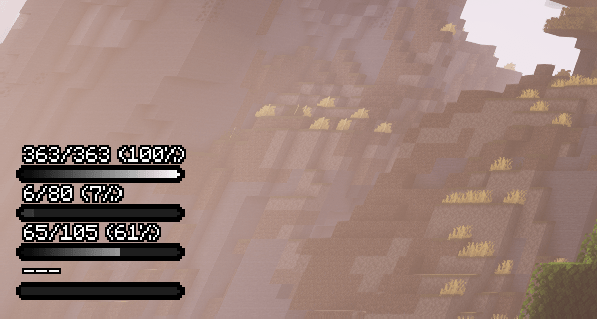 Black and white
 -
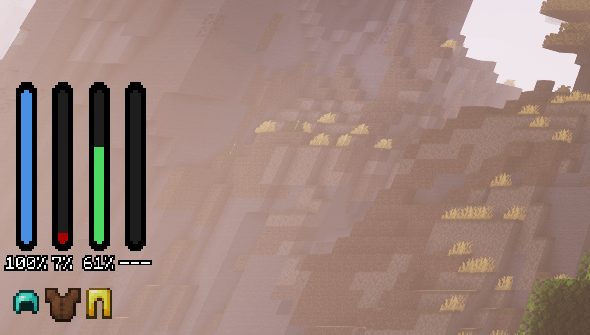 Vertical
Versions
Files
Relations
Project Relations
More like this
Similar Mods
Suggestions use data such as tags, dependencies, dependents, descriptions, titles, and more to rank how much they overlap with this mod.
On ModDex
Community snapshot
By the numbers
Statistics

Get it on
Available Platforms
On ModDex
Community snapshot
By the numbers
Statistics
Resources