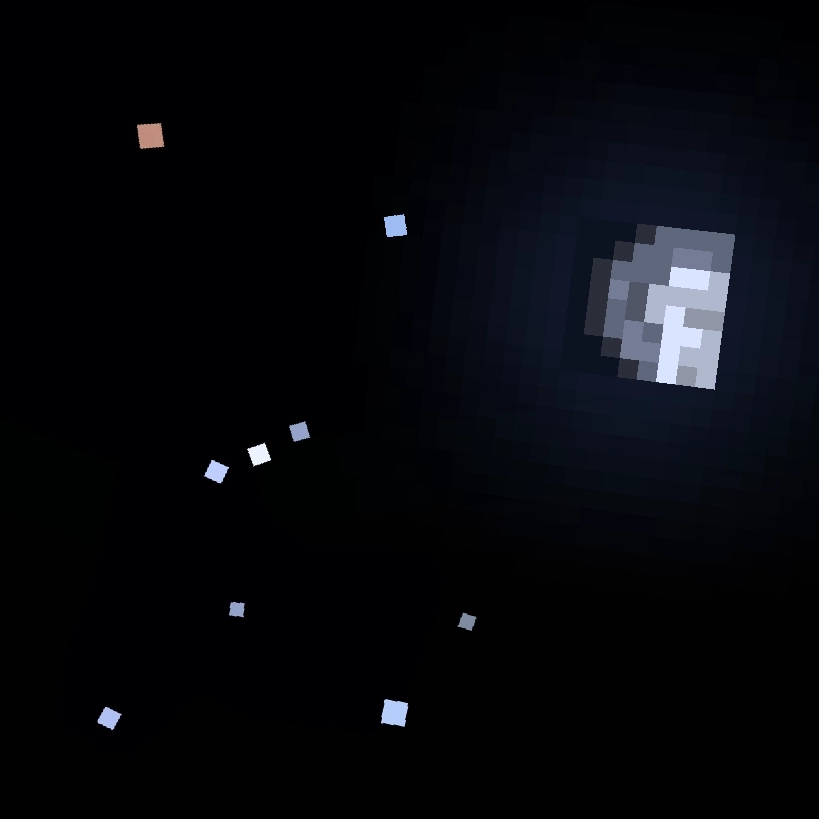
Community listing page, reviews here may not be monitored by the author.
Astrocraft: Realistic Night Skies


No reviews yet
Configurable astronomy mod that adds real life stars and planets to the night sky, with changes to the sun / moon, eclipses and shooting stars
Community voices
Reviews
No reviews yet. Be the first to review this project!
Get it on
Available Platforms
Compatibility
Supported Environments
Runs entirely on the client. Works on vanilla servers.
About
Project Details
For authors
Embed Badge
If you're the author of this project, you can embed a live badge anywhere that supports HTML or Markdown. It updates automatically whenever ratings change.
Use HTML for any page that supports it, or Markdown for README files and Markdown-based descriptions.
Identifiers
Platform IDs
Resources
External Links
About
Description
A configurable astronomy mod that adds a realistic night sky with real life stars, planets and much more. This mod is for those who want to explore the stars while playing minecraft.
Summary of Features
- Real life stars and constellations
- Galaxies and Nebulae
- Planets, moons, asteroids and comets
- Shooting Stars and Meteor Showers
- Zoomable spyglass, usable as a telescope
- Realistic / Seasonal sun and moon positions
- Rare astronomical events (Eclipses, and more)
- Fully Customizable, custom solar systems supported
If you are only interested in simply replacing the stars and none of the mod's other features, check out Astrocraft: Lite (Fabric and Neoforge).
Real Life Stars and Constellations
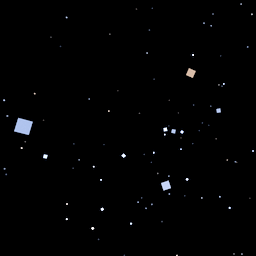
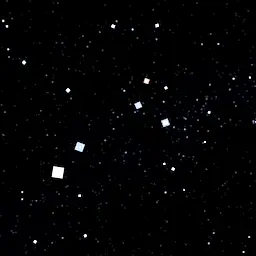
Astrocraft replaces Minecraft's randomly generated stars, with those from real life. Stars come in a range of magnitudes and colors, with bright red stars like Betelgeuse or Arcturus, or more blueish stars like Rigel.
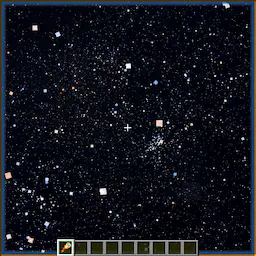
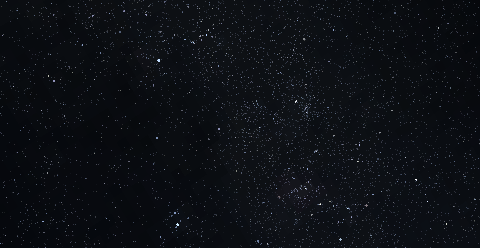
Most stars are so dim, you need a spylass to see them. Zooming in on the Milky Way on a moonless night, you can see thousands of little stars.
As the night progresses, stars revolve around a point in the north sky, marked by Polaris and the Little Dipper.
Galaxies, Clusters and Nebulae
Astrocraft also adds different types of deepsky objects, including:
- Open and Globular Clusters, like the Pleiades (M45).
- Nebulae like the Orion Nebula (M42), or Ring Nebula (M57)
- Galaxies like Andromeda (M31) or Whirlpool (M51)
- A subtle Milky Way skybox
For these objects, you need dark skies and high altitude to see well.
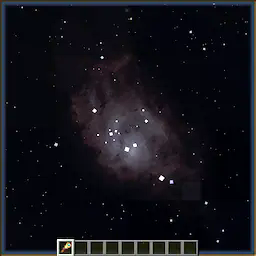
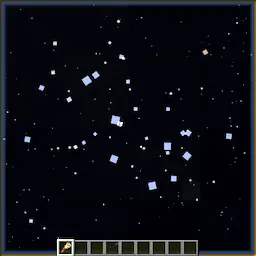
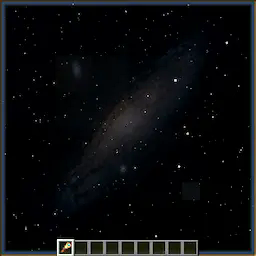
Shooting Stars and Meteor Showers
Occasionally, you can see streaks of light across the sky. Most meteors belong to a meteor shower, where they radiate from a specific point in the sky. The perseids for example, occur in summer, and radiate from around Perseus or Cassiopeia. Some meteor showers can produce Meteor Storms.
Zoomable Spyglass
Use your mouse's scroll wheel, to zoom in or out, up to 500x magnification. The spyglass works like a telescope, it lets you see objects that are otherwise too dim.
It works best at high altitudes such as on a mountain top, and when the sky is fully dark, not lit by the moon.
Planets and the Solar System
Astrocraft by default, adds every planet, along with many other solar system objects. Planets appear similar to bright stars, but often vividly colored to stand out. Unlike stars, these objects move as the days go by, in realistic keplerian orbits. Positions of these planets in the sky are calculated from their orbital parameters (fully configurable), while also taking into account earth's own orbit. Planets also vary in magnitude (brightness), being brightest at opposition.
Zooming in to a planet, it starts to looks less like a star, and more like the vanilla MC moon. Planets have different textures, Jupiter having bands, Venus being mostly featureless. Inferior planets (Venus and Mercury), also show phases like the moon, based on the direction of the sun.
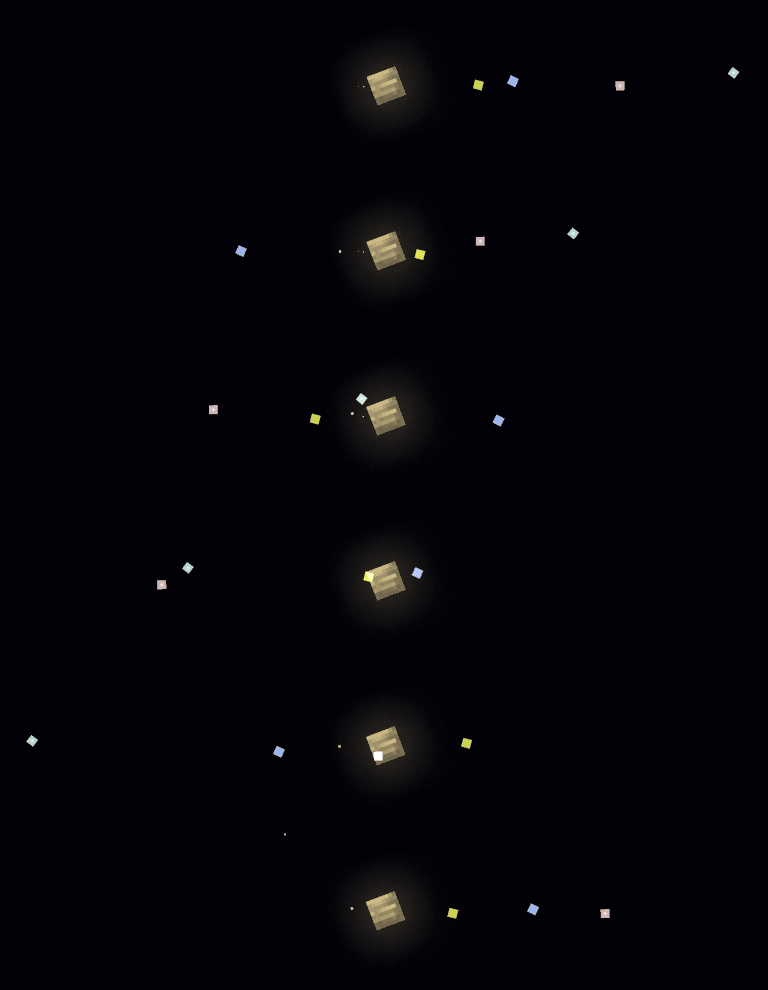
Some planets are orbited by moons, for example: Jupiter and the Galilean moons. Moons often have short orbital periods, meaning you can see them move over a single night.
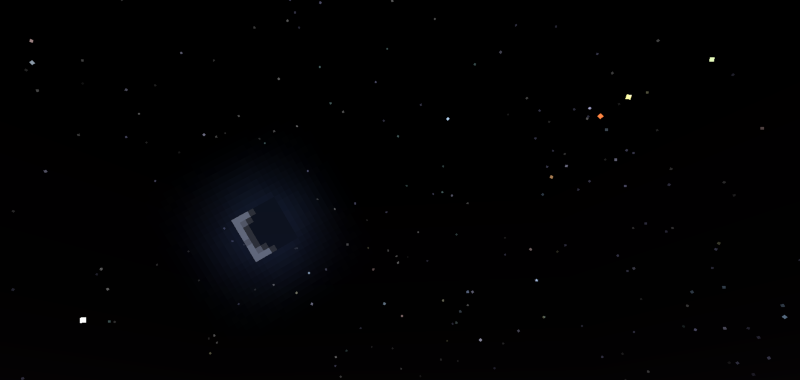
Below is a table of the major planets (except Earth), with descriptions of their ingame appearances:
| Planet | Brightness | In-game Color | Notes |
|---|---|---|---|
| Mercury | Dim - Bright | White | Always within ~25° of the sun |
| Venus | Very Bright | White | Always within 45° of the sun, very bright |
| Mars | Dim - Bright | Red | Bright when in opposition, otherwise dim |
| Jupiter | Bright | Yellow | Four bright moons visible using a spyglass |
| Saturn | Dim | Green | Has rings that are visible with enough zoom |
| Uranus | Very Dim | Cyan | Usually requires a spyglass to view |
| Neptune | Very Dim | Blue | Difficult to view, even with a spyglass |
| Pluto | Very Dim | Pink Gray | Like a very dim asteroid, binary with Charon |
There are also over 100 asteroids (or dwarf planets), usually orbiting the sun around the asteroid belt. These appear like dim stars, usually requiring a spyglass to see. Subsequent observations may show them slowly moving through the star background.
Comets, which have visible tails and sometimes become very bright as they approach the sun. They have high eccentricity orbits.
Realistic / Seasonal Sun and Moon
Throughout the year, the sun moves relative to the stars, traveling through the zodiac. This determines which stars can be seen at a given time.
Unlike in vanilla minecraft, where the sun, moon and stars all pass overhead, they will now be tilted by the latitude set in the configuration (30°N by default). Additionally, the sun's angle also changes seasonally throughout the year. This causes the day and night to change in length, longer days in summer, longer nights in winter. Setting latitude to 90° or -90° in the configuration will simulate polar day / night.
If you have either serene seasons or fabric seasons installed, Astrocraft automatically syncs to their season cycles.
The Moon
This mod adds moonlight, which lights up the night during a full moon, however may outshine certain objects in the sky. At a new moon, or when the moon is down, the night can be very dark, but it is best for astronomy.
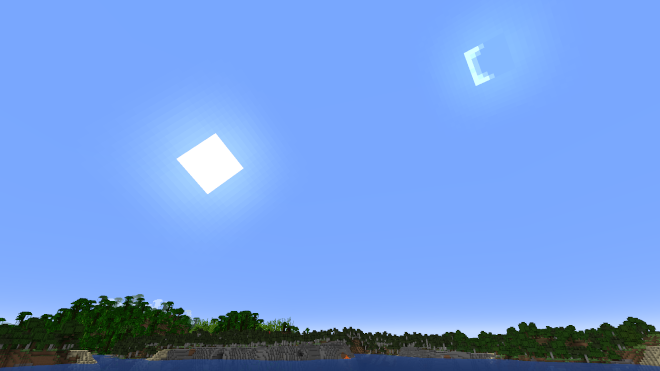
The vanilla MC moon, regardless of phase, is permanently fixed opposite the sun. In Astrocraft, the moon moves independently of the sun. As a result, it is often still up during the day.
Eclipses
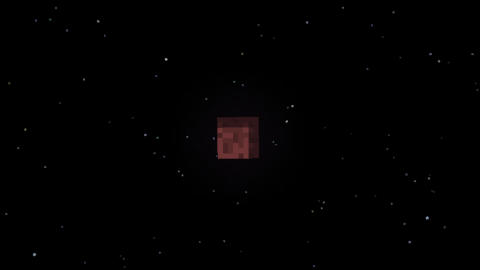
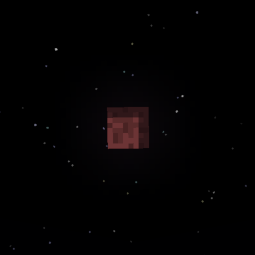
A rare astronomical event, the Lunar Eclipse, occurs when a full moon coincides with the moon crossing the ecliptic. A shadow engulfs the moon and turns it red and dark, dimming moonlight for only a few minutes.
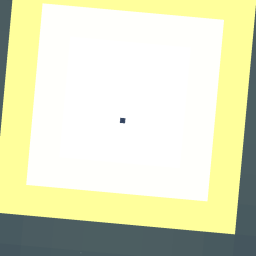
During a new moon, the moon can partially or fully cover the sun, completely blocking out the sunlight. This causes the sky to go dark and stars to come out, just like the night. Other astronomical objects, such as Mercury and Venus can also eclipse the sun, they look like small sunspots.
Customization
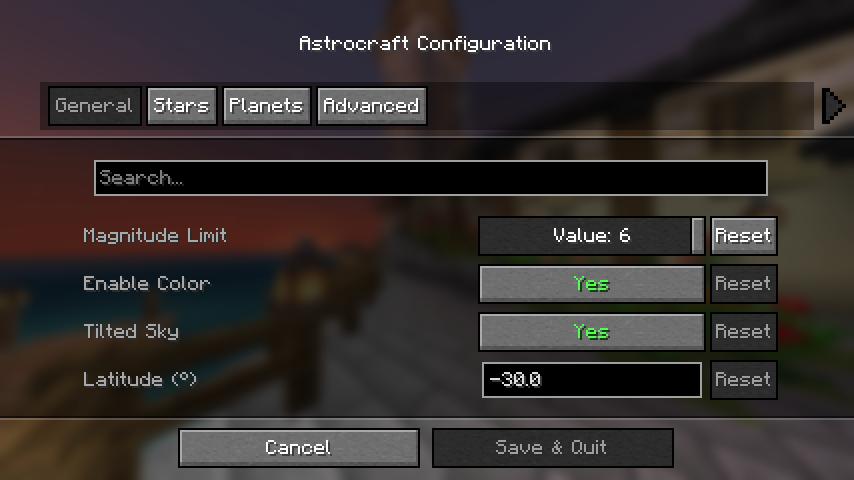
If you have mod menu installed you can open the configuration menu, otherwise edit the config file at: "config/astrocraft.json".
Here you can toggle stars or planets off, disable star color, add your own stars and much more. The main option affecting performance is "Magnitude Limit", reduce this if you need to.
Multiplayer Compatibility
Other players on multiplayer worlds with Astrocraft installed will see the same stars and planets as you. However, this won't be the case if you change certain settings, such as "year length" or planets' orbits. Keep this in mind, if you are viewing the night sky with friends.
Constellations
Astrocraft can help you see constellations in the stars by drawing them in the sky. Enable the "Show Constellations" option under the "Overlays" category. It will now show you which stars make up each constellation.
Planets
In the "Planet" category of the menu, you will find a list of all the planets added by the mod. Here you can edit the appearance and orbit of any planet, including earth. Each planet has a list of moons, these can be edited the same way as any planet. You can also add new planets and moons in the config.
Earth is not the only planet you can observe the solar system from, Set "Observing Location" to any planet, moon, asteroid, or even nearby stars. This affects the position of the stars and other planets in the sky. It also allows you to get a close up view of nearby celestial bodies (like Jupiter from Europa).
Compatibility
- BadOptimizations: This can be fixed by setting "enable_sky_angle_caching_in_worldrenderer" to "false" in the BadOptimizations config file at "config/badoptimizations.txt".
- AdditionZ: Disable "North Star".
- Shaders may have visual issues
- fabricSkyboxes
Use Sinytra Connector if you want to use with forge or neoforge.
If the mod breaks after updating, try resetting everything in the config, or delete the config file. Don't report shader issues.
A configurable astronomy mod that adds a realistic night sky with real life stars, planets and much more. This mod is for those who want to explore the stars while playing minecraft.
Features
- Real life constellations and stars
- Moving planets with moons
- Realistic sun and moon positions, longer days or nights throughout the seasons
- Shooting Stars with annual Meteor Showers
- Nebulae, Galaxies, and the Milky Way
- Rare astronomical events, such as solar and lunar eclipses
- "Live mode" to show the current irl sky in-game.
- Makes the spyglass useful
- Full customizability, with custom planets or stars.
If you are only interested in simply replacing the stars and none of the mod's other features, check out Astrocraft Lite (Fabric and Neoforge).
Stars
Astrocraft replaces Minecraft's default stars with stars from real life. Stars retain their vanilla-style, but with variation in hues, some being more reddish, others blue. You can find any constellation in-game. Through the night, all these stars revolve around the north star (Polaris):
Some stars are variable, meaning they vary in brightness over time.
Galaxies, Nebulae, Clusters
The milky way is faintly visible at night, along with numerous other objects. These include massive galaxies like Andromeda and Triangulum, or smaller planetary nebulae like the Ring Nebula. The Milky Way and other deep-sky objects become brighter and more visible from high mountain peaks, but are easily outshone when the moon is out.
Shooting Stars / Meteor Showers
At night, you can occasionally see streaks of light shoot across the sky. Meteors often belong to a meteor shower, where multiple will appear to radiate from the same point in the sky. Some are sporadic, not associated with any shower. Meteors showers occur at predictable times each year. The Perseids for example, are visible around the middle of summer, around MC day 142. Occasionally, certain meteor showers can even produce "meteor storms". Below are a few example meteor showers:
| Name | Radiant | Peak Day (/365¼) | Peak Day (/96) |
|---|---|---|---|
| Lyrids | Lyra | 33 | 9 |
| Eta Aquariids | Aquarius | 46 | 12 |
| Perseids | Cassiopeia, Perseus | 142 | 37 |
| Orionids | Orion | 211 | 55 |
| Leonids | Leo | 239 | 63 |
| Geminids | Gemini | 266 | 70 |
| Quadrantids | Boötes | 287 | 75 |
Spyglass
The spyglass is an essential tool for exploring Astrocraft's skies, as it lets you observe an area of the sky in much greater detail. It increases the brightness of stars, and shows objects that would otherwise be too dim, like Uranus or Neptune.
What you can see using a spyglass depends on multiple factors, such as Y position or moon phase. It is better to climb a mountain and point upwards to observe very dim objects like nebulae.
Using the mouse scroll wheel, you can zoom in and out up to 500x.
Planets / Solar System Objects
By default, this mod adds all major planets, along with many other objects in the solar system. Planets are rendered similar to stars when not zoomed in, although typically brighter, larger and more vividly colored. Unlike stars, planets move against the fixed background of stars, traversing the zodiac as the days go by.The positions of these planets in the sky are calculated using their orbital parameters (fully configurable), while also taking into account earth's own orbit. These include:
- Semi-Major Axis
- Orbital period
- Eccentricity
- Inclination
- Precession
The brightness or size of a planet is calculated using:
- Diameter and Albedo
- Distance to Earth / Observing Planet
- Distance to the Sun
- Phase Angle (Different phase curve models are used for different planets)
Satellites of planets (including The Moon) or even the Sun use the same algorithm. When the angular diameter of a planet exceeds a certain size, the mod switches from star-like rendering to vanilla-moon-like rendering.
Using a spyglass allows you to see stars, planets, asteroids or moons that are too faint to see with the naked eye. If you zoom in enough, planets can be rendered with a texture, some showing phases like the moon (Venus and Mercury).
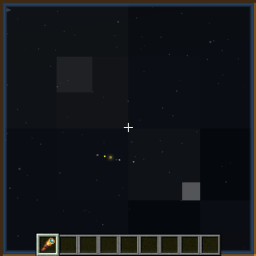
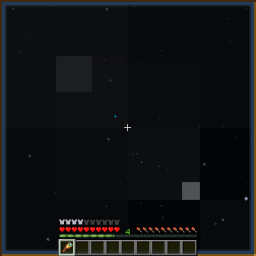
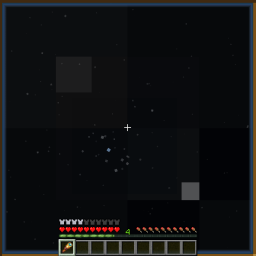

Below is a table of the planets (except Earth), with descriptions of their in-game appearances:
| Planet | Brightness | In-game Color | Notes |
|---|---|---|---|
| Mercury | Moderate | Beige | Visible at sunrise / sunset |
| Venus | Very Bright | White | Visible before sunrise / after sunset |
| Mars | Dim-Bright | Orange | Much brighter at opposition |
| Jupiter | Bright | Yellow-Brown | Four moons are visible using a spyglass |
| Saturn | Moderate | Yellow-Green | Shows rings with enough zoom |
| Uranus | Dim | Cyan | Usually requires a spyglass to see |
| Neptune | Dim | Blue | Requires a spyglass to see |
Over 100 asteroids have also been added, including Vesta and Ceres. These appear similar to dim stars.
Moons
Both Jupiter and Saturn have easily observable moons. In a spyglass, they look like stars revolving around the planet. You can see moons move around over a single night, as they often have short orbital periods. You can also see the moons of Mars, Uranus, and Neptune with some difficulty.
Big Planets Mode
This option scales up the planets and renders planets using textures like the MC moon, rather than realistic star-like rendering.
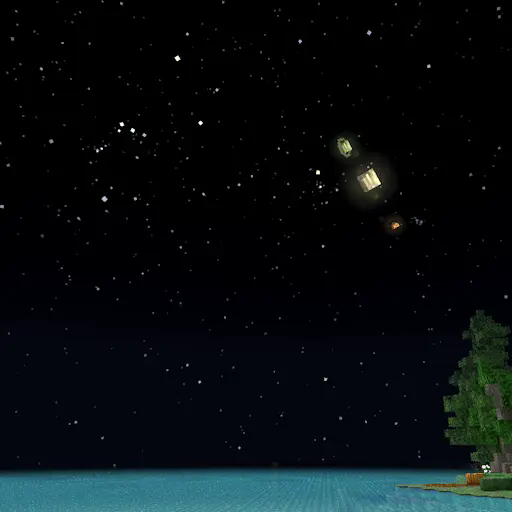
See space from other planets
Using the "Observing Location" option, you can easily switch the perspective from Earth to any other object, including planets, moons, asteroids or even the sun. This shows you how other planets / moons appear from planets other than Earth (like Earth from Mars, or Jupiter from Europa). It also simulates how lighting changes as you get further from the sun (try Pluto).
You can also switch to other nearby stars, for example "Proxima Centauri B". The sun will be visible as a yellow star near Cassiopeia.
Configuration + Custom Planets
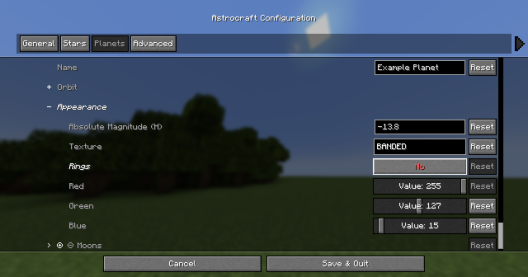
Planets are fully configurable, you can edit existing planets or even add your own.
| Orbit Options | - |
|---|---|
| Perihelion Distance (AU) | This is the closest the planet gets to the sun |
| Aphelion Distance (AU) | This is the furthest the planet gets to the sun |
| Orbital Period (years) | How many earth-years it takes for the planet to complete an orbit |
| Inclination (deg) | The angle which the orbit is tilted by, measured from the ecliptic |
You can also add or remove moons to each planet, which are editable just like planets. Setting a planet's model to "Star", will turn it into a star, you can make the solar system a binary stars system this way.
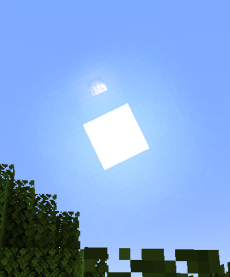
Below shows a custom planet so big that it is visible during the day:
Changes to the Sun & Moon
Positions in the Sky
Unlike in vanilla minecraft, where the sun and moon always pass overhead, they are instead tilted by the latitude set in the configuration (30°N by default). Additionally, the sun's path is also affected by its declination which changes throughout the year cycle (365 ingame days by default). Disable the 'Tilted Sky' setting in the config for vanilla behavior.
Throughout the year, the sun moves relative to the stars, travelling through the zodiac. This determines which stars can be seen at a given time.
Changing Day / Night Lengths
Times of sunrise / sunset are also affected by the sun's declination, with longer days and shorter nights during the summer, and the opposite during the winter. Setting latitude to 90° or -90° in the configuration will simulate the polar day / night experienced at the poles.
The Moon
The moon's position relative to the sun will depend on the moon's phase. At full moon, the moon stays opposite the sun, just like in vanilla minecraft. However, during a crescent phase, the moon will appear just to the left or right of the sun, and can be seen during the day. This mod also adds moonlight, which lights up the night around the full moon.
Eclipses
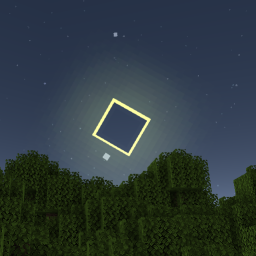
A lunar eclipse occurs when a full moon coincides with the moon crossing the ecliptic, the moon turns red and moonlight dims. During a new moon, the moon can partially or fully cover the sun, blocking out the sunlight and dimming the sky until it is just like night-time. Other astronomical objects, such as Mercury and Venus also eclipse the sun, which you can observe as a small black spot traversing the sun's disk.
Customization
If you have mod menu installed you can open the configuration menu, otherwise edit the config file at: "config/astrocraft.json".Here you can toggle stars or planets off, reduce star coloring, add your own stars and planets, and much more.
Magnitude Limit
This is the main option affecting performance, it changes how many stars are shown. Increase to 6 for a more detailed night sky. Reduce if you have performance issues, or you want to simulate urban light pollution.
Year Length
Default "Year Length" is 365.25 minecraft days, this also affects the orbital period of every planet / moon. On singleplayer worlds, this may be too slow for you, so you can reduce it to something like 96 days.
Multiplayer Compatibility
Positions of planets and stars are calculated from the world time, therefore other players on the same world will see the same stars and planets as you. This won't be the case if you change certain settings, such as "year length" or most settings in the "Planets" category.
Overlays and Constellations
In the "Overlays" categories, you can enable overlays rendered over the sky. The "Show Constellations" option, helps you see constellations by drawing lines between stars, showing which stars make up each constellation. There are also options to show a grid or the ecliptic.
Live Mode
Live Mode uses the current real-life planet positions. It can also use irl time of day, but you have to set a longitude and latitude to use.
Globe Mode
Instead of fixed longitude and latitude, you can have it change based on your coordinates in the MC world.
Mod Compatibility
Serene or Fabric Seasons
Astrocraft automatically syncs to these mods' config files, so the seasons line up properly.
Default config Serene Seasons:
- "Year Length": 96
Default config Fabric Seasons:
- "Year Length": 112
Minor Compatibility Issues
Enchanced Celestials
Blood moons will not coincide with Astrocraft lunar eclipses, you may want to disable astrocraft eclipses to avoid confusion.
Ad Astra
Astrocraft's skies won't show up on other planets. There is a mod by mynameisjeffitowastaken to fix this, which also automatically changes the Observing Planet option to match your current planet.
Shaders
May have a lot of visual bugs, such as duplicated suns and moons, ugly stars, etc.
Fixable Compatibility Issues
Please read through this section if you use other mods, especially if you are a modpack creator.
BadOptimizations
Set "enable_sky_angle_caching_in_worldrenderer" to "false" in the BadOptimizations config file at "config/badoptimizations.txt" Otherwise, the sun and sky will move back and forth in weird directions.
AdditionZ
Disable AdditionZ's Polar Star, also messes up the sky.
Incompatible
These mods will probably not work or crash with Astrocraft:
- Fabric Skyboxes
- Blinking Stars
Forge
Install Sinytra Connector if you want to it use with forge or neoforge.
If you have any issues, contact the mod author pymsrps, and post the full logs.
Screenshots
Gallery
-
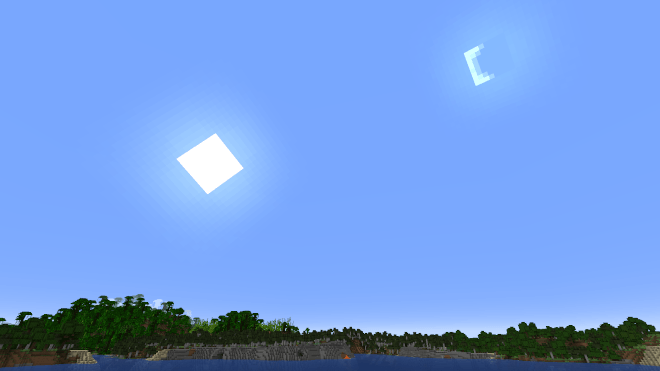 Cresent Moon The crescent moon next to the sun, still up during the day.
 -
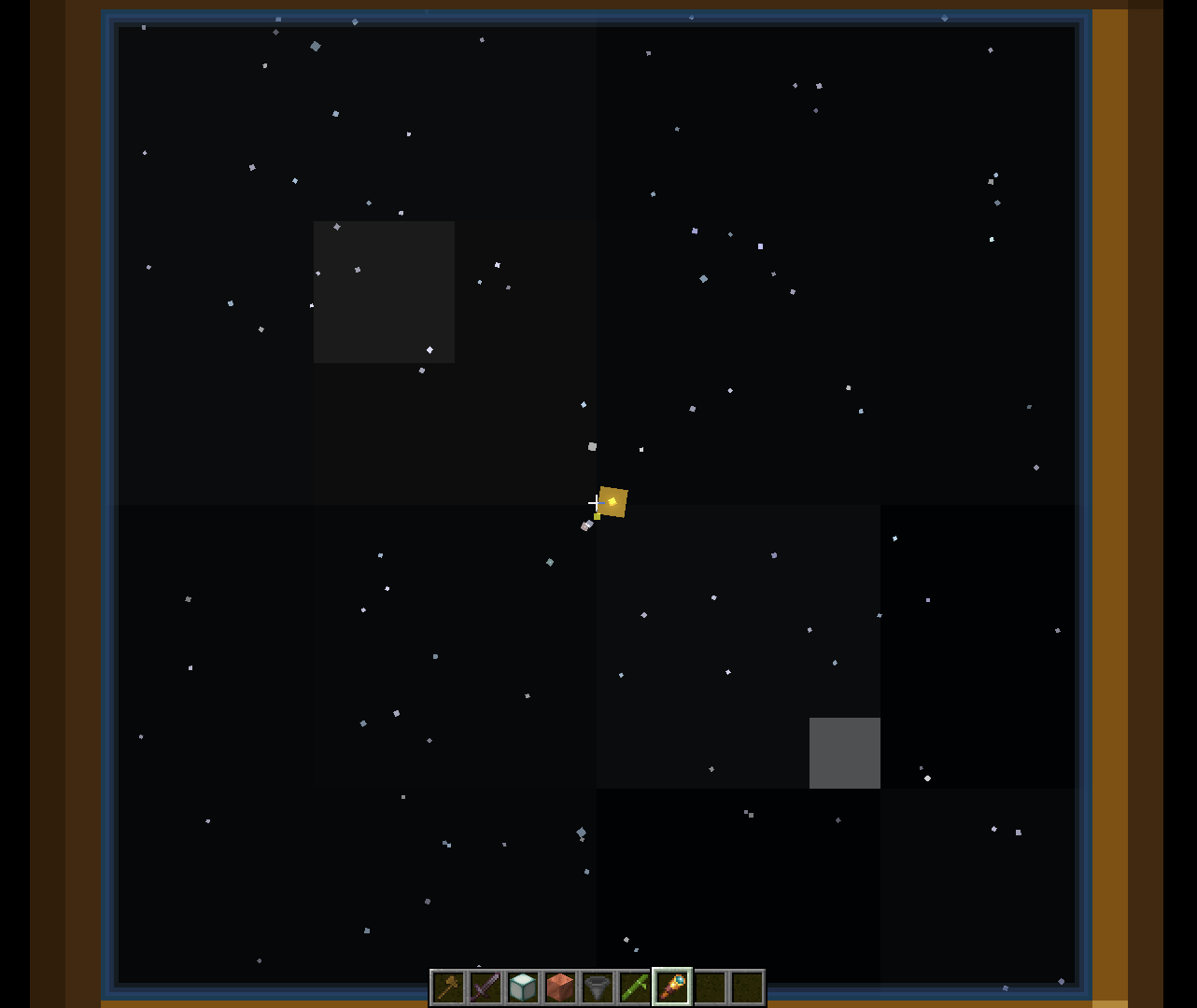 Jupiter through spyglass The spyglass reveals Jupiter's moons.
 -
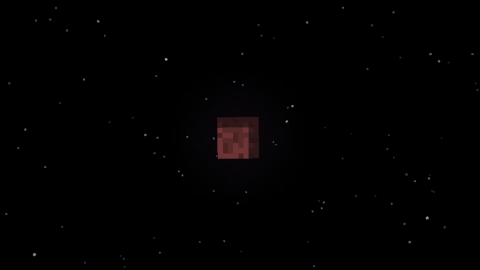 Lunar Eclipse (old) The moon turns red during a rare lunar eclipse.
 -
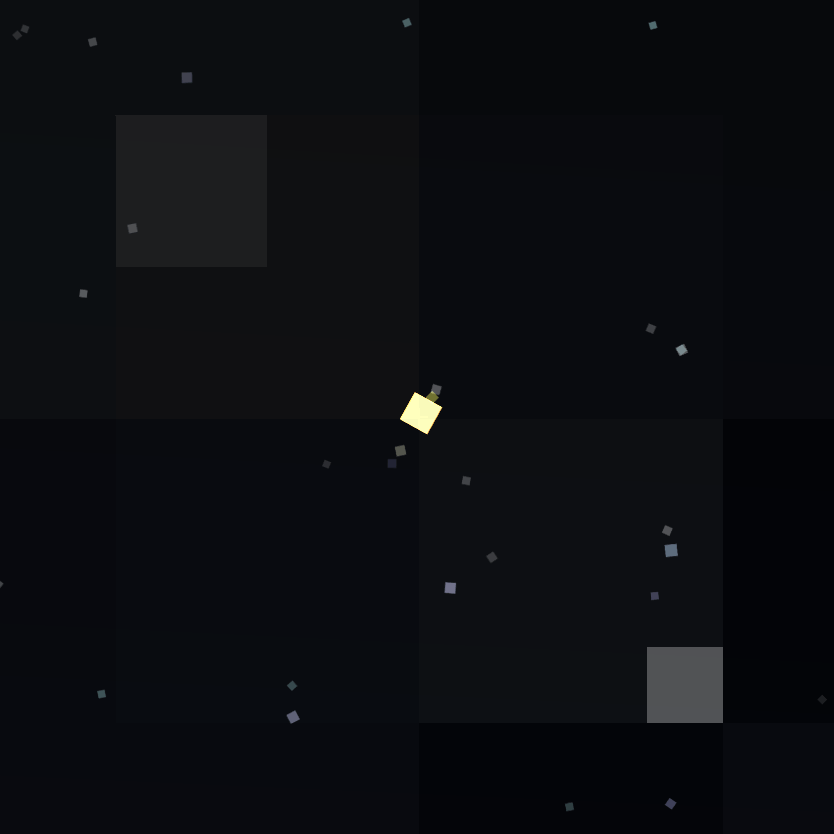 Jupiter through a Spyglass (Old) Four moons can be visible beside Jupiter when using a spyglass.
 -
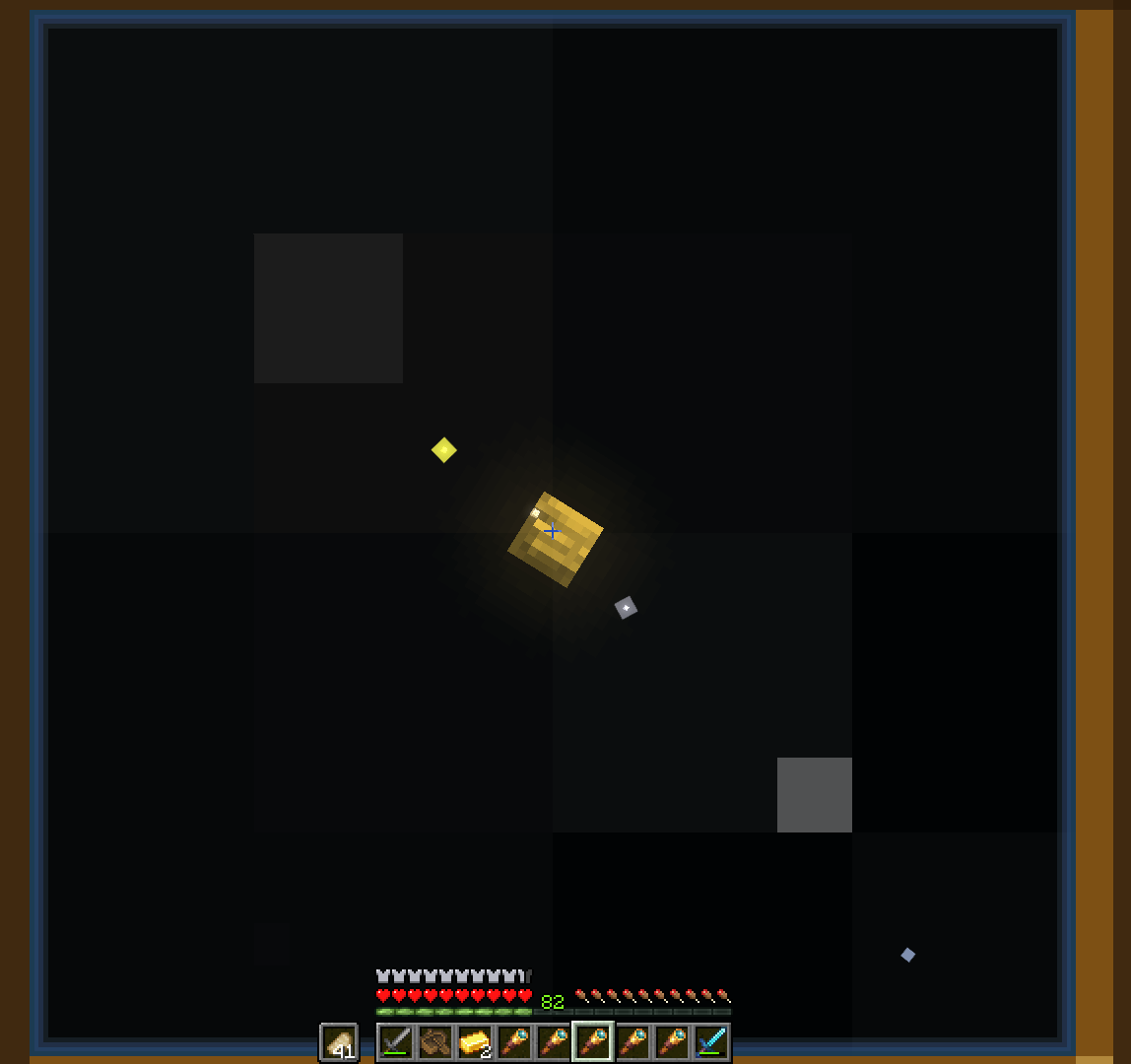 Jupiter through a spyglass (Zoomify) A close up of Jupiter through a very zoomed in spyglass. With enough zoom, planets can be rendered with textures.
 -
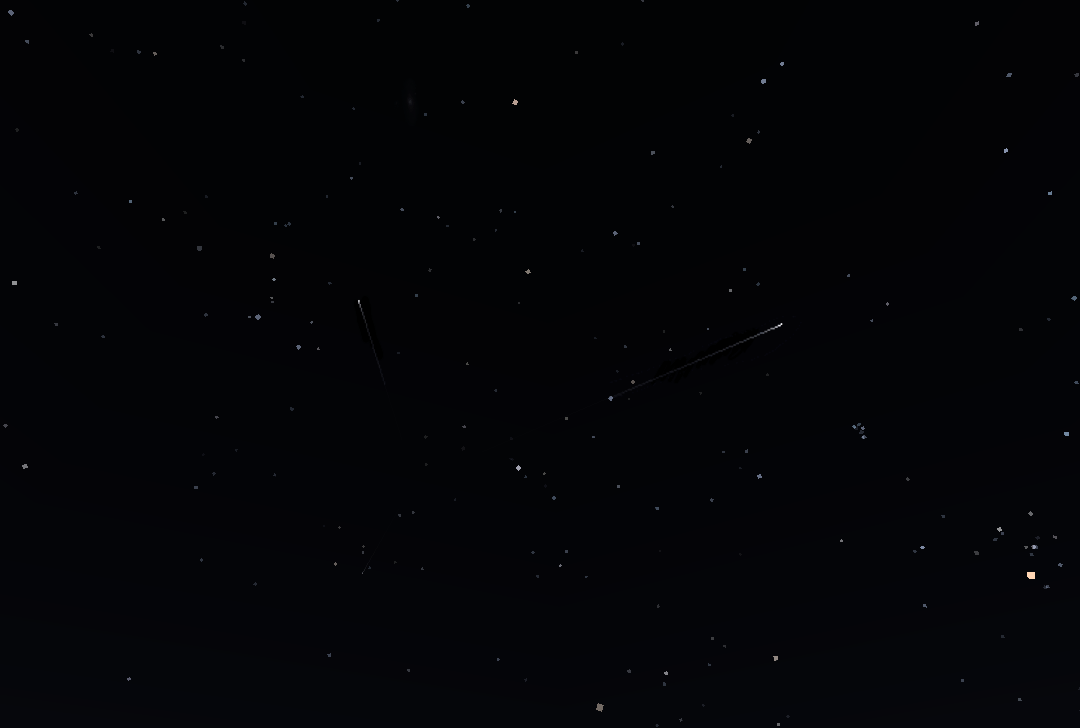 Perseid Meteor Shower Two shooting stars radiating from a single point
 -
 Lunar Eclipse You can see the shadow move across the moon, as it turns red and dims
 -
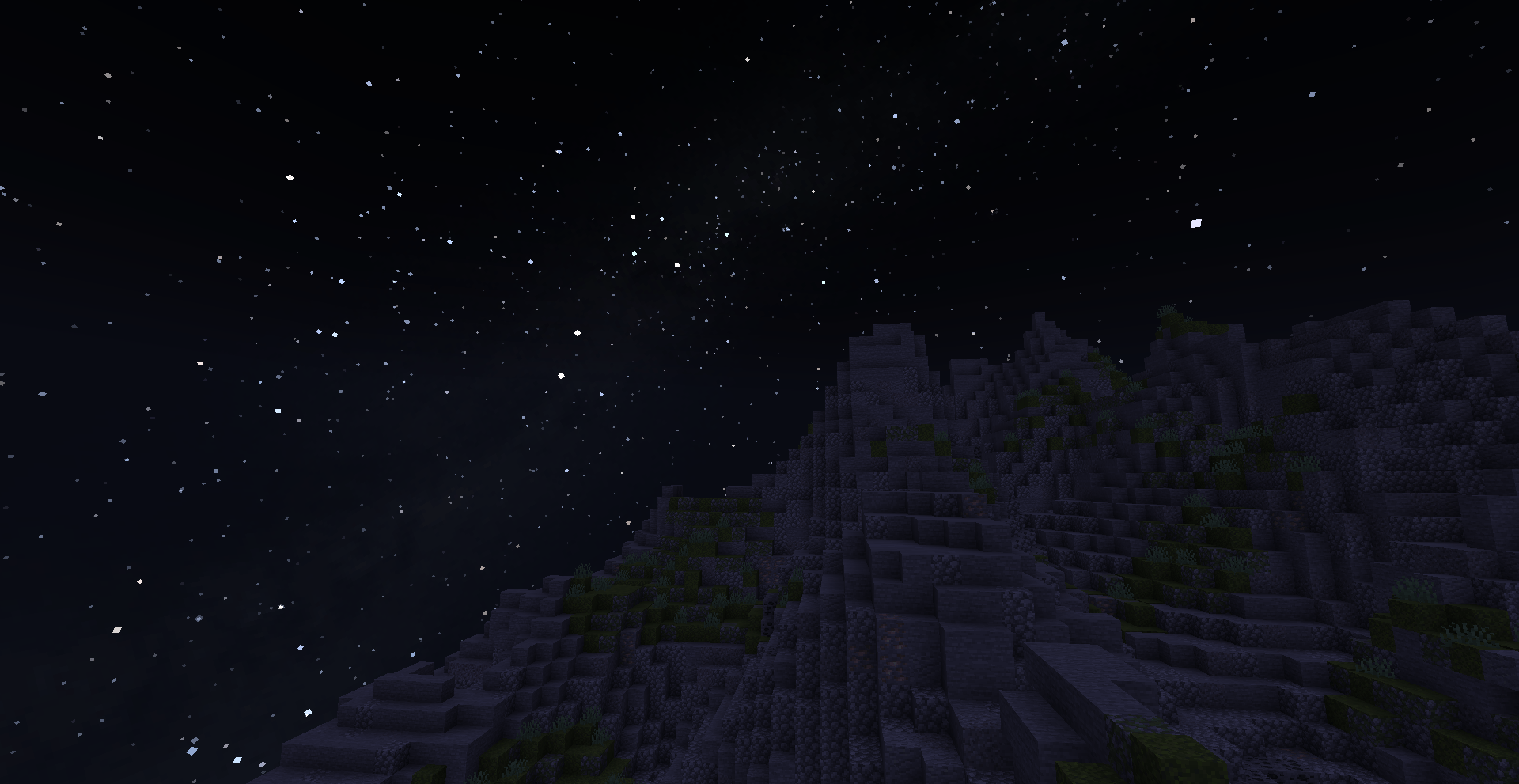 View from a Mountain The Milky Way is brighter from high up.
 -
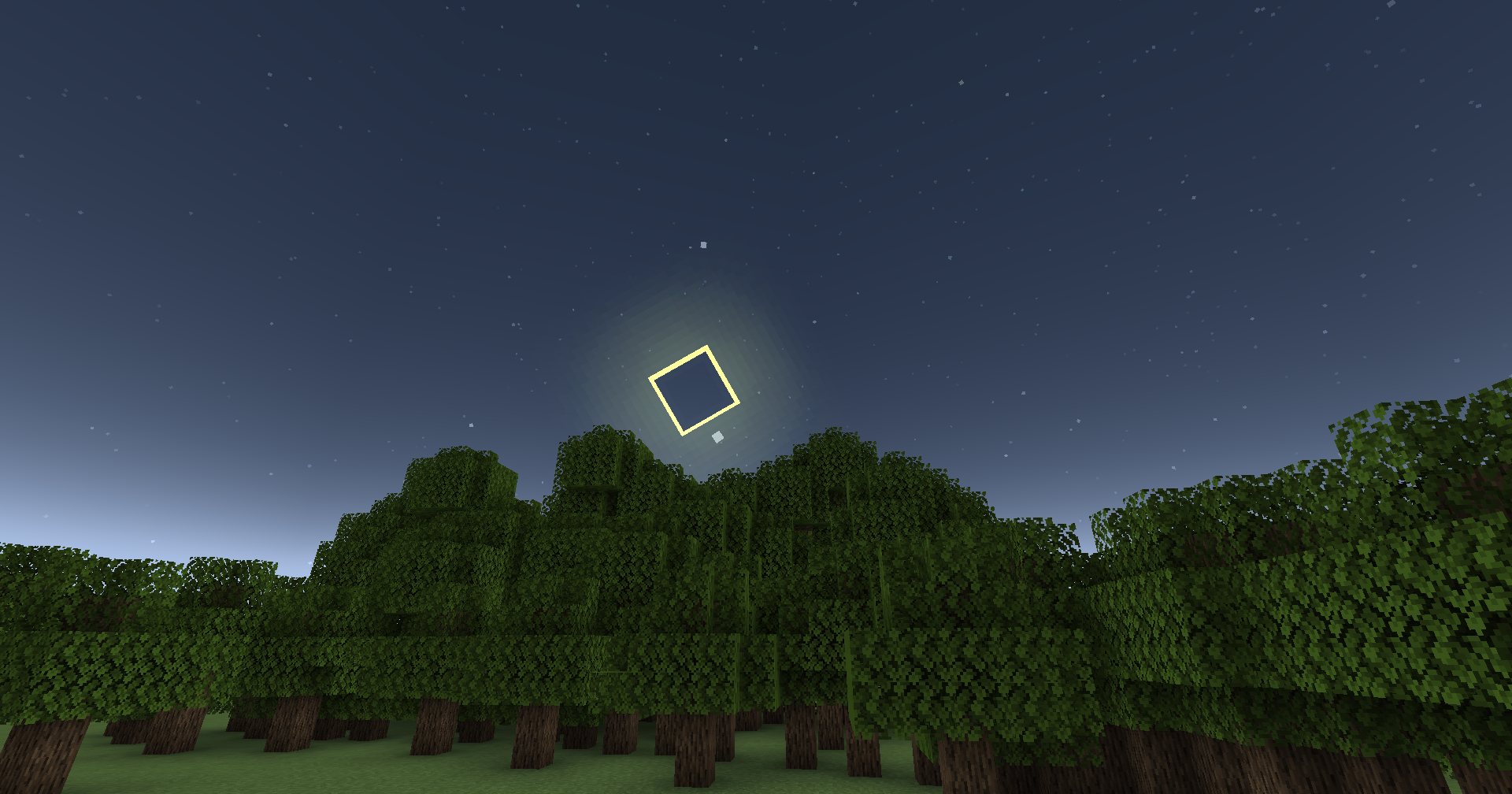 Annular Solar Eclipse An annular eclipse occurs when the moon is perfectly aligned with the sun, but the moon is too far away to fully eclipse the sun. This forms a ring showing the edges of the sun. Total and partial solar eclipses can also happen.
 -
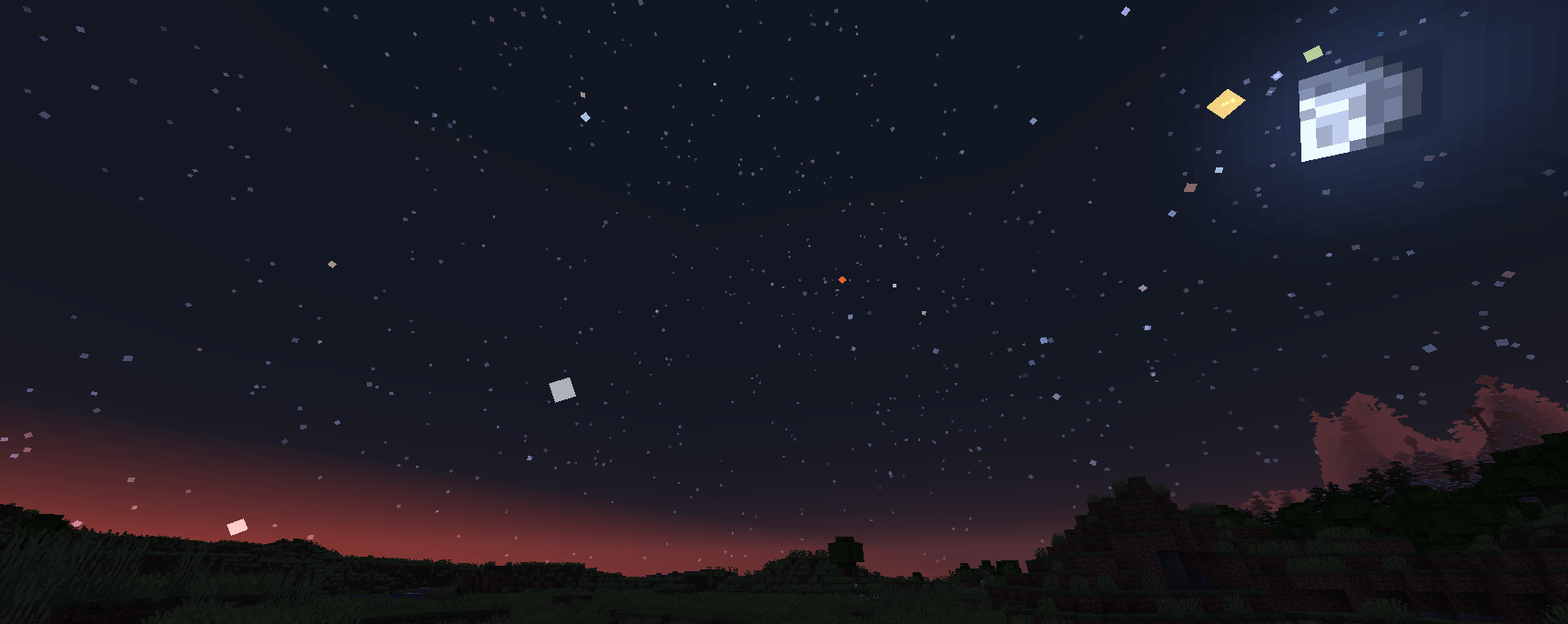 Five planets and the Moon at Dawn The five main planets, from left to right: Mercury (white), Venus (white), Mars (red), Jupiter (yellow), Saturn (green).
 -
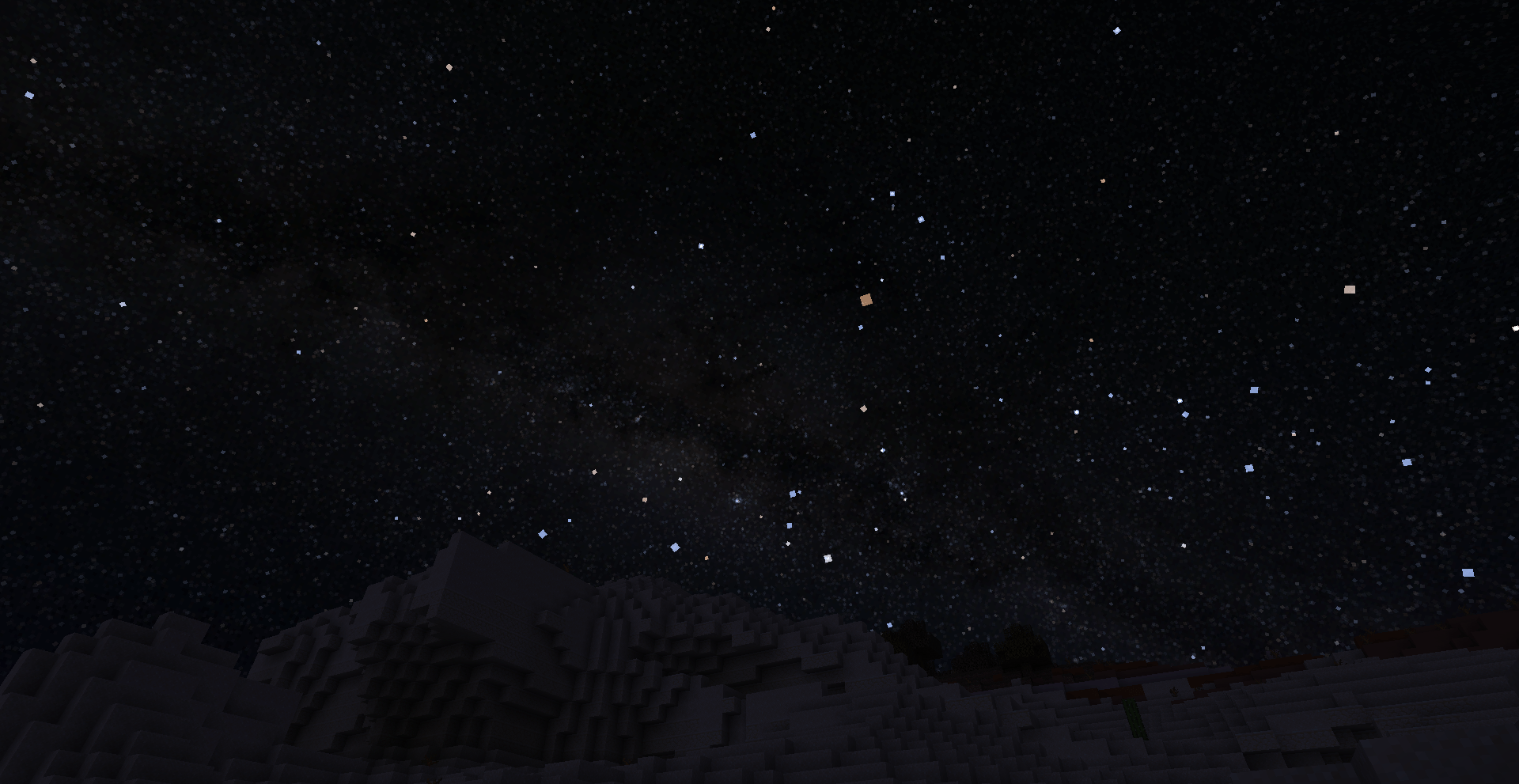 Galactic Center The center of the galaxy, located near Sagittarius / Scorpius. The Great Rift is visible.
 -
 Blood Moon (Lunar Eclipse) When the moon is eclipsed, moonlight will dim.
-
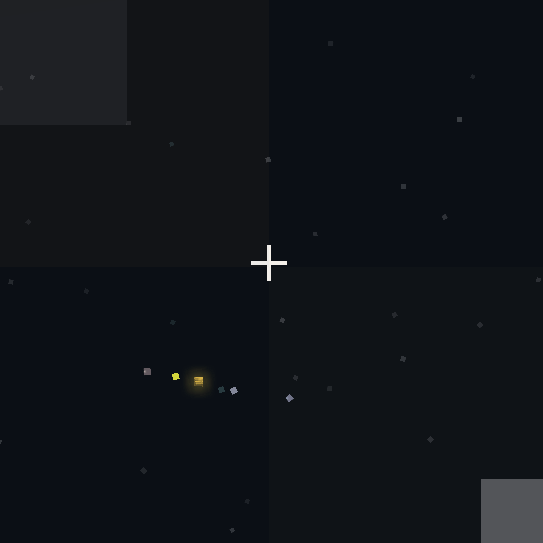 Jupiter and Moons When using a spyglass, four moons should appear by Jupiter. On the left: Ganymede and Io (Yellow), to the right: Callisto (quite dim), Europa. If viewed during opposition (like this image is), you can see the bands of Jupiter (Orange).
 -
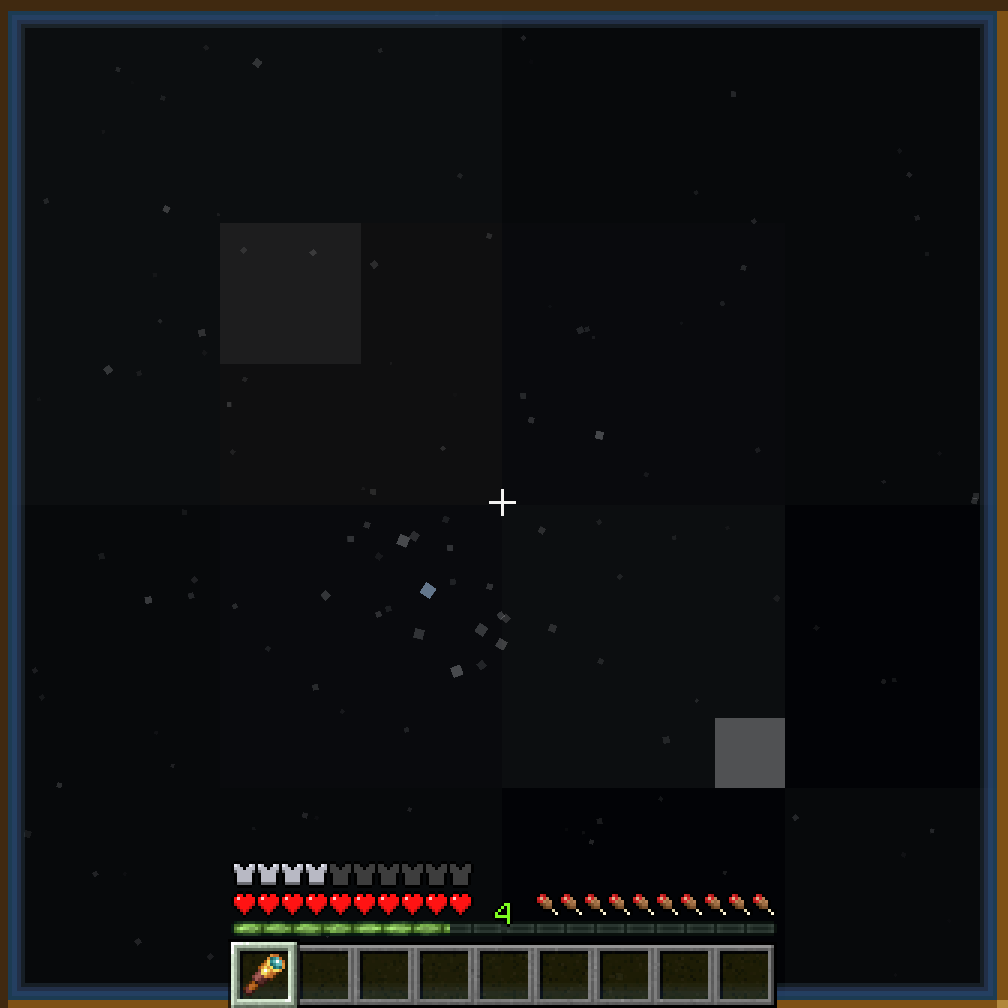 Pleiades (Seven Sisters) A star cluster, seen through a spyglass. The Pleiades are also visible without a spyglass, but with less detail
 -
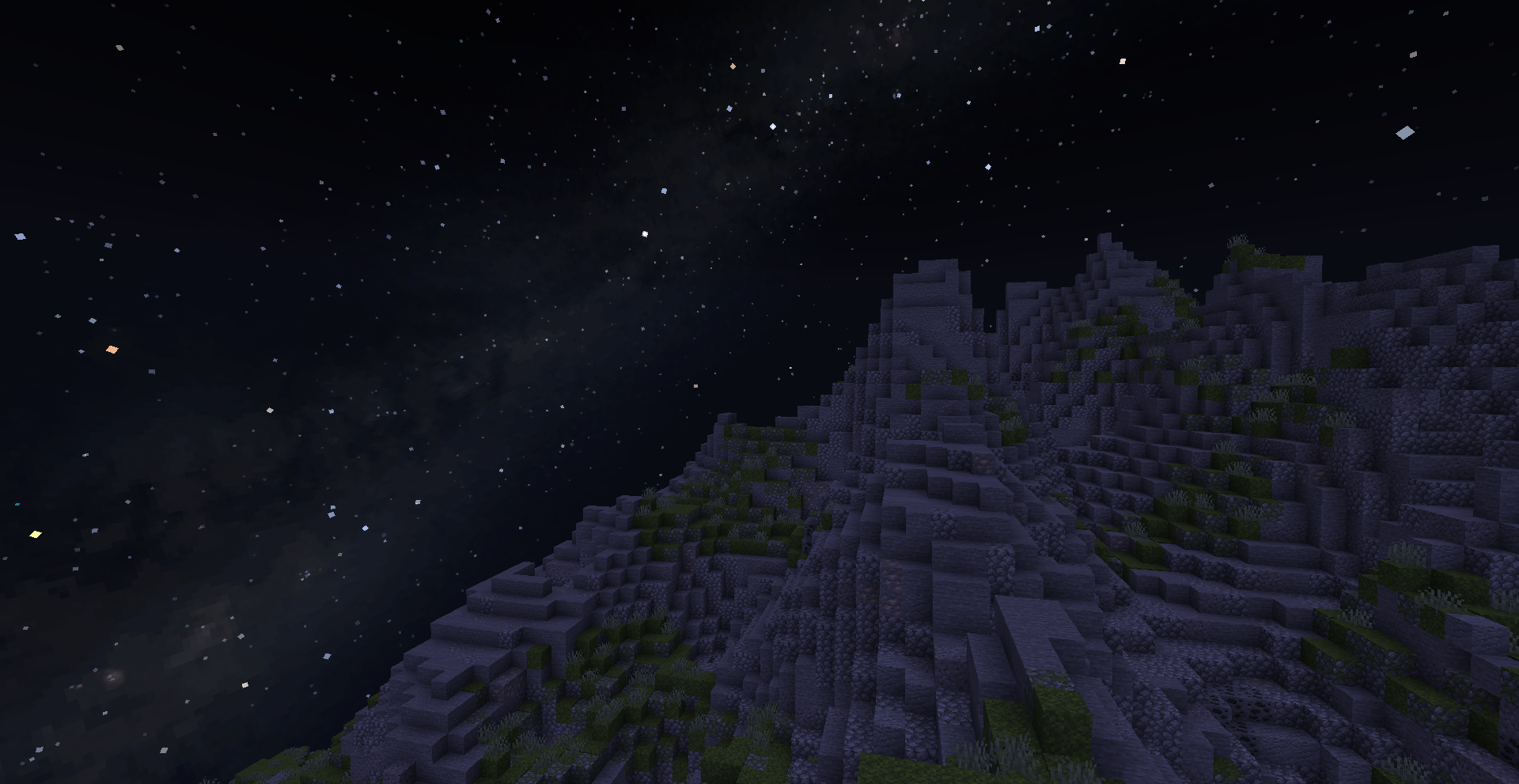 View from a mountain The Milky Way is brighter from high up
 -
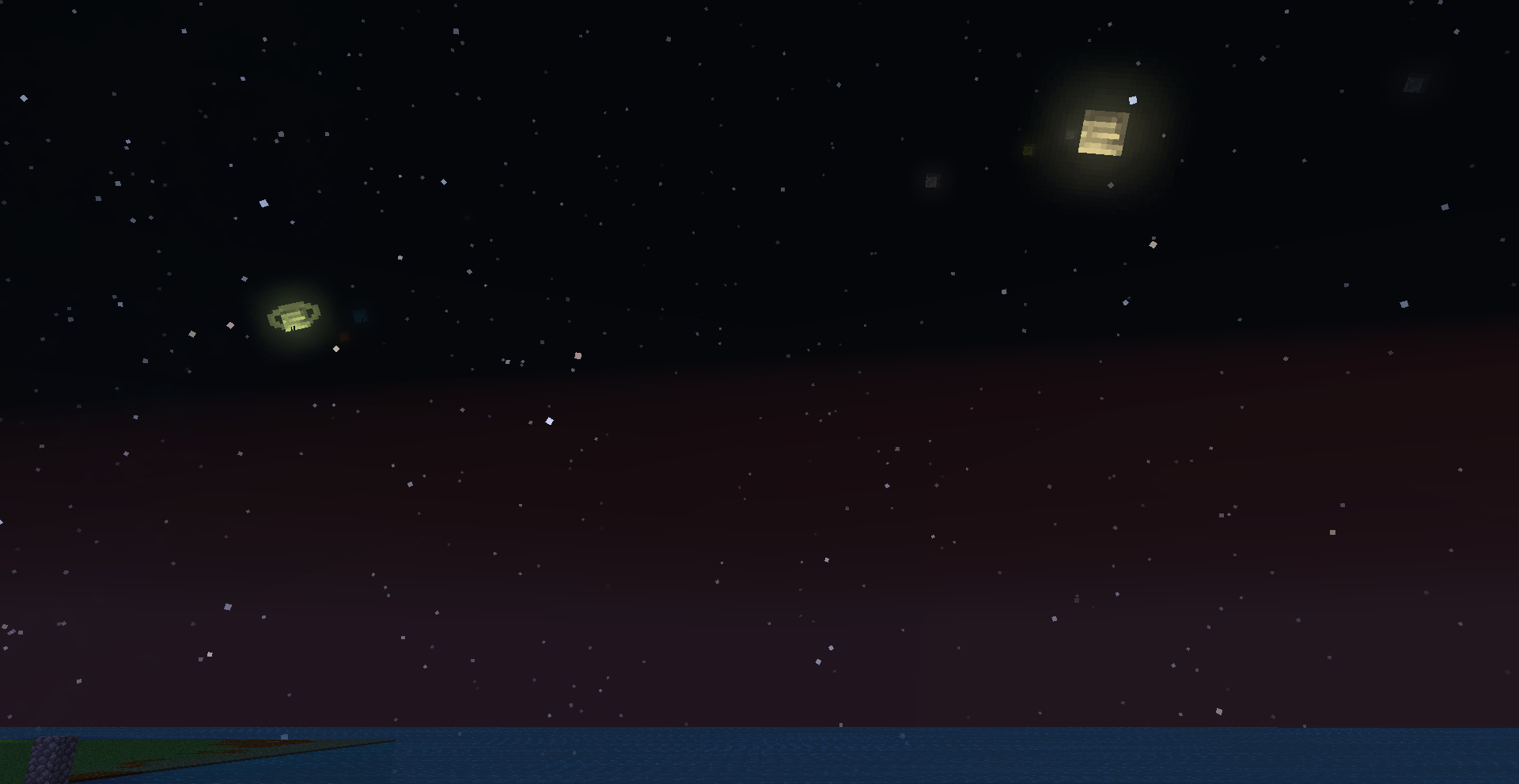 Big Planets Mode Saturn and Jupiter shown in Big Planets mode, which can be enabled in the config menu.
 -
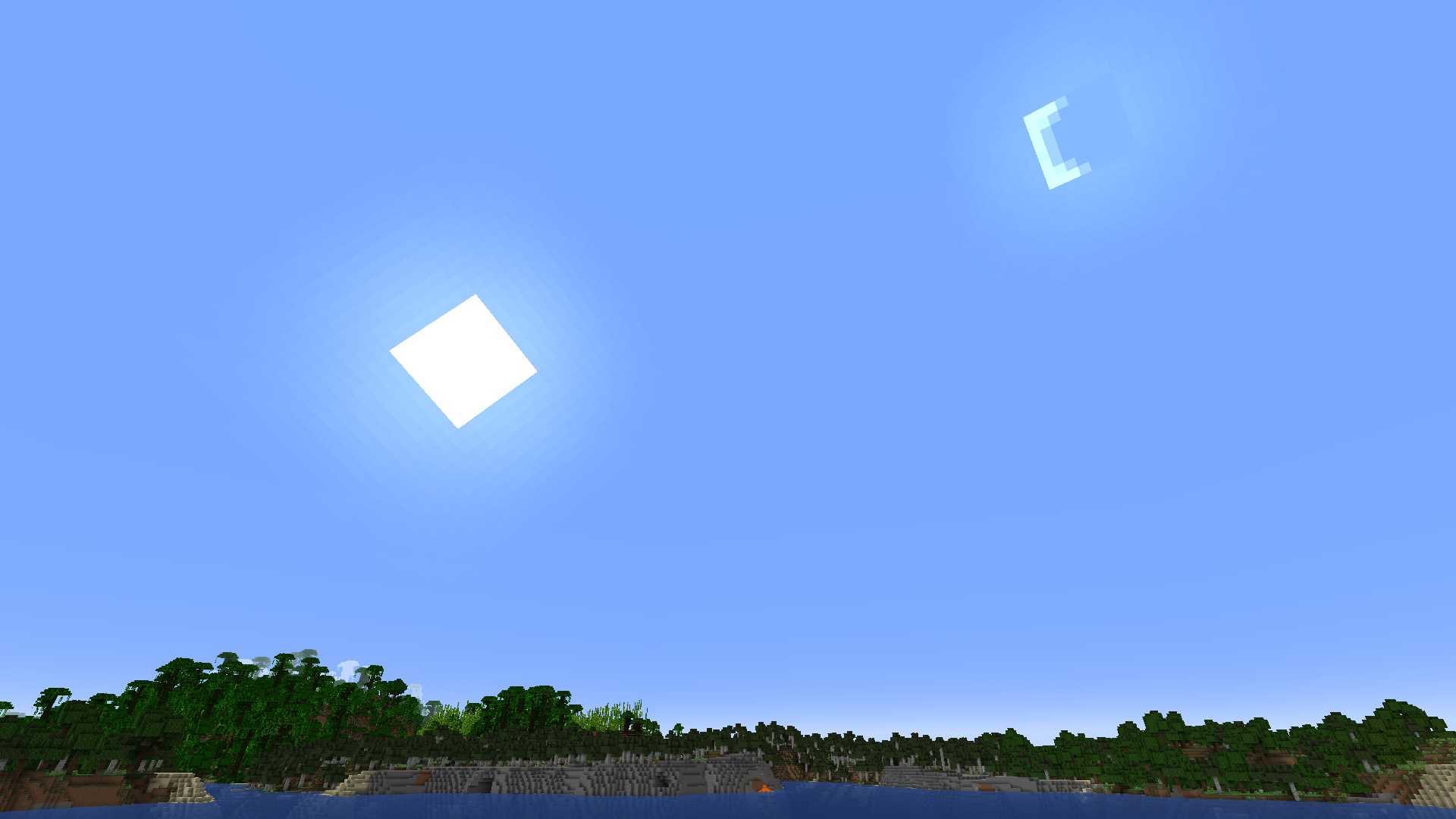 Crescent moon during the day When the moon is in its crescent phase, it will appear nearby the sun, rather than opposite the sun. This means the moon can be up during the day. The sun in this image is also rising at an angle, rather than straight up from east.
 -
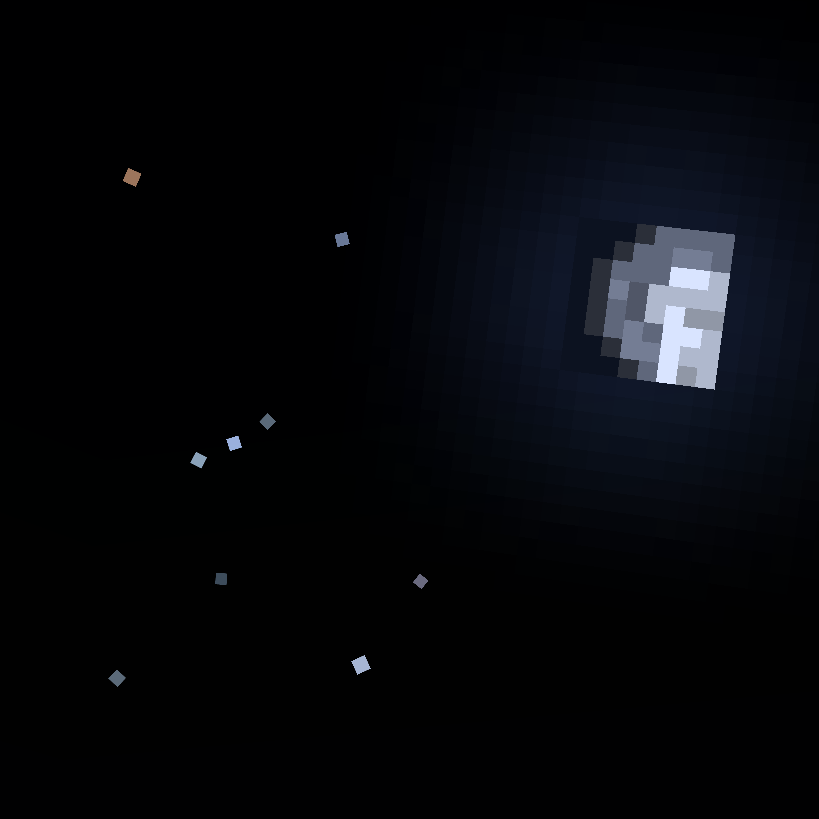 Orion next to the Moon The constellation Orion with the moon to the right. The moon is in the "waxing gibbous" phase.
 -
 Constellations Enable the "Show Constellations" option in "Stars". Astrocraft will render lines between stars to make constellations easier to identify.
 -
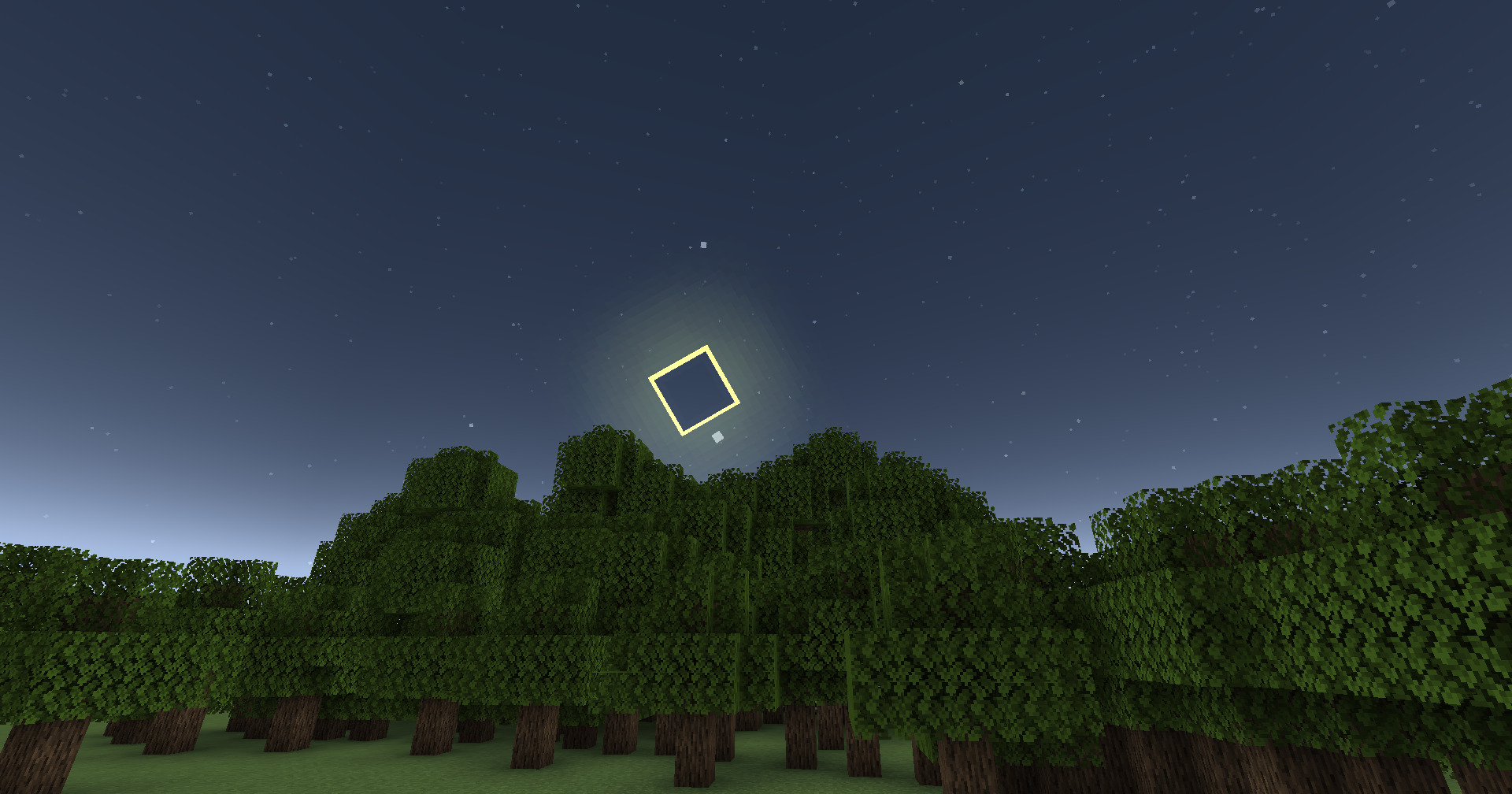 Annular Eclipse An Annular Eclipse occurs when the moon is too far away to completely cover the sun (Total Eclipse), despite being perfectly aligned. Instead the outer edges of the sun form a ring. Total and Partial eclipses are also possible with this mod.
 -
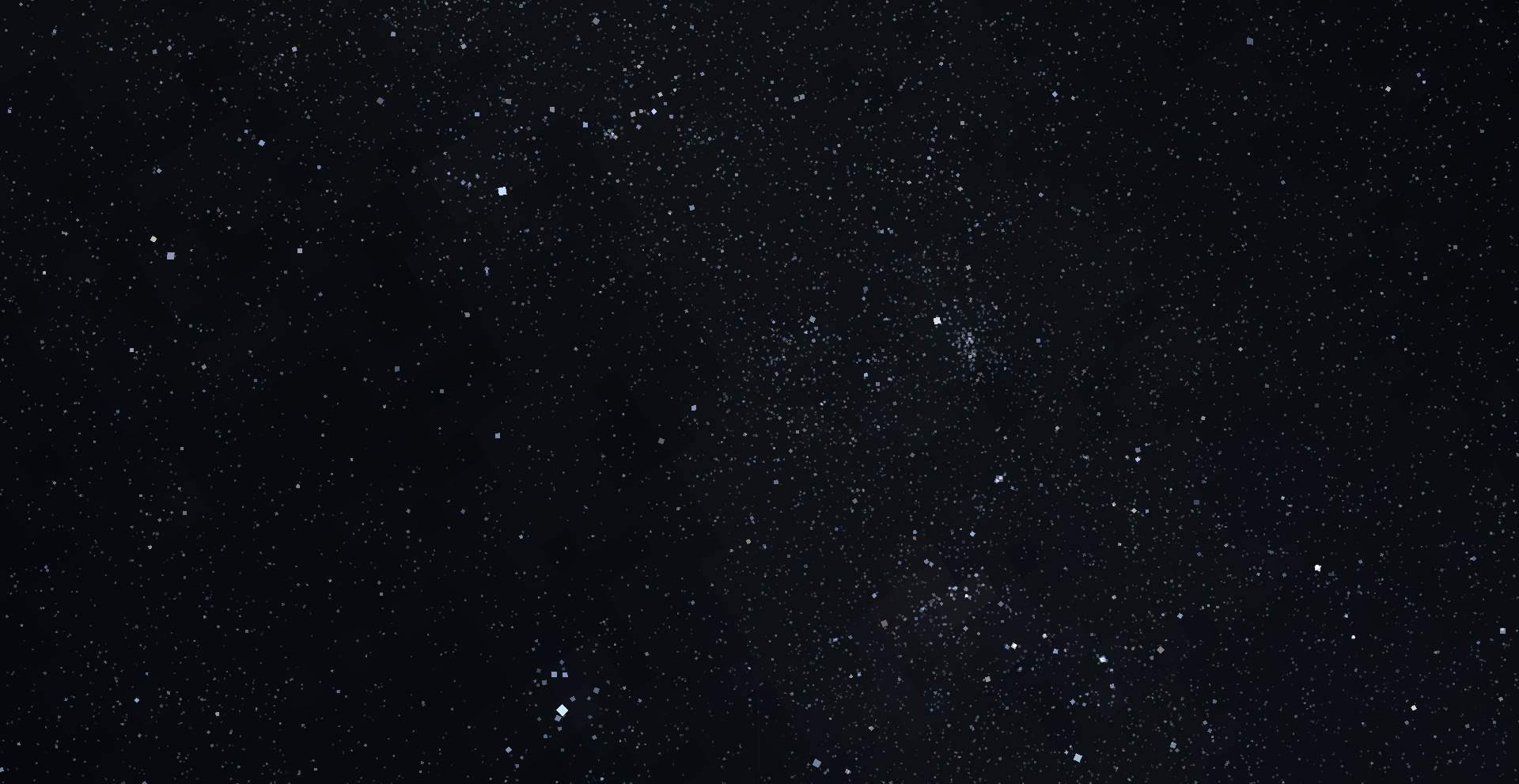 The Milky Way zoomed in A screenshot of the milky way using a spyglass pointed at zenith, while standing at Y: 320, for maximum visibility. Numerous clusters can be seen.
 -
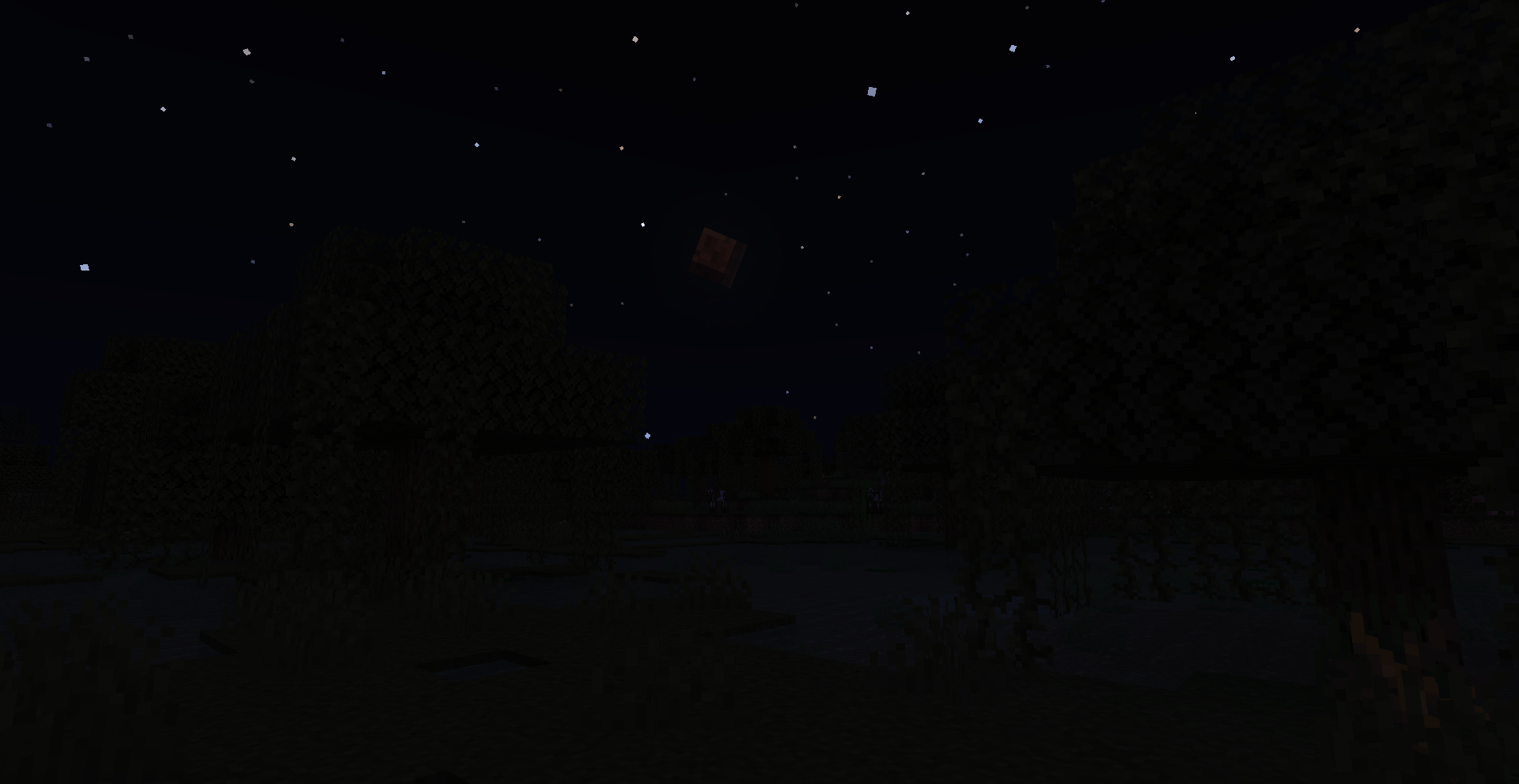 Blood Moon A lunar eclipse
 -
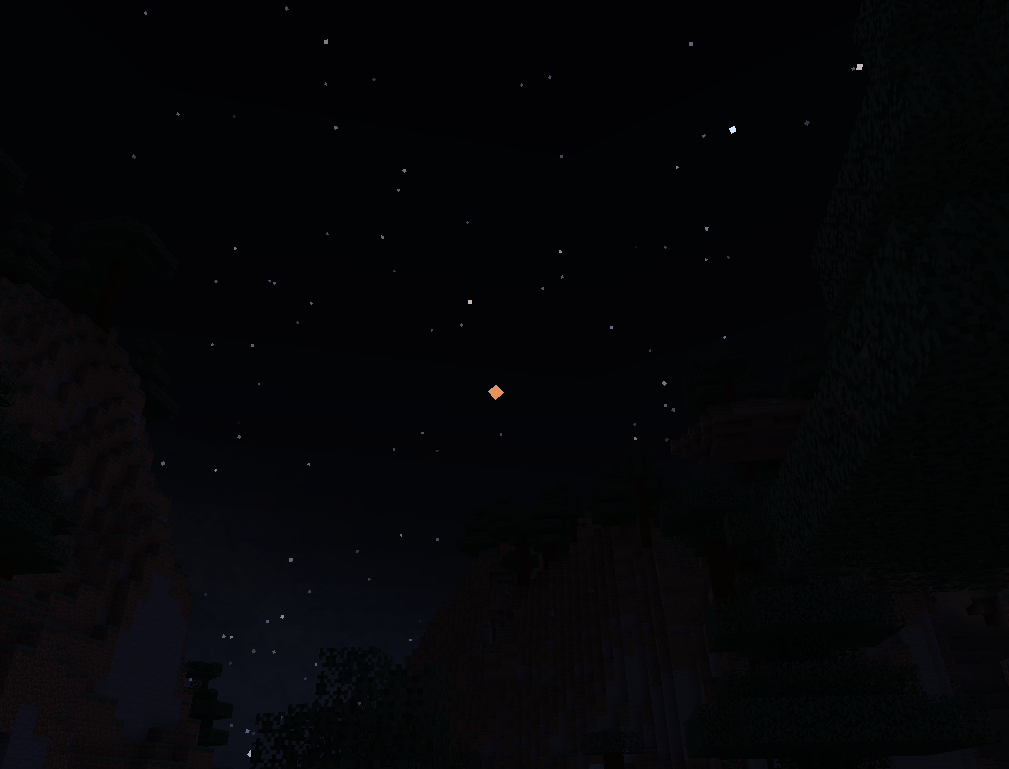 Martian Opposition Mars becomes one of the brightest objects in the sky, as it reaches its closest distance to Earth.
 -
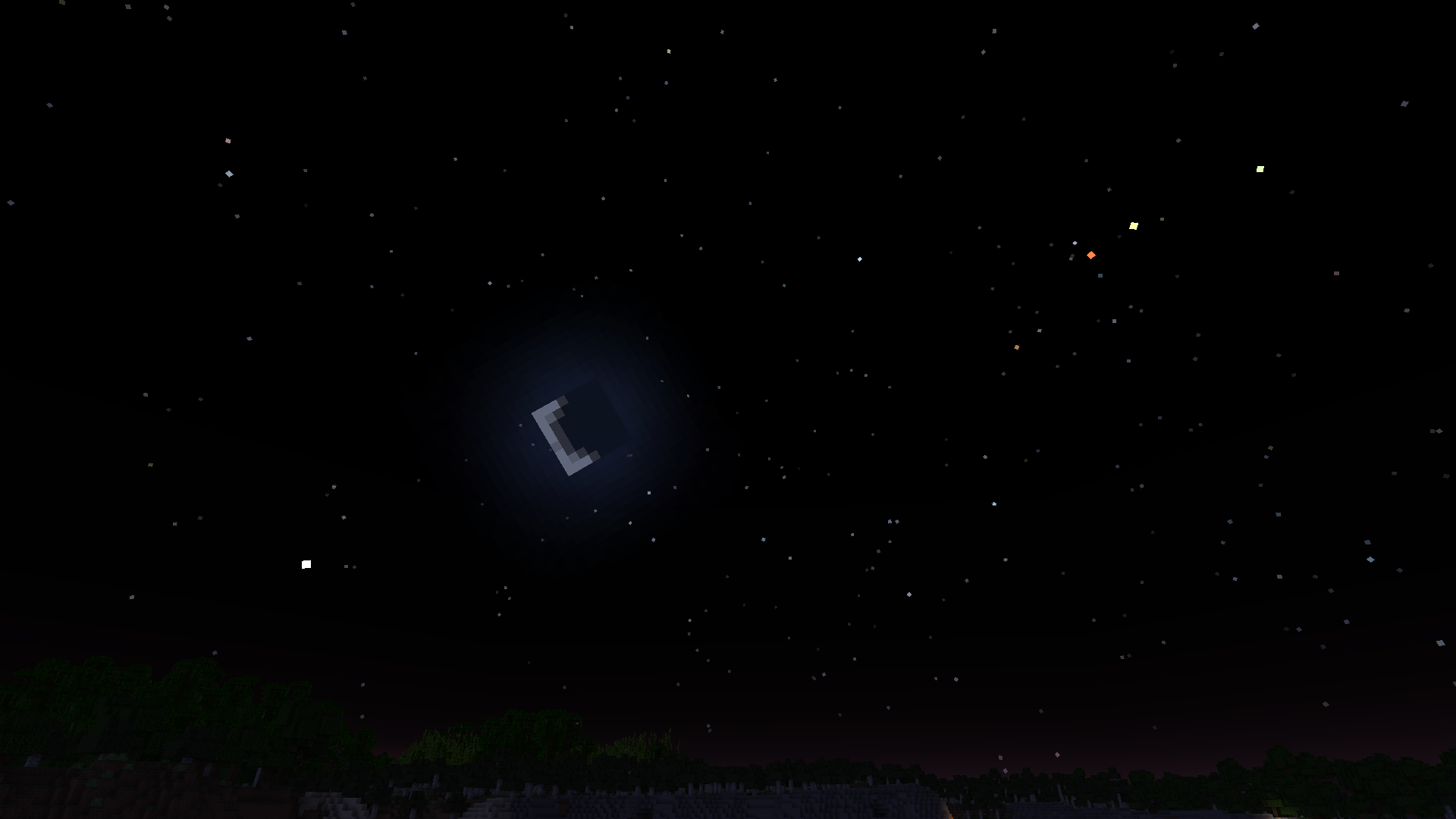 4 Planets + Moon Here are four planets and the moon in a straight line. From left to right: Venus (white), Mars (red), Jupiter (yellow) and Saturn (green-yellow)
 -
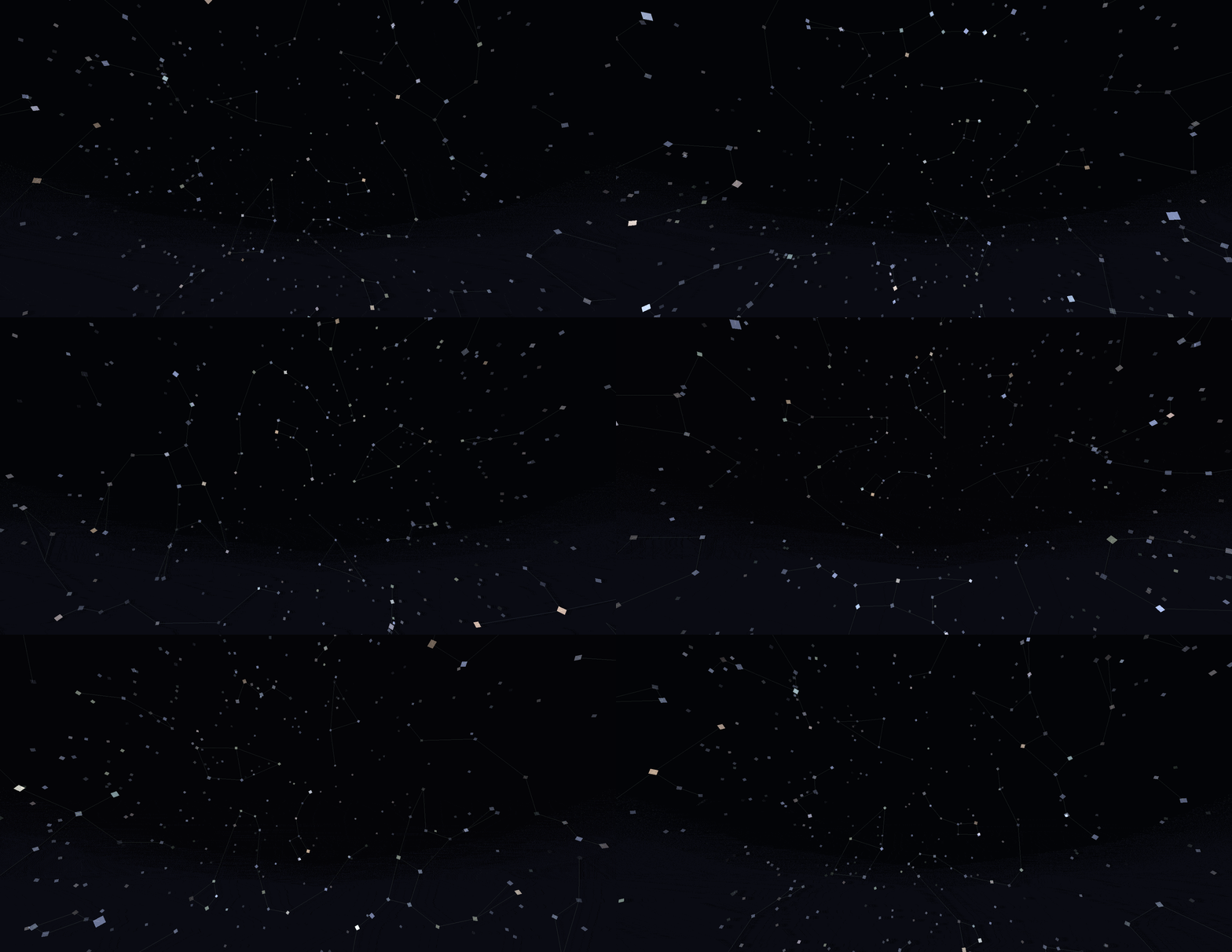 The North Star / Polaris All stars in the sky revolve around polaris.
 -
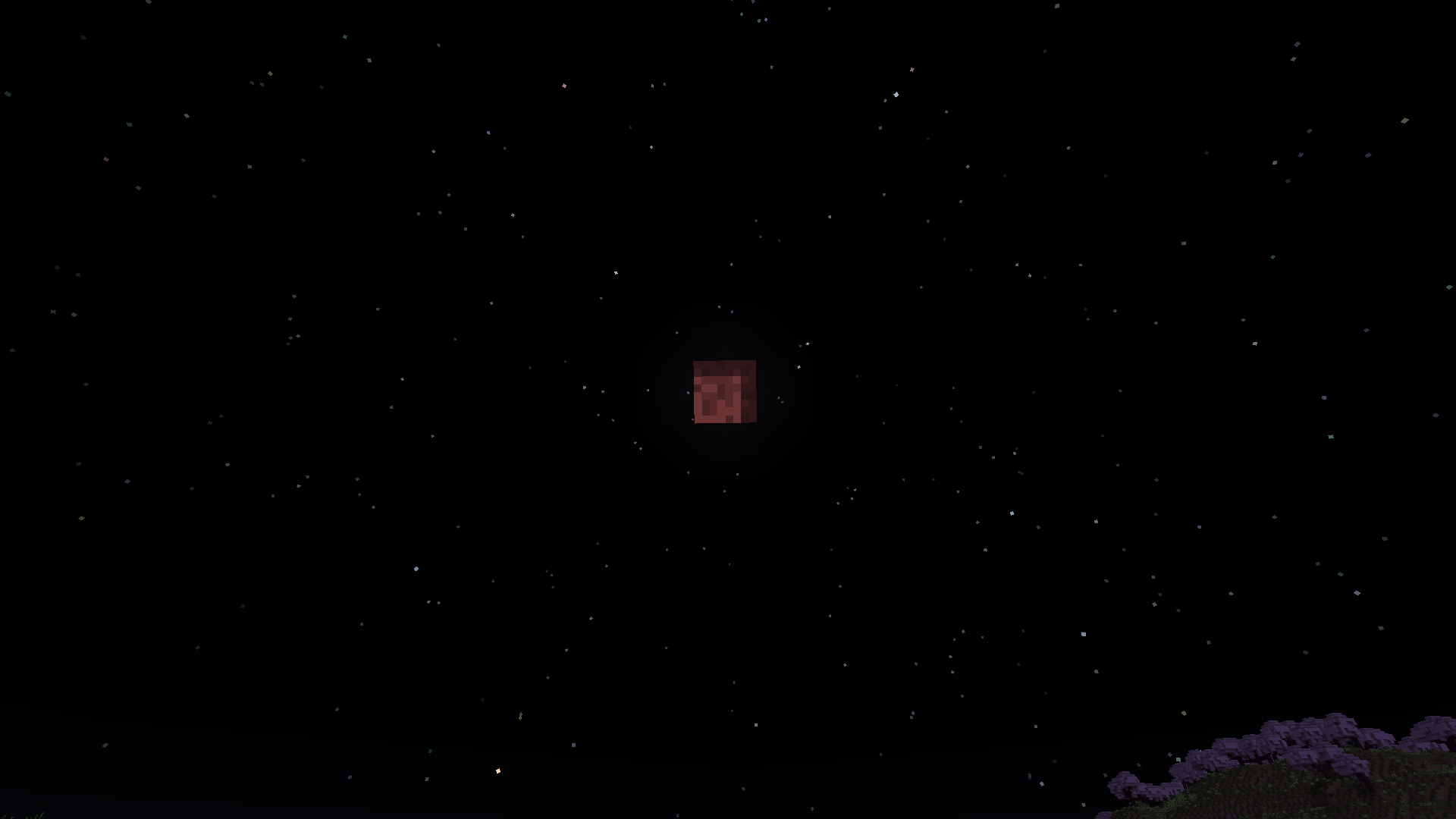 Lunar Eclipse The moon turning red during a lunar eclipse. This rare event occurs when the full moon coincides with the moon crossing the ecliptic.
 -
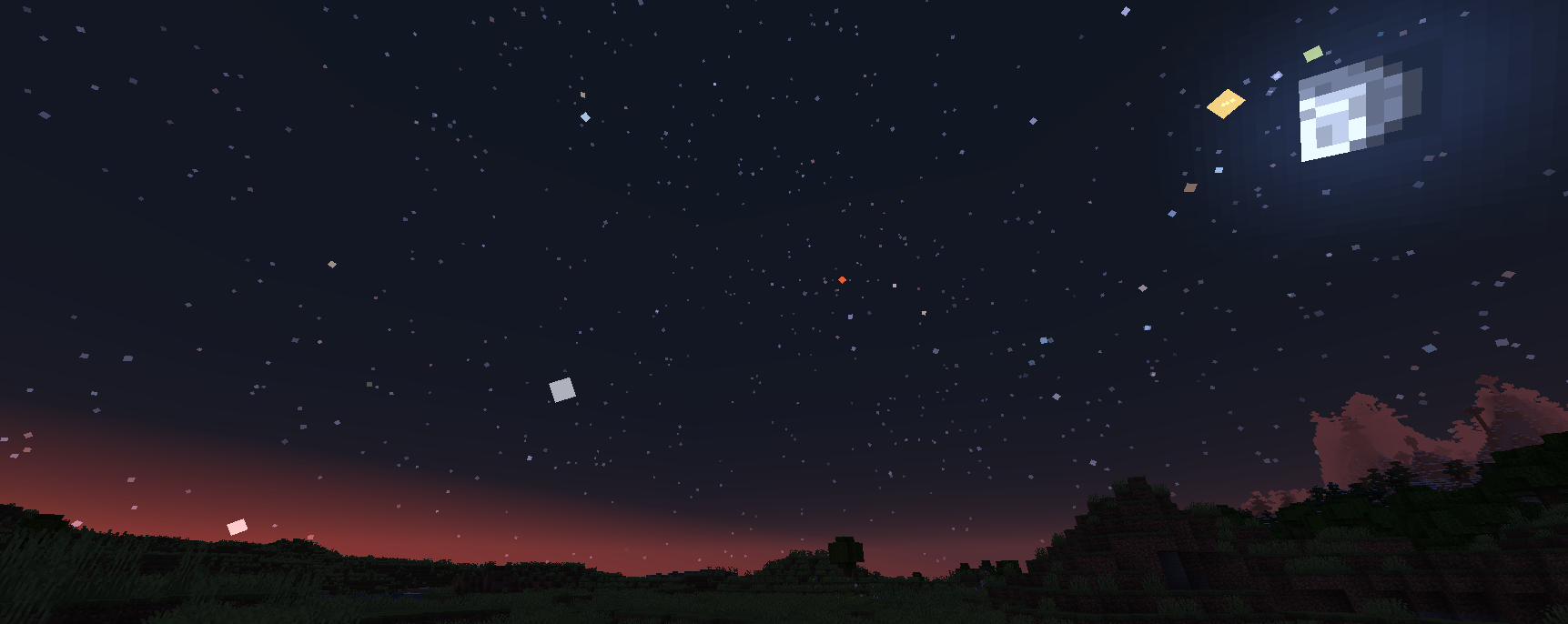 Five Planets and the Moon at Dawn Five planets and the moon all visible at dawn. From left to right, Mercury (white), Venus (white), Mars (red), Jupiter (yellow) and Saturn (green).
 -
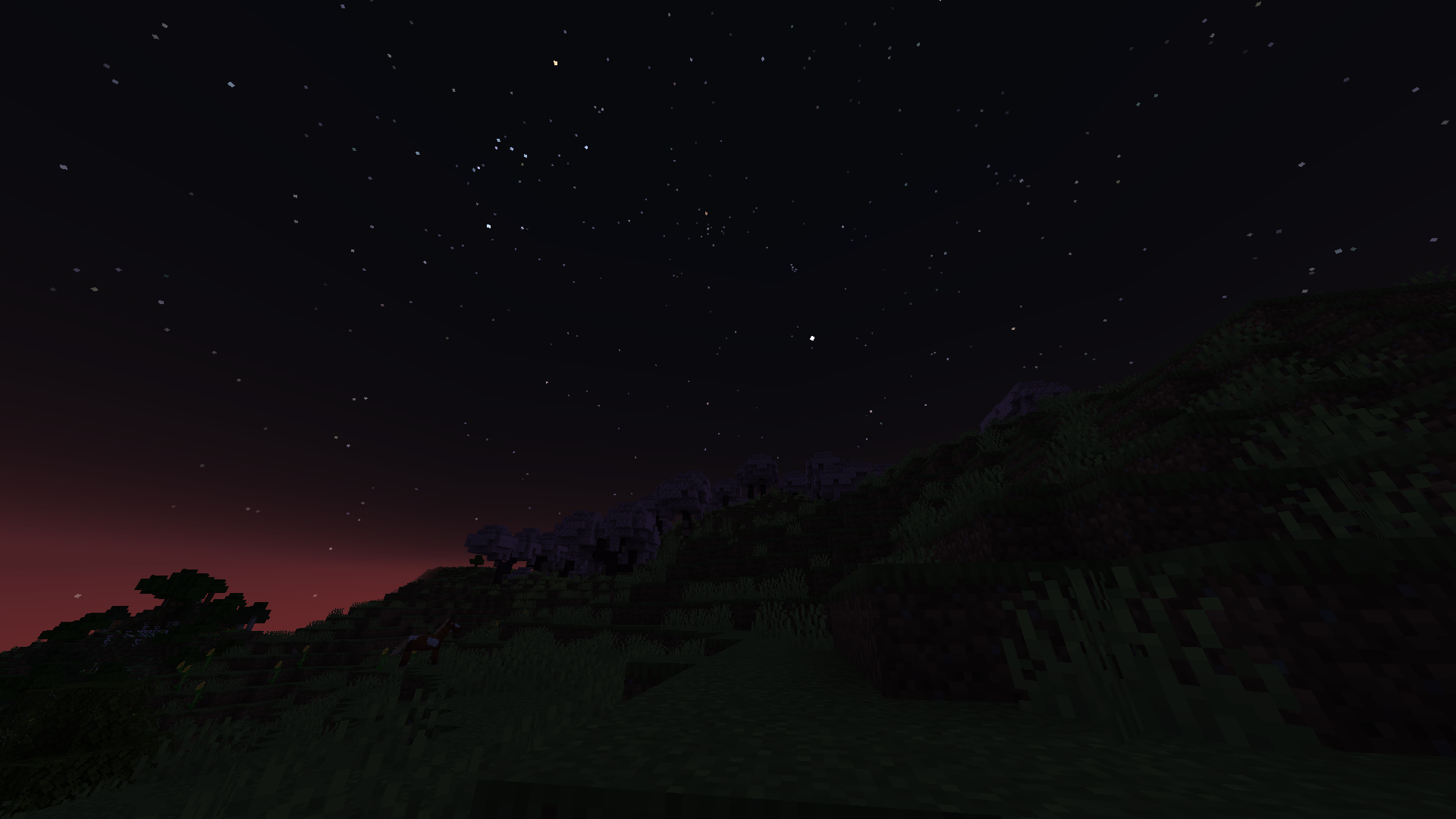 Evening Sky The bright white star in the center of the image is Venus. Above you can see a star cluster called the Pleiades.
 -
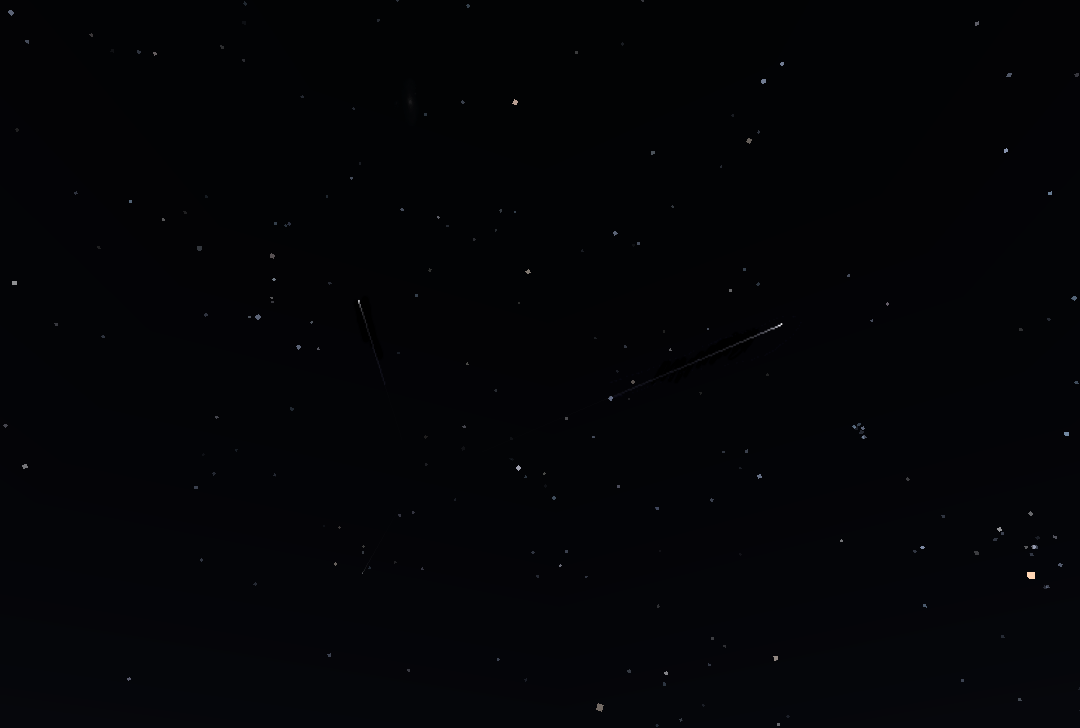 Meteor Shower Two shooting stars radiating from a single point
 -
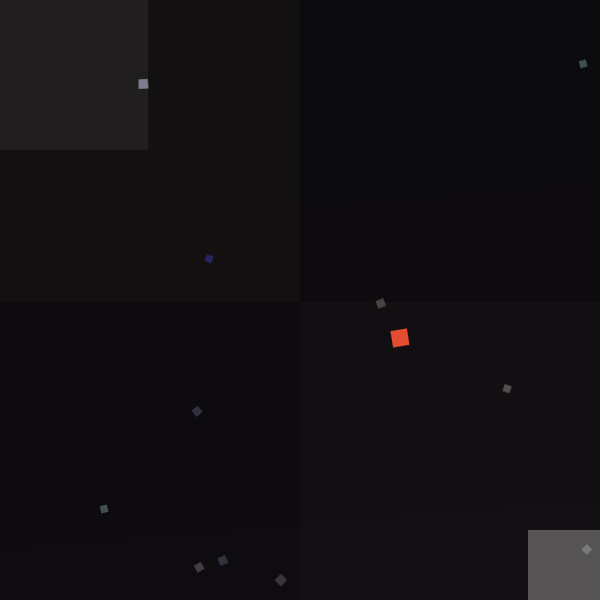 Neptune beside Mars (Old Image) Neptune (dark blue) seen to the left of Mars (red). Neptune is too faint to see without a spyglass.
Versions
Files
Relations
Project Relations
More like this
Similar Mods
Suggestions use data such as tags, dependencies, dependents, descriptions, titles, and more to rank how much they overlap with this mod.
On ModDex
Community snapshot
By the numbers
Statistics
Want to reach Minecraft players?
We're looking for a server hosting partner to feature here and other parts of the site. Interested? Send us a message!
Get in touchGet it on
Available Platforms
On ModDex
Community snapshot
By the numbers
Statistics
Resources