Community listing page, reviews may not be monitored by the author.
AtmosLib


No reviews yet
A Resource Pack Library for Atmospheric Effects.

Community voices
Reviews
No reviews yet. Be the first to review this project!
Get it on
Available Platforms
Compatibility
Supported Environments
Runs entirely on the client. Works on vanilla servers.
About
Project Details
For authors
Embed Badge
If you're the author of this project, you can embed a live badge anywhere that supports HTML or Markdown. It updates automatically whenever ratings change.
Use HTML for any page that supports it, or Markdown for README files and Markdown-based descriptions.
Identifiers
Platform IDs
Resources
External Links
About
Description

AtmosLib
AtmosLib is a Minecraft library that expands the possibilities of resource pack customization by introducing advanced atmospheric effects, all configurable through a simple resource pack and a JSON file.
With AtmosLib, resource pack creators can go beyond Minecraft's usual visual limitations and create richer, more immersive environments without having to write complicated code.
How to use in my resource pack?
You can use AtmosLib for free! You can find the instructions in the Changelog page. Its located next to gallery tab on top.
Features
Layered Clouds
Create multiple cloud layers stacked on top of each other, giving the sky more depth and a completely different atmosphere.
Biome Based Fog
Customize fog settings for individual biomes, creating unique atmospheric conditions for every environment.
Biome Based Clouds
Make clouds appear in specific biomes, allowing each environment to have its own distinctive sky.
Custom Skies
Customize the appearance of the sky to create unique visual experiences and atmospheric environments.
Custom Colors
Adjust atmospheric colors to create different moods, environments and visual styles.
Easy Customization
All these features can be configured using a resource pack and a simple JSON file, making AtmosLib accessible to resource pack creators without requiring complicated coding.
Give your Minecraft world a whole new atmosphere with AtmosLib!
Screenshots
Gallery
-
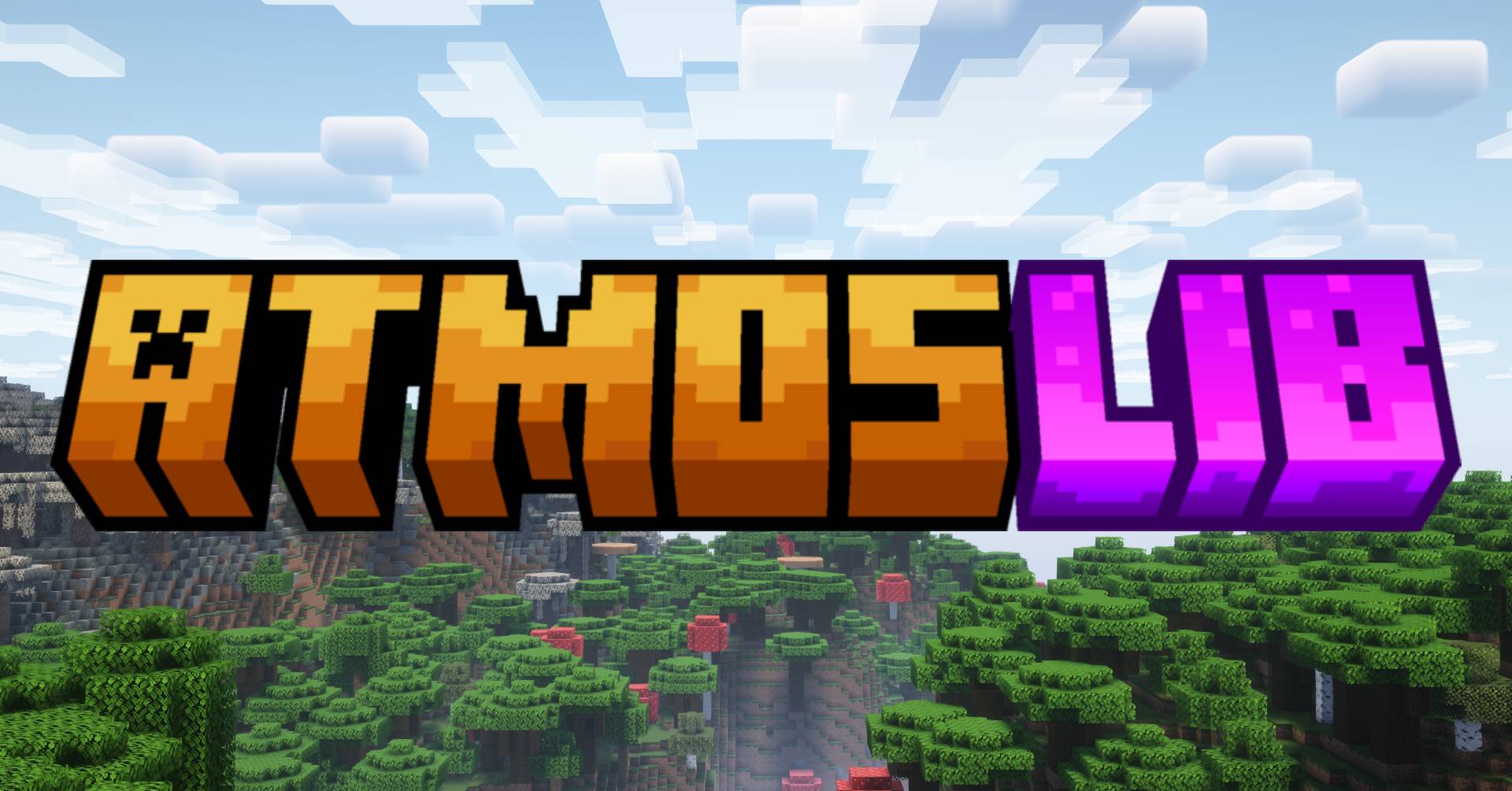 AtmosLib
-
 Banner
Versions
Files
Relations
Project Relations
More like this
Similar Mods
Suggestions use data such as tags, dependencies, dependents, descriptions, titles, and more to rank how much they overlap with this mod.
On ModDex
Community snapshot
By the numbers
Statistics

Get it on
Available Platforms
On ModDex
Community snapshot
By the numbers
Statistics
Resources