
Community listing page, reviews here may not be monitored by the author.
ATMOSPHERICS


No reviews yet
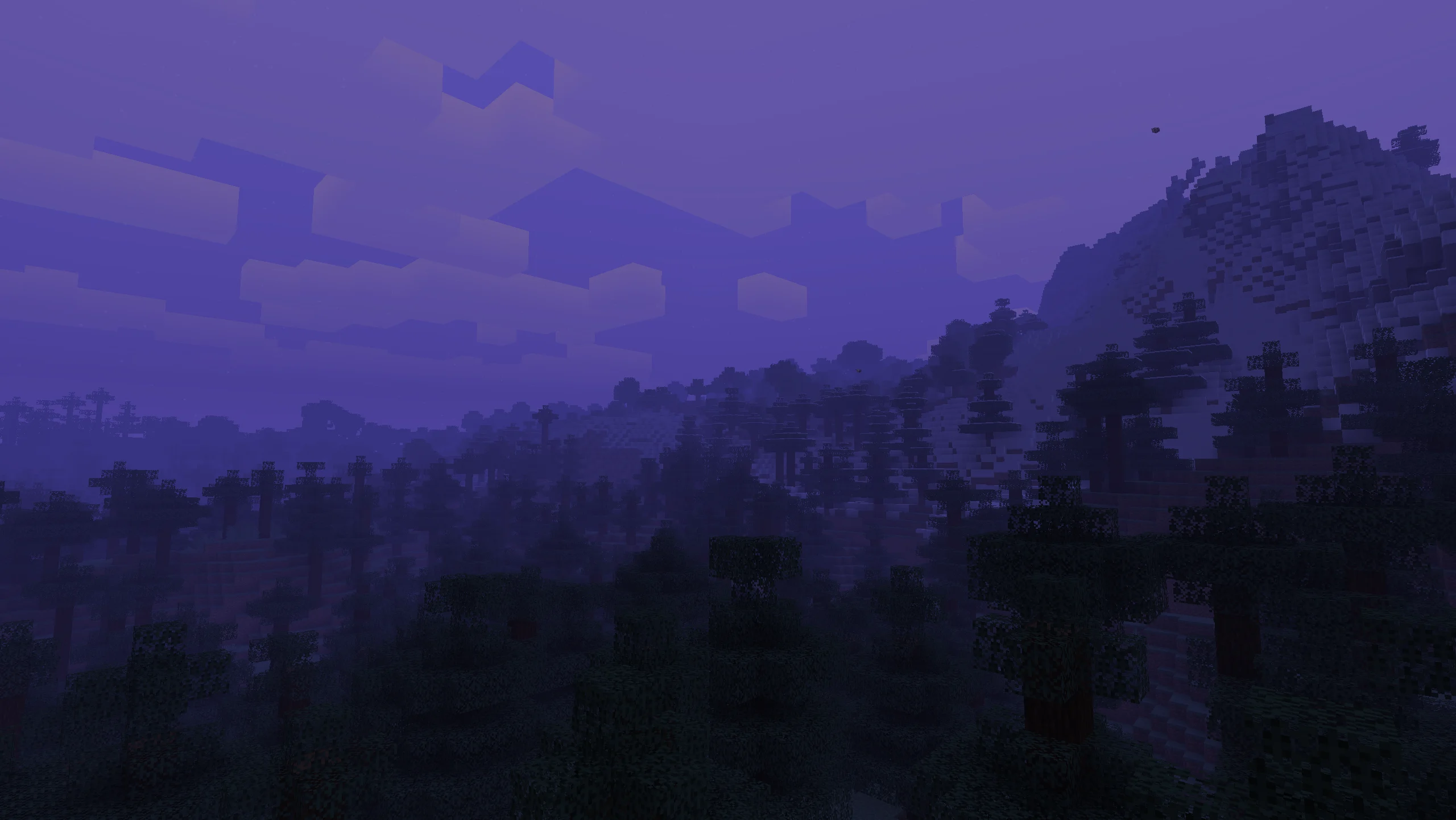
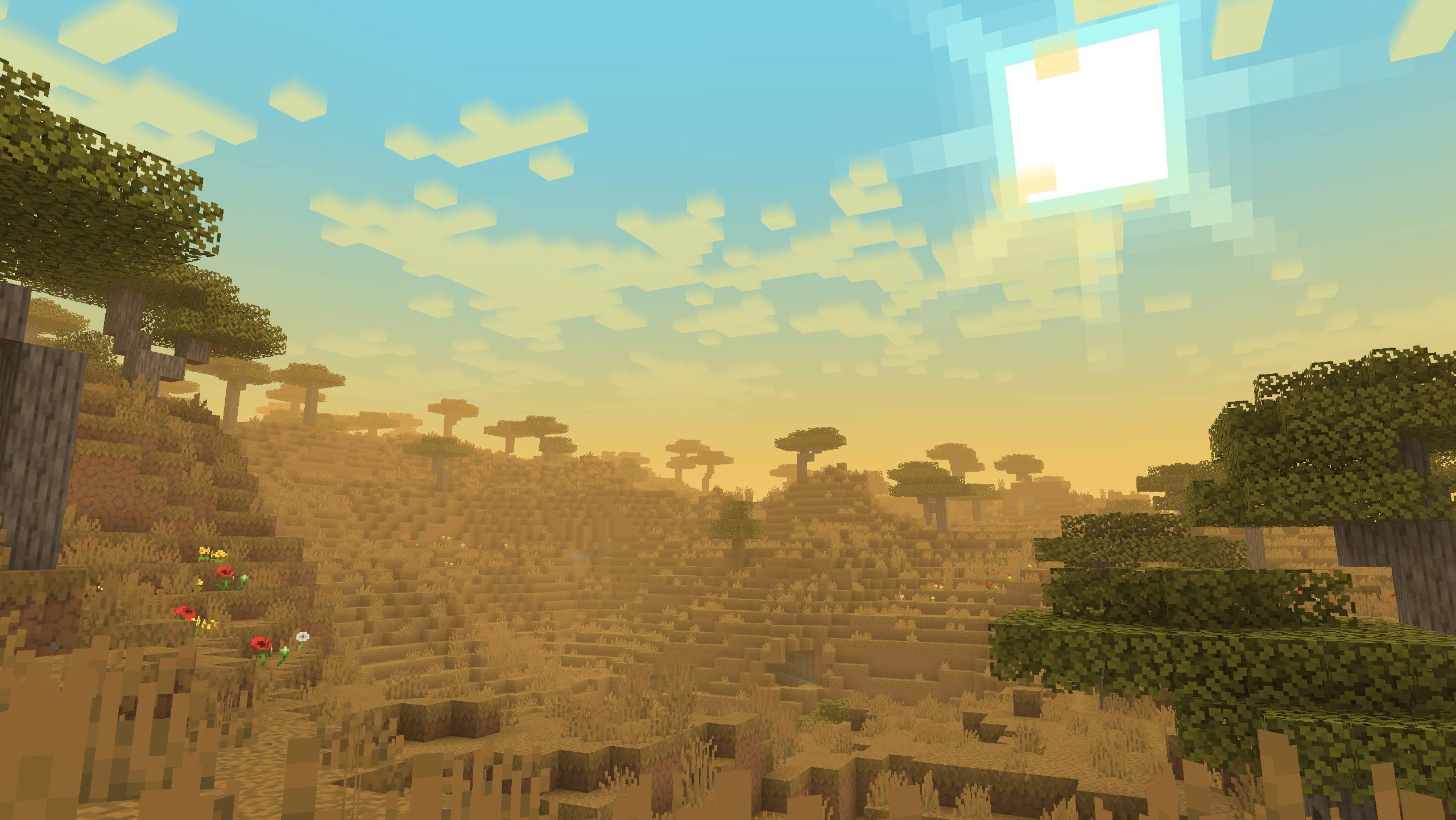
Change fog, sky, clouds, and stars per biome in real time

Community voices
Reviews
No reviews yet. Be the first to review this project!
Get it on
Available Platforms
Compatibility
Supported Environments
Runs entirely on the client. Works on vanilla servers.
About
Project Details
For authors
Embed Badge
If you're the author of this project, you can embed a live badge anywhere that supports HTML or Markdown. It updates automatically whenever ratings change.
Use HTML for any page that supports it, or Markdown for README files and Markdown-based descriptions.
Identifiers
Platform IDs
Resources
External Links
About
Description


📋Features
Disable Improved Transparency in the Sodium settings
📁All presets are saved in a folder -minecraft/config/ambientfog
compatible with "ModMenu" (but not recommended for use, as there is a hotkey "B" for convenience)
- ✨Real-time per-biome customization for fog, sky, clouds, and haze
- 🔄Smooth transitions between biomes
- ☄️Falling comets customization
- 🌙Separate day and night atmosphere settings
- ⭐Star customization
- ☁️Story Mode Clouds
- ⚙️Dedicated settings menu for Story Mode Clouds
- ☁️Solid clouds without shading
- 🧭User-friendly menu with real-time viewing
- 📊Live info panel
- 📚Preset library
- ✏️Settings copy editor
- 🌌Biome teleport menu for easier setup
- 🎨Create your own resource pack with a preset
- 📁Preset import and export


 **⚙️(The current hotkey is **"B", but you can change it in the game settings)
✨OWN CUSTOM ATMOSPHERICS PRESET
Also, you can create your own resource pack with a custom Atmospherics preset!
📁 How to create a preset:
assets\atmospherics\preset\your_preset.json🖼️ How to add a preview:
assets\atmospherics\preset\your_preset.png(.jpg and .jpeg formats are also supported)
⚠️ Important: the preview file name must exactly match the preset name!
⚠️ The name of preset should be without a space! (🚫
Vibrant fog.json- ✅Vibrantfog.json)📚 Your preset will automatically show up in the Preset Library within the menu.
📢 You can also publish your RP-preset on Modrinth or CurseForge!
(Don’t forget to add this mod as a required dependency when uploading your RP-preset)






📁All presets are saved in a folder -minecraft/config/ambientfog
compatible with "ModMenu" (but not recommended for use, as there is a hotkey "B" for convenience)

✏️Features in text form
- ✨Real-time per-biome customization for fog, sky, clouds, and haze
- 🔄Smooth transitions between biomes
- ☄️Falling comets customization
- 🌙Separate day and night atmosphere settings
- ⭐Star customization
- ☁️Story Mode Clouds
- ⚙️Dedicated settings menu for Story Mode Clouds
- ☁️Solid clouds without shading
- 🧭User-friendly menu with real-time viewing
- 📊Live info panel
- 📚Preset library
- ✏️Settings copy editor
- 🌌Biome teleport menu for easier setup
- 🎨Create your own resource pack with a preset
- 📁Preset import and export

 ⚙️(The current hotkey is "B", but you can change it in the game settings)
✨OWN CUSTOM PRESET
✨
Also, you can create your own resource pack with a custom Atmospherics preset!
📁 How to create a preset:
assets\atmospherics\preset\your_preset.json
🖼️ How to add a preview:
assets\atmospherics\preset\your_preset.png
(.jpg and .jpeg formats are also supported)
⚠️ Important: the preview file name must exactly match the preset name!
⚠️ The name of preset should be without a space! (🚫
Vibrant fog.json- ✅Vibrantfog.json)📚 Your preset will automatically show up in the Preset Library within the menu.
📢 You can also publish your RP-preset on Modrinth or CurseForge!
(Don’t forget to add this mod as a required dependency when uploading your RP-preset)
ㅤㅤㅤㅤ ㅤ

Screenshots
Gallery
-
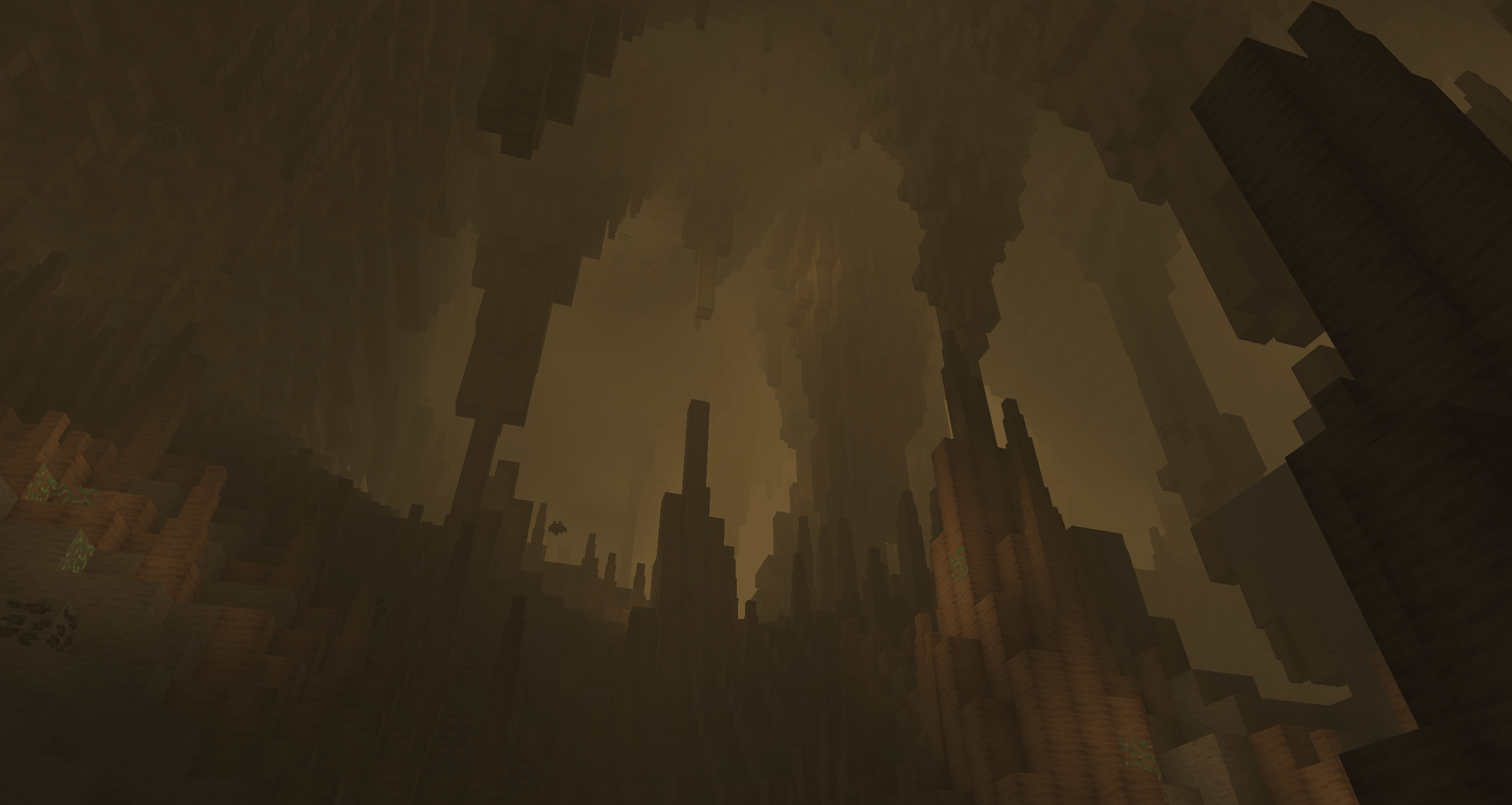 Снимок ÑкÑана 2026-03-27 151918.png Снимок ÑкÑана 2026-03-27 151918.png
 -
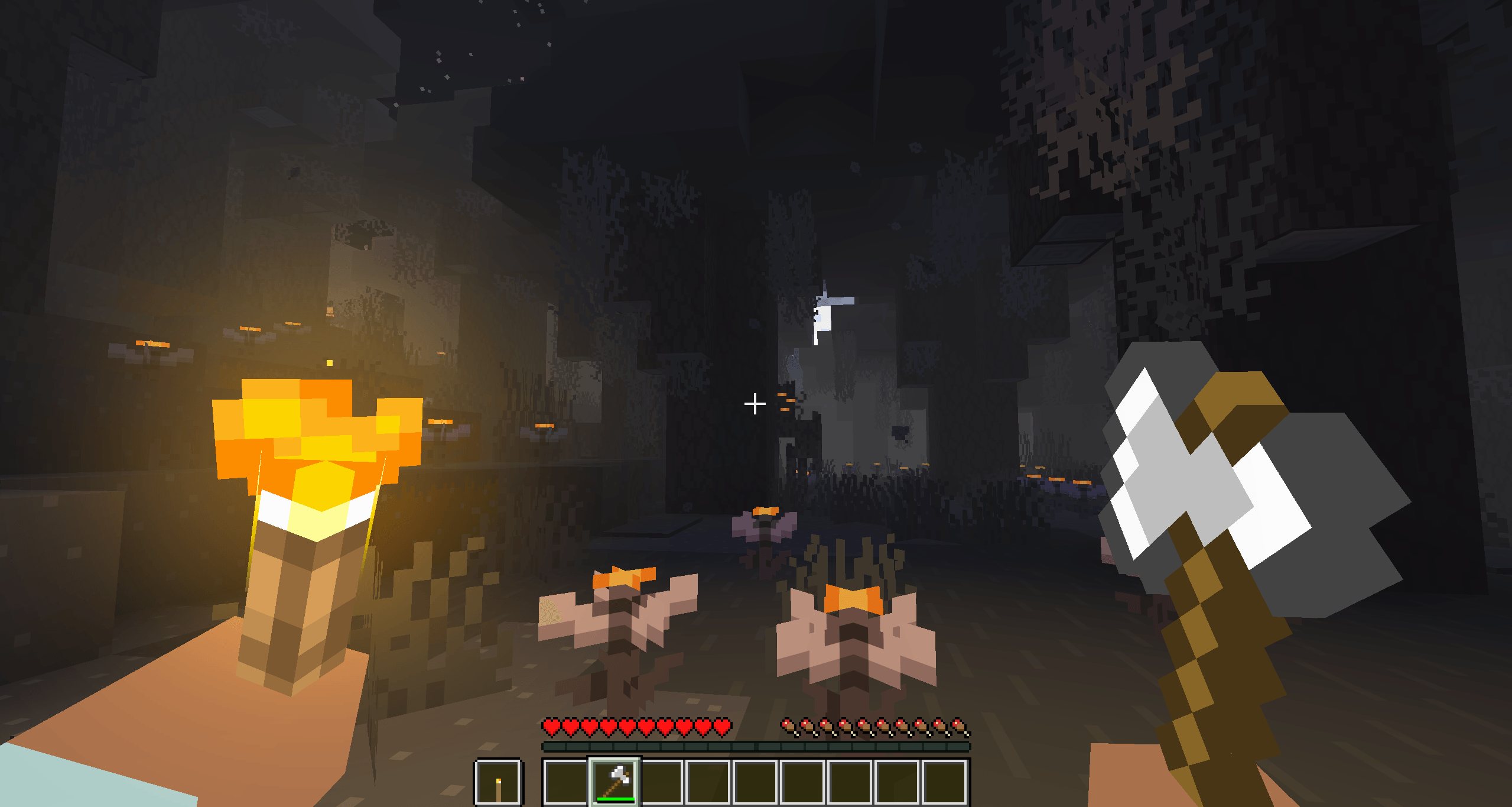 Снимок ÑкÑана 2026-03-27 171729.png Снимок ÑкÑана 2026-03-27 171729.png
 -
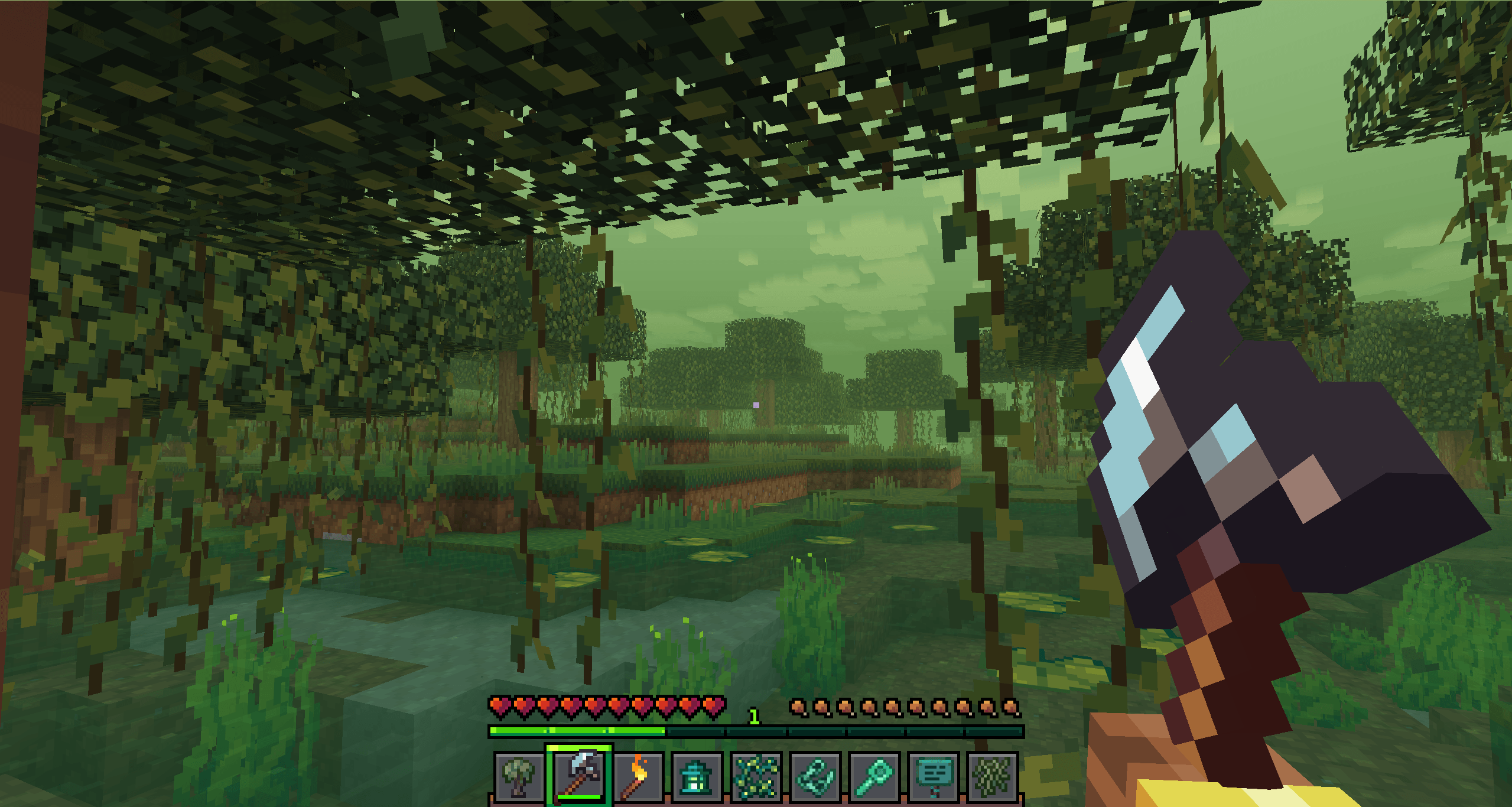 Снимок ÑкÑана 2026-03-27 172809.png Снимок ÑкÑана 2026-03-27 172809.png
 -
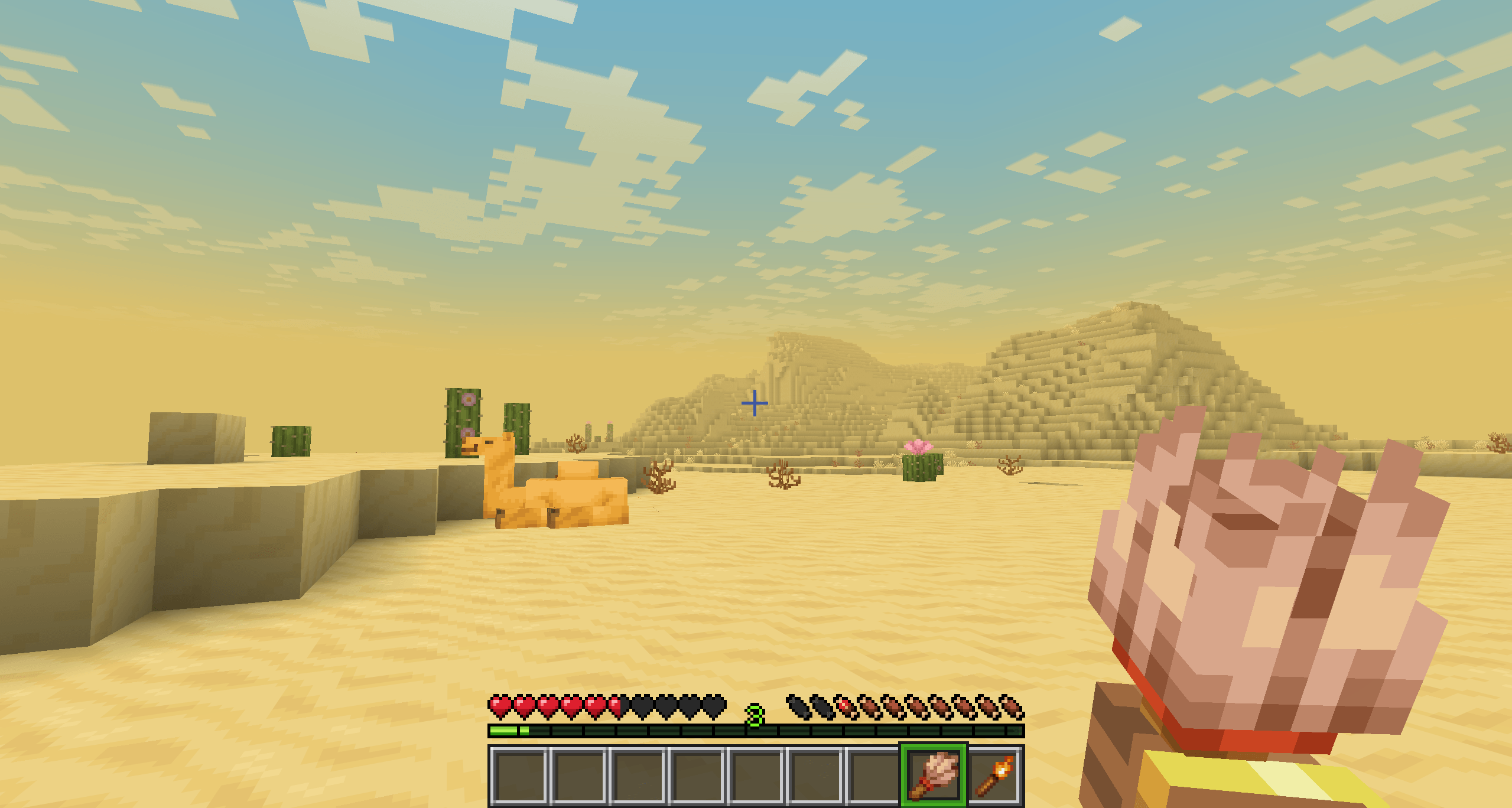 Снимок ÑкÑана 2026-03-27 174326.png Снимок ÑкÑана 2026-03-27 174326.png
 -
 3fce62826ad20024ee2d5435c98c4698d68d129a.webp 3fce62826ad20024ee2d5435c98c4698d68d129a.webp
 -
 607a794fccb77e3a93144f042390a73de7517c7b.jpg 607a794fccb77e3a93144f042390a73de7517c7b.jpg
-
 Nether
 -
 Desert
 -
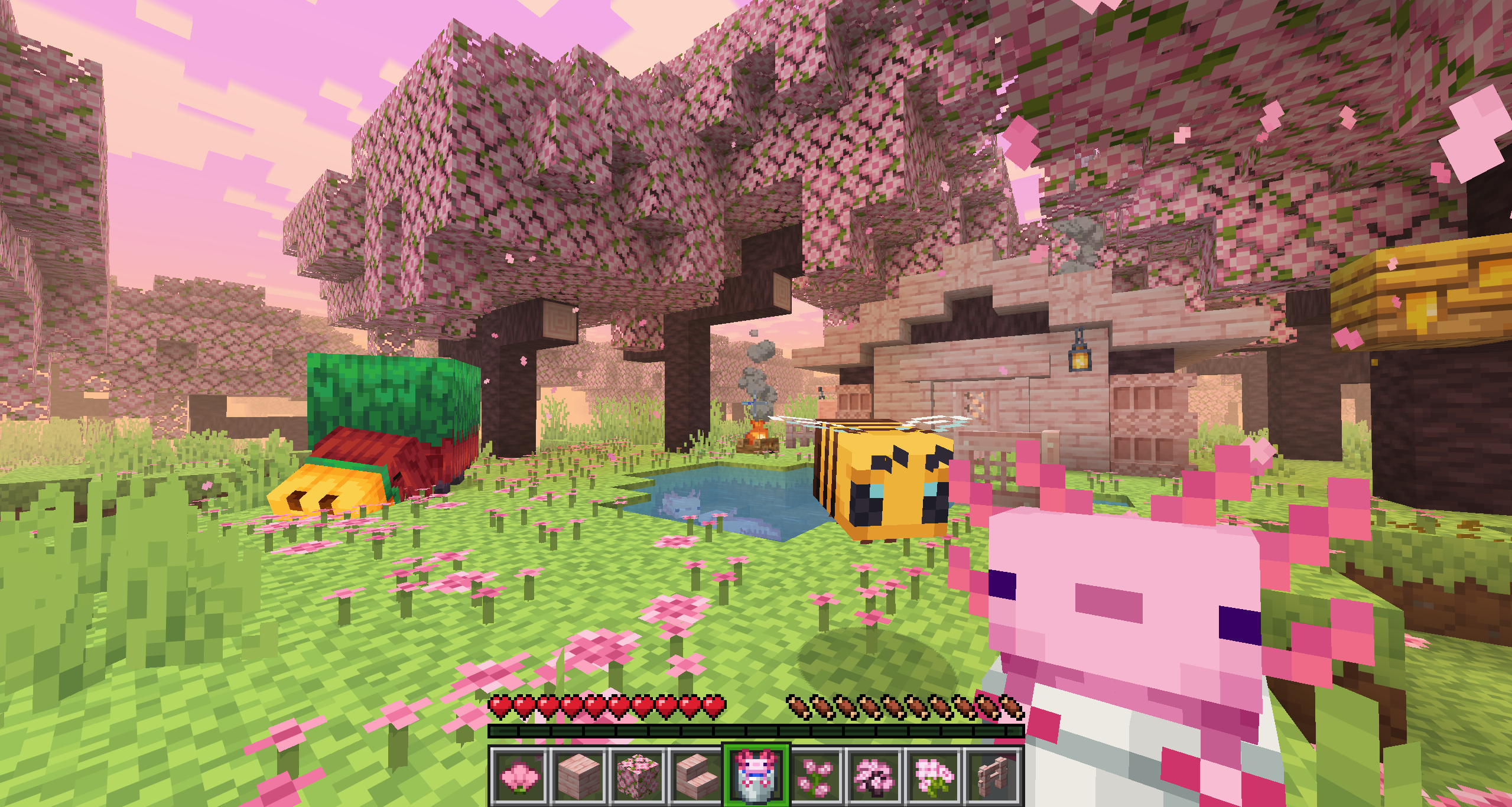 Cherry Grove
 -
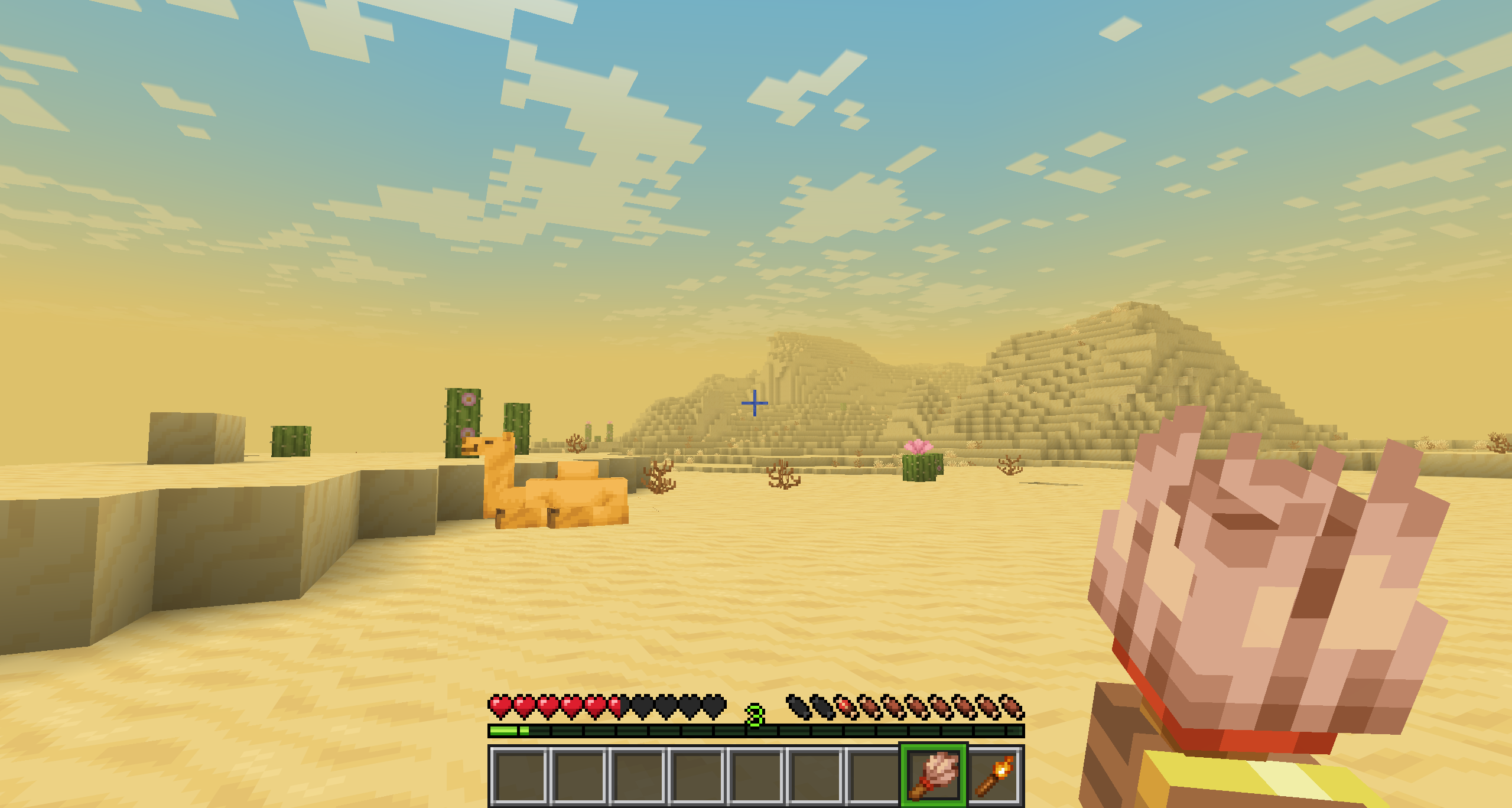 Desert
 -
 Pale Garden
 -
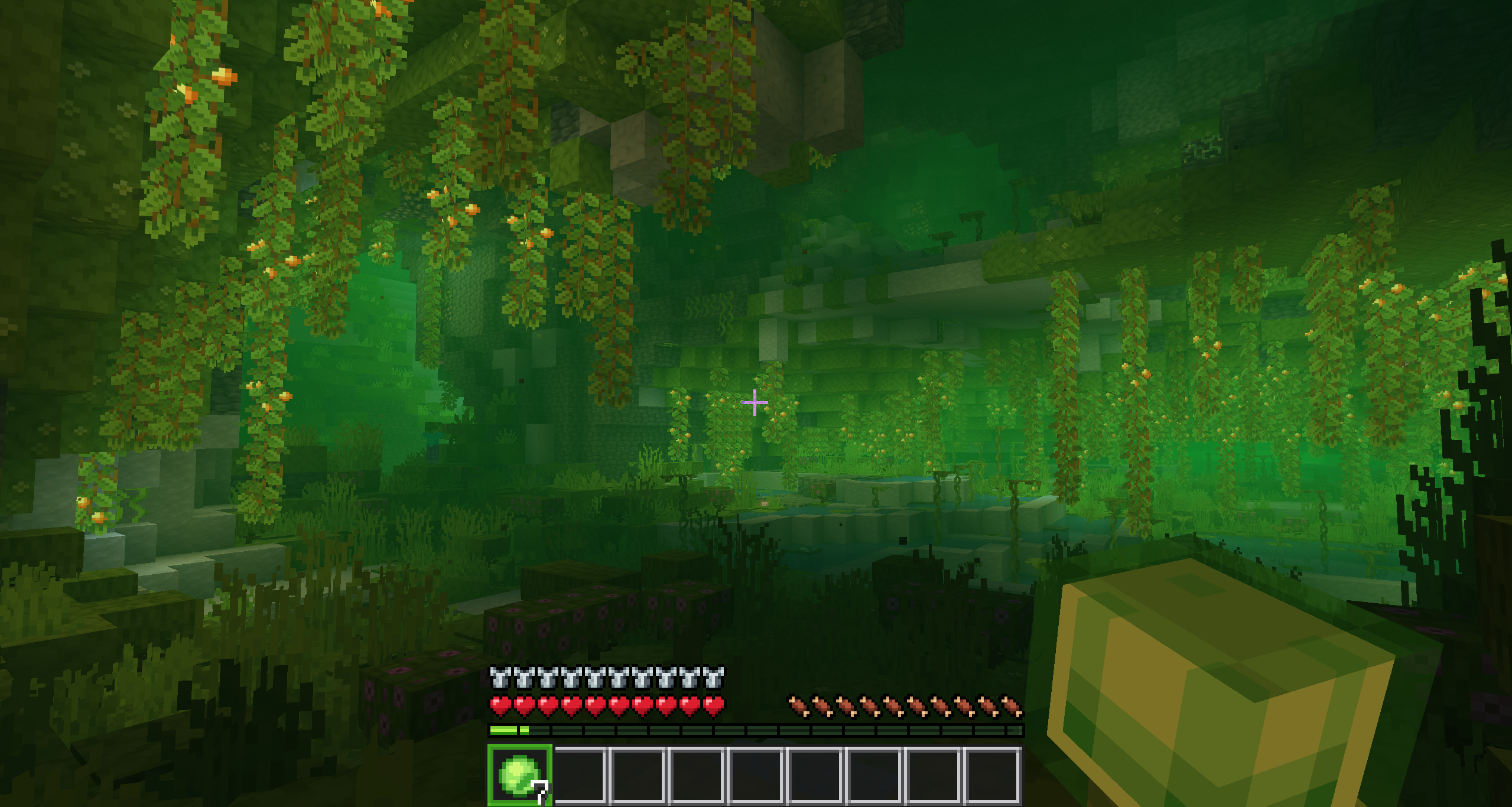 Lush Caves
 -
 Deep Dark
 -
 Swamp
Swamp -
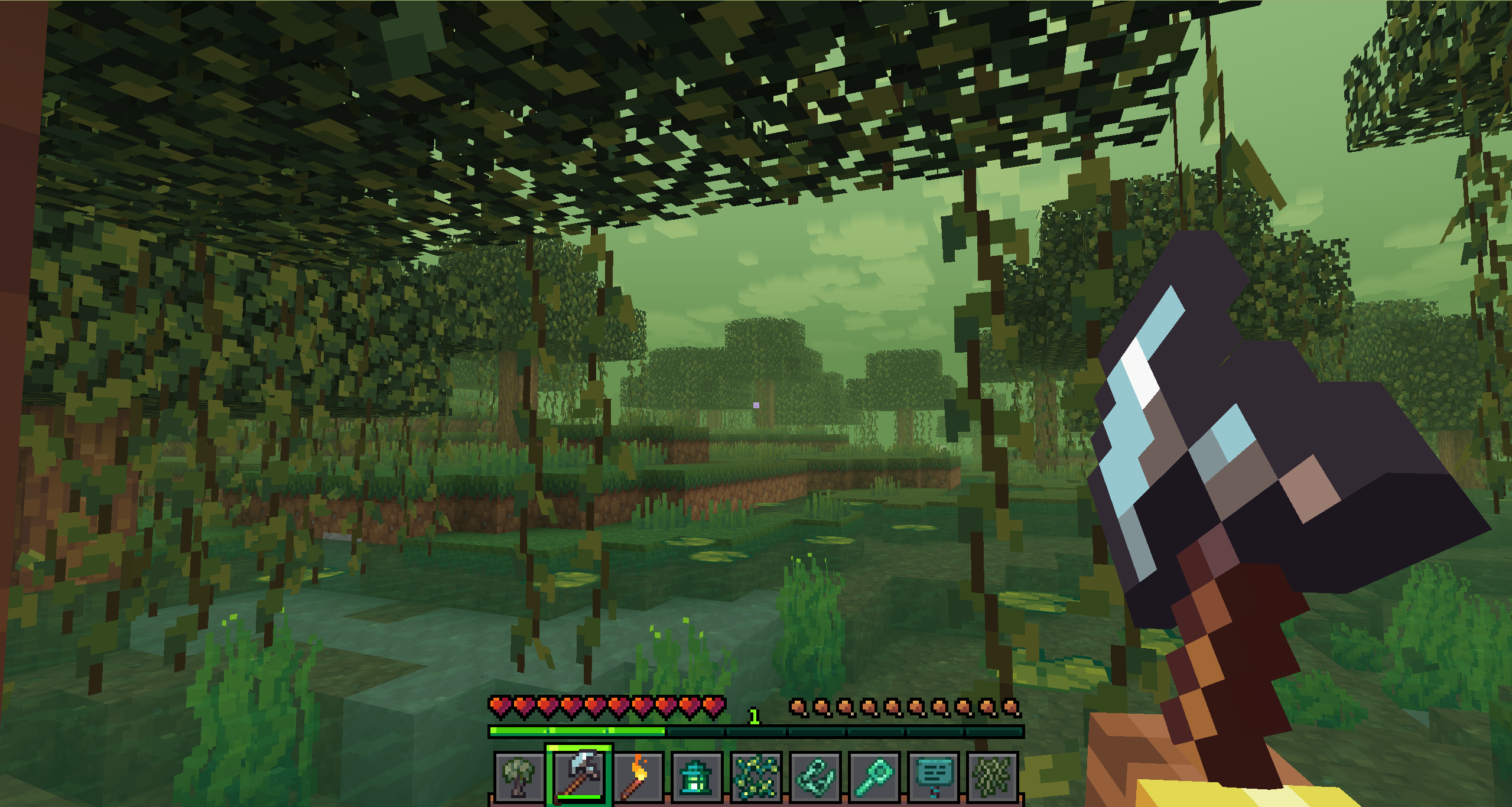 Swamp with Resource-Pack "Whimscape"
 -
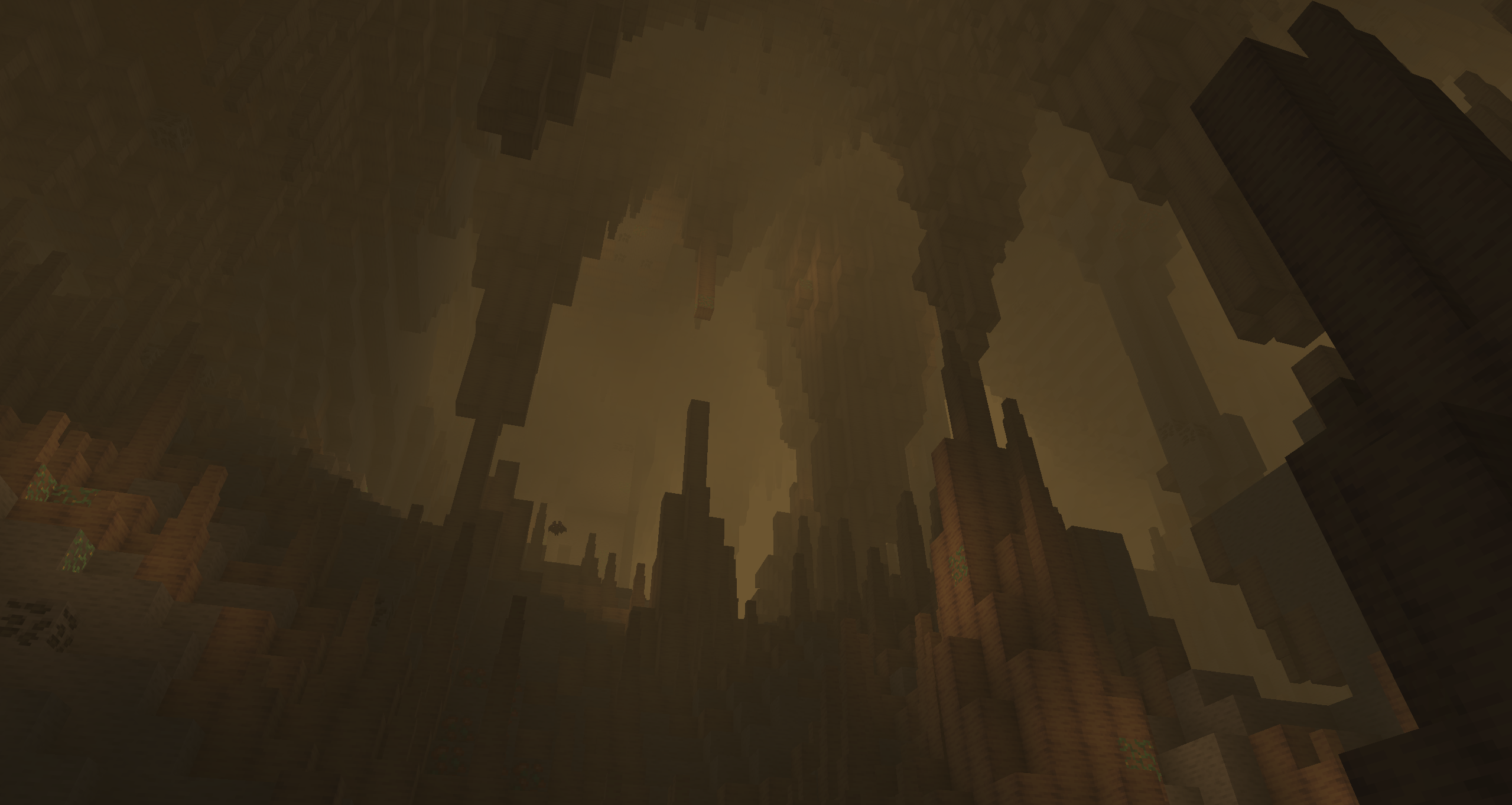 Dripstone Caves
 -
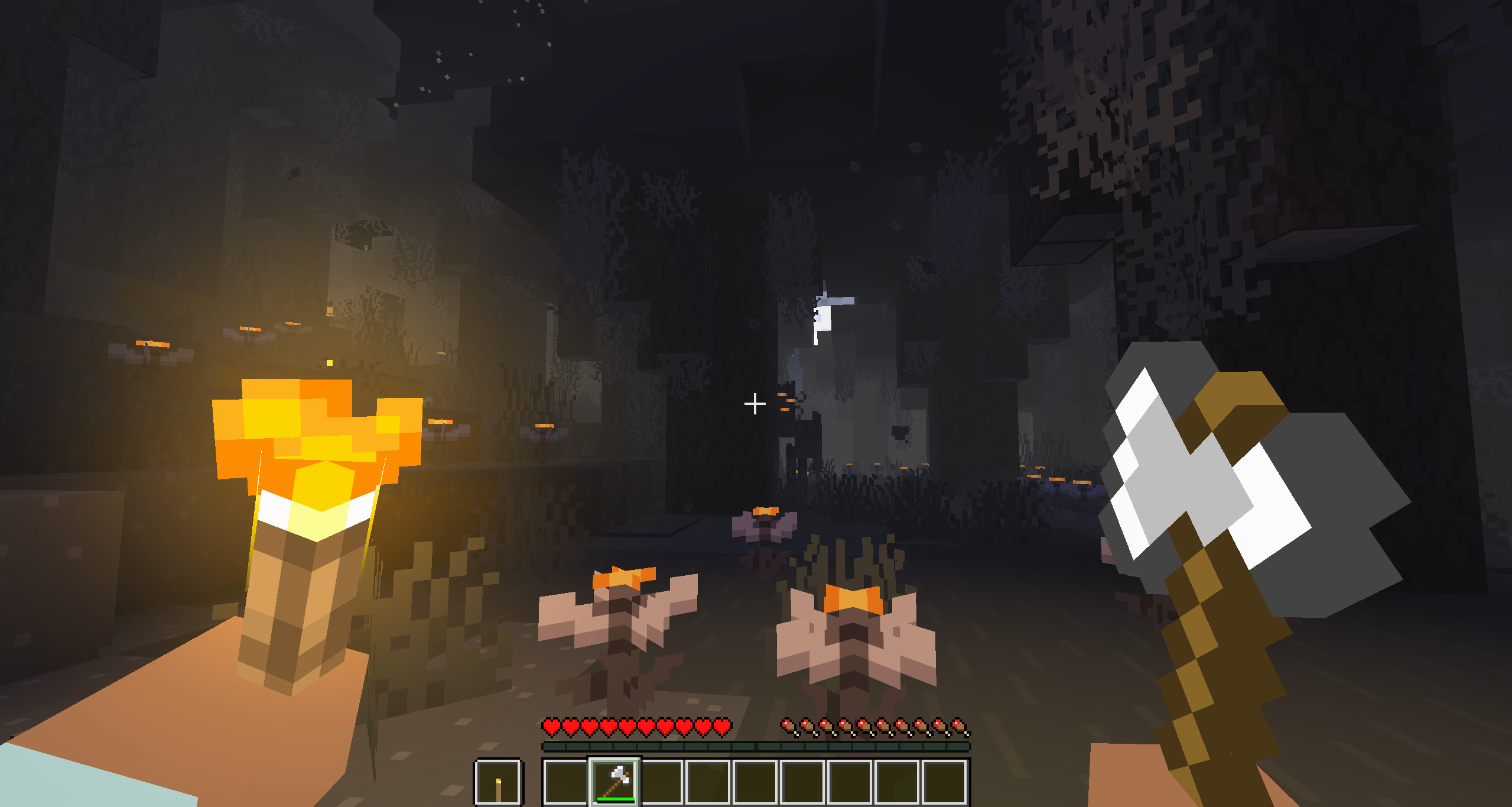 Pale Garden with Resource-Pack "Bare Bones"
 -
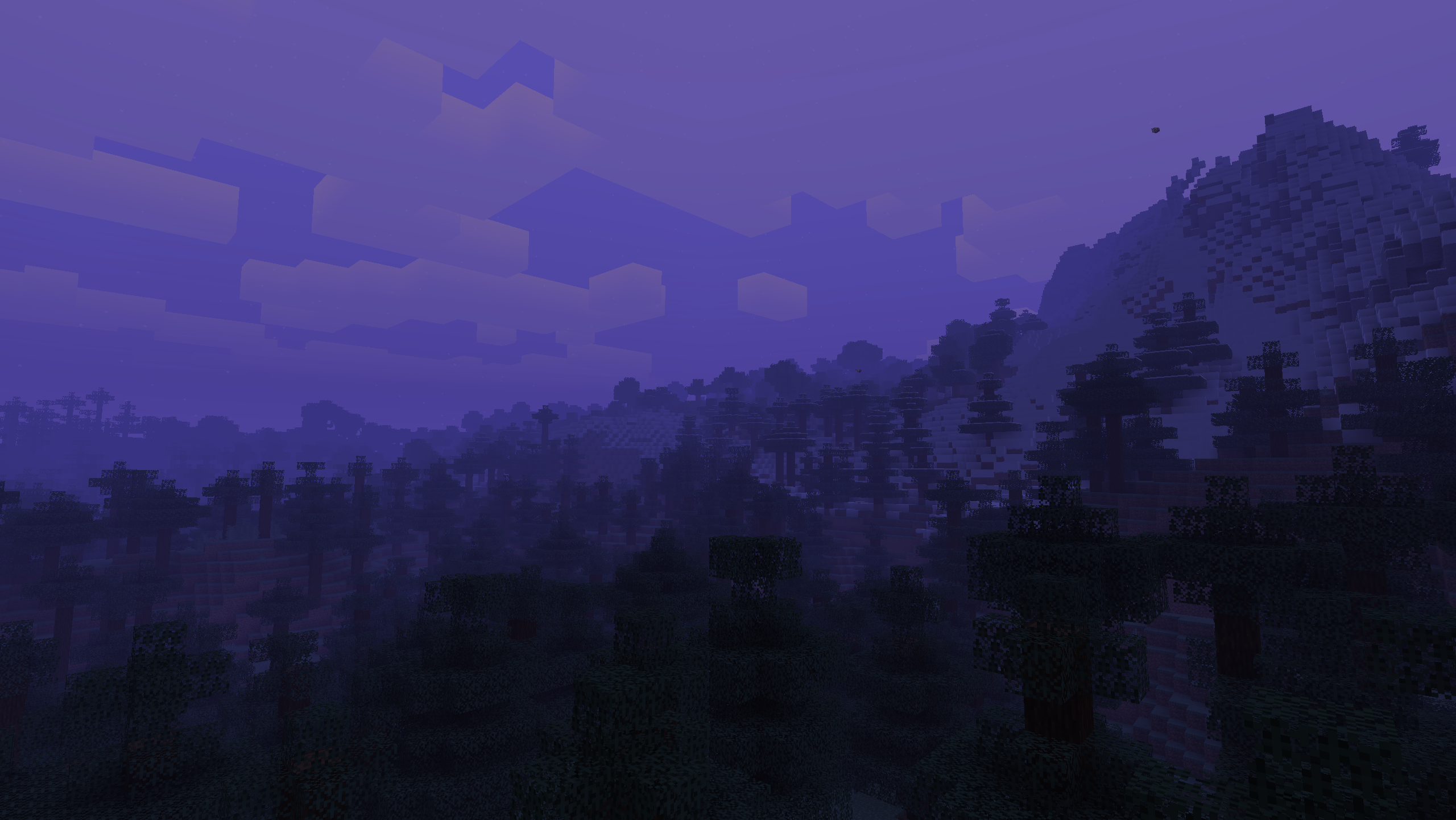 Sunset
 -
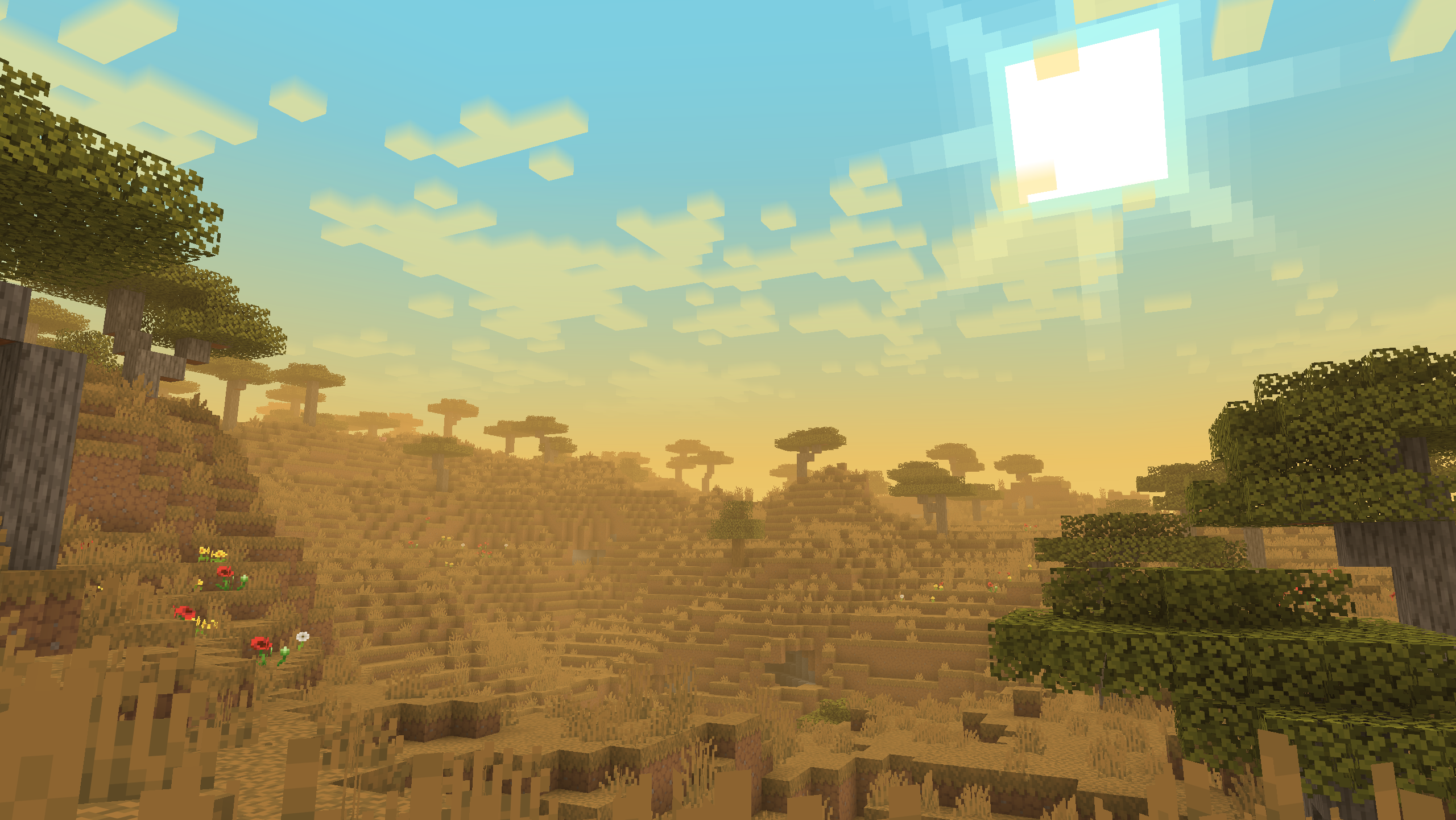 Savanna
 -
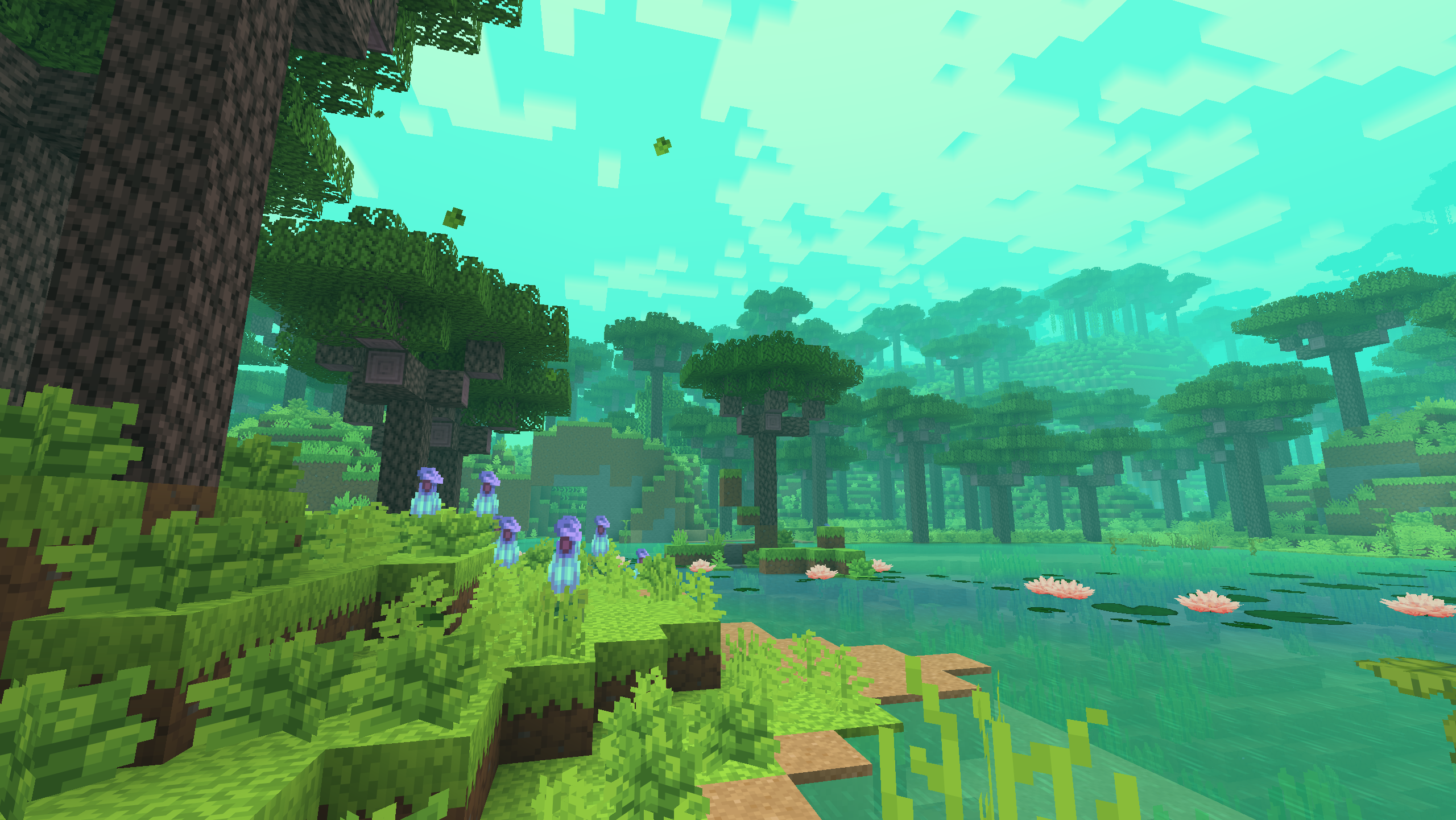 with the mod "Biomes O’ Plenty" just an example of use. (not included in the source preset!)
 -
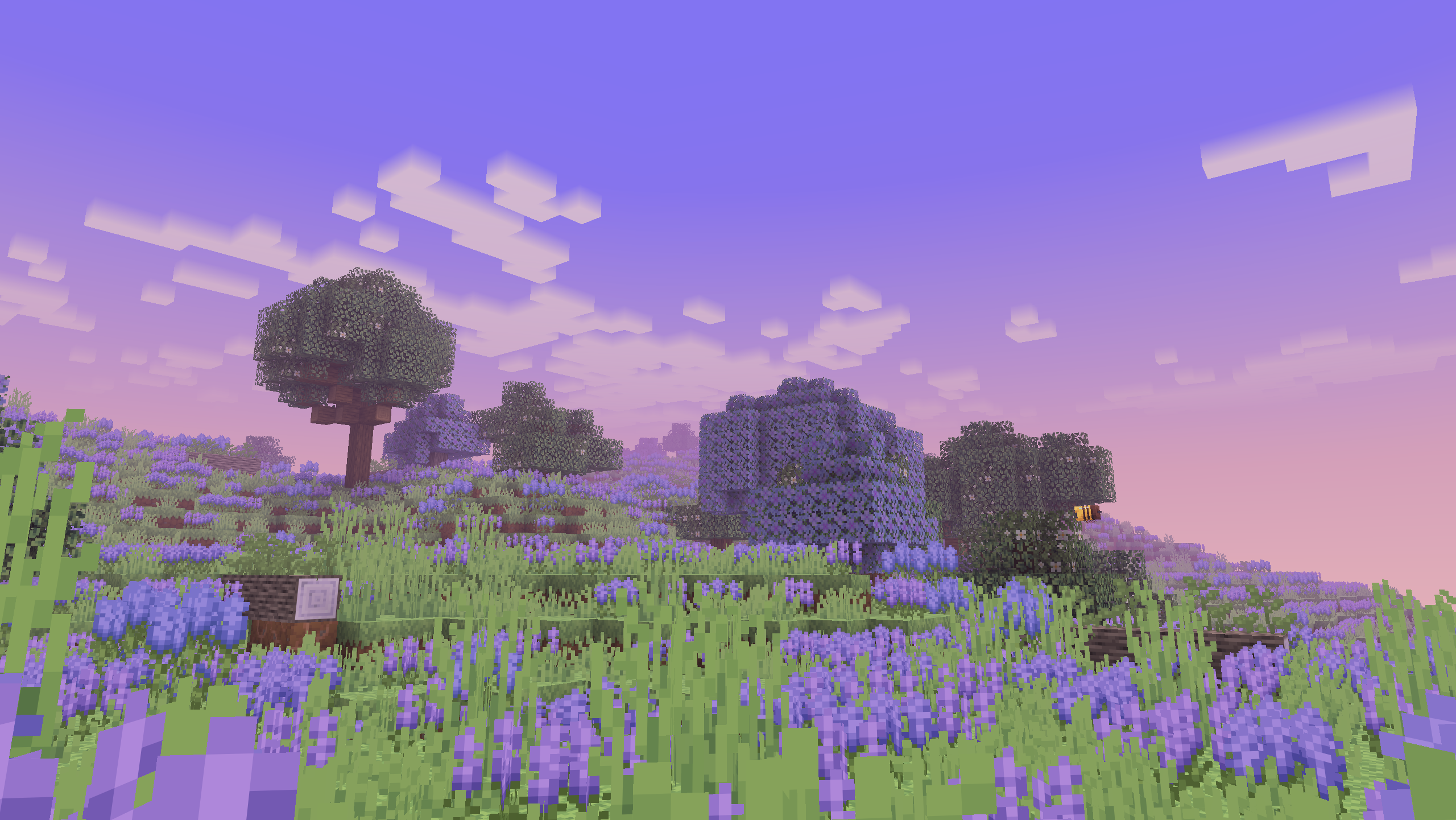 with the mod "Biomes O’ Plenty" just an example of use. (not included in the source preset!)
 -
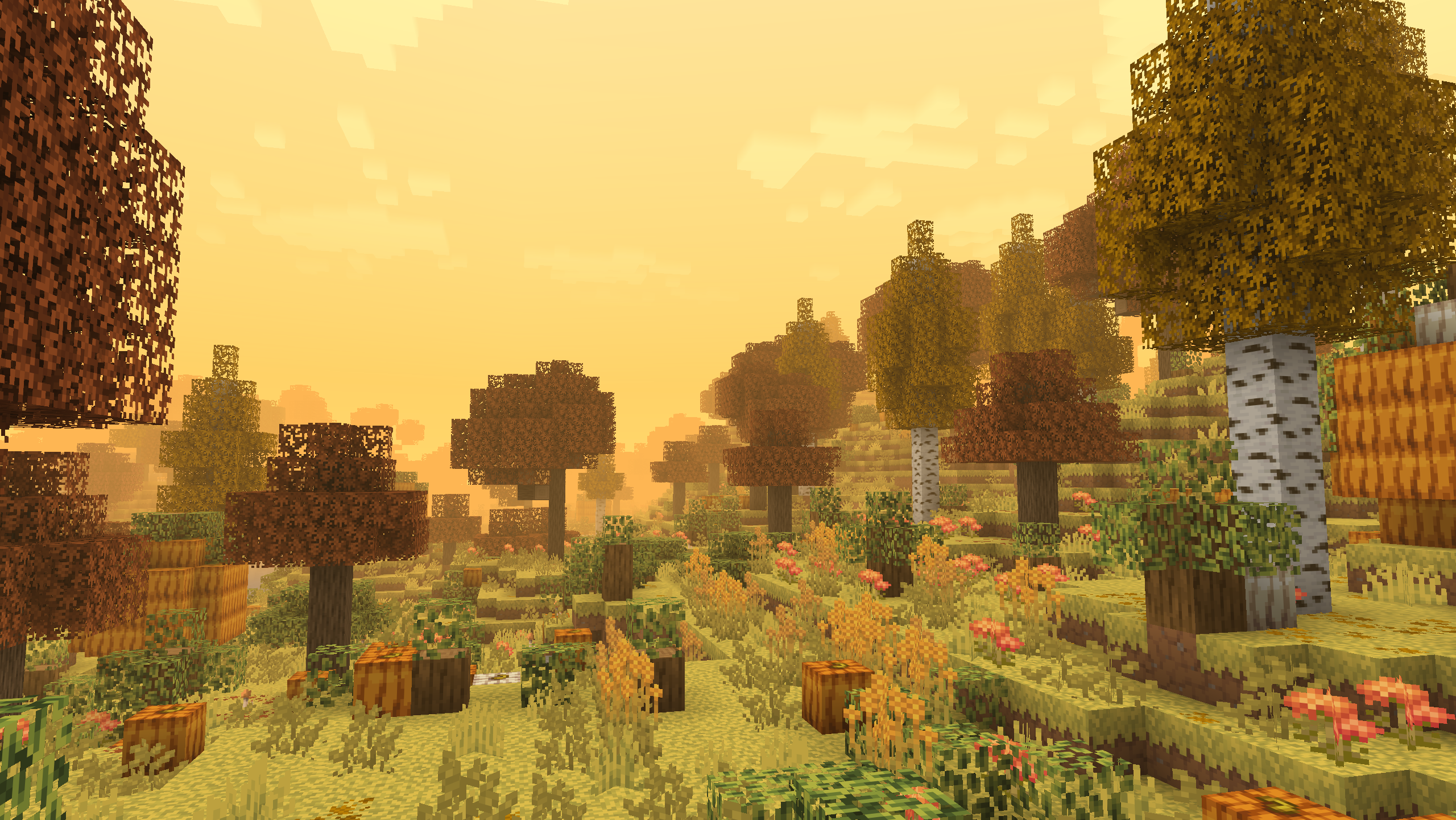 with the mod "Biomes O’ Plenty" just an example of use. (not included in the source preset!)
 -
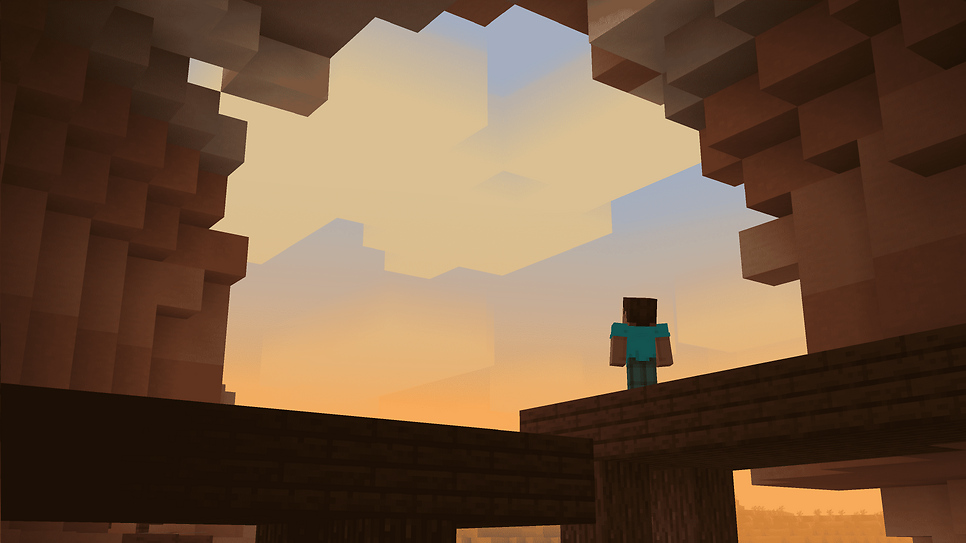 Example of use (tysm arch1vways)
 -
 banner
Versions
Files
Relations
Project Relations
More like this
Similar Mods
Suggestions use data such as tags, dependencies, dependents, descriptions, titles, and more to rank how much they overlap with this mod.
On ModDex
Community snapshot
By the numbers
Statistics
 (opens in a new tab)
Get it on
Available Platforms
On ModDex
Community snapshot
By the numbers
Statistics
Resources