
Community listing page, reviews here may not be monitored by the author.
Auto Hide HUD


No reviews yet
A simple yet highly configurable mod that auto hides the HUD after a period of inactivity
Community voices
Reviews
No reviews yet. Be the first to review this project!
Get it on
Available Platforms
Compatibility
Supported Environments
Runs entirely on the client. Works on vanilla servers.
About
Project Details
For authors
Embed Badge
If you're the author of this project, you can embed a live badge anywhere that supports HTML or Markdown. It updates automatically whenever ratings change.
Use HTML for any page that supports it, or Markdown for README files and Markdown-based descriptions.
Identifiers
Platform IDs
Resources
External Links
About
Description
Have you even wanted the HUD elements to go away so you can enjoy the beauty of the world? I sure did. Welcome to Auto Hide HUD.
As the name implies, this mod will auto hide the HUD after a period of inactivity. DON'T panic. It's not gone forever. It will return when your health changes. Or your hunger goes down. Don't want it to do that? There are plenty of options to make this function exactly how you want. Want the HUD to disappear after 2.5 seconds and only comeback when your air levels are below 30%? There's a setting for that!
Using this mod makes your Minecraft experience so much more immersive. It really feels like the first time I used shaders again. Just beautiful.
Let me know if you have any issues or feature suggestions.
Companion App
I've added a little player-info data server that broadcasts things like your position, health, food, air, status effects, and hotbar items to a companion app running on the same machine. Disabled by default — enable it in the in-game config, then launch the mod jar directly (java -jar path/to/mod.jar, or double-click if on Windows).
The companion is very configurable: pick which info to show, choose a background color, even make the window transparent when unfocused (great for Wallpaper Engine users). I built it because I have a small monitor under my main one and I wanted to glance at position and health while keeping the in-game HUD hidden for a clean look.
Note: the companion's port must match the mod's playerDataServerPort config (default 25922).
If you enjoy this mod, please check out our other games and apps at KrookedLilly.com
Have you even wanted the HUD elements to go away so you can enjoy the beauty of the world? I sure did. Welcome to Auto Hide HUD.
As the name implies, this mod will auto hide the HUD after a period of inactivity. DON'T panic. It's not gone forever. It will return when your health changes. Or your hunger goes down. Don't want it to do that? There are plenty of options to make this function exactly how you want. Want the HUD to disappear after 2.5 seconds and only comeback when your air levels are below 30%? There's a setting for that!
Using this mod makes your Minecraft experience so much more immersive. It really feels like the first time I used shaders again. Just beautiful.
Let me know if you have any issues or feature suggestions.
Companion App
I've added a little player-info data server that broadcasts things like your position, health, food, air, status effects, and hotbar items to a companion app running on the same machine. Disabled by default — enable it in the in-game config, then launch the mod jar directly (java -jar path/to/mod.jar, or double-click if on Windows).
The companion is very configurable: pick which info to show, choose a background color, even make the window transparent when unfocused (great for Wallpaper Engine users). I built it because I have a small monitor under my main one and I wanted to glance at position and health while keeping the in-game HUD hidden for a clean look.
Note: the companion's port must match the mod's playerDataServerPort config (default 25922).
If you enjoy this mod, please check out our other games and apps at KrookedLilly.com
Screenshots
Gallery
-
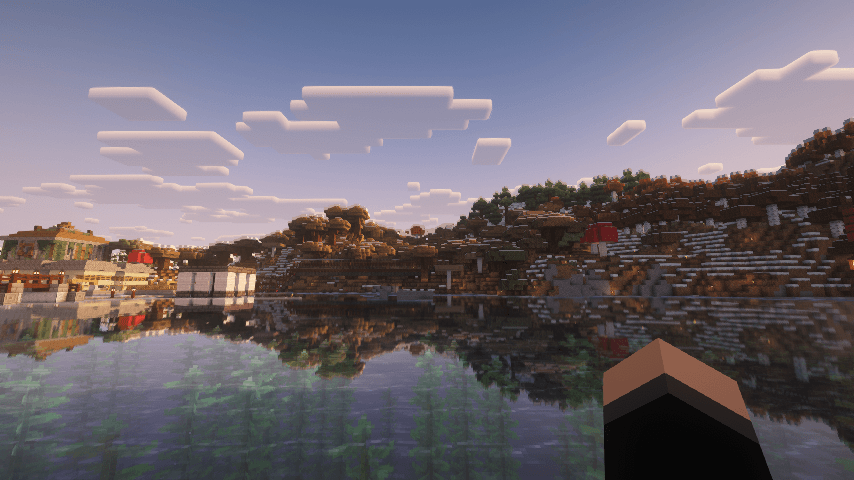 2025-12-03_07.03.18.png 2025-12-03_07.03.18.png
 -
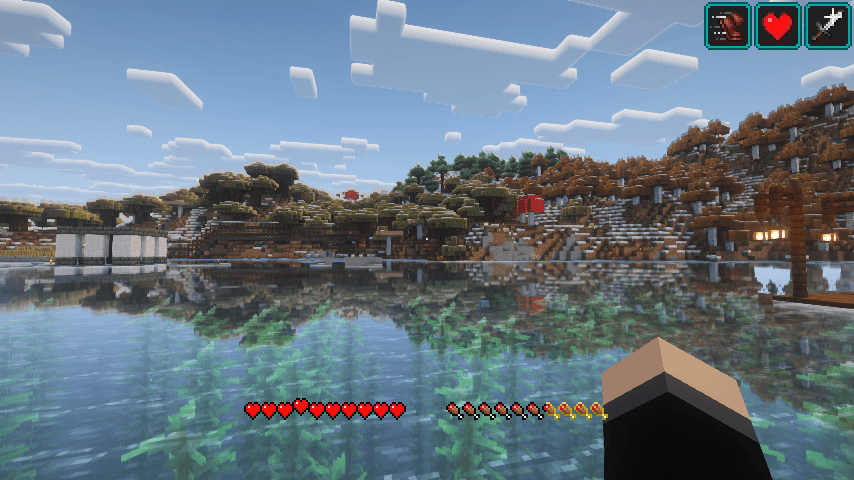 2025-12-03_06.59.18.png 2025-12-03_06.59.18.png
 -
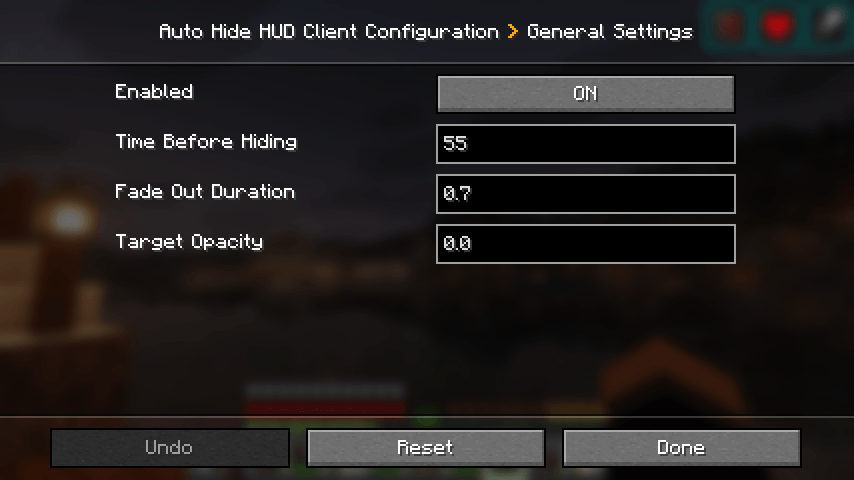 2025-12-03_07.05.54.png 2025-12-03_07.05.54.png
 -
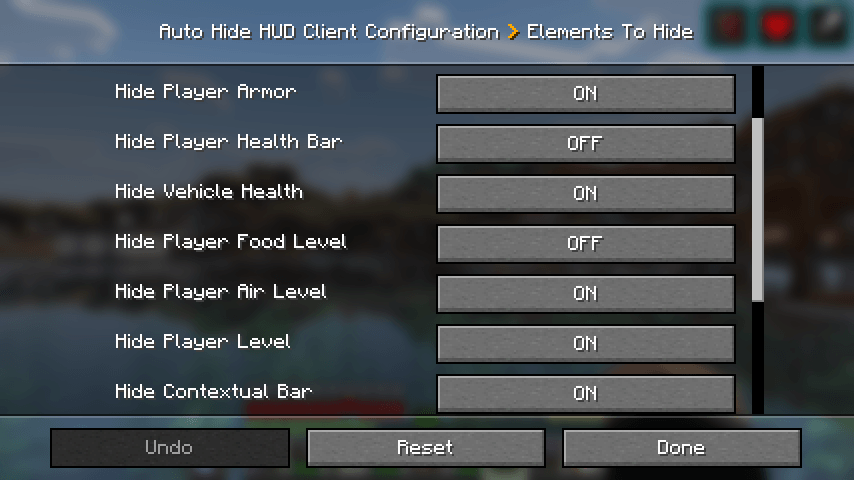 2025-12-03_06.59.39.png 2025-12-03_06.59.39.png
 -
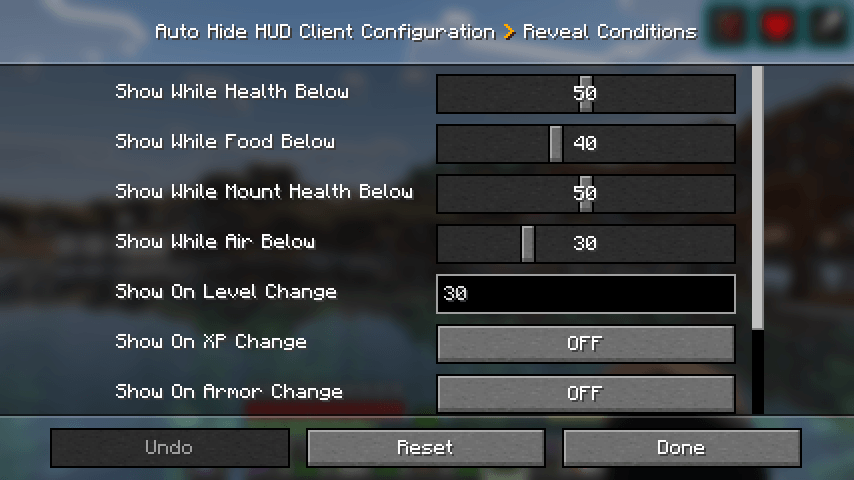 2025-12-03_06.59.55.png 2025-12-03_06.59.55.png
 -
 2025-12-03_07.01.58.png 2025-12-03_07.01.58.png
-
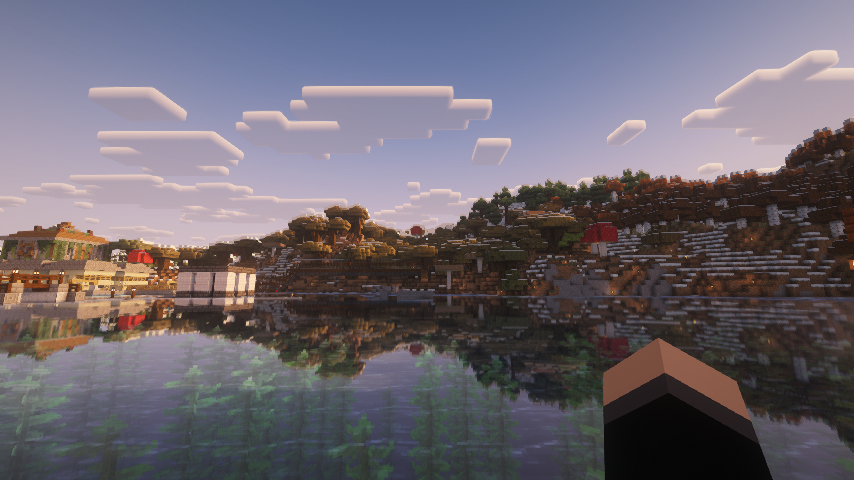 Everything Hidden All the HUD elements are hidden
 -
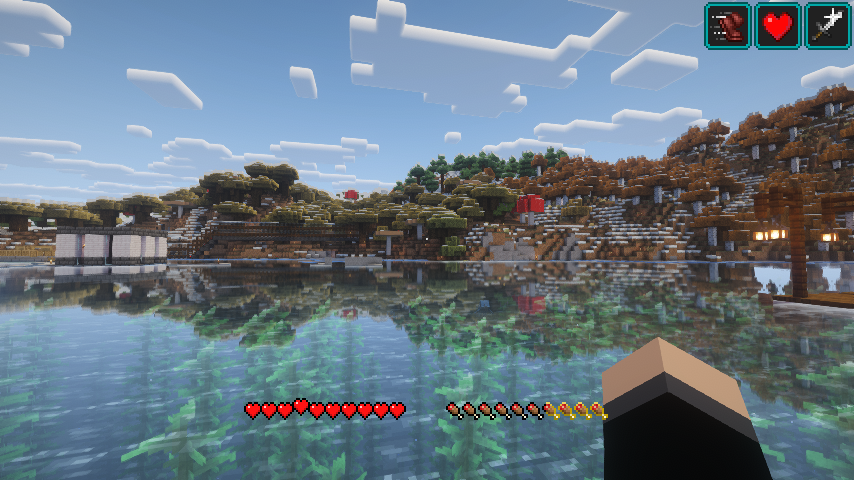 Some Layers This has the health, food bars, and status effects always on screen while hiding the rest
 -
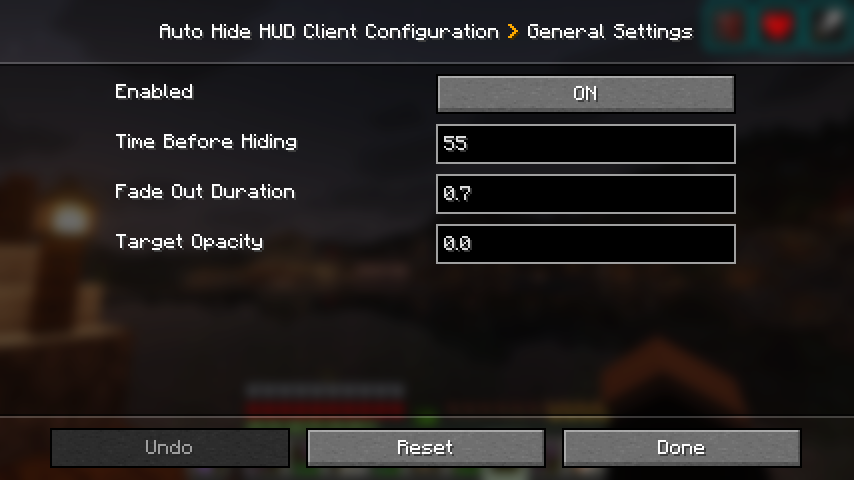 General Settings Auto Hide HUD general settings
 -
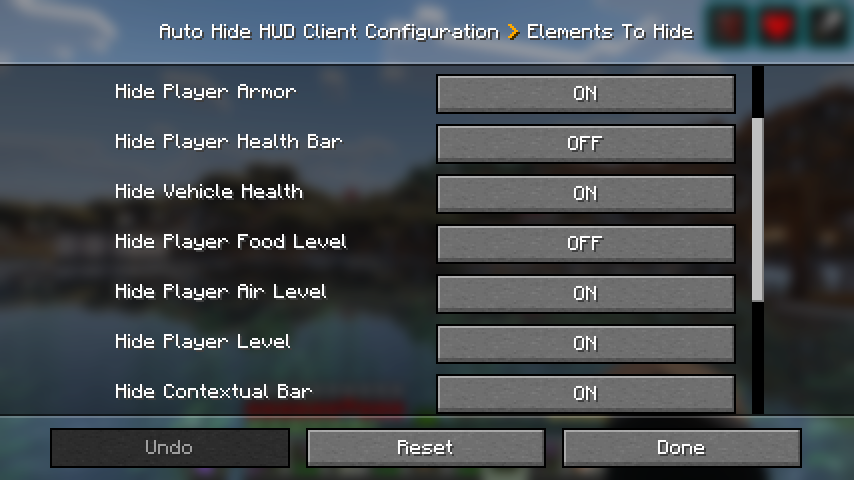 Elements To Hide Elements to hide options
 -
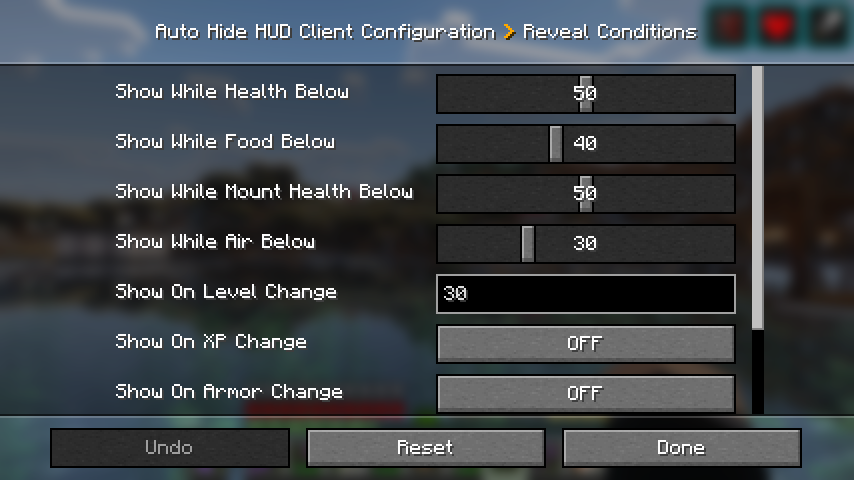 Reveal Conditions Reveal conditions options
 -
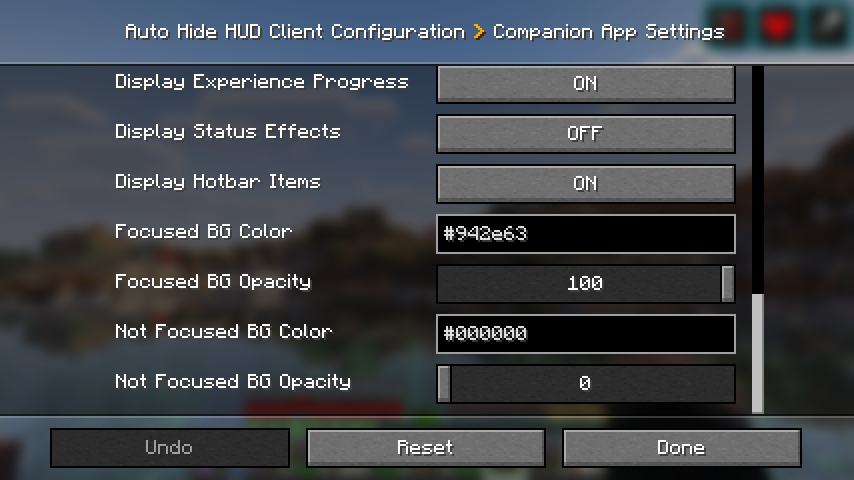 Companion App Settings Companion app settings in the config
Versions
Files
Relations
Project Relations
More like this
Similar Mods
Suggestions use data such as tags, dependencies, dependents, descriptions, titles, and more to rank how much they overlap with this mod.
On ModDex
Community snapshot
By the numbers
Statistics
Want to reach Minecraft players?
We're looking for a server hosting partner to feature here and other parts of the site. Interested? Send us a message!
Get in touchGet it on
Available Platforms
On ModDex
Community snapshot
By the numbers
Statistics
Resources