Community listing page, reviews may not be monitored by the author.
Auto Trader

No reviews yet
Auto Trader automates villager trading. Capture a villager in a bucket, select a trade, and use redstone and hoppers to trade with real offers, stock limits, and restocking. Compatible with No Trade Cooldown by adamjaroui23.

Community voices
Reviews
No reviews yet. Be the first to review this project!
Get it on
Available Platforms
About
Project Details
For authors
Embed Badge
If you're the author of this project, you can embed a live badge anywhere that supports HTML or Markdown. It updates automatically whenever ratings change.
Use HTML for any page that supports it, or Markdown for README files and Markdown-based descriptions.
Identifiers
Platform IDs
Resources
External Links
About
Description
Auto Trader
Auto Trader adds a redstone-powered workstation for automating villager trades. Store a villager in the machine, choose one of their offers, and let your builds handle the trading.
Getting started
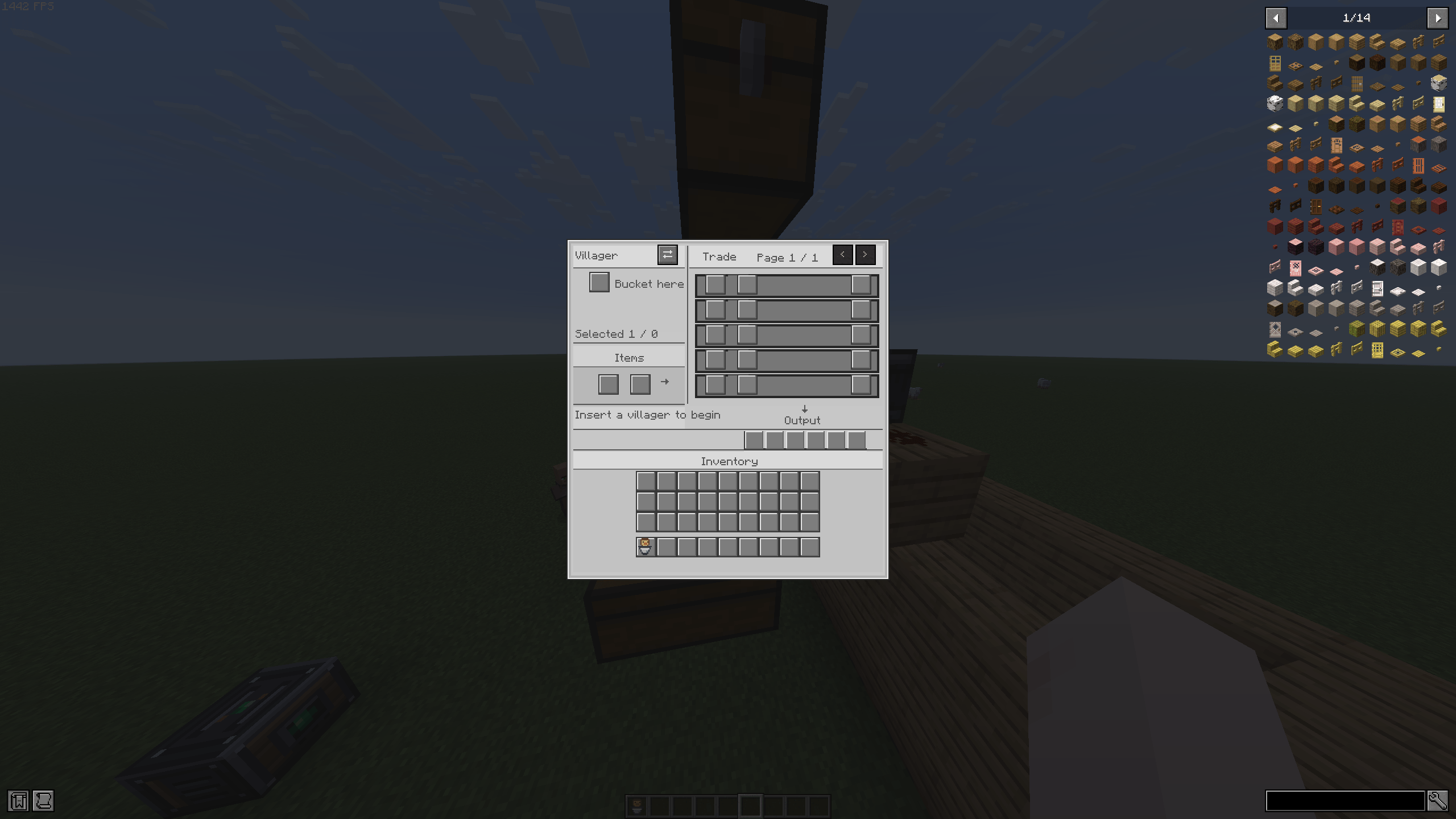
- Use an empty vanilla bucket on a villager to capture them. Their profession and trade data are preserved, and the bucket shows which profession it contains.
- Place an Auto Trader and insert the villager bucket into its villager slot.
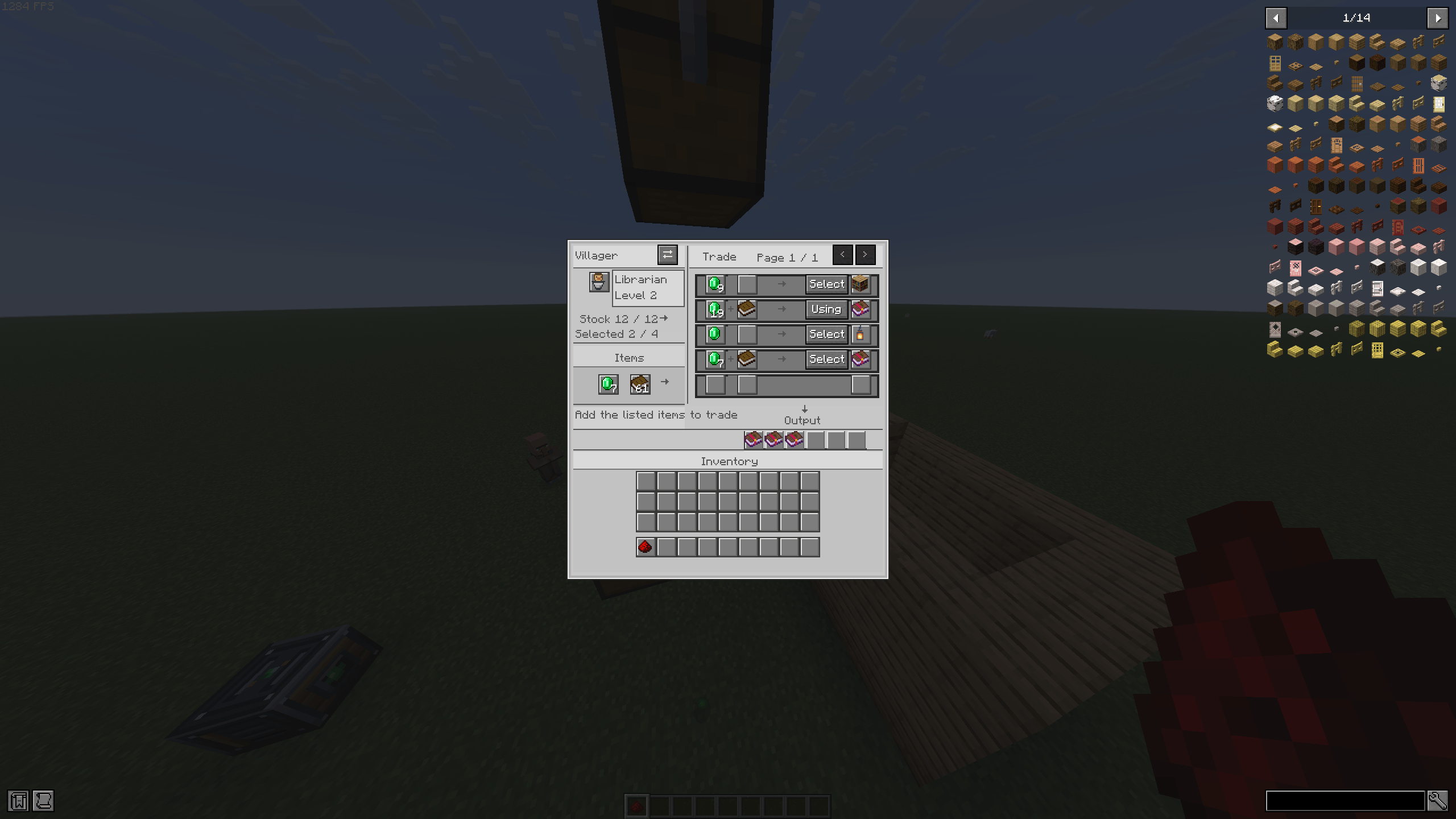
- Select an offer from the trade list.
- Add the required items to the input slots.
- Send a redstone pulse to perform a trade.
The machine uses the villager’s actual offers and outputs the real trade result. It respects trade costs, stock limits, and vanilla restocking. Each new redstone activation performs at most one trade, so send another pulse to trade again.
Automation
Hoppers can feed items into the input inventory and extract purchased items from the output inventory. The machine uses sided inventory access to keep inputs and outputs in their intended slots.
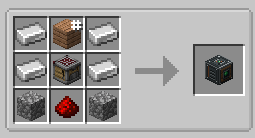
Recipe
Iron Ingot Any Plank Iron Ingot
Iron Ingot Crafter Iron Ingot
Cobblestone Redstone Cobblestone
Image of recipe in Gallery
The plank slot accepts any plank type.
Requirements: Fabric, Minecraft 26.3
Compatibility: Can be used alongside No Trade Cooldown by adamjaroui23.
Screenshots
Gallery
-
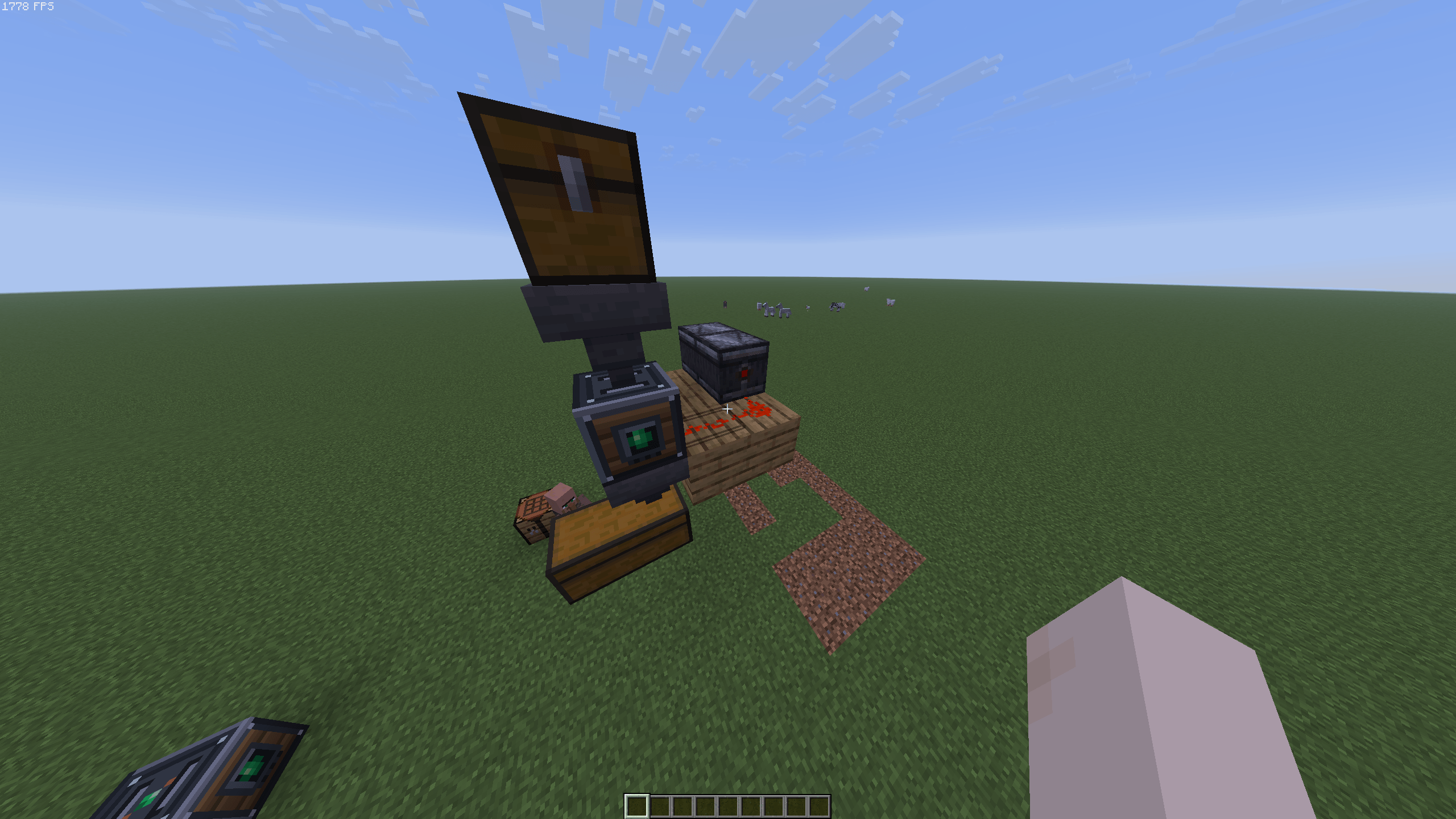 image_2026-11-01_131959031.png image_2026-11-01_131959031.png
-
 2026-11-01_12.46.51.png 2026-11-01_12.46.51.png
-
 2026-11-01_12.45.18.png 2026-11-01_12.45.18.png
-
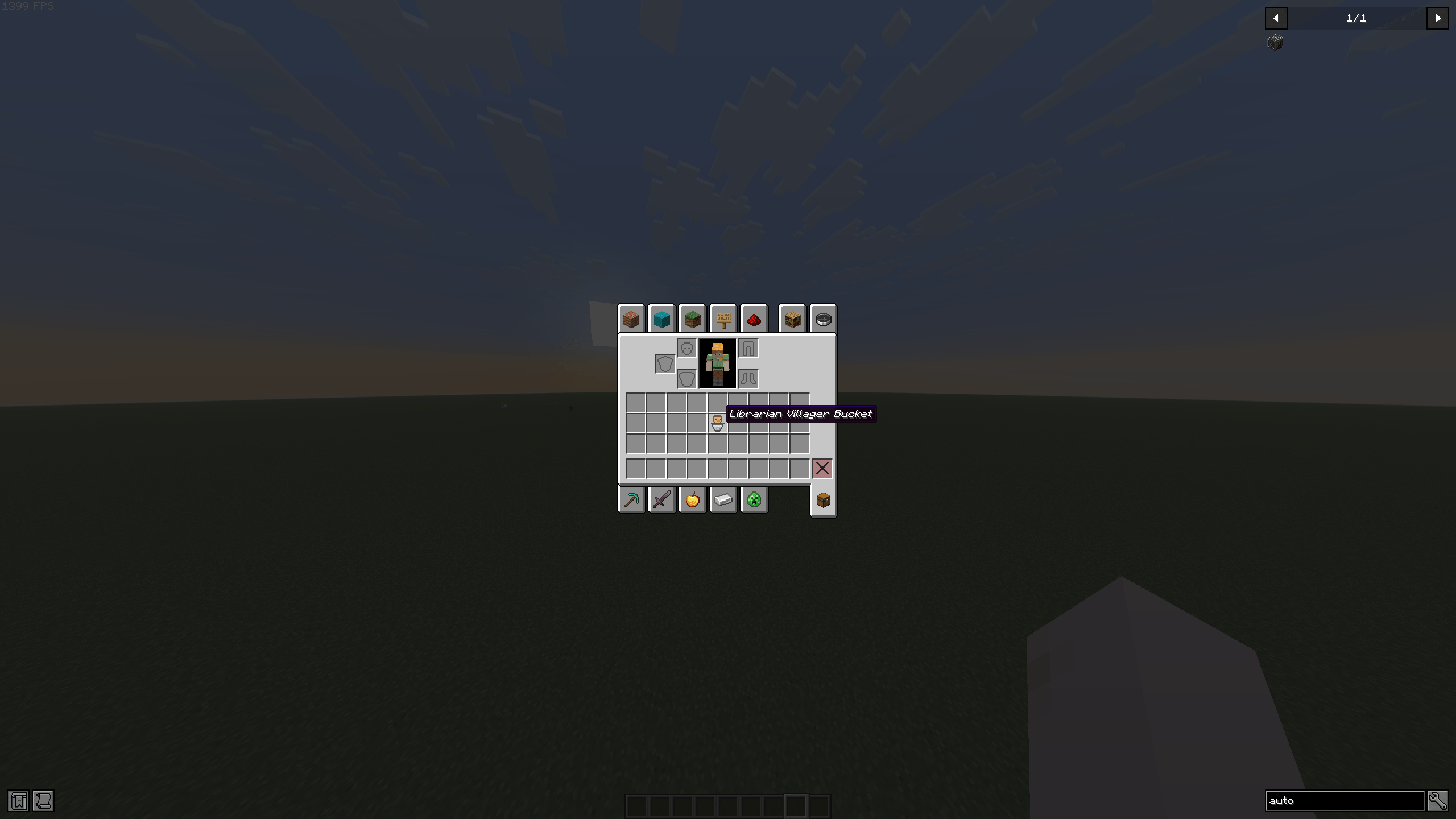 image_2026-11-01_132419303.png image_2026-11-01_132419303.png
-
 2026-11-01_12.43.21.png 2026-11-01_12.43.21.png
Versions
Files
Relations
Project Relations
More like this
Similar Mods
Suggestions use data such as tags, dependencies, dependents, descriptions, titles, and more to rank how much they overlap with this mod.
On ModDex
Community snapshot
By the numbers
Statistics

Get it on
Available Platforms
On ModDex
Community snapshot
By the numbers
Statistics
Resources