
Community listing page, reviews may not be monitored by the author.
Avatar: Legend Reforged


No reviews yet
An "Avatar: The Last Airbender" inspired Minecraft mod with realistic bending

Community voices
Reviews
No reviews yet. Be the first to review this project!
Get it on
Available Platforms
Compatibility
Supported Environments
Must be installed on both the client and the server.
About
Project Details
For authors
Embed Badge
If you're the author of this project, you can embed a live badge anywhere that supports HTML or Markdown. It updates automatically whenever ratings change.
Use HTML for any page that supports it, or Markdown for README files and Markdown-based descriptions.
Identifiers
Platform IDs
About
Description
Avatar: Legend Reforged
This is an "Avatar: The Last Airbender" inspired Minecraft mod boasting versatile combat and ambitious dynamic bending.
The goal of this project is to provide a more immersive bending experience than ever before. Bending the elements is based on mastering the basic Forms and learning to use them in combination to achieve a number of feats.
Video Clips:
Quick Start Guide
Step 1: Select Your Element
Press the period (.) key to open the Element Selection Screen. Choose from:
- Airbending
- Waterbending
- Earthbending
- Firebending
Once selected, you become a Bender with access to that element's skills.
Step 2: Toggle Bending On/Off
Press Period (.) again to toggle bending mode on and off. When enabled, you can execute bending skills using the Bending Forms below.
Step 3: Master the Bending Forms
Bending Forms are the foundation of all bending skills. Each Form maps to a default key binding. Press or hold the corresponding key to execute a skill associated with that Form.
| Form | Default Key | Action |
|---|---|---|
| STRIKE | Left Mouse Button |
Primary offensive attack |
| BLOCK | Right Mouse Button |
Defensive barrier or protection |
| PUSH | W |
Forward directional force |
| PULL | S |
Backward/inward force |
| LEFT | A |
Left directional force |
| RIGHT | D |
Right directional force |
| RAISE | E |
Upward/elevating force |
| LOWER | Q |
Downward/descending force |
| ROTATE | R |
Rotational/circular motion |
| EXPAND | E |
Enlargement or spreading |
| COMPRESS | Q |
Compression or condensing |
| SPLIT | S |
Separation or division |
| COMBINE | W |
Merging or joining |
| ARC | Left Ctrl |
Curved trajectory |
| SHAPE | Left Alt |
Shaping or molding |
| STEP | W/A/S/D + Space (double tap) |
Dashing movement |
Step 4: Execute Bending Skills
To execute a bending skill, press the corresponding *Bending Form key* for the skill you want to use.
For example, to use Fire Strike, simply press Left Mouse Button (STRIKE Form). Your character will launch a curvable fire projectile.
Step 5: Combine Forms for Advanced Skills
Some skills require multiple Forms in sequence. For example, Fire Streams requires:
- Press
Left Alt(SHAPE) - Then, press and hold E (EXPAND)
This combination allows you to continuously fire projectiles.
📚 Learn More
See full list of Bending Skills and how to execute them here: Bending Skills
💡 Pro Tip - Master one element first - Learn all skills of a single element before switching
Please be aware this mod is a work in progress and we plan on adding more content like progression, NPCs, structure generation and more! Please provide feedback and join our Discord!
Avatar: Legend Reforged
This is an "Avatar: The Last Airbender" inspired Minecraft mod boasting versatile combat and ambitious dynamic bending.
The goal of this project is to provide a more immersive bending experience than ever before. Bending the elements is based on mastering the basic Forms and learning to use them in combination to achieve a number of feats.
Video Clips:
Quick Start Guide
Step 1: Select Your Element
Press the period (.) key to open the Element Selection Screen. Choose from:
- Airbending
- Waterbending
- Earthbending
- Firebending
Once selected, you become a Bender with access to that element's skills.
Step 2: Toggle Bending On/Off
Press Period (.) again to toggle bending mode on and off. When enabled, you can execute bending skills using the Bending Forms below.
Step 3: Master the Bending Forms
Bending Forms are the foundation of all bending skills. Each Form maps to a default key binding. Press or hold the corresponding key to execute a skill associated with that Form.
| Form | Default Key | Action |
|---|---|---|
| STRIKE | Left Mouse Button |
Primary offensive attack |
| BLOCK | Right Mouse Button |
Defensive barrier or protection |
| PUSH | W |
Forward directional force |
| PULL | S |
Backward/inward force |
| LEFT | A |
Left directional force |
| RIGHT | D |
Right directional force |
| RAISE | E |
Upward/elevating force |
| LOWER | Q |
Downward/descending force |
| ROTATE | R |
Rotational/circular motion |
| EXPAND | E |
Enlargement or spreading |
| COMPRESS | Q |
Compression or condensing |
| SPLIT | S |
Separation or division |
| COMBINE | W |
Merging or joining |
| ARC | Left Ctrl |
Curved trajectory |
| SHAPE | Left Alt |
Shaping or molding |
| STEP | W/A/S/D + Space (double tap) |
Dashing movement |
Step 4: Execute Bending Skills
To execute a bending skill, press the corresponding *Bending Form key* for the skill you want to use.
For example, to use Fire Strike, simply press Left Mouse Button (STRIKE Form). Your character will launch a curvable fire projectile.
Step 5: Combine Forms for Advanced Skills
Some skills require multiple Forms in sequence. For example, Fire Streams requires:
- Press
Left Alt(SHAPE) - Then, press and hold
E(EXPAND)
This combination allows you to continuously fire projectiles.
📚 Learn More
See full list of Bending Skills and how to execute them here: Bending Skills
💡 Pro Tip - Master one element first - Learn all skills of a single element before switching
Please be aware this mod is a work in progress and we plan on adding more content like progression, NPCs, structure generation and more! Please provide feedback and join our Discord!
Screenshots
Gallery
-
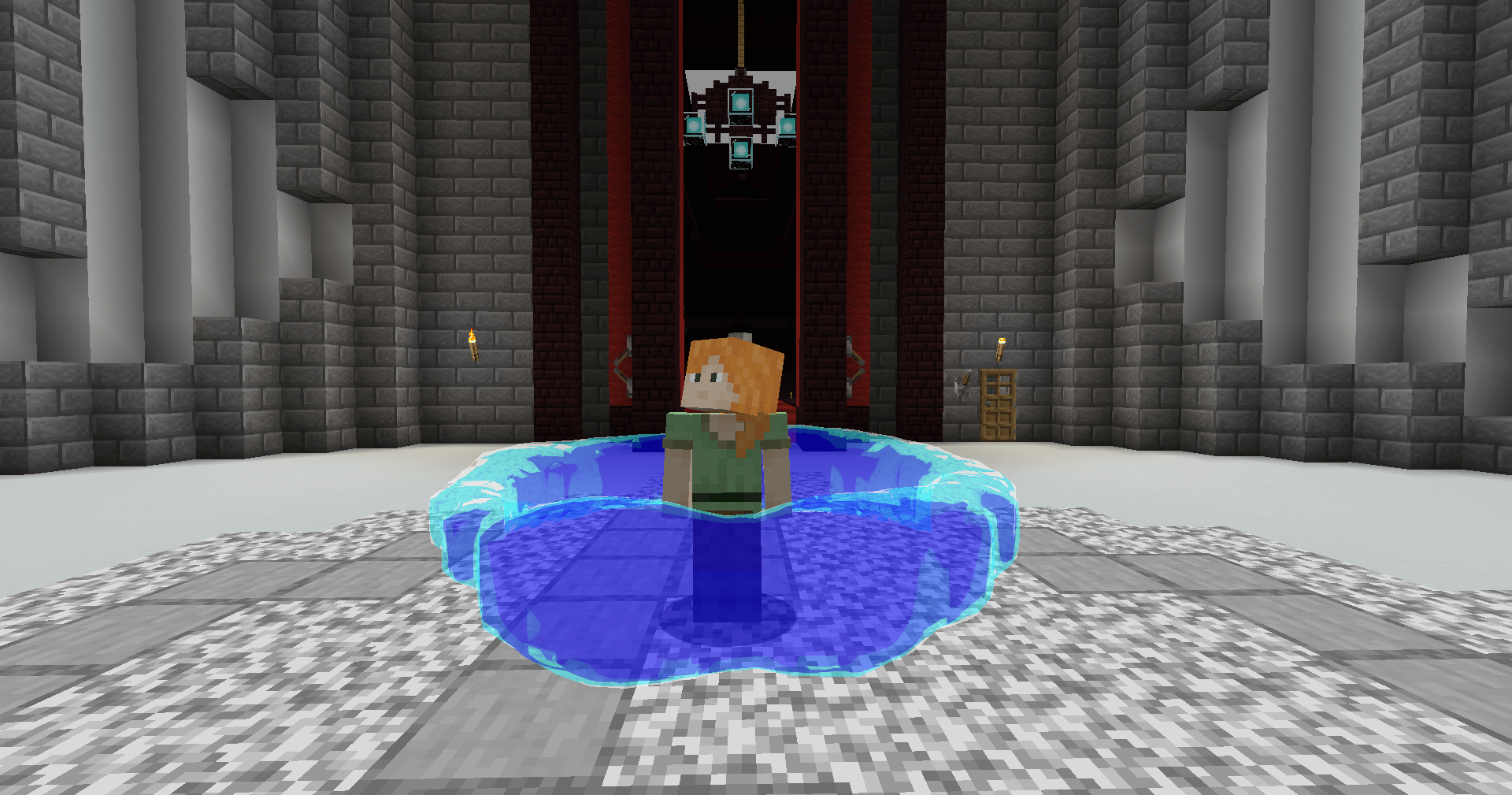 Water Ring Skill
 -
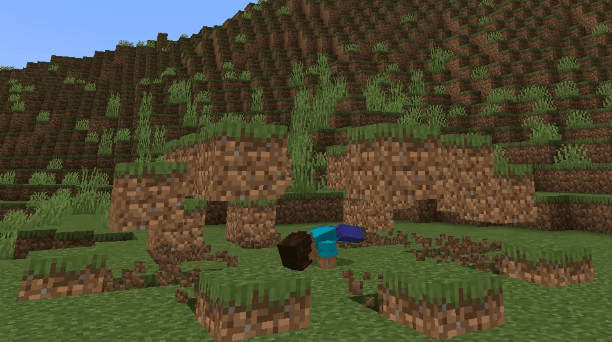 Earth Smash Skill
 -
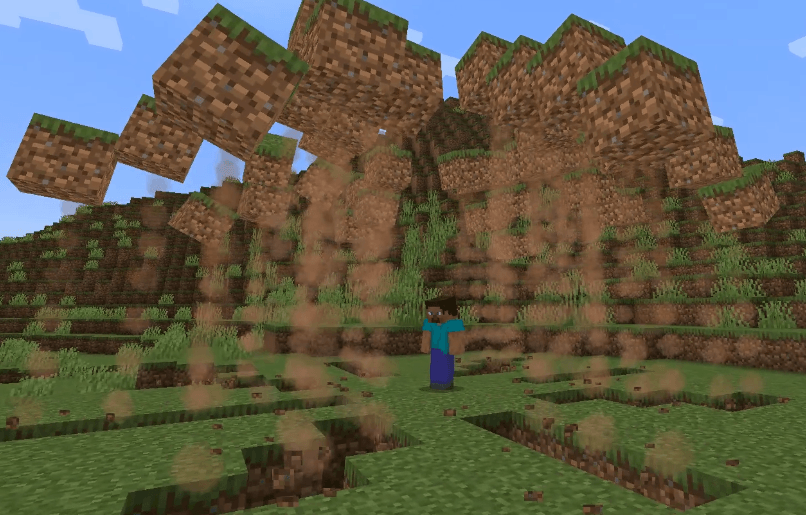 Earth Smash Skill
 -
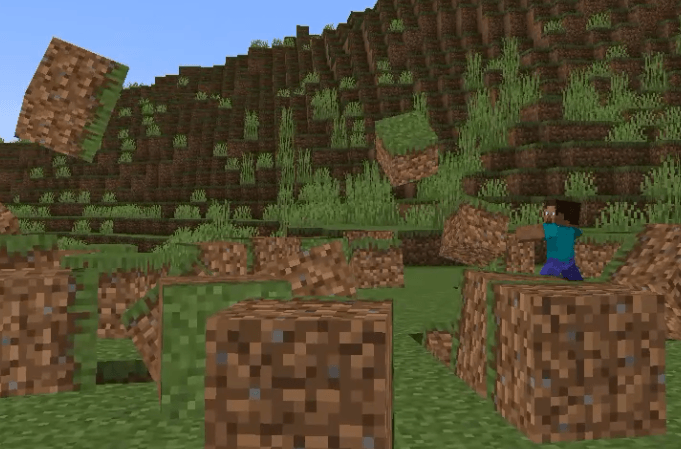 Earth Toss Skill
 -
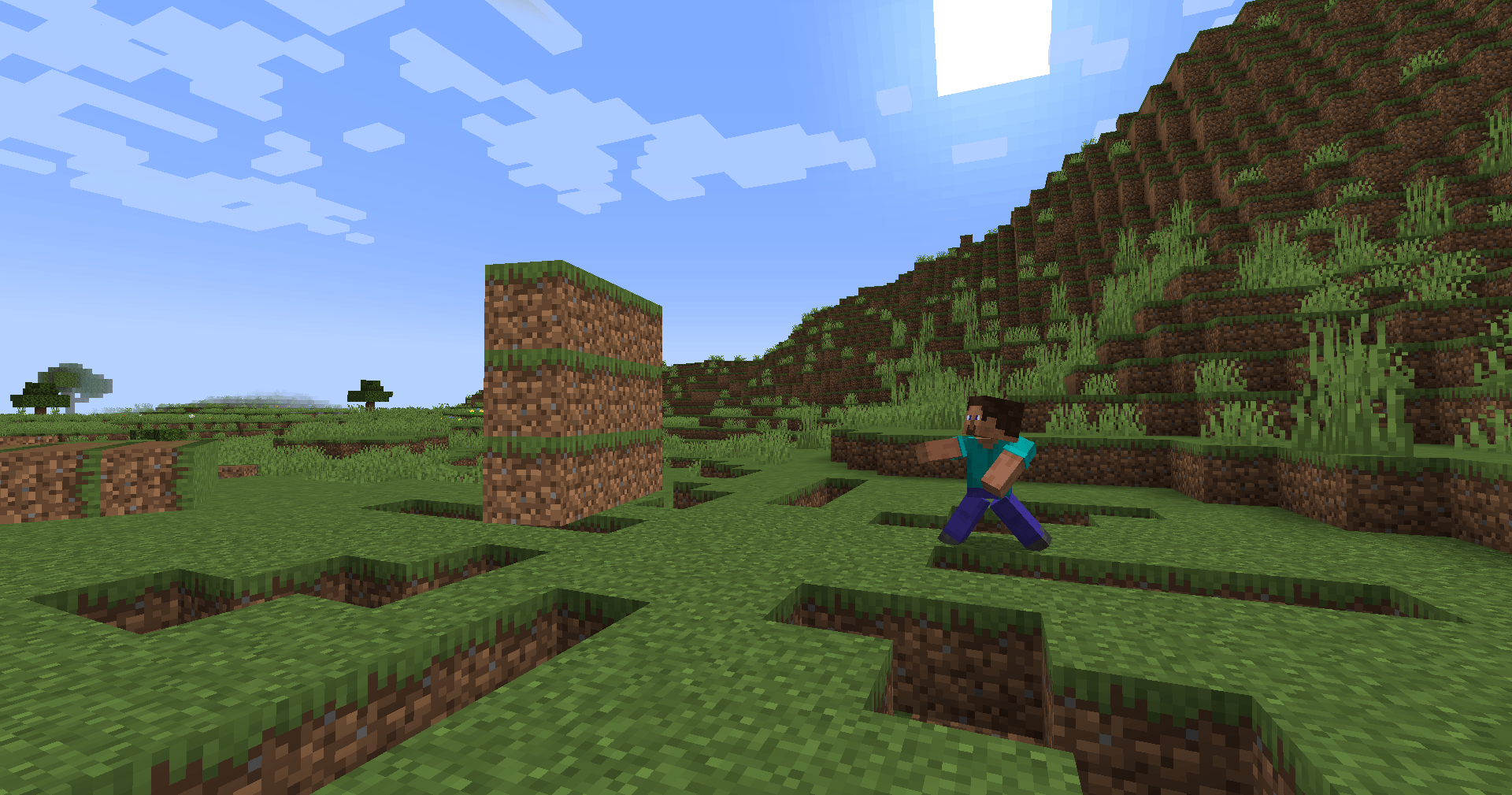 Earth Wall Skill
 -
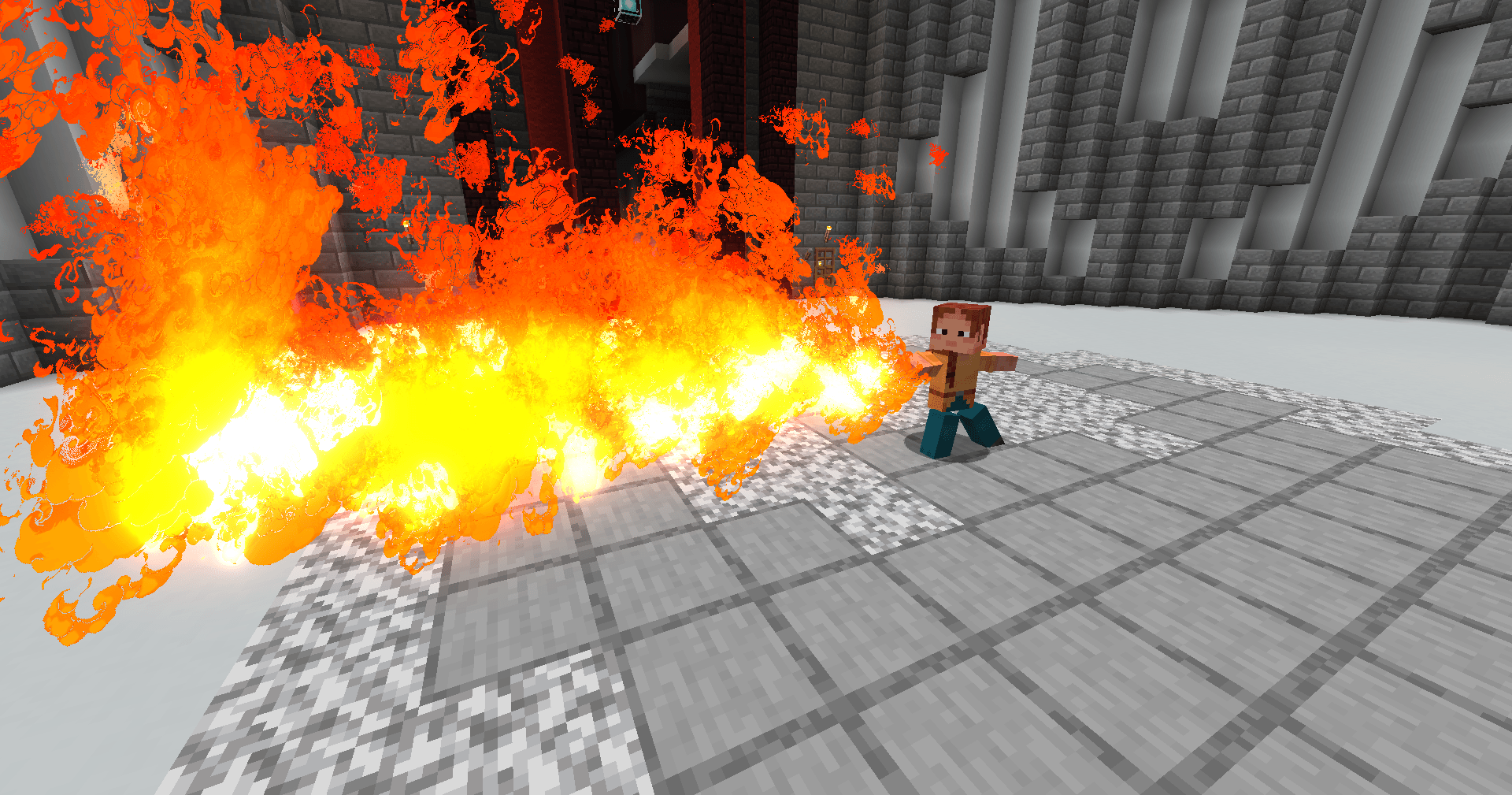 Fire Streams Skill
 -
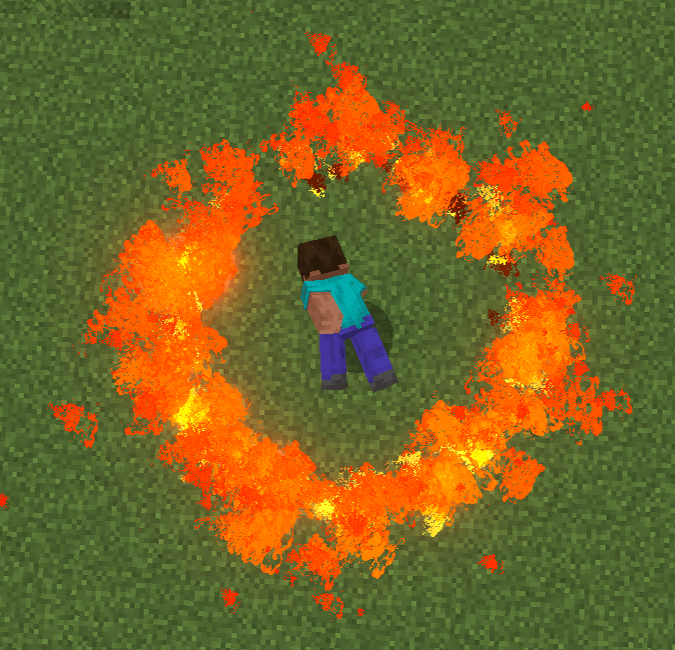 Blazing Rings Skill
 -
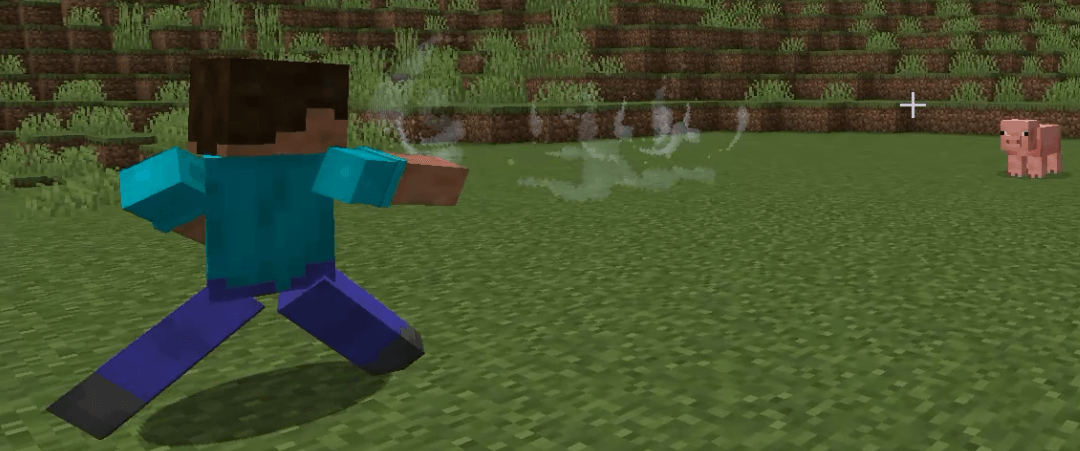 Air Gust Skill
 -
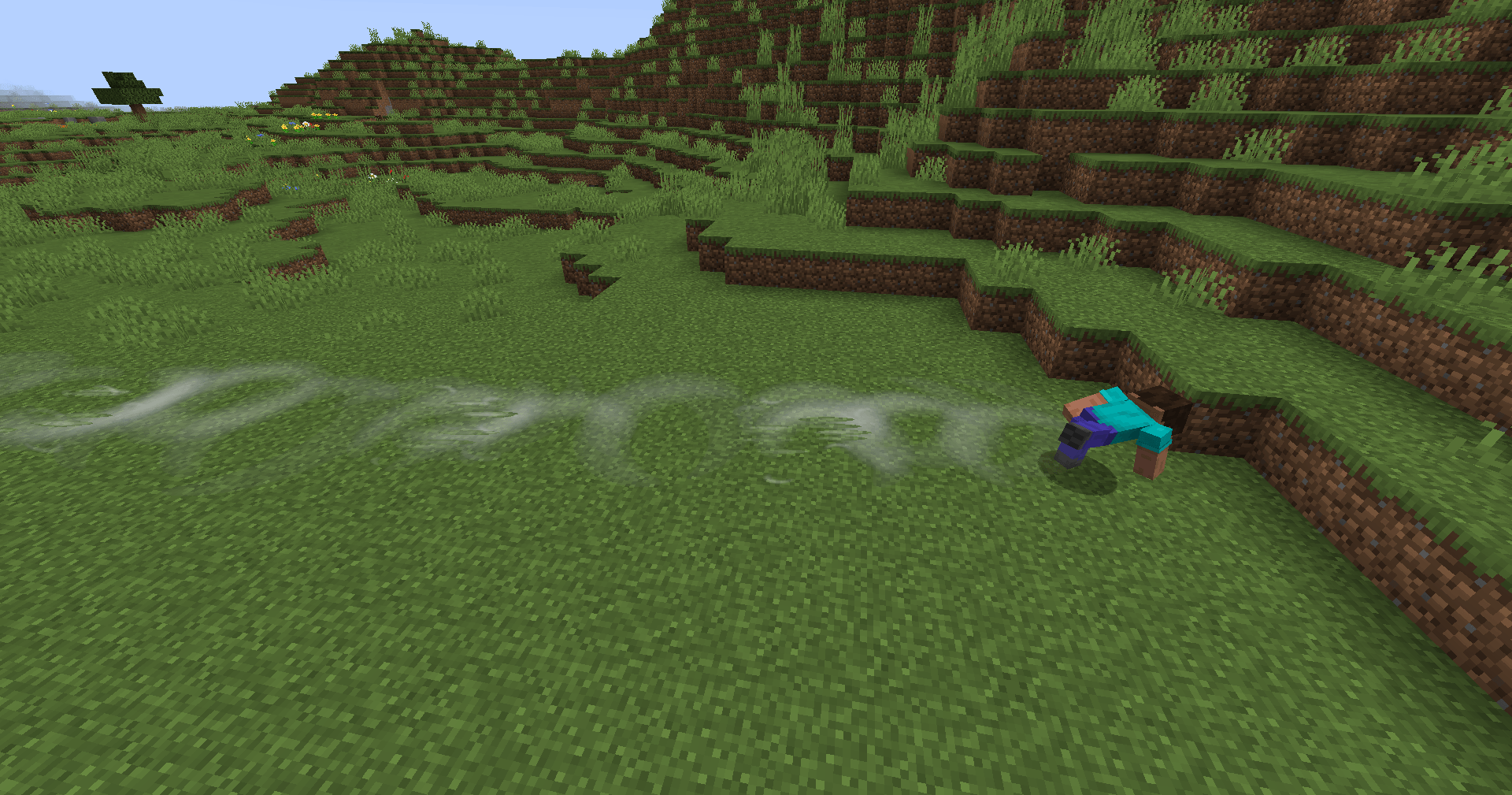 Air Swipe Skill
 -
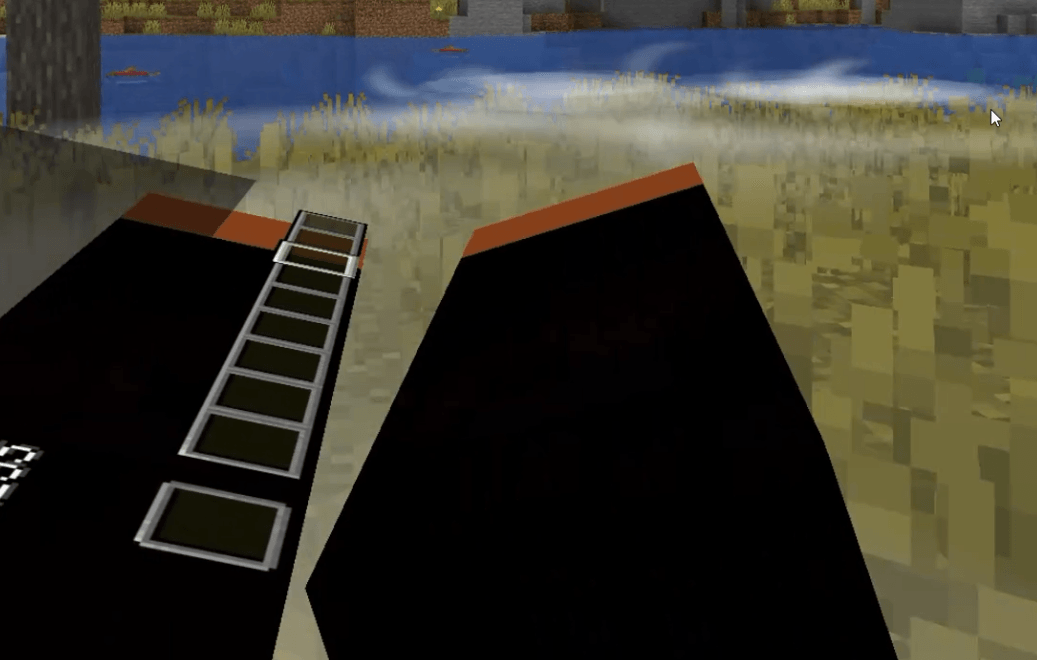 VR Compatible!
-
 Fire Streams Skill
 -
 Earth Smash Skill
 -
 Air Gust Skill
 -
 Earth Toss Skill
 -
 Earth Smash Skill
 -
 Blazing Rings Skill
 -
 Earth Wall Skill
 -
 Air Swipe Skill
 -
 VR Compatible!
 -
 Water Ring Skill
Versions
Files
Relations
Project Relations
More like this
Similar Mods
Suggestions use data such as tags, dependencies, dependents, descriptions, titles, and more to rank how much they overlap with this mod.
On ModDex
Community snapshot
By the numbers
Statistics
 (opens in a new tab)
Get it on
Available Platforms
On ModDex
Community snapshot
By the numbers