Community listing page, reviews here may not be monitored by the author.
Beautiful Day Counter

No reviews yet
Count the number of days in your beautiful world :)
Community voices
Reviews
No reviews yet. Be the first to review this project!
Get it on
Available Platforms
About
Project Details
For authors
Embed Badge
If you're the author of this project, you can embed a live badge anywhere that supports HTML or Markdown. It updates automatically whenever ratings change.
Use HTML for any page that supports it, or Markdown for README files and Markdown-based descriptions.
Identifiers
Platform IDs
Resources
External Links
About
Description
Beautiful Day Counter
A lightweight day tracker for Minecraft Java (Fabric).
Shows a subtle counter and a slide‑in notification announcing each new day.
Perfect for Hardcore players who just want to know how many days it's been since they first set foot in the world.
What It Does
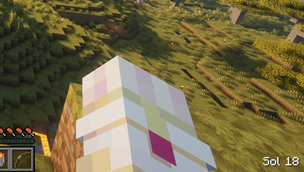
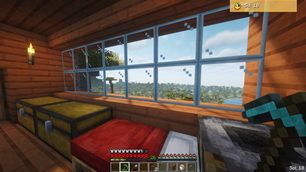
- Day counter: Displays “Day N” unobtrusively. Toggle visibility with H.
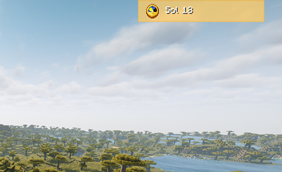
- New‑day notification: When a new day begins, a notification slides in saying “Day N”.
- Configurable label: Change "Day" to anything (e.g., "Sol").
- It’s designed with native UI pieces to match vanilla’s look and feel.
- The HUD overlay respects F1: it does not render when Hide GUI is enabled.
- Death message: You'll be notified how many days you survived if you happen to kick the bucket!
How to use
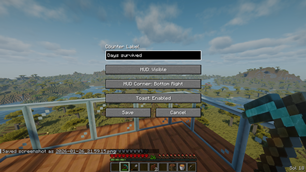
- Toggle: Press H (default) to show/hide the counter.
- Configure keybind: Open Options -> Controls -> Keybinds and scroll down to Beautiful Day Counter
- Configure: Open Mod Menu → Beautiful Day Counter → Configure. Edit label and HUD visibility.
- Single/multiplayer: Works everywhere. The mod detects day locally; if the server also has the mod, it can broadcast authoritative day changes.
Planned features
- All done for now :)
Fun Facts
- Day/night cycle: A Minecraft day is 24,000 ticks (~20 minutes). We compute days as floor(timeOfDay/24000)+1.
Screenshots
Gallery
-
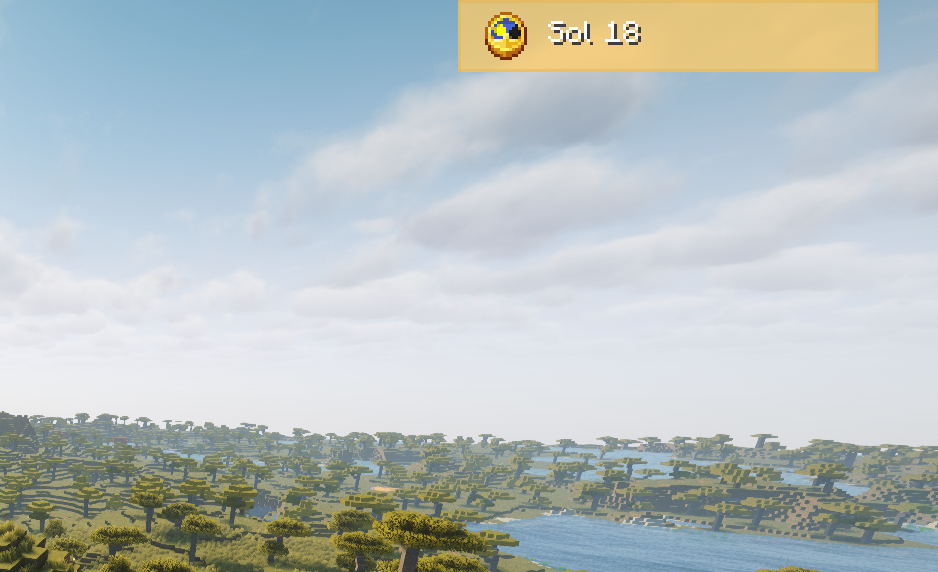 Notification closeup
 -
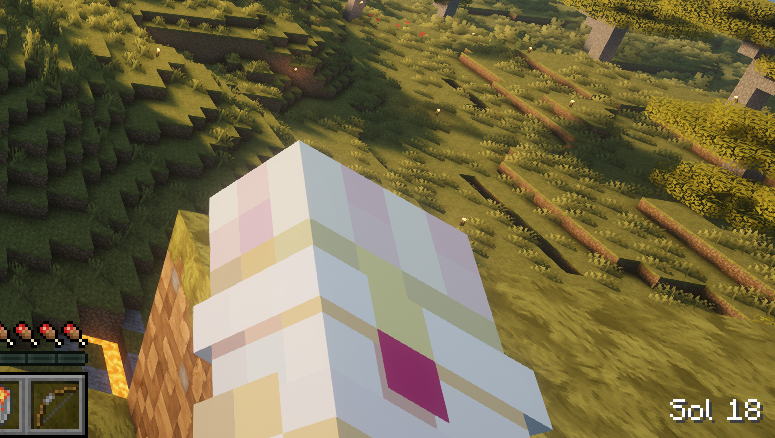 Counter closeup
 -
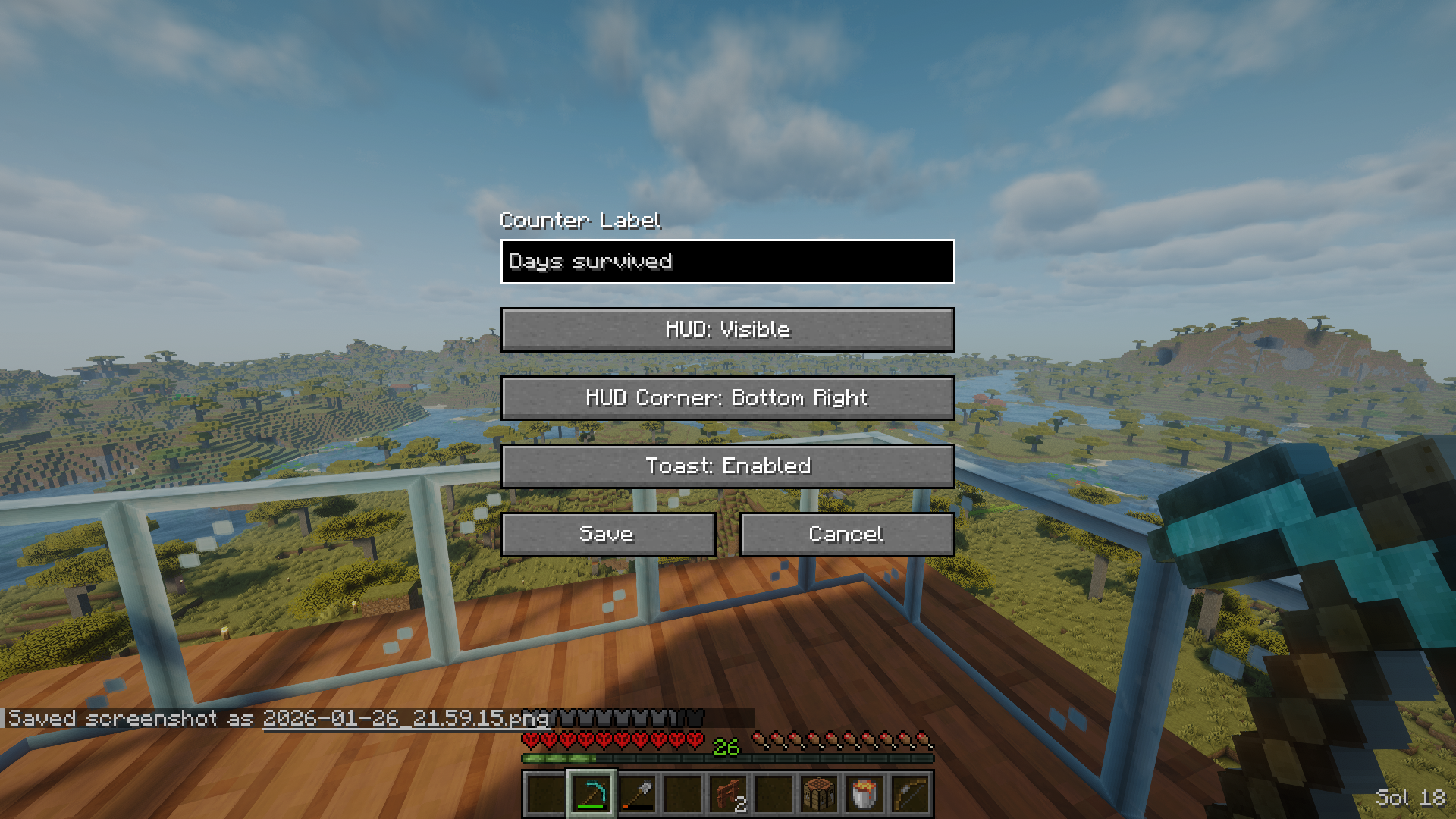 Mod menu You can enable/disable the HUD or notification, as well as pick the corner the HUD message goes in AND you can create a custom display text for the days
 -
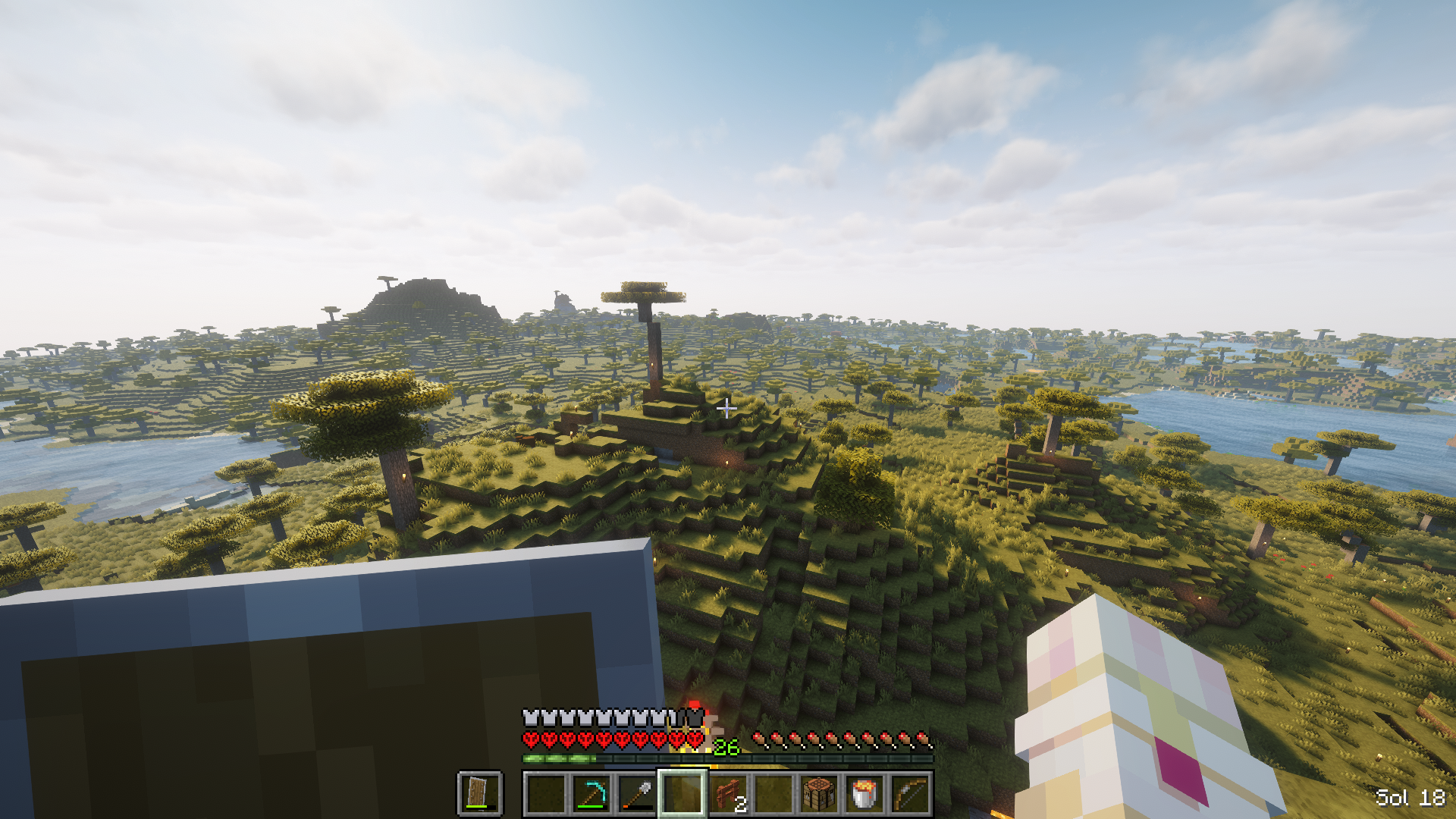 Just day counter Day counter can be displayed in any of the four corners of your screen. You can also disable the HUD at any time with a keyboard shortcut
 -
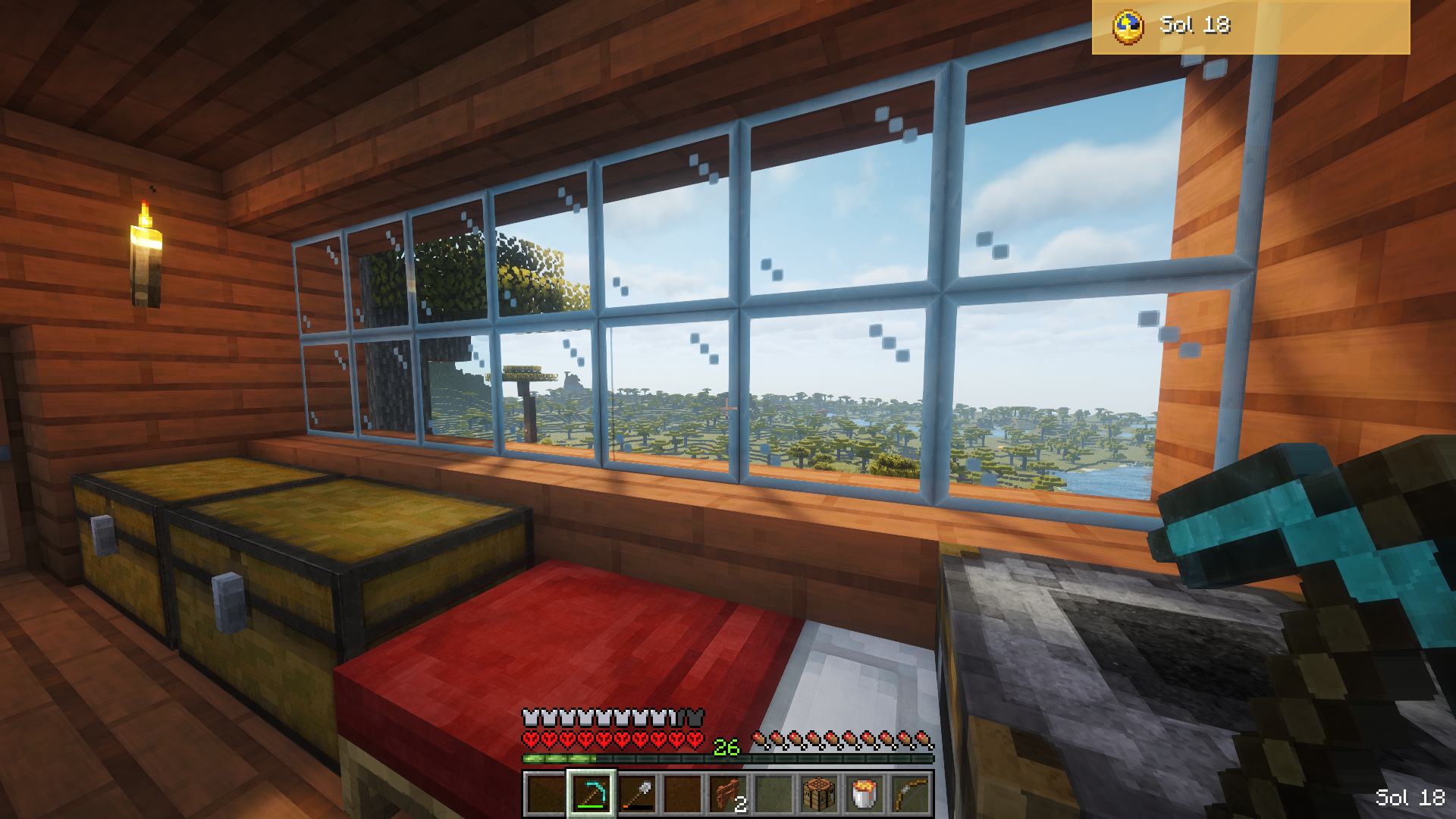 Day counter and Notification! This is how the counter looks when it's a new day. A golden notification message will slide in and let you know how many days it has been.
Versions
Files
Relations
Project Relations
More like this
Similar Mods
Suggestions use data such as tags, dependencies, dependents, descriptions, titles, and more to rank how much they overlap with this mod.
On ModDex
Community snapshot
By the numbers
Statistics
Want to reach Minecraft players?
We're looking for a server hosting partner to feature here and other parts of the site. Interested? Send us a message!
Get in touchGet it on
Available Platforms
On ModDex
Community snapshot
By the numbers
Statistics
Resources