Community listing page, reviews here may not be monitored by the author.
Better Creative Mode Tabs

No reviews yet
Make navigating through creative tabs easier. No more flipping across 10 pages!
Community voices
Reviews
No reviews yet. Be the first to review this project!
Get it on
Available Platforms
About
Project Details
For authors
Embed Badge
If you're the author of this project, you can embed a live badge anywhere that supports HTML or Markdown. It updates automatically whenever ratings change.
Use HTML for any page that supports it, or Markdown for README files and Markdown-based descriptions.
Identifiers
Platform IDs
About
Description
Discord: https://discord.gg/BCHNhsDMXz
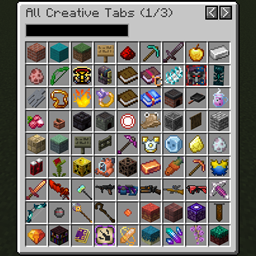
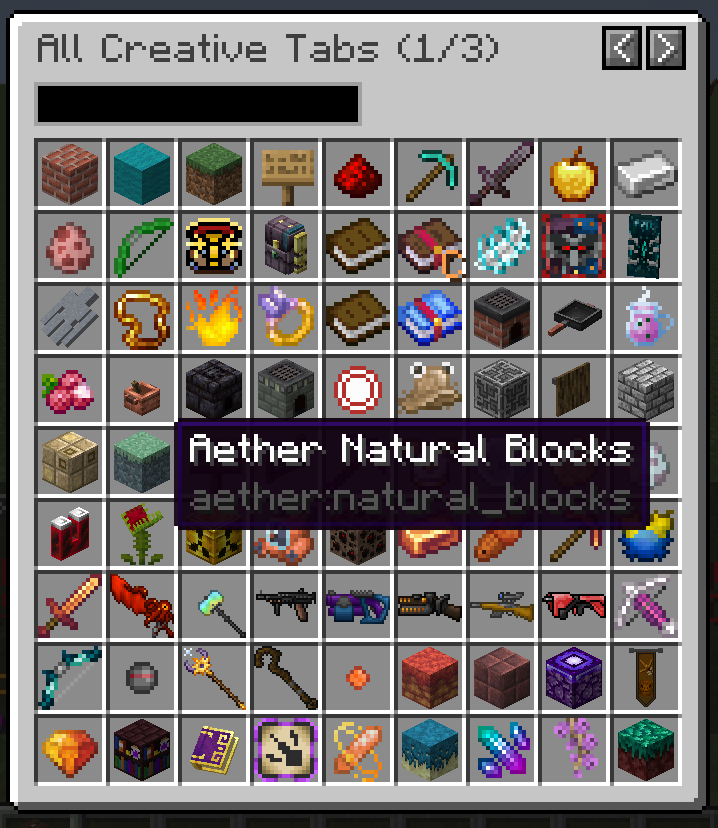
This mod adds a creative tab navigation screen for navigating all creative tabs at once, rather than flipping through 10 pages of tabs in the vanilla creative mode tab screen.
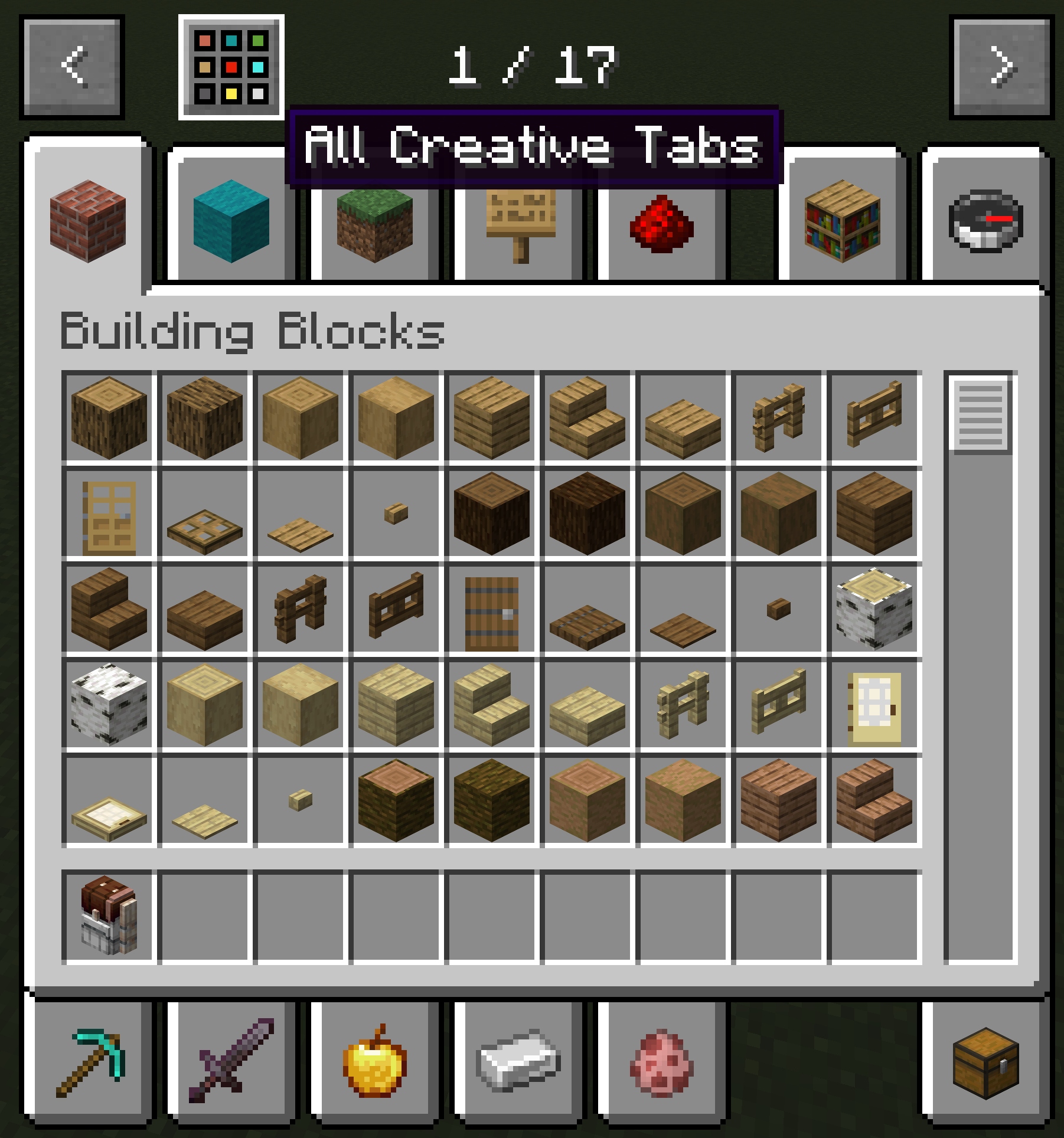
- To open the navigation menu, click the icon on top of creative tabs menu, or press keybind (default TAB).
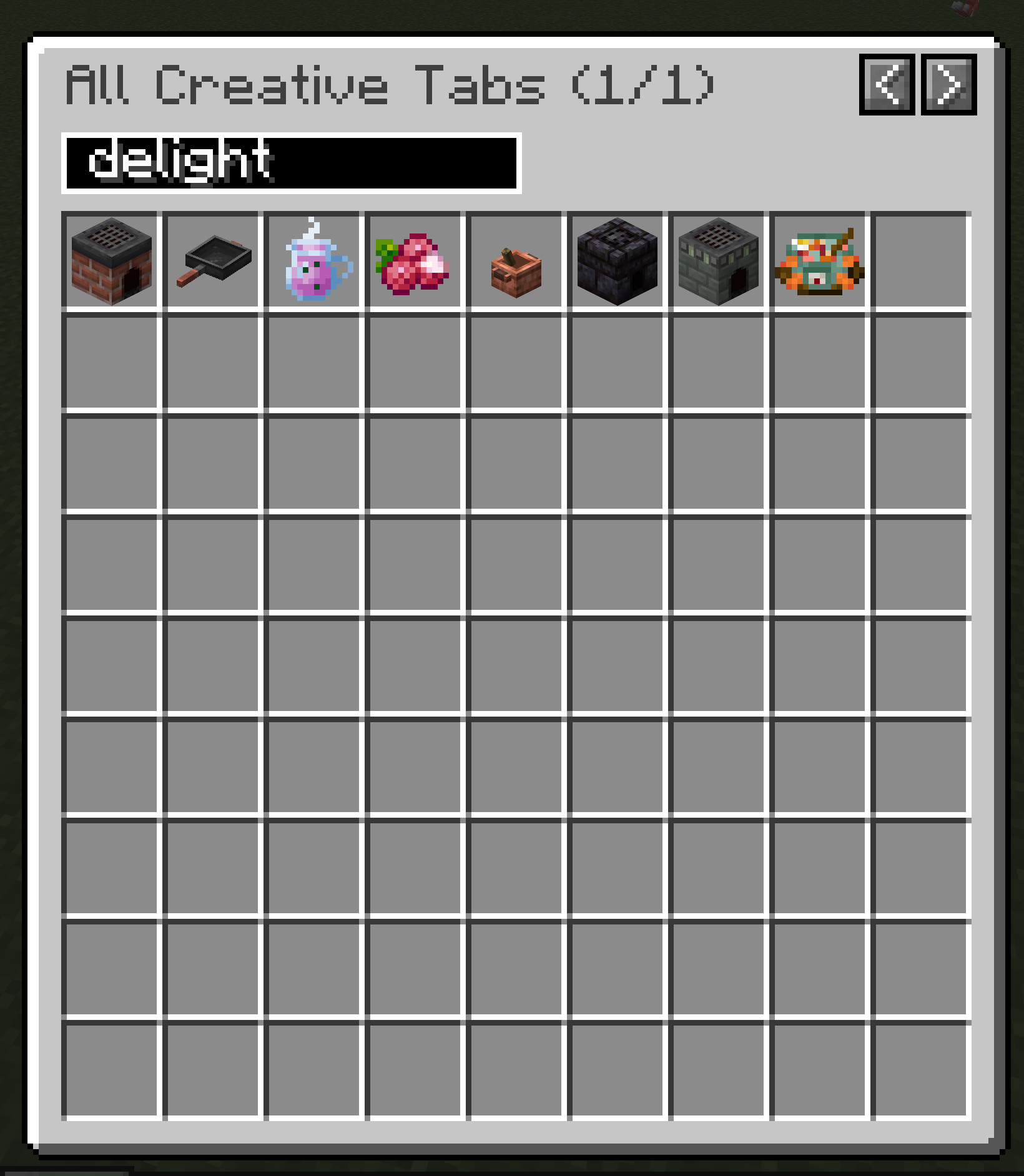
- You can search for mod ID or creative tab names, or flip page to see all tabs. Each page displays 81 tabs, far more than the 10 tabs per page vanilla menu.
- The navigation menu groups tabs by mod ID and depdendencies:
- By default the tabs are sorted by alphabetical order of mod ID. This means tabs of the same mod will be grouped together.
- Addon mod tabs will be after the main mod and grouped together, regardless of mod ID.
- Mods with multiple mandatory prerequisites will follow the one with the most addons. (Prerequisites without tabs doesn't count.)
- Minecraft tabs will always be displayed first. You can specify what other mods (and its addons) to be displayed first. (If you specify a library mods, all its dependencies will be grouped anyway)
Screenshots
Gallery
-
tooltip
-
search
-
 tabs
tabs -
button
Versions
Files
Relations
Project Relations
More like this
Similar Mods
Suggestions use data such as tags, dependencies, dependents, descriptions, titles, and more to rank how much they overlap with this mod.
On ModDex
Community snapshot
By the numbers
Statistics
Want to reach Minecraft players?
We're looking for a server hosting partner to feature here and other parts of the site. Interested? Send us a message!
Get in touchGet it on
Available Platforms
On ModDex
Community snapshot
By the numbers