Community listing page, reviews here may not be monitored by the author.
BindCommands


No reviews yet
Easily bind Minecraft commands to keyboard keys

Community voices
Reviews
No reviews yet. Be the first to review this project!
Get it on
Available Platforms
Compatibility
Supported Environments
Required on the client. Installing it on the server adds functionality.
Works on the client or the server alone, but does more when on both.
Varies by version.
About
Project Details
For authors
Embed Badge
If you're the author of this project, you can embed a live badge anywhere that supports HTML or Markdown. It updates automatically whenever ratings change.
Use HTML for any page that supports it, or Markdown for README files and Markdown-based descriptions.
Identifiers
Platform IDs
About
Description
⌨️ BindCommands
The BindCommands mod allows players to bind Minecraft commands to specific keys on their keyboard, making it easier and faster to execute commands in the game. The mod is built using the Fabric mod loader and is compatible with Minecraft versions from 1.16.5 up to 1.21.10.
📃 Features
- Bind Minecraft commands to specific keys on your keyboard.
- Configure bindings using the mod settings located in the mod menu.
- Easy to use and customize.
📁 Installation
- Download and install Fabric for Minecraft 1.21.10.
- Download BindCommands, Mod Menu, and Fabric Language Kotlin mods.
- Place the downloaded mod files in the "mods" folder located in your Minecraft game directory.
- Launch Minecraft with the Fabric mod loader and enjoy the mod!
⚙️ Usage
To use the BindCommands mod, follow these steps:
- Open the mod settings from the mod menu.
- Add a new binding by clicking the "Add Command" button.
- Enter the Minecraft command you want to execute or the message you want to send.
- Choose a key to bind the command to.
- Save the binding.
- Press the bound key to execute the command.
✉️ Feedback and Support
If you encounter any issues while using the BindCommands mod or have any suggestions for improvement, please feel free to open an issue on the mod's GitHub page or visit our Discord. We appreciate any and all feedback!
BindCommands


The BindCommands mod allows players to bind Minecraft commands to specific keys on their keyboard, making it easier and faster to execute commands in the game. The mod is built using the Fabric mod loader and is compatible with Minecraft versions from 1.16.5 up to 26.2.
📜 Features
- Bind Minecraft commands to specific keys on your keyboard.
- Configure bindings using the mod settings located in the mod menu.
- Easy to use and customize.
📁 Installation
- Download and install Fabric for Minecraft 26.1.
- Download BindCommands, Mod Menu, and Fabric Language Kotlin mods.
- Place the downloaded mod files in the "mods" folder located in your Minecraft game directory.
- Launch Minecraft with the Fabric mod loader and enjoy the mod!
⚙️ Usage
To use the BindCommands mod, follow these steps:
- Open the mod settings from the mod menu.
- Add a new binding by clicking the "Add Command" button.
- Enter the Minecraft command you want to execute.
- Choose a key to bind the command to.
- Save the binding.
- Press the bound key to execute the command.
✉️ Feedback and Support

If you encounter any issues while using the BindCommands mod or have any suggestions for improvement, please feel free to open an issue on the mod's GitHub page or visit our Discord. We appreciate any and all feedback!
Screenshots
Gallery
-
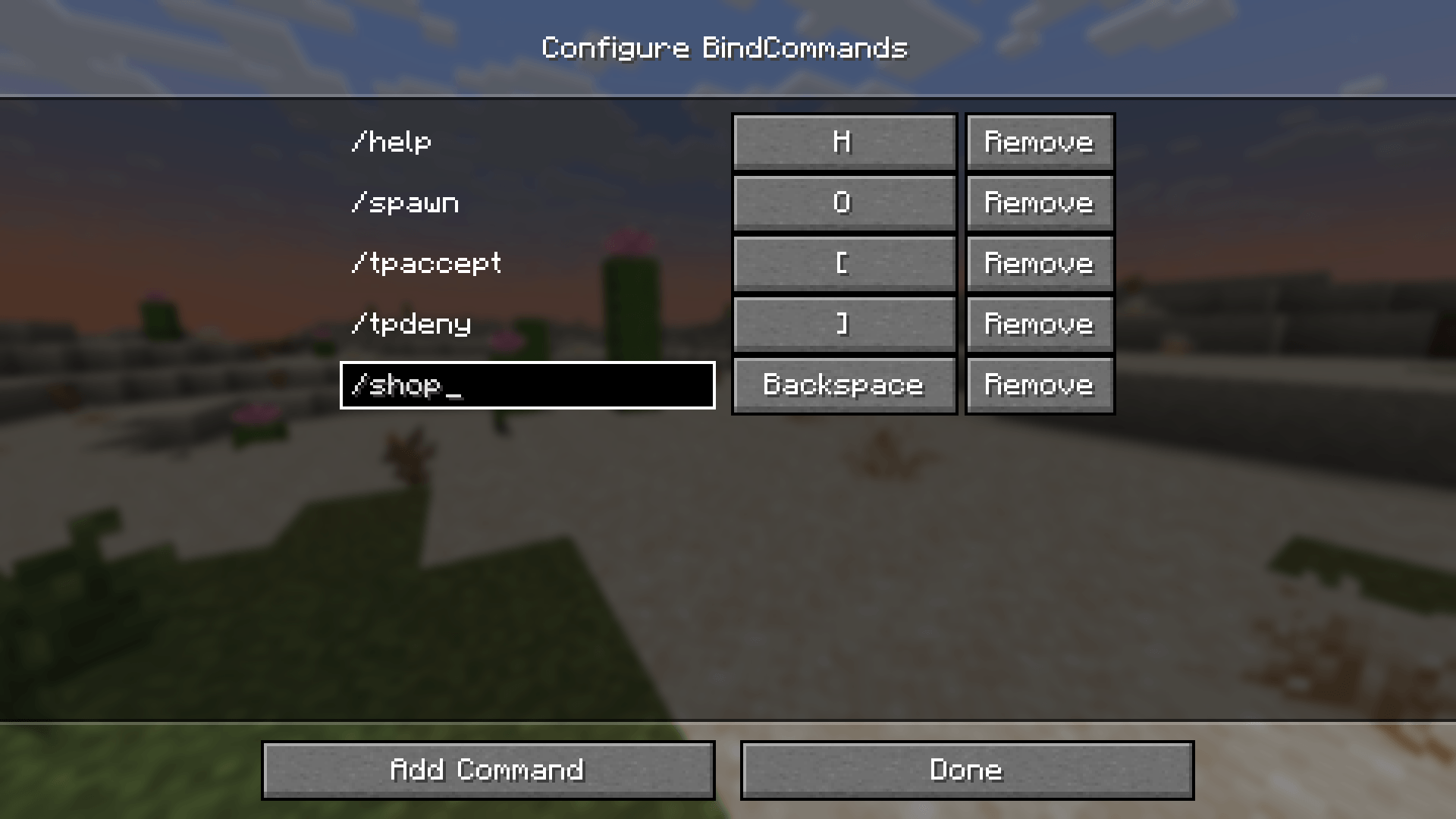 Configuration menu 1.21.5 2025-03-25_21.26.09.png
 -
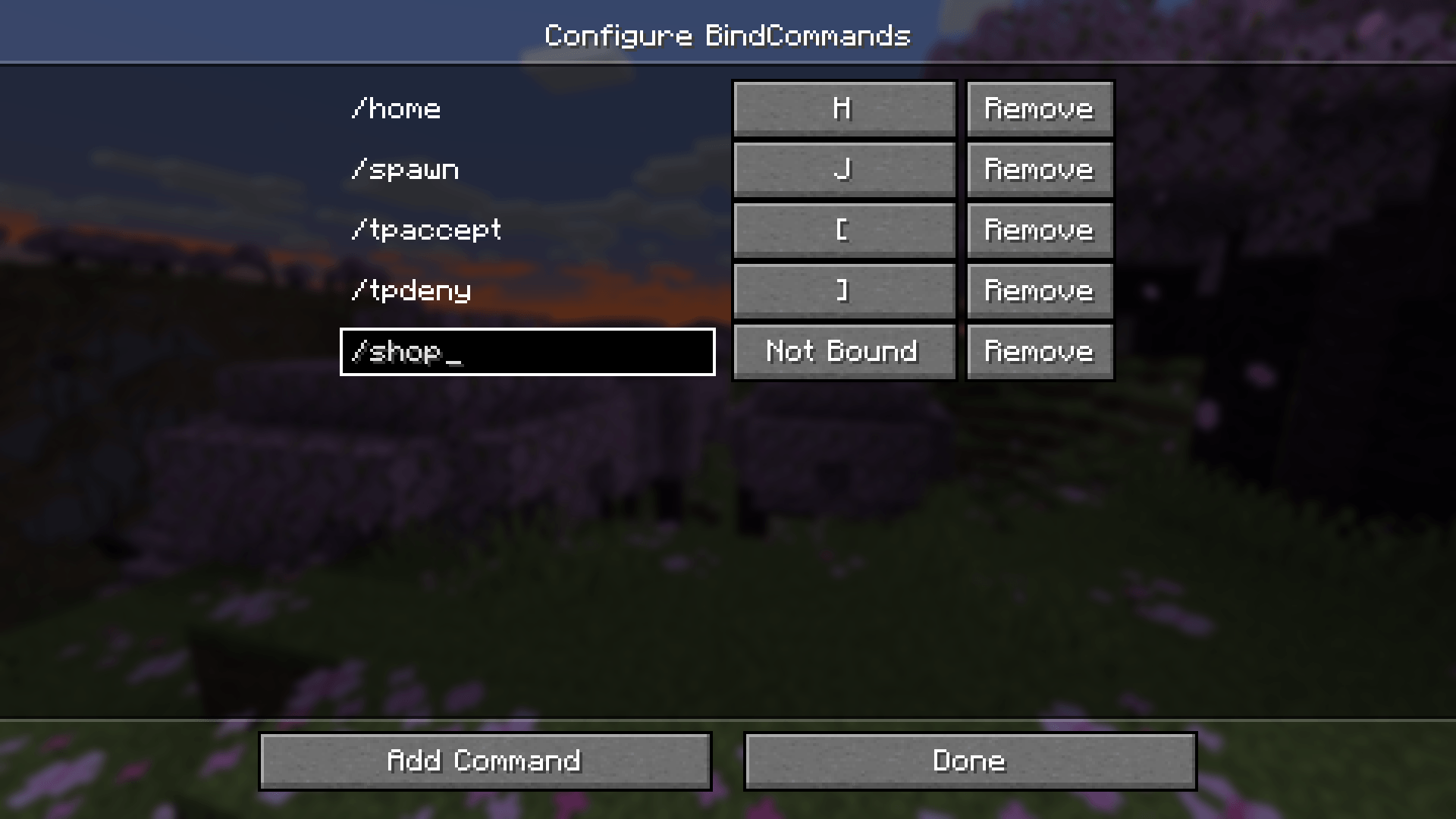 Configuration menu 1.20.6 2024-04-29_21.20.29.png
 -
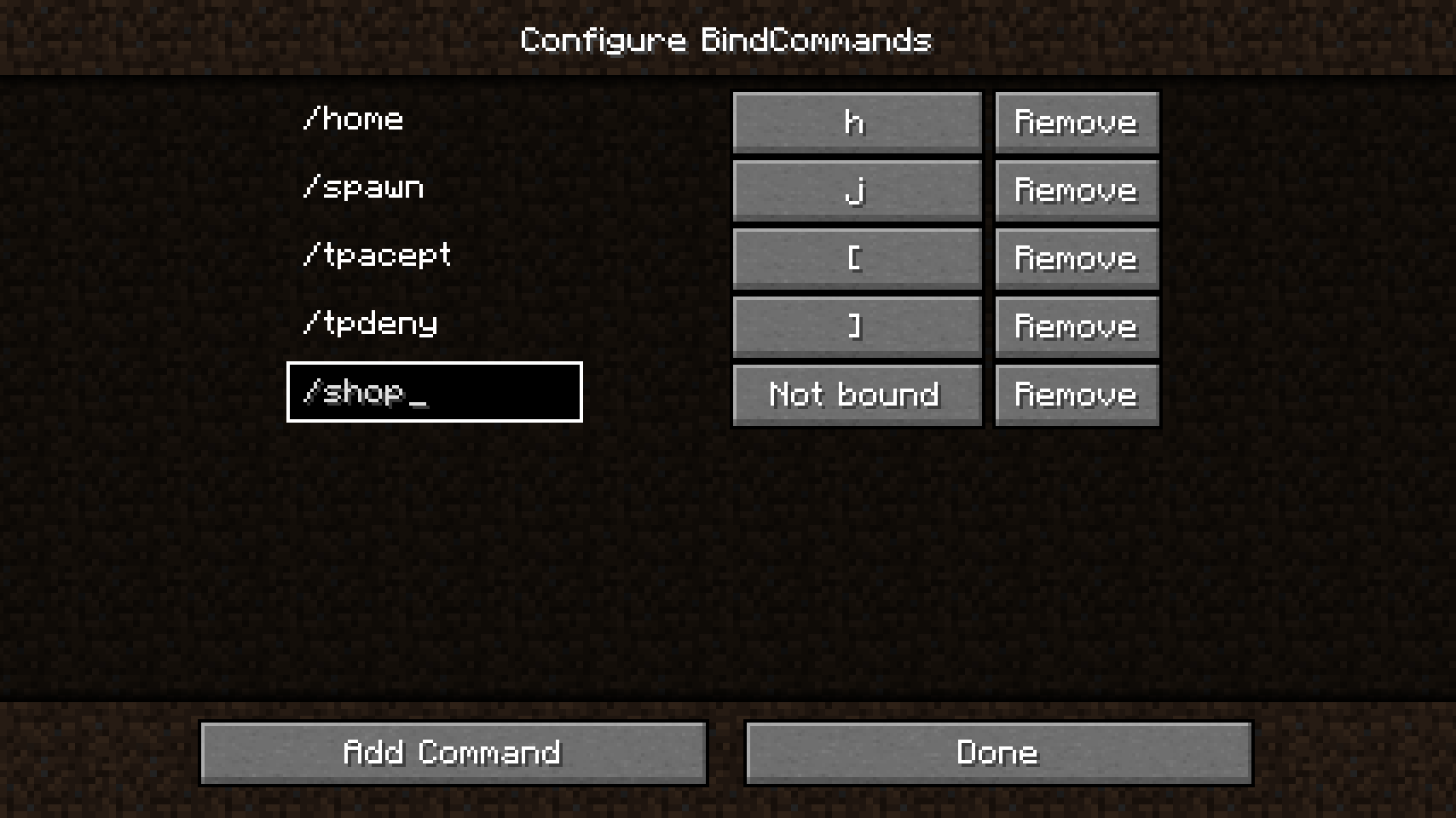 Configuration menu
-
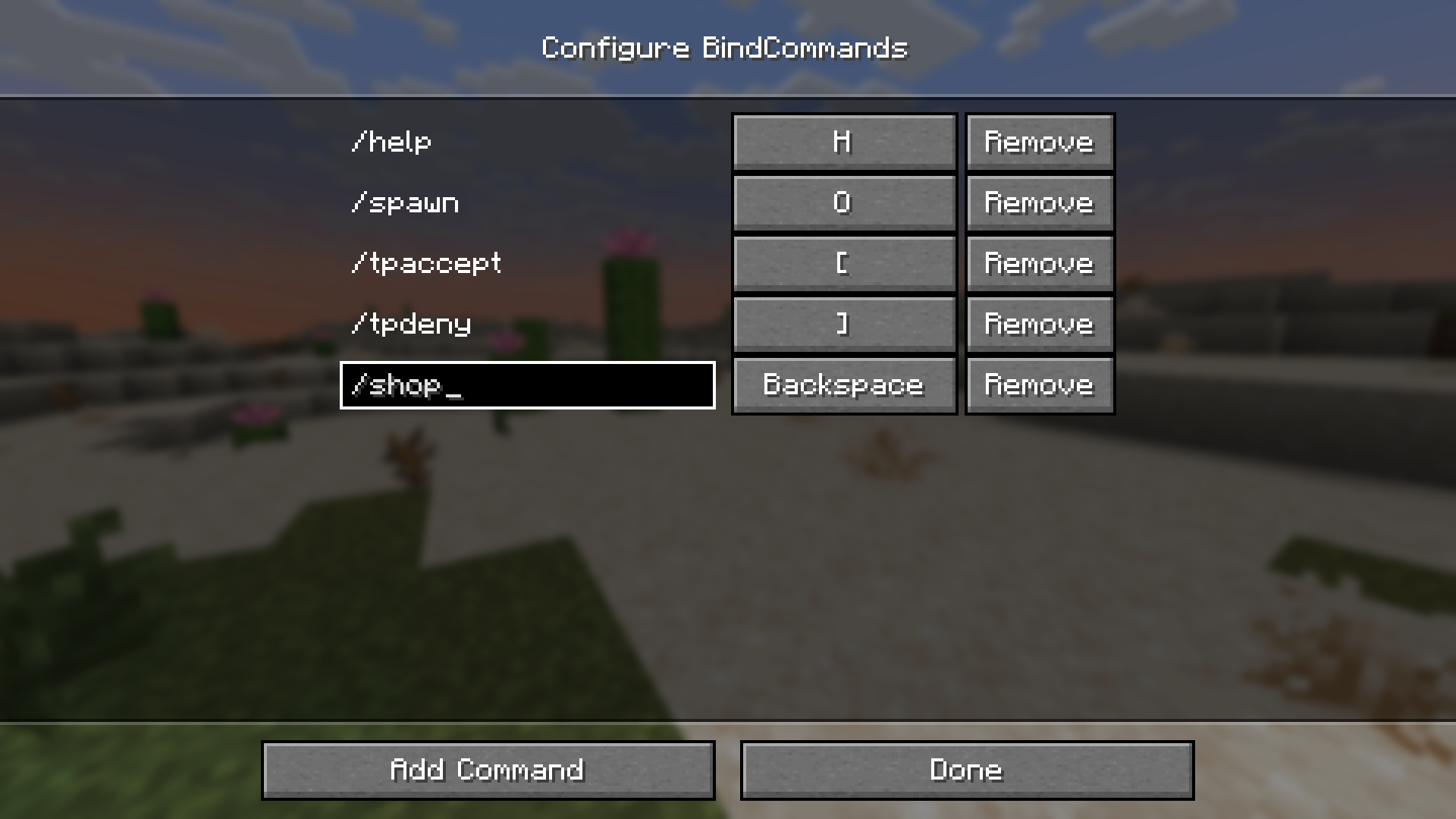 Configuration menu 1.21.5
 -
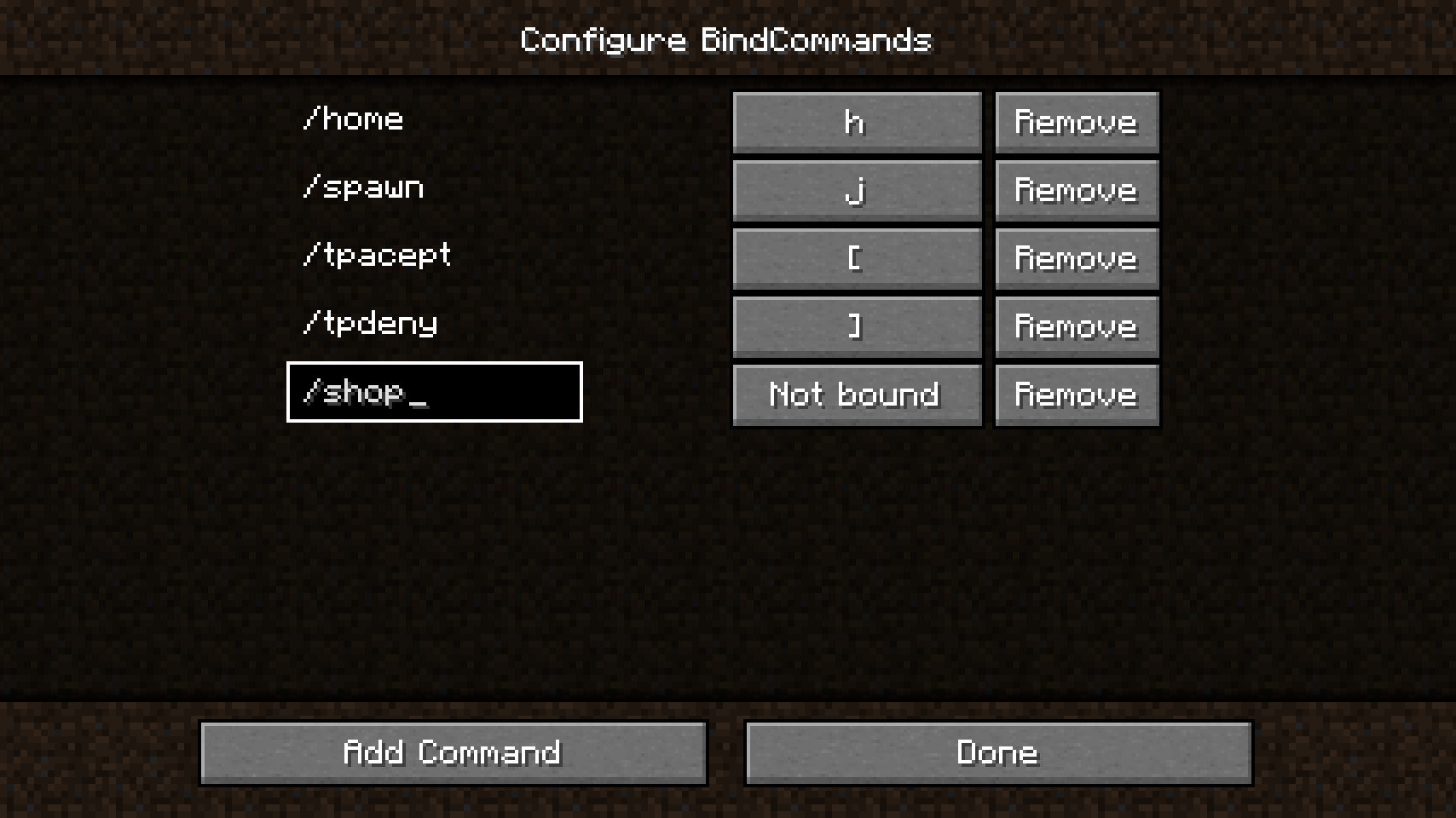 Configuration menu
 -
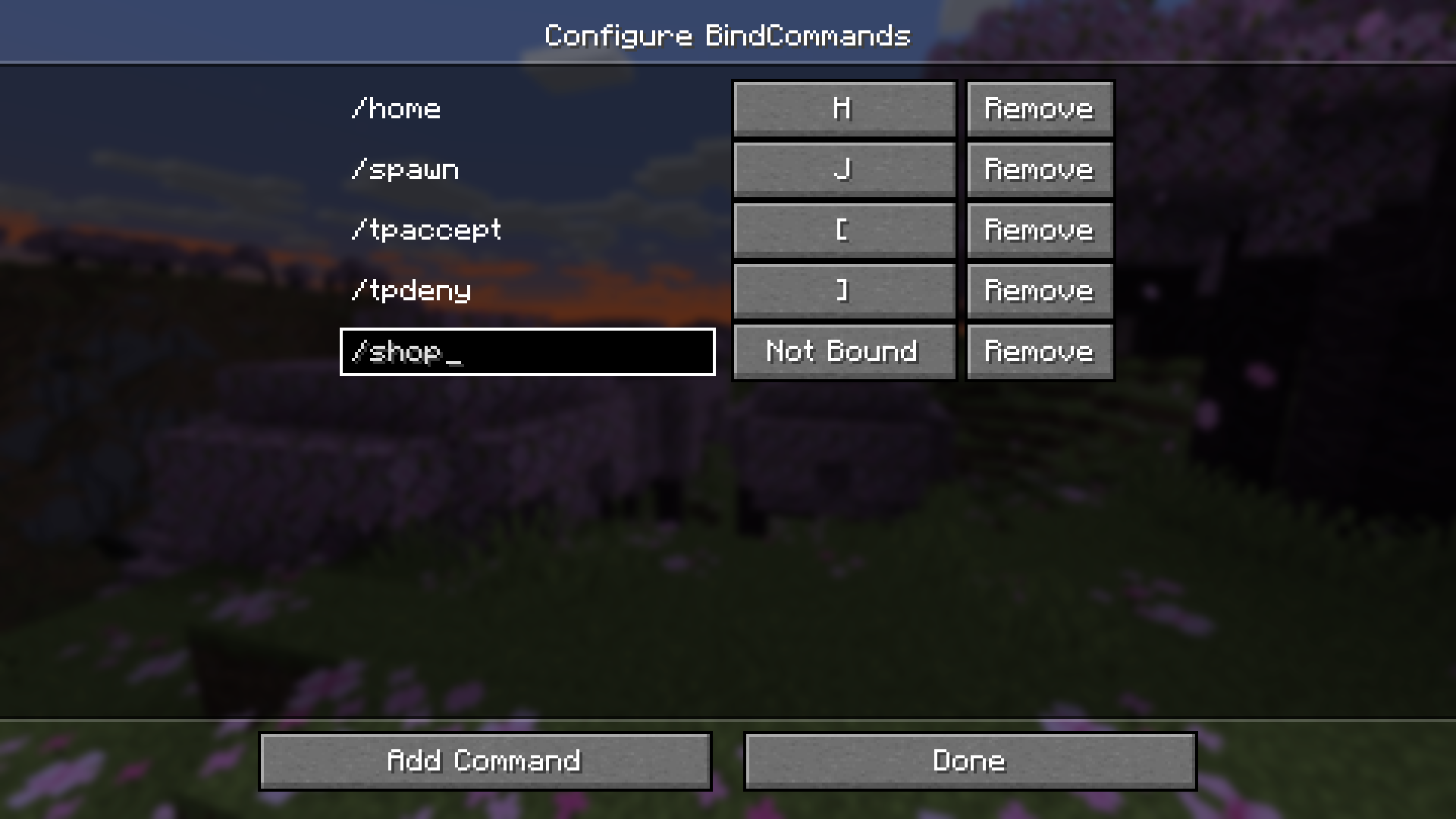 Configuration menu 1.20.5
Versions
Files
Relations
Project Relations
More like this
Similar Mods
Suggestions use data such as tags, dependencies, dependents, descriptions, titles, and more to rank how much they overlap with this mod.
On ModDex
Community snapshot
By the numbers
Statistics
 (opens in a new tab)
Get it on
Available Platforms
On ModDex
Community snapshot
By the numbers