Community listing page, reviews here may not be monitored by the author.
Blaze Map


No reviews yet
New generation, open-source mapping mod for Forge

Community voices
Reviews
No reviews yet. Be the first to review this project!
Get it on
Available Platforms
Compatibility
Supported Environments
Required on the client. Installing it on the server adds functionality.
About
Project Details
For authors
Embed Badge
If you're the author of this project, you can embed a live badge anywhere that supports HTML or Markdown. It updates automatically whenever ratings change.
Use HTML for any page that supports it, or Markdown for README files and Markdown-based descriptions.
Identifiers
Platform IDs
About
Description

What it is:
Blaze Map is a fast, powerful, and flexible map mod for Minecraft.
It draws inspiration from the well known maps, but is built from the ground up for modders, with the objective of being easily extendable and not impose too many limitations on addons.
Blaze Map is entirely open source.
The layered system:
Blaze Map comes with multiple maps (internally called Map Types). Any addon can easily add more.
A map, in turn, is composed of several independent layers that are overlayed on top of each others in real time. This allows players to hide certain thing (water for example) when needed to allow uncluttered access to the relevant information.
Current state:
Blaze Map is stable and all the core features are complete. However many more optimizations, adjustements, graphical tweaks and extra features are planned.
It is safe to use on your worlds.
Join us on Discord!


Blaze Map is your extensible, open source mapping mod. On top of the basic duties of mapping the world with both a minimap and world map view, Blaze Map is designed to be easy for other mods to add their own custom maps and mapping data.
Features for Blaze Map users:
- Multiple default map types
- Aerial View
- Terrain Height
- Multiple toggleable layers of information per map type
- World Map to get a wider view of your world (
B)- Export an "atlas" view of the World Map (
F12)
- Export an "atlas" view of the World Map (
- Configurable minimap
- Click-and-drag resizing/repositioning (
shift + B) - Change which map type and layers are shown (
shift + B) - Turn on or off (
/blazemap minimap on/off)
- Click-and-drag resizing/repositioning (
- Show nearby mobs (configurable in config file)
- Add waypoints to your map with configurable colour and icon (
N) - Manage waypoints in your world (
shift + N) - No cheaty cave view!
- (Ok, this is more of a lack-of-unwanted-feature for now. But there are plans to add a cave view eventually and it will not be able to x-ray into unexplored areas!)
Features for mod and modpack developers wishing to integrate:
- Fully open source: Blaze Map on GitHub
- Friendly devs who love to help and rarely bite: Discord
- Performance profiling and debugging information (
/blazemap debug on/off) - Integration with Minecraft's in-build performance profiling tools (
F3 + L) - Turn optional features on or off via either config file or API
- Add new map types and layers via API
- In fact, Blaze Map's default maps are added using our own API!
- We also dogfood our API via our own Blaze Map addon mod, Cartography
- Separation of data representation of the world from the visual representation of the world, allowing for more complex visualisations
- Flexible tools for representing data on the map
- Can move data processing off of the main thread to minimise performance impact
Note: This is a temporary description while initially seting up this project. Will fill in more fully later.
Screenshots
Gallery
-
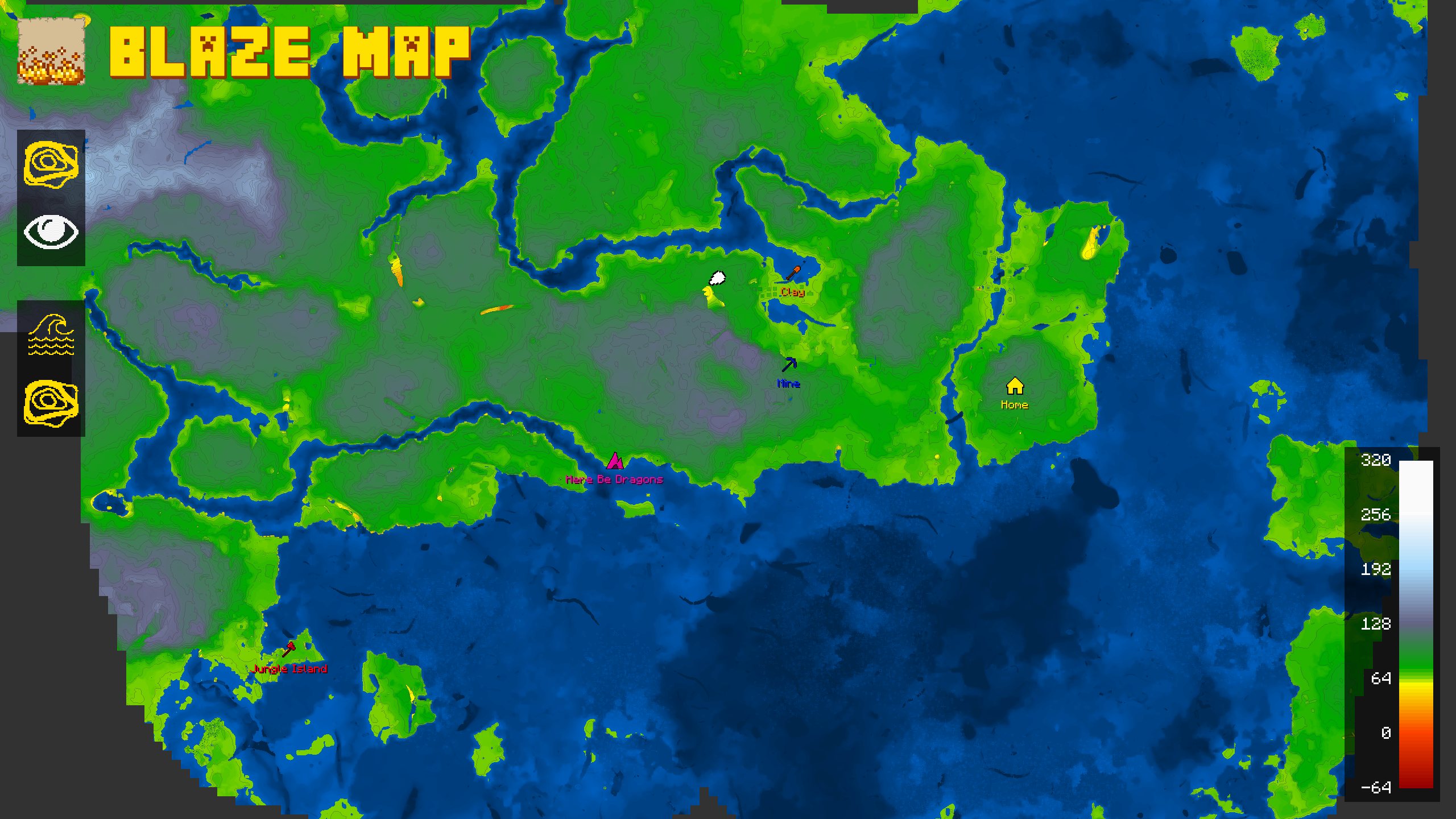 Topographical Map
 -
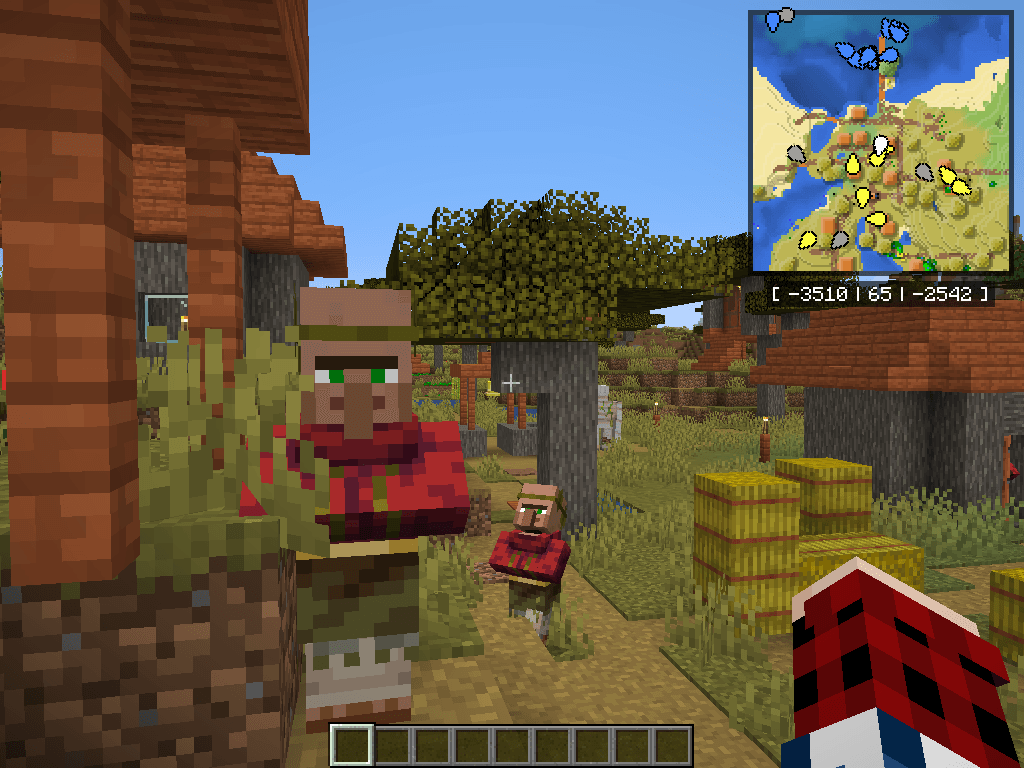 2025-02-05_18.14.48.png 2025-02-05_18.14.48.png
 -
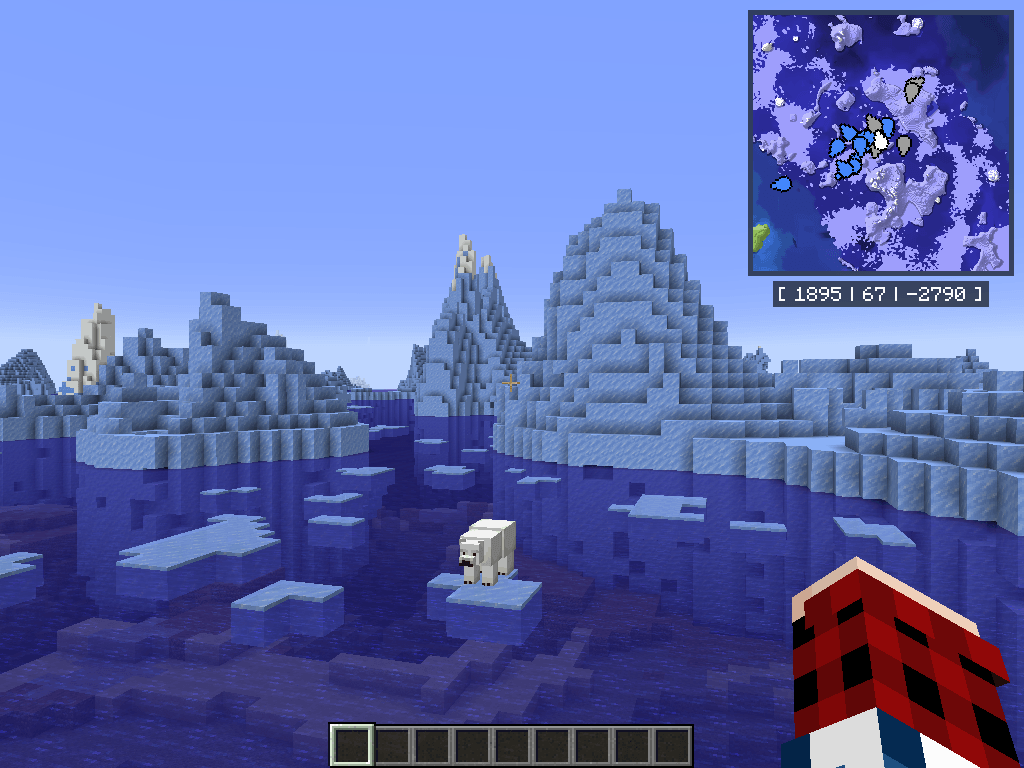 2025-02-05_18.36.09.png 2025-02-05_18.36.09.png
 -
 2025-02-05_18.11.18.png 2025-02-05_18.11.18.png
 -
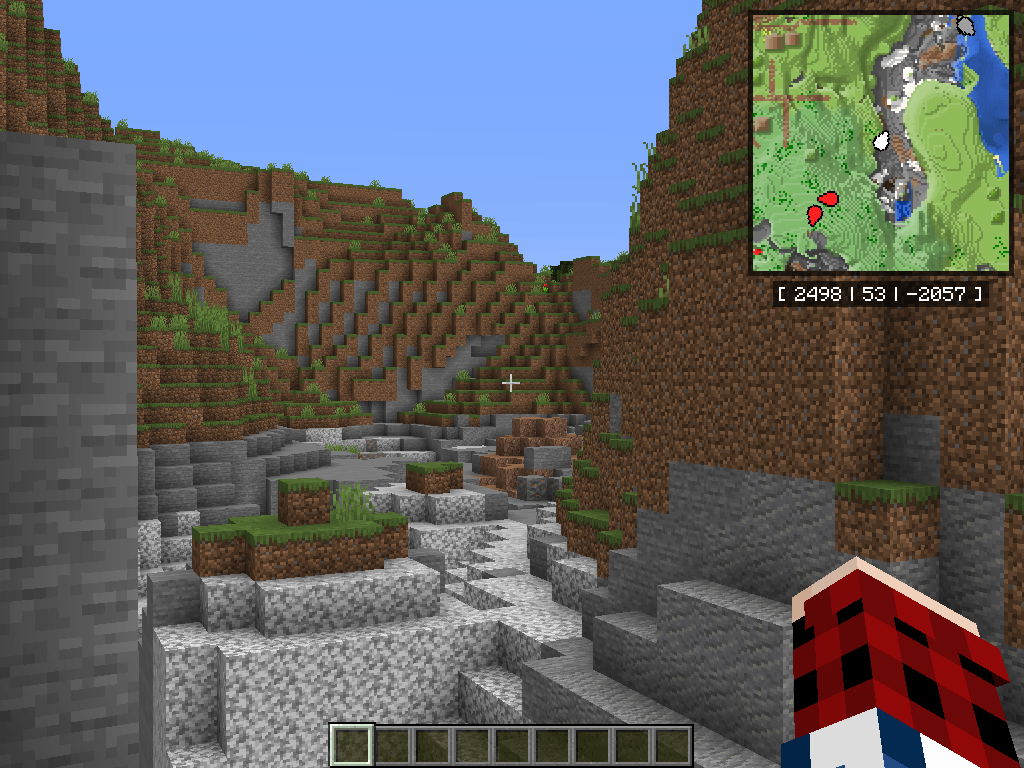 2025-02-05_18.31.02.png 2025-02-05_18.31.02.png
 -
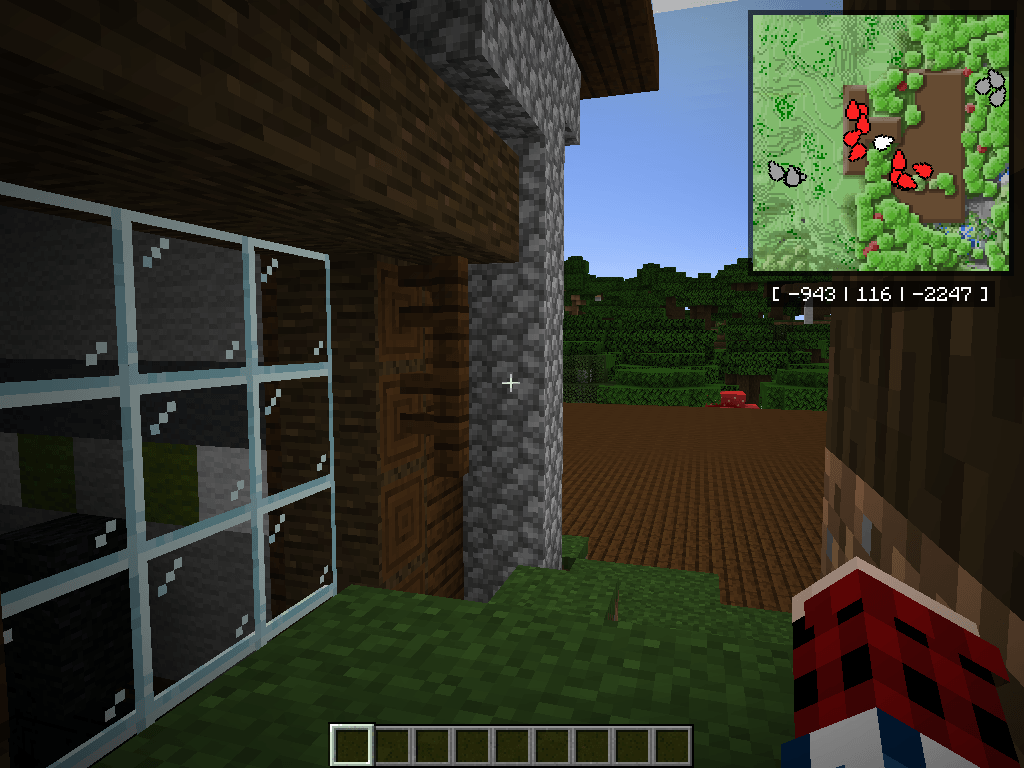 2025-02-05_18.24.30.png 2025-02-05_18.24.30.png
 -
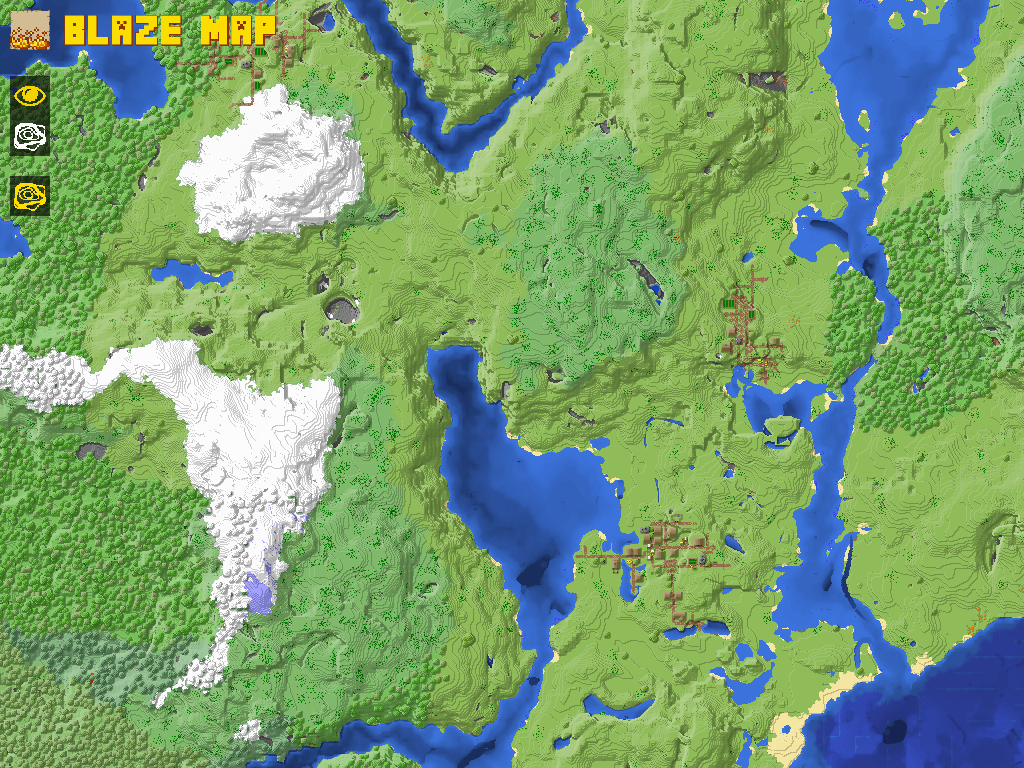 2025-02-05_18.27.20.png 2025-02-05_18.27.20.png
 -
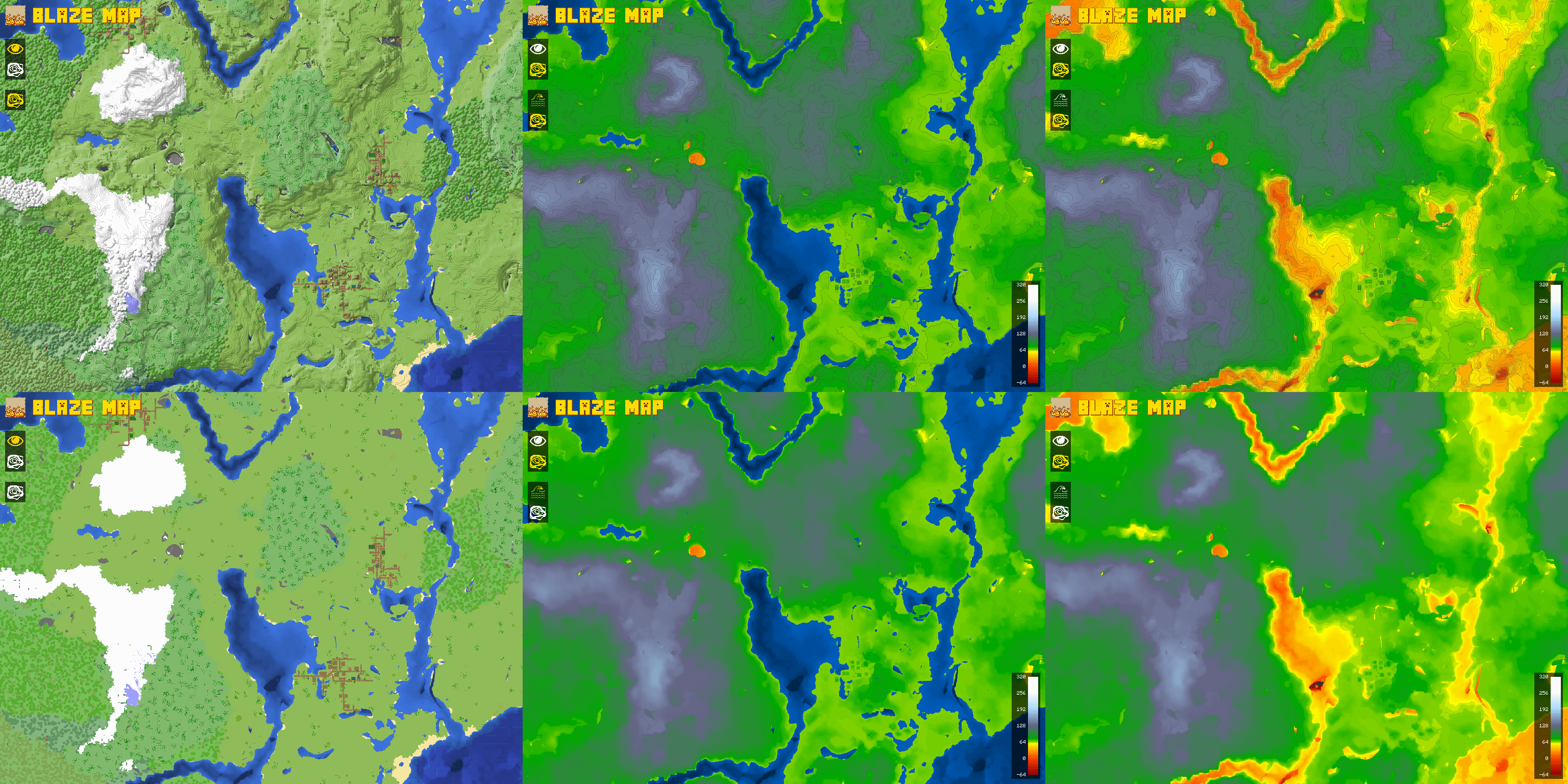 2025-02-05_18.27.20-composed-min.png 2025-02-05_18.27.20-composed-min.png
 -
 2025-02-05_18.41.16.png 2025-02-05_18.41.16.png
 -
 2025-02-05_18.47.48.png 2025-02-05_18.47.48.png
 -
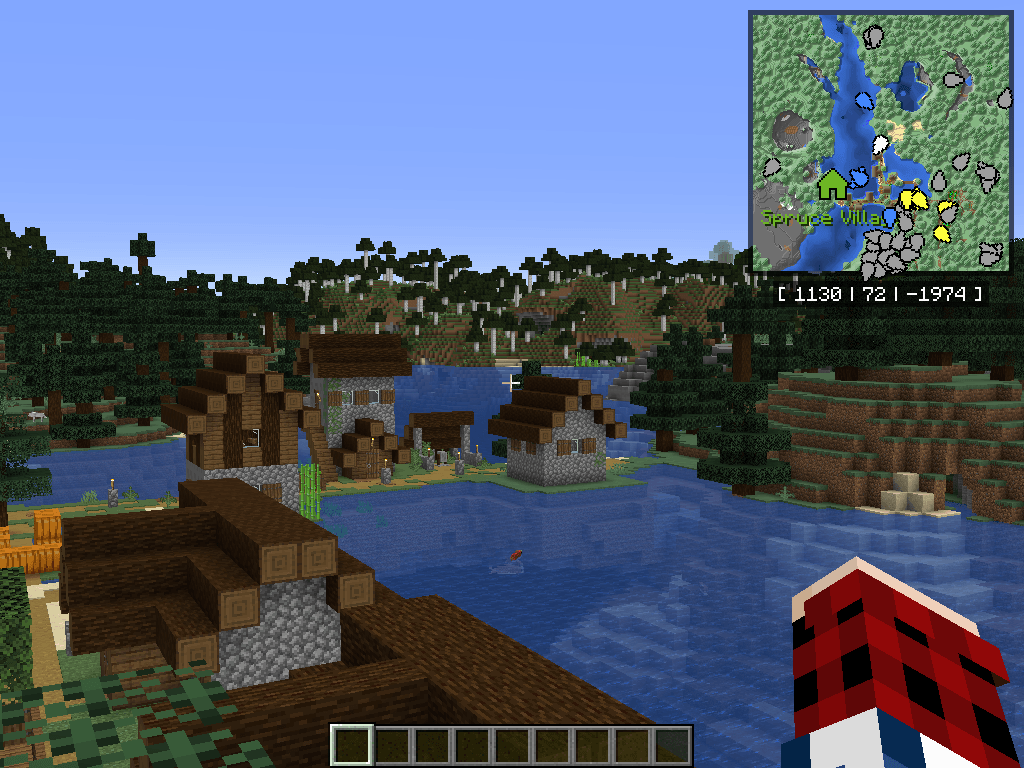 2025-02-05_18.48.59.png 2025-02-05_18.48.59.png
 -
 2025-02-05_18.39.19.png 2025-02-05_18.39.19.png
 -
 2025-02-05_18.39.22.png 2025-02-05_18.39.22.png
 -
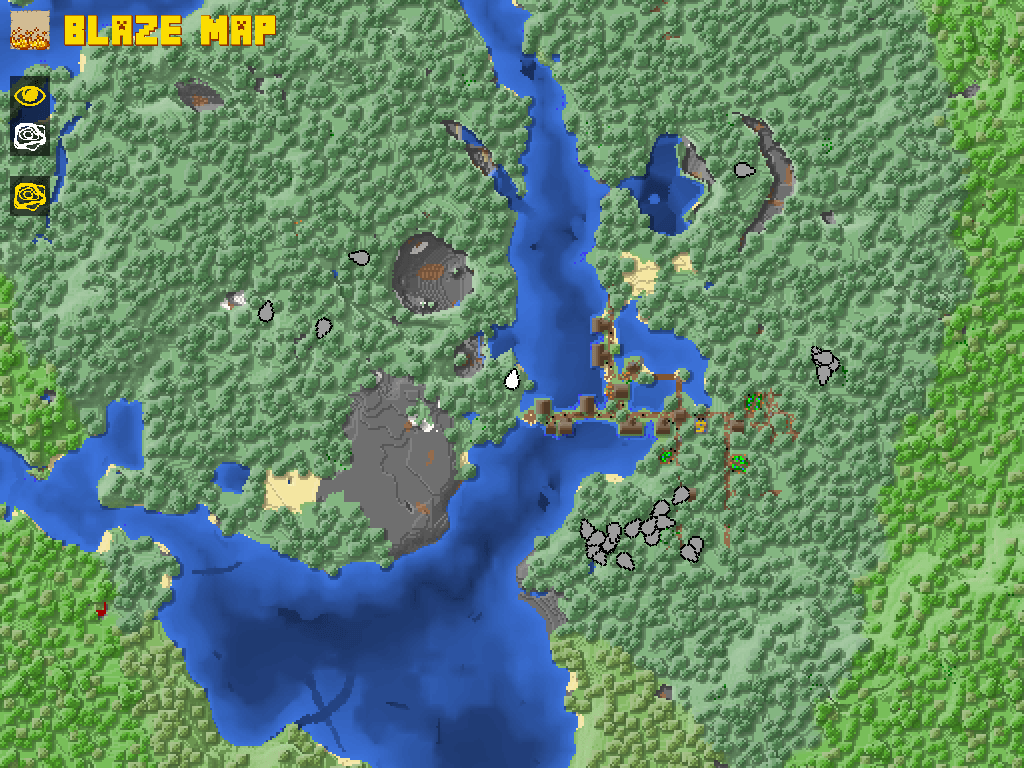 2025-02-05_18.39.24.png 2025-02-05_18.39.24.png
 -
 2025-02-05_18.39.27.png 2025-02-05_18.39.27.png
 -
 2025-02-05_18.39.30.png 2025-02-05_18.39.30.png
 -
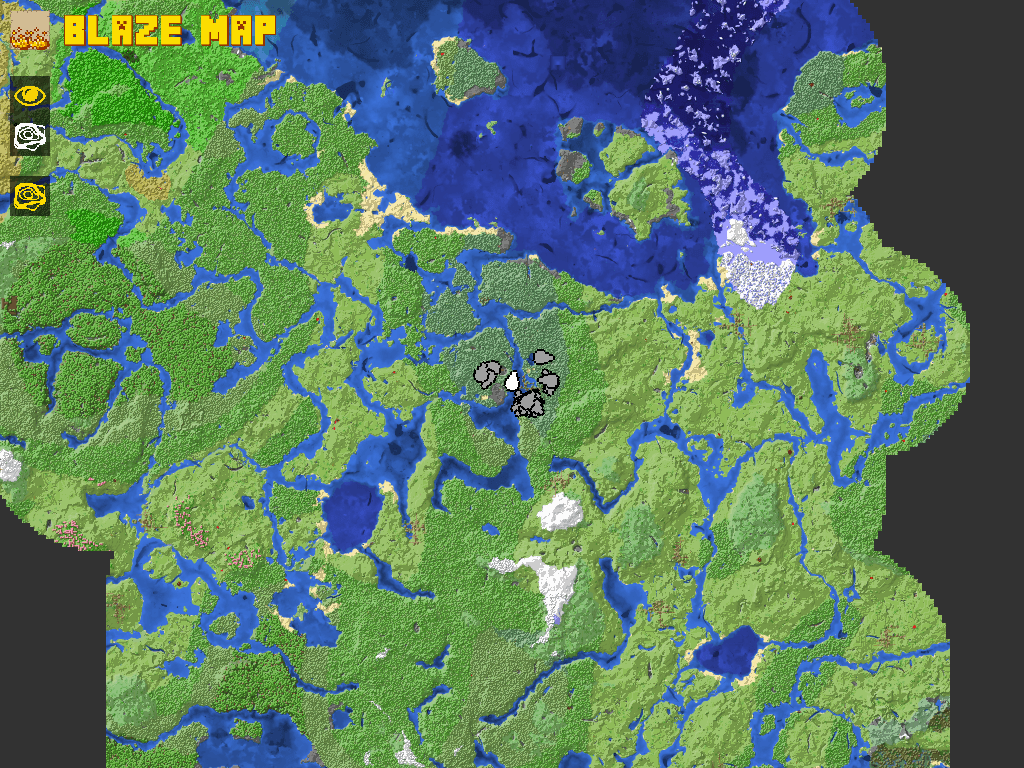 2025-02-05_18.39.34.png 2025-02-05_18.39.34.png
 -
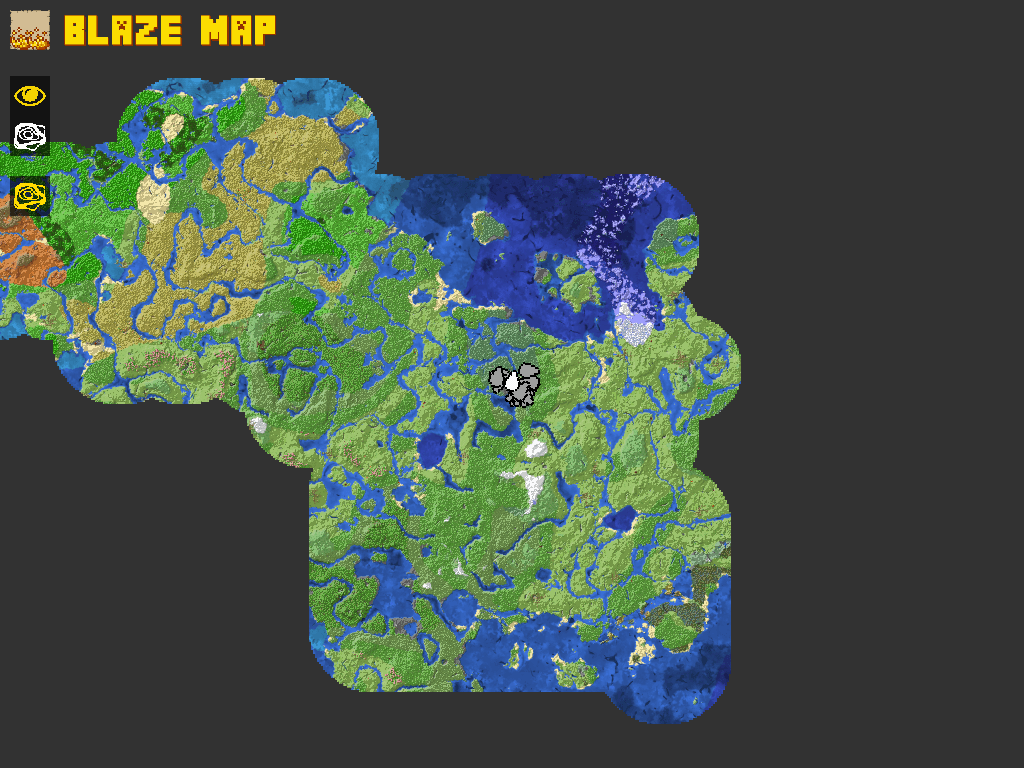 2025-02-05_18.39.36.png 2025-02-05_18.39.36.png
-
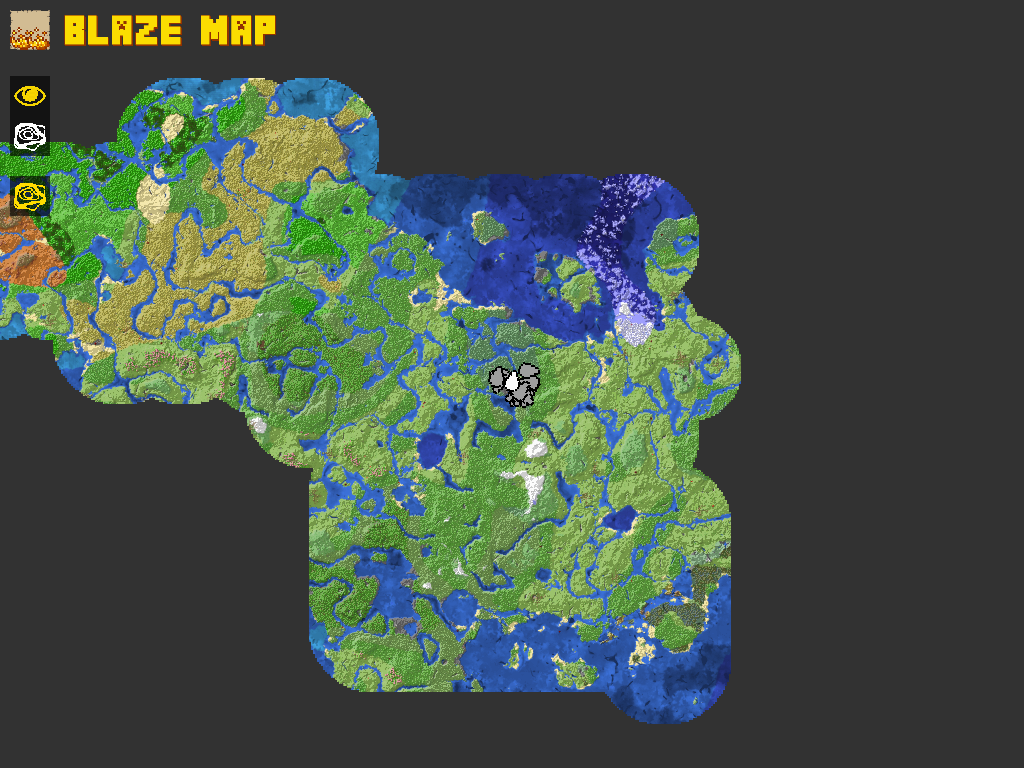 World Map Zoom Level 7
 -
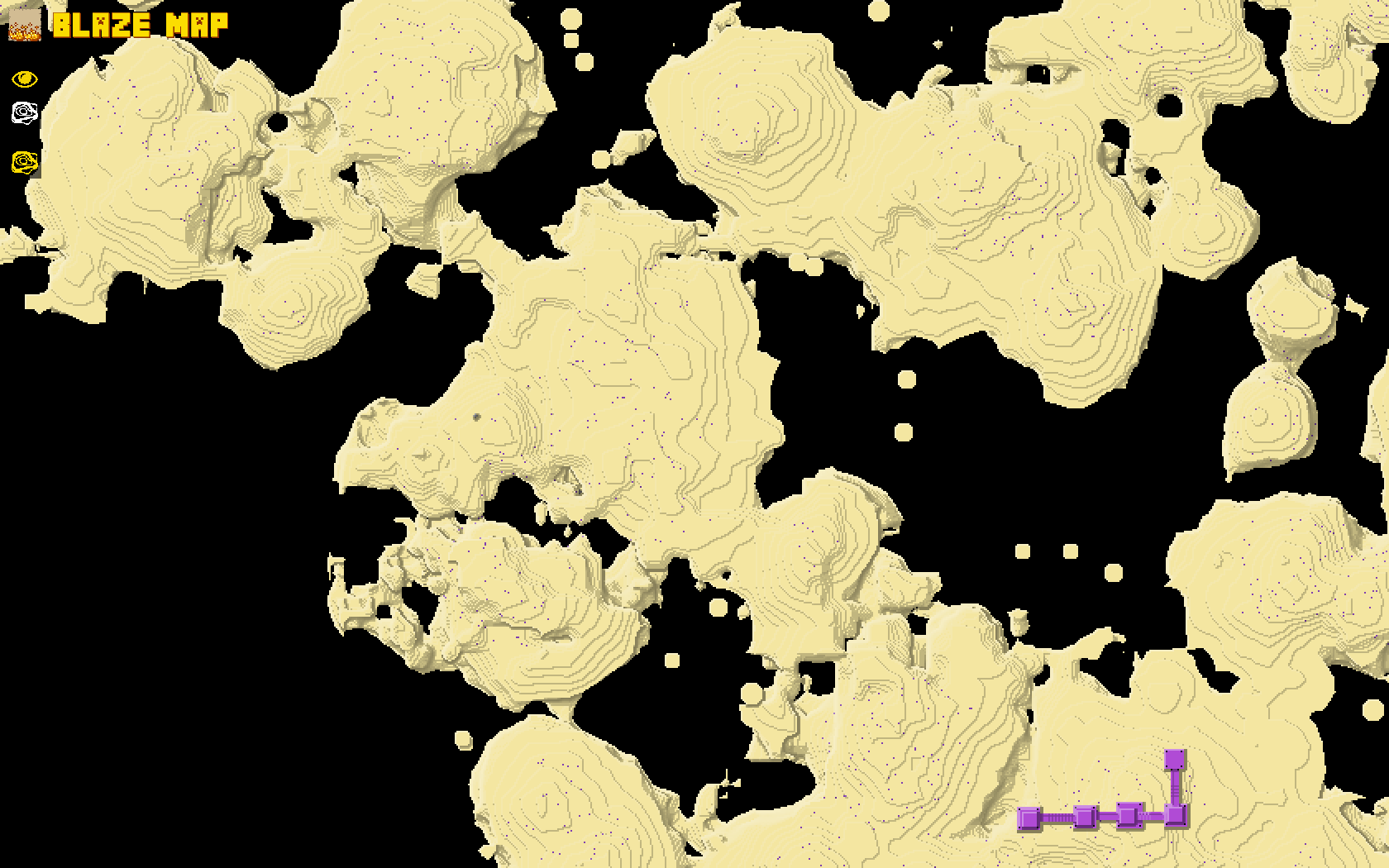 World Map Aerial View End Islands Doesn't only work in the Overworld! Other dimensions without roofs like the End also work fine. Note that currently, dimensions with roofs like the Nether are only partially supported, due to the roof covering the main part of the game world
 -
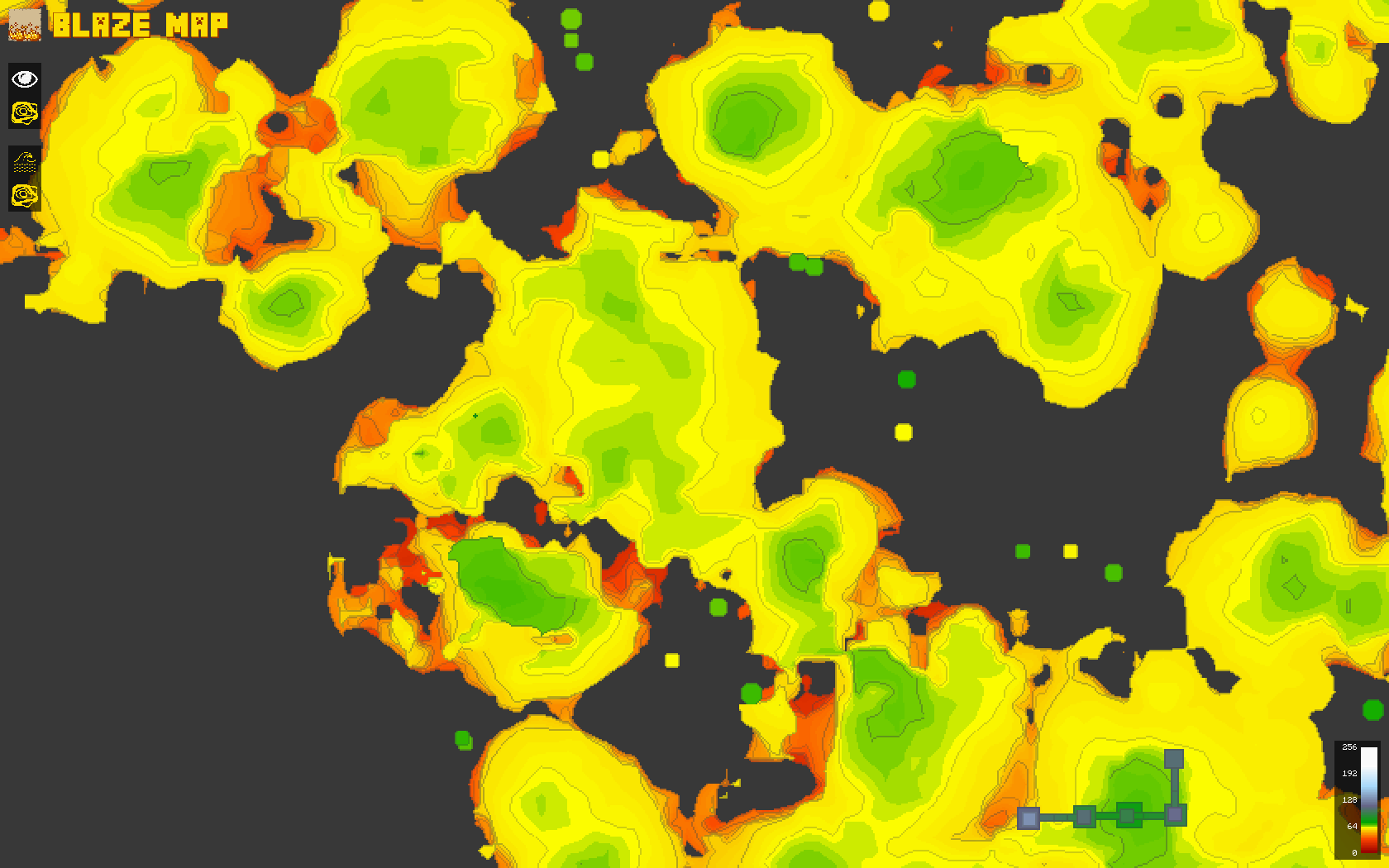 World Map Terrain Height End Islands
 -
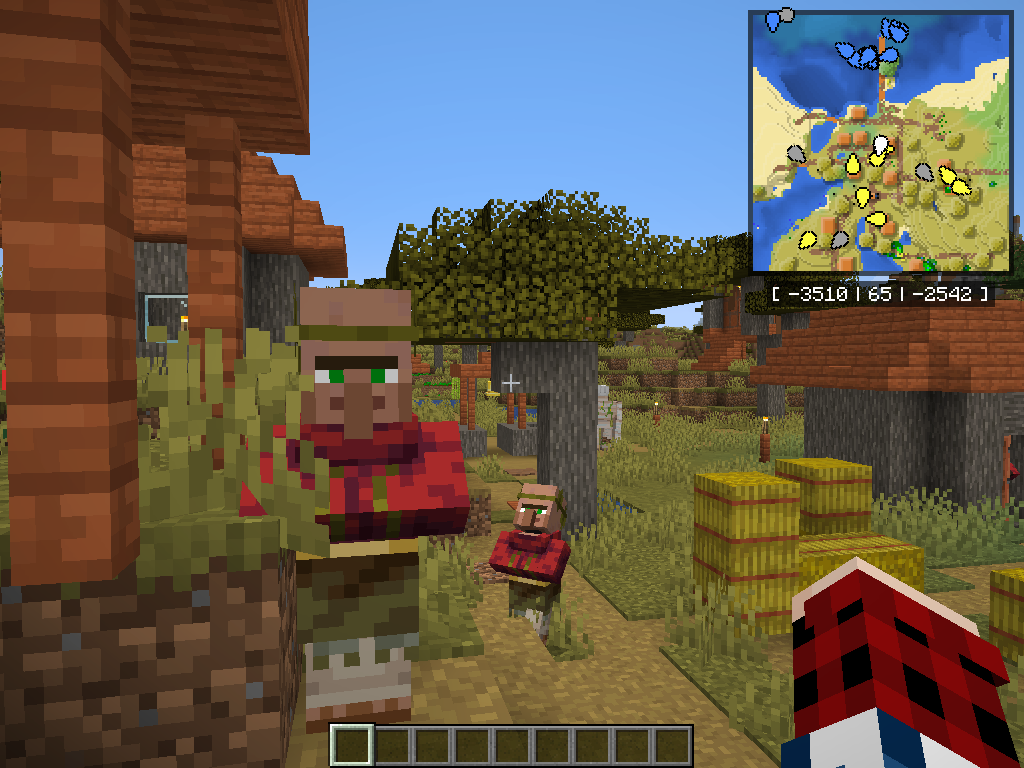
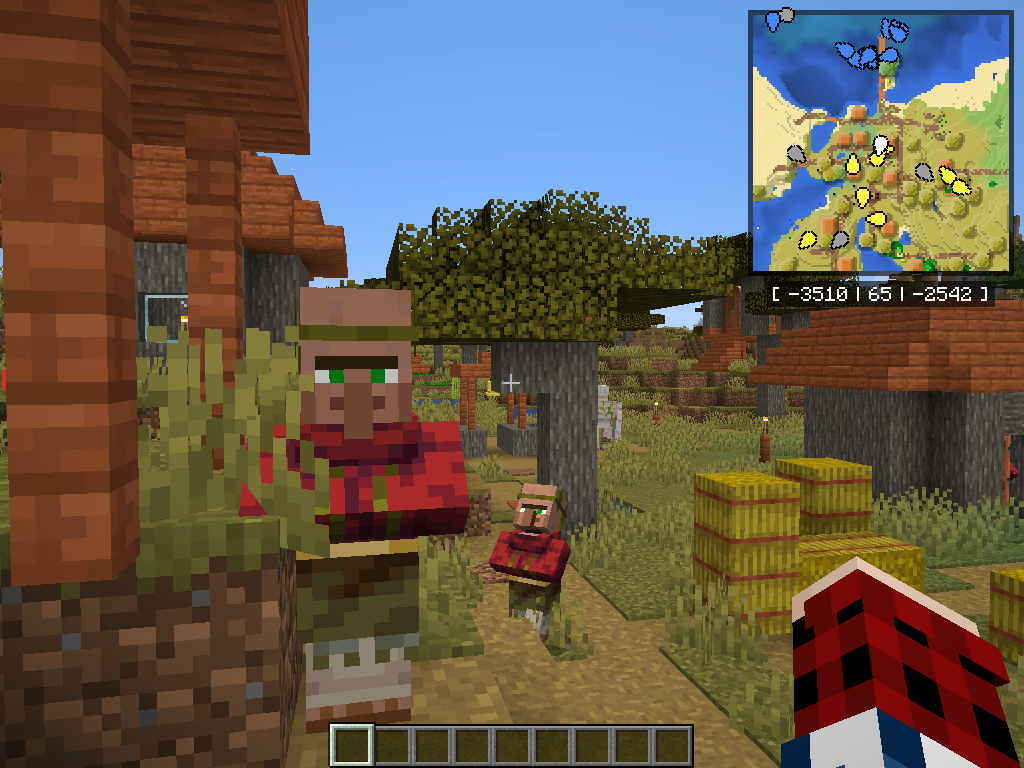 Minimap Acacia Village
 -
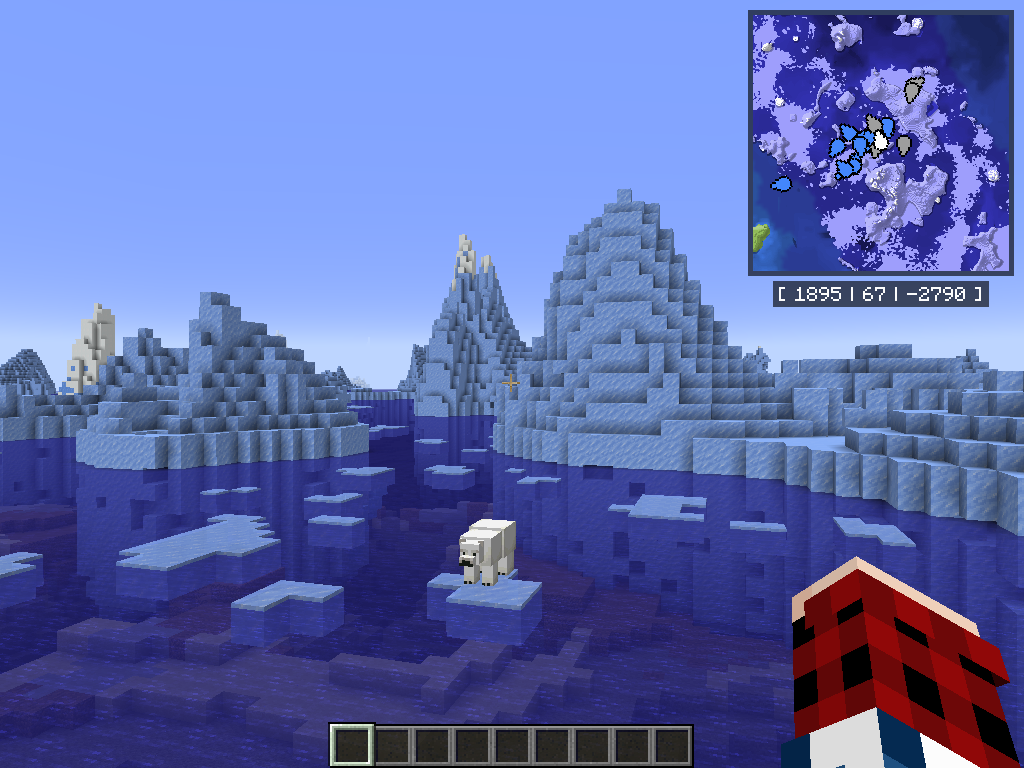 Minimap Glaciers
 -
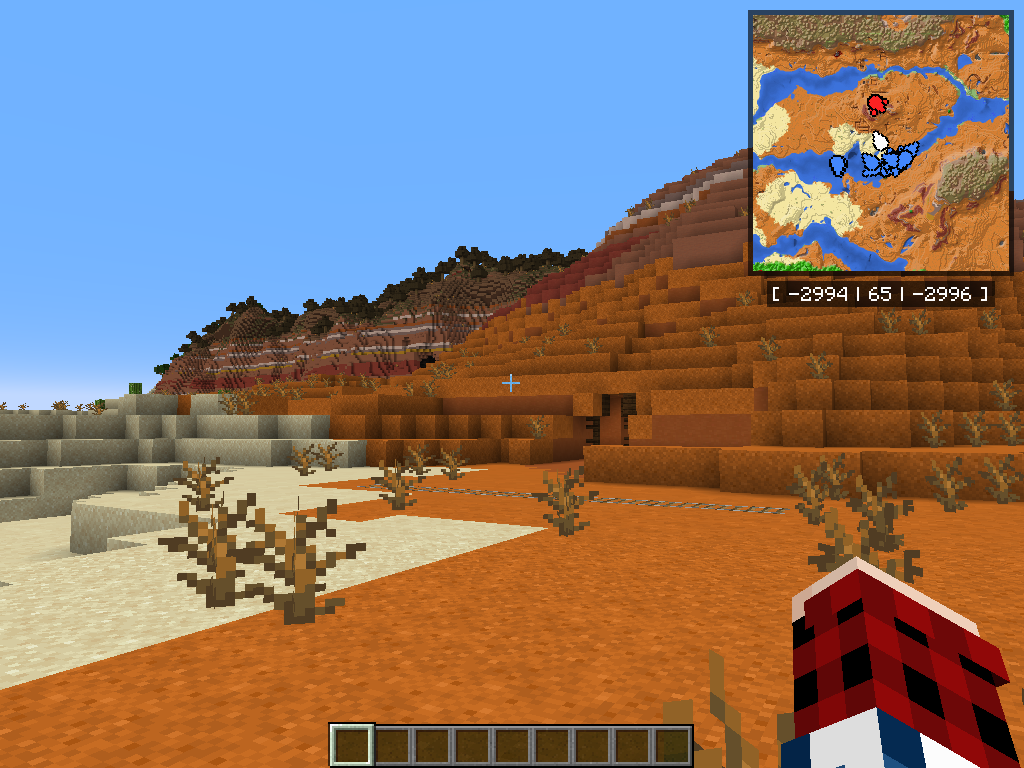 Minimap Mesa You can zoom the minimap out and in using: `[` and `]` (1.20.1+) or `[` and `shift + [` (1.18.2)
 -
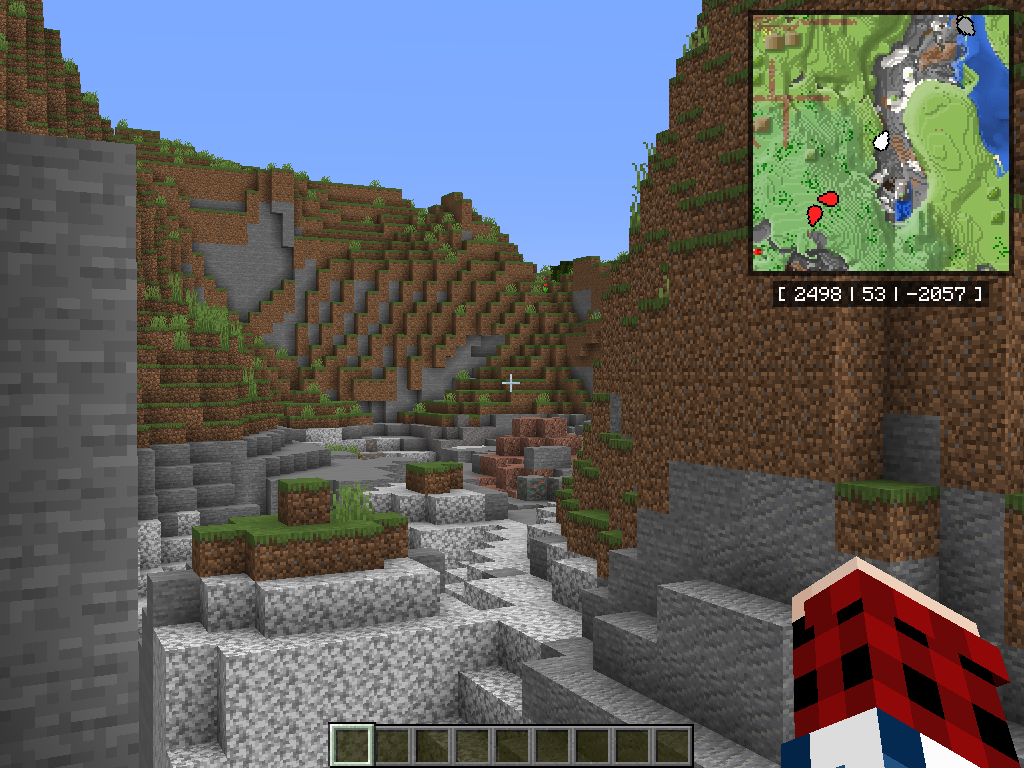 Minimap Canyon
 -
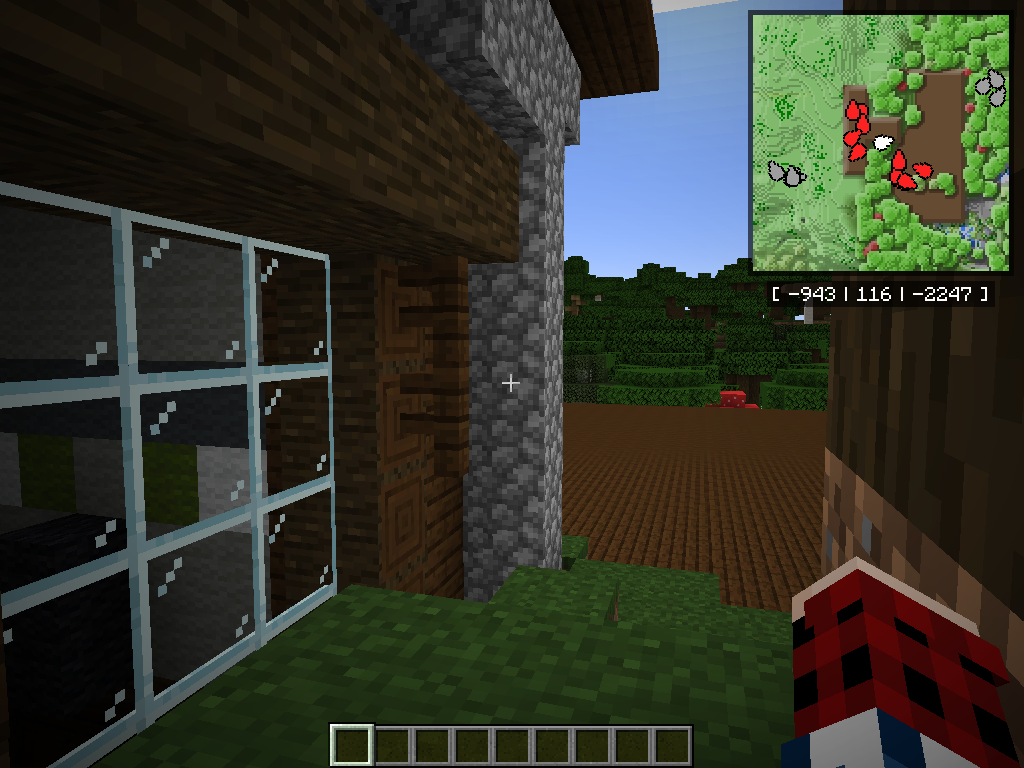 Minimap Woodland Mansion
 -
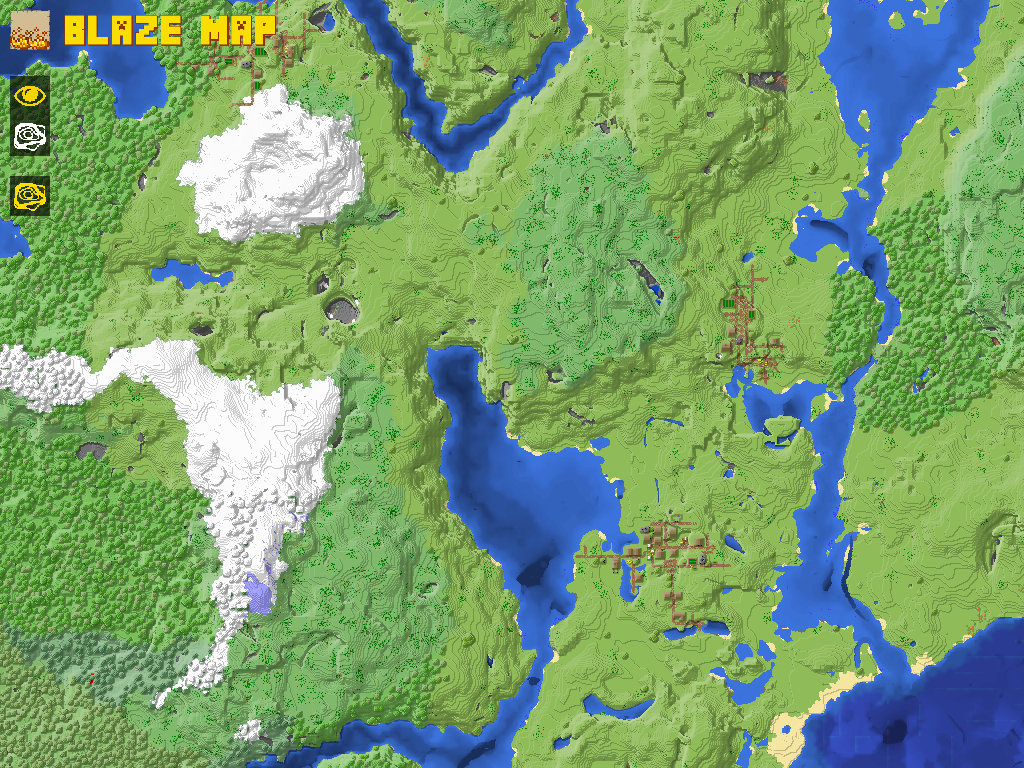 World Map Aerial View You can access the World Map by hitting `B`
 -
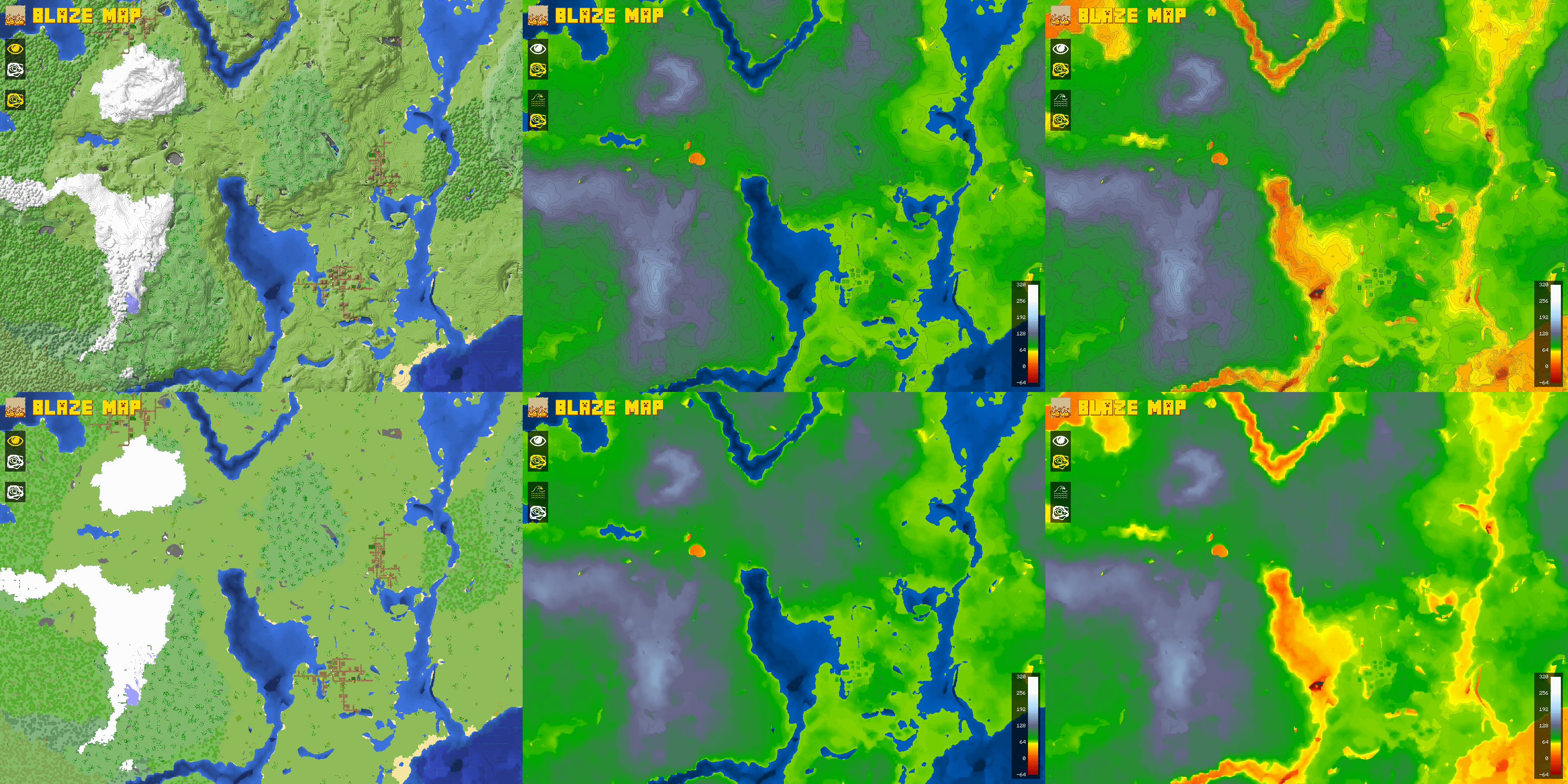
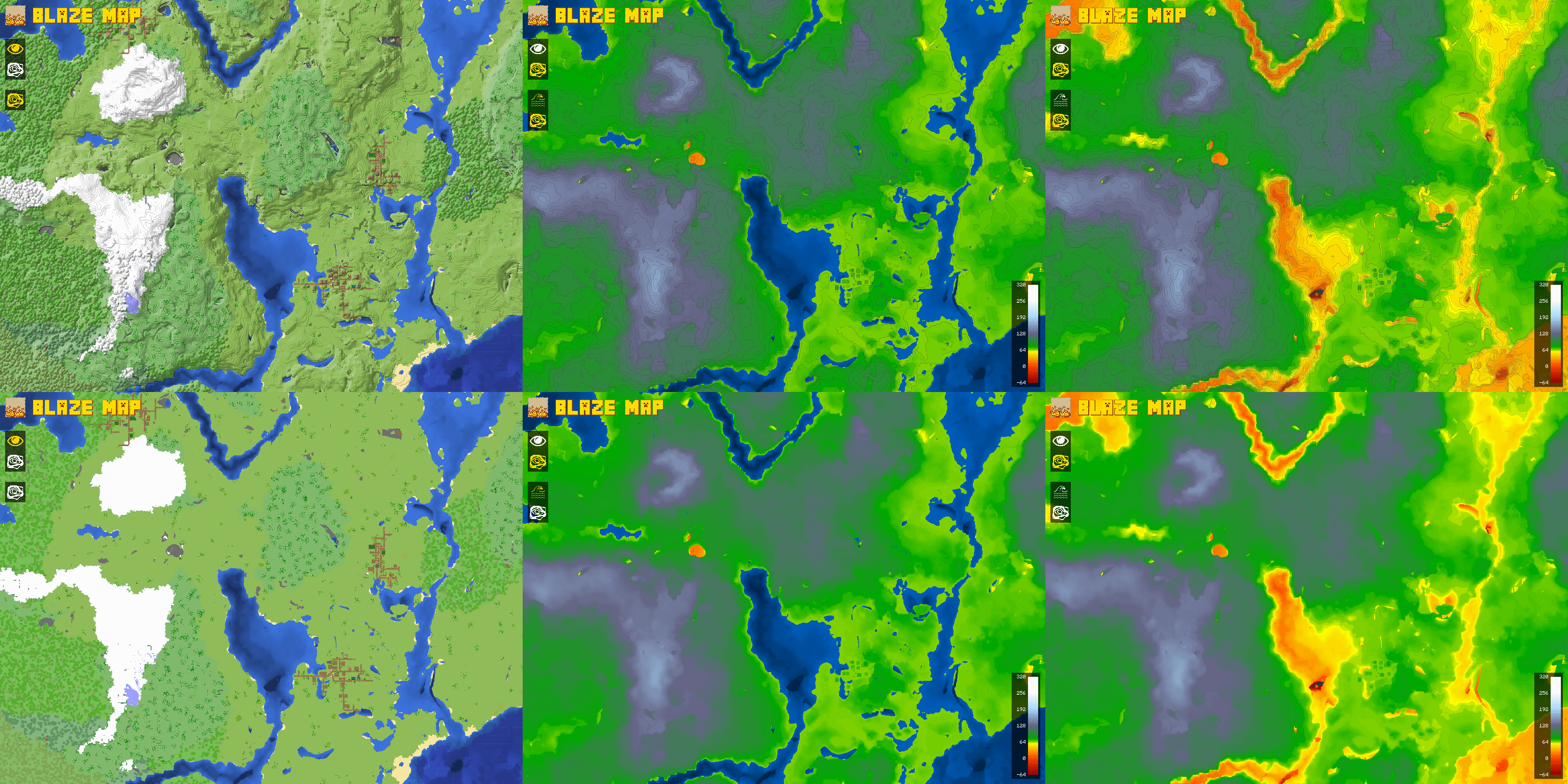 World Map Map Type + Layers Comparison The buttons on the left of the World Map can be toggled on or off to switch between map types and layers
 -
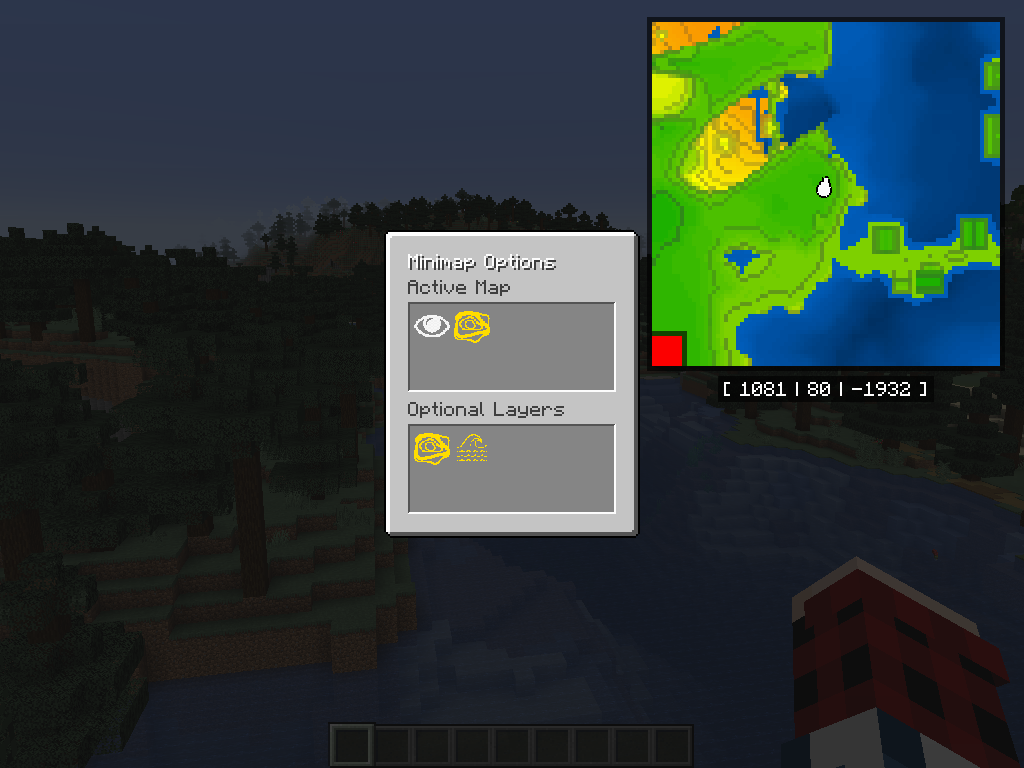 Minimap Configuration Options You can change the Map Type, the visible layers, and also freely resize/reposition the minimap from the `shift + B` screen
 -
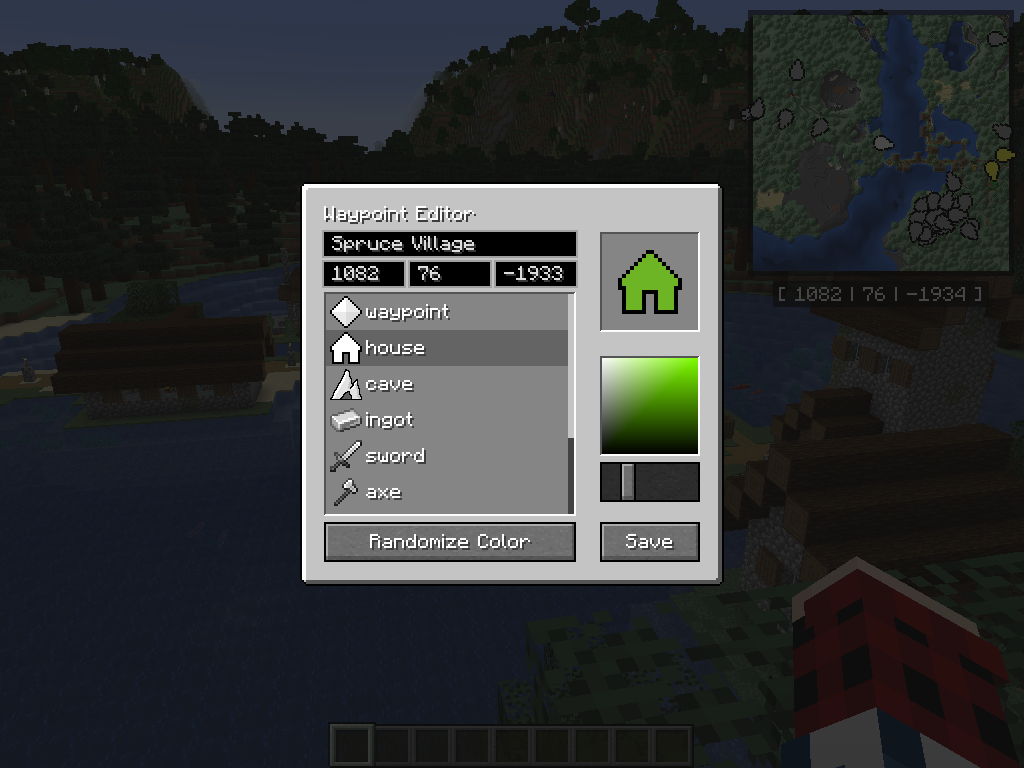 Add Waypoint Screen You can add a waypoint anywhere in your world by hitting `N`, and edit them by hitting `shift + N`
 -
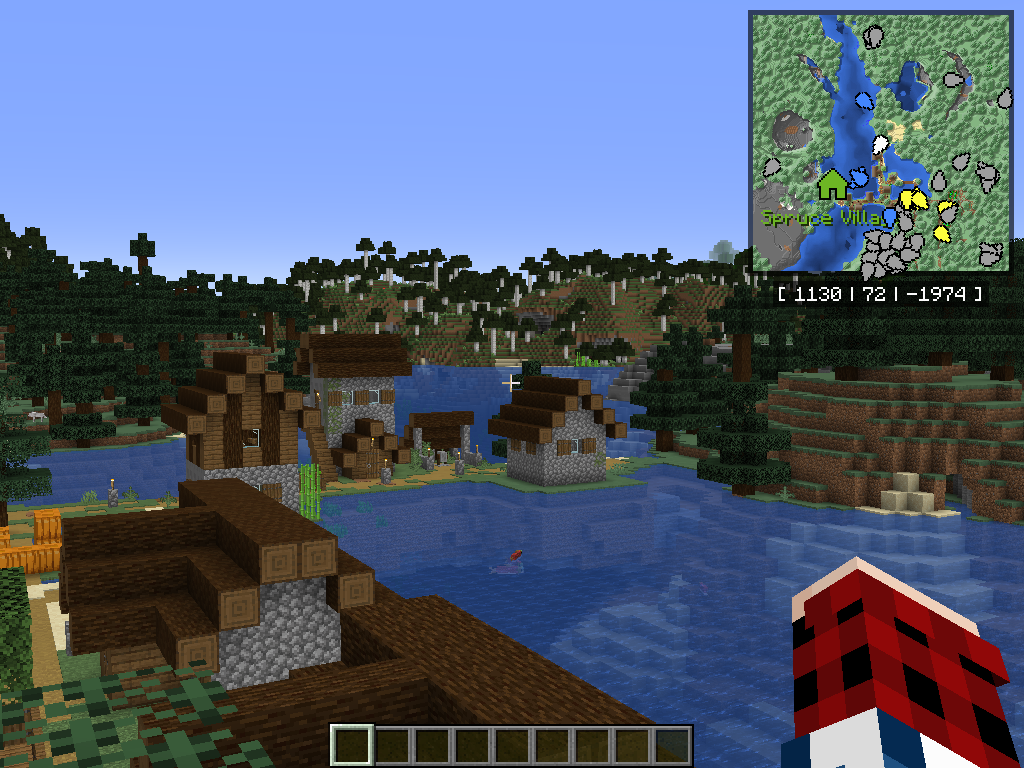 Minimap Waypoint on Map The waypoint is displaying on the map. Waypoints do not currently render in-world, but this is on the roadmap for the future.
 -
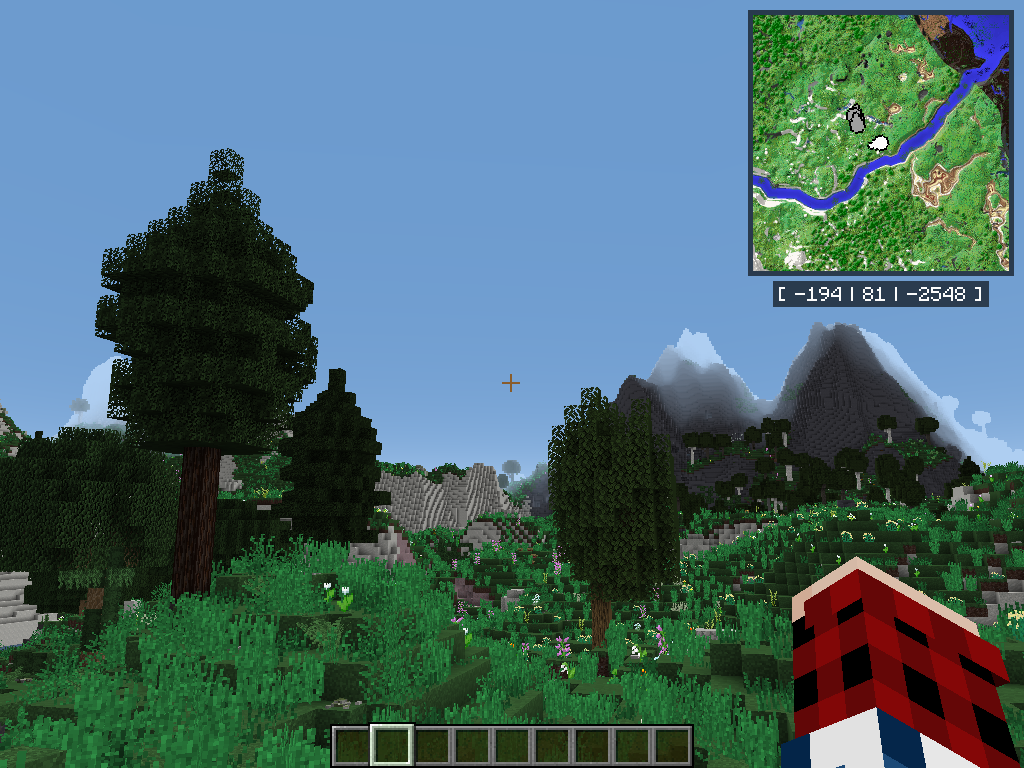 Minimap Modded World (TFC) Blaze Map should Just Work by default in any modded world
 -
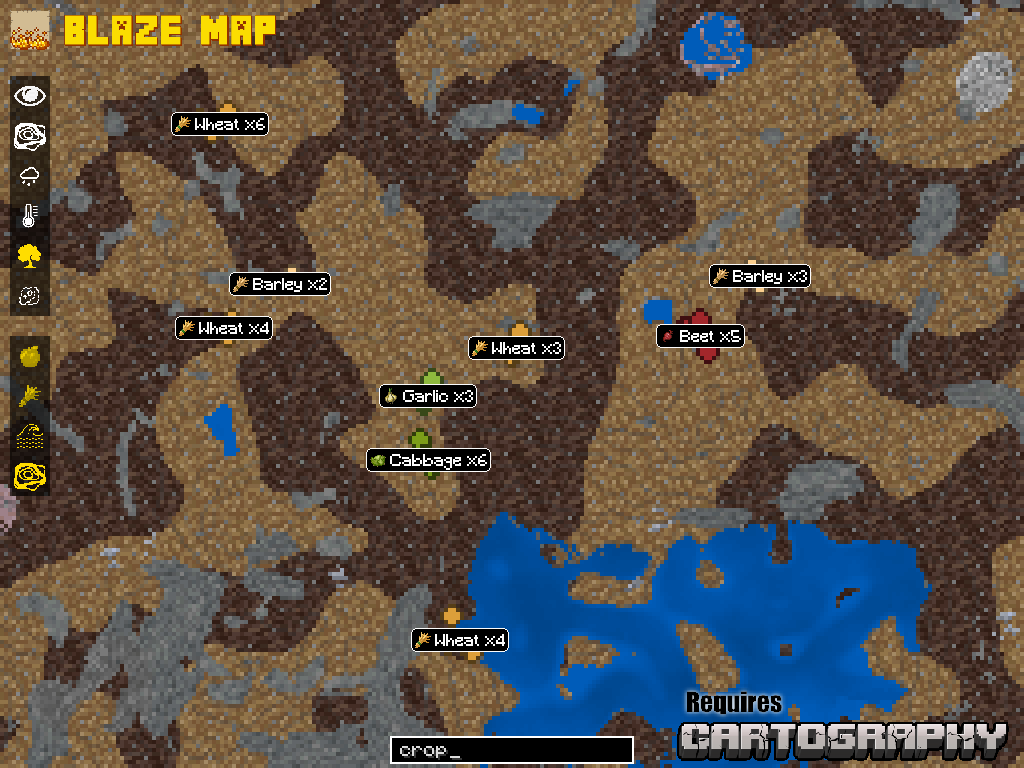
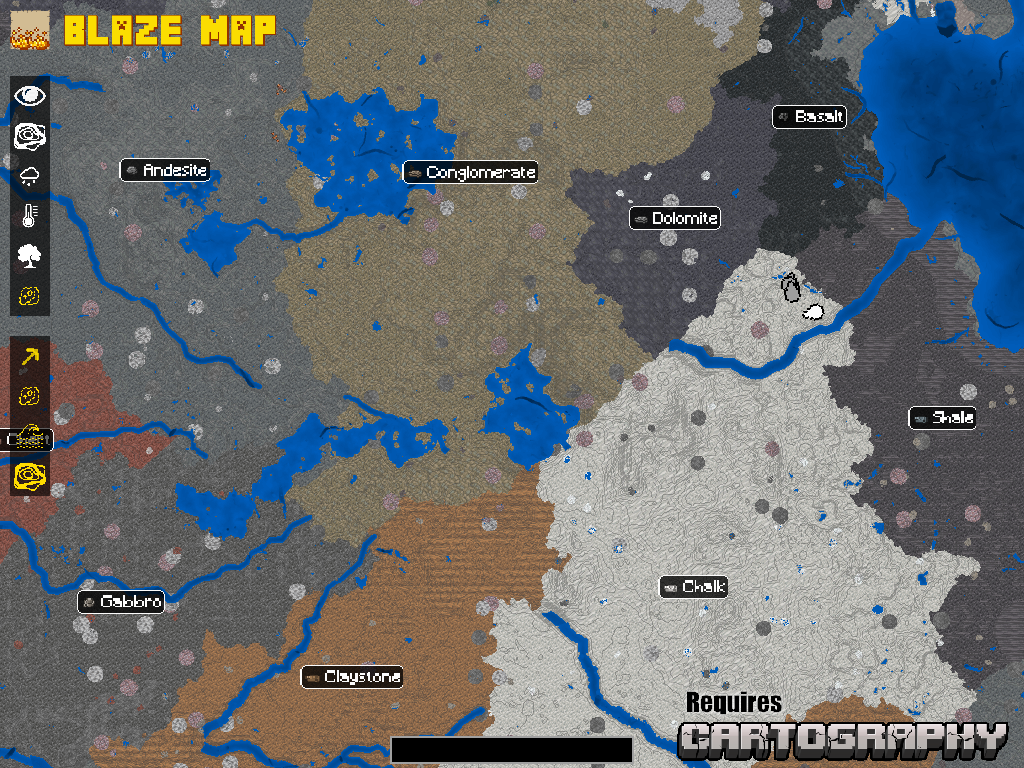 Addon Custom Map (Cartography) Other mods can create their own Map Types and Layers to work with their custom worlds. This example is using Blaze Map with the Cartography addon in a TFC world.
 -
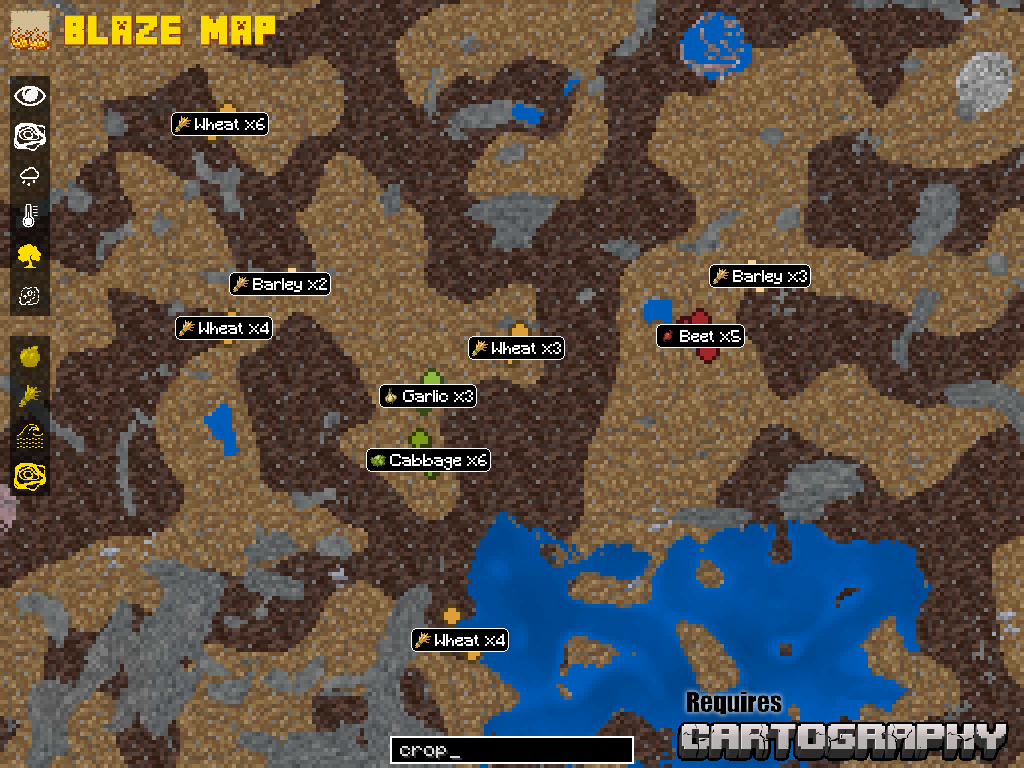 Addon Custom Data Views (Cartography) Beyond simple map layers, addons can also include custom data types displayed with custom markers, like these crop location markers in Blaze Map addon Cartography.
 -
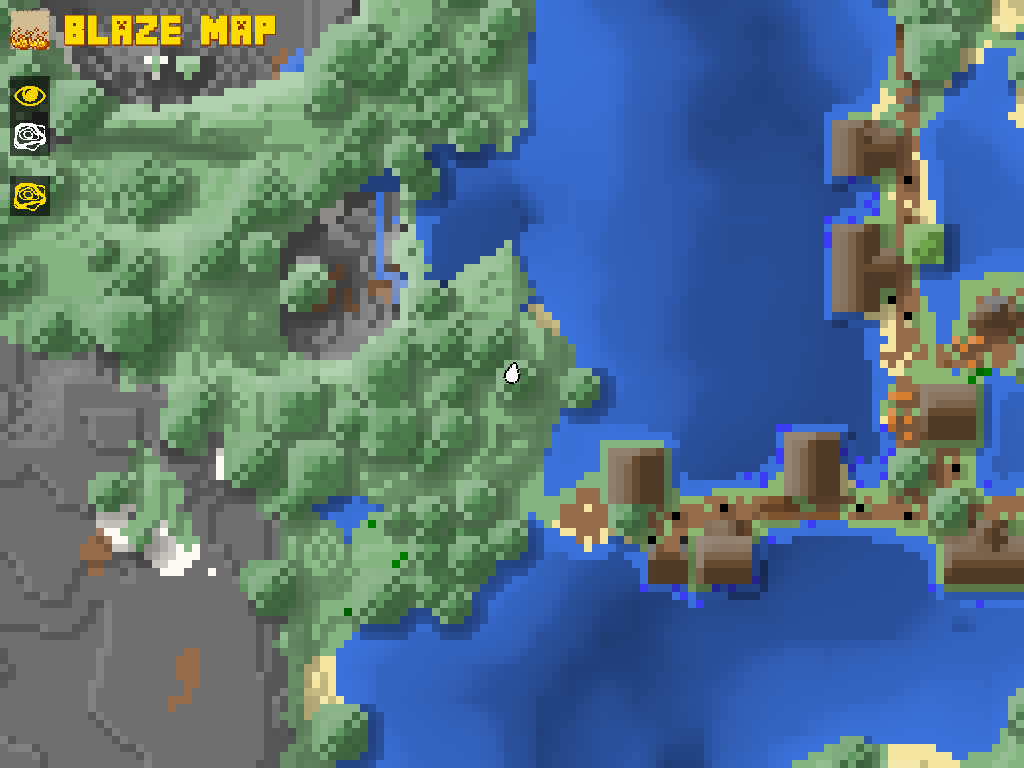 World Map Zoom Level 1
 -
 World Map Zoom Level 2
 -
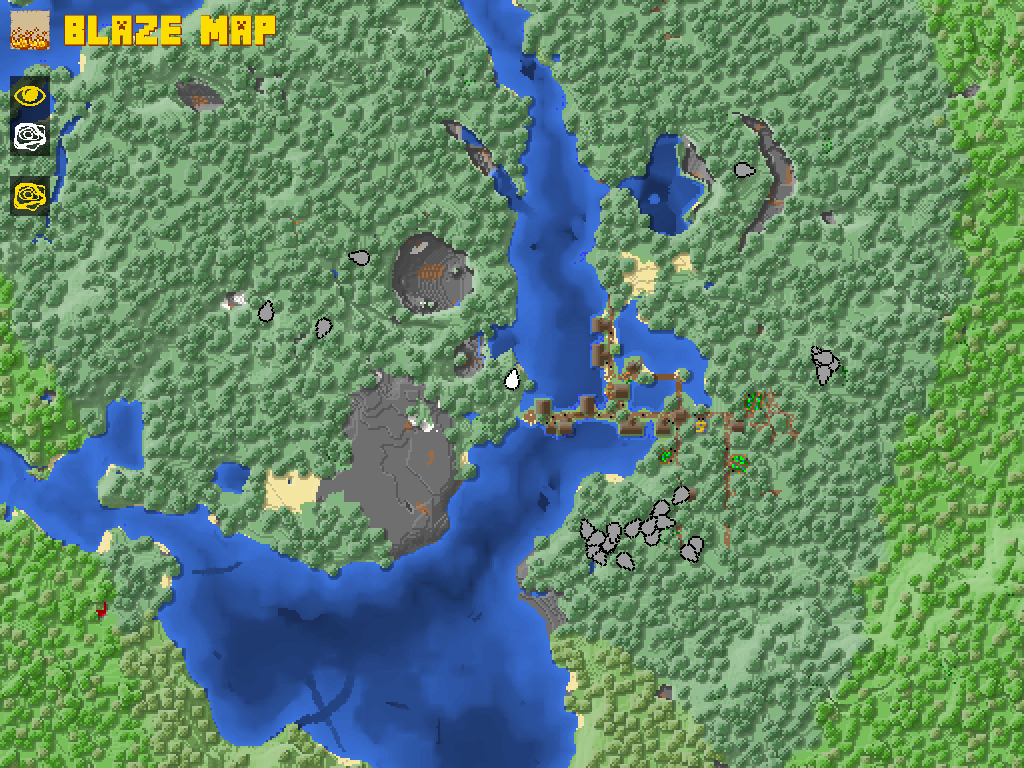 World Map Zoom Level 3
 -
 World Map Zoom Level 4
 -
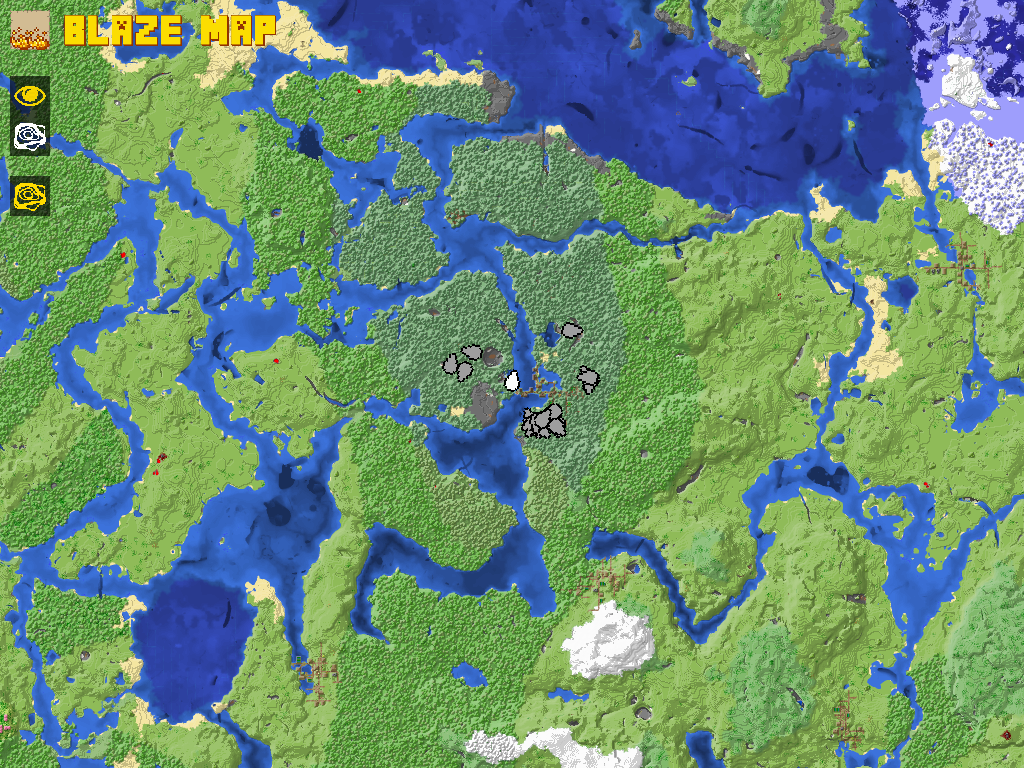 World Map Zoom Level 5
 -
 World Map Zoom Level 6
Versions
Files
Relations
Project Relations
More like this
Similar Mods
Suggestions use data such as tags, dependencies, dependents, descriptions, titles, and more to rank how much they overlap with this mod.
On ModDex
Community snapshot
By the numbers
Statistics
 (opens in a new tab)
Get it on
Available Platforms
On ModDex
Community snapshot
By the numbers