
Community listing page, reviews here may not be monitored by the author.
Traveler's Compass


No reviews yet
A compass that will help you find any mob, block or item nearby
Community voices
Reviews
No reviews yet. Be the first to review this project!
Get it on
Available Platforms
Compatibility
Supported Environments
Must be installed on both the client and the server.
About
Project Details
For authors
Embed Badge
If you're the author of this project, you can embed a live badge anywhere that supports HTML or Markdown. It updates automatically whenever ratings change.
Use HTML for any page that supports it, or Markdown for README files and Markdown-based descriptions.
Identifiers
Platform IDs
About
Description
The Traveler's Compass can search for any entities (by their drops, spawn eggs, or inventory contents), as well as any blocks or containers (such as chests or furnaces) by their contents, and more.
How it works:
- Open the Compass menu with RMB.
- Put the block or item you want to find into its inventory.
- Choose the desired search mode(s).
- Wait while it searches for the item you placed.
Features:
- Shift + RMB on a block or mob to add it to the compass inventory.
- Shift + RMB on an item in the compass inventory to mark it as priority.
- Priority items will be searched for first.
- Configure HUD, ping sound (when a target is found), search range, and more — all directly in the compass menu.
- Use JEI/REI/EMI to drag and drop items from their panel into the compass inventory.
Configuration:
- Most configuration values are synchronized from server to client.
- Any search mode can be enabled or disabled individually.
- The search range (number of scanned chunks per server tick) can be configured, with limits per compass or globally.
- Filtering of searches by item tags, IDs, or mods is available.
- Define search costs in XP levels inside a separate config file (travelerscompass-cost.toml).
- Costs can be set per item ID or per tag.
Recipe:
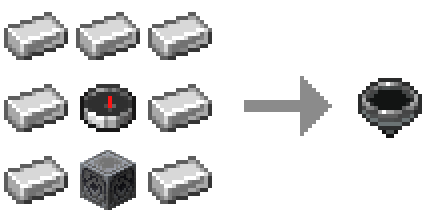
Target position markers (below / same / above): regular & priority:


Compatibility with other mods:
- JEI/REI/EMI:
- Drag & drop items from their panels directly into the compass inventory.
- Filtering and XP costs apply to these items as well.
- This feature can be disabled in config.
- Lootr:
- Compass can search Lootr containers by their contents.
- Search options (only opened / only unopened / any) are configurable directly in the compass menu.
- This feature can be disabled or restricted (e.g. allow only opened or only unopened containers).
- Jade / The One Probe:
- Shows in the tooltip if an object’s search (mob or block) is restricted by filters.
- Displays the XP cost for searching (if configured).
- Can be disabled in config.
- Most other mods:
- The compass will search for blocks, creature containers, etc. in most cases.
You are welcome to use this mod in modpacks.
Fabric Version of the mod requires Fabric API
If you encounter any bugs with the mod, please report them in the comments here or on GitHub (make sure to include the mod version and Minecraft version).
About:
The compass can search for mobs (based on their drops or spawn eggs), villagers (based on their goods), blocks or containers (like chests or furnaces) by their contents, and more
How it works:
- Open the Compass menu with RMB
- Put the block or item you want to find into its inventory
- Choose the desired search mode(s)
- Wait while it searches for the item you placed
Features:
- Shift + RMB on a block or mob to add it to the compass inventory
- Shift + RMB on an item in the compass inventory to mark it as priority
- Priority items are searched first
- Configure HUD, ping sound, search range, and more in the compass menu
- Use JEI/REI/EMI to drag and drop items into the compass inventory
Configuration:
- Most values are synchronized from server to client
- Any search mode can be enabled or disabled
- The search range (number of scanned chunks per tick) can be set per compass or globally
- Filtering by item tags, IDs, or mods is available
- Define search costs in XP levels in travelerscompass-cost.toml
- Costs can be set per item ID or per tag
Recipe:
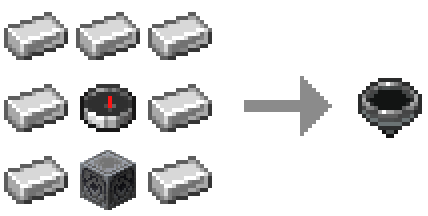
Target position markers (below / same / above): regular & priority


Compatibility with other mods:
JEI / REI / EMI
- Drag & drop items into the compass inventory
- Filtering and XP costs apply
- Can be disabled in config
Lootr
- Search Lootr containers by contents
- Options: only opened / only unopened / any
- Can be disabled or restricted
Jade / The One Probe
- Tooltips show filter restrictions
- Display XP search costs (if set)
- Can be disabled in config
Screenshots
Gallery
-
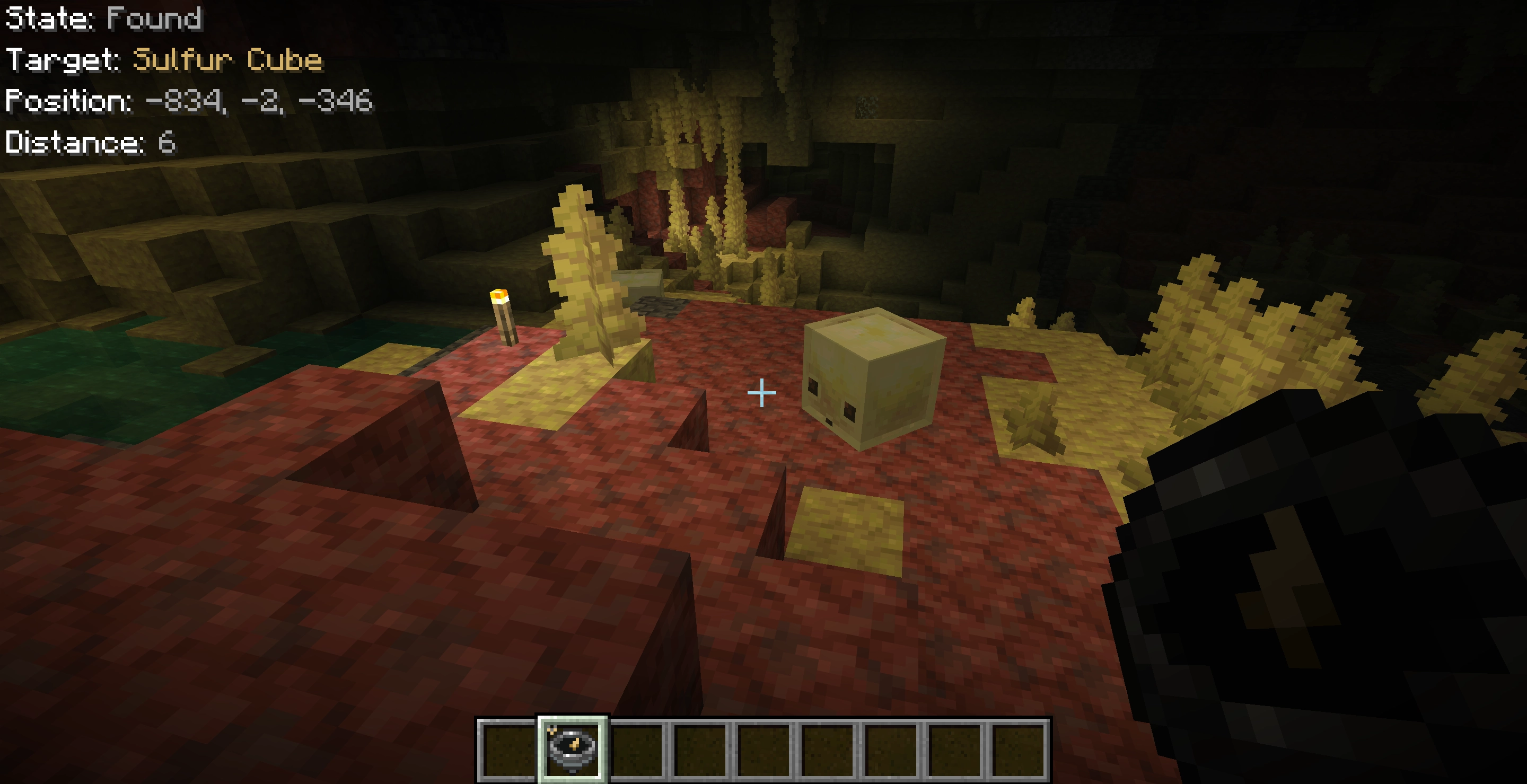 26.2 screen preview Chaos cube
 -
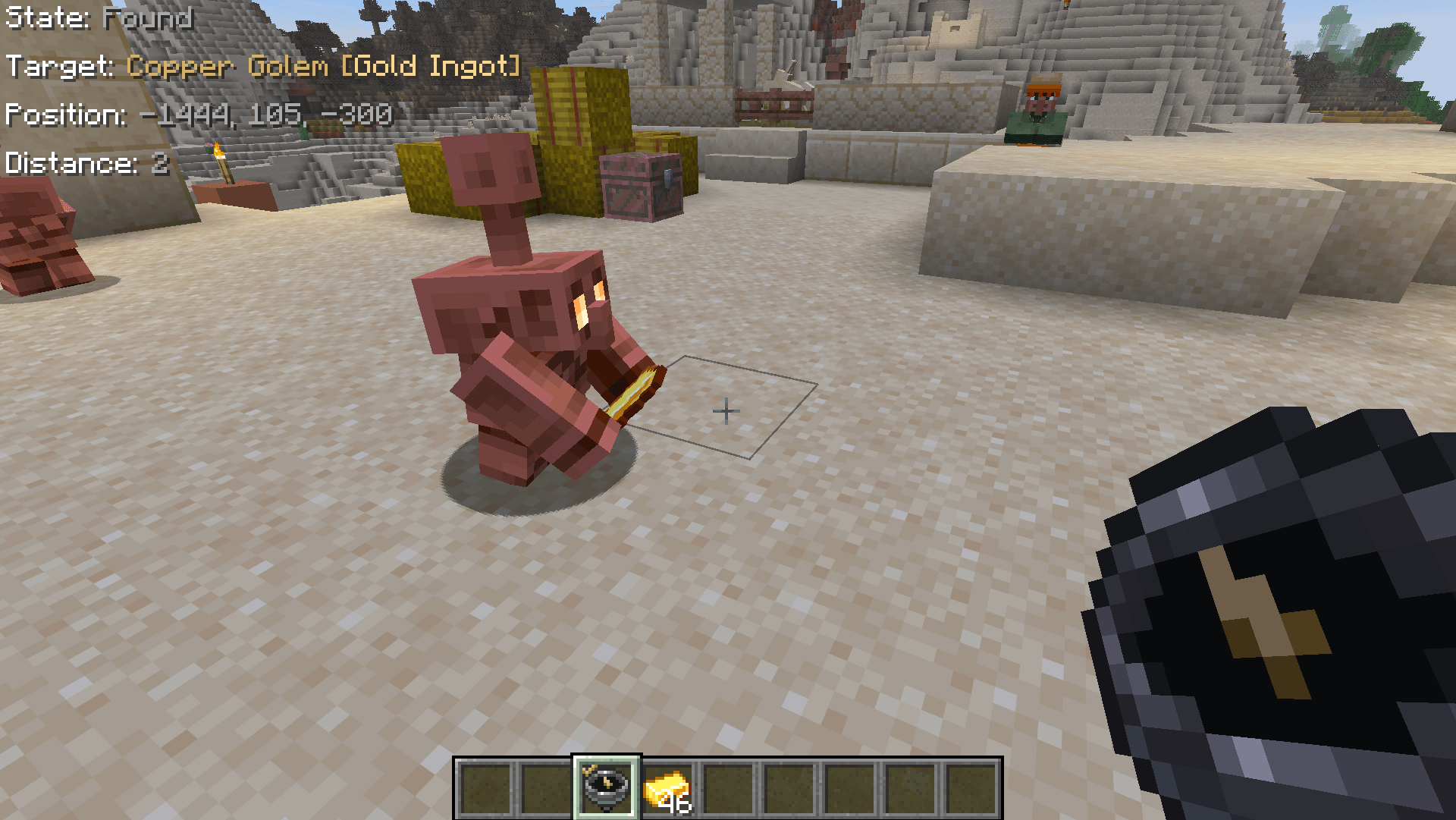 Image #1 In-game view
 -
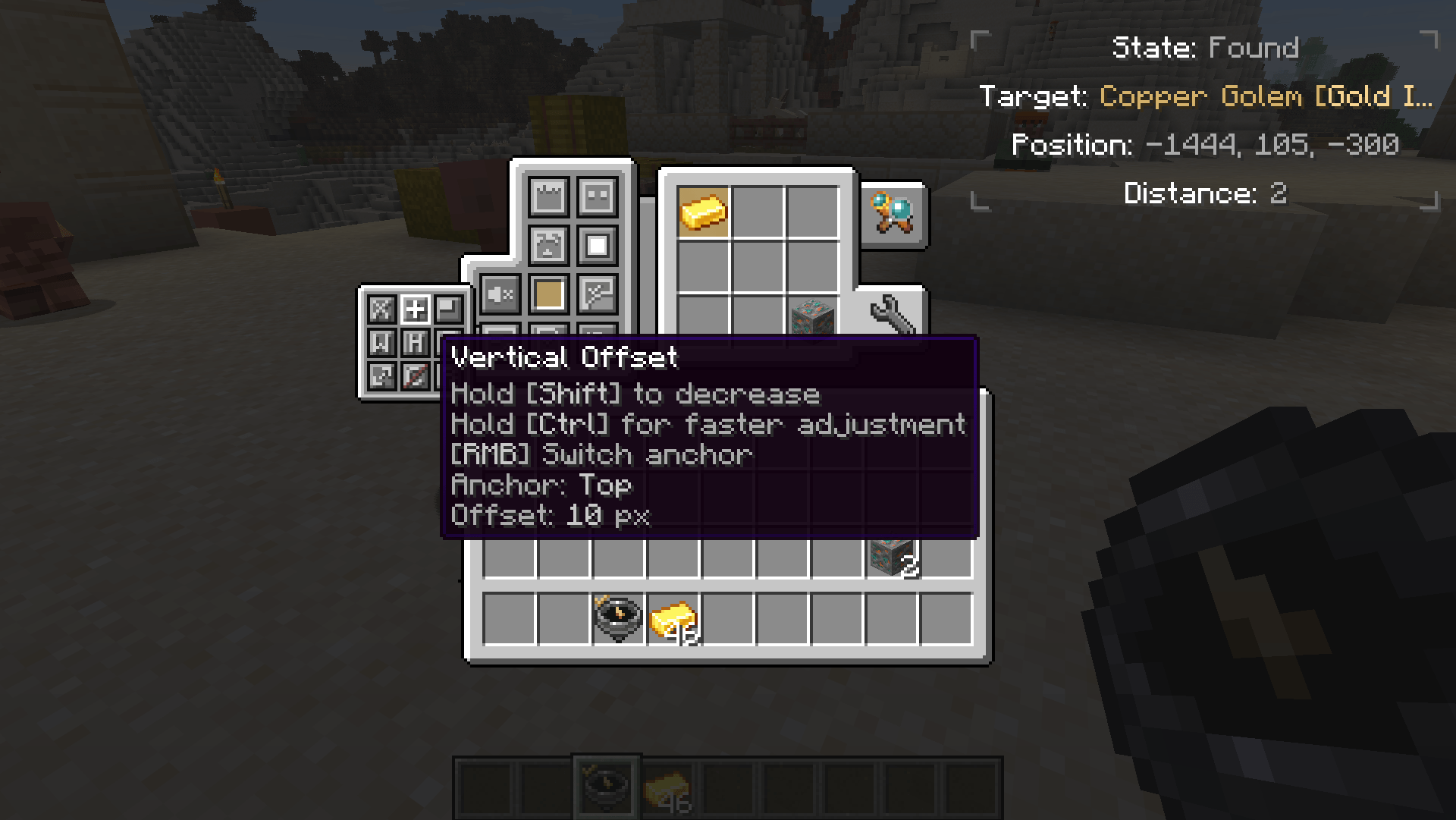 Image #3 Compass settings
 -
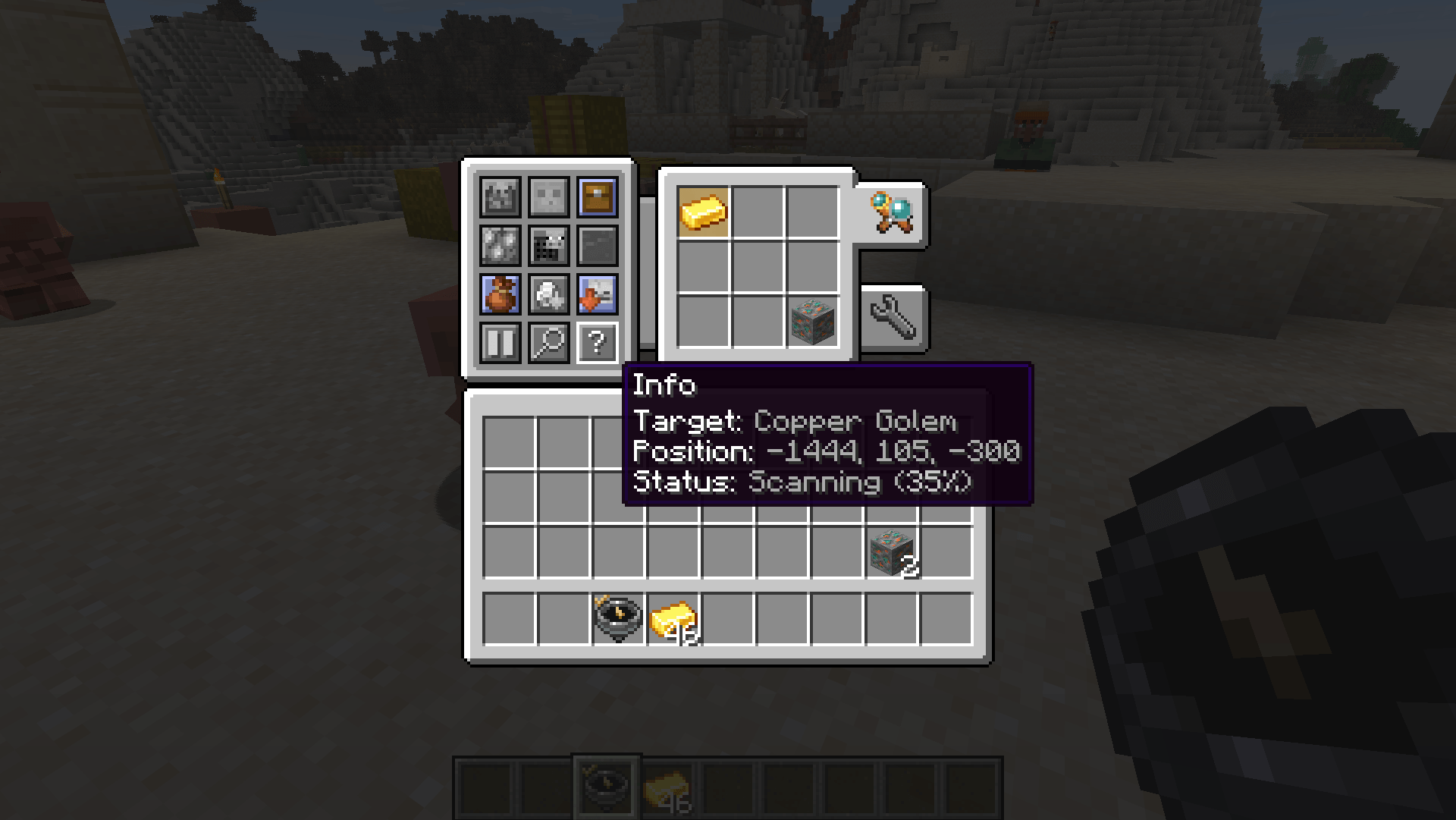 Image #2 Compass main menu
 -
Compass recipe 1 Lodestone + 7 Iron Ingots + 1 Compass
-
Compass states The compass points to a target that is below/at the same level as the player/above
-
Priority Compass states The compass points to a priority target that is below/at the same level as the player/above
-
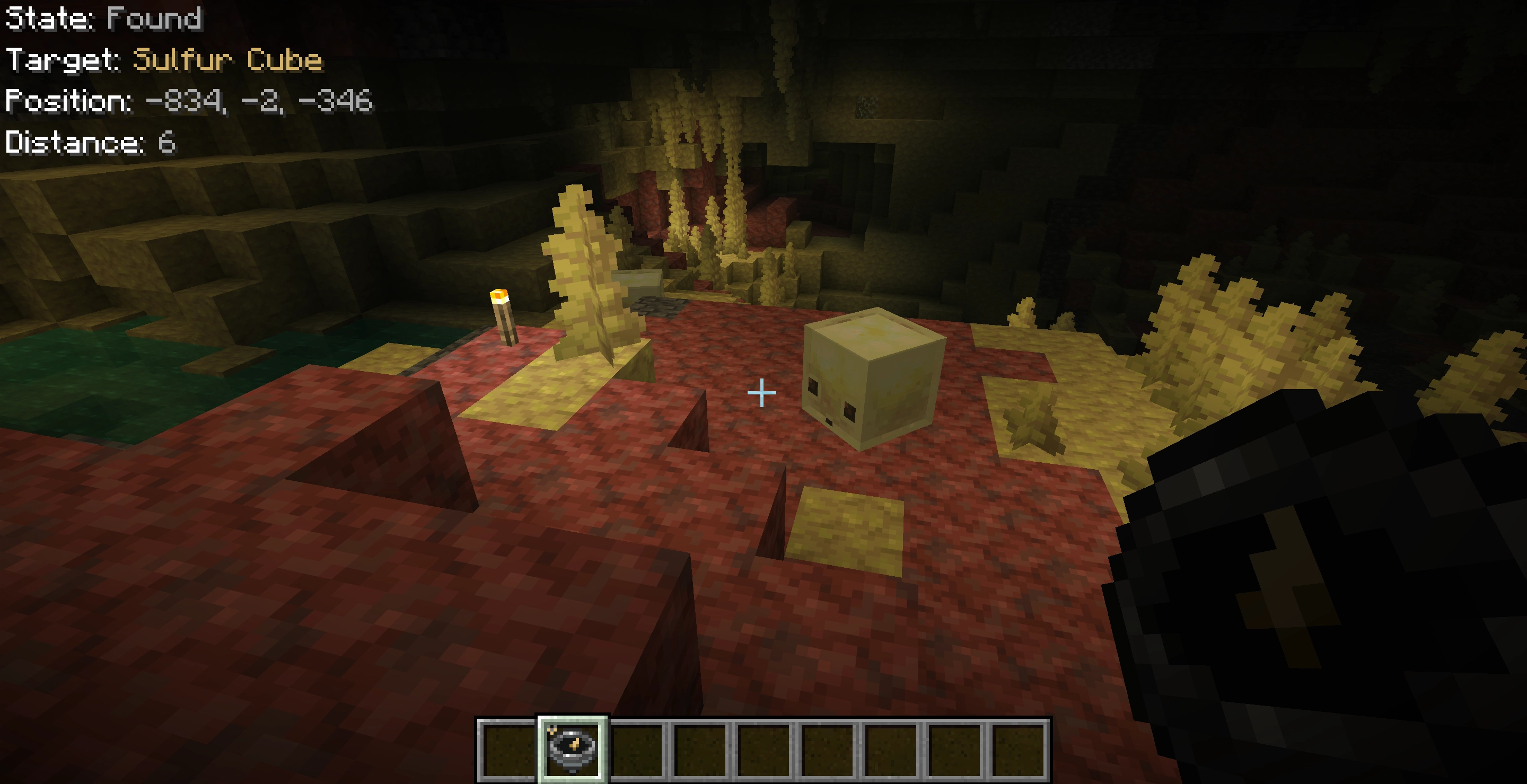 Chaos cube
 -
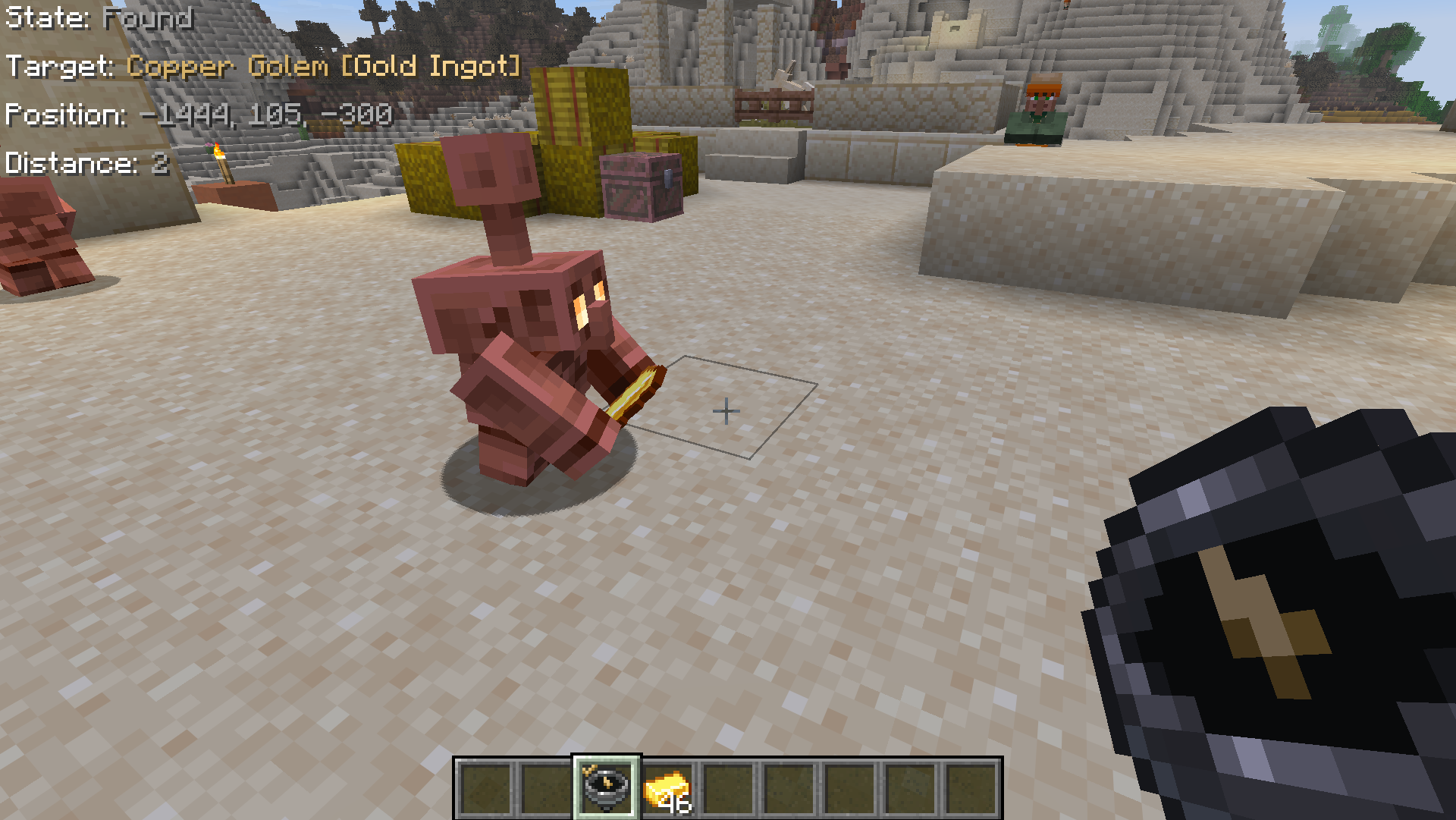 Robot The target item, a golden ingot, was found in the Copper Golem's hands
 -
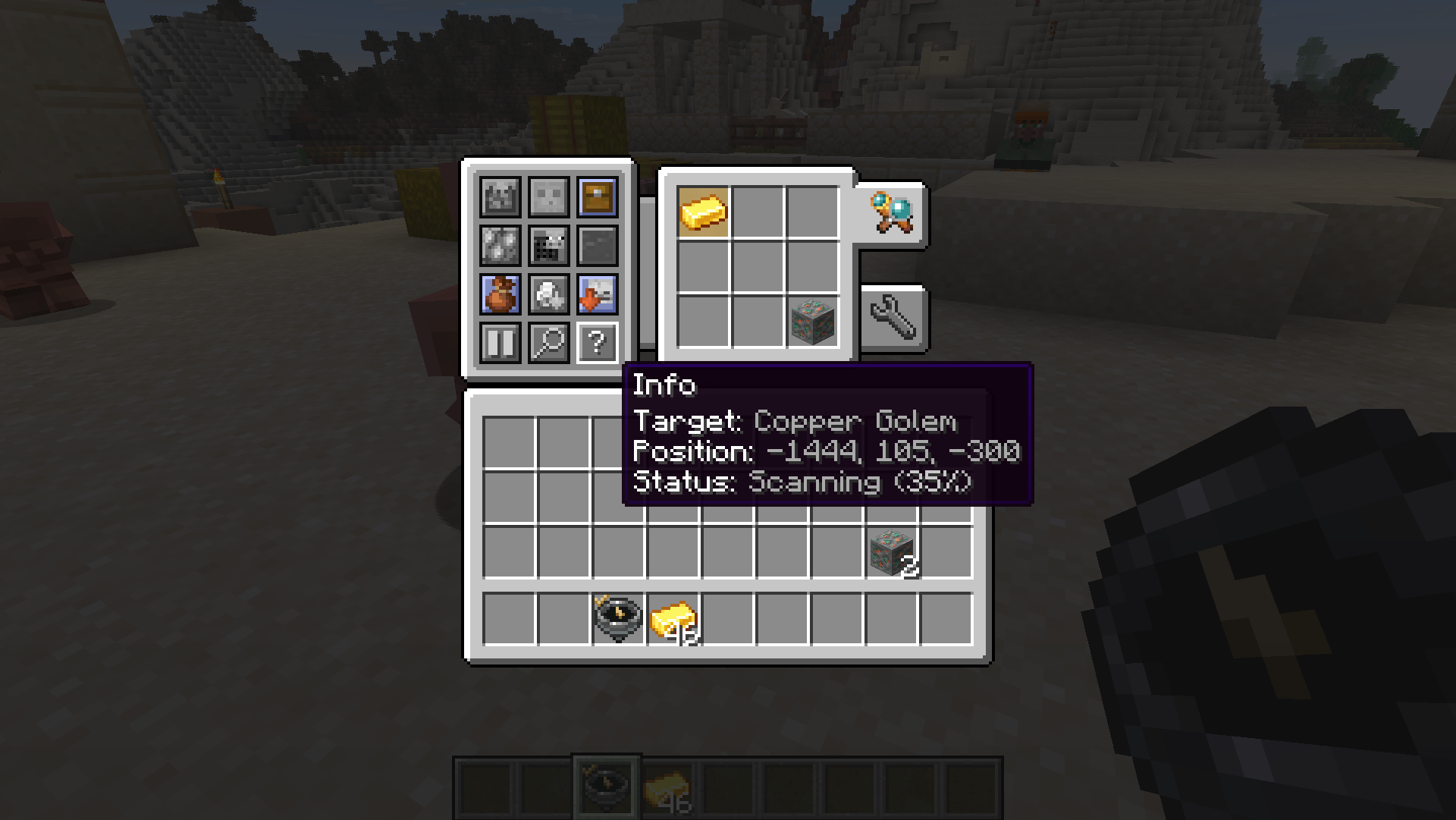 Main menu Main menu with search options
 -
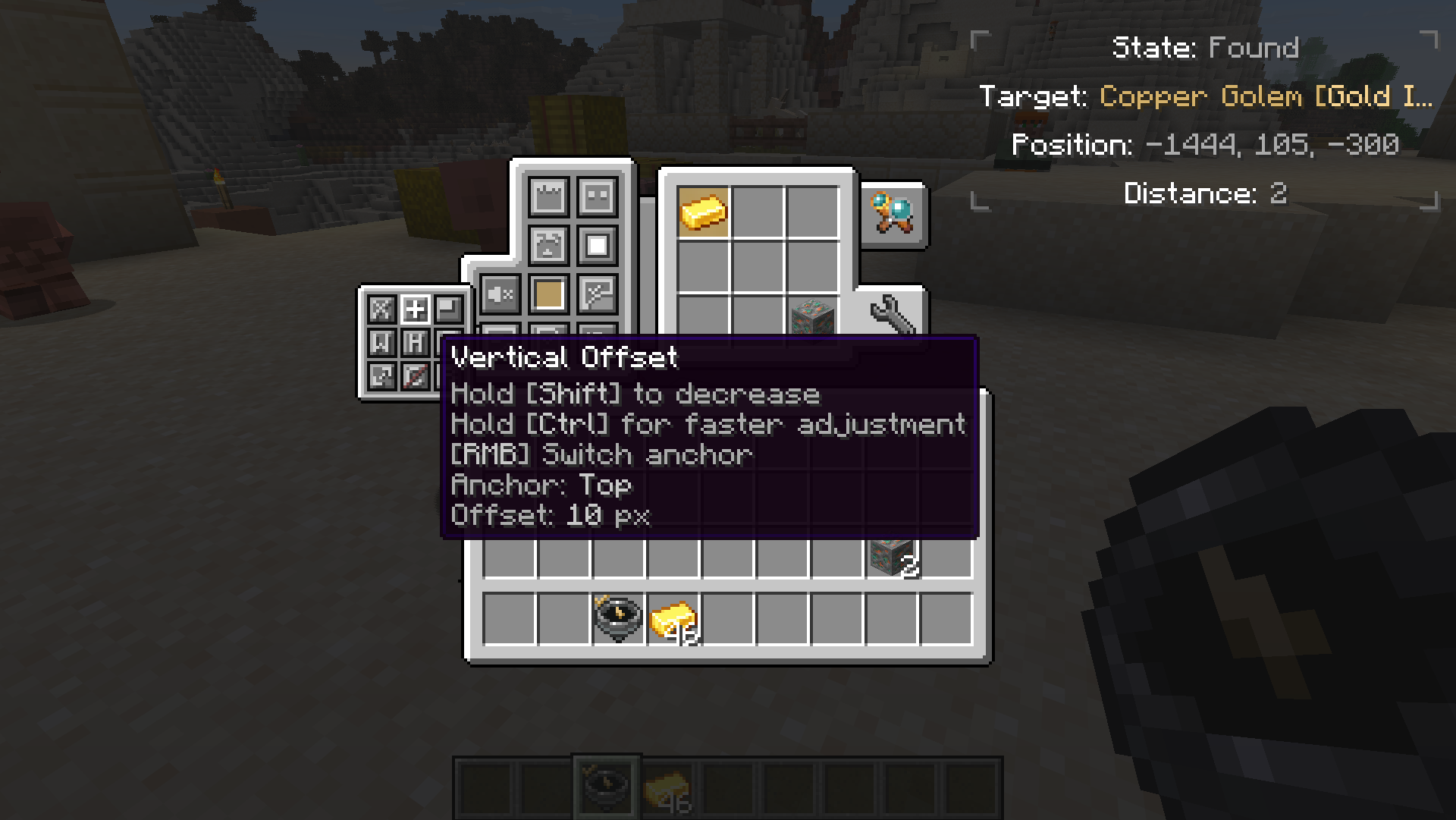 Settings menu Settings menu with different options in it
 -
Compass states The compass points to a target that is below/at the same level as the player/above
-
Priority compass states The compass points to a priority target that is below/at the same level as the player/above
-
Compass recipe 1 Lodestone + 7 Iron Ingots + 1 Compass
Versions
Files
Relations
Project Relations
More like this
Similar Mods
Suggestions use data such as tags, dependencies, dependents, descriptions, titles, and more to rank how much they overlap with this mod.
On ModDex
Community snapshot
By the numbers
Statistics
Want to reach Minecraft players?
We're looking for a server hosting partner to feature here and other parts of the site. Interested? Send us a message!
Get in touchGet it on
Available Platforms
On ModDex
Community snapshot
By the numbers