![Block Renderer [Forge/Fabric]](https://media.forgecdn.net/avatars/thumbnails/268/941/256/256/637240298561542585.png)
Community listing page, reviews may not be monitored by the author.
Block Renderer [Forge/Fabric]


No reviews yet
Renders PNGs of blocks and items on-demand (1.14+)

Community voices
Reviews
No reviews yet. Be the first to review this project!
Get it on
Available Platforms
Compatibility
Supported Environments
Runs entirely on the client. Works on vanilla servers.
About
Project Details
For authors
Embed Badge
If you're the author of this project, you can embed a live badge anywhere that supports HTML or Markdown. It updates automatically whenever ratings change.
Use HTML for any page that supports it, or Markdown for README files and Markdown-based descriptions.
Identifiers
Platform IDs
About
Description
Port of Block Renderer to 1.14+
For 1.7.10-1.12 & Alternative 1.16 Version Click Here
Description:
A simple mod that can render blocks, items and maps on-demand with a keybind (default `).
Note: Block Renderer 1.4.1+ for Minecraft 1.16.2+ will work on both Fabric and Forge.
(1.4.0+)
Hover over an item and press the key to render it and save it to a file.
Hold SHIFT while pressing the render key to open a GUI that allows you to customize a single render.
Hold CTRL while pressing the render key to open a GUI that lets you select your rendering type (Map / Bulk Namespace / Animated).
(Older Versions)
Hover over an item and press the key to render it and save it to a file.
Hold SHIFT while pressing the render key to open a GUI that allows you to customize a single render.
Hold CTRL while pressing the render key to open a GUI that lets you enter a comma-separated list of namespaces to render.
The default render size is 512x512 with the maximum being 2048x2048 and minimum of 16x16.
Installation:
Forge 1.14.4, 1.15.2, 1.16.x - No extra requirements.
Fabric 1.16-20w18a, 1.16-20w19a - Requires FabricAPI @ 0.10.x to be installed
Fabric 1.16.2+ - Requires FabricAPI @ 0.18.x to be installed
Special Thanks:
For 1.14-1.15 Click Here
For 1.7.10-1.12 & Alternative 1.16 Version Click Here
Description:
A simple mod that can render blocks, items and maps on-demand with a keybind (default `).
Note: Block Renderer 1.4.1+ for Minecraft 1.16.2+ will work on both Fabric and Forge.
(1.4.0+)
-
Hover over an item and press the key to render it and save it to a file.
-
Hold SHIFT while pressing the render key to open a GUI that allows you to customize a single render.
-
Hold CTRL while pressing the render key to open a GUI that lets you select your rendering type (Map / Bulk Namespace / Animated).
(Older Versions)
-
Hover over an item and press the key to render it and save it to a file.
-
Hold SHIFT while pressing the render key to open a GUI that allows you to customize a single render.
-
Hold CTRL while pressing the render key to open a GUI that lets you enter a comma-separated list of namespaces to render.
The default render size is 512x512 with the maximum being 2048x2048 and minimum of 16x16.
Installation:
-
Forge 1.16.2+ : No extra requirements.
-
Fabric 1.16.2+ : Requires FabricAPI @ 0.18.x to be installed
Screenshots
Gallery
-
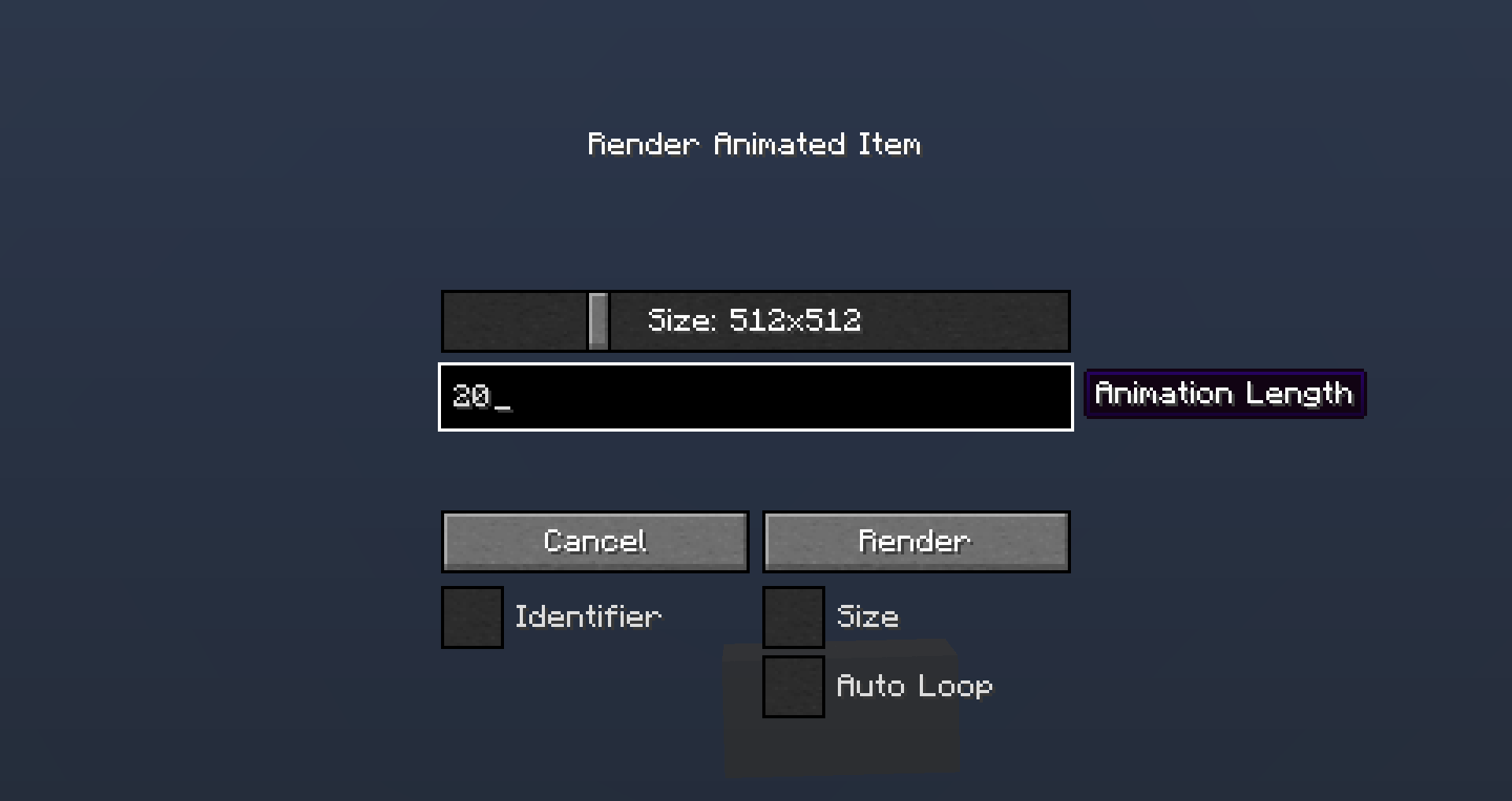 Animated Render Configuration Configuration Screen for Animated Renders
 -
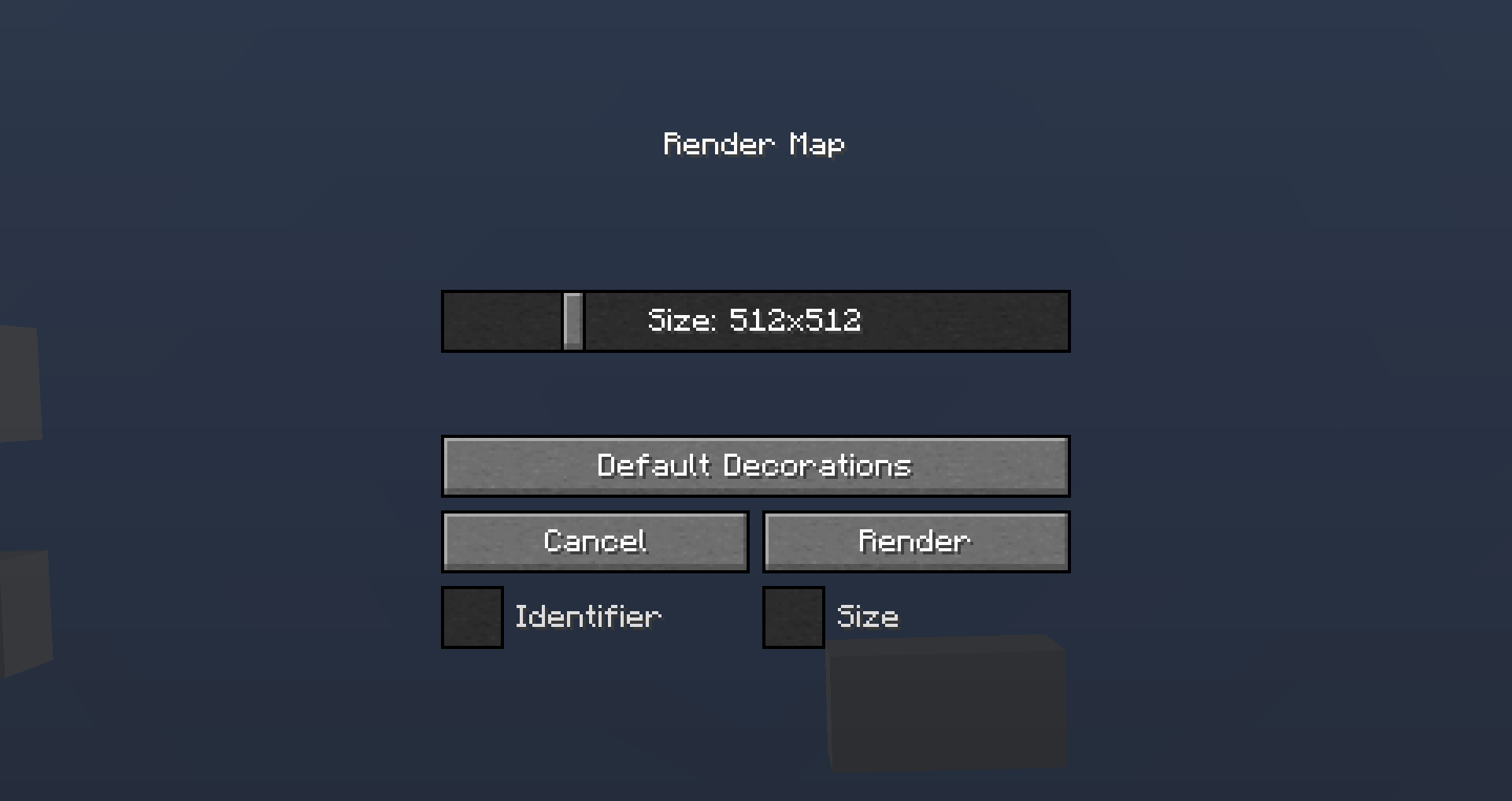 Map Render Configuration Configuration Screen for Map Renders
 -
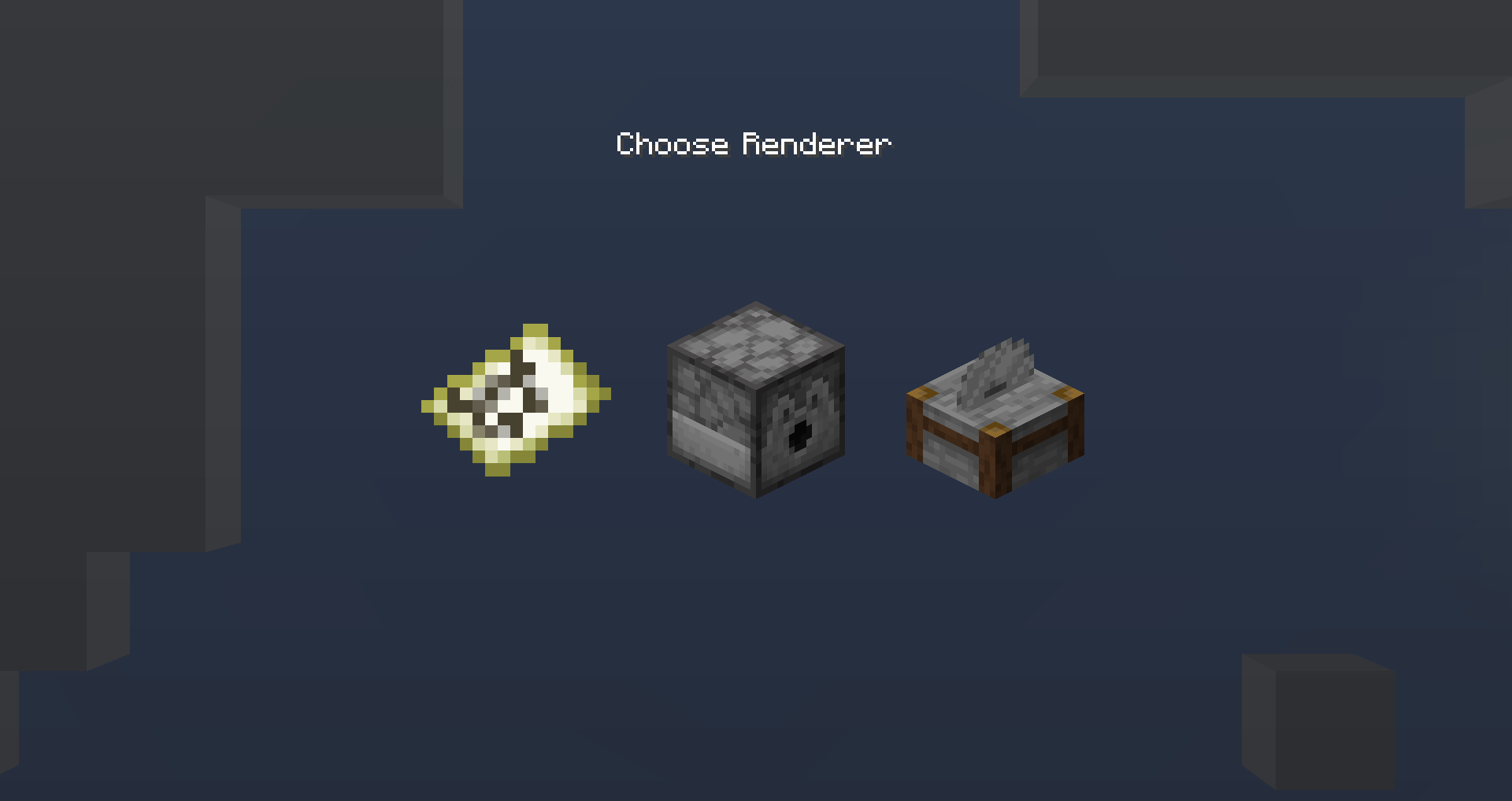 Select Render (1.4.0+)
 -
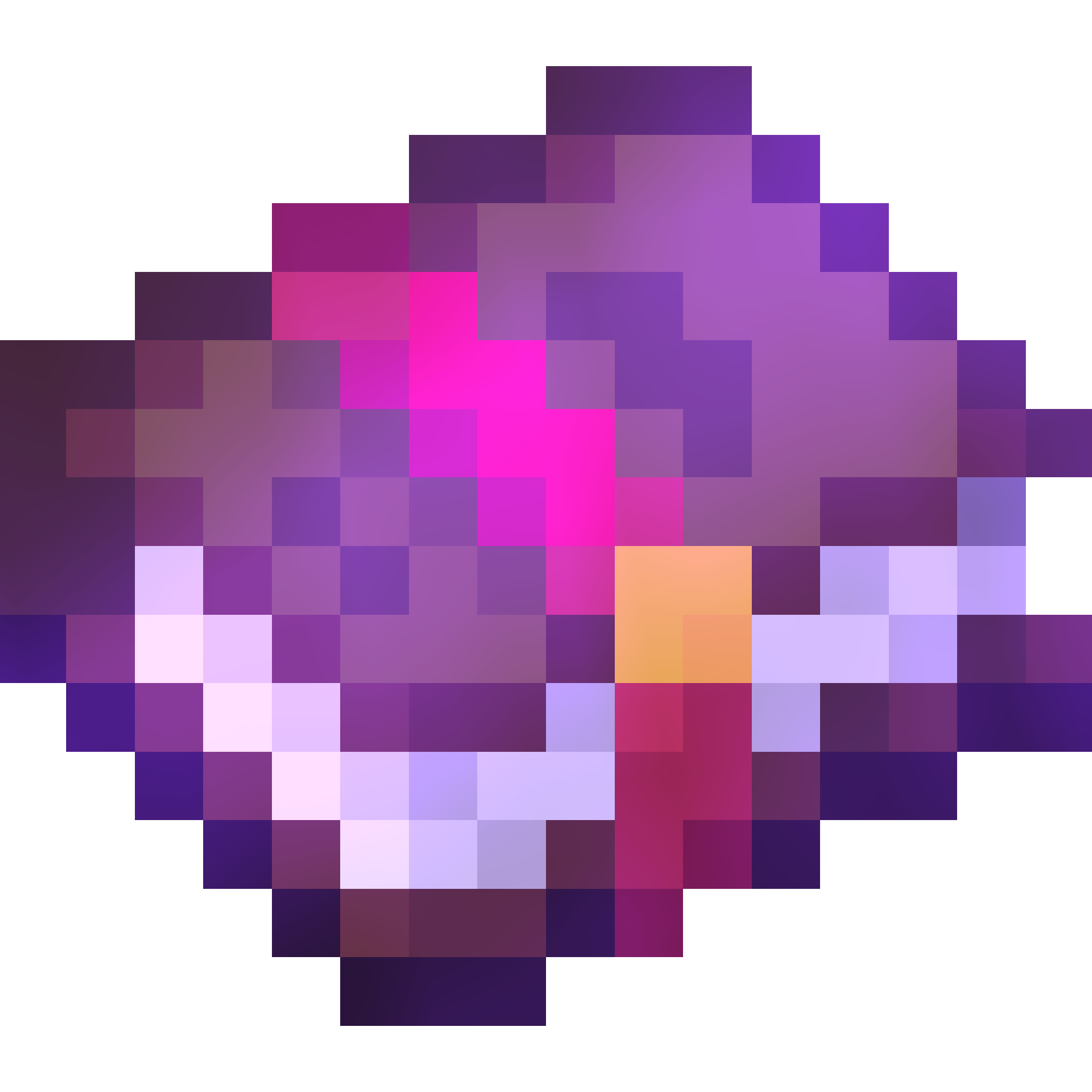 Render - Enchanted Book - 2048x2048
 -
 Render - White Stained Glass - 64x64
 -
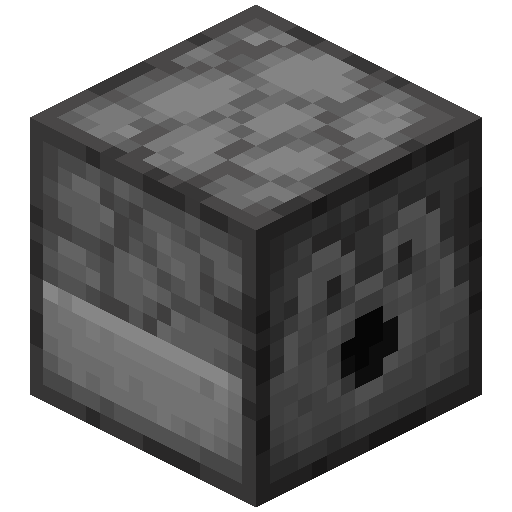 Render - Dispenser - 512x512
 -
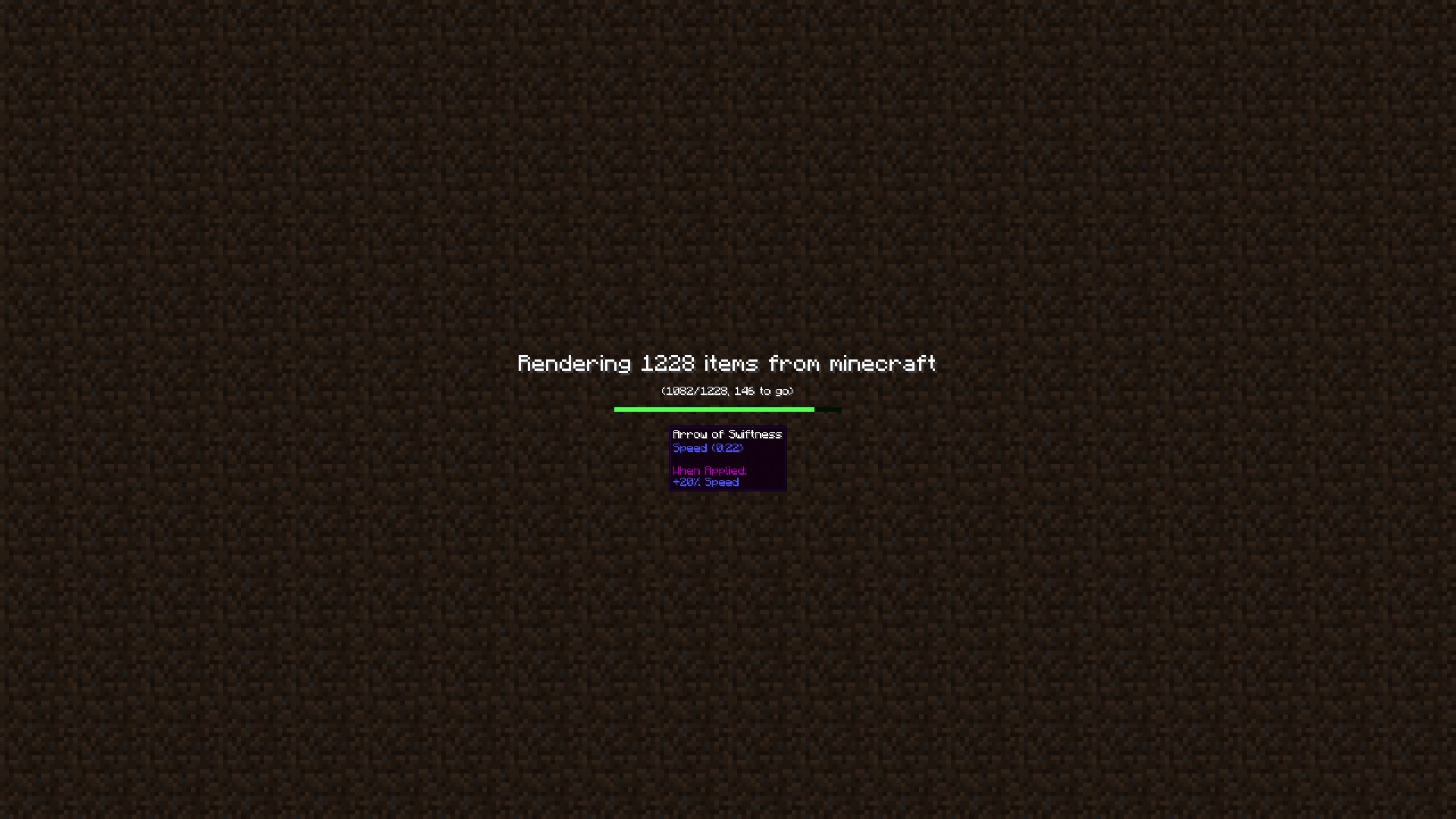 Bulk Render Progress (Pre 1.4.0) Screen during Bulk Render
 -
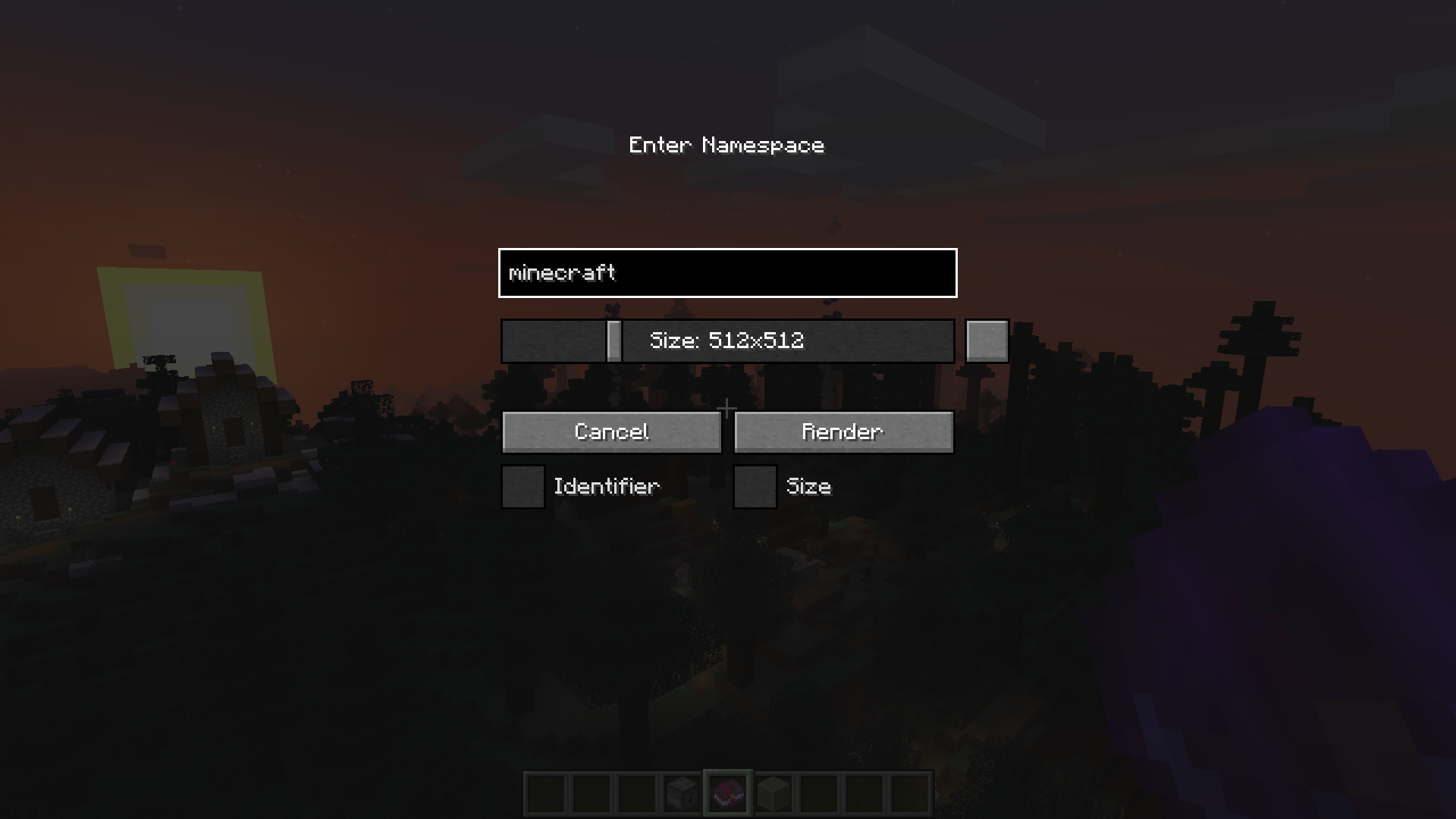 Bulk Render Configuration Configuration Screen for Bulk Renders
 -
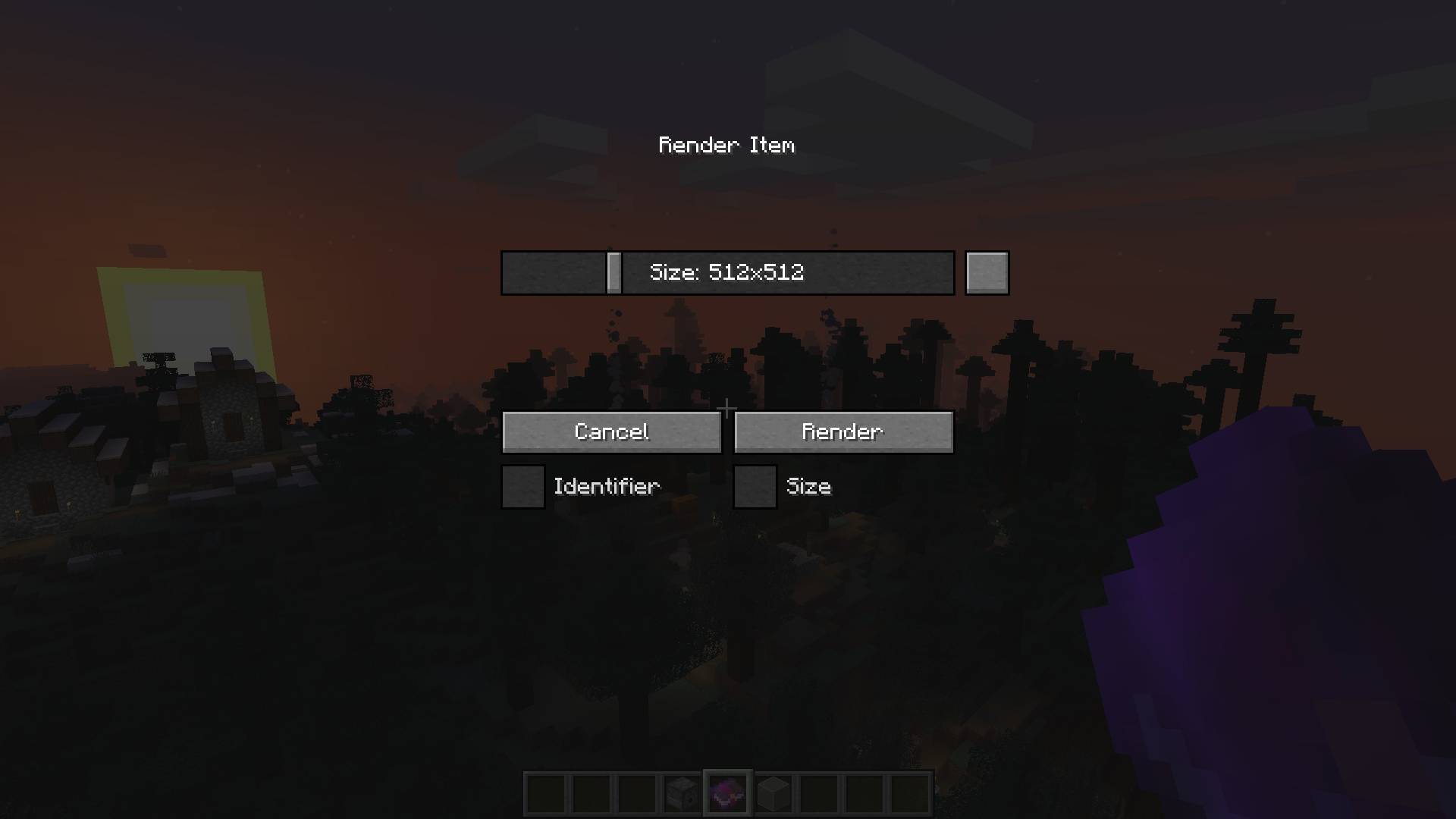 Singe Render Configuration Configuration Screen for Single Item Renders
Versions
Files
Relations
Project Relations
More like this
Similar Mods
Suggestions use data such as tags, dependencies, dependents, descriptions, titles, and more to rank how much they overlap with this mod.
On ModDex
Community snapshot
By the numbers
Statistics

Get it on
Available Platforms
On ModDex
Community snapshot
By the numbers