Community listing page, reviews may not be monitored by the author.
Branded Logs


No reviews yet
Prints information about your modpack into the logs & crash logs!

Community voices
Reviews
No reviews yet. Be the first to review this project!
Get it on
Available Platforms
Compatibility
Supported Environments
Install on the client or the server; either alone gives full functionality.
About
Project Details
For authors
Embed Badge
If you're the author of this project, you can embed a live badge anywhere that supports HTML or Markdown. It updates automatically whenever ratings change.
Use HTML for any page that supports it, or Markdown for README files and Markdown-based descriptions.
Identifiers
Platform IDs
About
Description
Branded Logs
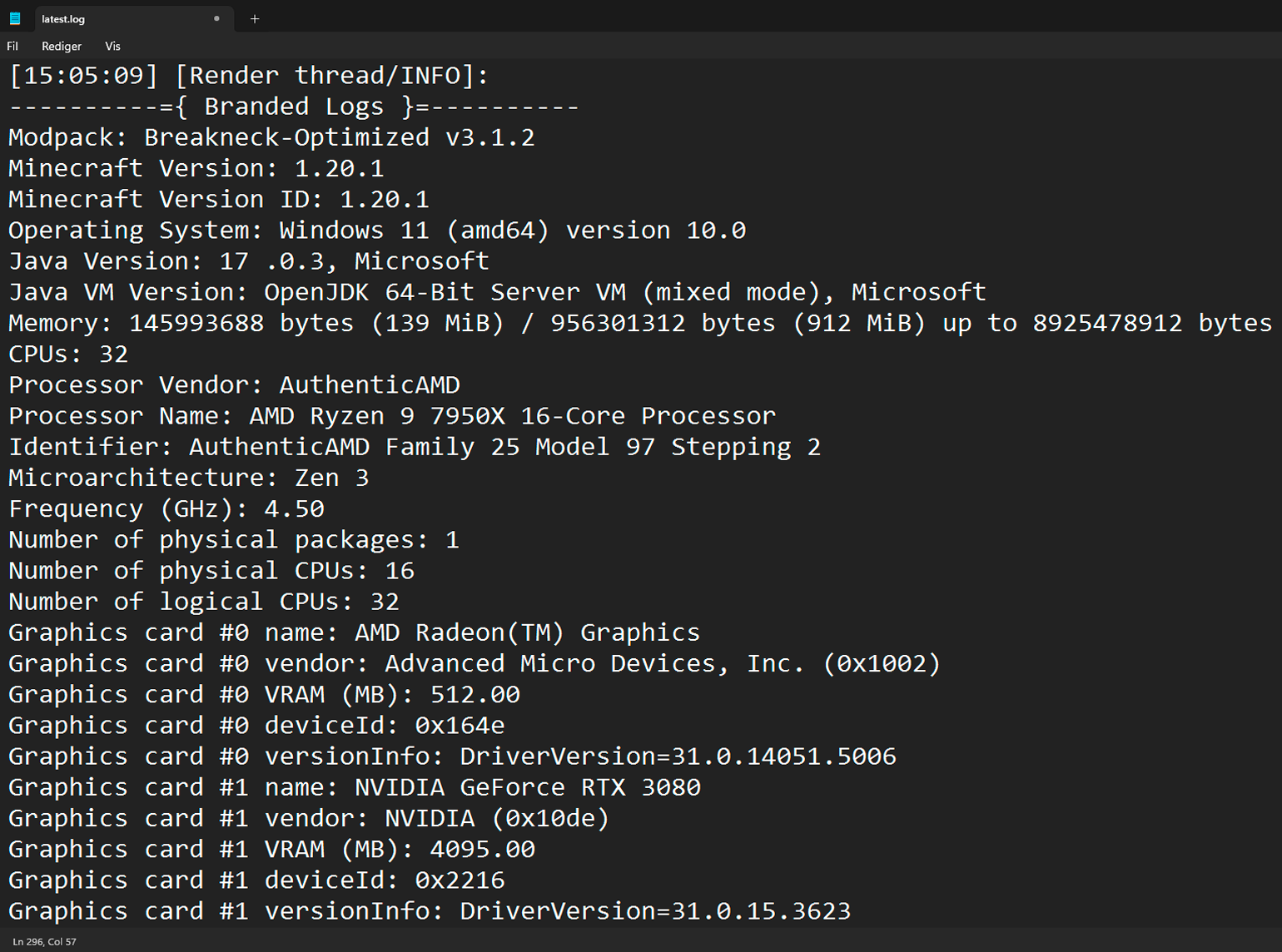
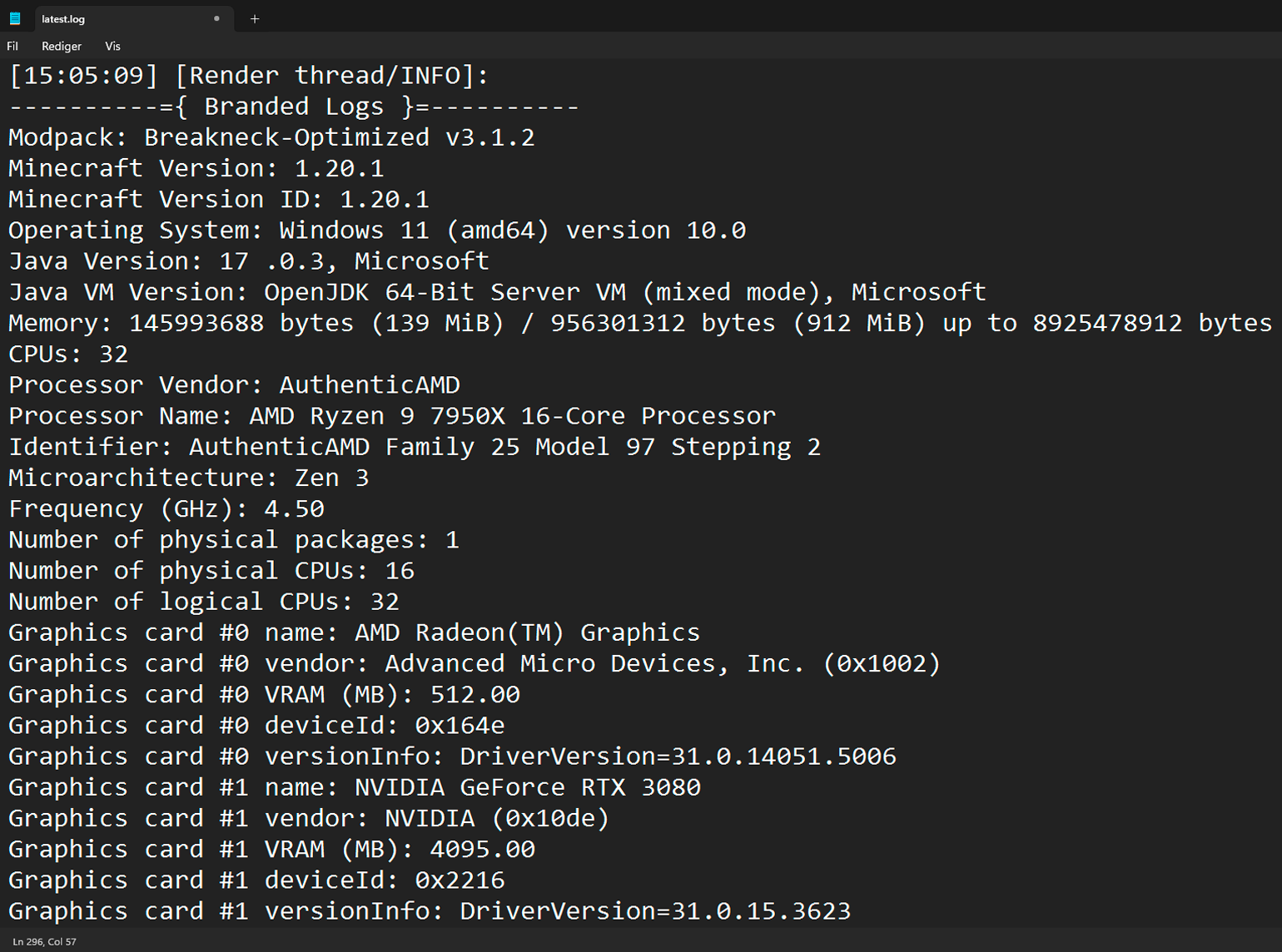
This is a simple mod that allows modpack creators to print additional information about their modpack into the game's logs. This includes the name of the modpack and its version, as well as information about the user's machine, operating system, Java version, and RAM allocation.
This mod was greatly inspired by [Log More Info].



Why would anyone need this?
As a modpack author, you may often receive logs from players asking for help with an issue or crash. With this mod, there will no longer be any confusion about which version of your modpack a log was generated from. You will also no longer have to ask them about the hardware or Java configuration of their system, as that can easily be deduced from the logs!
How to use it
The mod will automatically parse modpack information from supported launchers right out of the box. However, if a configuration file from Better Compatibility Checker (bcc.json) is present, it will always take priority.
Supported Launchers:
- ✅ CurseForge App (minecraftinstance.json)
- ✅ Prism Launcher (instance.cfg)
- ✅ ATLauncher (instance.json)
- ✅ GDLauncher (instance.json)
- ❌ Modrinth App (No longer uses profile.json file)
To enable the mod to retrieve the version number and name of your modpack in an unsupported launcher, you need to include a configuration file from Better Compatibility Checker in your pack. You can either use the Better Compatibility Checker mod to generate the config file, or create one manually using the template below:
./config/bcc.json
{"modpackName": "INSERT_MODPACK_NAME_HERE", "modpackVersion": "INSERT_MODPACK_VERSION_HERE"}Dependencies
Optional: Better Compatibility Checker
Links



Branded Logs
This is a simple mod that allows modpack creators to print additional information about their modpack into the game's logs. This includes the name of the modpack and its version, as well as information about the user's machine, operating system, Java version, and RAM allocation.
This mod was greatly inspired by [Log More Info].


Why would anyone need this?
As a modpack author, you may often receive logs from players asking for help with an issue or crash. With this mod, there will no longer be any confusion about which version of your modpack a log was generated from. You will also no longer have to ask them about the hardware or Java configuration of their system, as that can easily be deduced from the logs!
How to use it
The mod will automatically parse modpack information from supported launchers right out of the box. However, if a configuration file from Better Compatibility Checker (bcc.json) is present, it will always take priority.
Supported Launchers:
- ✅ CurseForge App (minecraftinstance.json)
- ✅ Prism Launcher (instance.cfg)
- ✅ ATLauncher (instance.json)
- ✅ GDLauncher (instance.json)
- ❌ Modrinth App (No longer uses profile.json file)
To enable the mod to retrieve the version number and name of your modpack in an unsupported launcher, you need to include a configuration file from Better Compatibility Checker in your pack. You can either use the Better Compatibility Checker mod to generate the config file, or create one manually using the template below:
./config/bcc.json
{"modpackName": "INSERT_MODPACK_NAME_HERE", "modpackVersion": "INSERT_MODPACK_VERSION_HERE"}
Dependencies

Optional: Better Compatibility Checker
Links


Screenshots
Gallery
-
 Example
-
 Example
Versions
Files
Relations
Project Relations
More like this
Similar Mods
Suggestions use data such as tags, dependencies, dependents, descriptions, titles, and more to rank how much they overlap with this mod.
On ModDex
Community snapshot
By the numbers
Statistics

Get it on
Available Platforms
On ModDex
Community snapshot
By the numbers