
Community listing page, reviews here may not be monitored by the author.
Build craft

No reviews yet
Build Mod is a Minecraft utility for fast large-scale building. It supports blueprint import/export, Builder Bot automation, Scaffold mode, and an RGB Canvas system for image builds, streamlining creation, sharing, and construction workflows.
Community voices
Reviews
No reviews yet. Be the first to review this project!
Get it on
Available Platforms
About
Project Details
For authors
Embed Badge
If you're the author of this project, you can embed a live badge anywhere that supports HTML or Markdown. It updates automatically whenever ratings change.
Use HTML for any page that supports it, or Markdown for README files and Markdown-based descriptions.
Identifiers
Platform IDs
Resources
External Links
About
Description
Build Mod is a Minecraft utility designed to simplify large-scale building, blueprint sharing, and image generation. Whether you want to automate construction, recreate existing builds, or generate massive pixel art, Builder Mod provides a complete toolkit for creators.
Use Minecraft dot or some other website to convert a picture into csv, I will also upload the picture to rgb.csv on my github soon
Blueprint Building
Blueprints are stored as CSV files and can be built directly in-game using commands.
Build Modes
-
Normal Build – Instantly constructs the blueprint.
-
Builder Bot – A builder entity automatically constructs the blueprint block-by-block, making it appear as though a player is building it.
-
Scaffold Mode – Generates temporary guide blocks so players can manually build the structure themselves while following a visual blueprint.
These modes are available for both 2D and 3D blueprints.
Blueprint Export & Import
Builder Mod can scan existing Minecraft builds and convert them into reusable blueprints.
Export
-
Select two corners of a build.
-
Export the selected area.
-
The mod scans every block and stores the complete BlockState.
-
A new blueprint folder is created containing:
-
Metadata
-
Individual CSV files for each layer
-
These blueprint folders can be shared with other players.
Import
Import any exported blueprint back into Minecraft using dedicated import commands.
Imported blueprints support:
-
Normal Build
-
Builder Bot
-
Scaffold Mode
allowing structures to be recreated exactly as they were originally built.
Canvas Builder
Canvas Builder allows images to be recreated in Minecraft using custom RGB Canvas Blocks.
Workflow:
-
Convert an image using the included Image → RGB CSV converter.
-
Place the generated CSV inside the Canvas folder.
-
Use the Canvas build command.
-
The mod recreates the image using RGB Canvas Blocks.
Unlike traditional block palettes, Canvas Blocks store their own RGB values, allowing images to reproduce millions of colors with far greater accuracy.
The Canvas system also includes a custom rendering/LOD system designed to efficiently display extremely large artworks.
Commands
Builder Mod includes commands for:
-
Building blueprints
-
Builder Bot mode
-
Scaffold mode
-
Canvas builds
-
Blueprint position selection
-
Blueprint export
-
Blueprint import
Commands are designed to remain separate between the traditional Builder system and the Blueprint system to keep workflows clean and intuitive.
Blueprint Format
Each exported blueprint is stored inside its own folder.
Example:
blueprints/
└── Castle/
    ├── metadata.json
    └── layers/
        ├── layer000.csv
        ├── layer001.csv
        ├── layer002.csv
        └── ...
Each layer stores the complete BlockState for every block, preserving orientation, properties, and block variants for accurate reconstruction.
Features
-
2D Blueprint Building
-
3D Blueprint Export & Import
-
Builder Bot automation
-
Scaffold guide mode
-
RGB Canvas Builder
-
Image → RGB CSV converter
-
Layer-based blueprint format
-
Accurate BlockState preservation
-
Large-scale build support
-
Offline workflow with locally stored blueprints
Builder Mod is designed for builders, content creators, and survival players who want to automate repetitive construction while still supporting manual building, blueprint sharing, and large-scale creative projects.
Screenshots
Gallery
-
 Screenshot_2026-06-29_133426_89.png Screenshot_2026-06-29_133426_89.png
 -
 Screenshot 2026-07-02 181731.png Screenshot 2026-07-02 181731.png
 -
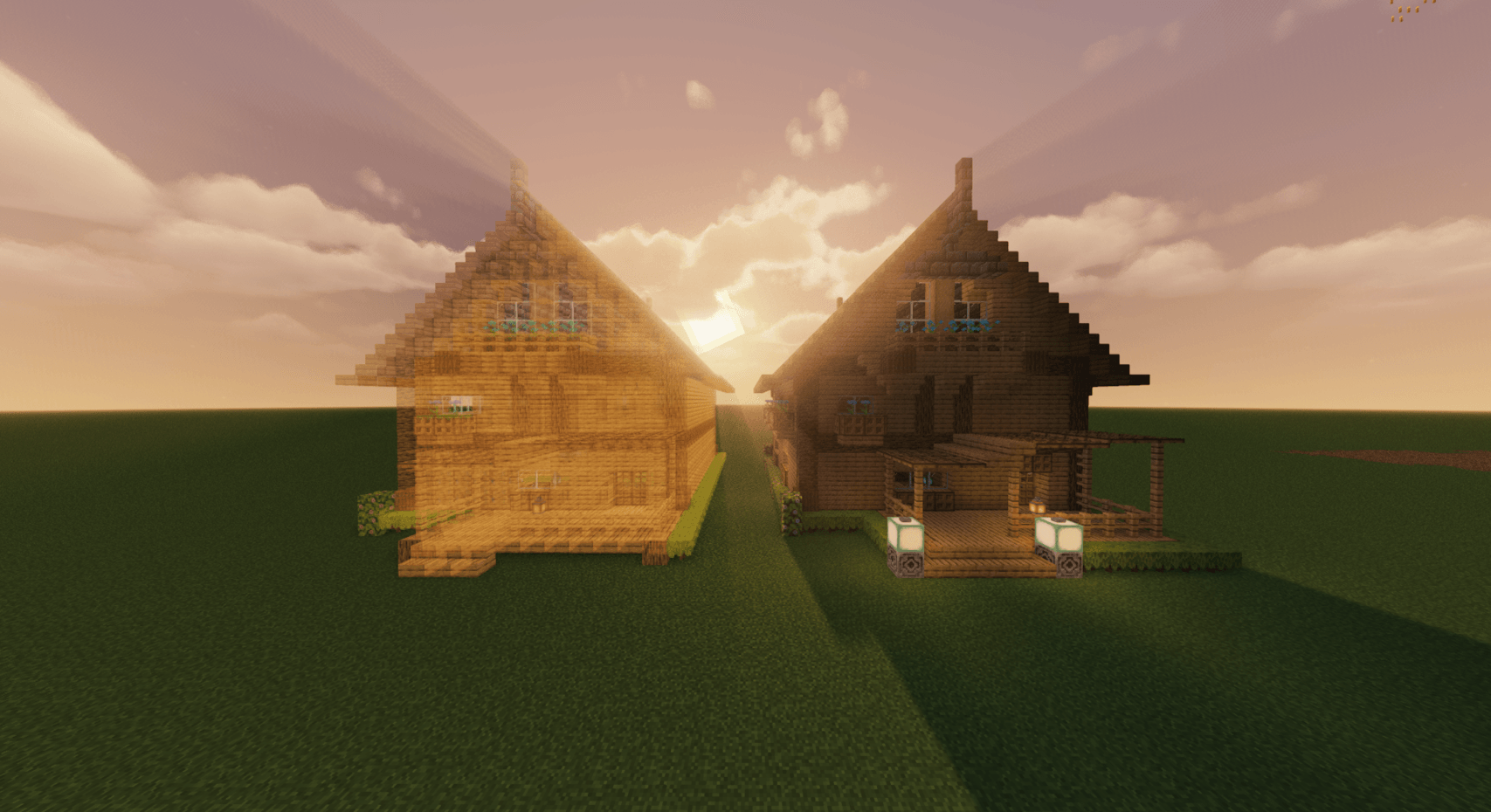 Screenshot_2026-07-02_181523_89.png Screenshot_2026-07-02_181523_89.png
 -
 Screenshot 2026-07-02 181607.png Screenshot 2026-07-02 181607.png
Versions
Files
Relations
Project Relations
More like this
Similar Mods
Suggestions use data such as tags, dependencies, dependents, descriptions, titles, and more to rank how much they overlap with this mod.
On ModDex
Community snapshot
By the numbers
Statistics
Want to reach Minecraft players?
We're looking for a server hosting partner to feature here and other parts of the site. Interested? Send us a message!
Get in touchGet it on
Available Platforms
On ModDex
Community snapshot
By the numbers
Statistics
Resources