Community listing page, reviews here may not be monitored by the author.
Building Shift


No reviews yet
Cancels Interaction with Functional Blocks without holding Shift Key! Use Commands or Binded Key to toggle, G by default
Community voices
Reviews
No reviews yet. Be the first to review this project!
Get it on
Available Platforms
Compatibility
Supported Environments
Works on the client or the server alone, but does more when on both.
About
Project Details
For authors
Embed Badge
If you're the author of this project, you can embed a live badge anywhere that supports HTML or Markdown. It updates automatically whenever ratings change.
Use HTML for any page that supports it, or Markdown for README files and Markdown-based descriptions.
Identifiers
Platform IDs
About
Description
Building Shift
It is Minecraft Fabric Client Mod, that allows u to disable Interaction with Functional Blocks, and place Blocks next to them without holding Shift!
Use `/buildingshift toggle` Command or Binded Key to toggle, G by default
Server-side ↓↓↓
Mod can be installed on server what gives better functionality. Mod functionals being installed on Server or on Client, and gives Best Experience if installed on both sides.
Player with mod installed on client can join servers without mod and use it as client-side only, it works well, but gives a few little bugs.
Known bugs:
- The side of placed side-related block wont depend on side of other block where player is placing it, but on player's facing in the world (link)
Player without mod can join server with mod and use its functional through command:
/buildingshift (toggle|on|off) <player target (only for ops)>In this case player will experience a few other bugs related to missing client-side code.
Known bugs:
- No sound after placing the block
- Unabbility to spam blocks row
And, the Best Experience, is when Player with mod installed on client plays on Server with mod installed too. It makes Player and Server side of mod communicate better:
- Player will see indicator beside crosshair
- Player wont experience bug related to mod being installed either only on server or only on client
Playing in singleplayer is the same as playing with mod installed on both sides, but on integrated server.
Shows special Indicator beside Crosshair if turned on
Made with purpose to help builders in Minecraft!

Building Shift
It is Minecraft Fabric Client Mod, that allows u to disable Interaction with Functional Blocks, and place Blocks next to them without holding Shift!
Use /buildingshift toggle Command or Binded Key to toggle, G by default
Server-side
Mod can be installed on server what gives better functionality. Mod functionals being installed on Server or on Client, and gives Best Experience if installed on both sides.
Player with mod installed on client can join servers without mod and use it as client-side only,
it works well, but gives a few little bugs.
Known bugs:
- The side of placed side-related block wont depend on side of other block where player is placing it, but on player's facing in the world (link)
Player without mod can join server with mod and use its functional through command:
/buildingshift (toggle|on|off) <player target (only for ops)>
In this case player will experience a few other bugs related to missing client-side code.
Known bugs:
- No sound after placing the block
- Unabbility to spam blocks row
And, the Best Experience, is when Player with mod installed on client plays on Server with mod installed too. It makes Player and Server side of mod communicate better:
- Player will see indicator beside crosshair
- Player wont experience bug related to mod being installed either only on server or only on client
Playing in singleplayer is the same as playing with mod installed on both sides, but on integrated server.
Shows special Indicator beside Crosshair if turned on
Made with purpose to help builders in Minecraft!
Screenshots
Gallery
-
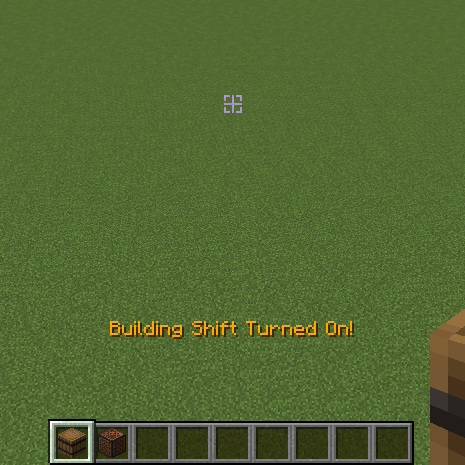 Hud Toggle message and On/Off Indicator
 -
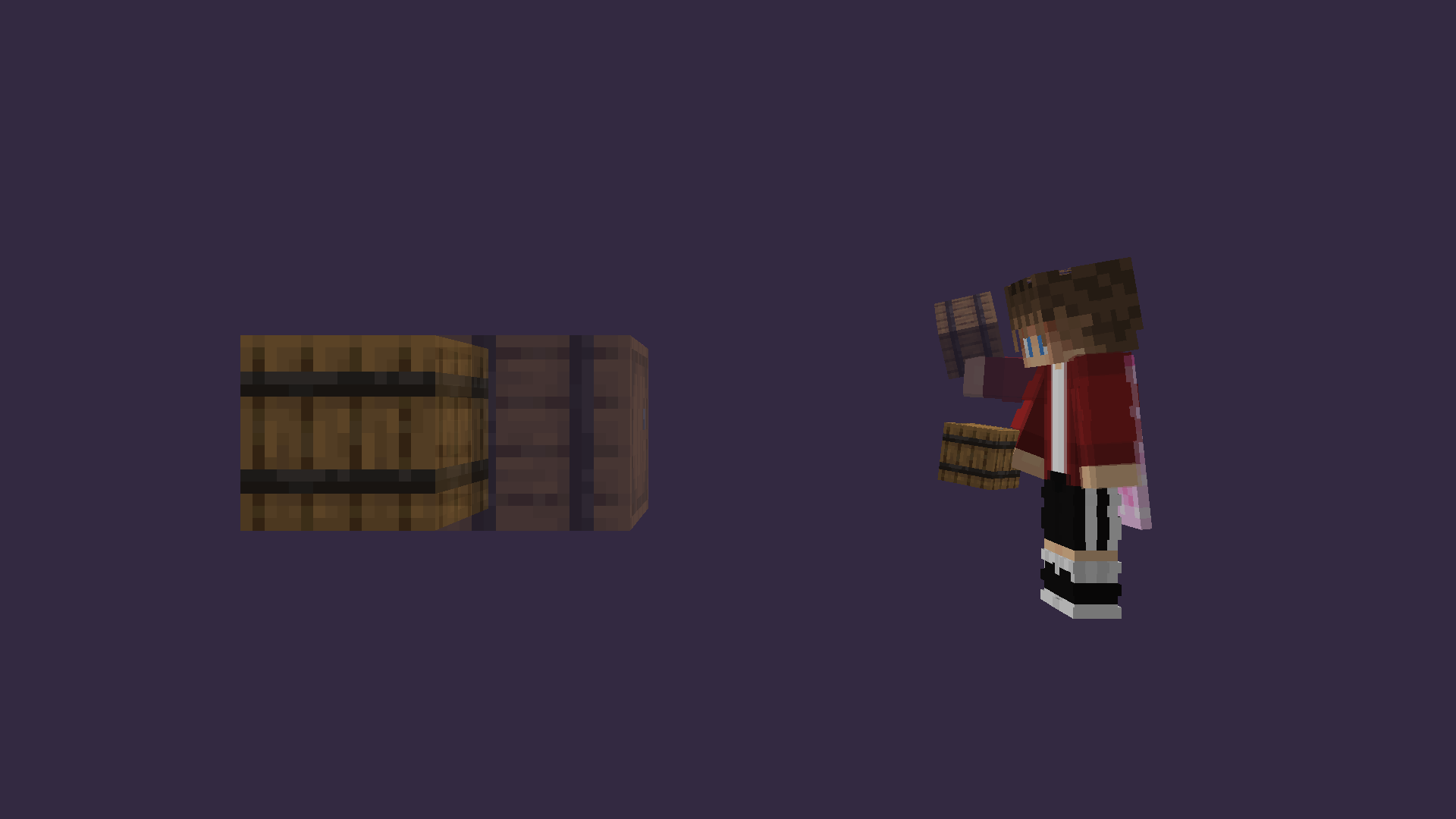 Banner
-
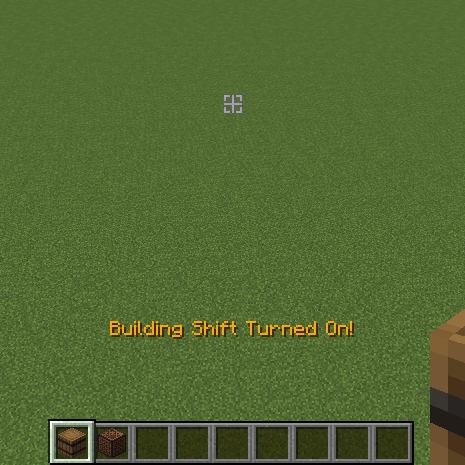 Indicator Toggle message and On/Off Indicator
 -
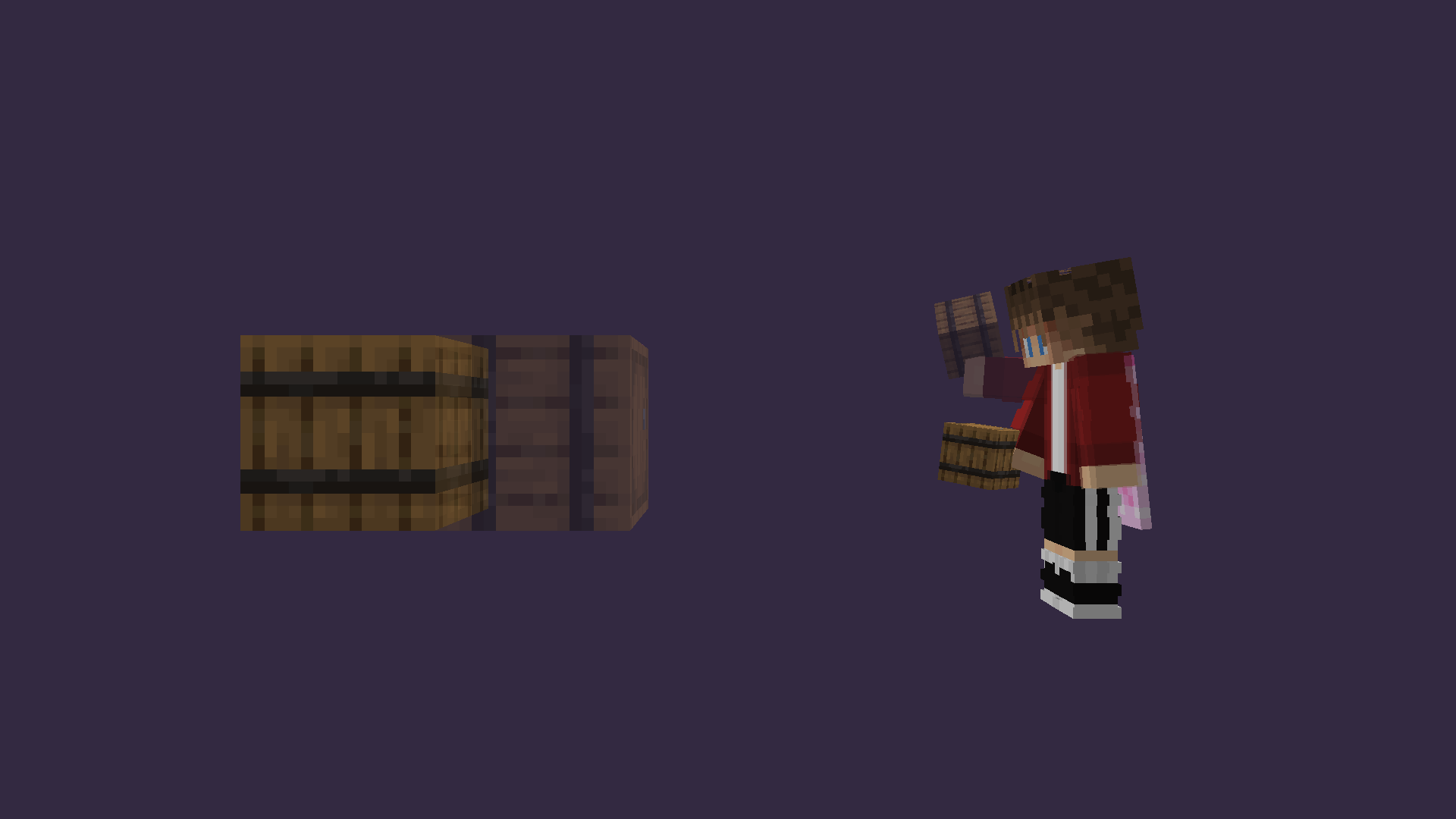 Building Shift ❤
Versions
Files
Relations
Project Relations
More like this
Similar Mods
Suggestions use data such as tags, dependencies, dependents, descriptions, titles, and more to rank how much they overlap with this mod.
On ModDex
Community snapshot
By the numbers
Statistics
Want to reach Minecraft players?
We're looking for a server hosting partner to feature here and other parts of the site. Interested? Send us a message!
Get in touchGet it on
Available Platforms
On ModDex
Community snapshot
By the numbers