
Community listing page, reviews here may not be monitored by the author.
Bundles Beyond

No reviews yet
Allows you to access every item in the bundle beyond the vanilla 12 item limit.
Community voices
Reviews
No reviews yet. Be the first to review this project!
Get it on
Available Platforms
Compatibility
Supported Environments
Runs entirely on the client. Works on vanilla servers.
About
Project Details
For authors
Embed Badge
If you're the author of this project, you can embed a live badge anywhere that supports HTML or Markdown. It updates automatically whenever ratings change.
Use HTML for any page that supports it, or Markdown for README files and Markdown-based descriptions.
Identifiers
Platform IDs
Resources
External Links
About
Description
Since bundles were officially released, only up to 12 items from the bundle are accessible from the inventory without taking out other items first. This mod removes this limit of 12 items allowing all items inside the bundle to be viewed and extracted
This Modrinth page is the only official source of the mod!
26.3 version soon (up to a few days)
Using this mod:
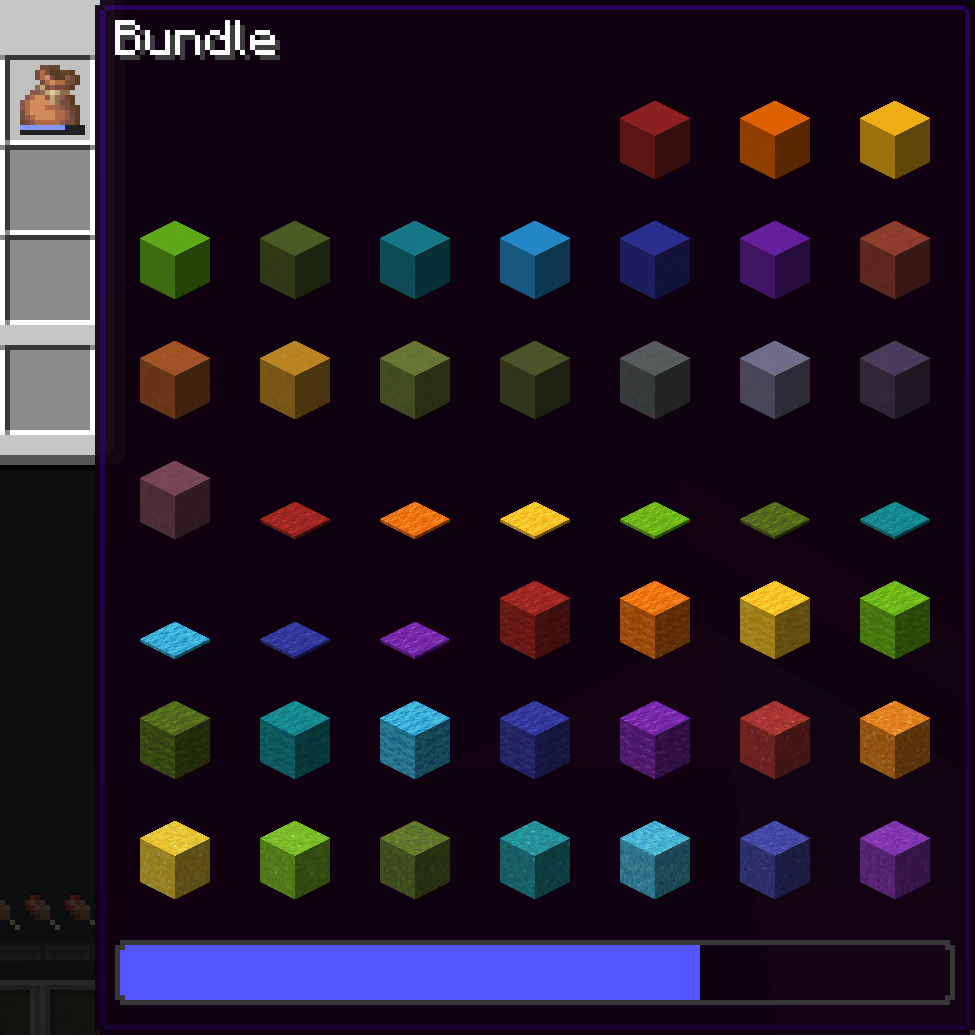
Vanilla:
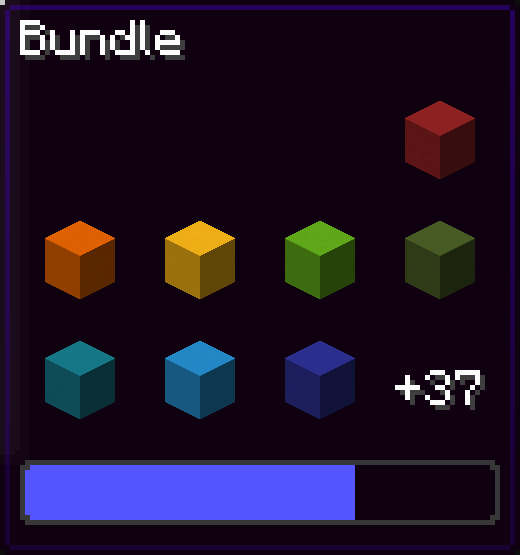
You can navigate in the bundle's gui with the movement or arrow keys.
Press space while hovering over a bundle to put an item or take an item from the bundle!
Config screen
Open the config screen from Mod Menu in Fabric, from the Mods menu in NeoForge, or with /bundlesbeyond
Image coming here Soon™
Keybinds
There are 2 keybinds that you can find in Options > Controls:
Mod Enabled keybind
If the mod is On or Off, pressing this keybind will toggle it.
If the mod is on Hold key, holding this keybind will enable the mod.
Scroll Axis keybind
If the scroll mode is Horizontal or Vertical, pressing this keybind will toggle it.
If the scroll mode is on Hold for horizontal, holding this keybind will make the scrolling horizontal, releasing the button will make it vertical.
Same for Hold for vertical, but opposite.
Other Stuff
This mod is client side only.
In the Fabric version, this mod requires Fabric API.
Bundles Beyond is licensed under the CC-BY-NC-SA 4.0 license.
Screenshots
Gallery
-
expanded view
-
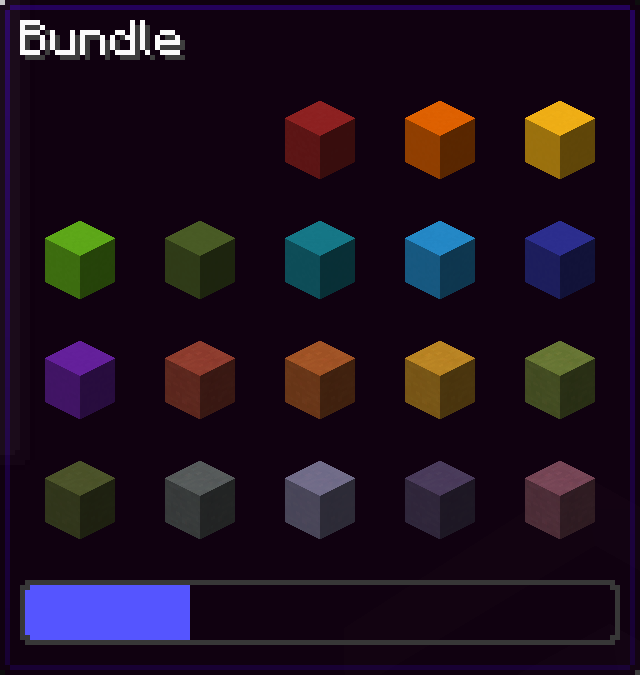 auto adjusts size to fit number of items
 -
![[OUTDATED] picking up the item beyond the 8 item limit](https://cdn.modrinth.com/data/VhUy58Cq/images/c08a4be82fa6fe183deca5d2e99d32a671c50ce5.png) [OUTDATED] picking up the item beyond the 8 item limit
[OUTDATED] picking up the item beyond the 8 item limit -
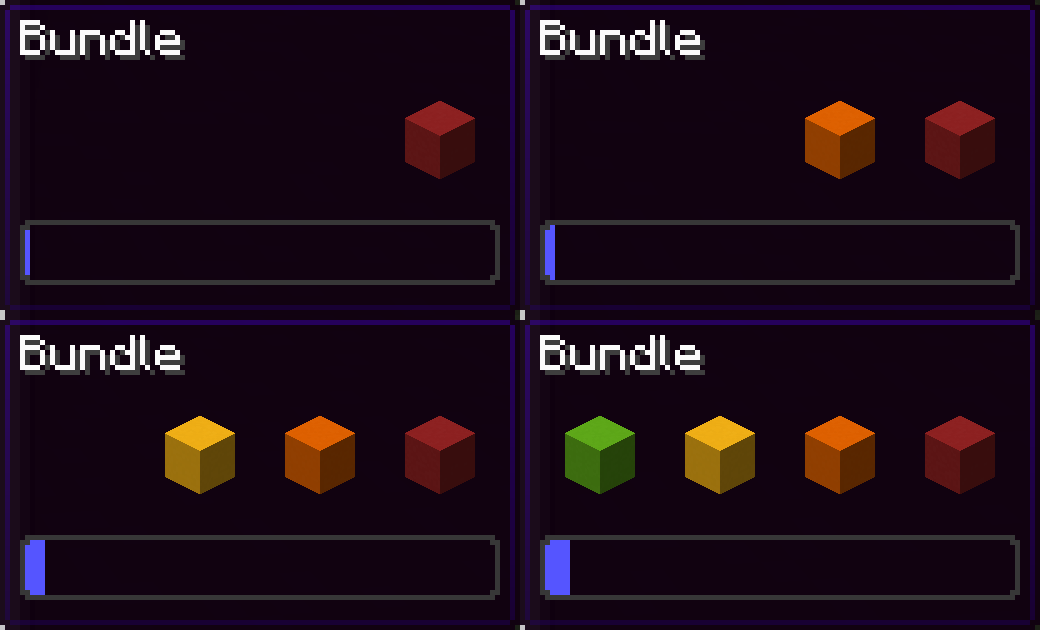 like vanilla, width does not go under 4
 -
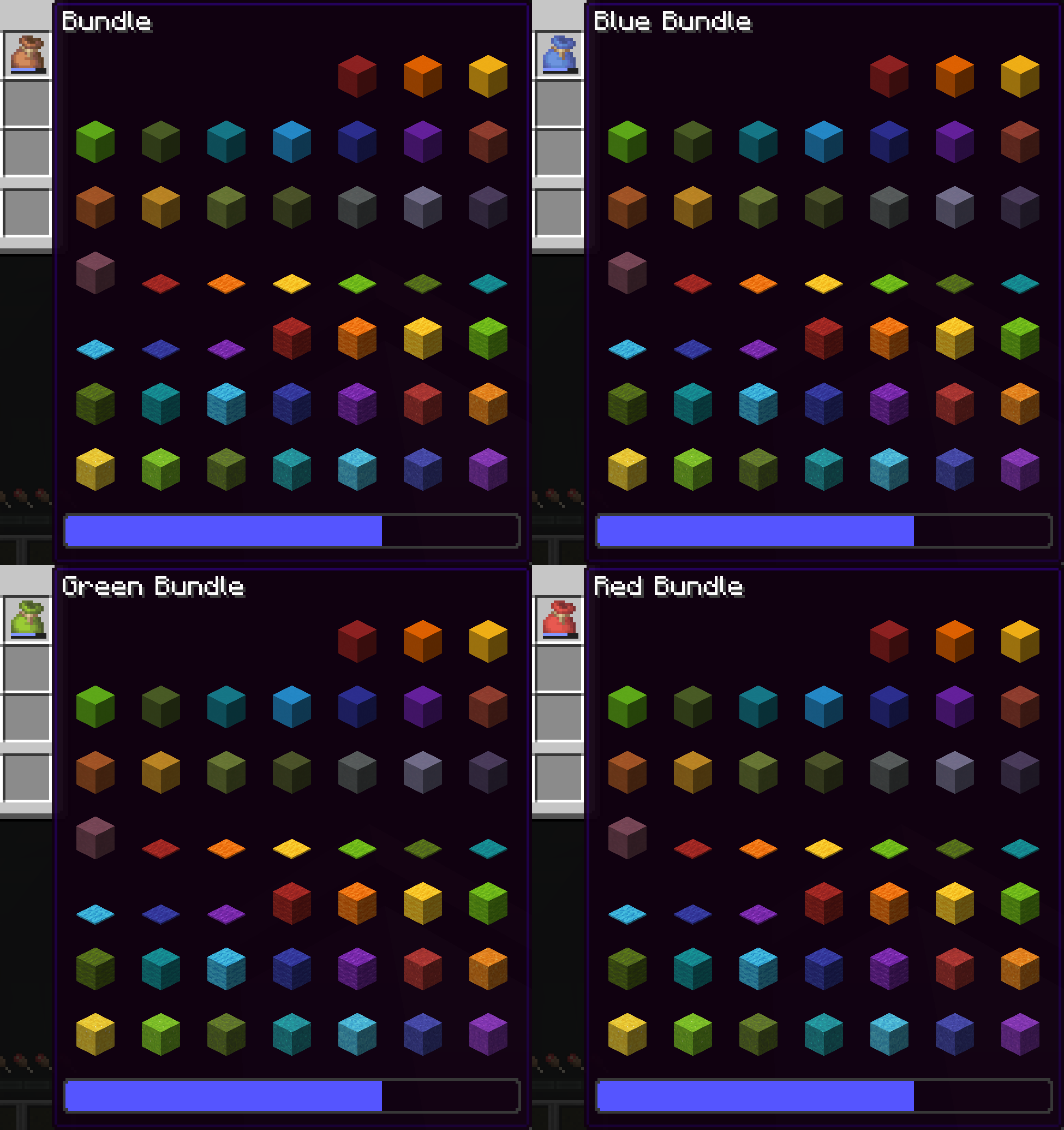 works with all bundle colors (4 example)
 -
![[OUTDATED] choosing item in bundle beyond the 8 item limit](https://cdn.modrinth.com/data/VhUy58Cq/images/745353a6e31a304e238319d53d1f3afe632c138a.png) [OUTDATED] choosing item in bundle beyond the 8 item limit
[OUTDATED] choosing item in bundle beyond the 8 item limit -
in vanilla, you can only access 12 or less items from the bundle
Versions
Files
Relations
Project Relations
More like this
Similar Mods
Suggestions use data such as tags, dependencies, dependents, descriptions, titles, and more to rank how much they overlap with this mod.
On ModDex
Community snapshot
By the numbers
Statistics

Want to reach Minecraft players?
We're looking for a server hosting partner to feature here and other parts of the site. Interested? Send us a message!
Get in touchGet it on
Available Platforms
On ModDex
Community snapshot
By the numbers
Statistics
Resources