Community listing page, reviews here may not be monitored by the author.
Camera Anim


No reviews yet
In game camera animations maker and loader
Community voices
Reviews
No reviews yet. Be the first to review this project!
Get it on
Available Platforms
Compatibility
Supported Environments
Works on the client or the server alone, but does more when on both.
About
Project Details
For authors
Embed Badge
If you're the author of this project, you can embed a live badge anywhere that supports HTML or Markdown. It updates automatically whenever ratings change.
Use HTML for any page that supports it, or Markdown for README files and Markdown-based descriptions.
Identifiers
Platform IDs
About
Description
Camera Anim
In game camera anim maker and loader.
This mod only modifies the player's camera and does not modify the entity pos. 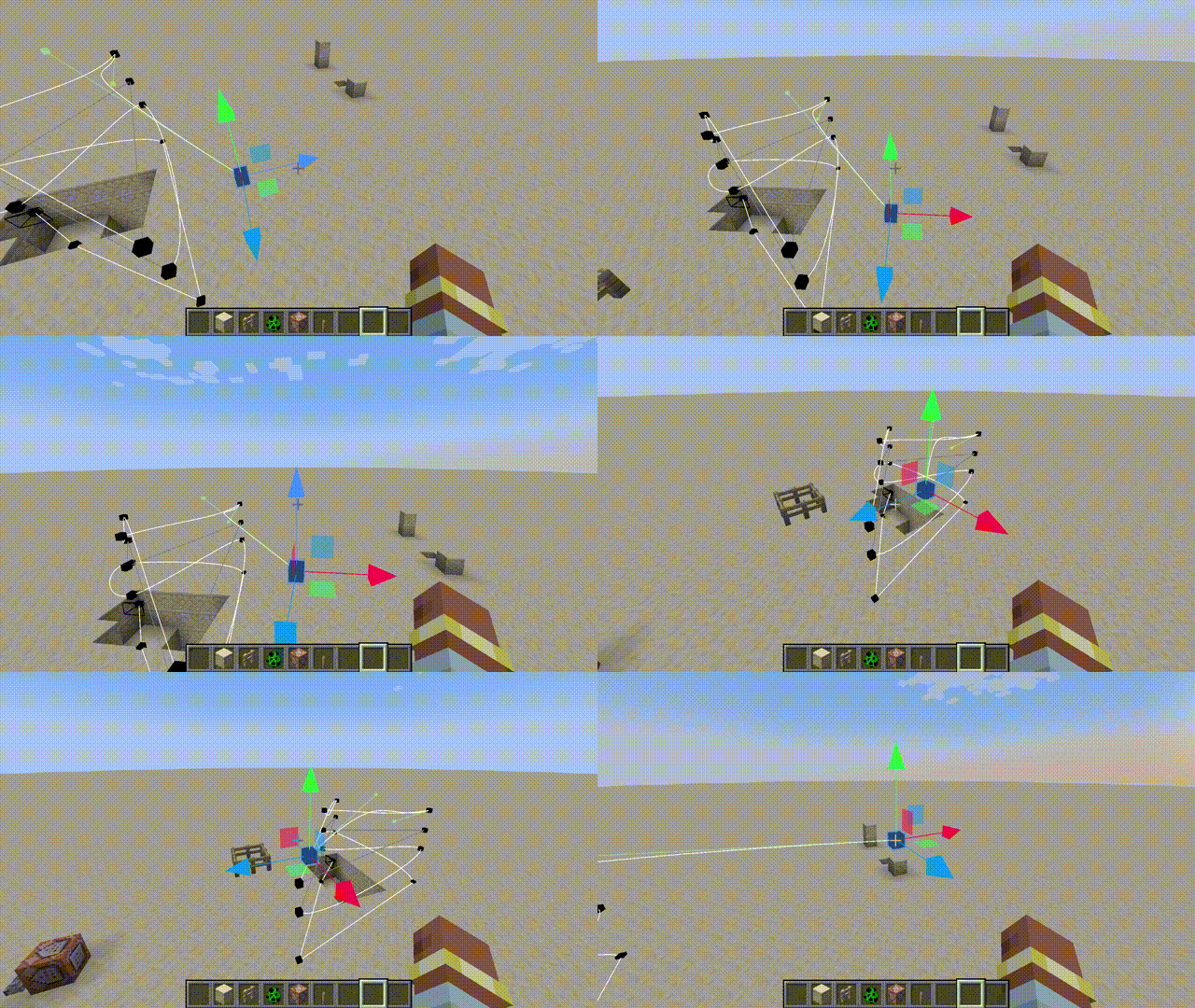
How To Use
Switch to Edit Mode .
Create you path.
Save to server.
Use following command to make the specified player play the animation.
/cameraanim play <player> <path id>
Operation Guide
- All Key Binds are, by default, Unbound.
- When you enter the edit mode, you can see the keyframes and paths.
- In edit mode, press the Preview Key to enter the current animation, and then press the Play Key to start the animation.
- Select a keyframe and press the Set Camera Time Key to adjust the playback time to that keyframe.
- The Left Mouse Button is used to select keyframes and move components, and the Right Mouse Button can grab and move the selected keyframes.
- You can read and load server and local animations in the Manager. Local animations are saved in the camera-anim folder in the root directory of the game.
Camera Anim
In game camera anim maker and loader.
This mod only modifies the player's camera and does not modify the entity pos.
How To Use
- Switch to Edit Mode .
- Create you path.
- Save to server.
- Use following command to make the specified player play the animation.
/cameraanim play <player> <path id>
Operation Guide
- All Key Binds are, by default, Unbound.
- When you enter the edit mode, you can see the keyframes and paths.
- In edit mode, press the Preview Key to enter the current animation, and then press the Play Key to start the animation.
- Select a keyframe and press the Set Camera Time Key to adjust the playback time to that keyframe.
- The Left Mouse Button is used to select keyframes and move components, and the Right Mouse Button can grab and move the selected keyframes.
- You can read and load server and local animations in the Manager. Local animations are saved in the camera-anim folder in the root directory of the game.
Screenshots
Gallery
-
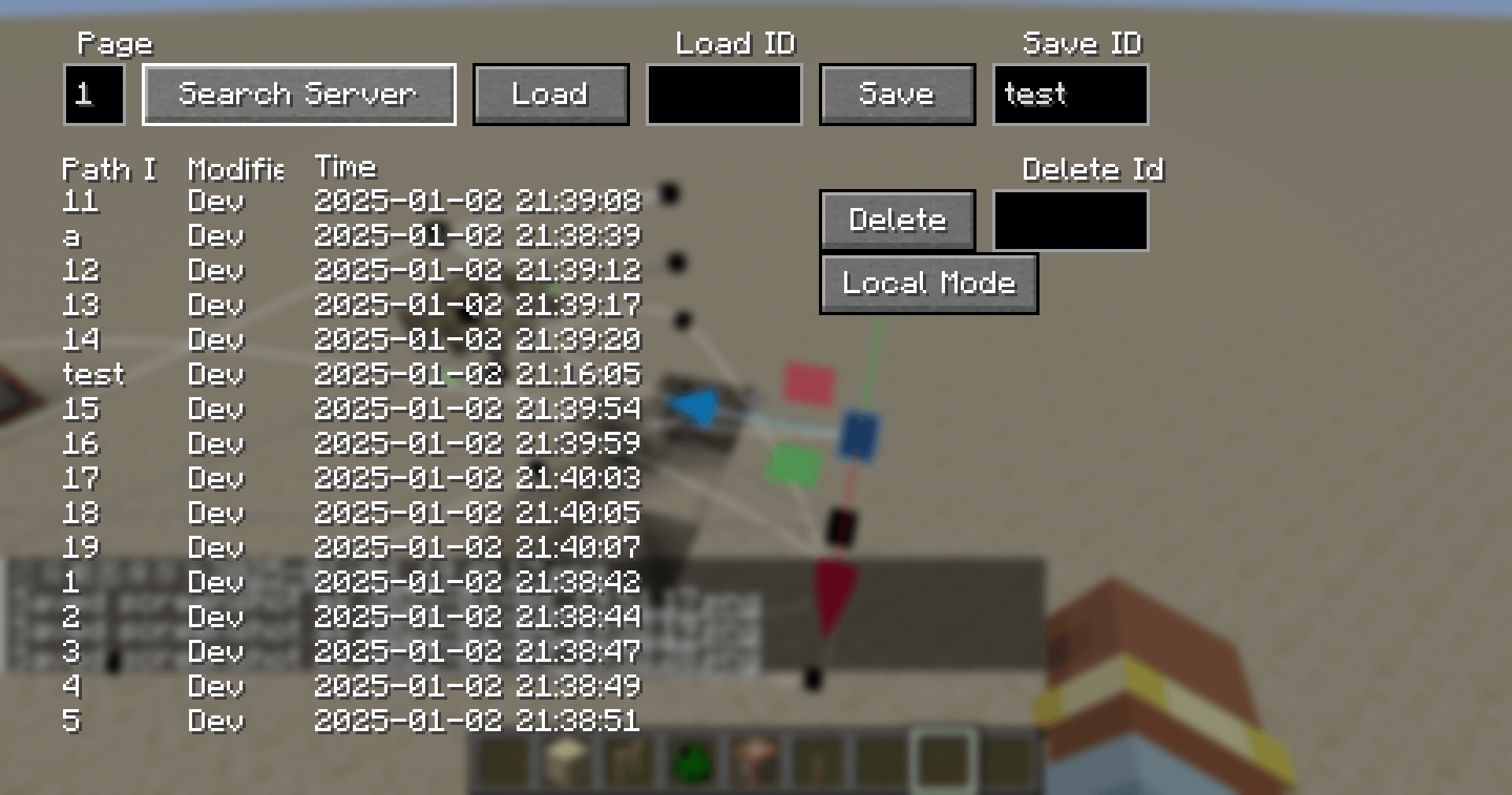 Server path resource manage gui Server path resource manage gui
 -
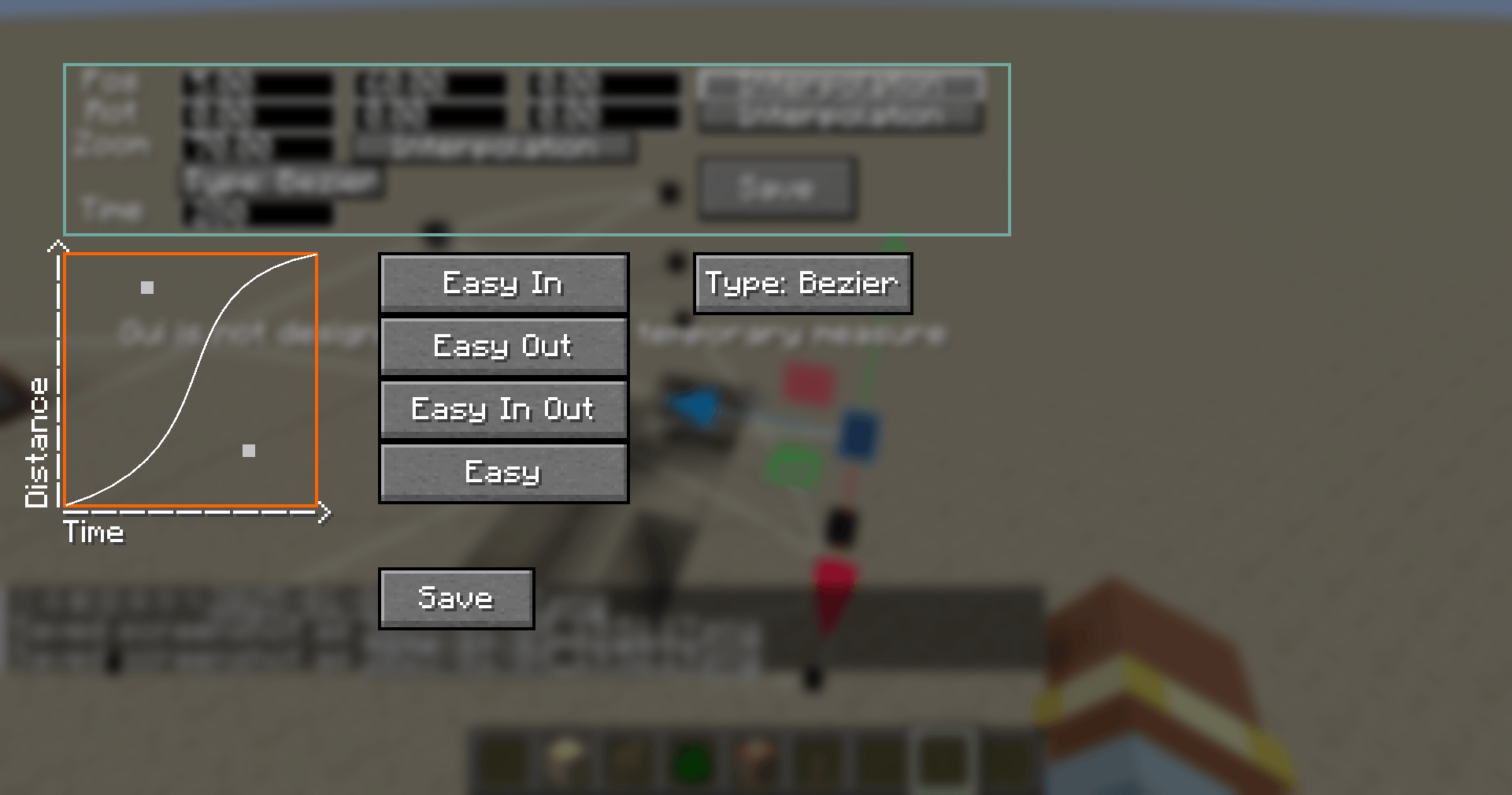 Interpolation Interpolation
 -
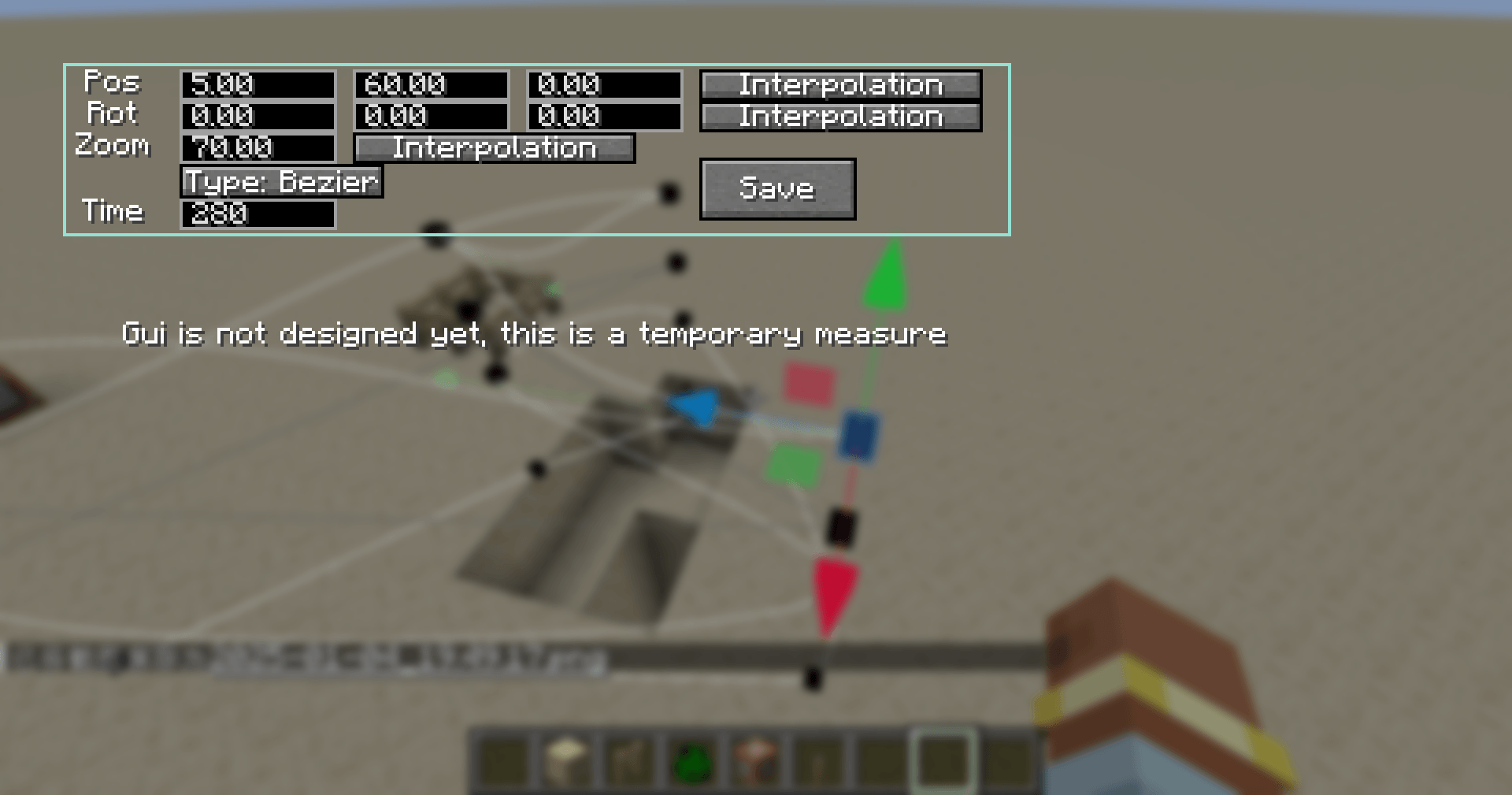 Keyframe property gui Keyframe property gui
 -
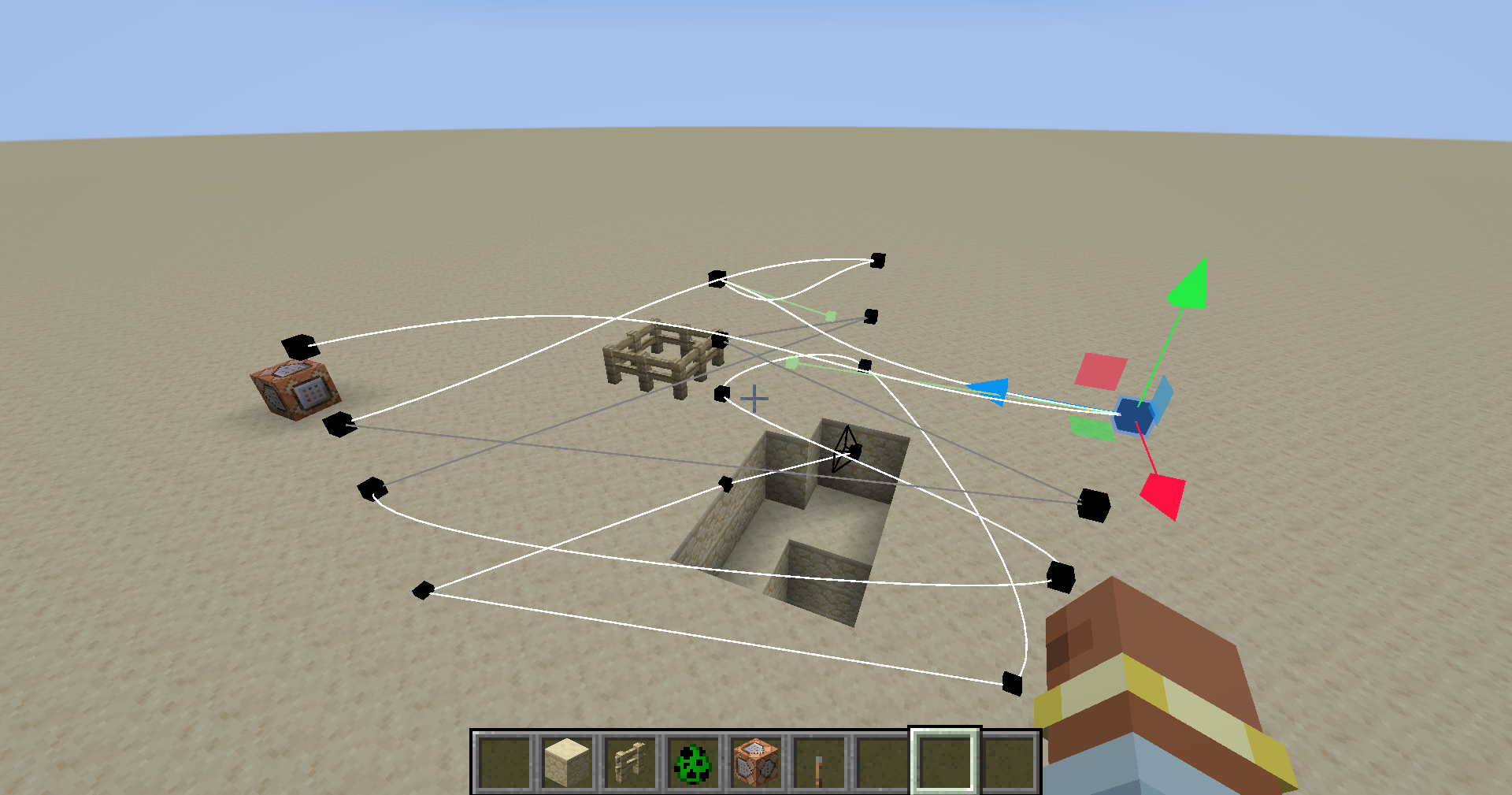 In world editer In world editer
-
Move keyframe
-
 Logo
Logo -
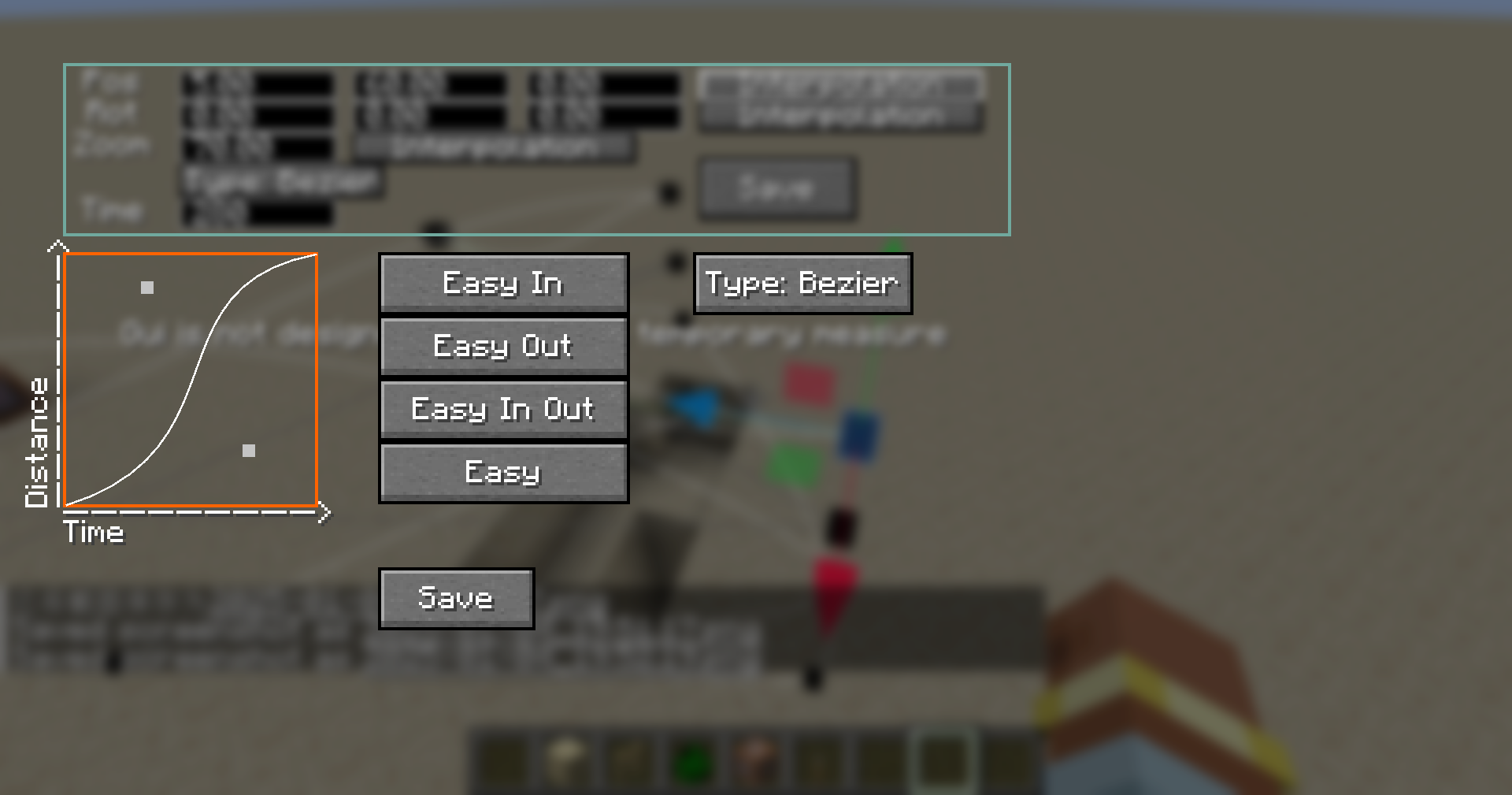 Interpolation
 -
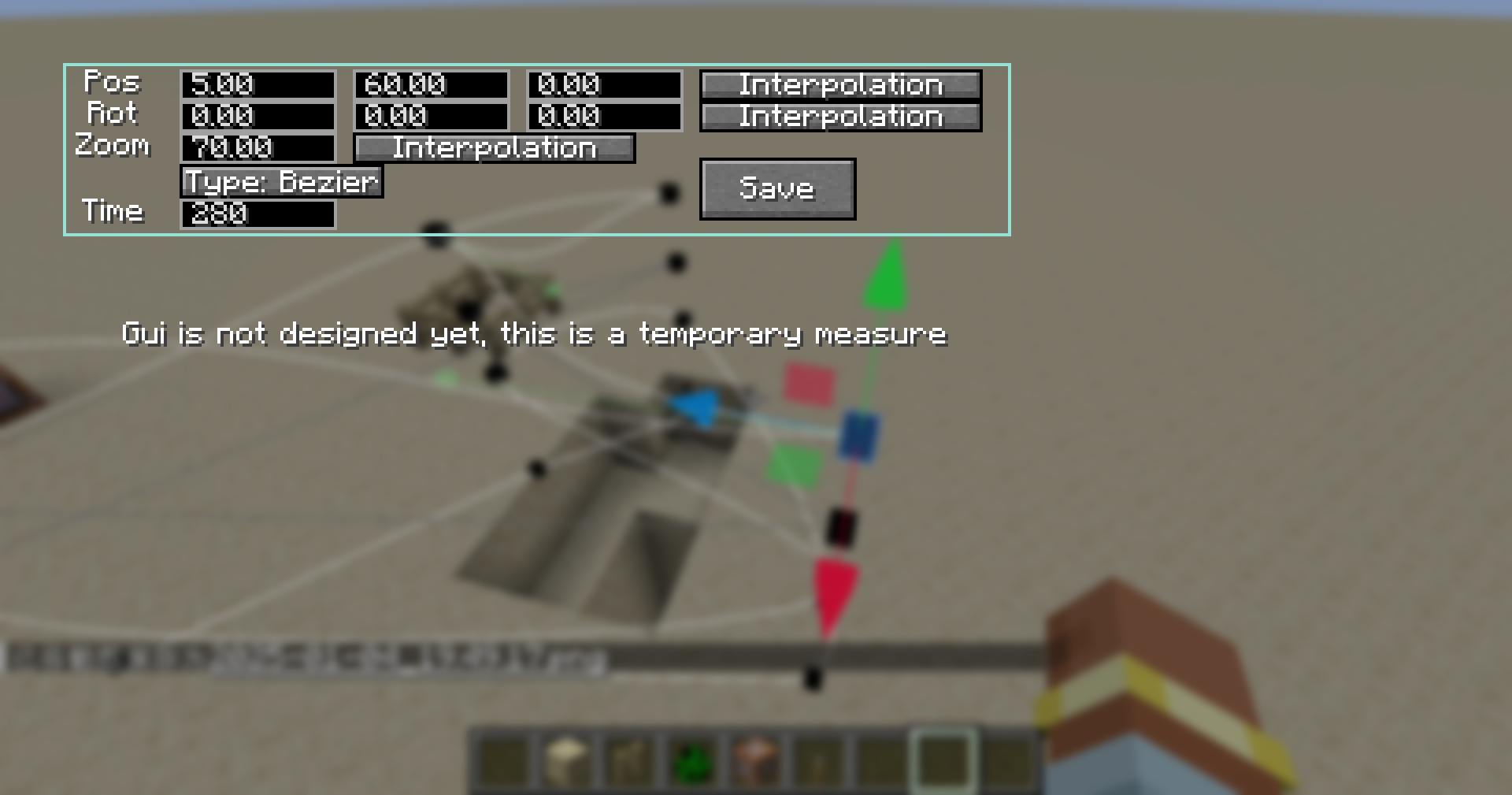 Keyframe property gui
 -
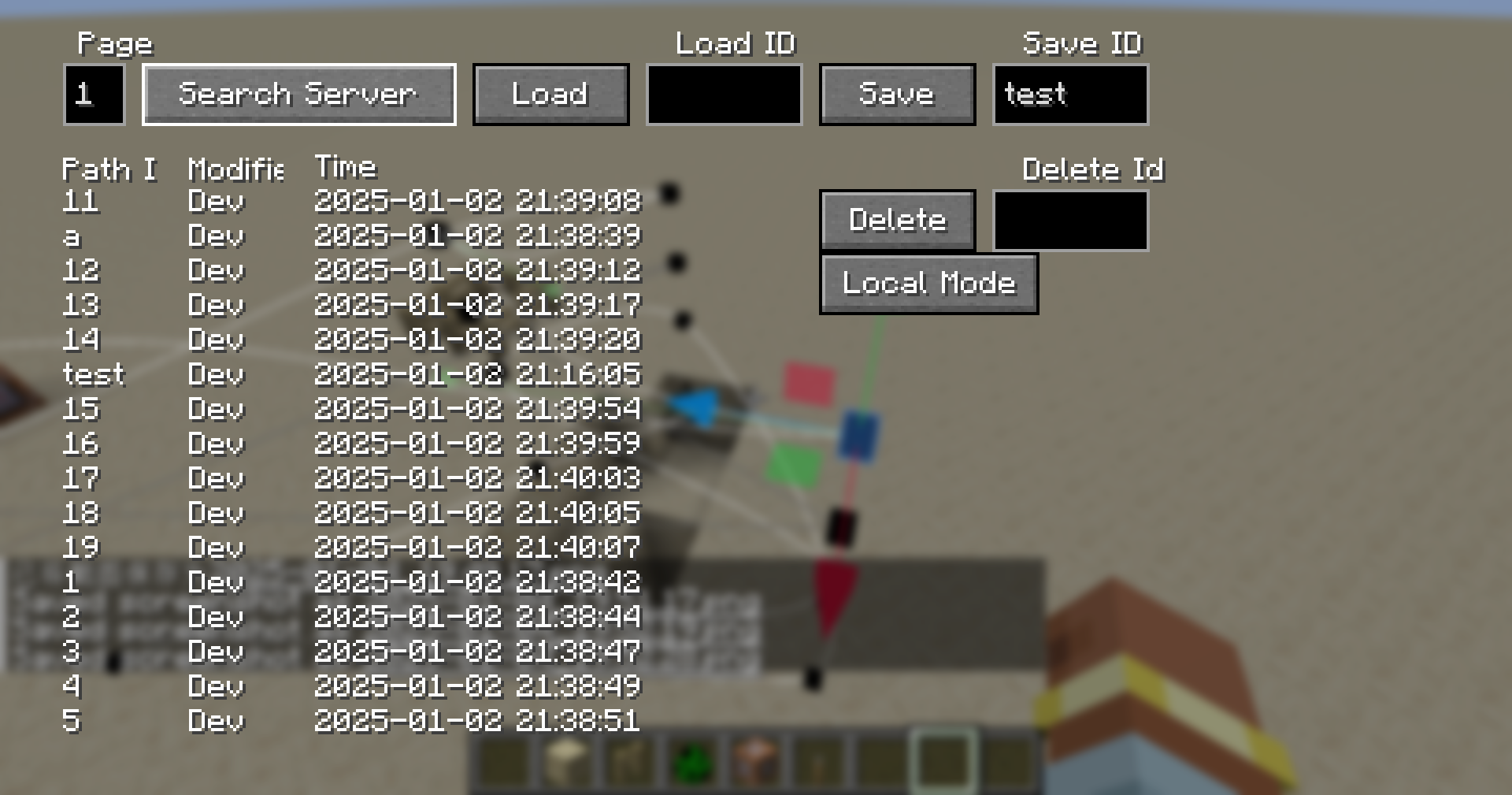 Server path resource manage gui
 -
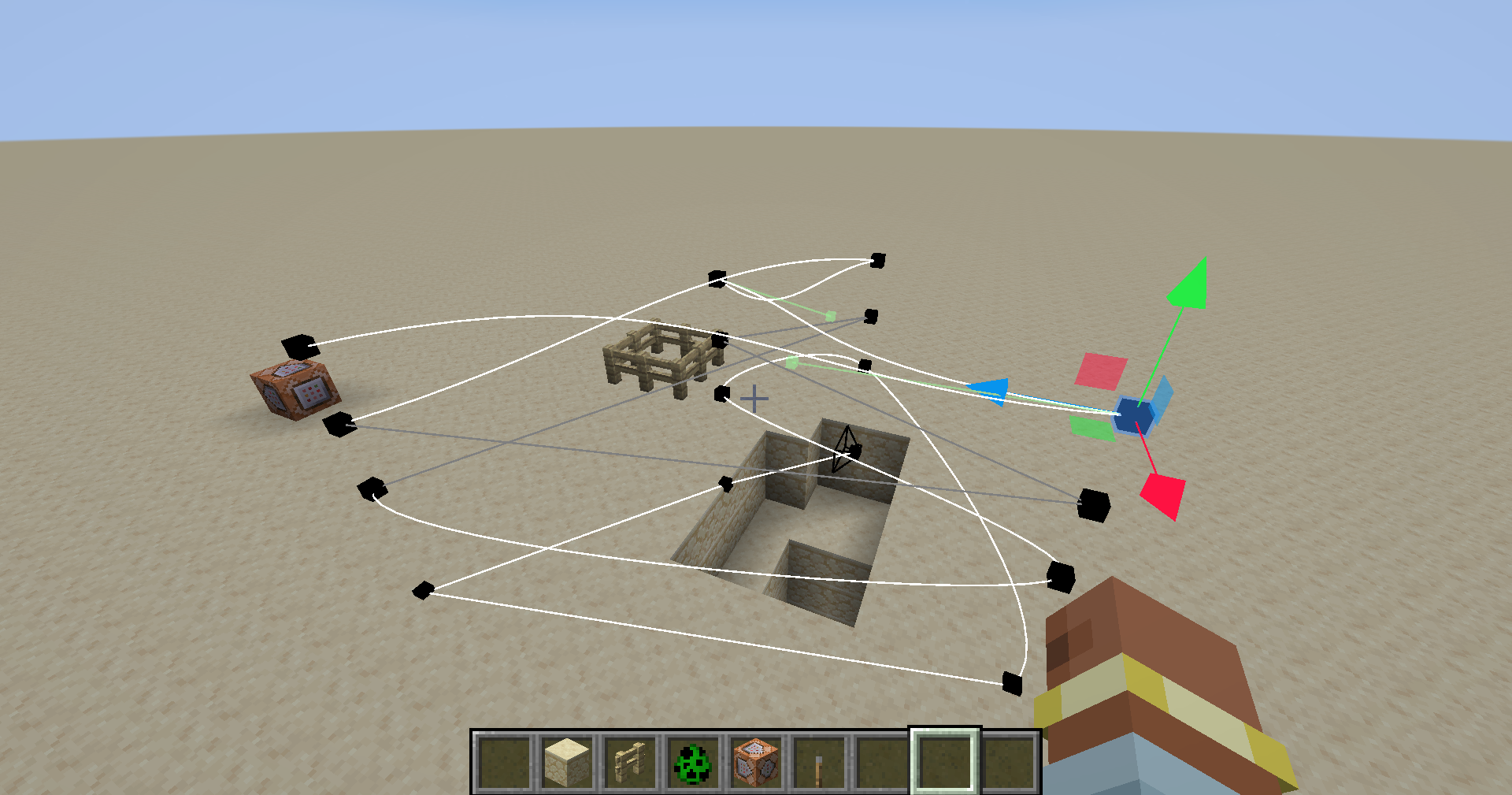 In world editer
Versions
Files
Relations
Project Relations
More like this
Similar Mods
Suggestions use data such as tags, dependencies, dependents, descriptions, titles, and more to rank how much they overlap with this mod.
On ModDex
Community snapshot
By the numbers
Statistics
Want to reach Minecraft players?
We're looking for a server hosting partner to feature here and other parts of the site. Interested? Send us a message!
Get in touchGet it on
Available Platforms
On ModDex
Community snapshot
By the numbers