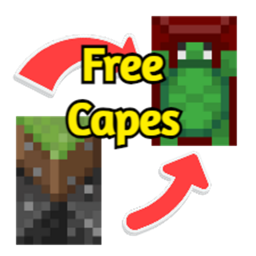
Community listing page, reviews here may not be monitored by the author.
CapeChanger


No reviews yet
Allows you to put a custom cape or change your current capes texture through a resource pack.
Community voices
Reviews
No reviews yet. Be the first to review this project!
Get it on
Available Platforms
Compatibility
Supported Environments
Runs entirely on the client. Works on vanilla servers.
About
Project Details
For authors
Embed Badge
If you're the author of this project, you can embed a live badge anywhere that supports HTML or Markdown. It updates automatically whenever ratings change.
Use HTML for any page that supports it, or Markdown for README files and Markdown-based descriptions.
Identifiers
Platform IDs
About
Description
Cape Changer
This mod allows you to put on or change your cape. This mod is completely client sided and has taken me hours to make. Hope you enjoy.
Features
- Free cape.
- Gui which allows you to toggle your custom cape on and off.
- Custom cape textures through resource pack.
How to use
The default key to open the CapeChanger gui is 'R'. You can customise this in Key Binds.
To customise the cape texture you have to go through a few steps.
Note, this is not an official resource pack tutorial.
First, create a folder in "%appdata%/.minecraft/resourcepacks".
Now create a `pack.mcmeta` file inside the new folder.
pack.mcmeta content:
{
  "pack": {
    "pack_format": PACK_FORMAT_FOR_MINECRAFT_VERSION,
    "description": "Gives you custom cape (requires https://modrinth.com/mod/capechanger)"
  }
}

You can get the pack_format version from the Minecraft wiki Page
Create a folder named assets.
Now, create a folder inside assets named capechanger.
Put your cape texture inside this folder and rename it to "cape.png".
You can download capes from laby and multiple different places.
You can also make your own cape at Skin MC's Cape editor
Your resource pack should look like this:
Folder:
assets:
capechanger:
cape.png
pack.mcmeta
Cape Changer
This mod allows you to put on or change your cape. This mod is completely client sided and has taken me hours to make. Hope you enjoy.
Features
- Free cape.
- Gui which allows you to toggle your custom cape on and off.
- Custom cape textures through resource pack.
How to use
The default key to open the CapeChanger gui is 'R'. You can customise this in Key Binds.
To customise the cape texture you have to go through a few steps.
Note, this is not an official resource pack tutorial.
First, create a folder in %appdata%/.minecraft/resourcepacks.
Now create a pack.mcmeta file inside the new folder.
pack.mcmeta content
{
  "pack": {
    "pack_format": PACK_FORMAT_FOR_MINECRAFT_VERSION,
    "description": "Gives you custom cape (requires https://modrinth.com/mod/capechanger)"
  }
}
You can get the pack_format version from the Minecraft wiki page
Create a folder named assets.
Now, create a folder inside assets named capechanger.
Put your cape texture inside this folder and rename it to cape.png.
You can download capes from laby and multiple different places.
You can also make your own cape at Skin MC's Cape editor
Your resource pack should look like this:
Folder
assets
capechanger
cape.png
pack.mcmeta
Click here to download resource pack for turtle cape. (CapeChanger Required)
Screenshots
Gallery
-
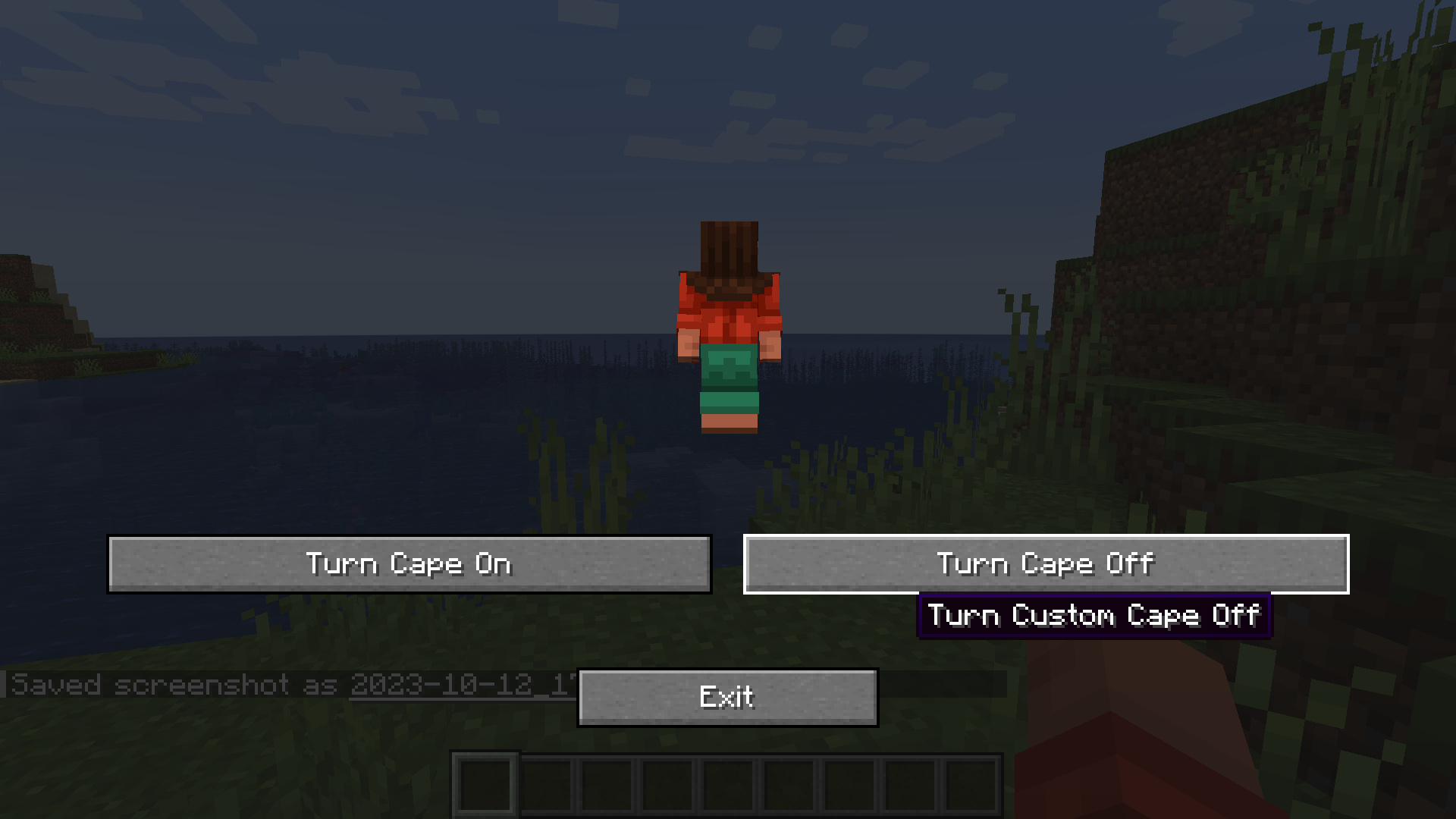 Turning Cape Off
 -
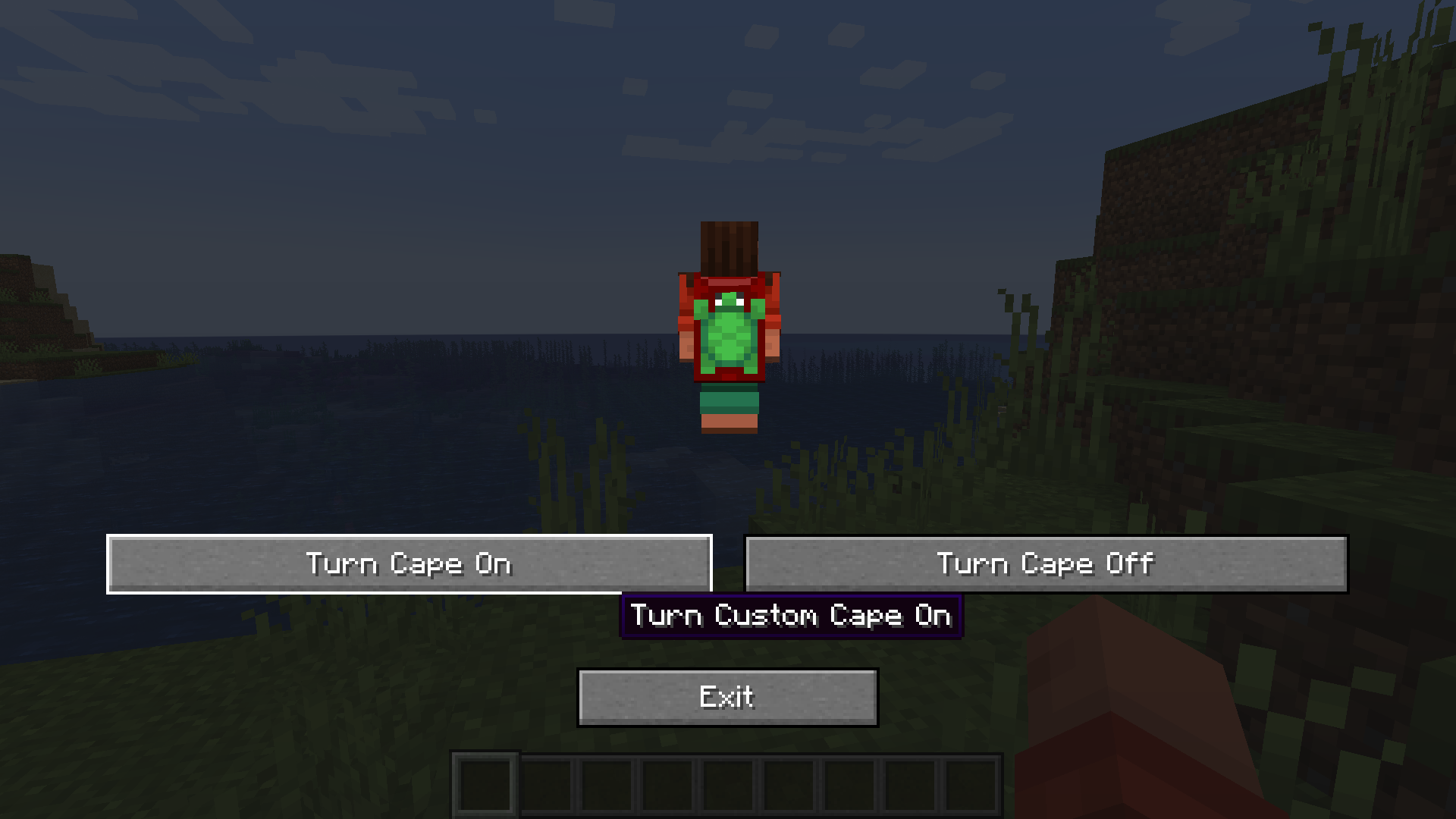 Turning Cape On
 -
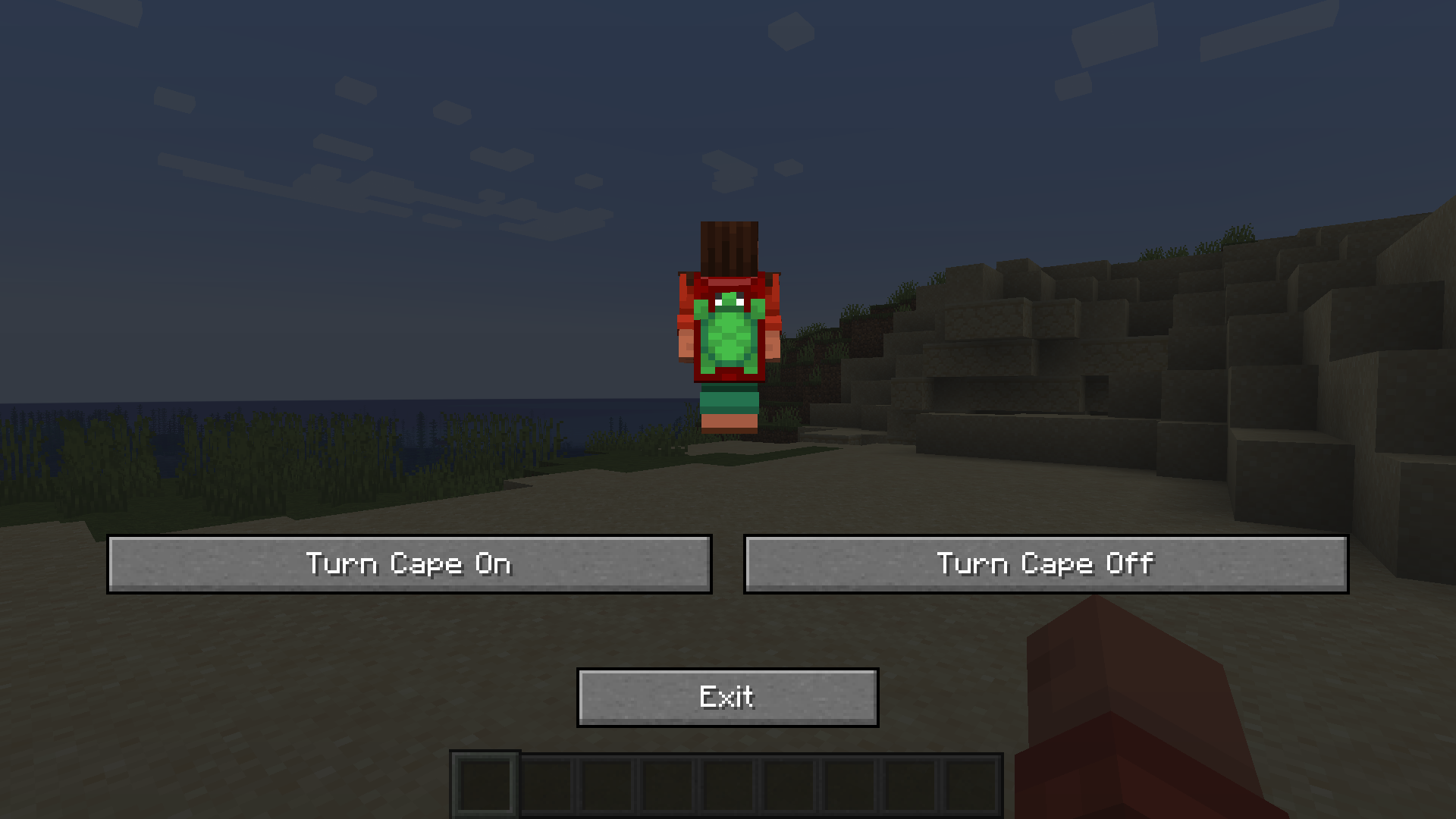 CapeChanger GUI
 -
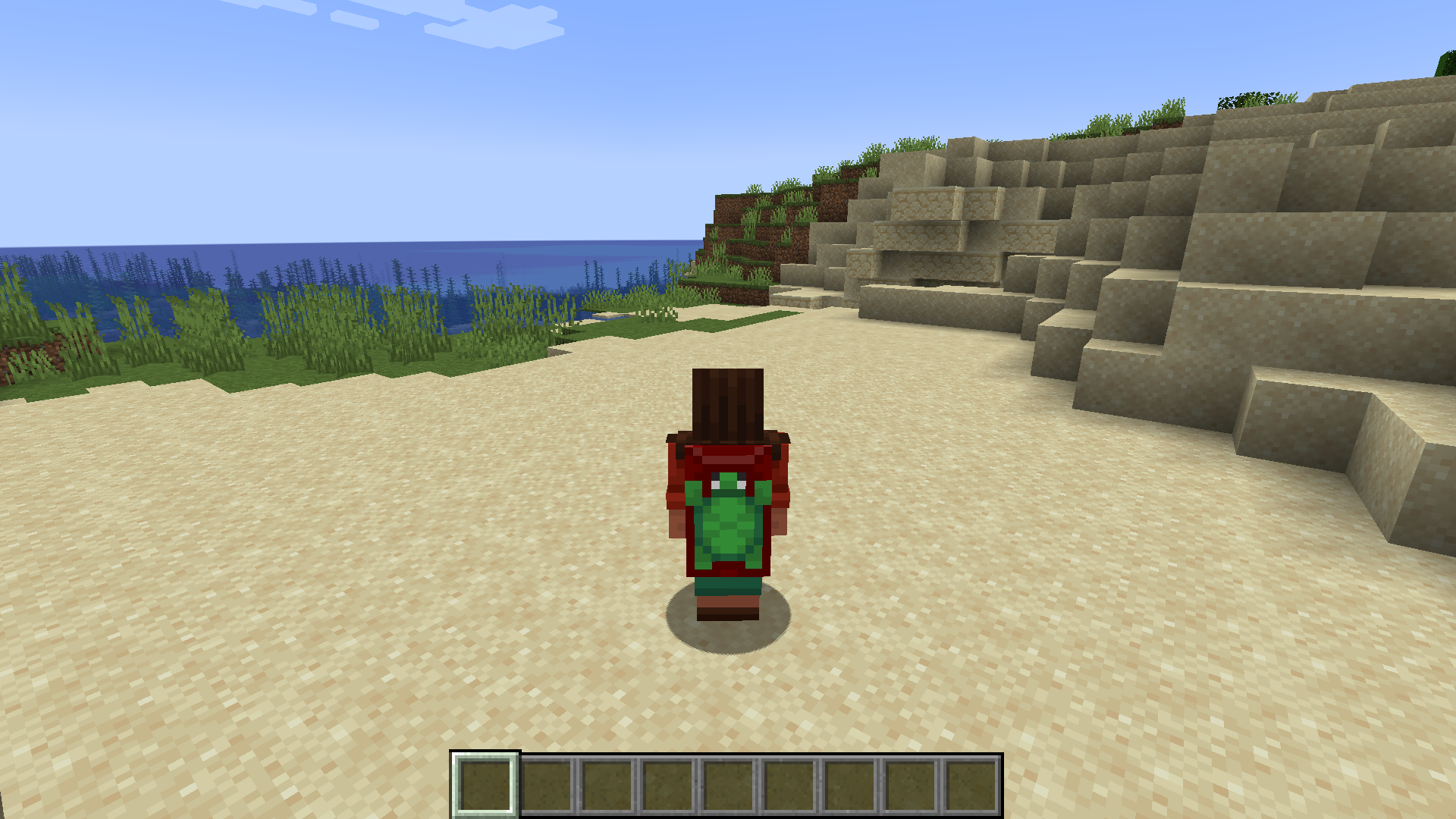 F5 with cape on. Player in F5 with turtle cape on.
-
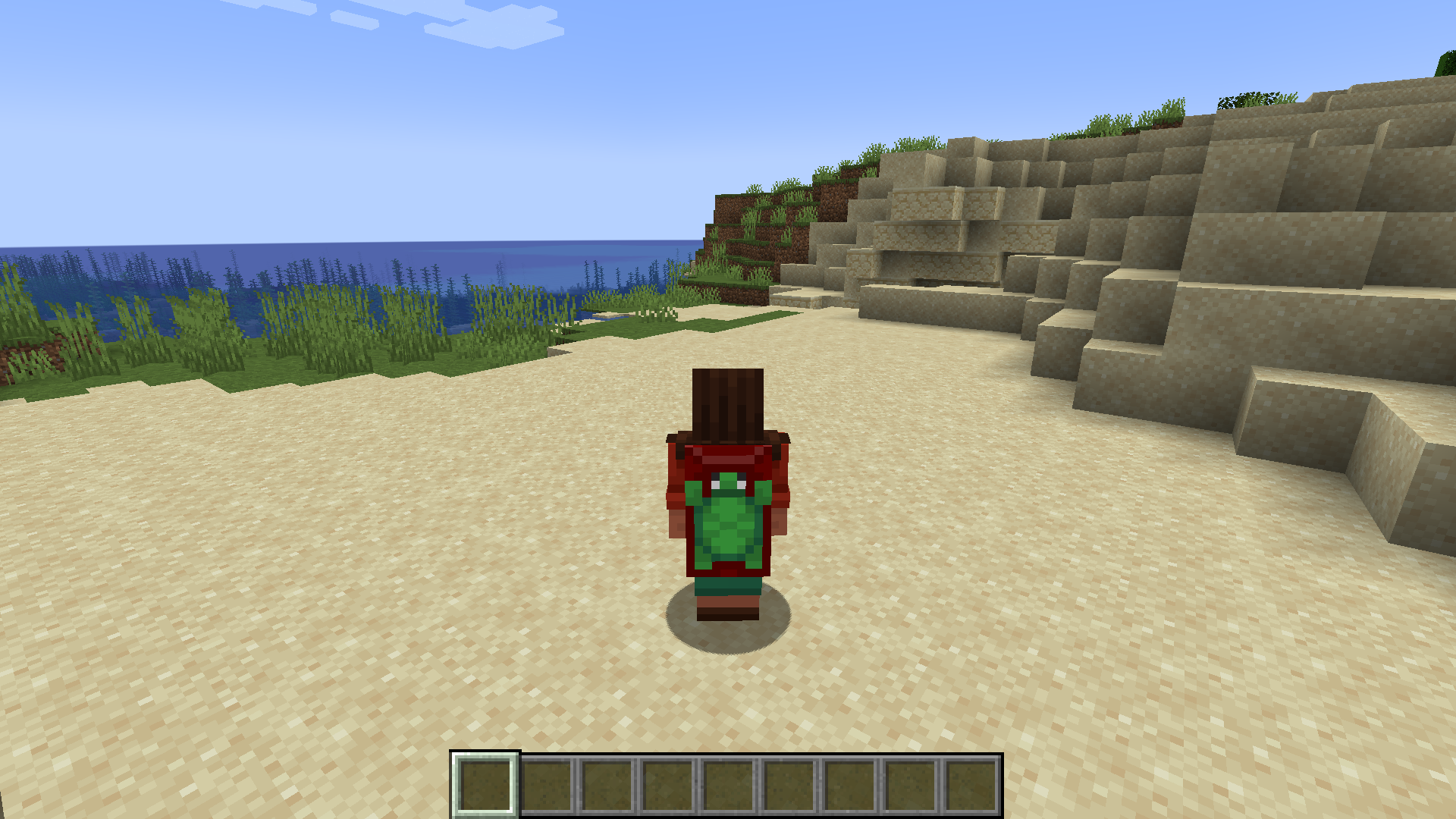 F5 with cape on. Player in F5 with turtle cape on.
 -
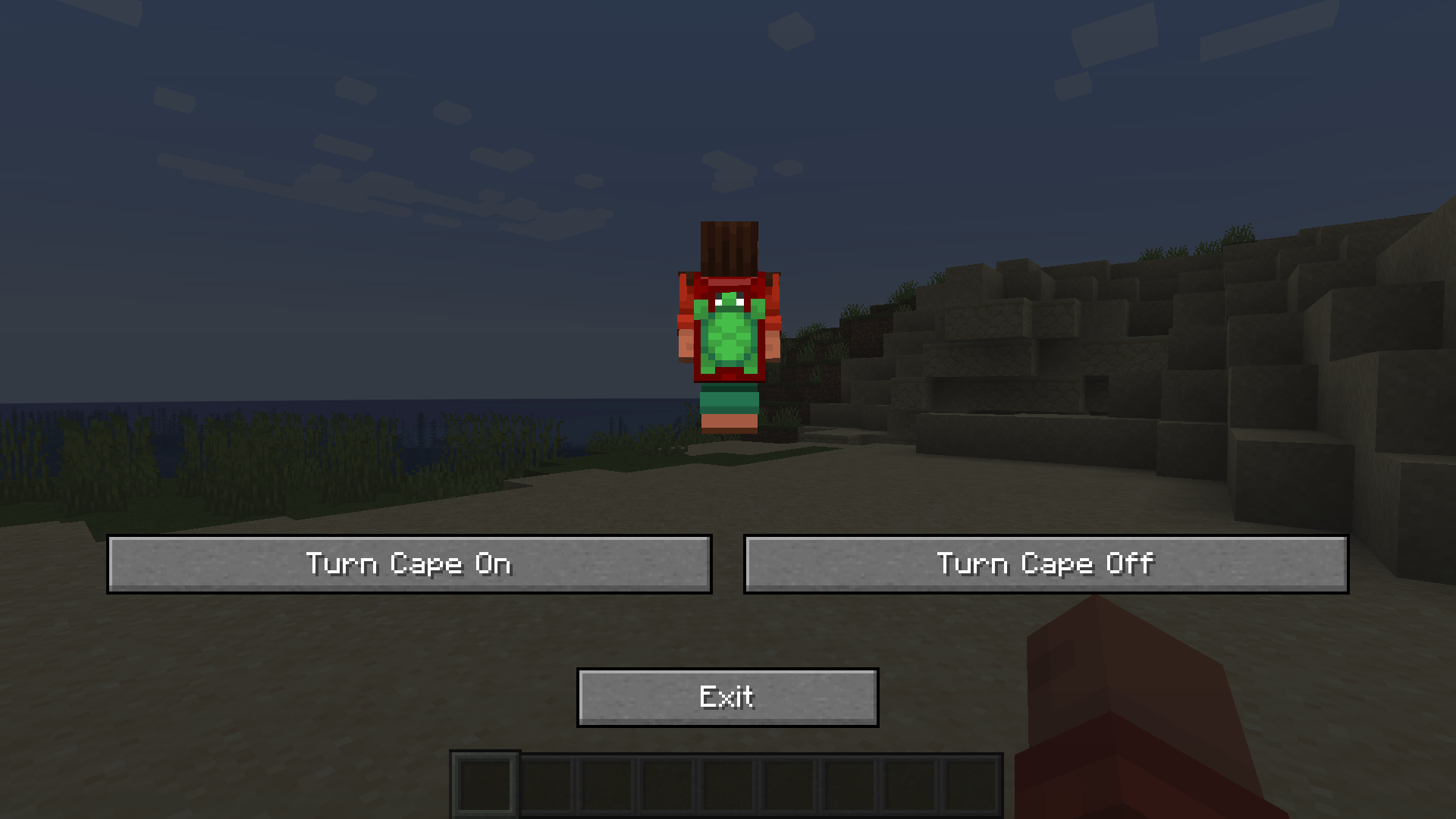 CapeChanger GUI
 -
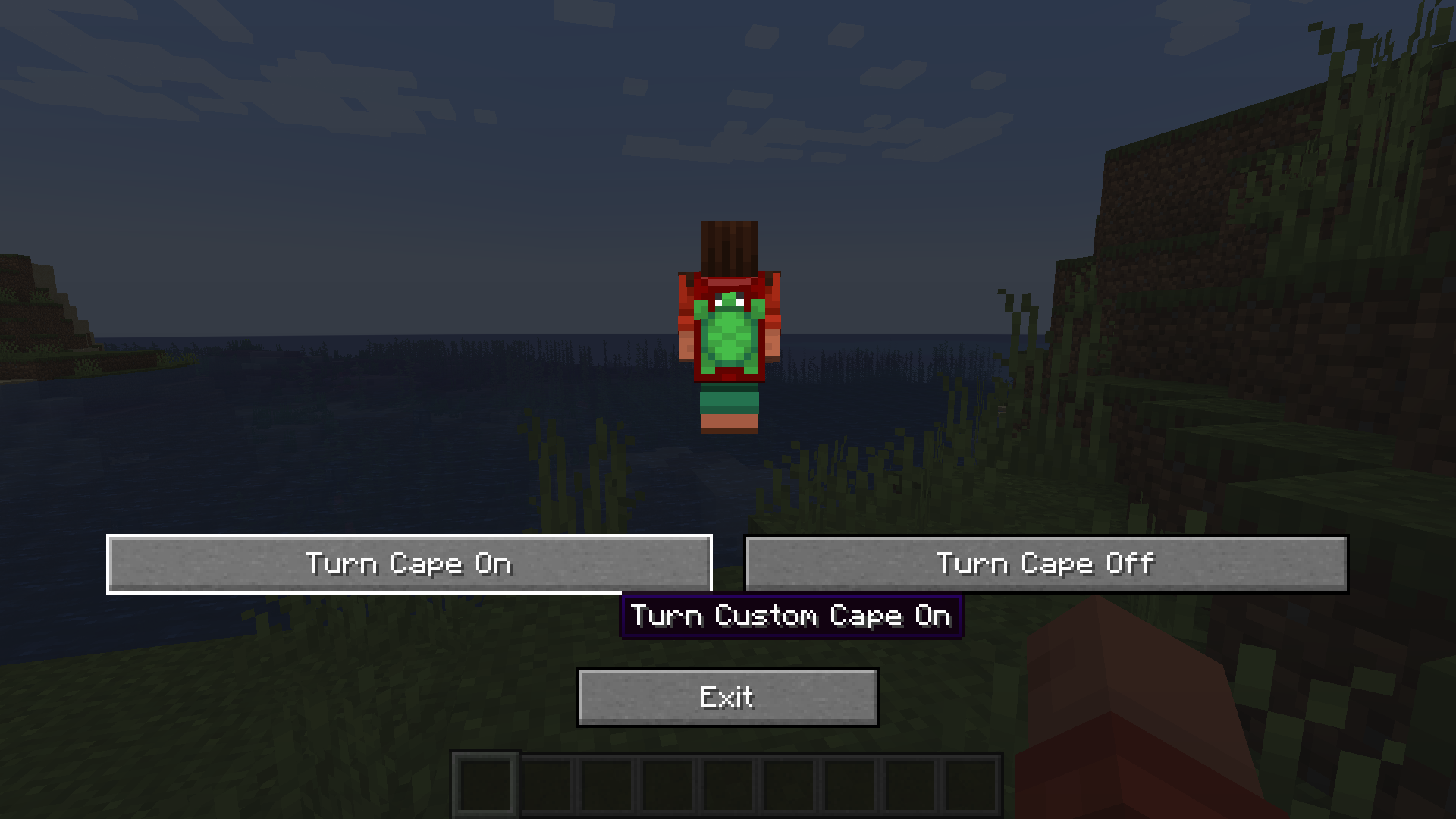 Turning Cape On
 -
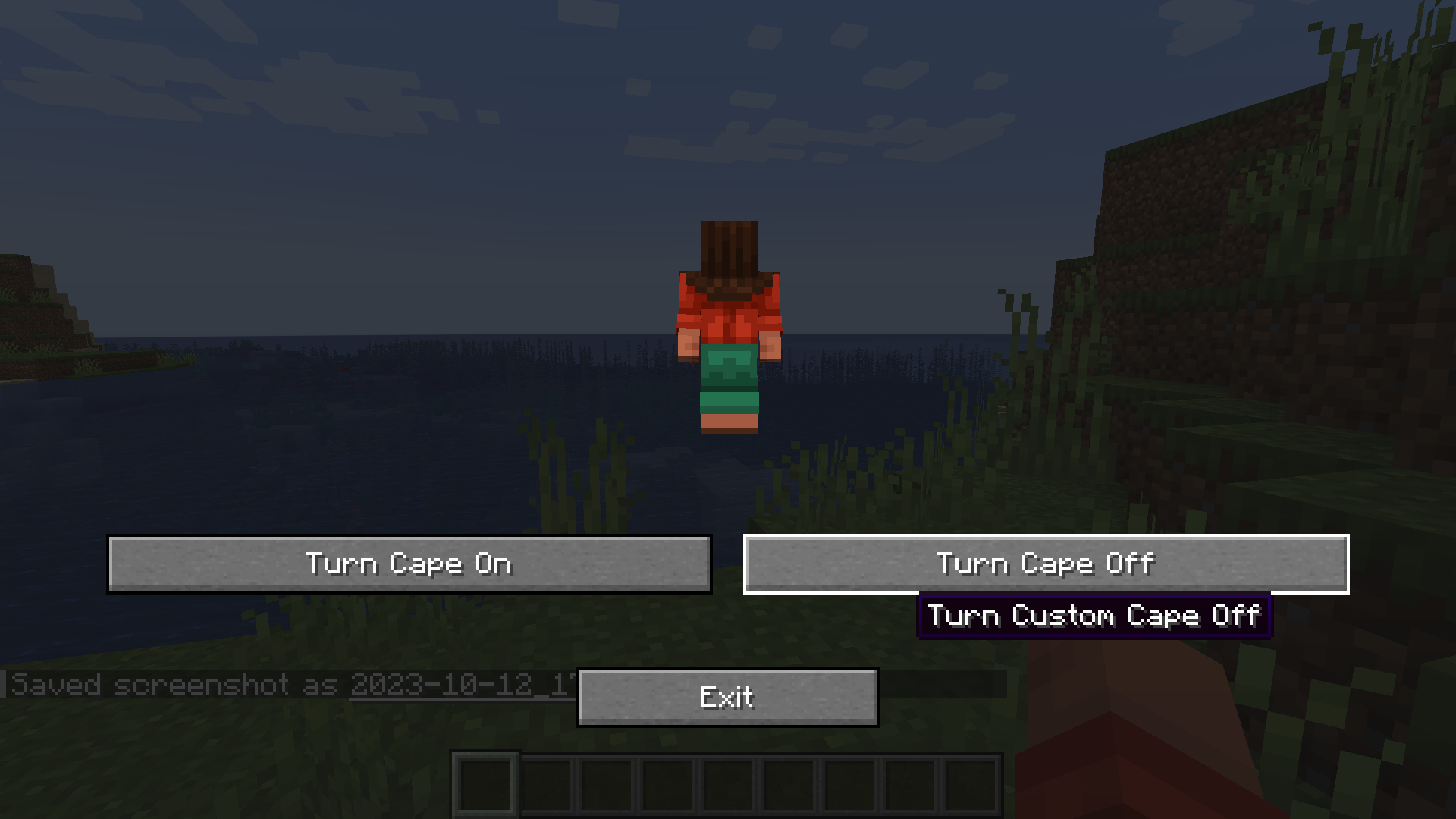 Turning Cape Off
Versions
Files
Relations
Project Relations
More like this
Similar Mods
Suggestions use data such as tags, dependencies, dependents, descriptions, titles, and more to rank how much they overlap with this mod.
On ModDex
Community snapshot
By the numbers
Statistics
Want to reach Minecraft players?
We're looking for a server hosting partner to feature here and other parts of the site. Interested? Send us a message!
Get in touchGet it on
Available Platforms
On ModDex
Community snapshot
By the numbers