Community listing page, reviews here may not be monitored by the author.
Yet Another Keystrokes Overlay


No reviews yet
A customizable keystrokes overlay that lets you style each key to your heart’s content.
Community voices
Reviews
No reviews yet. Be the first to review this project!
Get it on
Available Platforms
Compatibility
Supported Environments
Runs entirely on the client. Works on vanilla servers.
About
Project Details
For authors
Embed Badge
If you're the author of this project, you can embed a live badge anywhere that supports HTML or Markdown. It updates automatically whenever ratings change.
Use HTML for any page that supports it, or Markdown for README files and Markdown-based descriptions.
Identifiers
Platform IDs
About
Description
Yet Another Keystrokes Overlay (YAKO)
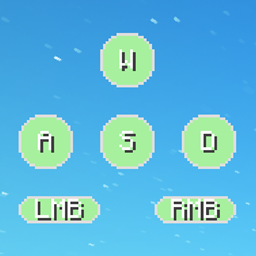
YAKO is a design-focused keystrokes overlay for Minecraft 1.20.1 (Fabric). It shows your WASD, mouse buttons, sneak, jump, and sprint inputs — fully customizable to match your layout and visual preferences.
From rounded and transparent strokes to sound profiles and profile switching, YAKO is built with flexibility and user experience in mind.
Features
- Visual Keystrokes HUD
Shows real-time feedback for WASD, LMB/RMB, Shift, Ctrl, and Space. You can customize the layout, look, and text for each key individually. - Customizable Layout
Drag and resize each keystroke freely. Supports transparent strokes, outlines, rounded borders, and custom labels. - Interactive Mouse Controls
Intuitive mouse-based interactions let you build or edit your layout without menus (see controls below). - Sound Feedback System
Enable keystroke sounds for a tactile typing experience. Choose betweenlinear,tactile, orclickysound profiles. Volume and sound state can be adjusted per layout profile. - Profile System
Save and switch between multiple keystroke layouts using the/yakocommand. Each profile stores strokes, layout, sound settings, and more. - Command-Based Customization
Use the/yakocommand to manage layouts, toggle features, switch lettering and adjust sound settings. - Keypress Counter
Ever wonder how many times you pressed a specific button? With this feature you would have an answer!
Controls
These controls apply to layout editing mode (opened via the R key):
- Left Click:
- On stroke: Select or drag to move
- On blank space: Drag to select multiple strokes
- Middle Click:
- On stroke: Delete it
- On blank space: Create a new keystroke
- Right Click:
- Resize a keystroke (drag to scale)
- R (default keybind):
- Opens the YAKO menu
- If hovering over a stroke, opens its individual menu
- K (default keybind):
- Toggle the entire overlay on/off
Commands (/yako)
Use /yako help for command hints in-game. Here's what you can do:
Profile Management
/yako list– List all saved profiles/yako create <name>– Create a new profile/yako set <name>– Switch to a specific profile/yako remove <name>– Delete the current profile (cannot delete the last one)/yako rename <profile>– Rename a profile/yako reset– Resets the entire config
Settings
/yako settings– Show all controls and interactions as a quick reference/yako lettering– Toggle alternate keystroke lettering (not profile-persistent)
Keystroke Sounds
/yako sounds– Toggle sound on/off for keystrokes/yako sounds <linear|tactile|clicky>– Set sound profile/yako volume [<value>]– Show or set current volume (range: 0.01 to 25)
Help Menu
/yako help– Show available command categories/yako help <command>– Get usage for specific command
Future Features
- Gradient & Rainbow Colors
Instead of single colors, give your keystrokes gradient or cycling rainbow colors! - Keystroke Animations
Add animations to your Keystrokes, on press, while pressing or on release. - Custom Input Types
Instead of being limited to the existing Input types, add your own to track new keys!
Early Development Disclaimer
YAKO is still in its early stages, so you may encounter the occasional bug or jank. Feedback and suggestions are always welcome!
Dependencies
- Minecraft 1.20.1
- Fabric Loader ≥ 0.14.0
Yet Another Keystrokes Overlay (YAKO)
YAKO is a design-focused keystrokes overlay for Minecraft 1.20.1 (Fabric).
It shows your WASD, mouse buttons, sneak, jump, and sprint inputs — fully customizable to match your layout and visual preferences.
From rounded and transparent strokes to sound profiles and profile switching, YAKO is built with flexibility and user experience in mind.
Features
-
Visual Keystrokes HUD
Shows real-time feedback for WASD, LMB/RMB, Shift, Ctrl, and Space. You can customize the layout, look, and text for each key individually. -
Customizable Layout
Drag and resize each keystroke freely. Supports transparent strokes, outlines, rounded borders, and custom labels. -
Interactive Mouse Controls
Intuitive mouse-based interactions let you build or edit your layout without menus (see controls below). -
Sound Feedback System
Enable keystroke sounds for a tactile typing experience. Choose betweenlinear,tactile, orclickysound profiles. Volume and sound state can be adjusted per layout profile. -
Profile System
Save and switch between multiple keystroke layouts using the/yakocommand. Each profile stores strokes, layout, sound settings, and more. -
Command-Based Customization
Use the/yakocommand to manage layouts, toggle features, switch lettering and adjust sound settings. -
Keypress Counter
Ever wonder how many times you pressed a specific button? With this feature you would have an answer!
Controls
These controls apply to layout editing mode (opened via the R key):
-
Left Click:
- On stroke: Select or drag to move
- On blank space: Drag to select multiple strokes
-
Middle Click:
- On stroke: Delete it
- On blank space: Create a new keystroke
-
Right Click:
- Resize a keystroke (drag to scale)
-
R (default keybind):
- Opens the YAKO menu
- If hovering over a stroke, opens its individual menu
-
K (default keybind):
- Toggle the entire overlay on/off
Commands (/yako)
Use /yako help for command hints in-game. Here's what you can do:
Profile Management
/yako list– List all saved profiles/yako create <name>– Create a new profile/yako set <name>– Switch to a specific profile/yako remove <name>– Delete the current profile (cannot delete the last one)/yako rename <profile> <name>– Rename a profile/yako reset– Resets the entire config
Settings
/yako settings– Show all controls and interactions as a quick reference/yako lettering– Toggle alternate keystroke lettering (not profile-persistent)
Keystroke Sounds
/yako sounds– Toggle sound on/off for keystrokes/yako sounds <linear|tactile|clicky>– Set sound profile/yako volume [<value>]– Show or set current volume (range: 0.01 to 25)
Help Menu
/yako help– Show available command categories/yako help <command>– Get usage for specific command
Future Features
-
Gradient & Rainbow Colors
Instead of single colors, give your keystrokes gradient or cycling rainbow colors! -
Keystroke Animations
Add animations to your Keystrokes, on press, while pressing or on release. -
Custom Input Types
Instead of being limited to the existing Input types, add your own to track new keys!
Early Development Disclaimer
YAKO is still in its early stages, so you may encounter the occasional bug or jank.
Feedback and suggestions are always welcome!
Dependencies
- Minecraft 1.20.1
- Fabric Loader ≥ 0.14.0
Screenshots
Gallery
-
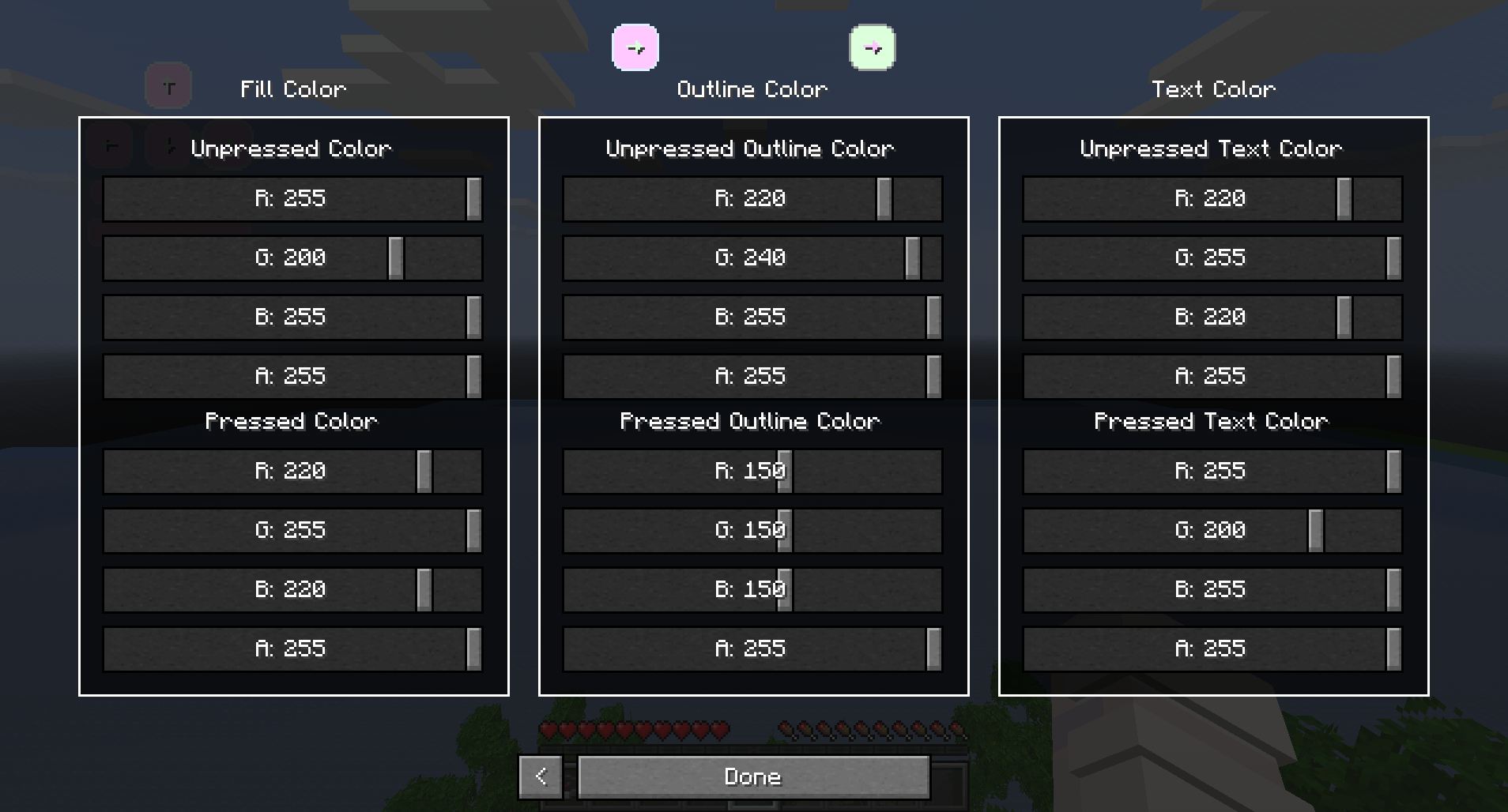 Settings Page 2 2025-07-31_00.44.35.png
 -
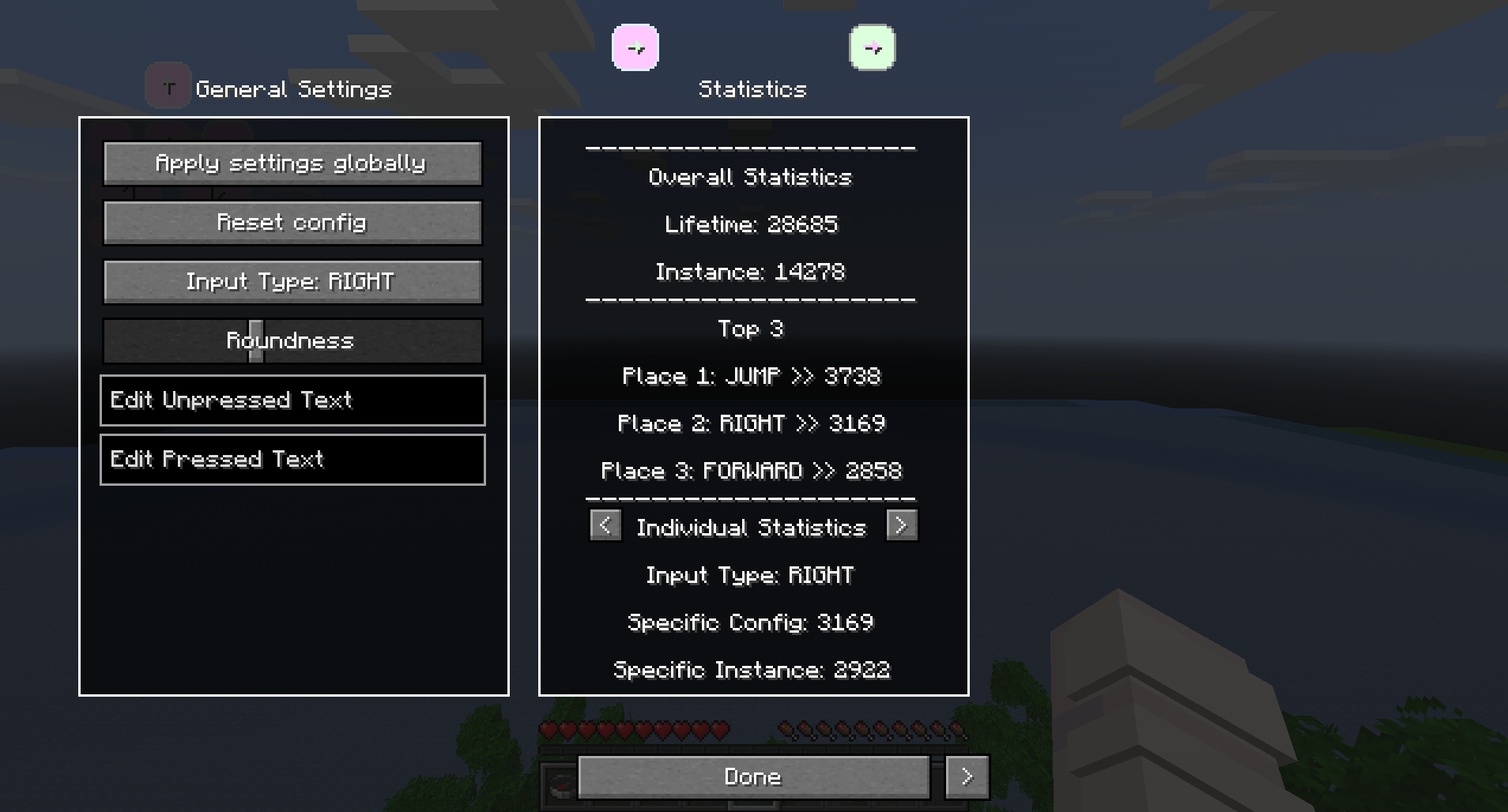 Settings Page 1 2025-07-31_00.44.33.png
 -
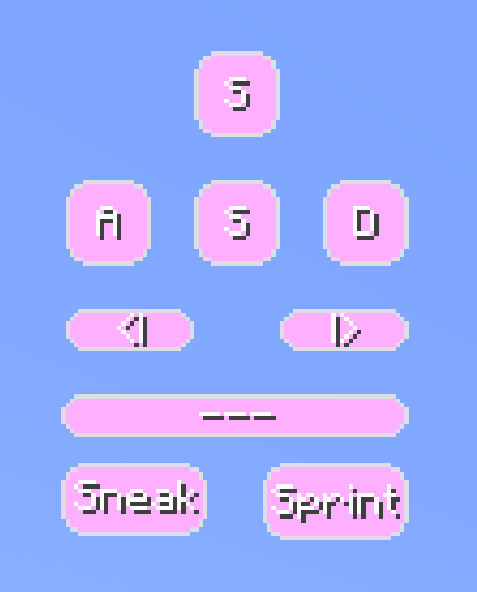 My Personal Setup yako_personal.png
 -
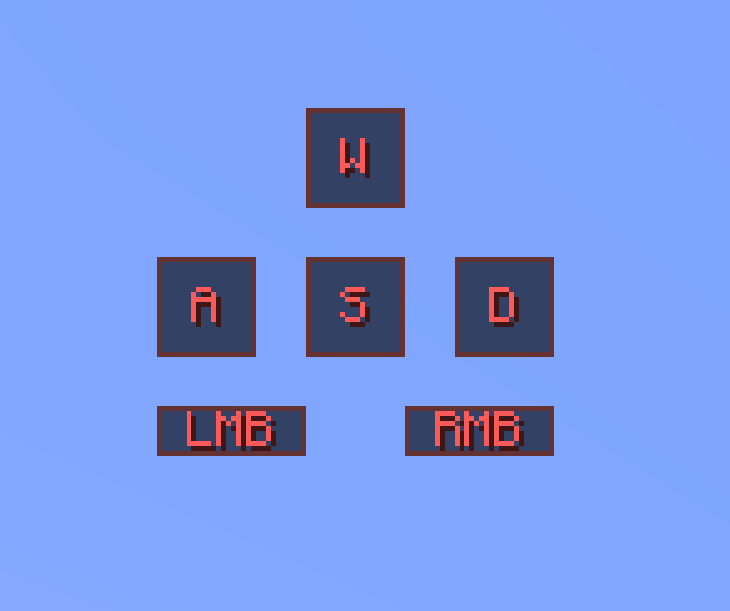 Default Preset 3 yako3.png
 -
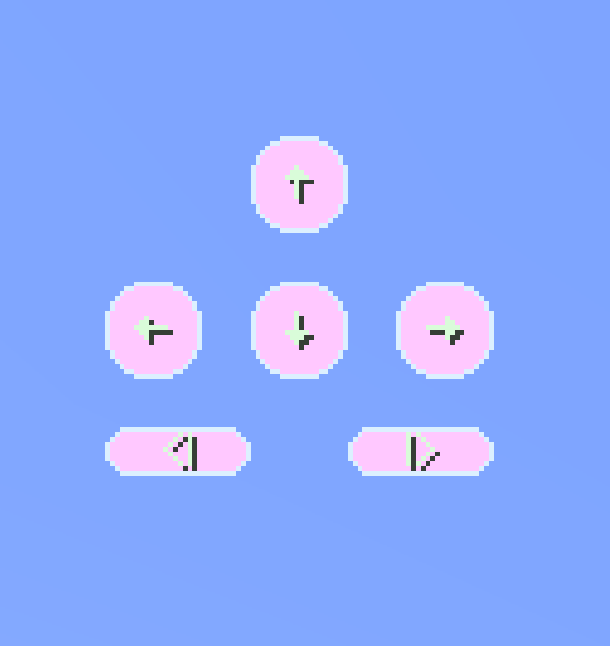 Default Preset 2 yako2.png
 -
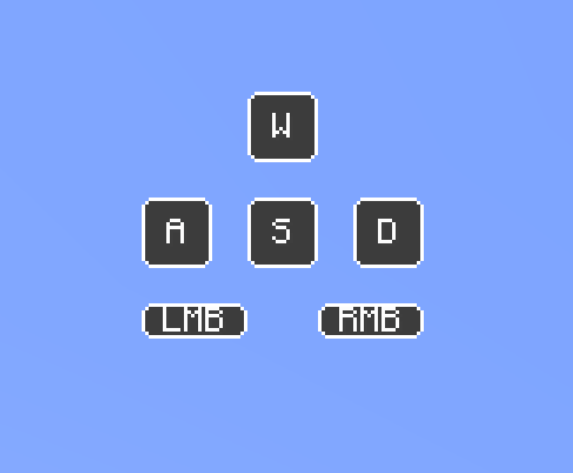 Default Preset 1 yako1.png
-
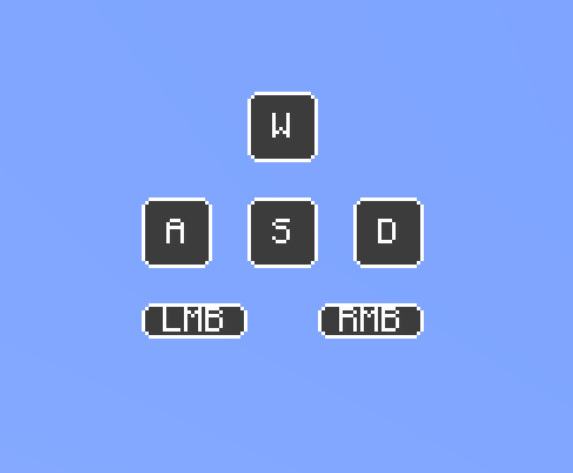 Default Preset 1
 -
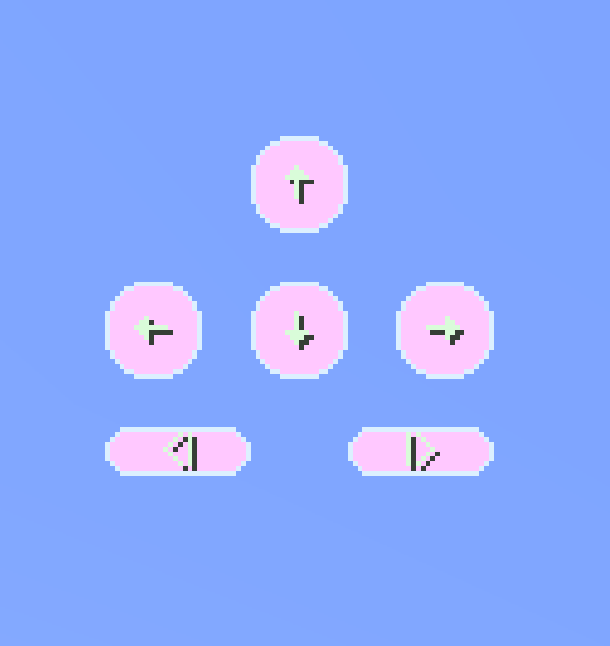 Default Preset 2
 -
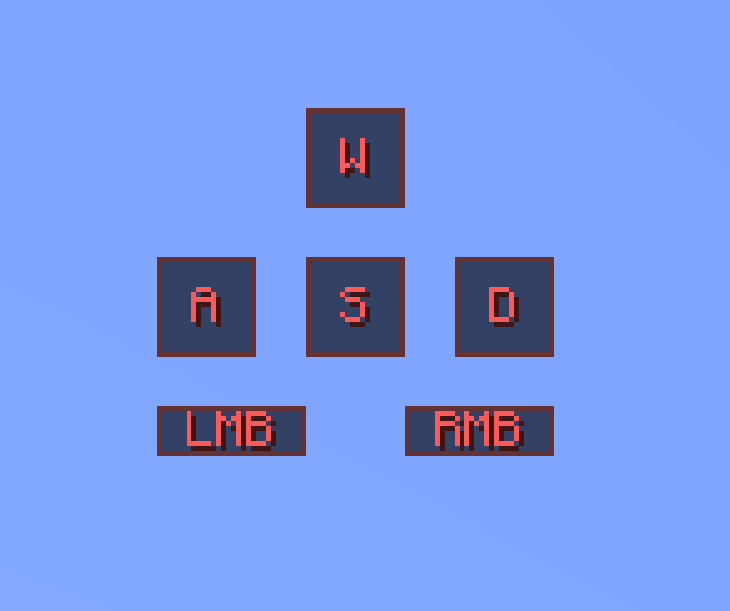 Default Preset 3
 -
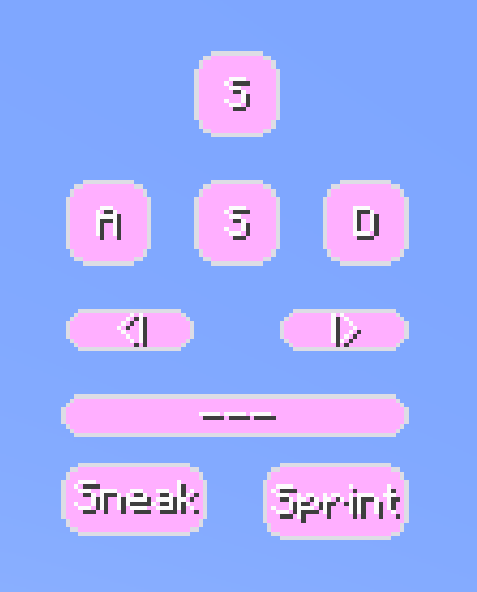 My Personal Setup
 -
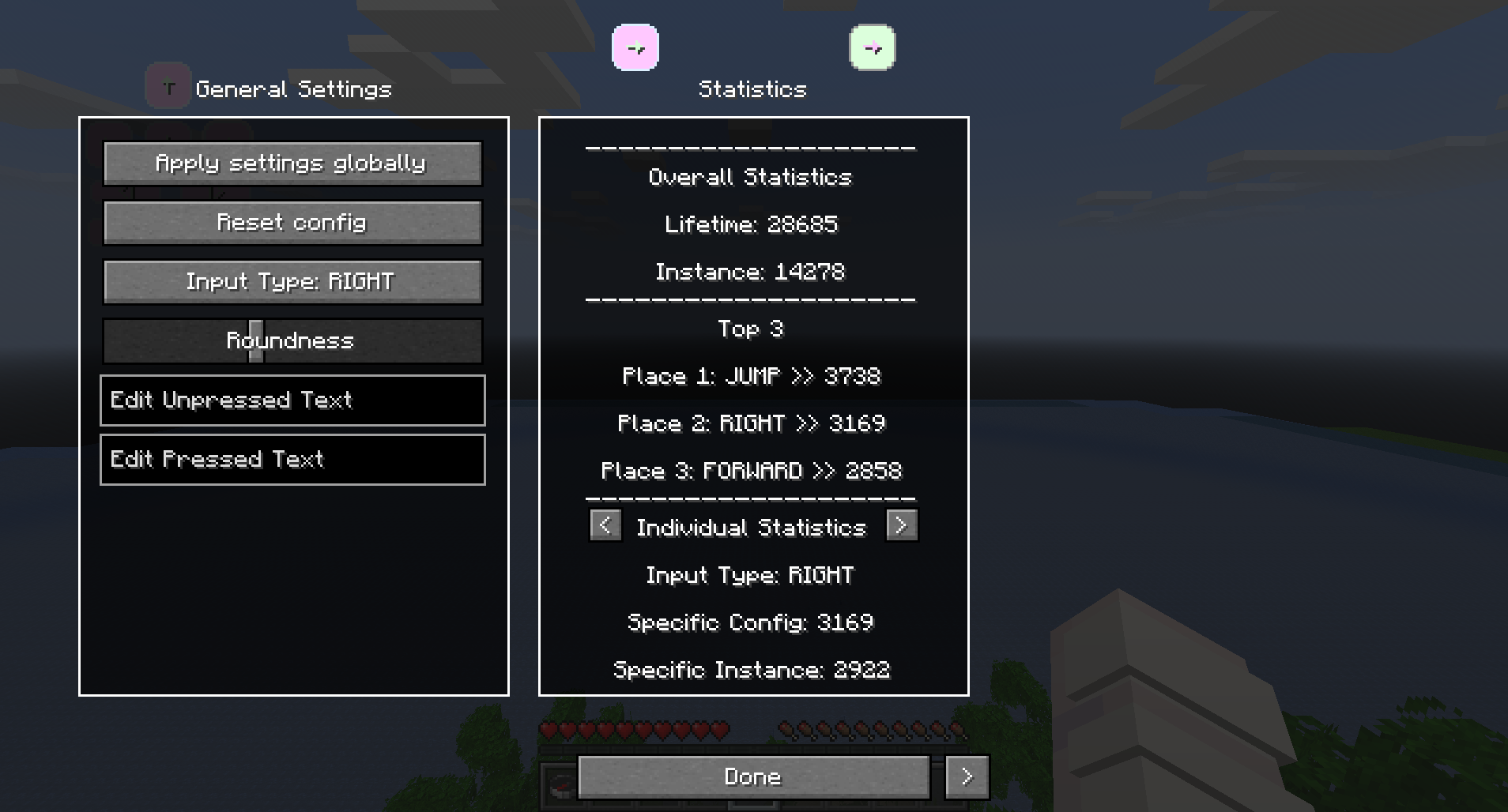 Settings Page 1
 -
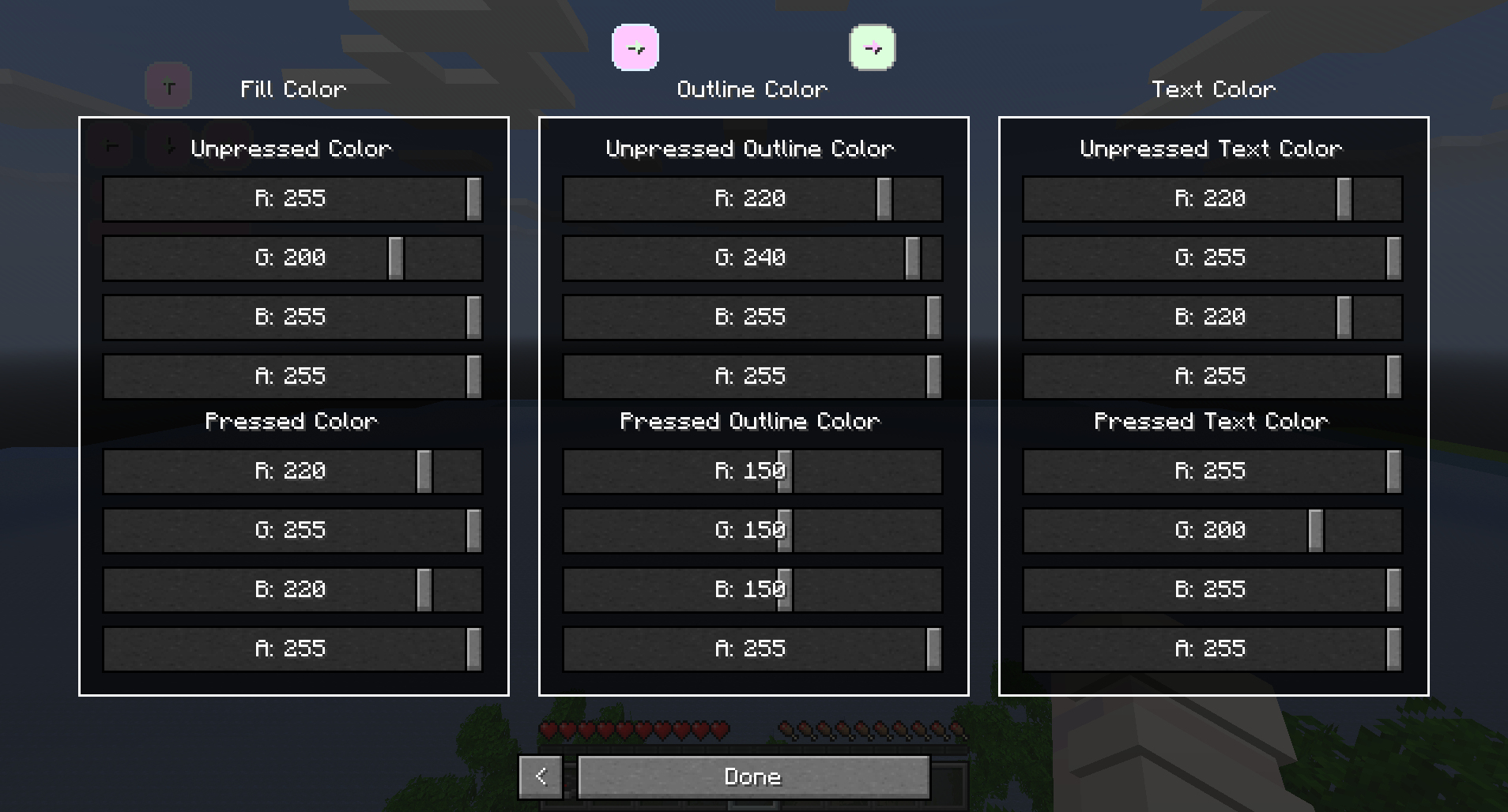 Settings Page 2
Versions
Files
Relations
Project Relations
More like this
Similar Mods
Suggestions use data such as tags, dependencies, dependents, descriptions, titles, and more to rank how much they overlap with this mod.
On ModDex
Community snapshot
By the numbers
Statistics
Want to reach Minecraft players?
We're looking for a server hosting partner to feature here and other parts of the site. Interested? Send us a message!
Get in touchGet it on
Available Platforms
On ModDex
Community snapshot
By the numbers