Makes burning things much more interesting
No ratings yet
Be the first to rate it.
Community listing page
Community listing page, reviews may not be monitored by the author.

Community voices
Reviews
No reviews yet. Be the first to review this project!
Get it on
Available Platforms
Compatibility
Supported Environments
Must be installed on both the client and the server.
About
Project Details
For authors
Embed Badge
If you're the author of this project, you can embed a live badge anywhere that supports HTML or Markdown. It updates automatically whenever ratings change.
Use HTML for any page that supports it, or Markdown for README files and Markdown-based descriptions.
Identifiers
Platform IDs
About
Description
Carbonize
A Minecraft Fabric Mod that makes burning things much more interesting
Ever notices that burning things in Minecraft makes them just disappear in a puff of smoke?
Well not anymore!
With Carbonize burning things turns them into charcoal or ash.
Features
- More blocks are flammable
- Flammable containers (disabled by default)
- Increases Fire Spread range (toggleable)
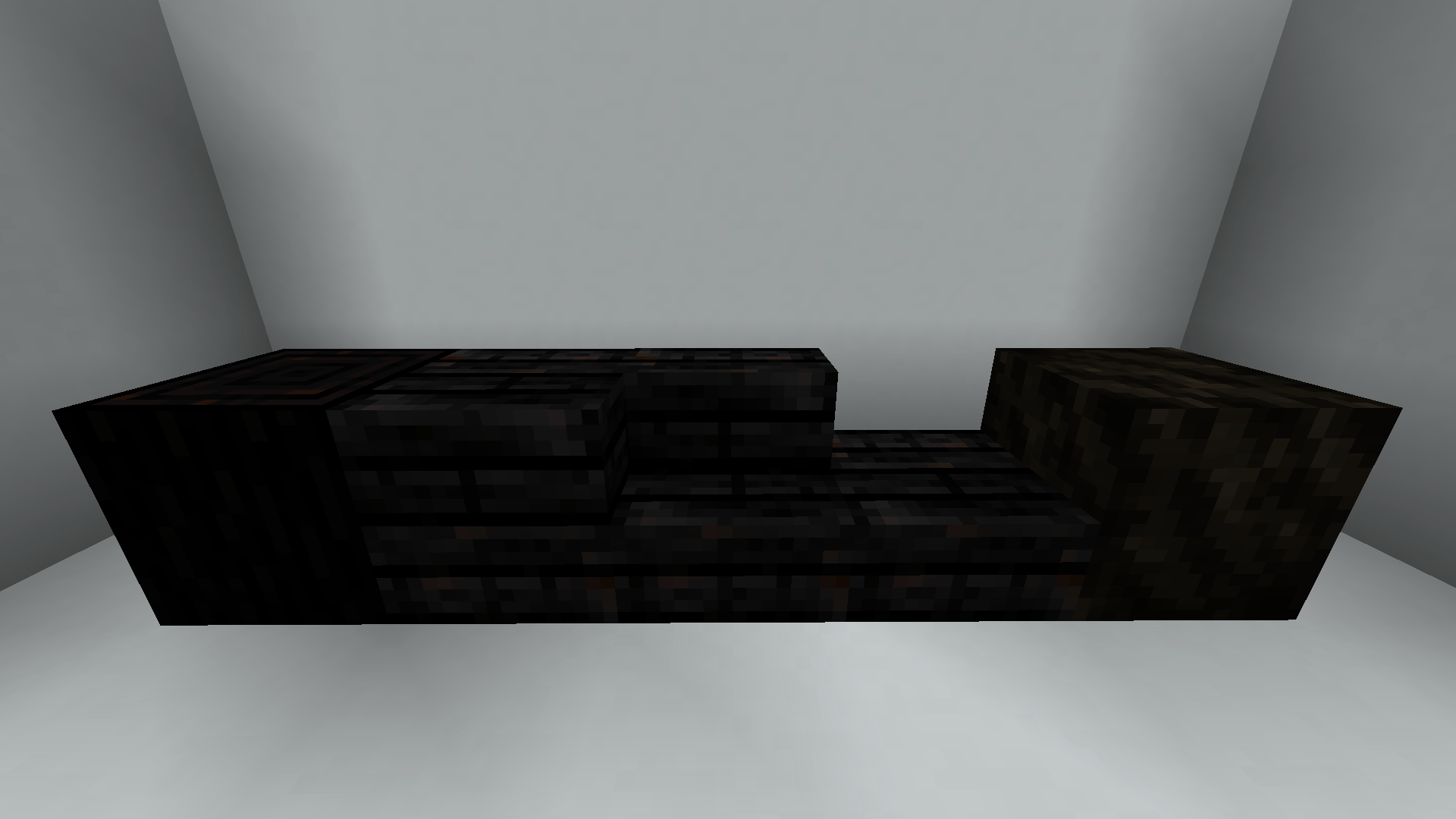
- Added Charcoal Logs/Planks (+ Slabs & Stairs)
- can fall
- are flammable
- stay on fire after falling
- Burning Wood can turn it into the charcoal variant
- Added Ash Layers
- can fall
- can be washed away by rain
- Burning anything flammable can turn it into Ash Layers
- Added Ash
- obtained by breaking ash layers
- can be used as fertilizer
Charcoal Piles:
Enclosing 8 or more Logs with Dirt or Stone (+ dirt variants and mud) except in one place and crouch+clicking the exposed
log with a Flint and Steel turns the logs into a Charcoal Pile. The Blocks of the charcoal pile then have to be fully
enclosed so they don't burn up. While active the Charcoal Pile emits smoke particles. After a while the process finished
and the player can collect Charcoal Logs.
Carbonize
A Minecraft Fabric Mod that makes burning things much more interesting
Ever notices that burning things in Minecraft makes them just disappear in a puff of smoke? Well not anymore! With Carbonize burning things turns them into charcoal or ash.
Features
-
More blocks are flammable
-
Flammable containers (disabled by default)
-
Increases Fire Spread range (toggleable)
-
Added Charcoal Logs/Planks (+ Slabs & Stairs)
- can fall
- are flammable
- stay on fire after falling
-
Burning Wood can turn it into the charcoal variant
-
Added Ash Layers
- can fall
- can be washed away by rain
-
Burning anything flammable can turn it into Ash Layers
-
Added Ash
- obtained by breaking ash layers
- can be used as fertilizer
-
Charcoal Piles: : Enclosing 8 or more Logs with Dirt or Stone (+ dirt variants and mud) except in one place and crouch+clicking the exposed log with a Flint and Steel turns the logs into a Charcoal Pile. The Blocks of the charcoal pile then have to be fully enclosed so they don't burn up. While active the Charcoal Pile emits smoke particles. After a while the process finished and the player can collect Charcoal Logs.
Screenshots
Gallery
-
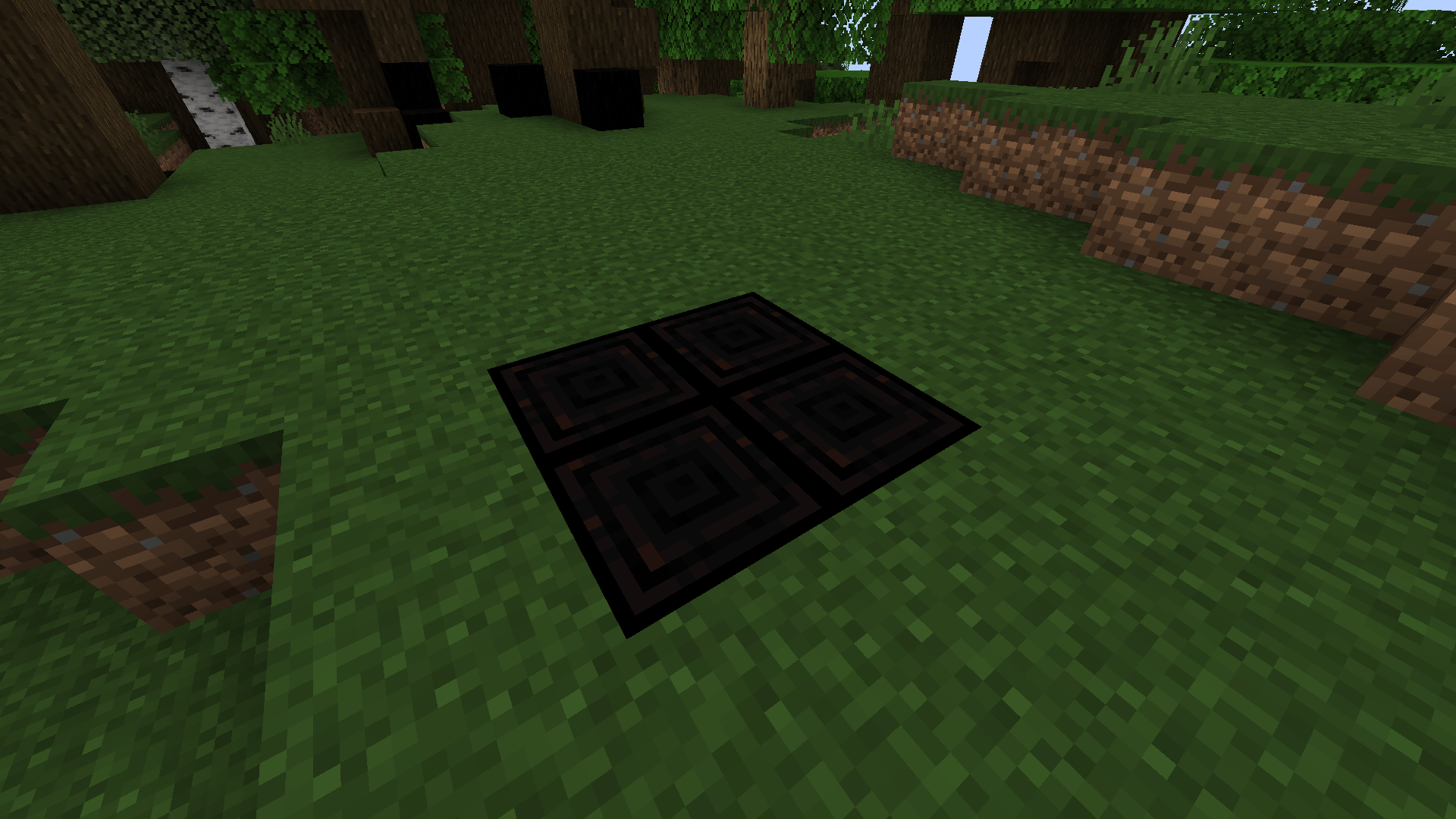 2024-02-10_14.03.50.png 2024-02-10_14.03.50.png
-
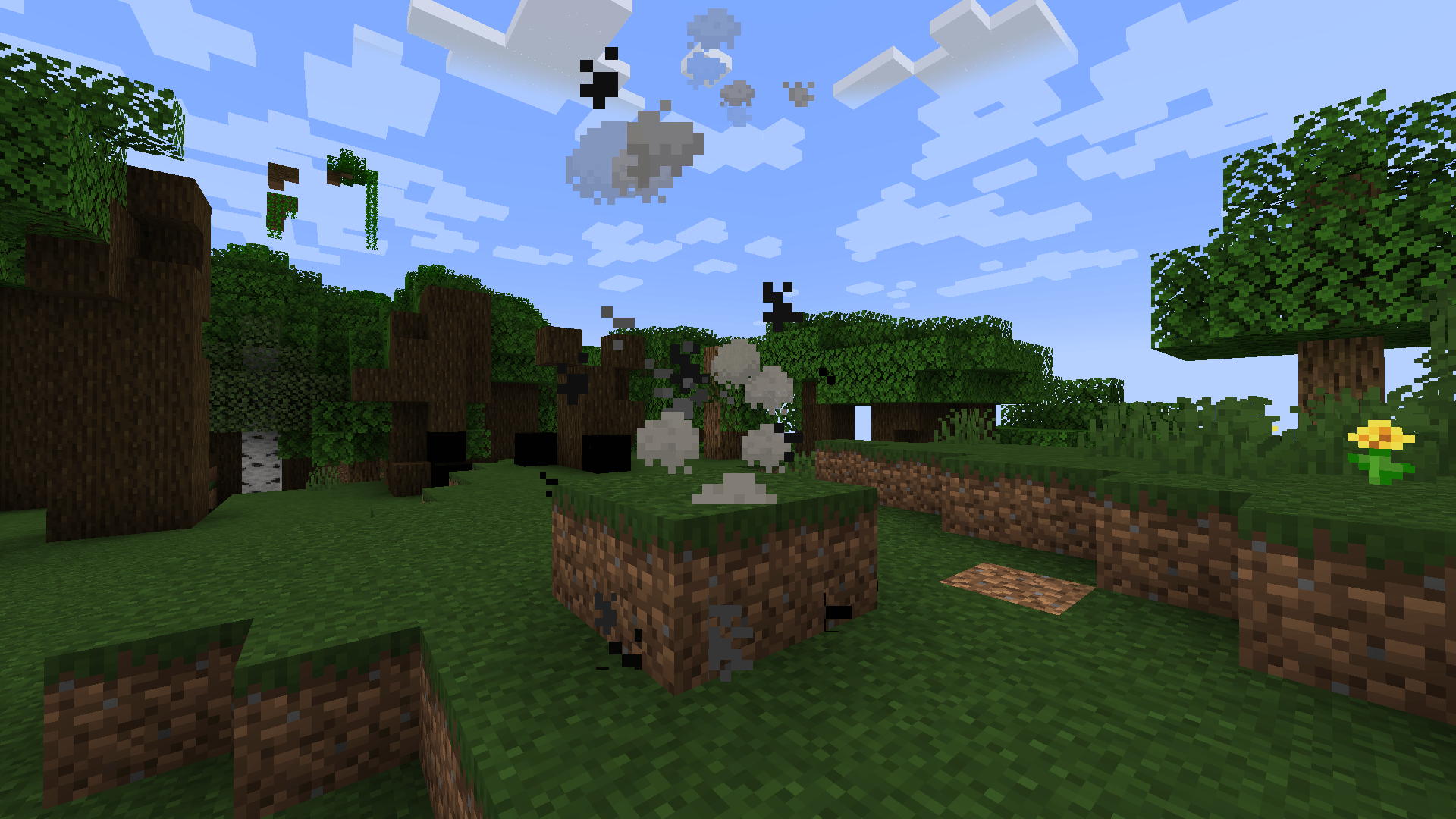 2024-02-10_14.01.17.png 2024-02-10_14.01.17.png
-
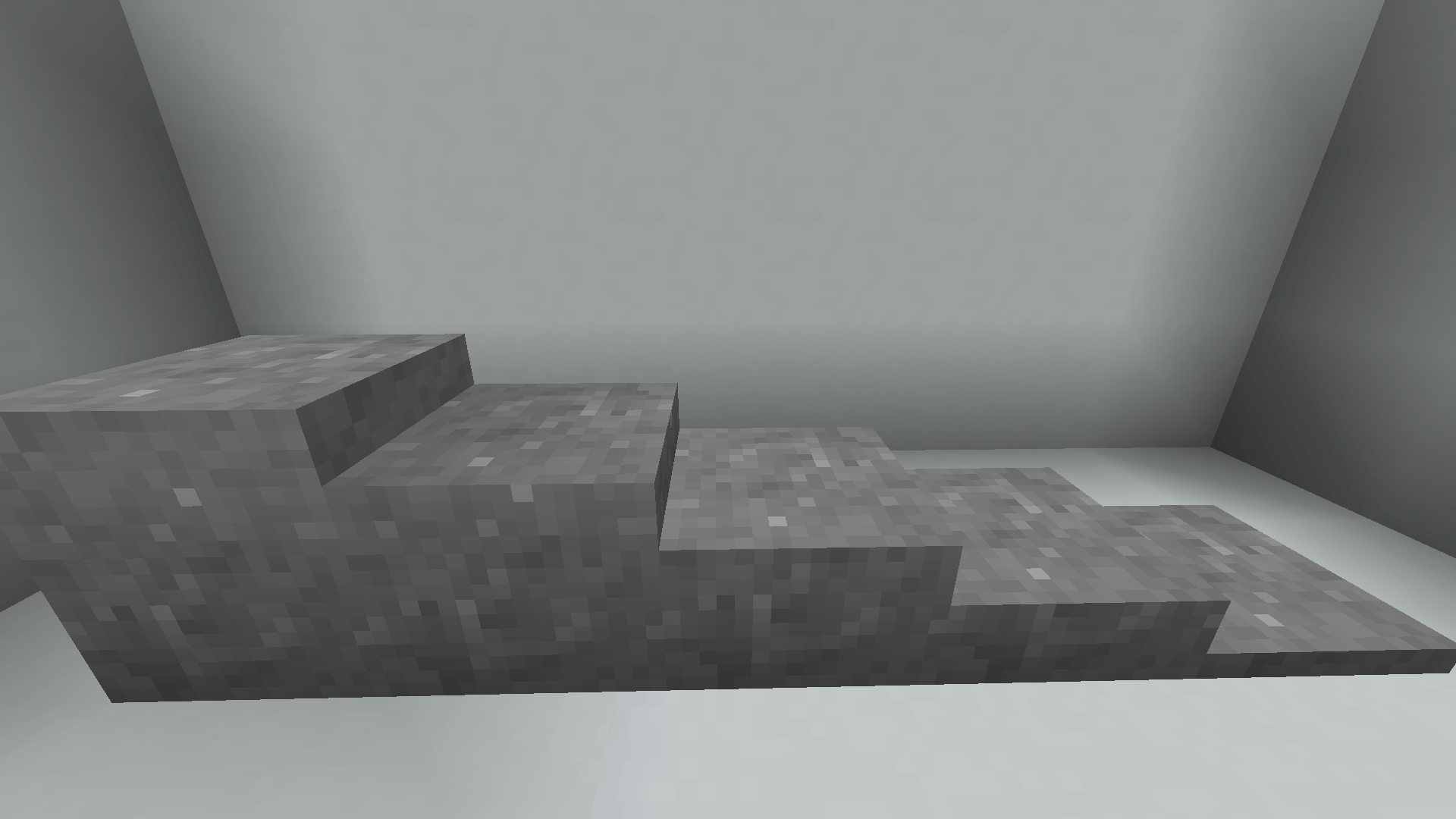 2024-02-10_13.52.28.png 2024-02-10_13.52.28.png
-
 2024-02-10_13.51.38.png 2024-02-10_13.51.38.png
-
 Burning Forest
-
 Charcoal Blocks
-
 Yield of Charcoal Pile
-
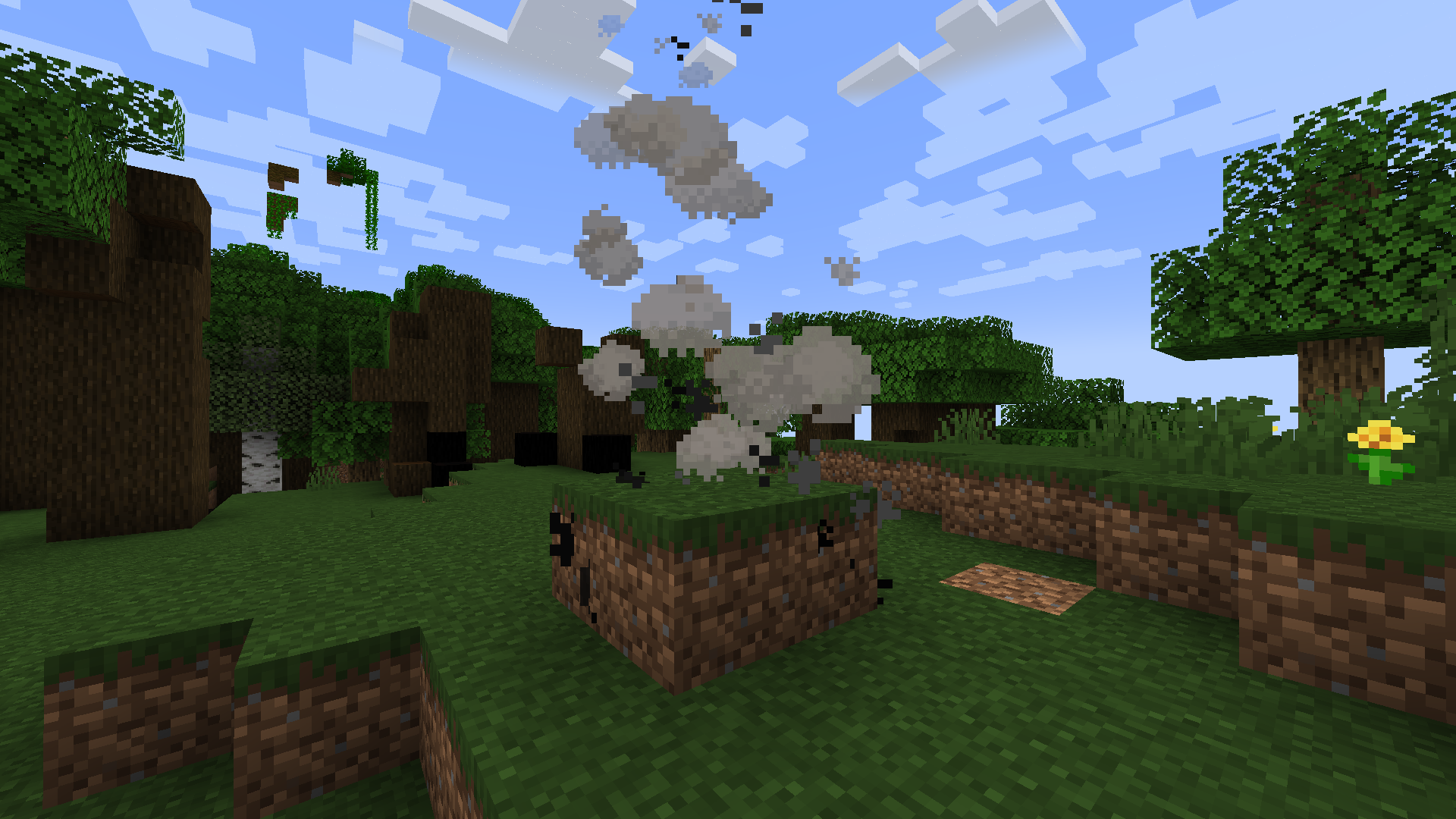 Charcoal Pile Currently active charcoal pile
-
 Ash Layers
Versions
Files
Relations
Project Relations
More like this
Similar Mods
Suggestions use data such as tags, dependencies, dependents, descriptions, titles, and more to rank how much they overlap with this mod.
Stats
- Downloads
-
1k
 <1,000
 <1,000
- Used in
- 1 modpack
- Followers
- 0
- In stacks
- 0
- Created
-
- Last synced
-
Nov 8, 2026 2:10 PM UTC
New file updates sync automatically.
When ModDex last fully re-synced this project from CurseForge or Modrinth. A new file release triggers a resync usually within minutes, and every project is also re-synced on a schedule. Edits that don't ship a file, such as a new description or screenshots, are checked every few hours and can appear before this date changes.
How syncing works
External Links

Stats
- Downloads
-
1k
<1,000
<1,000
- Used in
- 1 modpack
- Followers
- 0
- In stacks
- 0
- Created
-
- Last synced
-
Nov 8, 2026 2:10 PM UTC
New file updates sync automatically.
When ModDex last fully re-synced this project from CurseForge or Modrinth. A new file release triggers a resync usually within minutes, and every project is also re-synced on a schedule. Edits that don't ship a file, such as a new description or screenshots, are checked every few hours and can appear before this date changes.
How syncing works