
Community listing page, reviews may not be monitored by the author.
CardEngine


No reviews yet
Create RPG upgrade cards that boost Minecraft attributes—or attributes from other mods—without coding.

Community voices
Reviews
No reviews yet. Be the first to review this project!
Get it on
Available Platforms
Compatibility
Supported Environments
Must be installed on both the client and the server.
About
Project Details
For authors
Embed Badge
If you're the author of this project, you can embed a live badge anywhere that supports HTML or Markdown. It updates automatically whenever ratings change.
Use HTML for any page that supports it, or Markdown for README files and Markdown-based descriptions.
Identifiers
Platform IDs
Resources
External Links
About
Description
🃏 CardEngine
Create and edit RPG upgrade cards directly through a simple UI—no coding or commands required.
Supports Minecraft attributes and attributes from other mods.
🃏 Create Cards Visually
Click the card icon on the main menu to:

- Create cards with custom names and descriptions.
- Choose attributes, values, icons, rarity, and stack limits.
- Select custom card backs.
- Browse existing cards and click to edit them.
Place custom card-back PNGs in config/card_engine/skin/.
Place custom card-icon PNGs in config/card_engine/icon/.
🌍 Use Your Cards
UI-created cards are saved to config/card_engine/cards/ and copied automatically into new worlds.
For an existing world:
/cardengine update— imports config cards, backs up replacements, and keeps world-only cards./cardengine reload— reloads world cards and XP settings.
Prefer editing JSON? The included TEMPLATE.json.example explains each field.
⚙️ Customize Progression
Edit config/card_engine/cardengine_xp_cf.json to change XP requirements, skip refunds, and cards per draw.
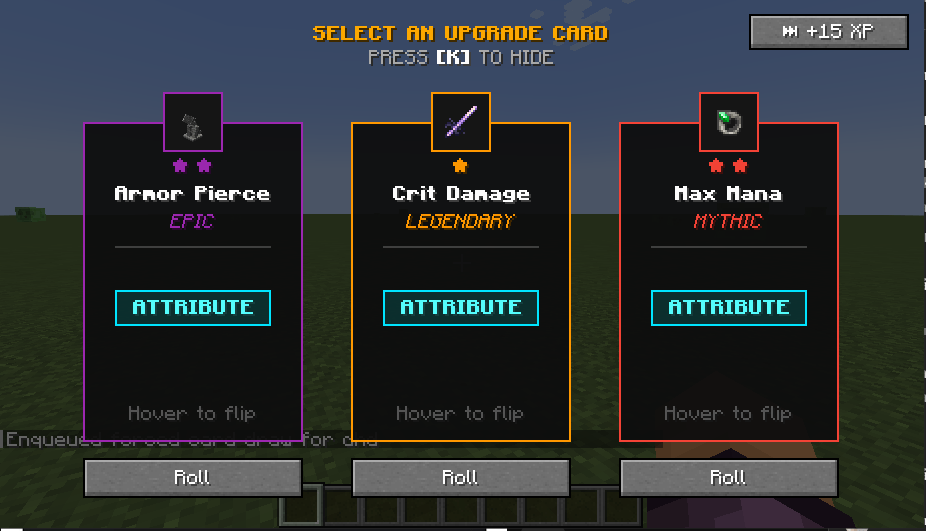
1–3 cards: classic selection. 4+ cards: reveal-and-browse deck.
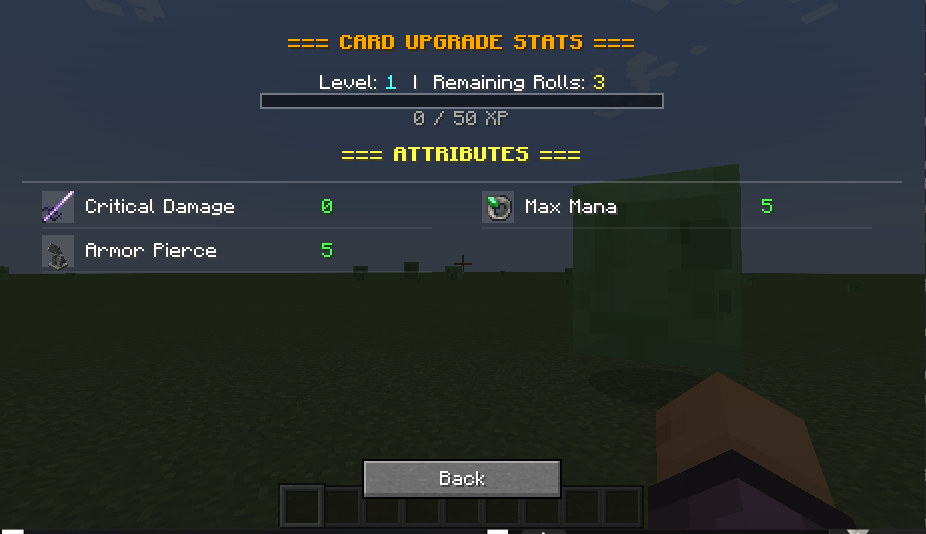
The card HUD displays XP and queued selections. Press K by default to open card selection.
🛠️ For Developers
For custom skills, library integration, API documentation, and AI prompts, visit the WIKI.
🃏 CardEngine
Create and edit RPG upgrade cards directly through a simple UI—no coding or commands required.
Supports Minecraft attributes and attributes from other mods.
🃏 Create Cards Visually
Click the card icon on the main menu to:

- Create cards with custom names and descriptions.
- Choose attributes, values, icons, rarity, and stack limits.
- Select custom card backs.
- Browse existing cards and click to edit them.
- Place custom card-back PNGs in config/card_engine/skin/.
🌍 Use Your Cards
UI-created cards are saved to config/card_engine/cards/ and copied automatically into new worlds.
For an existing world:
/cardengine update — imports config cards, backs up replacements, and keeps world-only cards.
/cardengine reload — reloads world cards and XP settings.
Prefer editing JSON? The included TEMPLATE.json.example explains each field.
⚙️ Customize Progression
Edit config/card_engine/cardengine_xp_cf.json to change XP requirements, skip refunds, and cards per draw.
1–3 cards: classic selection. 4+ cards: reveal-and-browse deck.
The card HUD displays XP and queued selections. Press K by default to open card selection.
🛠️ For Developers
For custom skills, library integration, API documentation, and AI prompts, visit the WIKI.
Screenshots
Gallery
-
 irons_spell_book_stat.png
-
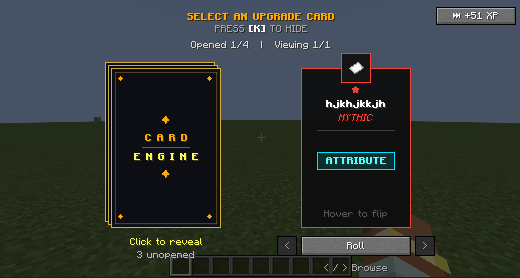 image-attachment_56a3f1e4-759d-475d-863c-6e59ec2a7437.png
-
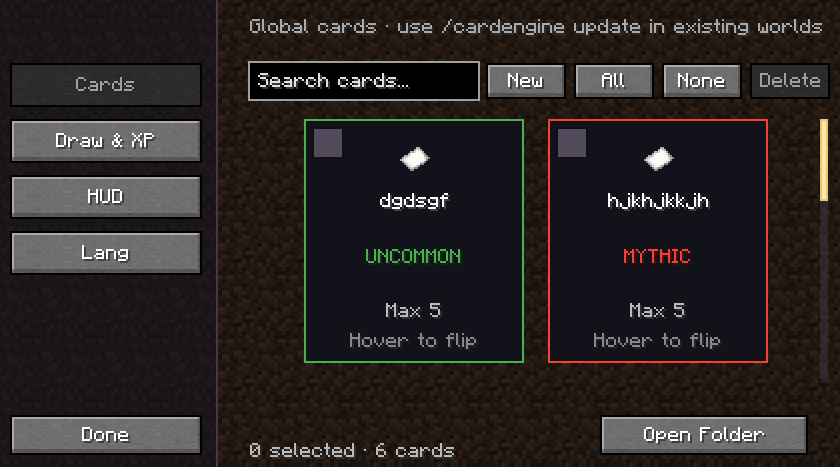 image-attachment_a58657ac-b947-4897-b0ab-ded15f691723.png
-
 irons_spell_book_stat.png
-
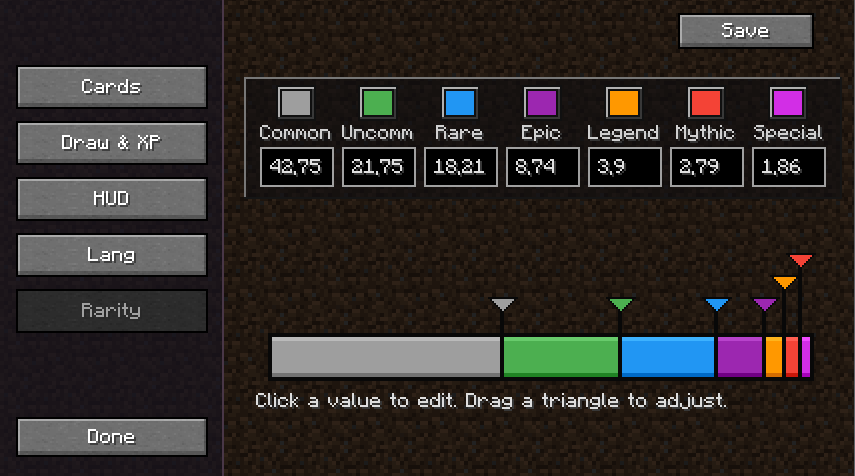 rarity.png rarity.png
-
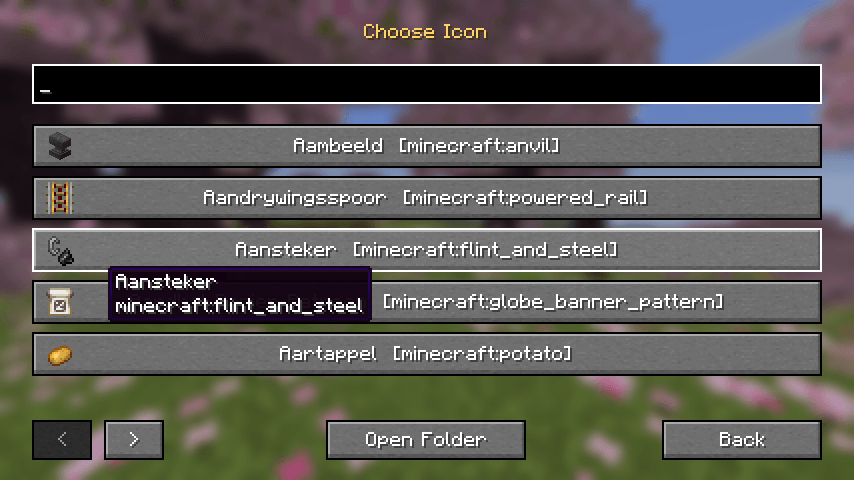 icon.png icon.png


Versions
Files
Relations
Project Relations
More like this
Similar Mods
Suggestions use data such as tags, dependencies, dependents, descriptions, titles, and more to rank how much they overlap with this mod.
On ModDex
Community snapshot
By the numbers
Statistics

Get it on
Available Platforms
On ModDex
Community snapshot
By the numbers
Statistics
Resources