Community listing page, reviews here may not be monitored by the author.
CC:DirectGPU


No reviews yet
DirectGPU is a high-resolution monitor and GUI add-on for CC: Tweaked; the Fabric and Forge versions have been discontinued due to maintenance difficulties, and development is now exclusive to NeoForge 1.21.1.
Community voices
Reviews
No reviews yet. Be the first to review this project!
Get it on
Available Platforms
Compatibility
Supported Environments
Must be installed on both the client and the server.
About
Project Details
For authors
Embed Badge
If you're the author of this project, you can embed a live badge anywhere that supports HTML or Markdown. It updates automatically whenever ratings change.
Use HTML for any page that supports it, or Markdown for README files and Markdown-based descriptions.
Identifiers
Platform IDs
Resources
External Links
About
Description
# CC:DirectGPU, VS Compatible now
Next-gen graphics for ComputerCraft.
Unlock true 24-bit colour, GPU-level performance, and real-time interactivity on your ComputerCraft monitors — all inside Minecraft.
💬 Join the Discord (https://discord.gg/zr2CScq7Gf) • GitHub Repository (https://github.com/tiktop101/CC-DirectGPU-Mod)
[Reddit Community] (https://www.reddit.com/r/CCDirectGPU/)
Recommended Version of CC:T for this mod is: 1.116.1
---
# What It Adds
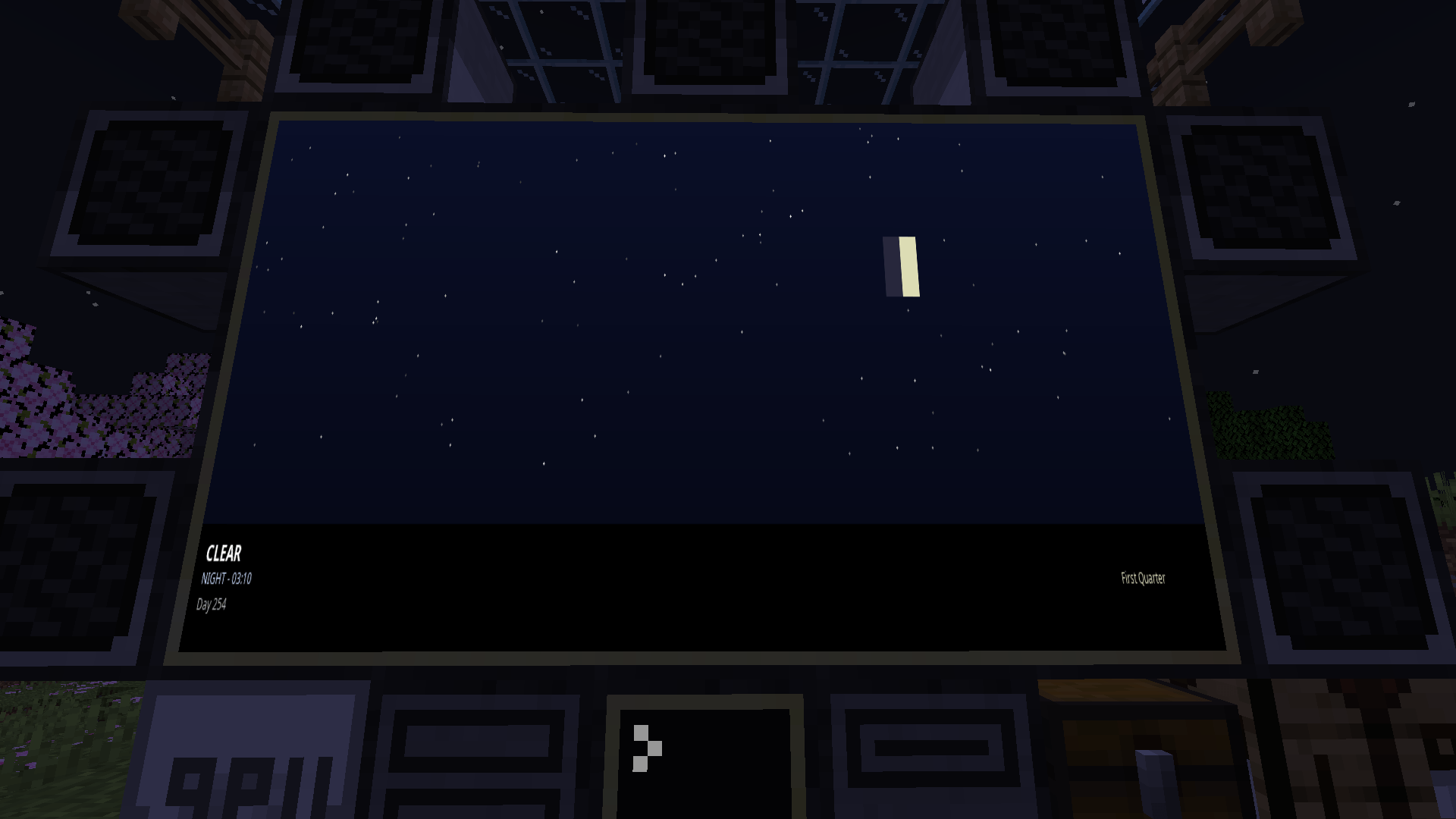
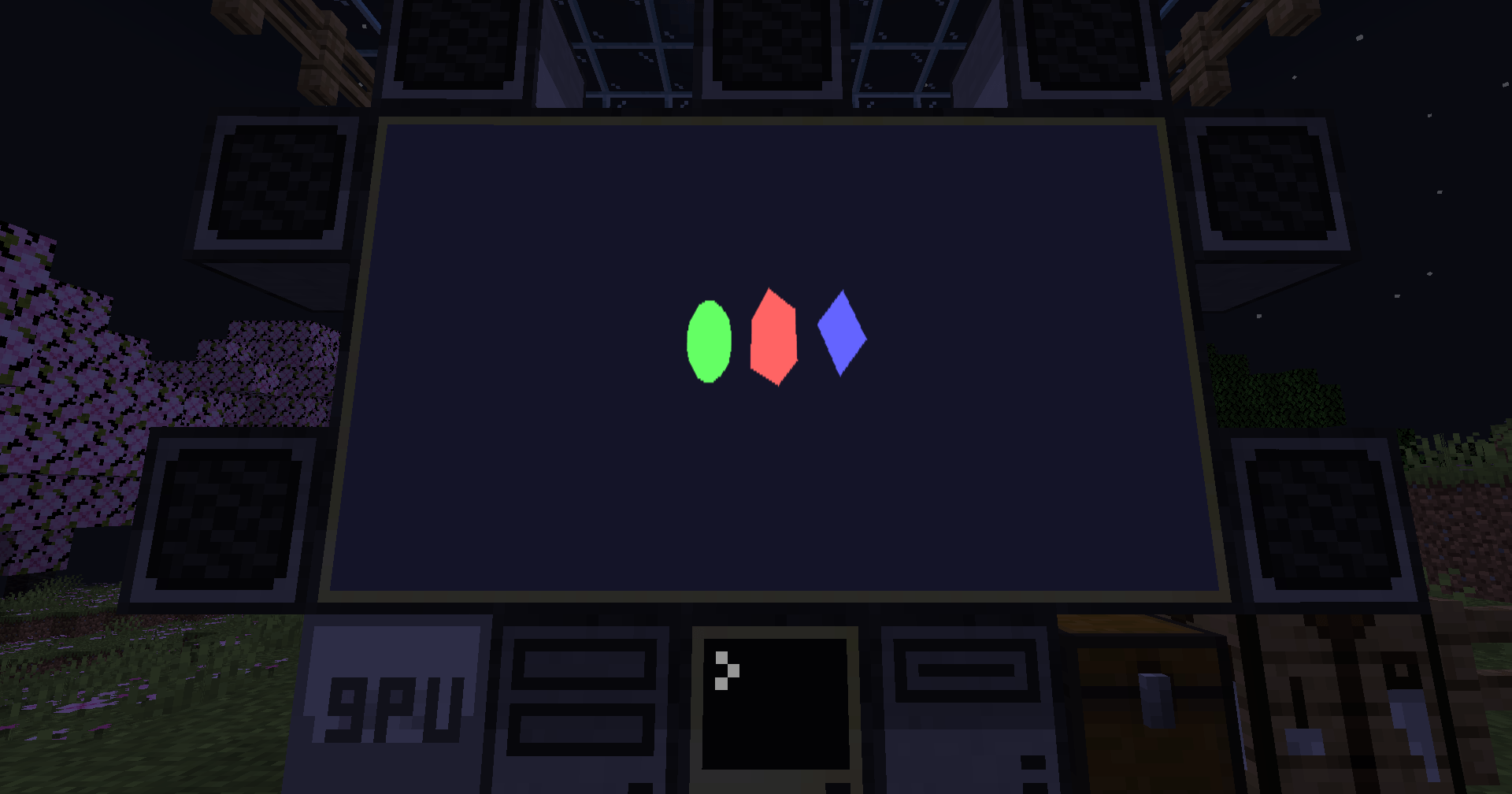
Bring your ComputerCraft displays to life with hardware-accelerated rendering, full RGB graphics, and interactive UIs — all plug-and-play.
- True RGB pixel graphics: Up to 164×164 pixels per block, or 656×656 with 4× scaling. "as of 1.0.21 neforge"
- Auto monitor detection: Works with any monitor array or orientation — no manual setup.
- Fast drawing primitives: Draw pixels, lines, and shapes at GPU-like speeds.
- JPEG + PNG + GIF image support: Decode and render images in milliseconds (≈5–15 ms typical).
- Smart compression: 90%+ bandwidth savings for streamed or repeating frames.
- Interactive input: Detect clicks, drags, and keyboard input directly on monitors.
- Massive displays: Supports up to 16×16 monitor arrays and 50+ total displays.
- Thread-safe design: Multiple computers can safely update the same screen for smooth visuals.
---
# Why You’ll Want It
Turn basic text monitors into vibrant, dynamic displays.
- Create real-time dashboards, control rooms, or media walls.
- Display pixel art, animations, or live webcam feeds.
- Perfect for builders, modpack creators, and creative coders.
---
# Highlights
- Supports Forge & Neoforge (requires latest CC:Tweaked).
- Orientation-independent arrays: Works in any direction.
- Resolution scaling: Choose between 1×–4× detail depending on performance.
---
# Code Examples
[View Example Scripts on GitHub] (https://github.com/tiktop101/CC-DirectGPU-Mod/tree/main/Examples)
Interactive Input
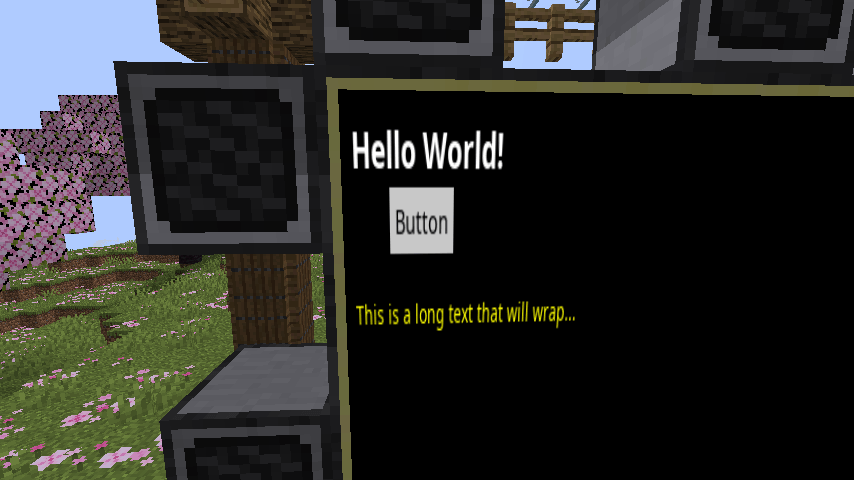
Detect mouse clicks, drags, and keyboard events directly on the monitor surface to build custom UIs, dashboards, or drawing boards.
---
# Setup
- Minecraft Java Edition
- Forge or Neoforge
- Latest CC:Tweaked
Supports monitor arrays up to 16×16 blocks with optional 2×–4× resolution scaling
Larger setups increase pixel count and bandwidth use — plan accordingly.
---
> CC:DirectGPU — because your ComputerCraft screens deserve more than text.
CC:DirectGPU , VS Compatible "1.20.1 "abandoned", Sable/Create Aeronautics Compat "1.21.1 Neoforge"
Next-gen graphics for ComputerCraft.
Unlock true 24-bit colour, GPU-level performance, and real-time interactivity on your ComputerCraft monitors — all inside Minecraft.
💬 Join the Discord • 📦 GitHub Repository
[Reddit Community] (https://www.reddit.com/r/CCDirectGPU/)
Recommended Version of CC:T for this mod is: 1.116.1 "forge 1.20.1"
Recommended Version of CC:T for this mod is: 1.117.1+ "Neoforge 1.21.1"
What It Adds
Bring your ComputerCraft displays to life with hardware-accelerated rendering, full RGB graphics, and interactive UIs — all plug-and-play.
- **True RGB pixel graphics: Up to 164×164 pixels per block, or 656×656 with 4× scaling. "as of 1.0.21 neforge"
- Auto monitor detection: Works with any monitor array or orientation — no manual setup.
- Fast drawing primitives: Draw pixels, lines, and shapes at GPU-like speeds.
- JPEG + PNG + GIF image support: Decode and render images in milliseconds (≈5–15 ms typical).
- Smart compression: 90%+ bandwidth savings for streamed or repeating frames.
- Interactive input: Detect clicks, drags, and keyboard input directly on monitors.
- Massive displays: Supports up to 16×16 monitor arrays and 50+ total displays.
- Thread-safe design: Multiple computers can safely update the same screen for smooth visuals.
Why You’ll Want It
Turn basic text monitors into vibrant, dynamic displays.
- Create real-time dashboards, control rooms, or media walls.
- Display pixel art, animations, or live webcam feeds.
- Perfect for builders, modpack creators, and creative coders.
Highlights
- Supports Forge & Neoforge (requires latest CC:Tweaked).
- Orientation-independent arrays: Works in any direction.
- Resolution scaling: Choose between 1×–4× detail depending on performance.
Code Examples
View Example Scripts on GitHub
Interactive Input
Detect mouse clicks, drags, and keyboard events directly on the monitor surface to build custom UIs, dashboards, or drawing boards.
Setup
- Minecraft Java Edition
- Forge or Neoforge
- Latest CC:Tweaked
Supports monitor arrays up to 16×16 blocks with optional 2×–4× resolution scaling.
Larger setups increase pixel count and bandwidth use — plan accordingly.
CC:DirectGPU — because your ComputerCraft screens deserve more than text.
Screenshots
Gallery
-
 2025-11-07_21.56.09.png 2025-11-07_21.56.09.png
 -
 2025-11-07_19.22.35.png 2025-11-07_19.22.35.png
 -
 2025-11-07_15.50.22.png 2025-11-07_15.50.22.png
-
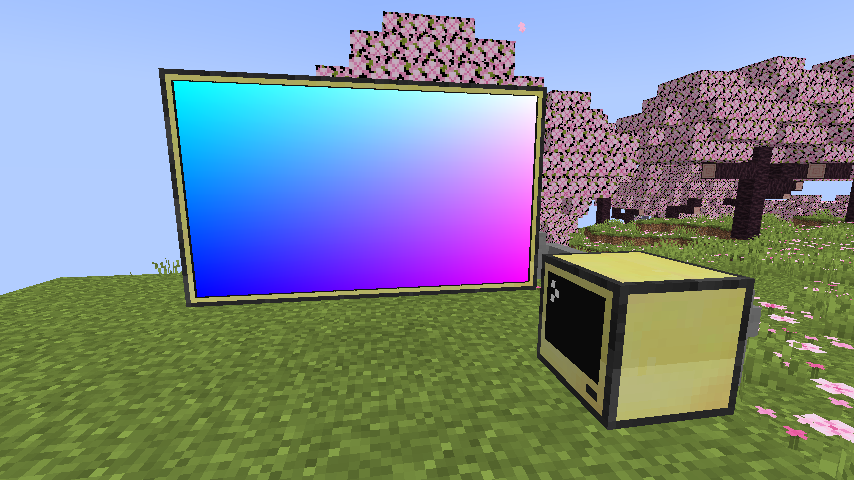 Working test gradient.
 -
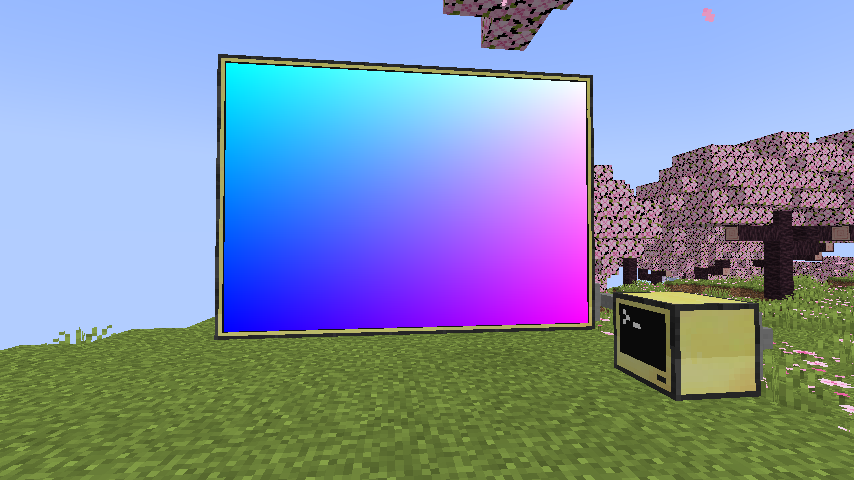 Working gradient test #2
Versions
Files
Relations
Project Relations
More like this
Similar Mods
Suggestions use data such as tags, dependencies, dependents, descriptions, titles, and more to rank how much they overlap with this mod.
On ModDex
Community snapshot
By the numbers
Statistics
Want to reach Minecraft players?
We're looking for a server hosting partner to feature here and other parts of the site. Interested? Send us a message!
Get in touchGet it on
Available Platforms
On ModDex
Community snapshot
By the numbers
Statistics
Resources