
Community listing page, reviews here may not be monitored by the author.
CC: Spatial Projector

No reviews yet
Programmable ComputerCraft holograms for drawing lines, boxes, markers, and overlays in the world.
Community voices
Reviews
No reviews yet. Be the first to review this project!
Get it on
Available Platforms
Compatibility
Supported Environments
Must be installed on both the client and the server.
About
Project Details
For authors
Embed Badge
If you're the author of this project, you can embed a live badge anywhere that supports HTML or Markdown. It updates automatically whenever ratings change.
Use HTML for any page that supports it, or Markdown for README files and Markdown-based descriptions.
Identifiers
Platform IDs
About
Description
CC: Spatial Projector
Programmable world-space overlays for CC:Tweaked computers and turtles.
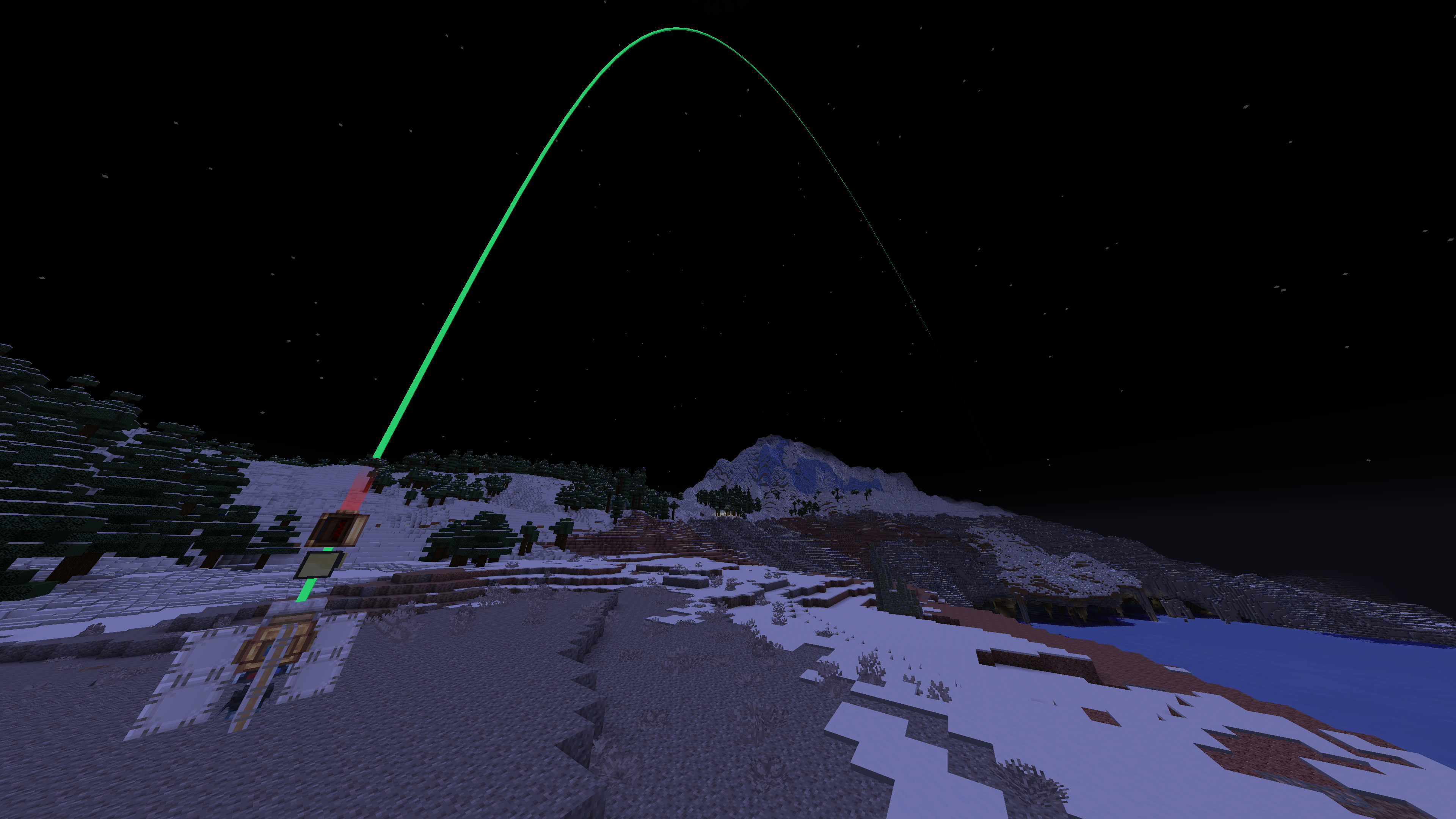
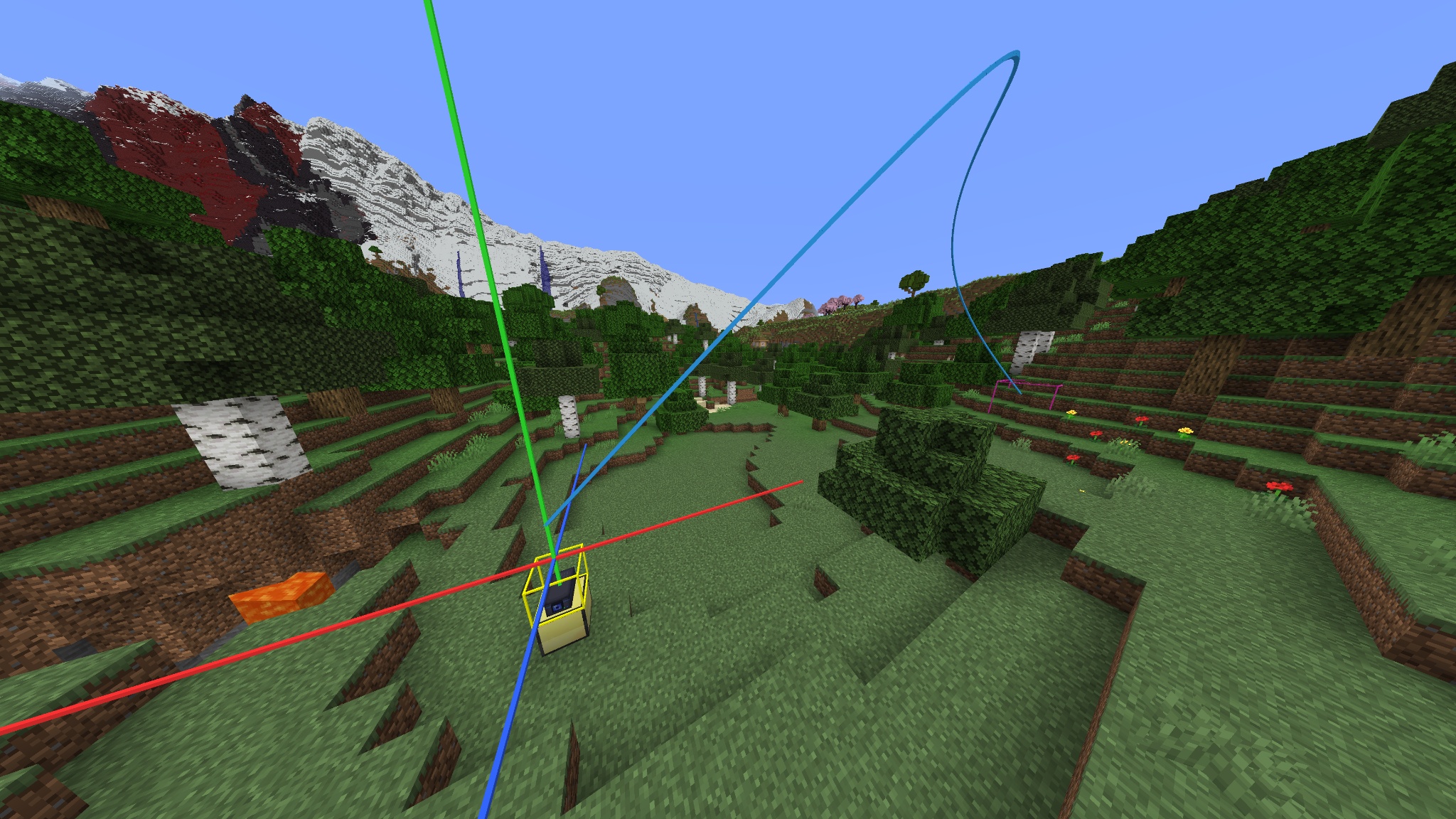
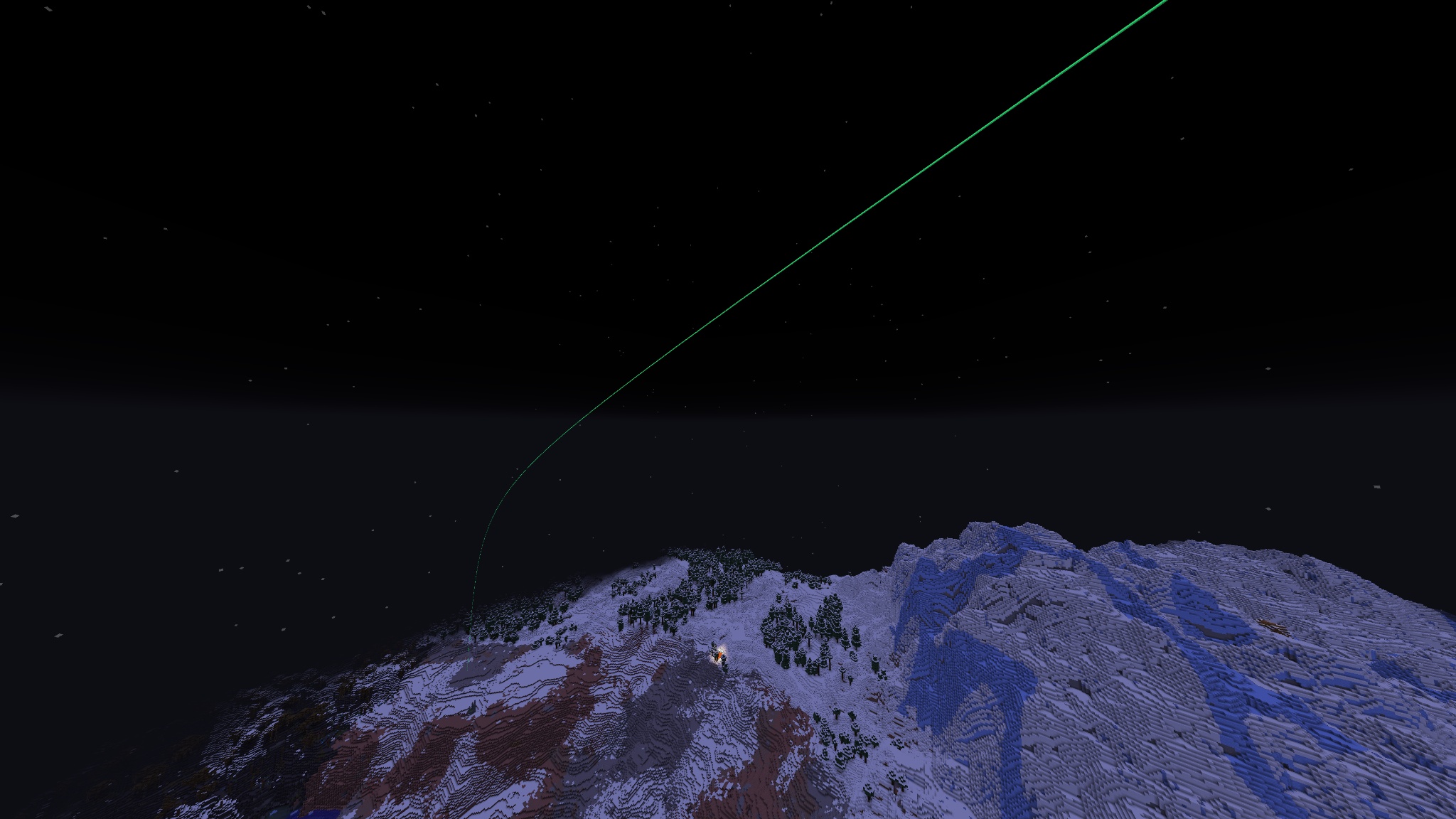
CC: Spatial Projector lets ComputerCraft programs draw lines, paths, boxes, and markers directly in the Minecraft world.
Place a Spatial Projector, connect it to a ComputerCraft computer, turtle, or wired modem, and wear bound Spatial Goggles to see its output. Use it for technical build planning, navigation, turtle debugging, automation displays, and custom spatial interfaces.
Visuals are overlays only. They do not place blocks, spawn entities, or affect collisions.
Features
- ComputerCraft peripheral named
spatial_projector - Spatial Goggles for viewing projector output
- Lua API for lines, polylines, boxes, and markers
- Named visual objects that can be updated, removed, listed, or cleared
- Persistent visuals by default
- Optional TTL for temporary visuals
- Configurable limits and default values
- Built-in demo and utility commands
- Optional Curios support for wearing goggles in a supported Curios slot
Quick start
- Place a Spatial Projector.
- Put a ComputerCraft computer or turtle next to it, or connect it using a wired modem.
- Right-click the projector with Spatial Goggles to bind them.
- Wear the bound goggles.
- Run the built-in demo:
spatial_projector
Useful CraftOS commands:
spatial_projector          -- run the demo
spatial_projector demo 30  -- run the demo with a 30-second TTL
spatial_projector clear    -- clear all visuals
spatial_projector stats    -- show projector statistics
spatial_projector list     -- list object IDs in the buffer
Lua example
local projector = peripheral.find("spatial_projector")
if not projector then
    error("spatial_projector not found")
end

projector.clear()

projector.line("axis.x", 0, 64, 0, 16, 64, 0, {
    color = 0xff3333,
    width = 0.07,
})

projector.marker("target", 16, 64, 0, {
    color = 0xff33cc,
    size = 1.0,
})

projector.sync()
Drawing API
Each visual is stored under a string ID inside the projector buffer. Drawing another object with the same ID replaces the previous visual.
projector.line(id, x1, y1, z1, x2, y2, z2, options)
projector.polyline(id, points, options)
projector.box(id, x1, y1, z1, x2, y2, z2, options)
projector.marker(id, x, y, z, options)
options is optional. If it is omitted, the projector uses its configured defaults.
{
    color = 0x33ff88, -- RGB color
    width = 0.0625,  -- line, polyline, and box width
    ttl = 0,         -- seconds before auto-removal; 0 means persistent
    size = 0.35,     -- marker size
}
Line
Draws a segment between two world positions.
projector.line("line.id", 0, 64, 0, 10, 64, 0, {
    color = 0xff3333,
    width = 0.07,
    ttl = 30,
})
Polyline
Draws a connected path through a dense array of {x, y, z} points.
projector.polyline("route", {
    {0, 64, 0},
    {4, 65, 4},
    {8, 64, 8},
    {12, 64, 4},
}, {
    color = 0x33ff88,
    width = 0.06,
})
Box
Draws a box between two opposite corners.
projector.box("build.area", 0, 63, 0, 10, 70, 10, {
    color = 0x3399ff,
    width = 0.05,
})
Marker
Draws a marker at one world position.
projector.marker("target", 16, 64, 0, {
    color = 0xff33cc,
    size = 1.0,
})
Buffer utilities
projector.clear()       -- remove all visuals
projector.remove(id)    -- remove one visual by ID
projector.list()        -- list object IDs
projector.stats()       -- get projector statistics
projector.getLimits()   -- get configured limits
projector.sync()        -- send pending drawing changes
Call sync() after a batch of drawing changes.
Requirements
Requires Minecraft 1.21.1, NeoForge 21.1.x, Java 21, CC:Tweaked 1.120.0+, and Create 6.0.10+.
Create is used as a rendering/library dependency. CC: Spatial Projector does not add Create contraption mechanics.
Optional: Curios API 9.x for wearing Spatial Goggles in a supported Curios slot. Without Curios, goggles can be worn as a normal helmet.
Notes
- Only players wearing goggles bound to a projector receive its visuals.
- Coordinates use normal Minecraft world coordinates.
list()returns object IDs, not full geometry data.- Visuals remain until they are cleared, removed, overwritten, expire through TTL, or are cleaned up when the chunk or world unloads.
Screenshots
Gallery
Versions
Files
Relations
Project Relations
More like this
Similar Mods
Suggestions use data such as tags, dependencies, dependents, descriptions, titles, and more to rank how much they overlap with this mod.
On ModDex
Community snapshot
By the numbers
Statistics

Want to reach Minecraft players?
We're looking for a server hosting partner to feature here and other parts of the site. Interested? Send us a message!
Get in touchGet it on
Available Platforms
On ModDex
Community snapshot
By the numbers