Community listing page, reviews here may not be monitored by the author.
Chalk


No reviews yet
Leave the mark!

Community voices
Reviews
No reviews yet. Be the first to review this project!
Get it on
Available Platforms
Compatibility
Supported Environments
Must be installed on both the client and the server.
About
Project Details
For authors
Embed Badge
If you're the author of this project, you can embed a live badge anywhere that supports HTML or Markdown. It updates automatically whenever ratings change.
Use HTML for any page that supports it, or Markdown for README files and Markdown-based descriptions.
Identifiers
Platform IDs
About
Description
Mark your way through the vast world of Minecraft®™!
Chalk allows you to draw marks for easier navigation in caves or structures, or as decoration





•
Enjoying the mod? Your support would allow me to continue working on it and on other mods!



•

•
Check out my other mods:





Mark your way through the vast world of Minecraft®™!
Chalk allows you to draw marks for easier navigation in caves or structures, or as decoration
Description in text form
Chalk
- Craftable from a piece of Calcite or found in some underground or village chests- Can be dyed into any color, similar to a leather armor
- Can be eaten, which gives 30 seconds of Strength effect
Drawing
Clicking on a full side of a block will draw an arrow mark- Arrow will be pointed towards the clicked position on a face
- Dot mark is drawn by clicking in the center
Symbols
Various symbols can be drawn by sneak-using the chalk- This will open an interface where a desired symbol can be chosen
- Most special symbols need to be unlocked by completing advancements
Glowing
Marks can be made glowing by applying Glowstone Dust or Glow Ink Sac to them- Glowing marks are quite bright and will slightly light up their surroundings
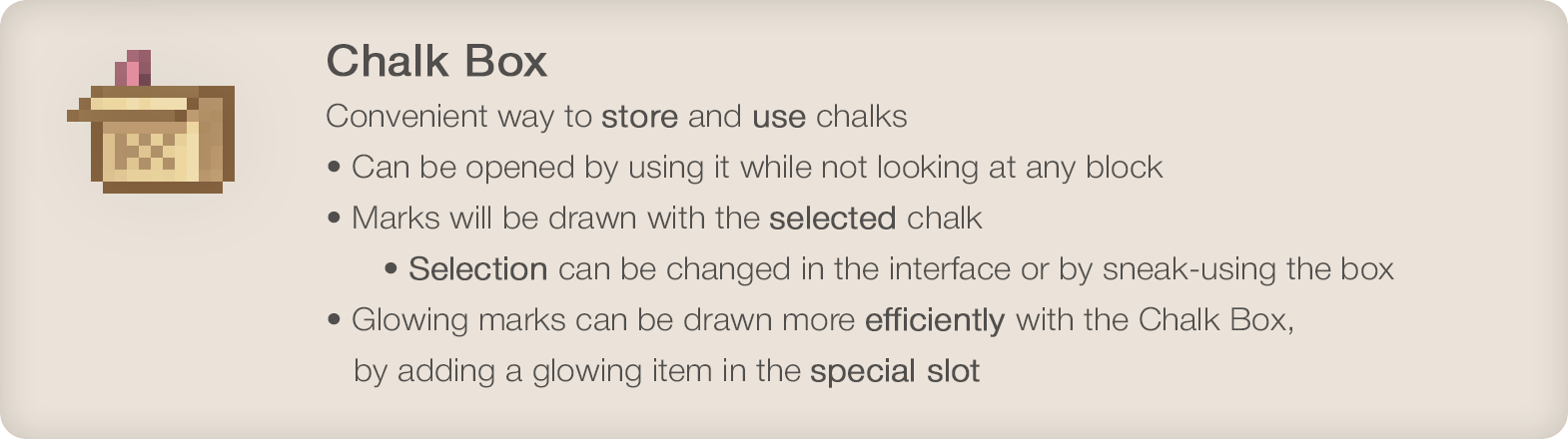
Chalk Box
Convenient way to store and use chalks- Can be opened by using it while not looking at any block
- Marks will be drawn with the selected chalk
- Selection can be changed in the interface or by sneak-using the box
- Glowing marks can be drawn more efficiently with the Chalk Box, by adding a glowing item in the special slot
•
Enjoying the mod? Your support would allow me to continue working on it and on other mods!
•
Screenshots
Gallery
-
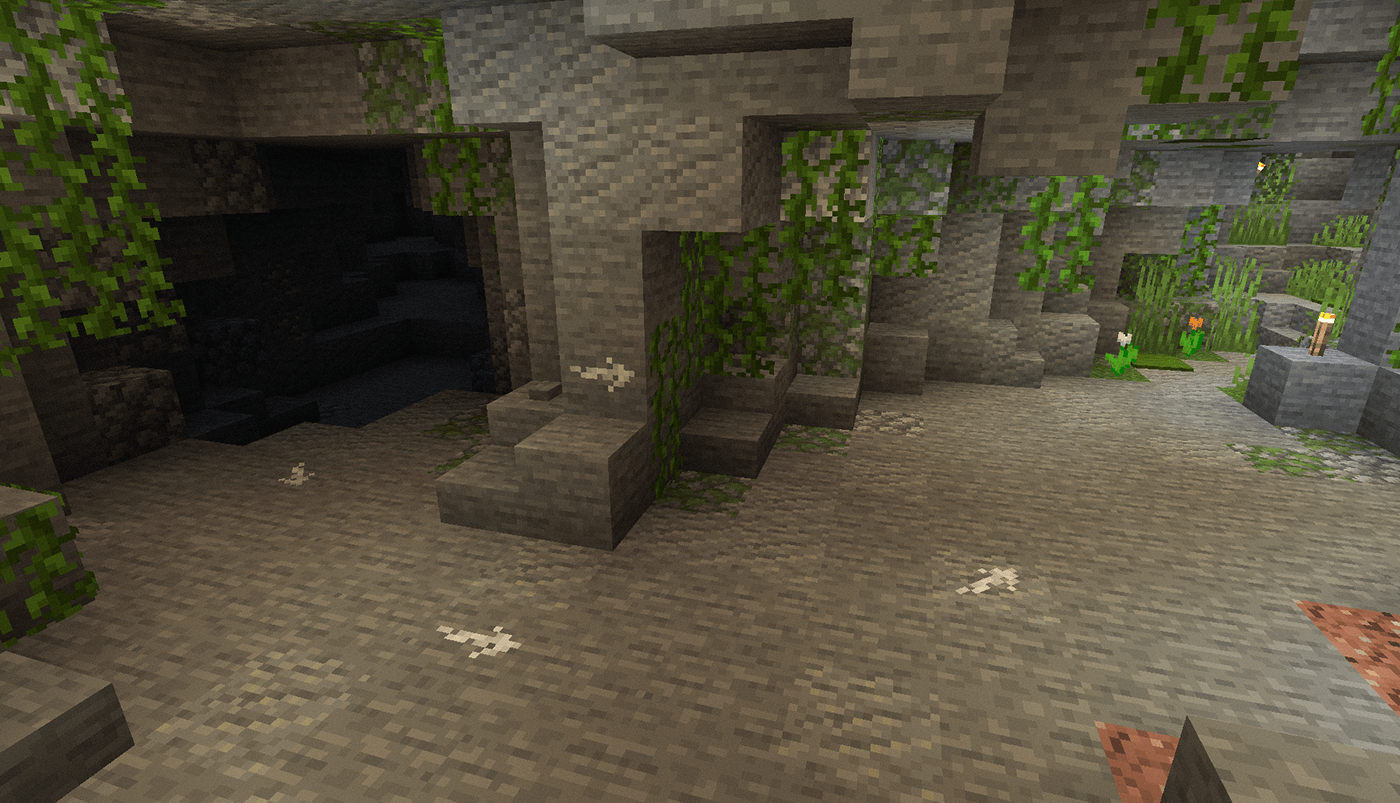 Cave
Cave -
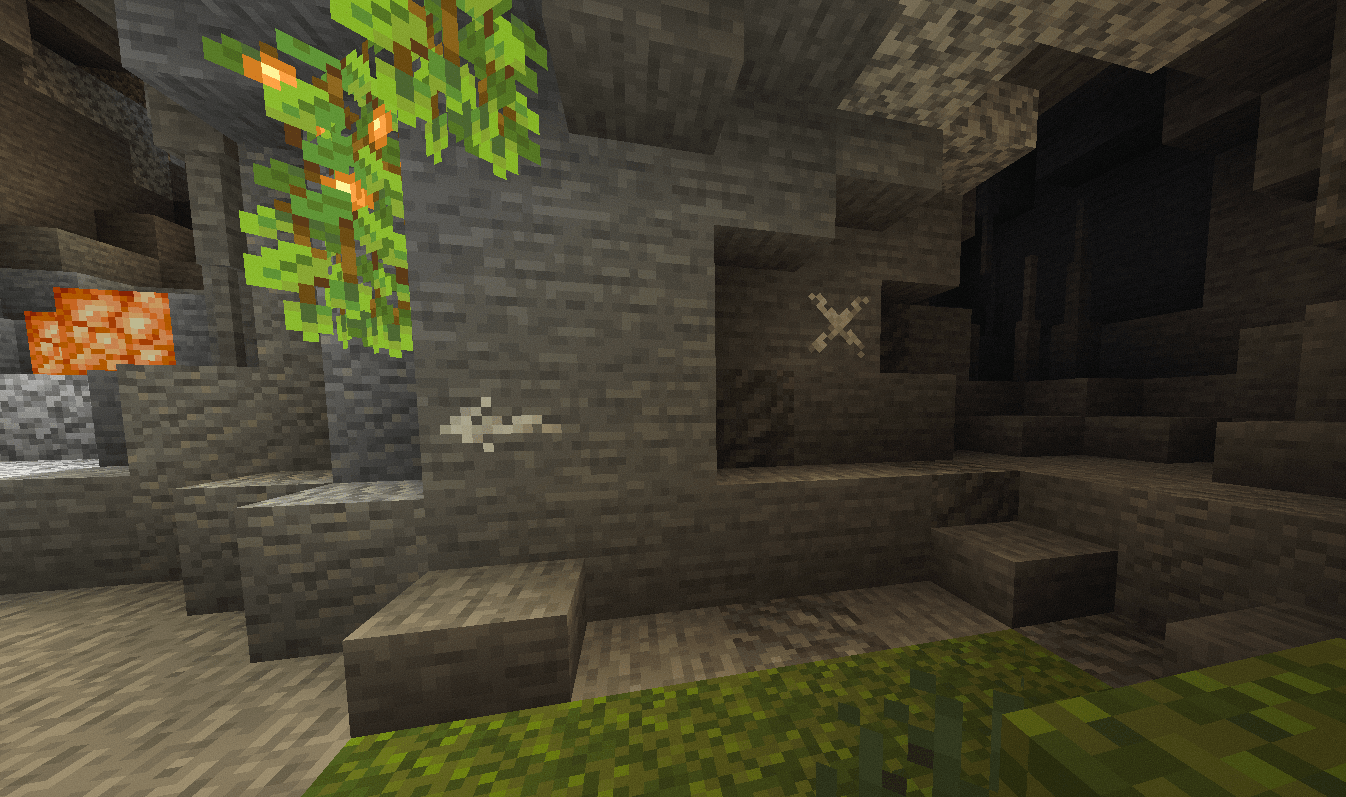 X-Mark
 -
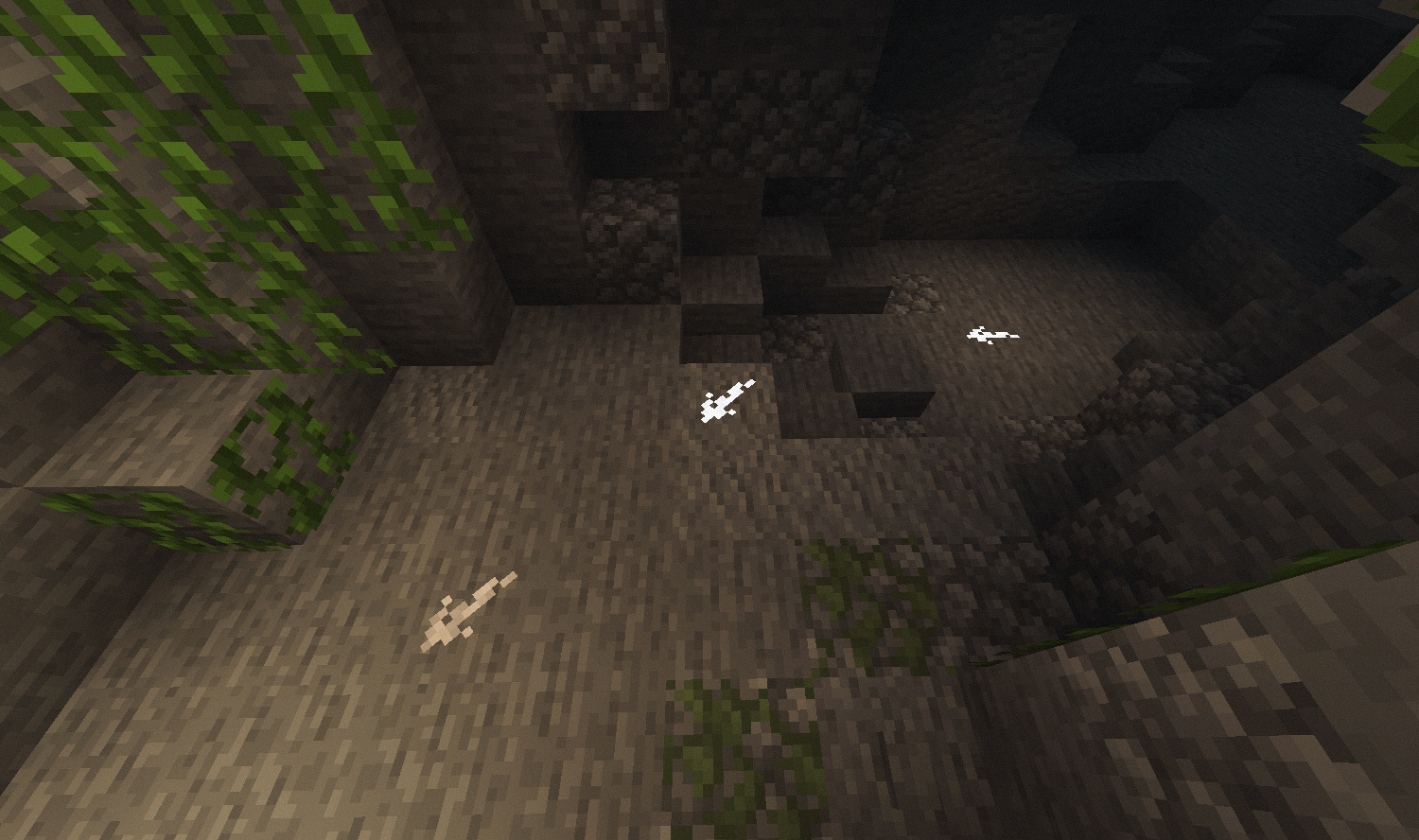 Glowing Marks
 -
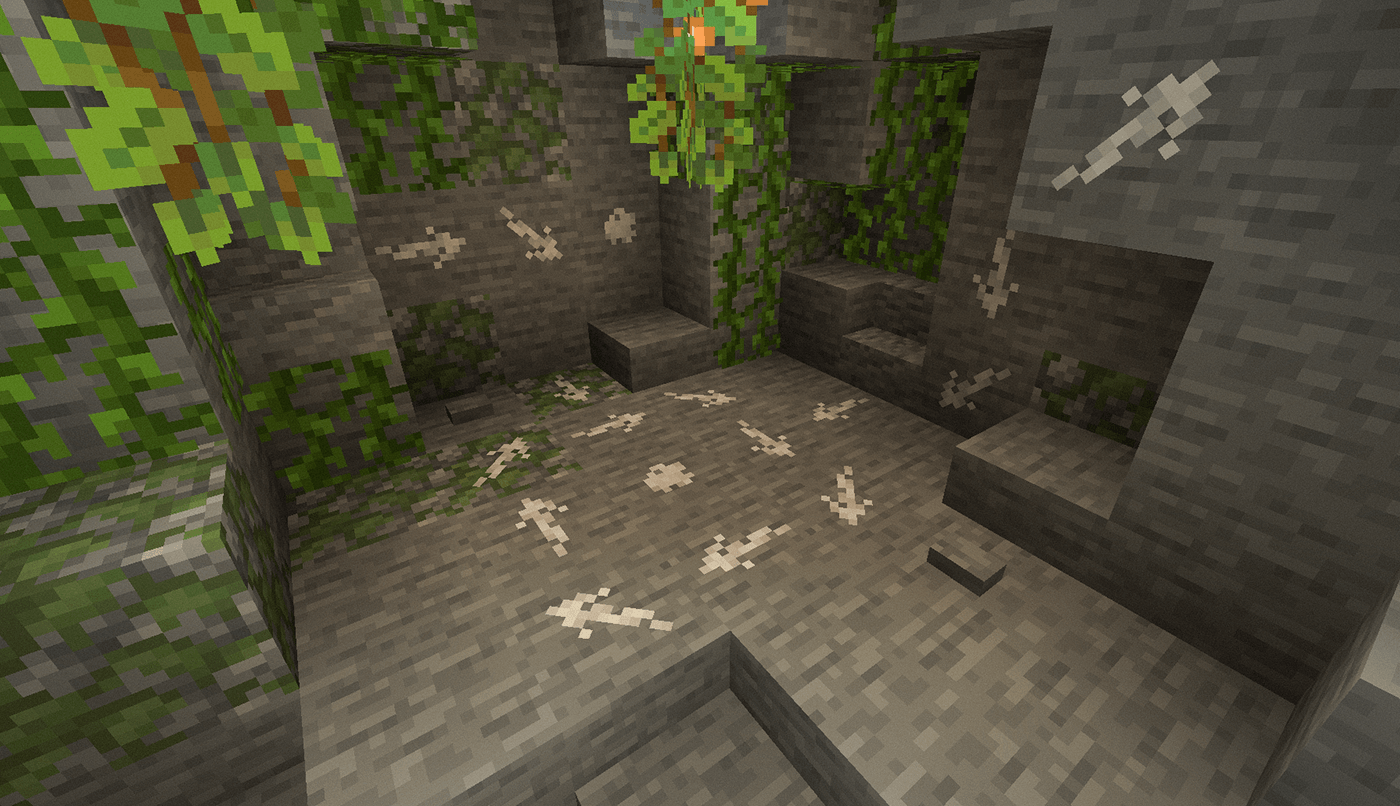 Arrows and Dots
 -
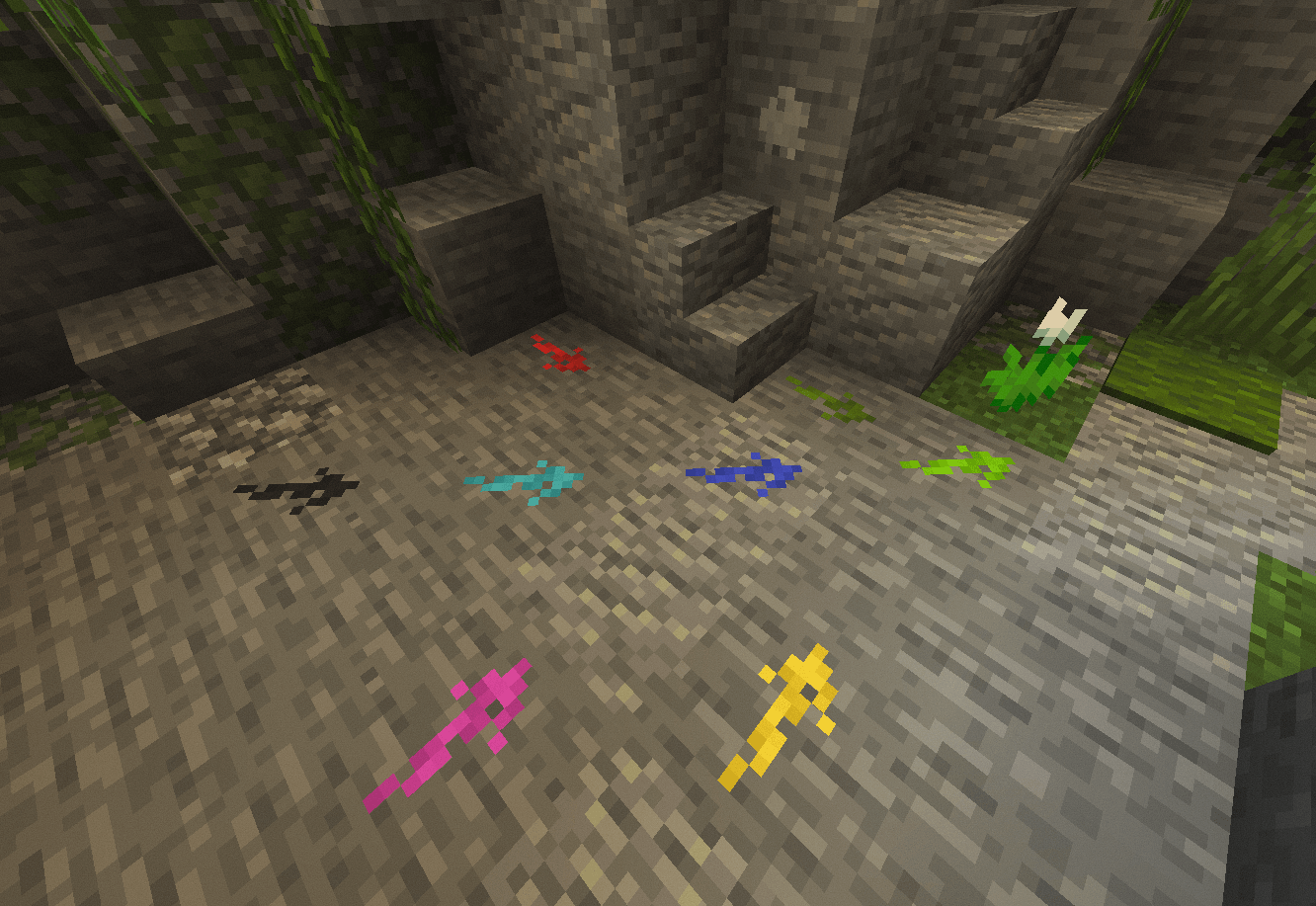 Colored Marks
 -
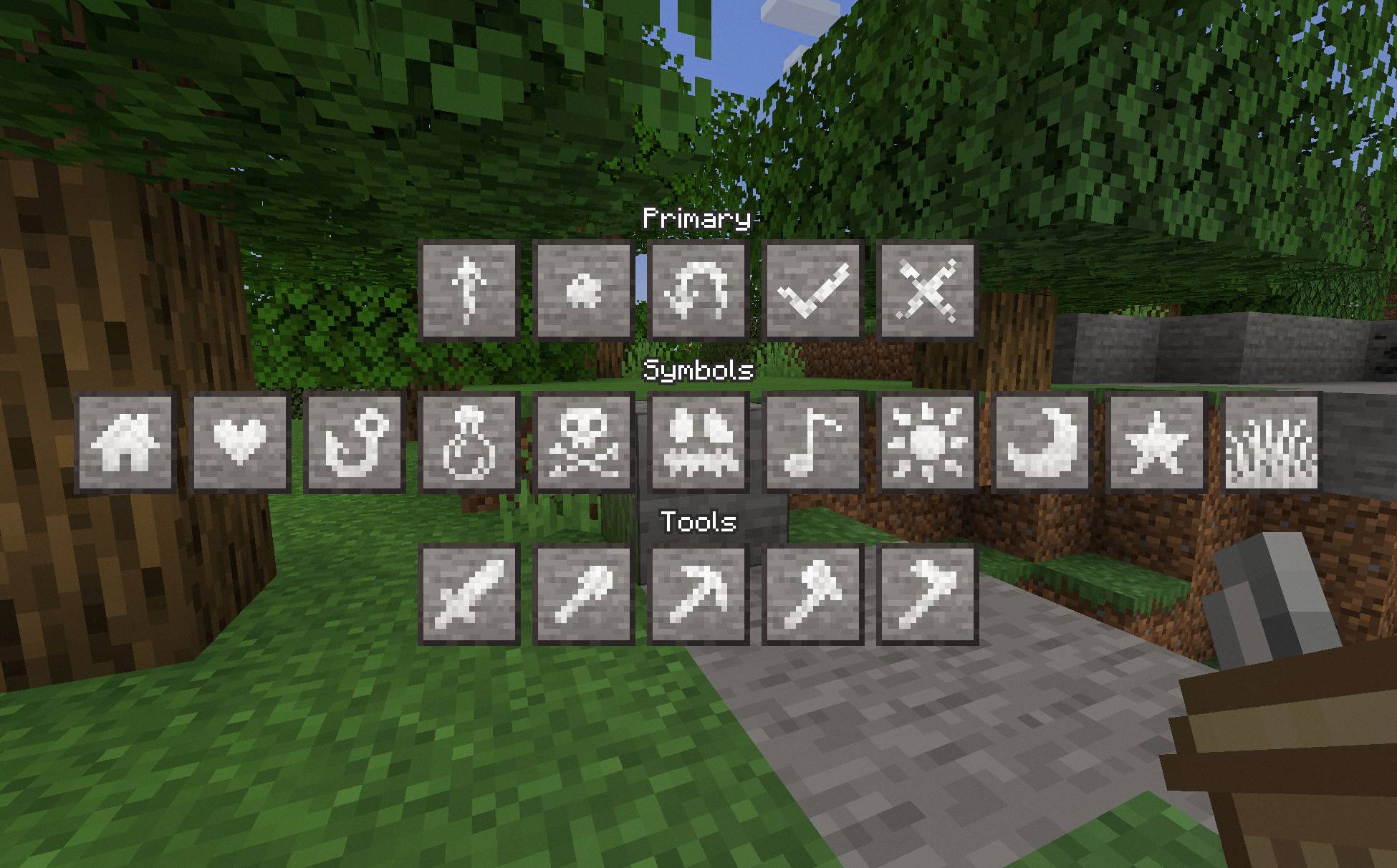 Symbol Selection
 -
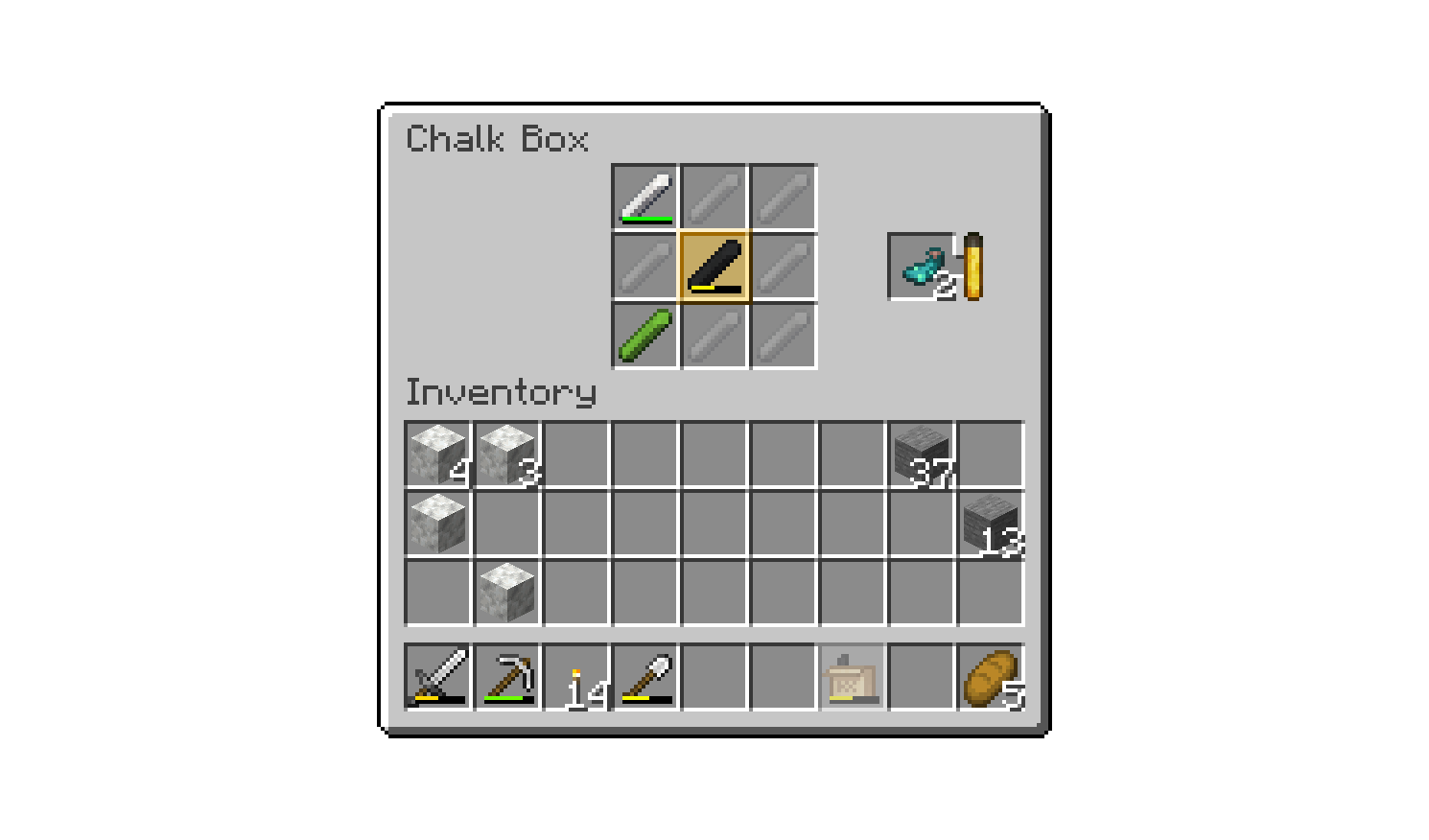 Chalk Box
-
 Cave Marks
 -
 X-Mark Marks
 -
 Glowing Marks
 -
 Arrows and Dots Marks
 -
 Colors Marks
 -
 Symbol Selection Interface
 -
 Chalk Box Interface
Versions
Files
Relations
Project Relations
More like this
Similar Mods
Suggestions use data such as tags, dependencies, dependents, descriptions, titles, and more to rank how much they overlap with this mod.
On ModDex
Community snapshot
By the numbers
Statistics
 (opens in a new tab)
Get it on
Available Platforms
On ModDex
Community snapshot
By the numbers