
Community listing page, reviews here may not be monitored by the author.
Changing Velocity

No reviews yet
Adding Motion To The Motionless
Community voices
Reviews
No reviews yet. Be the first to review this project!
Get it on
Available Platforms
About
Project Details
For authors
Embed Badge
If you're the author of this project, you can embed a live badge anywhere that supports HTML or Markdown. It updates automatically whenever ratings change.
Use HTML for any page that supports it, or Markdown for README files and Markdown-based descriptions.
Identifiers
Platform IDs
Resources
External Links
About
Description

-Alternative textures.
Changing velocity is a creative mode type mod that adds a way to make things move in ways they previously didn't.
It allows you to decorate walls in a new way, and interact with particles like you haven't before. I honestly probably couldn't list all the things you can do with this mod. It may be a little funky at first when going to make things fly, with things weighing different and such. Its just good to not start something lifting off from the ground unless it has upward motion. The upward motion really helps. (there's some tricks that can be done during the lift off that can make an entity hover for a short while then fly upwards too).
To get started give yourself a command block and put in the following command:
repeat, unconditional, needs redstone.
/execute @e[type=MinecartRideable] ~ ~-2 ~ summon go.LiftOff ~ ~ ~
Have that one turned on with a lever.
Then another one.
impulse, unconditional, needs redstone.
/summon MinecartRideable ~ ~2 ~ {Motion:[0.0,0.4,0.0]}
a button perhaps?
After pushing the button, there you have it, a flying minecart.
Now how to steer it? Repeating commands! :)
/execute @e[type=MinecartRideable] ~ ~-1.8 ~ summon go.up ~ ~ ~
/execute @e[type=MinecartRideable] ~ ~ ~2 summon go.north ~ ~ ~
/execute @e[type=MinecartRideable] ~ ~ ~-2 summon go.south ~ ~ ~
/execute @e[type=MinecartRideable] ~-2 ~ ~ summon go.east ~ ~ ~
/execute @e[type=MinecartRideable] ~2 ~ ~ summon go.west ~ ~ ~
There are also 4 entities North, East, South, West Projectiles.
These will go a total of 38 blocks by default (Fuse:140)
They go through blocks and entities.
They have the {Fuse:#} nbt tag so when you summon them, fuse has to be at the end like so:
/summon go.north_projectile ~ ~ ~ {Fuse:140}
FallingSand can be executed at these without having to be summoned above or below them. Such as:
/execute @e[type=go.north_projectile] ~ ~ ~ /summon FallingSand ~ ~ ~ {Time:140,Block:"minecraft:stone",DropItem:0}
You may find these helpful with building animations, automatic bridges, flying stuff, etc.
This mod doesn't add any blocks or anything, just some entities. The entities are all invisible by default.
In the assets/go/textures/entity folder there is a folder titled "alternative textures" in it is some nice colored schemed textures to help with direction or debugging.
Dark Green = Up
Light Green = Lift Off
Red = East
Blue = South
Yellow = West
Grey = North
Just drag and drop them in the entity folder and replace the invisible ones and they will be colored,
Check it out and see if you can make something cool :)
-You can fly a minecart off of a rail and land it back on a rail.
Lift Off will make a minecart hover when executed without a player in it.
Up will hover the minecart with a player in it.
-This mod can easily be the difference between having to write 5 commands or 50 commands. It simplifies a *whole lot* of command complication, slims it up, and makes it something smooth to apply eliminating the need to put in extraordinary nbt data for every single command block, and in turn saves a whole bunch of time.
Screenshots
Gallery
-
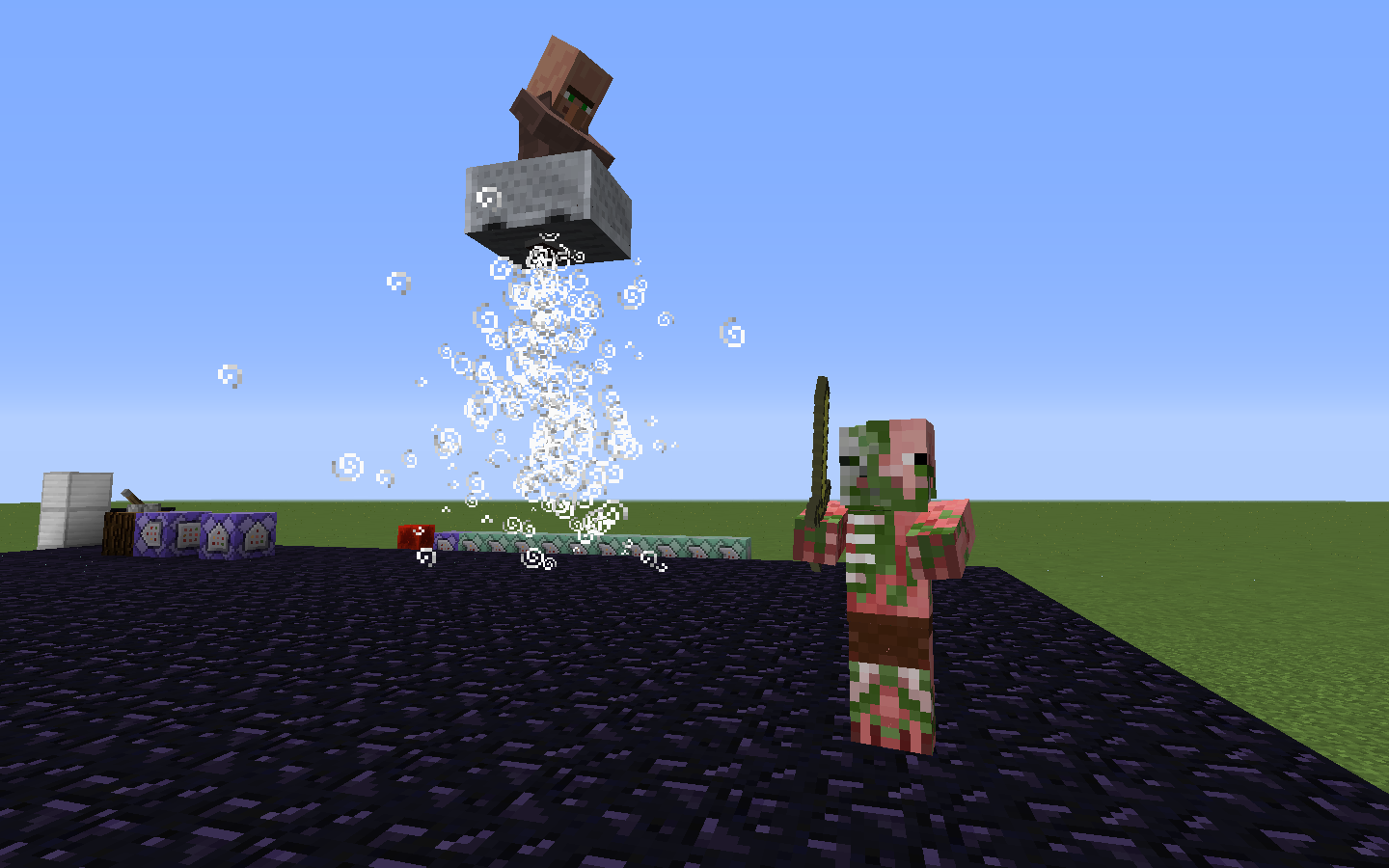 Flying Minecarts The Villager *Looks Safe :P
 -
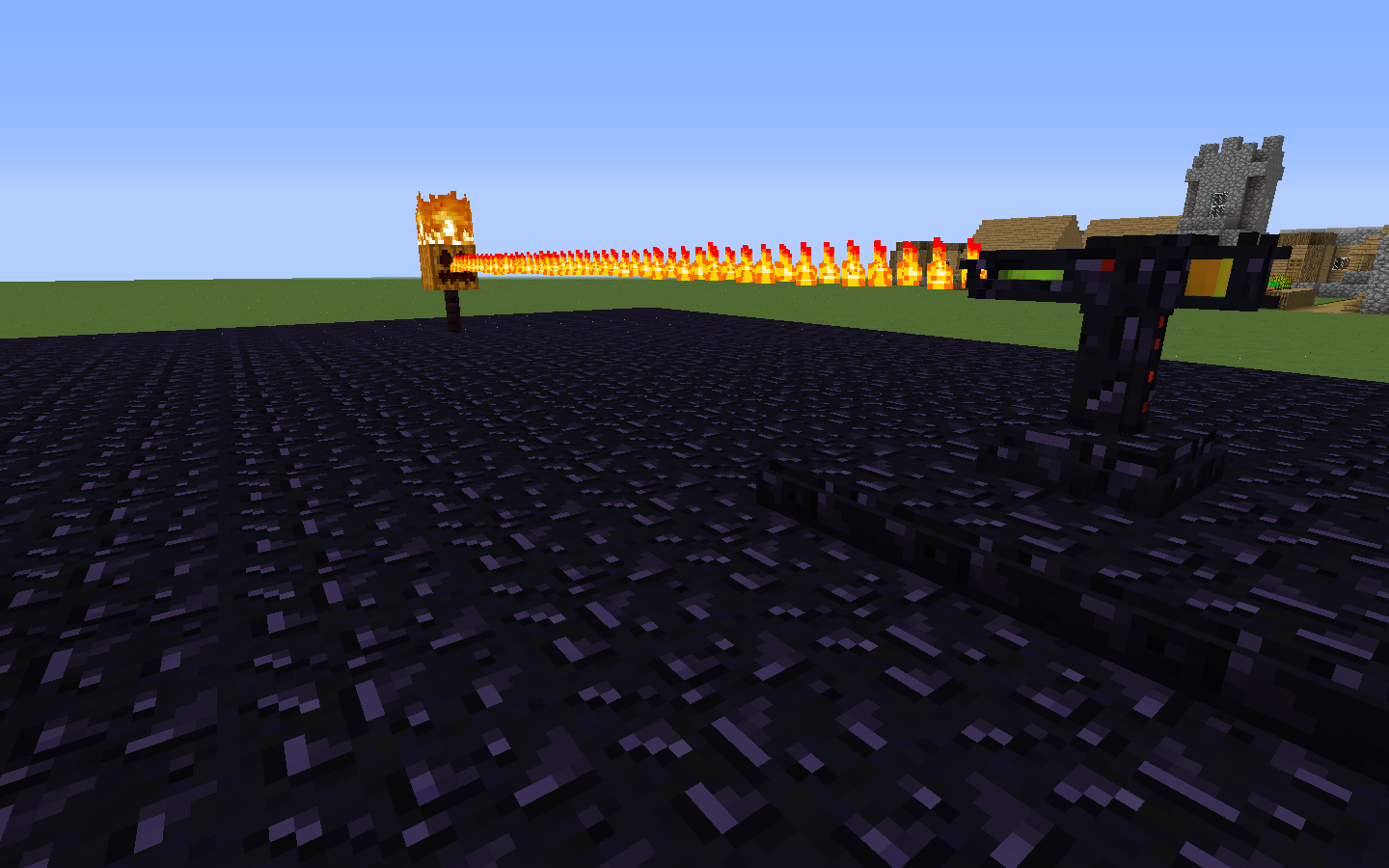 Adjustable Laser Beams Straight Line Particle Demonstration.
 -
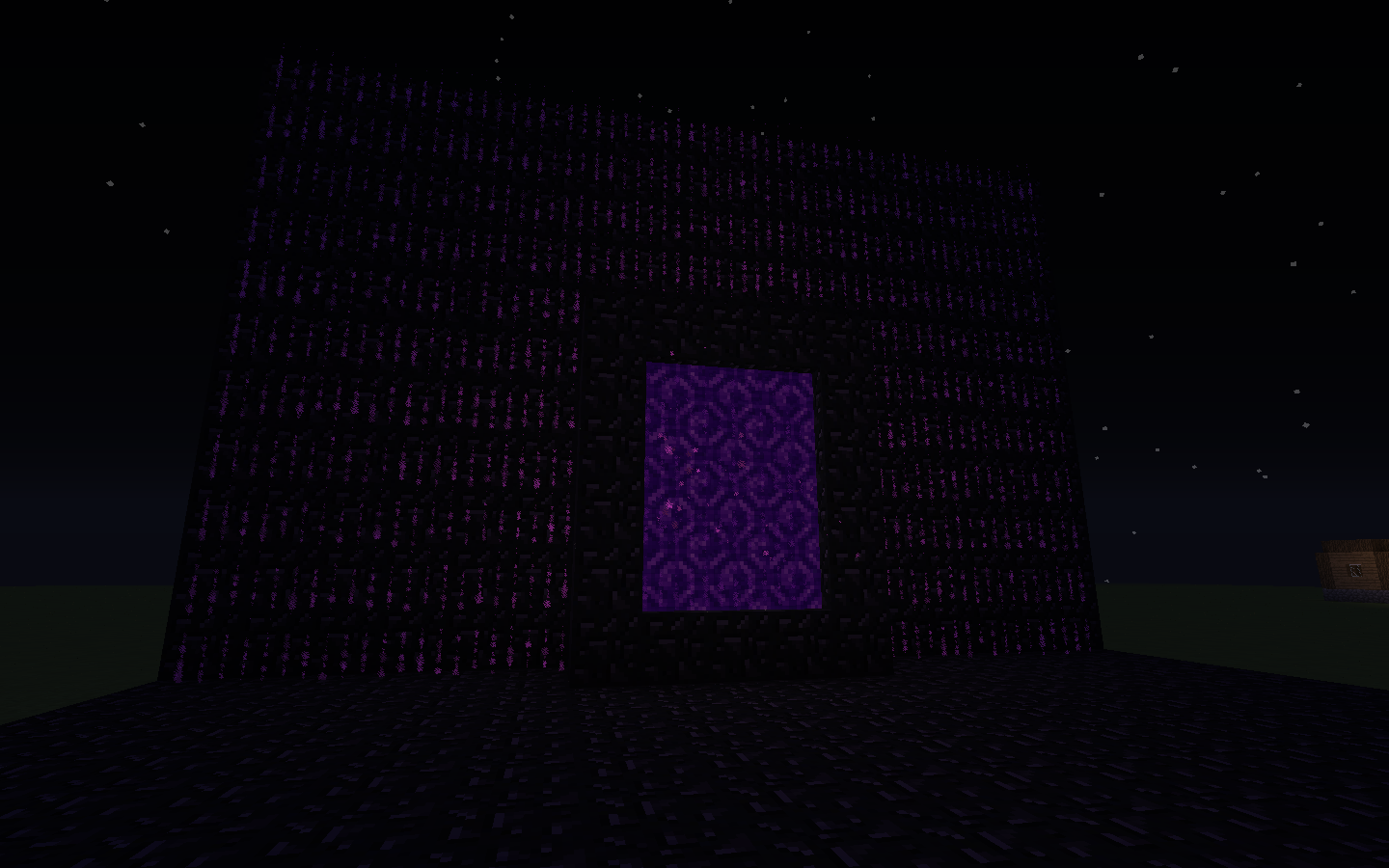 Animated Particle Wall Covers Demonstration of Particle Execution.
Versions
Files
Relations
Project Relations
More like this
Similar Mods
Suggestions use data such as tags, dependencies, dependents, descriptions, titles, and more to rank how much they overlap with this mod.
On ModDex
Community snapshot
By the numbers
Statistics
Want to reach Minecraft players?
We're looking for a server hosting partner to feature here and other parts of the site. Interested? Send us a message!
Get in touchGet it on
Available Platforms
On ModDex
Community snapshot
By the numbers
Statistics
Resources