
Community listing page, reviews may not be monitored by the author.
PolyCrosshair


No reviews yet
An extremely customizable crosshair mod

Community voices
Reviews
No reviews yet. Be the first to review this project!
Get it on
Available Platforms
Compatibility
Supported Environments
Runs entirely on the client. Works on vanilla servers.
About
Project Details
For authors
Embed Badge
If you're the author of this project, you can embed a live badge anywhere that supports HTML or Markdown. It updates automatically whenever ratings change.
Use HTML for any page that supports it, or Markdown for README files and Markdown-based descriptions.
Identifiers
Platform IDs
About
Description

PolyCrosshair


A crosshair modification mod
Features
- Colorful Canvas
- Invert Color
- Dynamic Color
- Rotation
- Profile System
- Import / Export
Gallery

PolyCrosshair


PolyCrosshair lets you draw your own crosshair in a built-in pixel editor.
Editor
- Four canvas sizes, from 7x7 up to 63x63
- A pen and a circle tool
- Mirror your strokes horizontally, vertically or both
- Undo and redo
- Save the crosshairs you like and load them back later
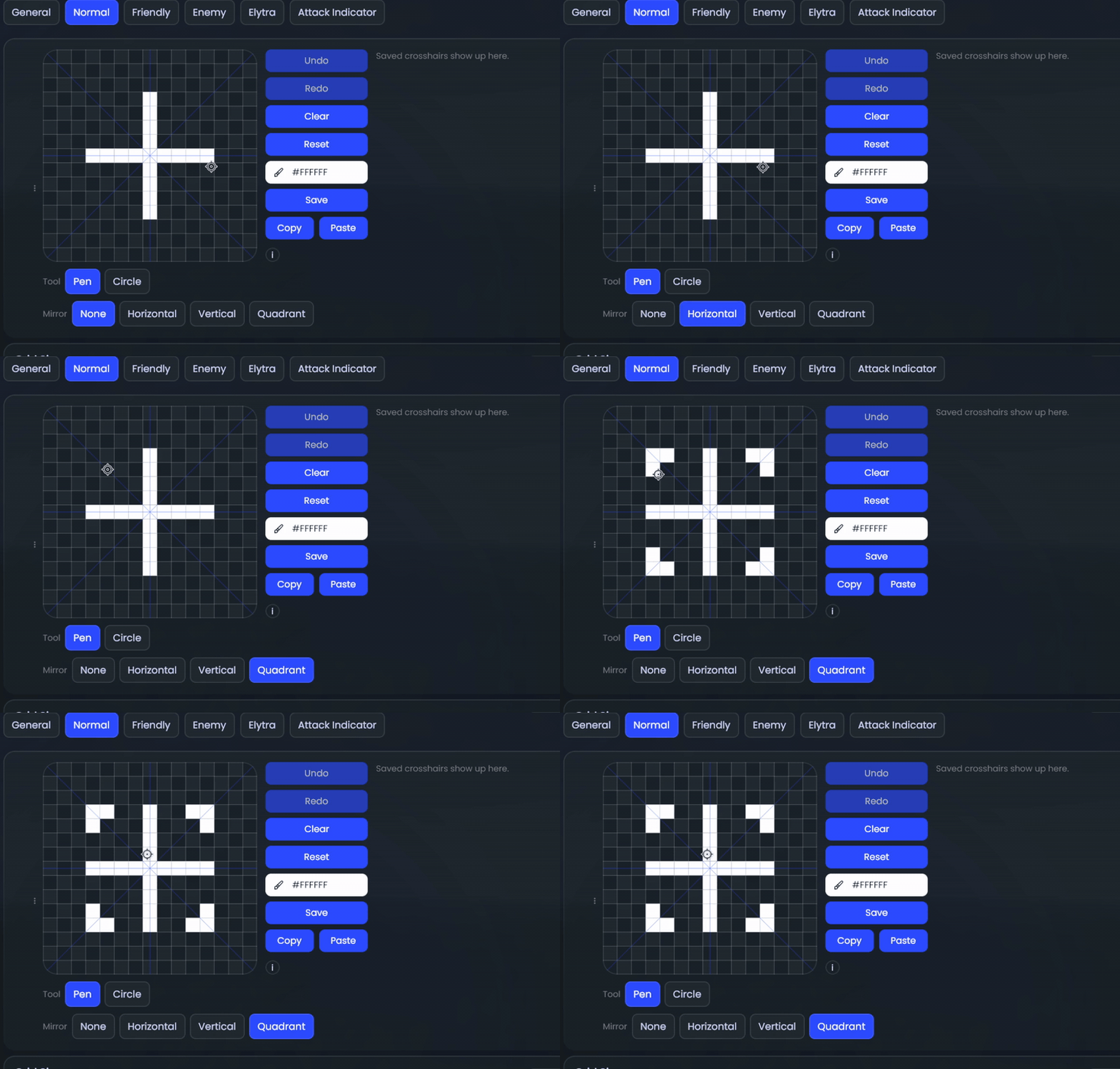
Shortcuts in the editor:
Deleteclears the canvasSshows or hides the guide lines- Hold
Shiftto lock a stroke to one direction ZandYundo and redoWswitches the mirror modeCswitches between pen and circle
More crosshairs
- Draw separate crosshairs for when you look at a friendly or an enemy target (teammates and animals count as friendly)
- An elytra indicator below the crosshair while you're wearing one (1.21.1+)
Options
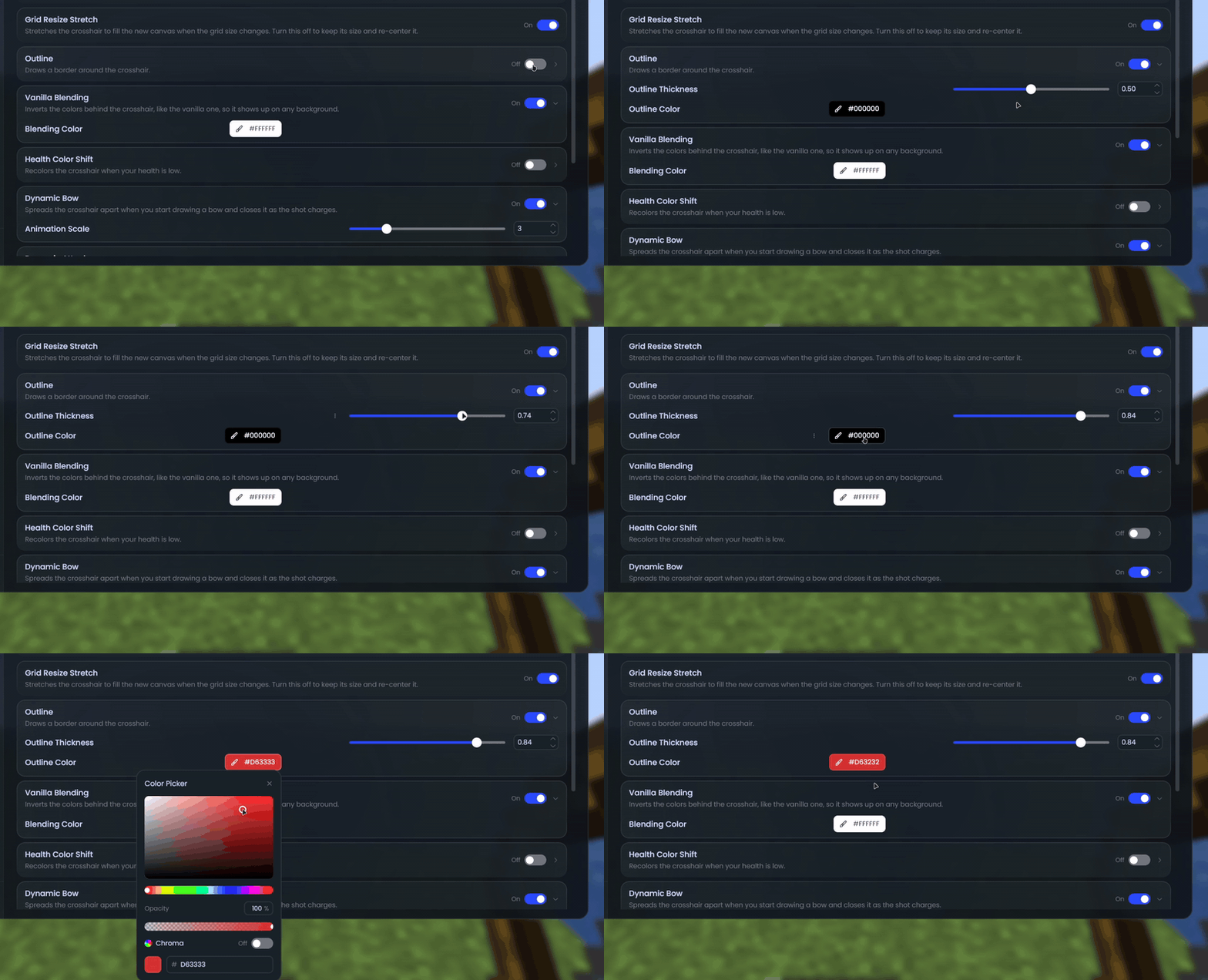
- Outline with a custom color and thickness
- Vanilla-style blending that inverts the colors behind the crosshair
- Change color when your health gets low
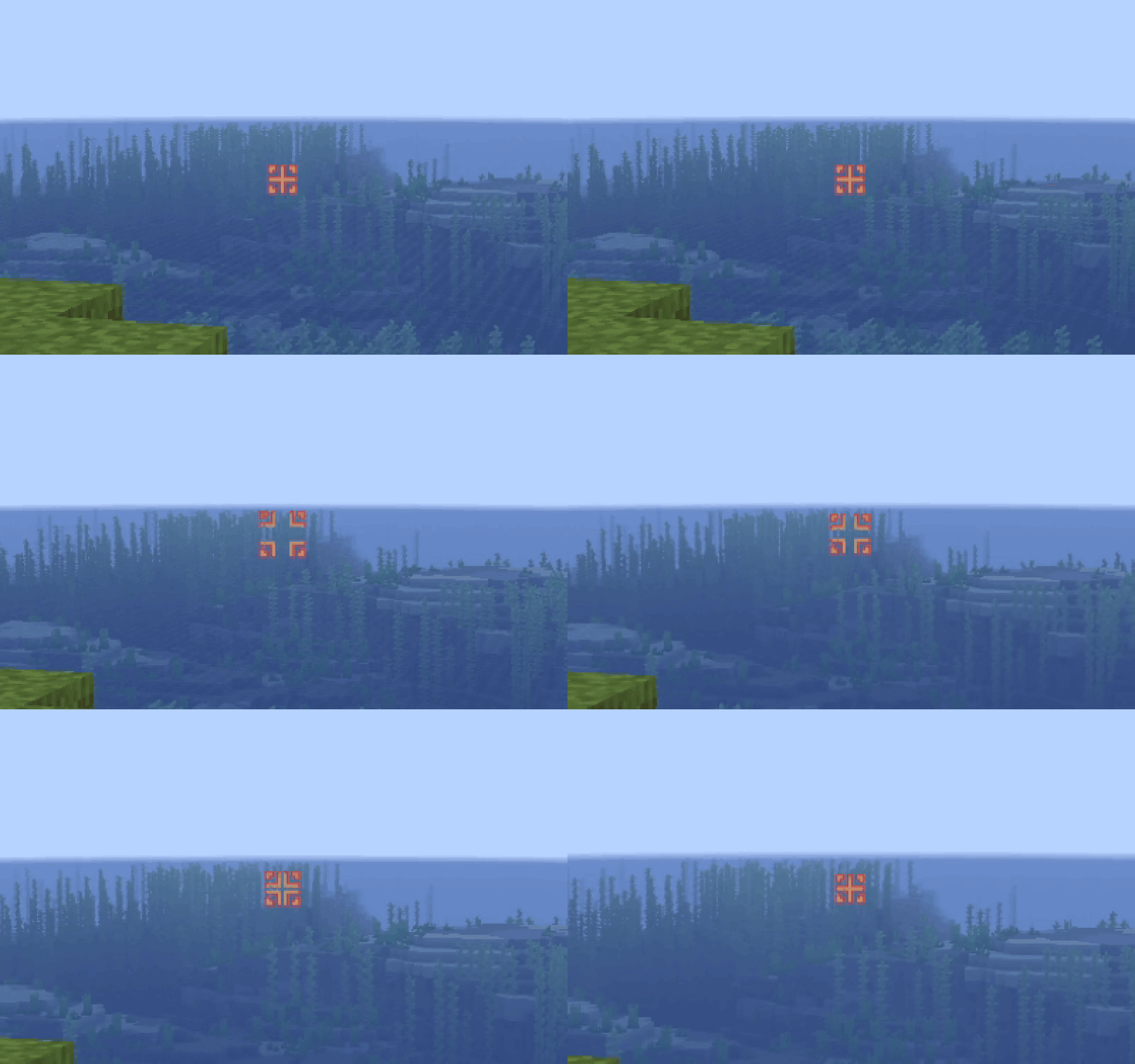
- Dynamic crosshair that spreads while you draw a bow or after you attack (attack not on 1.8.9)
- Custom scale that ignores your GUI scale
- Show it in third person and while spectating
Supported versions
- Minecraft 1.8.9 on Ornithe.
- Minecraft 1.21.1-26.3 on Fabric.
PolyCrosshair needs OneConfig and Fabric Language Kotlin.
Support
- Report bugs and ask questions on the Polyfrost Discord.
- Check Polyfrost Status if a Polyfrost service is down.
Screenshots
Gallery
-
 Editor
-
 Outline options
-
 Dynamic bow
Versions
Files
Relations
Project Relations
More like this
Similar Mods
Suggestions use data such as tags, dependencies, dependents, descriptions, titles, and more to rank how much they overlap with this mod.
On ModDex
Community snapshot
By the numbers
Statistics

Get it on
Available Platforms
On ModDex
Community snapshot
By the numbers