
Community listing page, reviews here may not be monitored by the author.
PolyBlur


No reviews yet
Apply motion blur in-game in way, way too many options

Community voices
Reviews
No reviews yet. Be the first to review this project!
Get it on
Available Platforms
Compatibility
Supported Environments
Runs entirely on the client. Works on vanilla servers.
About
Project Details
For authors
Embed Badge
If you're the author of this project, you can embed a live badge anywhere that supports HTML or Markdown. It updates automatically whenever ratings change.
Use HTML for any page that supports it, or Markdown for README files and Markdown-based descriptions.
Identifiers
Platform IDs
About
Description
PolyBlur


Apply motion blur to your mod in way, way too many ways.
Allows customizing:
- Whether to forcefully disable OptiFine's Fast Render when using the blur
- The blur type
- There are three blur types:
- Monkey Blur - Uses a type of blur based on BSL / NVIDIA blur shaders
- Phosphor Blur - Uses a modified version of the Minecraft "phosphor" shader. Similar to Lunar / BLC's blur. (default)
- Moulberry Blur - Achieves a similar effect to Phosphor blur via a different method. Originally made by Moulberry.
- Strength of the blur
PolyBlur


PolyBlur adds motion blur to Minecraft, with three blur types to pick from.
- Phosphor blends each frame into the next for the classic trail effect
- Unity blurs along the direction your camera moves
- Hybrid uses Unity for the world and Phosphor for your held item (not on 1.21.5 yet)
Other things you can do:
- Set the blur strength for the world and for your hand separately
- Keep your held item sharp
- Switch between three Phosphor blending modes
- Raise or lower the Unity sample count to trade smoothness for FPS
- Have Unity blur while you walk too, instead of only when you turn the camera (not on 1.8.9)
- You can use
/polyblurto open your settings
Supported versions
- Minecraft 1.8.9 on Ornithe.
- Minecraft 1.21.1-26.3 on Fabric.
PolyBlur needs OneConfig and Fabric Language Kotlin.
Support
- Report bugs and ask questions on the Polyfrost Discord.
- Check Polyfrost Status if a Polyfrost service is down.
Screenshots
Gallery
-
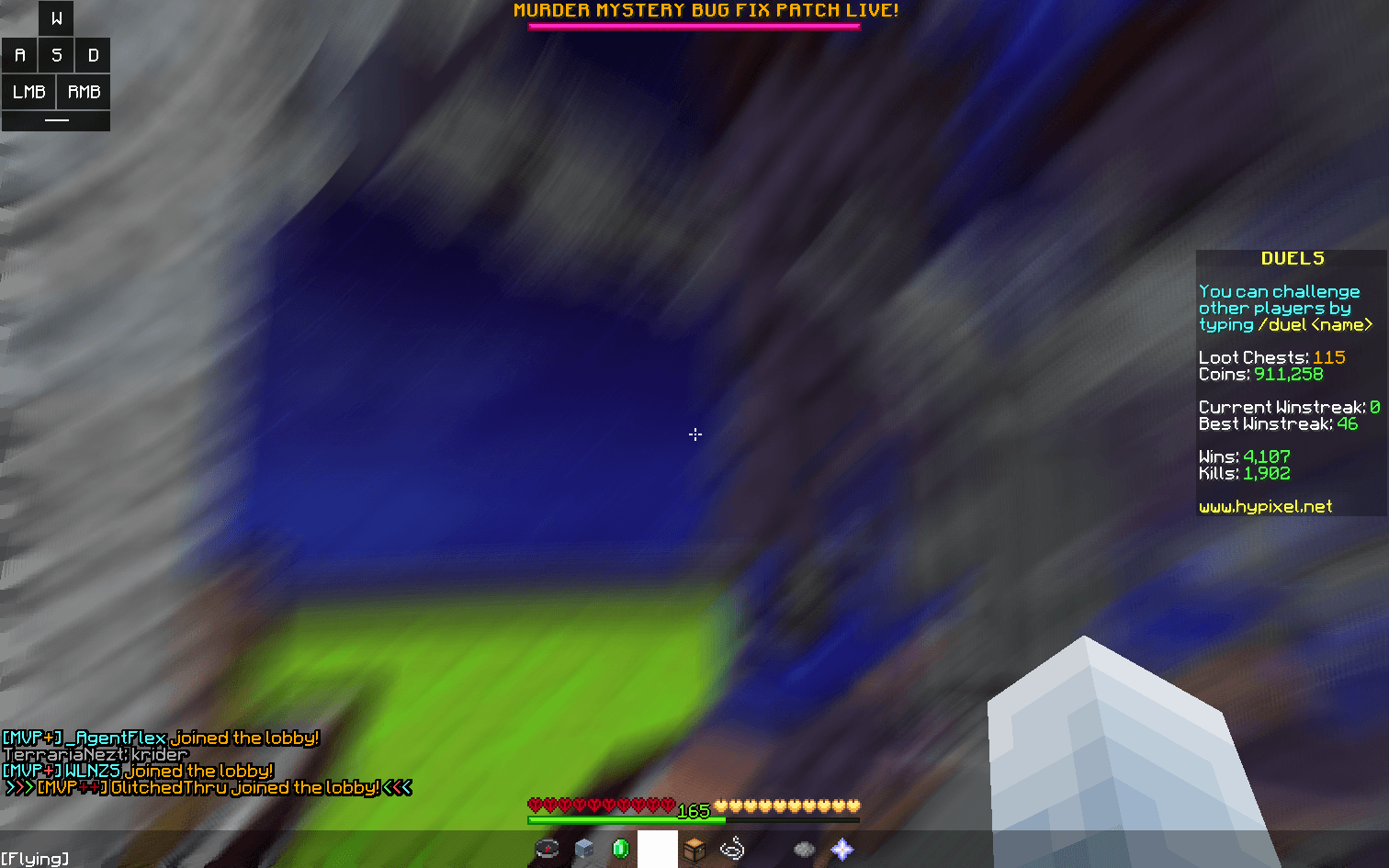 Preview of Monkey Blur Monkey Blur mode from PolyBlur at 3 strength
 -
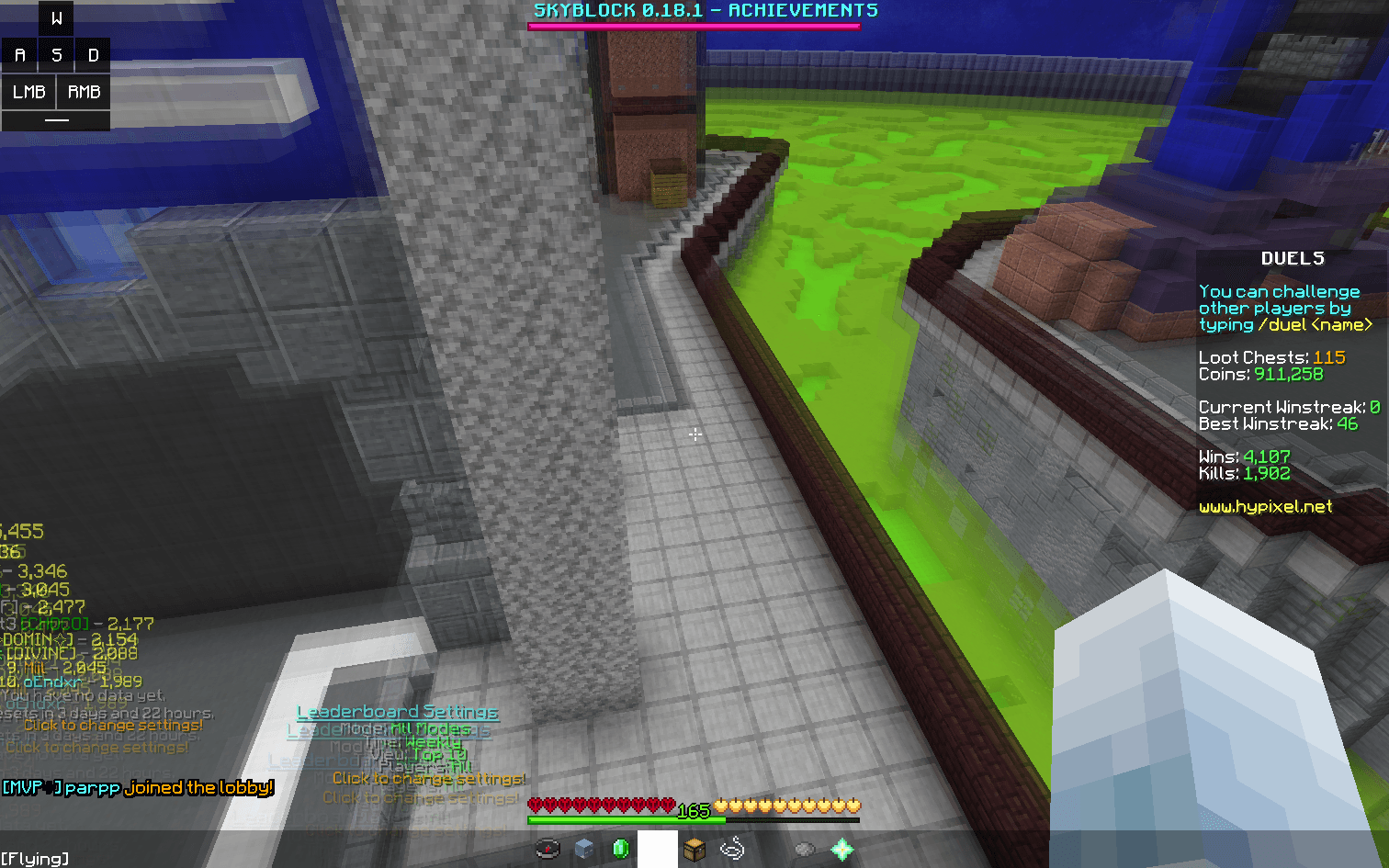 Preview of Phosphor / Moulberry Blur Phosphor / Moulberry Blur mode from PolyBlur at 3 strength
 -
 PolyBlur background
-
 Phosphor blur Phosphor at strength 3
 -
 PolyBlur background
Versions
Files
Relations
Project Relations
More like this
Similar Mods
Suggestions use data such as tags, dependencies, dependents, descriptions, titles, and more to rank how much they overlap with this mod.
On ModDex
Community snapshot
By the numbers
Statistics
 (opens in a new tab)
Get it on
Available Platforms
On ModDex
Community snapshot
By the numbers