Community listing page, reviews here may not be monitored by the author.
ChestESP

No reviews yet
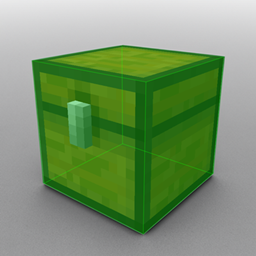
This mod highlights nearby chests so you can see them through walls. It's based on a Wurst Client feature of the same name.

Community voices
Reviews
No reviews yet. Be the first to review this project!
Get it on
Available Platforms
About
Project Details
For authors
Embed Badge
If you're the author of this project, you can embed a live badge anywhere that supports HTML or Markdown. It updates automatically whenever ratings change.
Use HTML for any page that supports it, or Markdown for README files and Markdown-based descriptions.
Identifiers
Platform IDs
About
Description
ChestESP
This mod highlights nearby chests so you can see them through walls. It's based on a Wurst Client feature of the same name.

Get the latest ChestESP versions as soon as they're released, only on WI Mods! (includes 26.1.x and 1.21.11 support)
Installation
[Important: Always make sure that your modloader and all of your mods are made for the same Minecraft version. Your game will crash if you mix different versions.]
Installation using Fabric
1. Install Fabric Loader.
2. Add Fabric API to your mods folder.
3. Add ChestESP to your mods folder.
[Note: Older ChestESP versions also required that you add Cloth Config and ModMenu to your mods folder. As of ChestESP 1.2, you no longer need to do this.]
Installation using NeoForge
1. Install NeoForge.
2. Add ChestESP to your mods folder.
Usage
Once installed, ChestESP will automatically highlight any nearby chests.
The mod also comes with an in-game settings menu that can be accessed through ModMenu in Fabric or the built-in mod list in NeoForge.
In the settings menu, you can:
- Change the style of the highlights (boxes, lines, or both).
- Customize the color of each container type.
- Toggle on/off specific container types.
- Enable/disable the entire mod.
There is also a "Toggle ChestESP" entry in the Options > Controls > Key Binds menu that allows you to quickly enable/disable the mod at the press of a button. This feature is not bound to any key by default.
Supported containers
ChestESP supports the following container types:
- Chests
- Trapped chests
- Ender chests
- Barrels
- Shulker boxes
- Decorated pots
- Chest minecarts
- Chest boats
- Hopper minecarts
- Hoppers
- Droppers
- Dispensers
- Crafters
- Furnaces
- Blast furnaces
- Smokers
Not all of these containers are enabled by default to prevent cluttering your screen. Be sure to check the settings menu and enable all the ones you want.
Supported languages
Only English for now.
Screenshots
Gallery
-
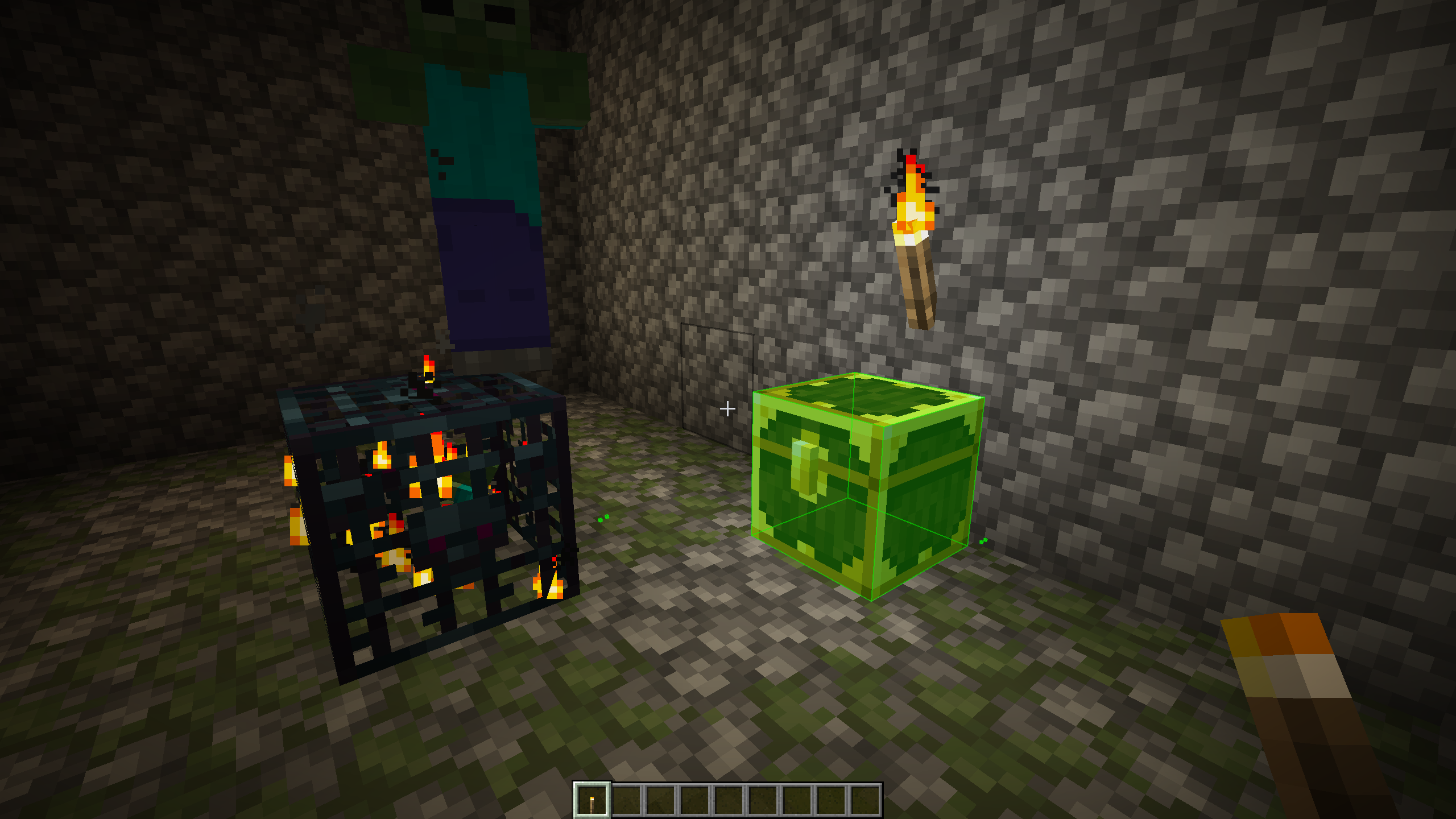 ChestESP + Lootr mod ChestESP also works with Lootr chests! (tested in 1.21.4)
Versions
Files
Relations
Project Relations
More like this
Similar Mods
Suggestions use data such as tags, dependencies, dependents, descriptions, titles, and more to rank how much they overlap with this mod.
On ModDex
Community snapshot
By the numbers
Statistics
 (opens in a new tab)
Get it on
Available Platforms
On ModDex
Community snapshot
By the numbers