
Community listing page, reviews here may not be monitored by the author.
Cinematic Weather


No reviews yet
Adds immersive visual wind, realistic falling leaves, storm, and dynamic camera shake effects
Community voices
Reviews
No reviews yet. Be the first to review this project!
Get it on
Available Platforms
Compatibility
Supported Environments
Must be installed on both the client and the server.
About
Project Details
For authors
Embed Badge
If you're the author of this project, you can embed a live badge anywhere that supports HTML or Markdown. It updates automatically whenever ratings change.
Use HTML for any page that supports it, or Markdown for README files and Markdown-based descriptions.
Identifiers
Platform IDs
Resources
External Links
About
Description
Cinematic Weather (Fabric 1.20.1 & 1.21.1)
Cinematic Weather is a client-side mod that brings your Minecraft weather and wind to life with beautiful effects, sounds, and physical reactions.
⚠️ Highly recommended to play with Sodium! Without it, severe storms may cause lag due to particle density.
Key Features:
- 🌀 Realistic Wind & Leaves: Leaves drift, spin, and sway naturally along with wind currents. Includes 4 different pixel-art leaf shapes.
- 🍂 No Stuck Particles: Floating leaves disappear instantly when colliding with the ground or trees instead of spinning awkwardly in place.
- 🌳 Dynamic Biome Colors: Leaves match the surrounding trees: dark pine needles in taiga, vibrant green in jungle, muddy green in swamps, dry golden-orange in savanna.
- ⚡ Storms & Hurricanes: Heavy storms push dropped items and the player, shake the screen gently, spawn sandstorms in deserts, and throw flying debris/blocks in the air.
- 🔊 Spatial Leaf Rustling: Walk near tree leaves during wind to hear spatial rustling sounds. Standing under a roof muffles weather sounds and blocks wind forces/particles.
- ⚙️ Smart Optimization: The mod does not spawn particles behind your back (out of sight), saving your FPS and memory.
- 🔧 Easy In-Game Menu: Customize leaf density (from 0 to 10 for massive falls), leaf size, and wind volume via ModMenu.
💬 Chat Commands
You can also use the /cw command in chat to control the wind and test presets:
/cw status- View current wind strength, direction, shelter factor, and active storm status./cw wind <strength> <yaw>- Override and set custom wind strength (0.0 to 3.0) and direction angle (0 to 360 degrees)./cw wind clear- Revert wind to normal simulation./cw storm start <intensity> <duration_seconds>- Start a custom cinematic storm./cw storm stop- Stop the active storm./cw preset <low/medium/high/ultra>- Instantly apply performance presets./cw leafdensity <multiplier>- Adjust leaf density multiplier directly./cw testmode <true/false>- Enable test mode for rapid storm cycle testing.
Cinematic Weather
Cinematic Weather is a client-side mod that brings your Minecraft weather and wind to life with beautiful effects, sounds, and physical reactions.
⚠️ Highly recommended to play with Sodium! Without it, severe storms may cause lag due to particle density.
Features
- 🌀 Realistic Wind & Leaves: Leaves drift, spin, and sway naturally along with wind currents. Includes 4 different pixel-art leaf shapes.
- 🍂 No Stuck Particles: Floating leaves disappear instantly when colliding with the ground or trees instead of spinning awkwardly in place.
- 🌳 Dynamic Biome Colors: Leaves match the surrounding trees: dark pine needles in taiga, vibrant green in jungle, muddy green in swamps, dry golden-orange in savanna.
- ⚡ Storms & Hurricanes: Heavy storms push dropped items and the player, shake the screen gently, spawn sandstorms in deserts, and throw flying debris/blocks in the air.
- 🔊 Spatial Leaf Rustling: Walk near tree leaves during wind to hear spatial rustling sounds. Standing under a roof muffles weather sounds and blocks wind forces/particles.
- ⚙️ Smart Optimization: The mod does not spawn particles behind your back (out of sight), saving your FPS and memory.
- 🔧 Easy In-Game Menu: Customize leaf density (from 0 to 10 for massive falls), leaf size, and wind volume via ModMenu.
Commands
You can also use the /cw command in chat to control the wind and test presets:
/cw status- View current wind strength, direction, shelter factor, and active storm status./cw wind <strength> <yaw>- Override and set custom wind strength (0.0 to 3.0) and direction angle (0 to 360 degrees)./cw wind clear- Revert wind to normal simulation./cw storm start <intensity> <duration_seconds>- Start a custom cinematic storm./cw storm stop- Stop the active storm./cw preset <low/medium/high/ultra>- Instantly apply performance presets./cw leafdensity <multiplier>- Adjust leaf density multiplier directly./cw testmode <true/false>- Enable test mode for rapid storm cycle testing.
Screenshots
Gallery
-
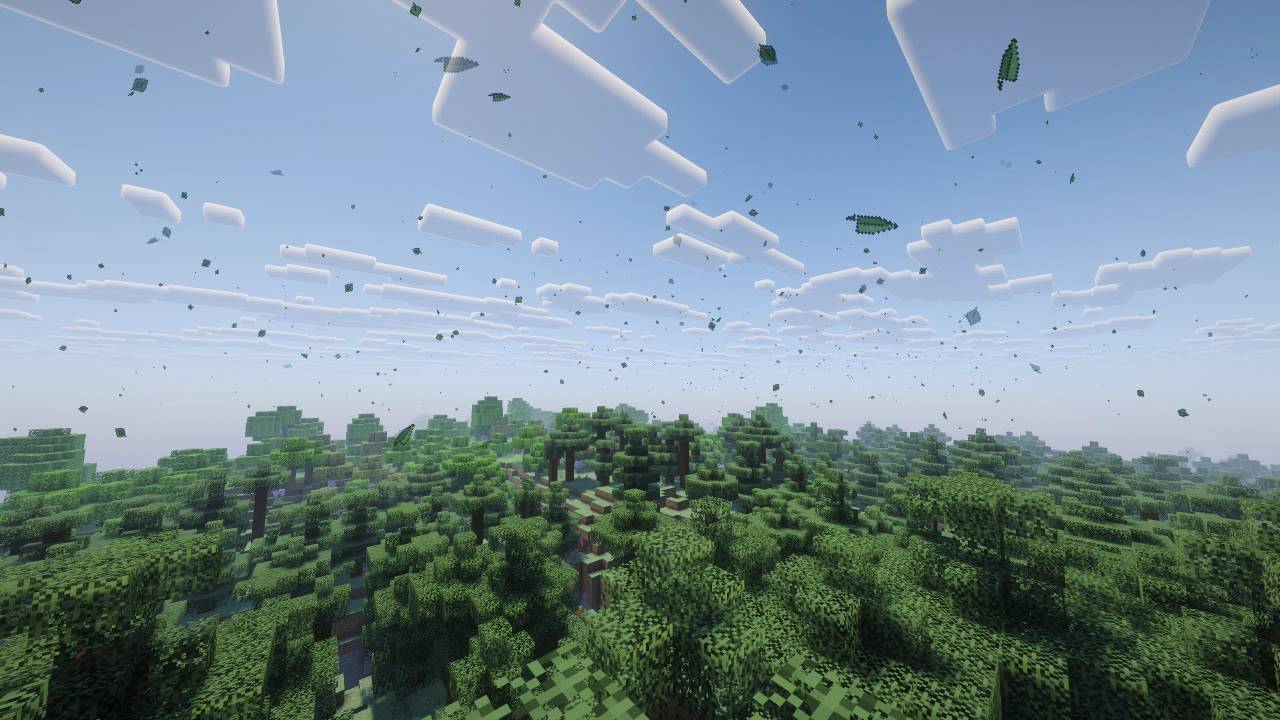 photo All In Beta
 -
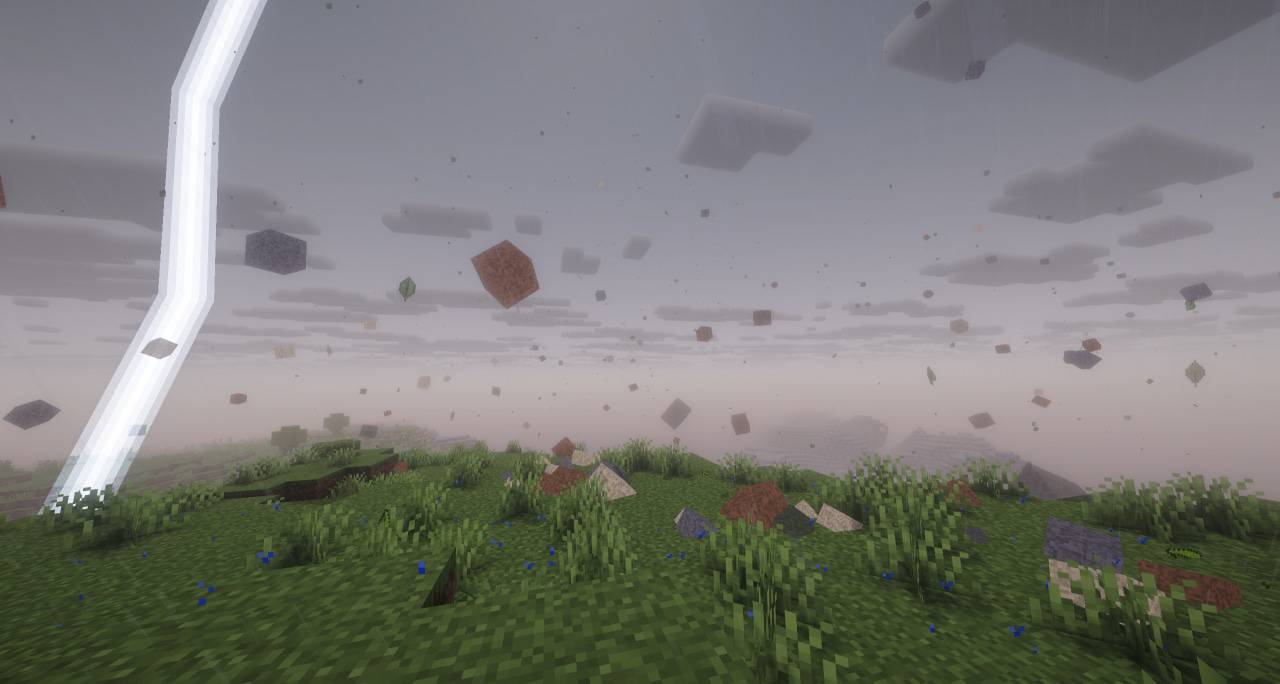 photo photo_6.jpg
 -
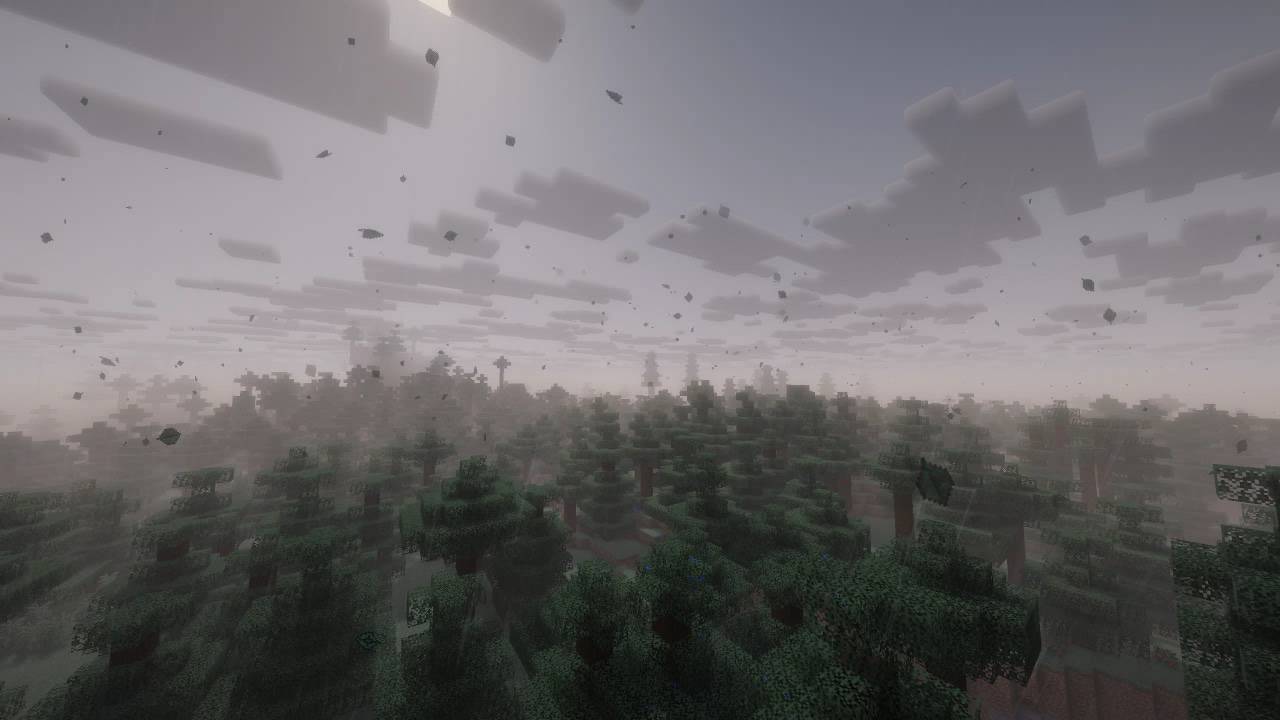 photo All In Beta
 -
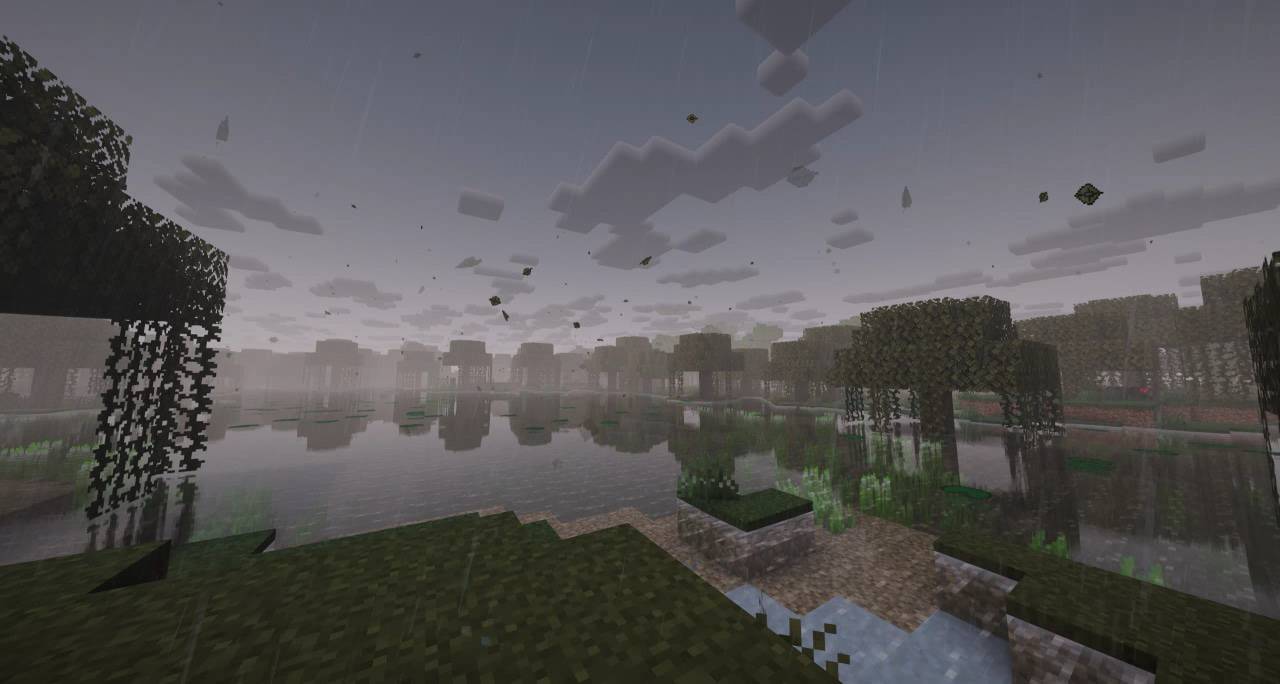 photo All In Beta
 -
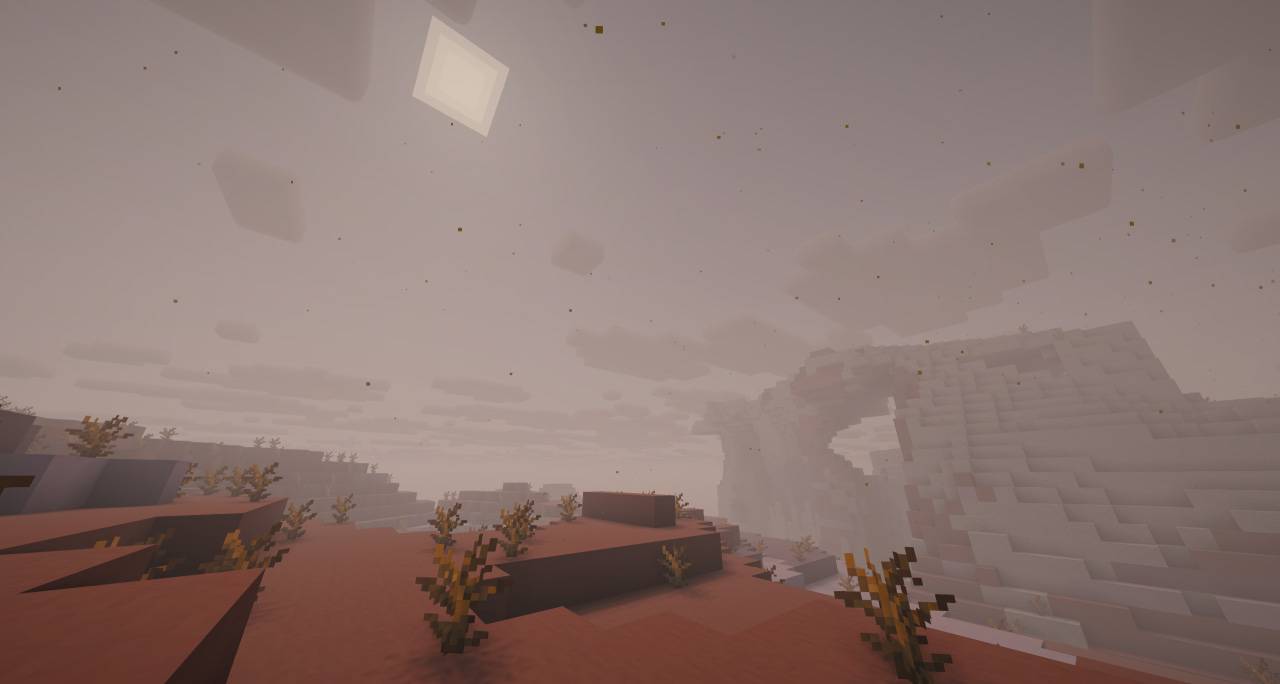 photo All In Beta
 -
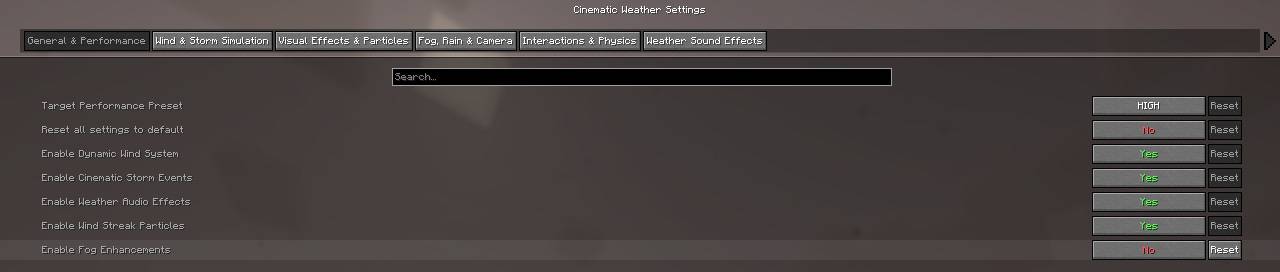 Config All In Beta
-
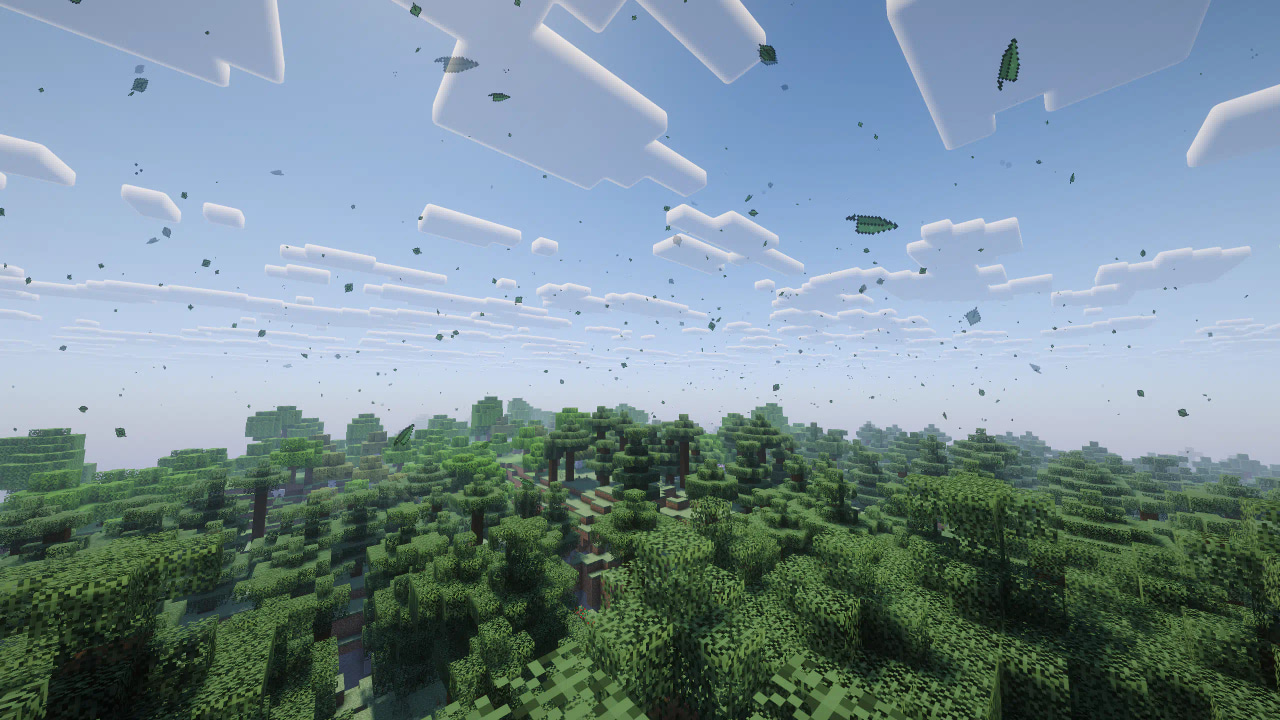 Preview All In Beta
 -
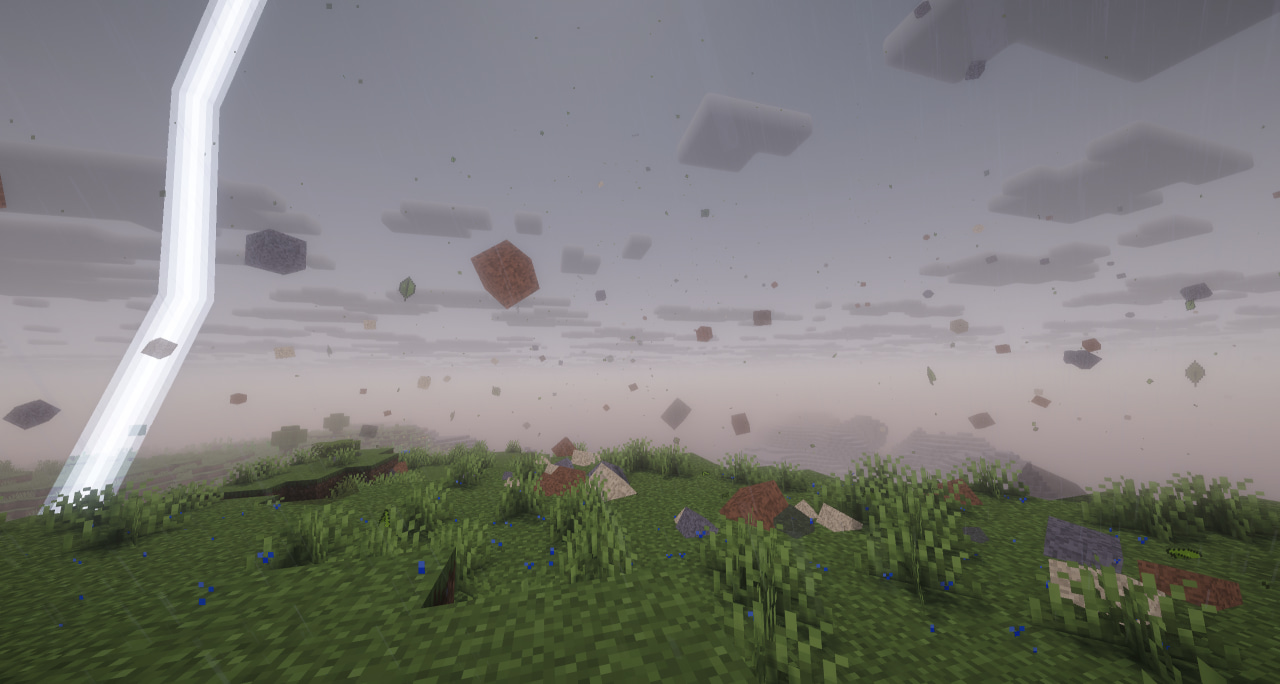 Preview All In Beta
 -
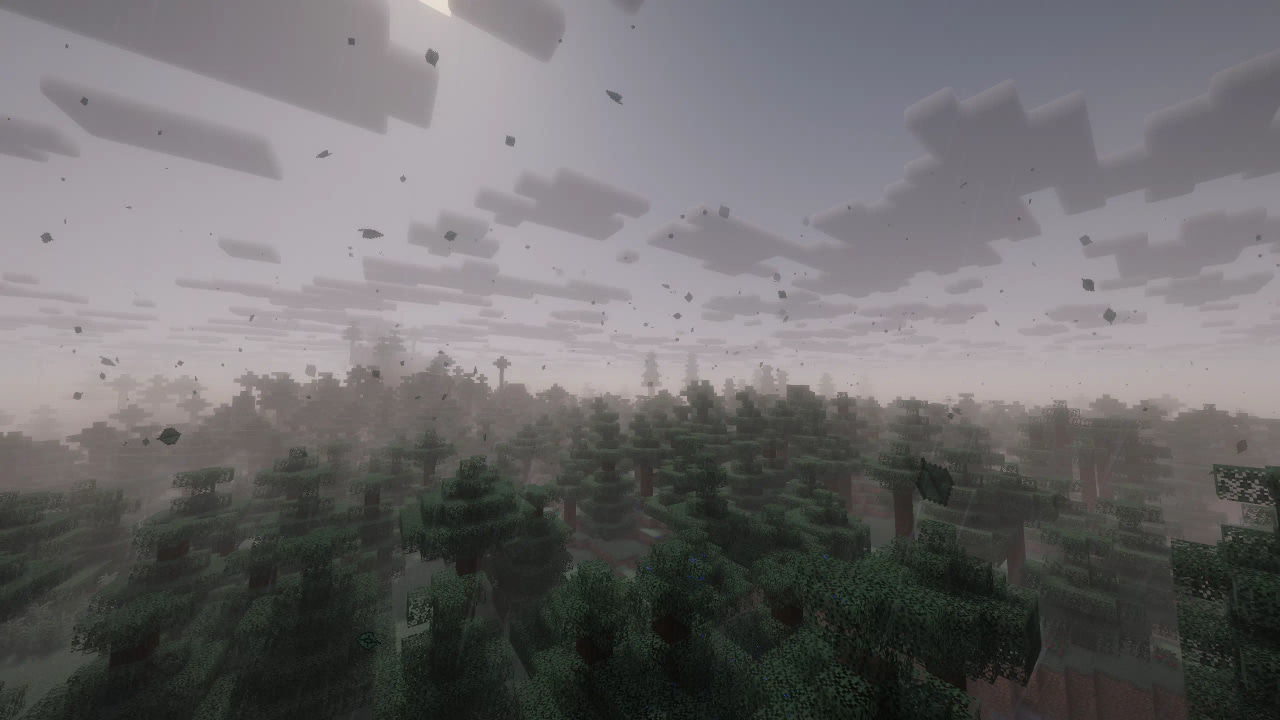 Preview All In Beta
 -
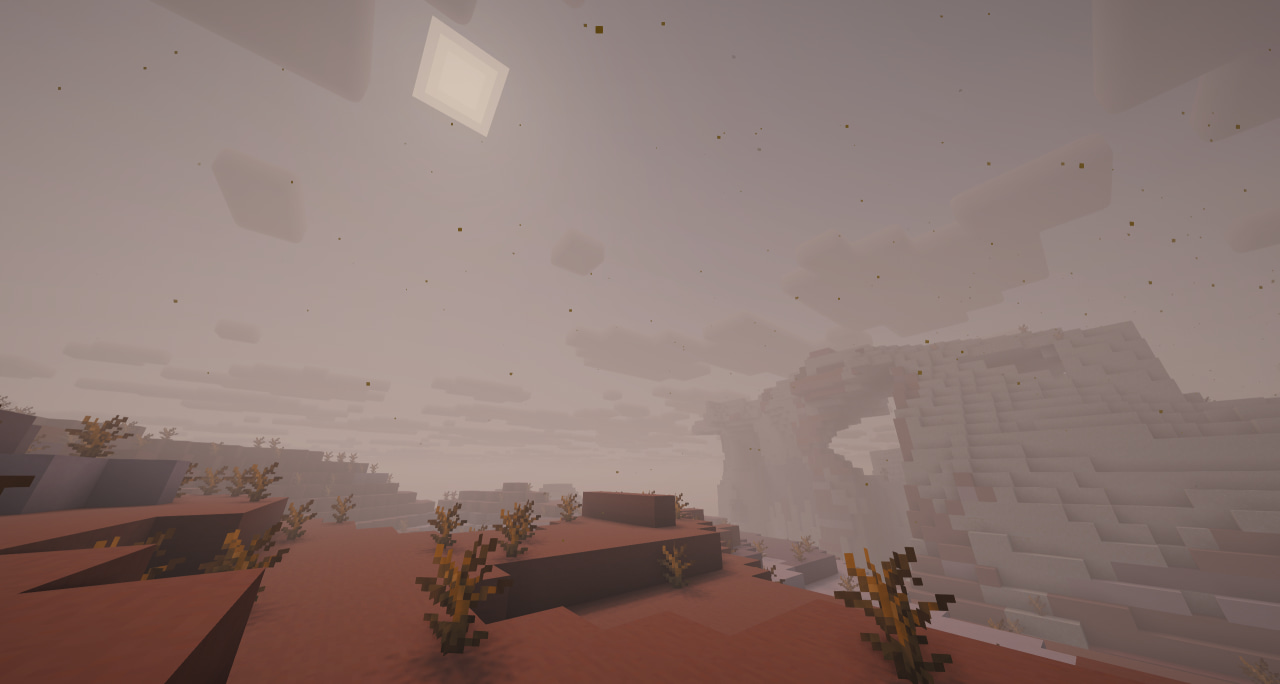 Preview All In Beta
 -
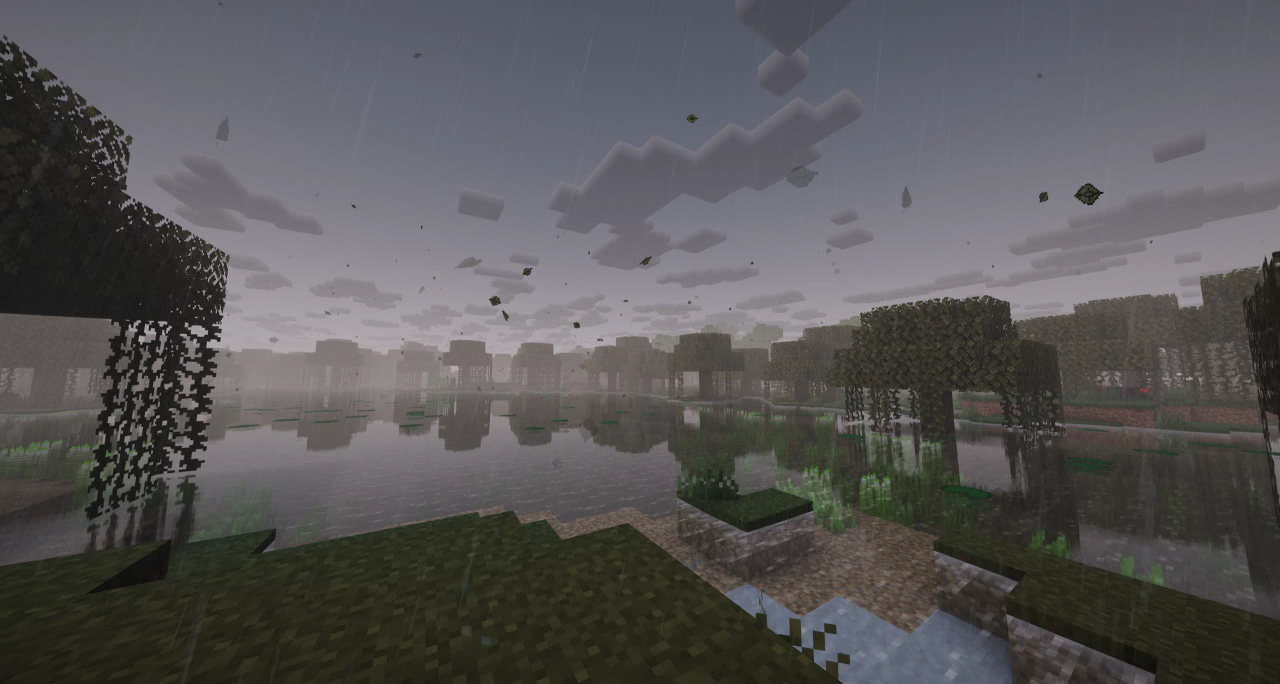 Preview All In Beta
 -
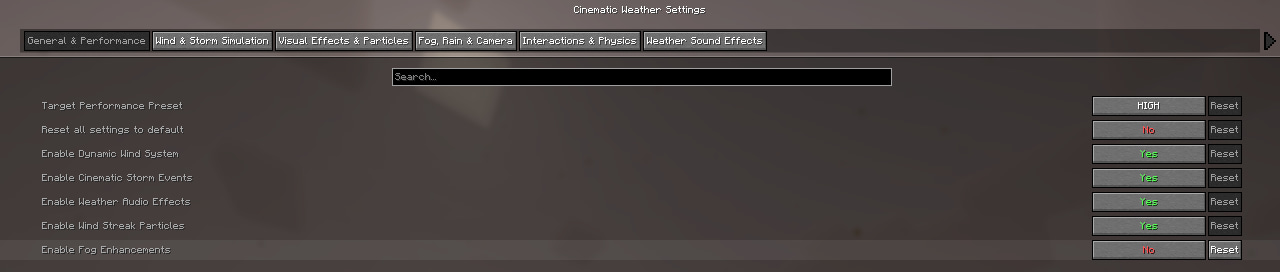 Config All In Beta
Versions
Files
Relations
Project Relations
More like this
Similar Mods
Suggestions use data such as tags, dependencies, dependents, descriptions, titles, and more to rank how much they overlap with this mod.
On ModDex
Community snapshot
By the numbers
Statistics
Want to reach Minecraft players?
We're looking for a server hosting partner to feature here and other parts of the site. Interested? Send us a message!
Get in touchGet it on
Available Platforms
On ModDex
Community snapshot
By the numbers
Statistics
Resources