Community listing page, reviews may not be monitored by the author.
Conquest Craft

No reviews yet
Want to conquer areas in your server with factions? Then this is your mod!

Community voices
Reviews
No reviews yet. Be the first to review this project!
Get it on
Available Platforms
About
Project Details
For authors
Embed Badge
If you're the author of this project, you can embed a live badge anywhere that supports HTML or Markdown. It updates automatically whenever ratings change.
Use HTML for any page that supports it, or Markdown for README files and Markdown-based descriptions.
Identifiers
Platform IDs
Resources
External Links
About
Description
ConquestCraft
ConquestCraft introduces a new feature that allows players to claim territories using a special block indestructible called the Domain Block. This block has three states: Inactive, Unclaimed, and Claimed, each represented by its respective color: Gray, Blue, and Red.
THIS MOD DOES NOT PROTECT ANY BUILDING AGAINST DESTRUCTION!
Domain Block States:
- Inactive (Gray): The block is not in use and cannot be claimed.
- Unclaimed (Blue): The block is available for claiming.
- Claimed (Red): The block is claimed by a team, but can be stolen.
Claiming a Domain Block:
To claim a Domain Block, players need a team flag, which can be obtained using the following command
/getflag teamName
When a flag is placed in the slot of an unclaimed Domain Block, a 10-second countdown will begin. Once the countdown reaches zero, the Domain Block will be claimed by the team indicated by the flag. The block will now be in the claimed state, displaying the team name in its interface. Although a Domain Block is claimed, other teams can place their flag to restart the countdown and potentially take over the block.
Inactive Mode:
A Domain Block can be set to inactive mode using the Domain Tool, which is available only through commands or in creative mode.
Configuration Menu:
Using the command /ConfigConquestCraft, players can access the configuration menu where they can enable a game rule for Domain Blocks to drop a type of item in a certain quantity at a specific hour of the day (real time). Changes are saved automatically upon closing the interface. However, Domain Blocks can only drop items at the selected hour (regardless of the minute) and only once per day.
1.1 version:
Added command to enable a multiplier of the reward./domaintier numTier X Y Z
the numTier parameter will be the amount that will multiply the reward, for example a tier 2 domain, will give the double of the reward item.
Screenshots
Gallery
-
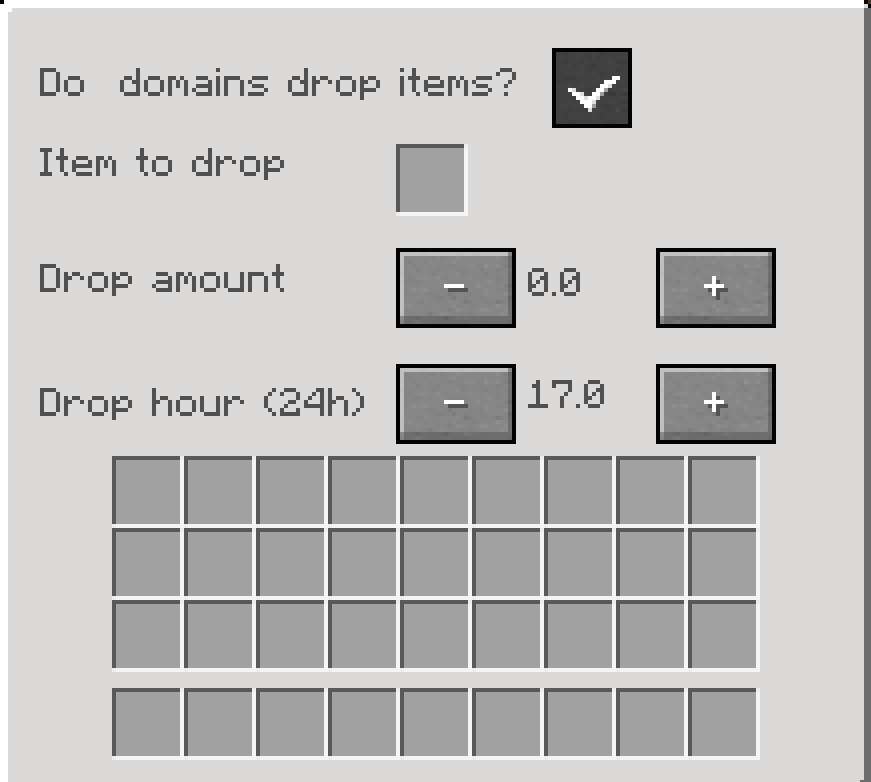 Mod config GUI open the config by using /ConfigConquestCraft
 -
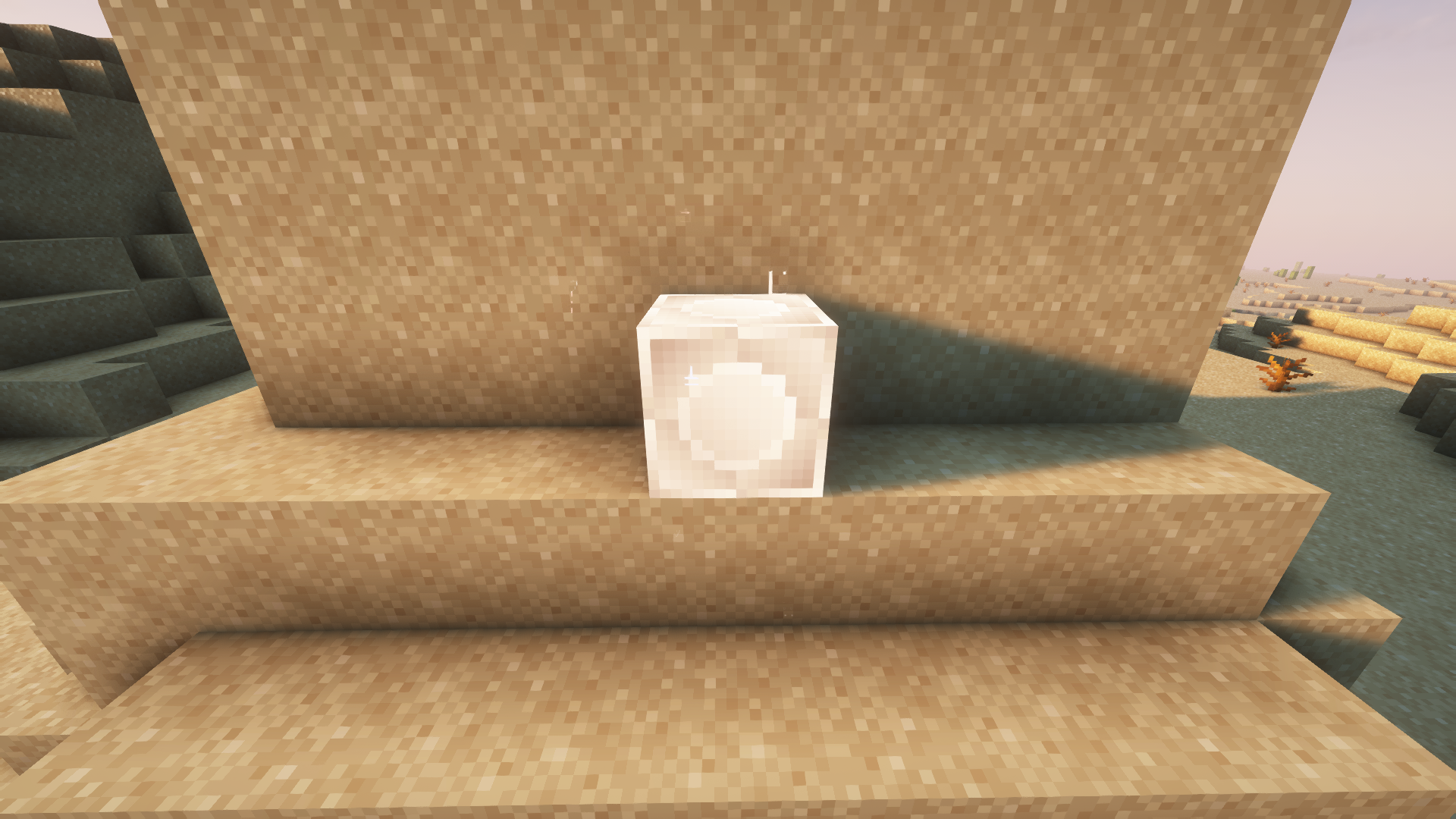 Inactive domain block
 -
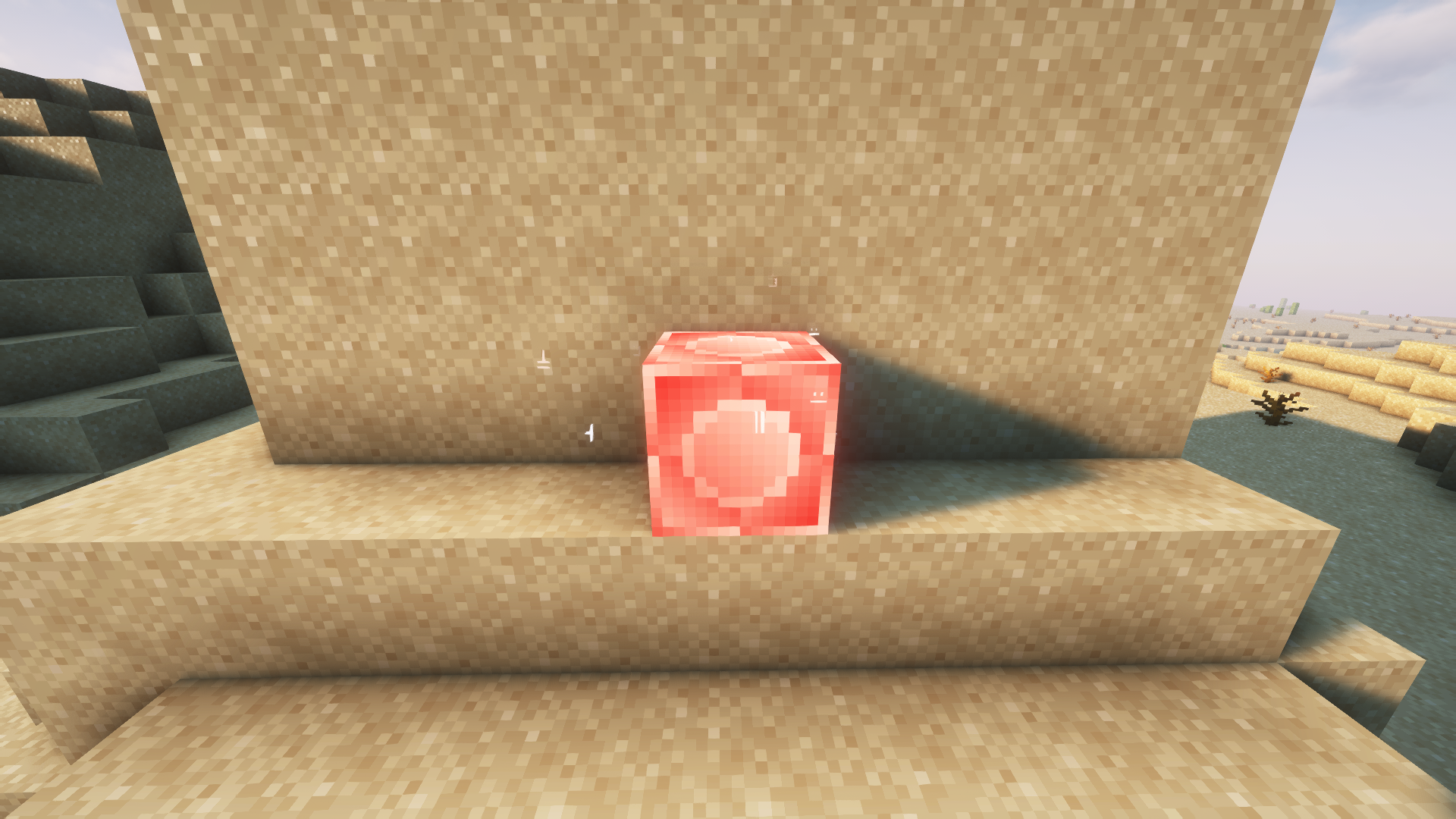 Claimed domain block
 -
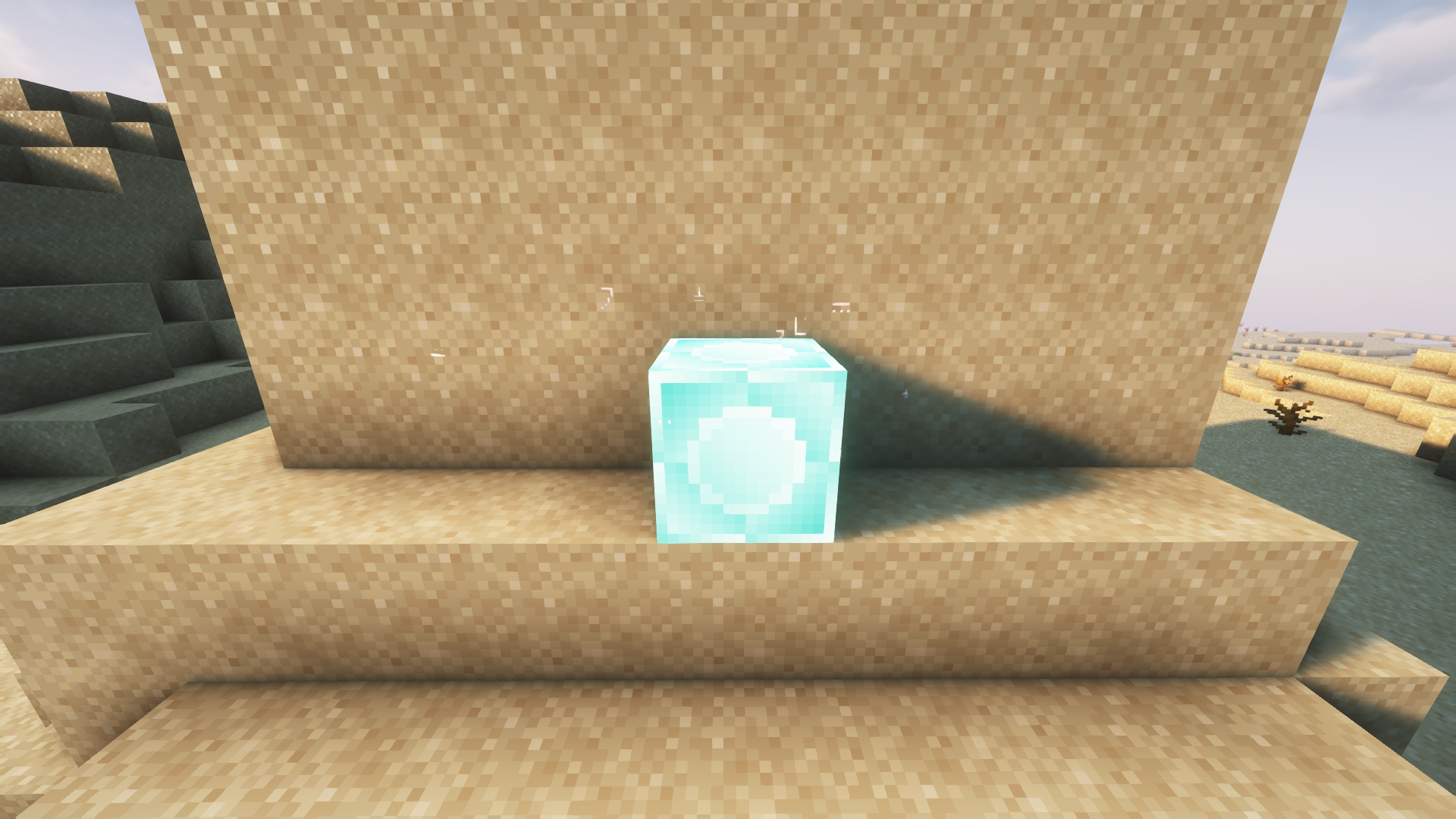 Unclaimed domain block
 -
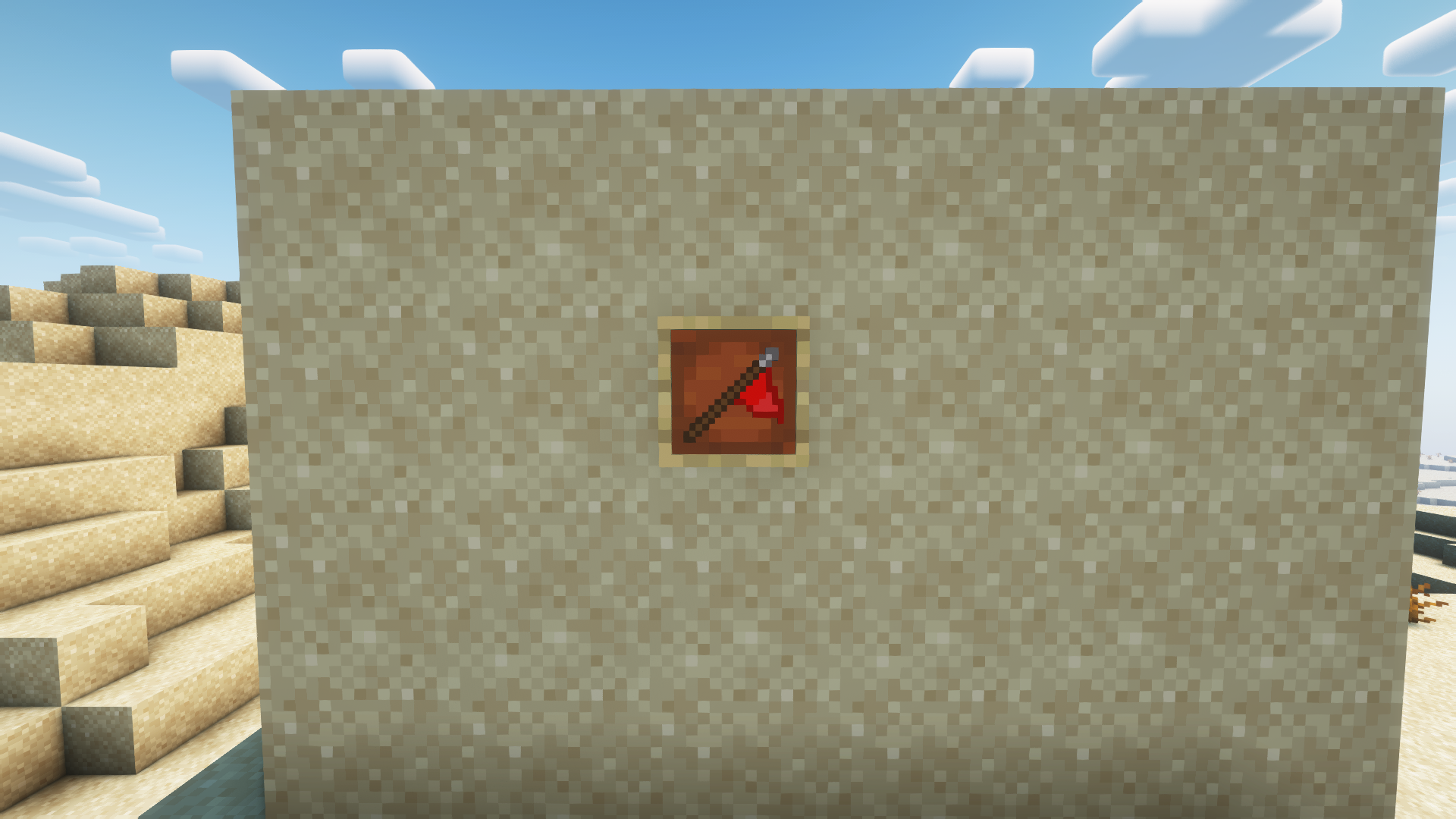 Flag item allows you to capture domain blocks
 -
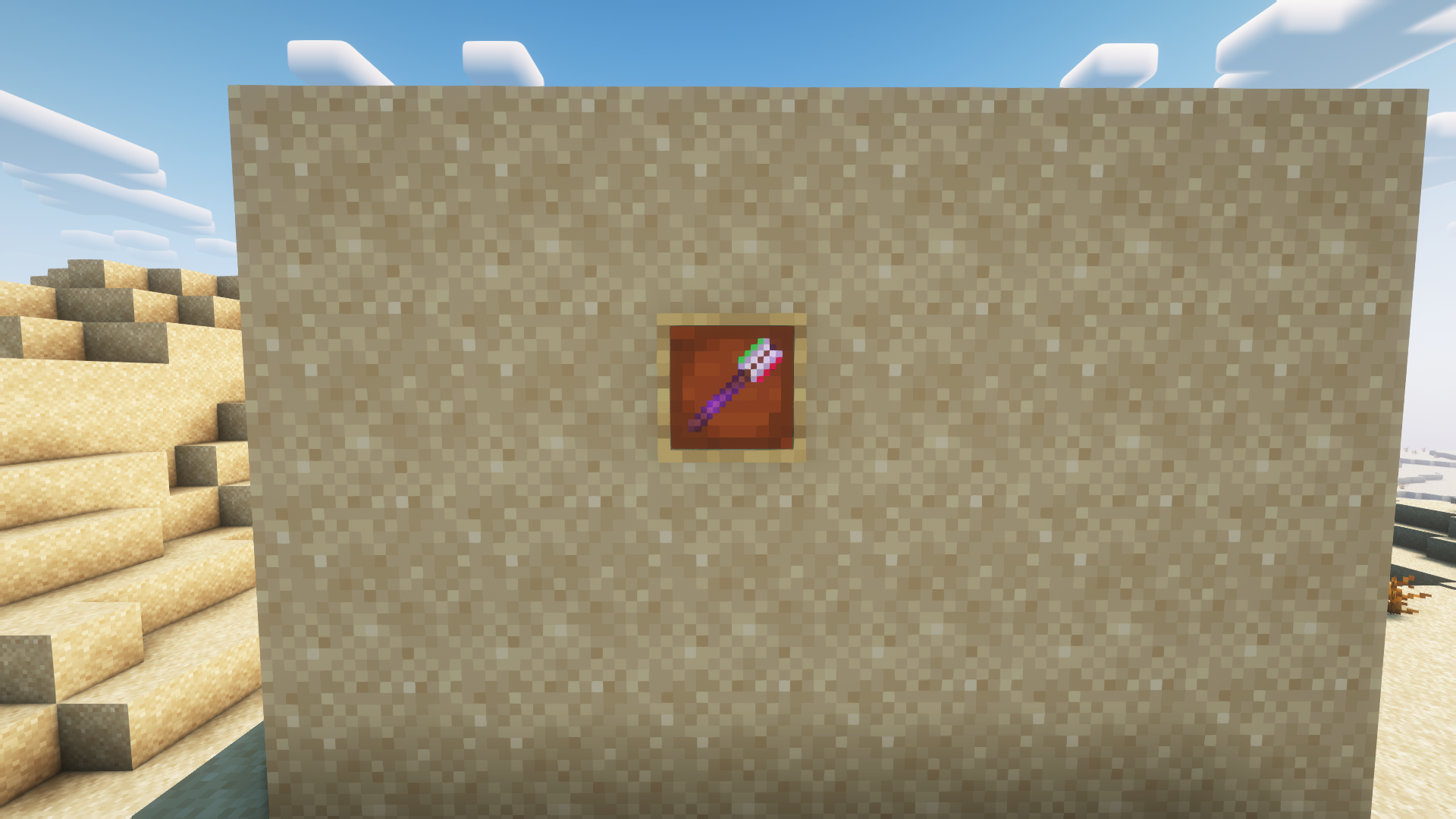 Domain Tool Item Tool that allows to deactivate Domain blocks
 -
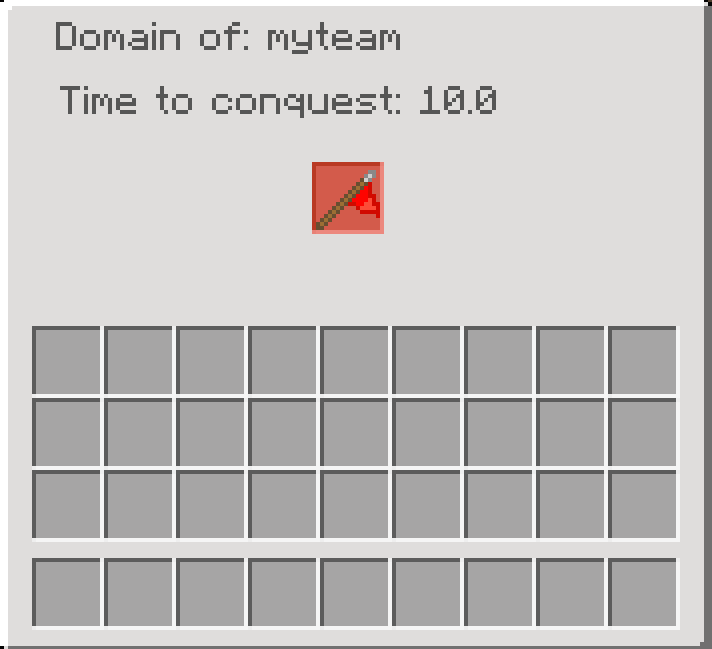 Claimed domain block GUI
 -
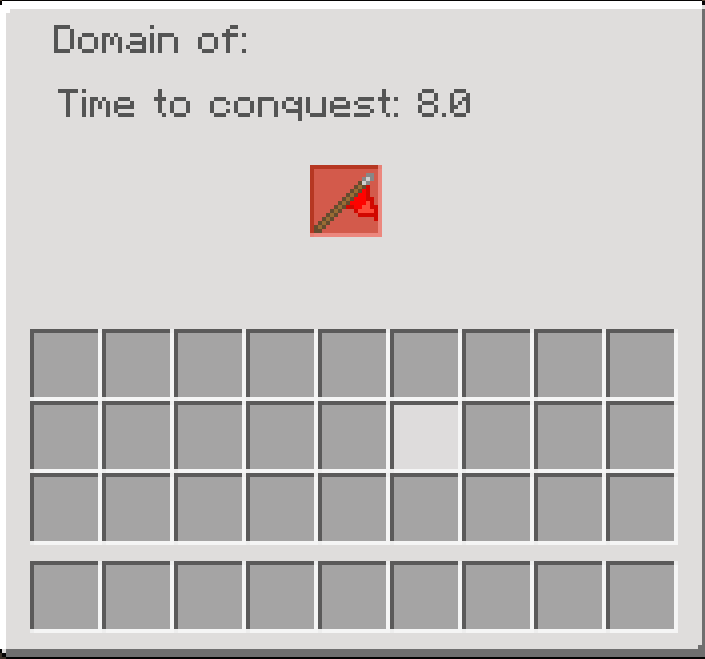 Claiming domain block GUI
 -
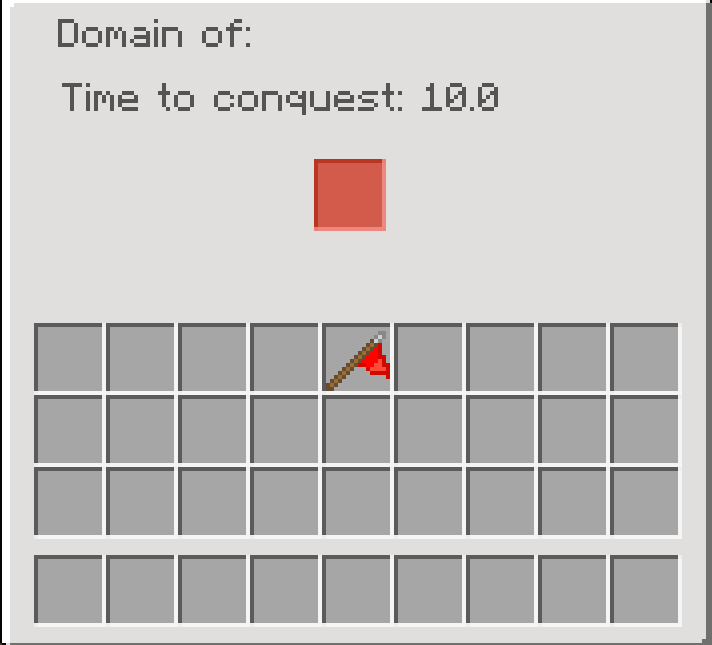 Unclaimed domain block GUI
Versions
Files
Relations
Project Relations
More like this
Similar Mods
Suggestions use data such as tags, dependencies, dependents, descriptions, titles, and more to rank how much they overlap with this mod.
On ModDex
Community snapshot
By the numbers
Statistics
 (opens in a new tab)
Get it on
Available Platforms
On ModDex
Community snapshot
By the numbers
Statistics
Resources