
Community listing page, reviews here may not be monitored by the author.
Coordboard


No reviews yet
A lightweight Create Aeronautics addon that lets Navigation Tables read coordinates directly from Create Clipboards.
Community voices
Reviews
No reviews yet. Be the first to review this project!
Get it on
Available Platforms
Compatibility
Supported Environments
Runs entirely on the server. Also works in singleplayer.
About
Project Details
For authors
Embed Badge
If you're the author of this project, you can embed a live badge anywhere that supports HTML or Markdown. It updates automatically whenever ratings change.
Use HTML for any page that supports it, or Markdown for README files and Markdown-based descriptions.
Identifiers
Platform IDs
About
Description
Coordboard
Coordboard is a small server-side addon for Create Aeronautics that allows a Navigation Table to use a Create Clipboard as a navigation target.
Instead of crafting or carrying dedicated navigation targets, simply write your destination coordinates on a Clipboard, check the desired entry, and insert it into the Navigation Table.
Features
- Use a Clipboard directly in the Navigation Table.
- Read navigation coordinates from a checked Clipboard entry.
- Supports multiple coordinate formats.
- Reads the top-most checked entry on the last opened Clipboard page.
- Fully server-side; clients do not need to install the mod.
Usage
- Write one or more coordinates on a Clipboard.
- Make sure each coordinate entry is written on a single line.
- Check the coordinate you want to navigate to.
- Make sure it is on the last page you opened.
- Insert the Clipboard into a Navigation Table.
The Navigation Table will use the selected coordinate as its navigation target.
Supported Coordinate Formats
Labeled coordinates
X: 120, Z: -450My Sweet Home: x=120 z=-450Two-coordinate format (X Z)
120 -450120, -450Three-coordinate format (X Y Z)
120 64 -450120, 64, -450The Y value is ignored.
Notes
- Coordinates must be written on a single line.
- Only integer coordinates are supported.
- The Y coordinate is ignored.
- If multiple entries are checked, the top-most checked entry on the last opened Clipboard page is used.
- Only checked entries are considered.
Dependencies
- Create 6.0.10+
- Create Aeronautics 1.2.1+
- Minecraft 1.21.1
- NeoForge
Screenshots
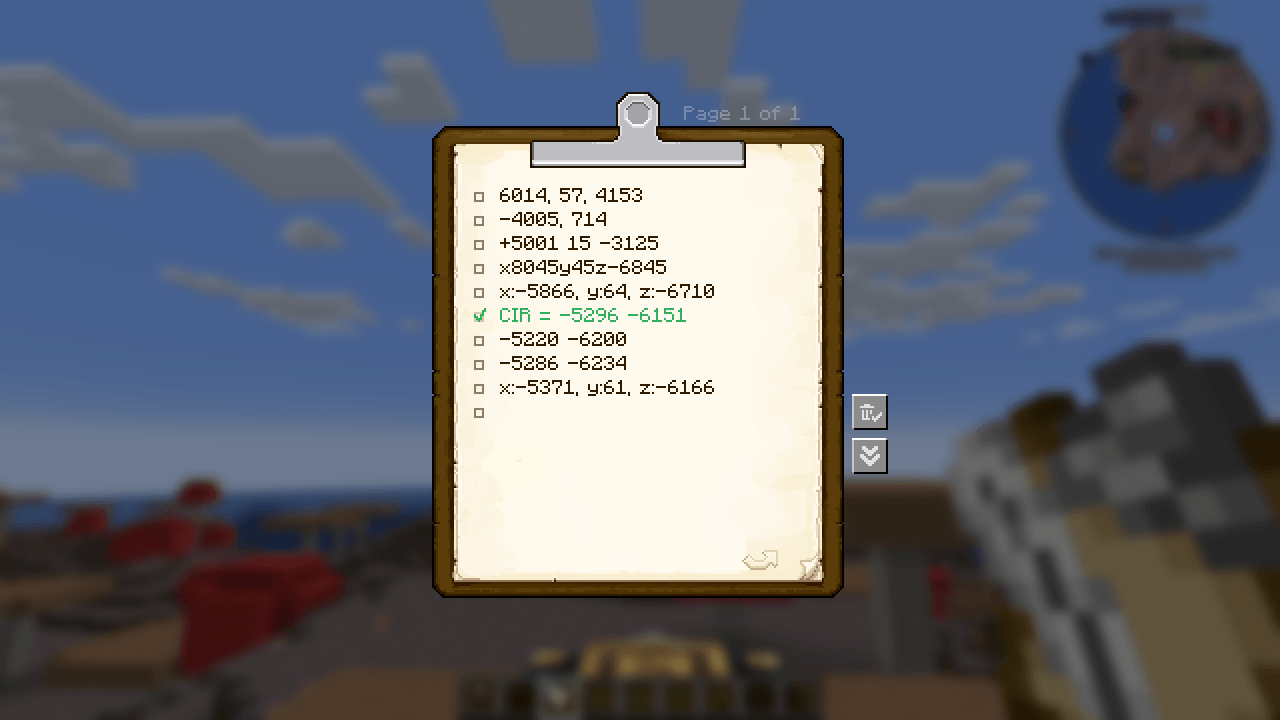
- Clipboard containing coordinate entries.
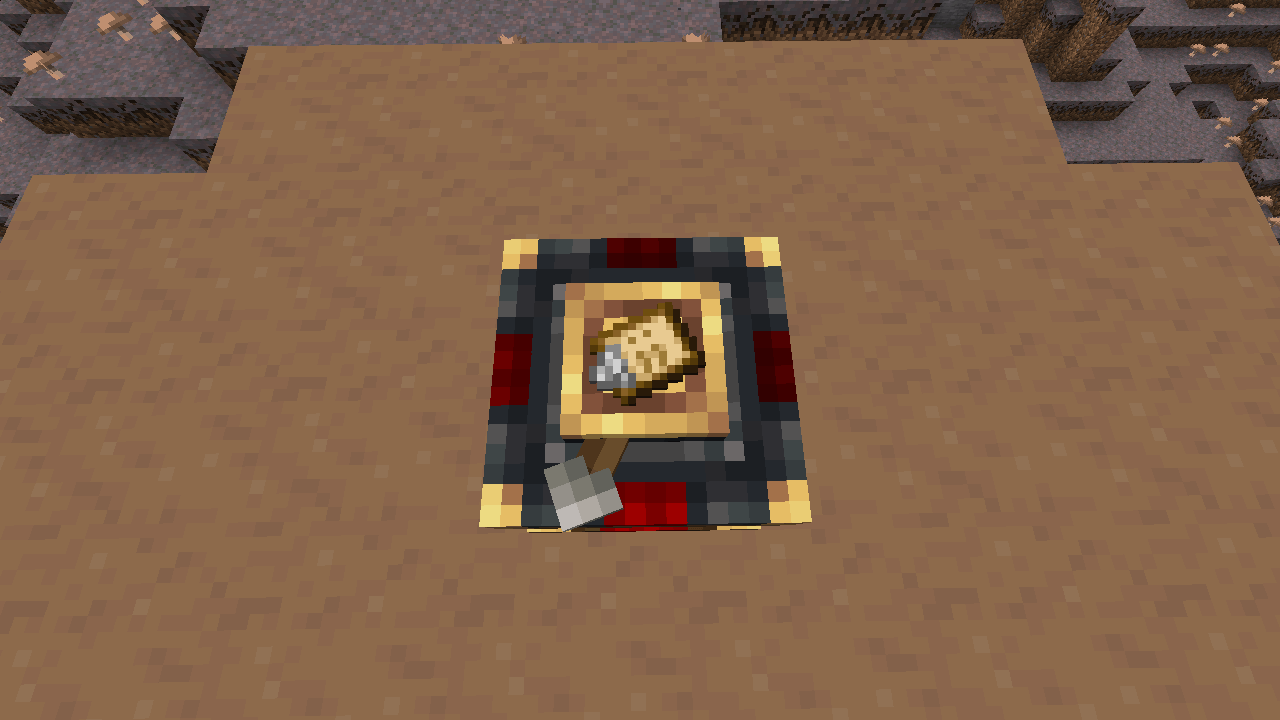
- Navigation Table successfully recognizing a Clipboard as a navigation target.
License
This project is licensed under the MIT License.
Source Code
Coordboard
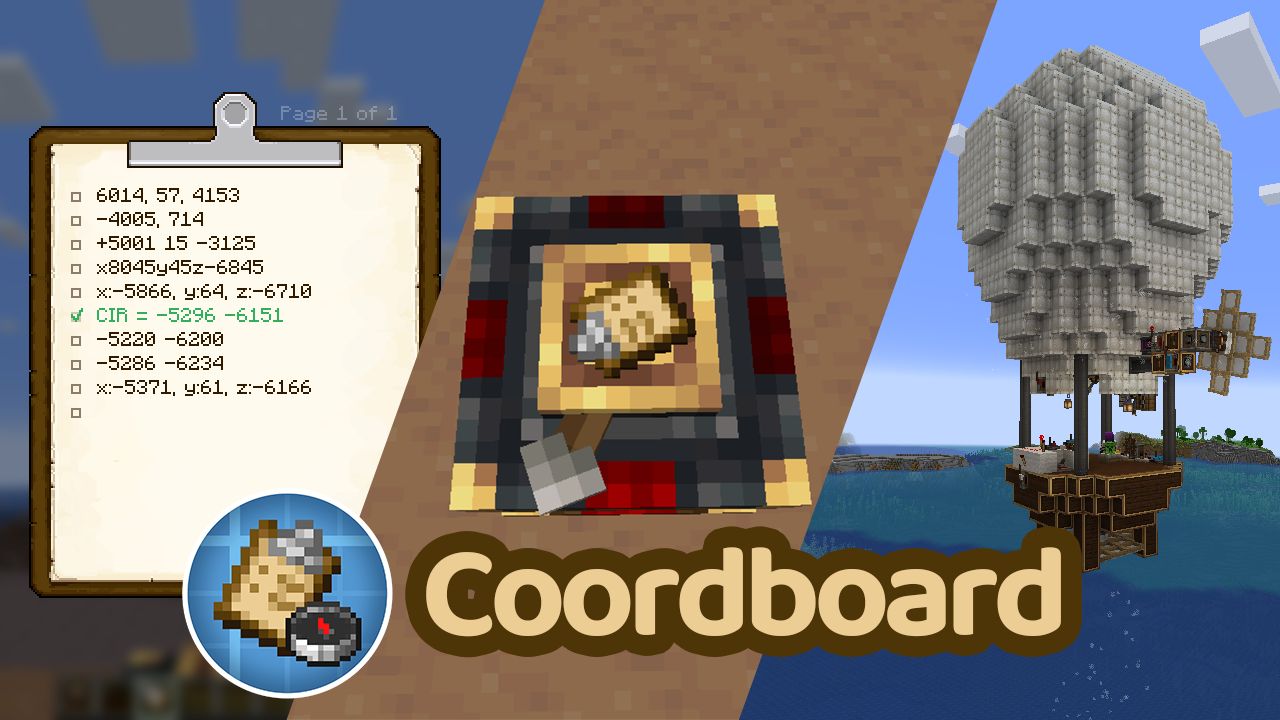 Coordboard is a small server-side addon for Create Aeronautics that allows a Navigation Table to use a Create Clipboard as a navigation target.
Instead of crafting or carrying dedicated navigation targets, simply write your destination coordinates on a Clipboard, check the desired entry, and insert it into the Navigation Table.
Features
- Use a Clipboard directly in the Navigation Table.
- Read navigation coordinates from a checked Clipboard entry.
- Supports multiple coordinate formats.
- Reads the top-most checked entry on the last opened Clipboard page.
- Fully server-side; clients do not need to install the mod.
Usage
- Write one or more coordinates on a Clipboard.
- Make sure each coordinate entry is written on a single line.
- Check the coordinate you want to navigate to.
- Make sure it is on the last page you opened.
- Insert the Clipboard into a Navigation Table.
The Navigation Table will use the selected coordinate as its navigation target.
Supported Coordinate Formats
Labeled coordinates
X: 120, Z: -450
My Sweet Home: x=120 z=-450
Two-coordinate format (X Z)
120 -450
120, -450
Three-coordinate format (X Y Z)
120 64 -450
120, 64, -450
The Y value is ignored.
Notes
- Coordinates must be written on a single line.
- Only integer coordinates are supported.
- The Y coordinate is ignored.
- If multiple entries are checked, the top-most checked entry on the last opened Clipboard page is used.
- Only checked entries are considered.
Dependencies
- Create 6.0.10+
- Create Aeronautics 1.2.1+
- Minecraft 1.21.1
- NeoForge
Screenshots
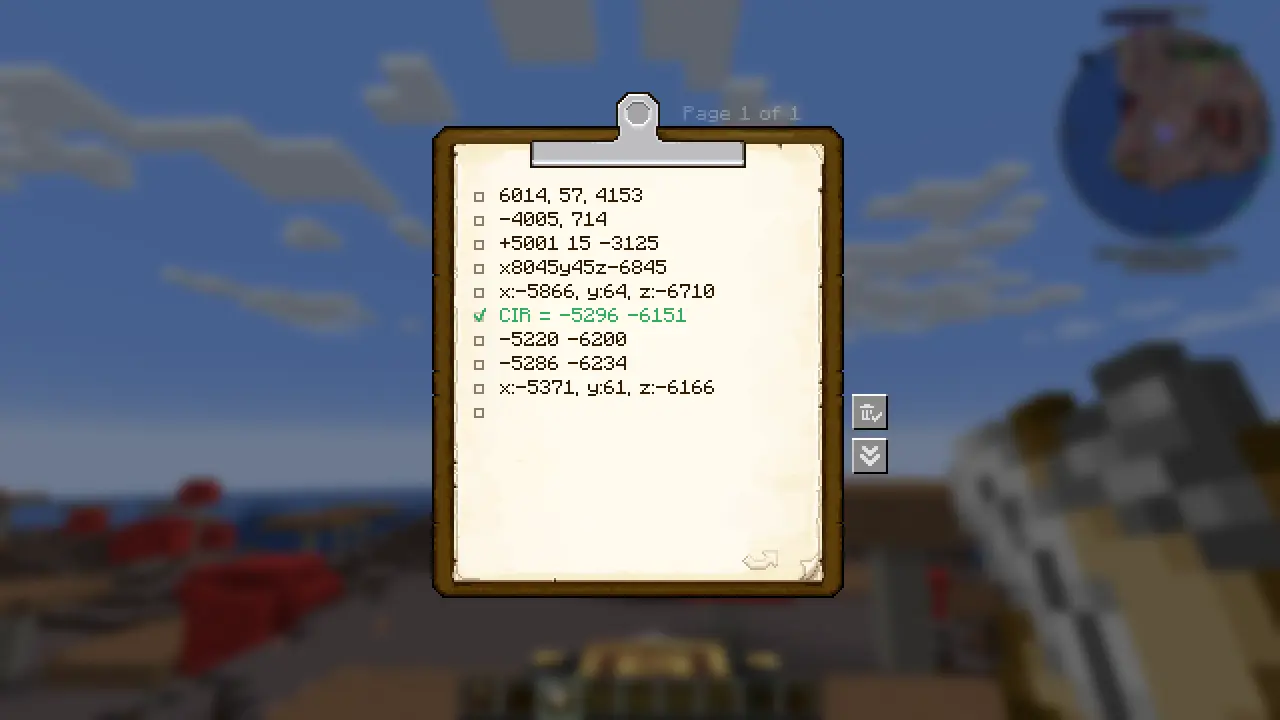
- Clipboard containing coordinate entries.
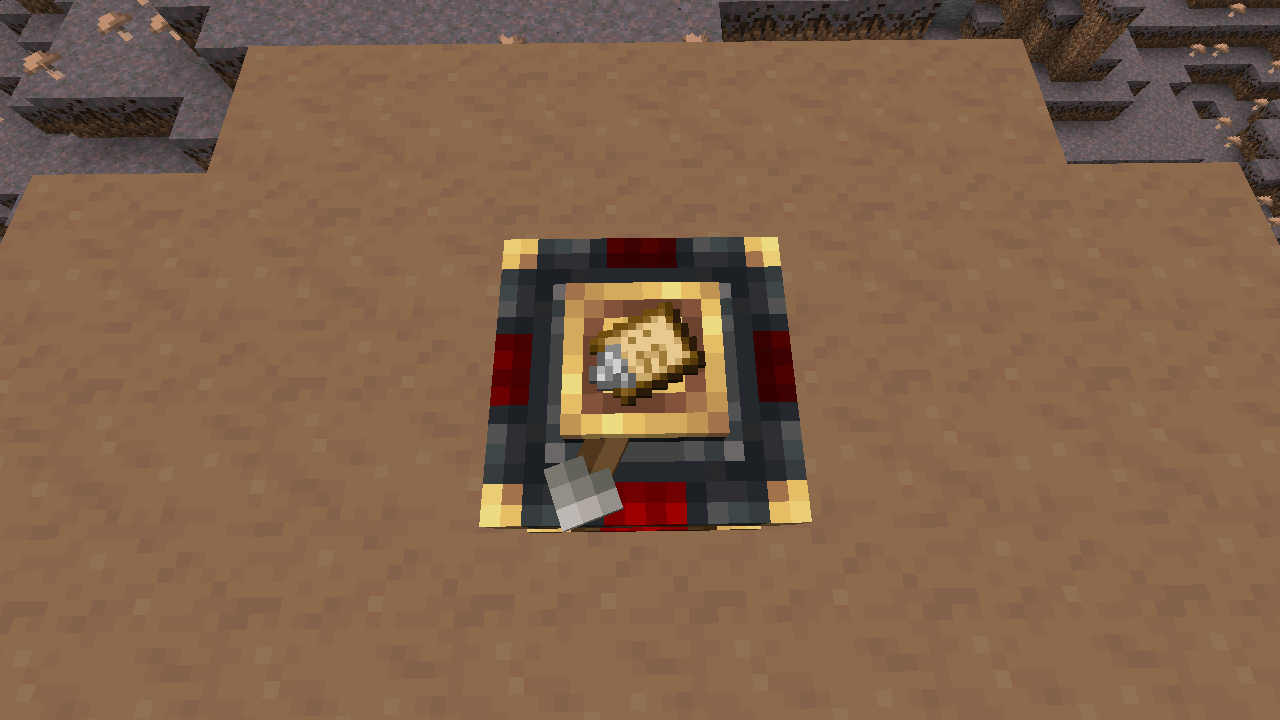
- Navigation Table successfully recognizing a Clipboard as a navigation target.
License
This project is licensed under the MIT License.
Source Code
Screenshots
Gallery
-
In Navigation Table Navigation Table accept Clipboard
-
coordinate list.png Available Coordinate Form
-
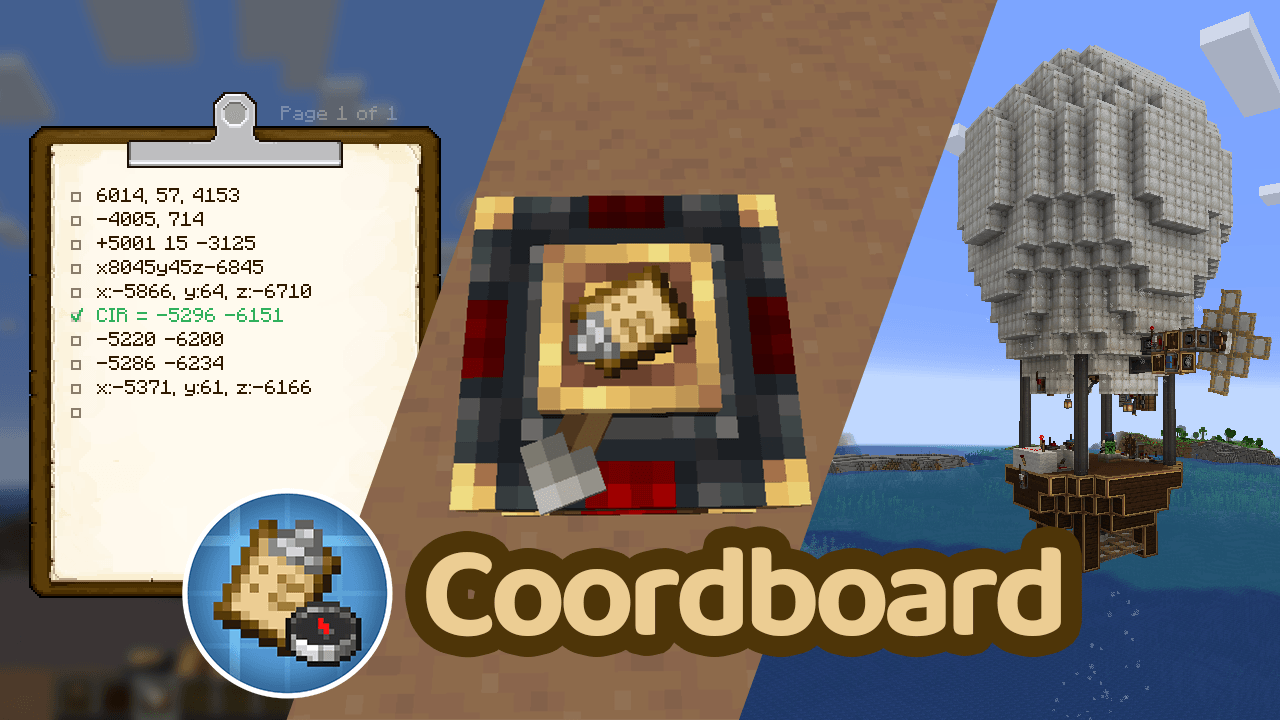 coordboard.png coordboard.png
-
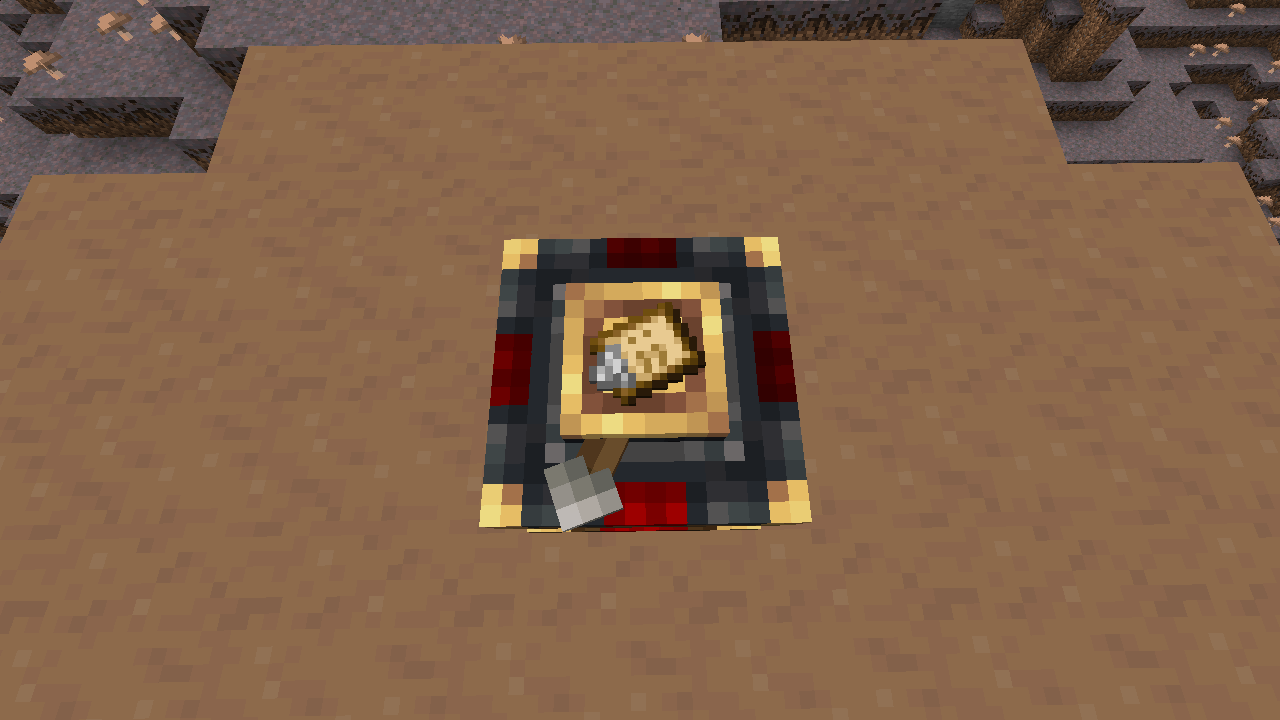 Clipboard in Navigation Table Navigation Table accepts Clipboard
 -
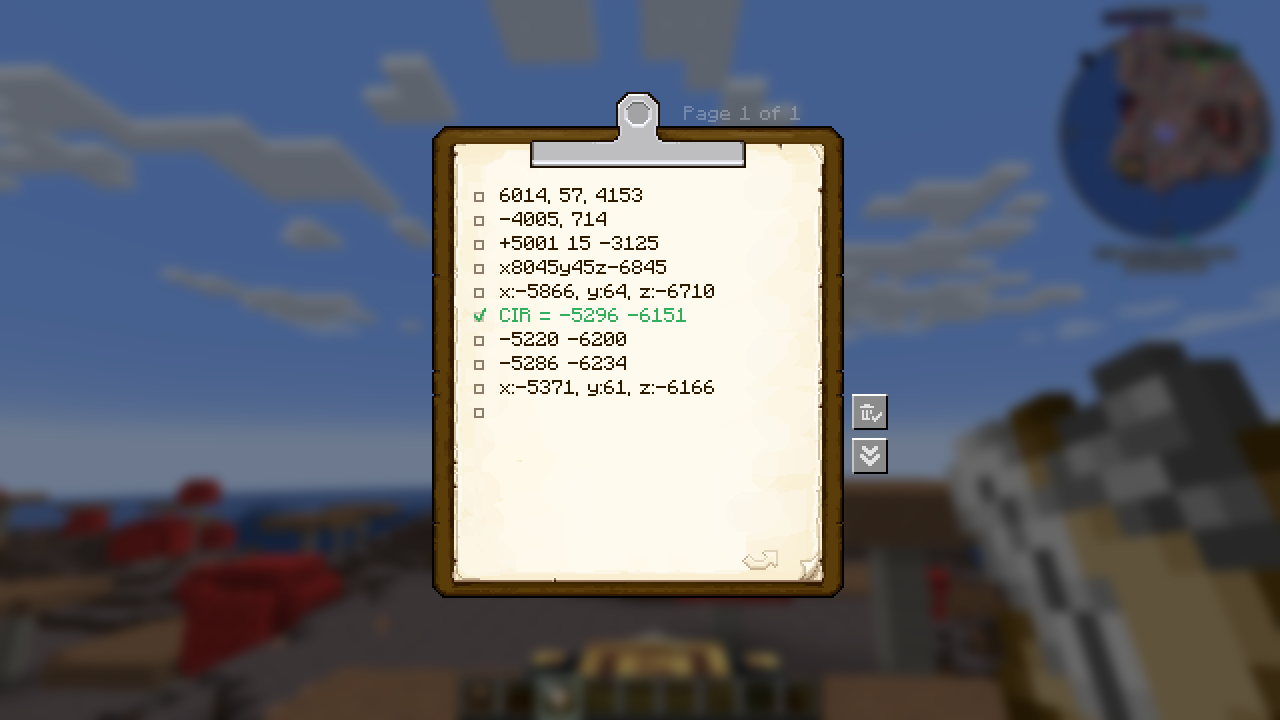 Coordinate list Available coordinate forms
 -
Coordboard
Versions
Files
Relations
Project Relations
More like this
Similar Mods
Suggestions use data such as tags, dependencies, dependents, descriptions, titles, and more to rank how much they overlap with this mod.
- Create: Cyber Goggles
- smartbuildLib
- Create Aeronautics: Claims
- Copycats+ aeronautics weight
- Create Aeronautics: Portable Engine Liquid Fuel
- Create Aeronautics: Joystick | Control Stick
- Create Aeronautics: Dyeable Components
- Create Sable Dynamic Lights
- Jade Sable Compat
- Create Aeronautics: Curios Compat
- Regenerating Ore Veins
- Create Aeronautics: Variable Weight Block
On ModDex
Community snapshot
By the numbers
Statistics
Want to reach Minecraft players?
We're looking for a server hosting partner to feature here and other parts of the site. Interested? Send us a message!
Get in touchGet it on
Available Platforms
On ModDex
Community snapshot
By the numbers