Community listing page, reviews may not be monitored by the author.
Coordinates Display ++

No reviews yet
Fork of the coordinates display mod with improved features and support

Community voices
Reviews
No reviews yet. Be the first to review this project!
Get it on
Available Platforms
About
Project Details
For authors
Embed Badge
If you're the author of this project, you can embed a live badge anywhere that supports HTML or Markdown. It updates automatically whenever ratings change.
Use HTML for any page that supports it, or Markdown for README files and Markdown-based descriptions.
Identifiers
Platform IDs
About
Description


Coordinates Display++
Coordinates Display++ is a community-maintained fork of Coordinates Display by Boxadactle. It keeps everything people liked about the original, a clean and configurable coordinates HUD, and aims to get new Minecraft versions and fixes out quickly.
A thank-you to Boxadactle
Coordinates Display was created by Boxadactle, who designed the HUD, the configuration screens, position marking and death tracking, and maintained it for years. Hundreds of thousands of players use it because of that work. This fork exists only because of it, and all credit for the original mod belongs to Boxadactle. Please consider supporting the original project and its source too.
This fork is not affiliated with or endorsed by Boxadactle. It is licensed under the same GPL-3.0 license as the original.
Why this fork?
At the time of writing, the original mod's latest release targets Minecraft 26.2. This fork exists to keep Coordinates Display available on the newest versions, with frequent updates and bug fixes.
What's different from the original:
- Updated to Minecraft 26.3. I'll keep porting to new versions as they release.
- BoxLib is bundled. You no longer need to install the separate BoxLib library mod.
- Fixes and new features, like the day counter and time display, plus fixes to the time renderer and padding.
- Fabric and NeoForge builds published for every release.
Important: Because BoxLib is built in, this fork is not compatible with the standalone BoxLib mod or mods that require it (for example BoxHUD). Remove them before installing. The BoxHUD integration will not activate while they are present.
Features
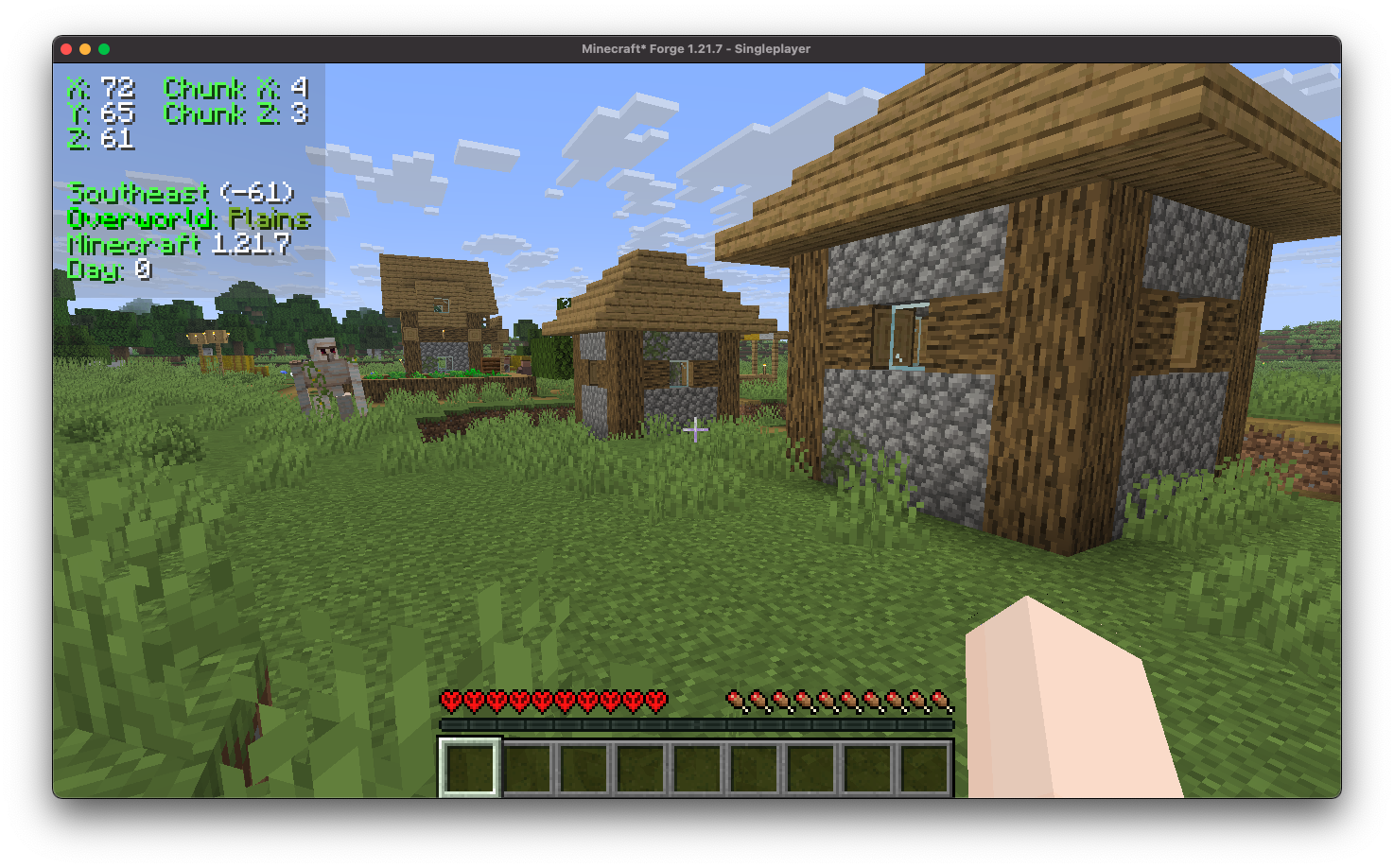
Your HUD can show your precise coordinates, chunk coordinates, the direction you're facing, your current biome, the time of day and the Minecraft version.
Multiple display modes
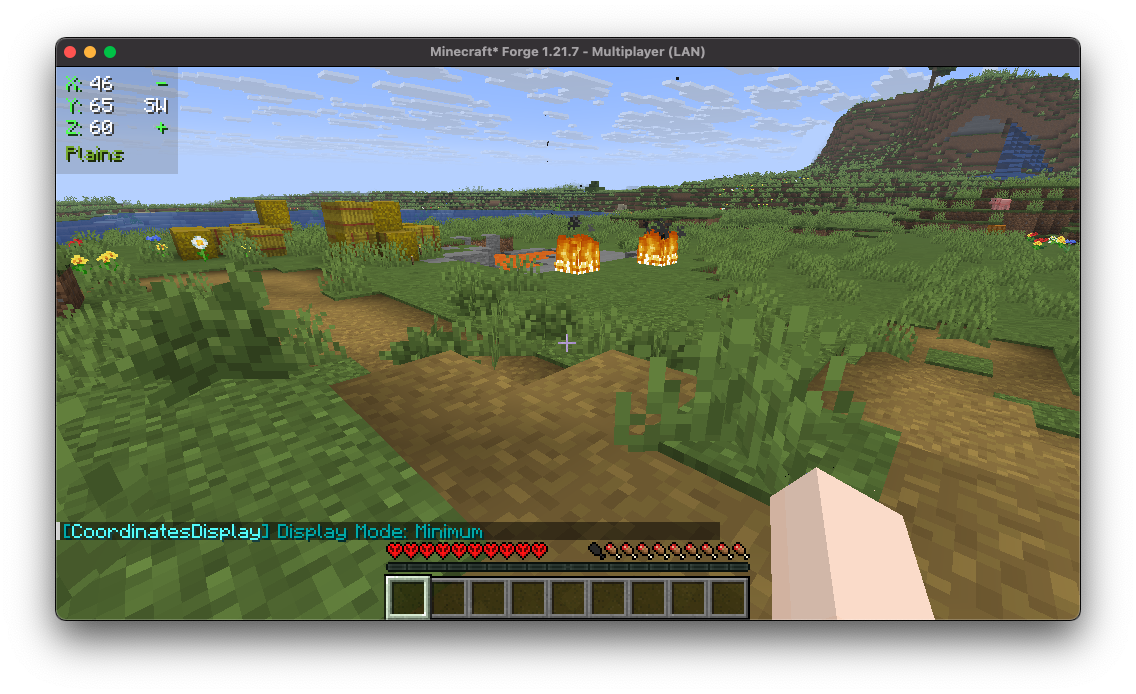
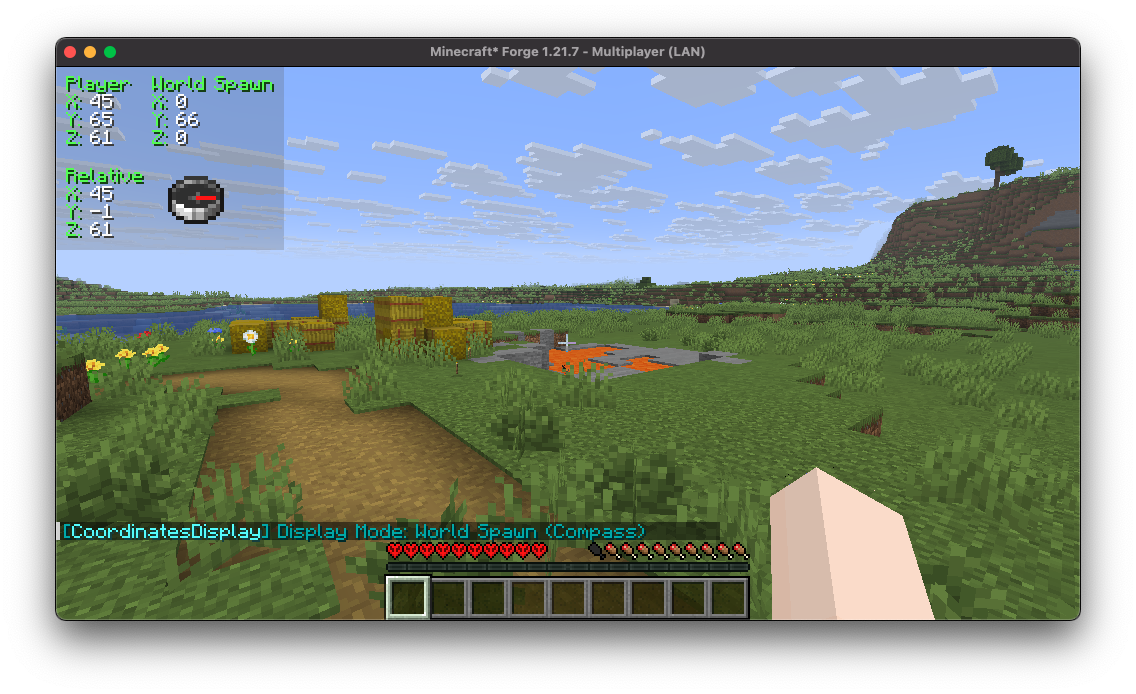
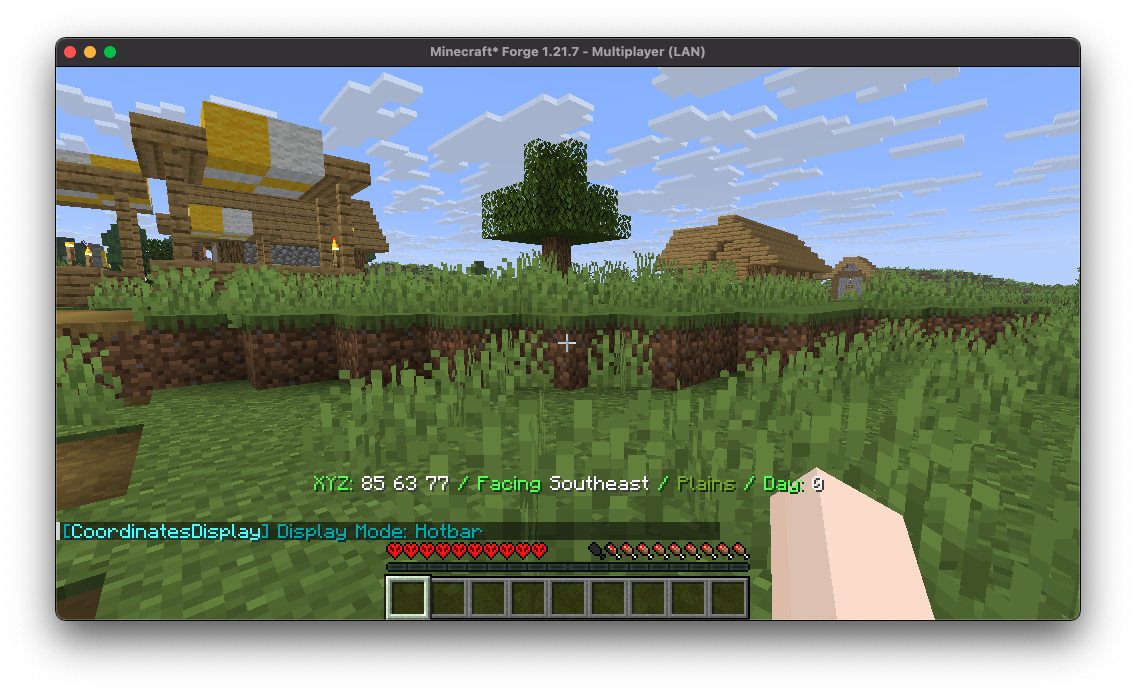
Choose from several layouts: minimal, compass, hotbar and more.
Highly configurable
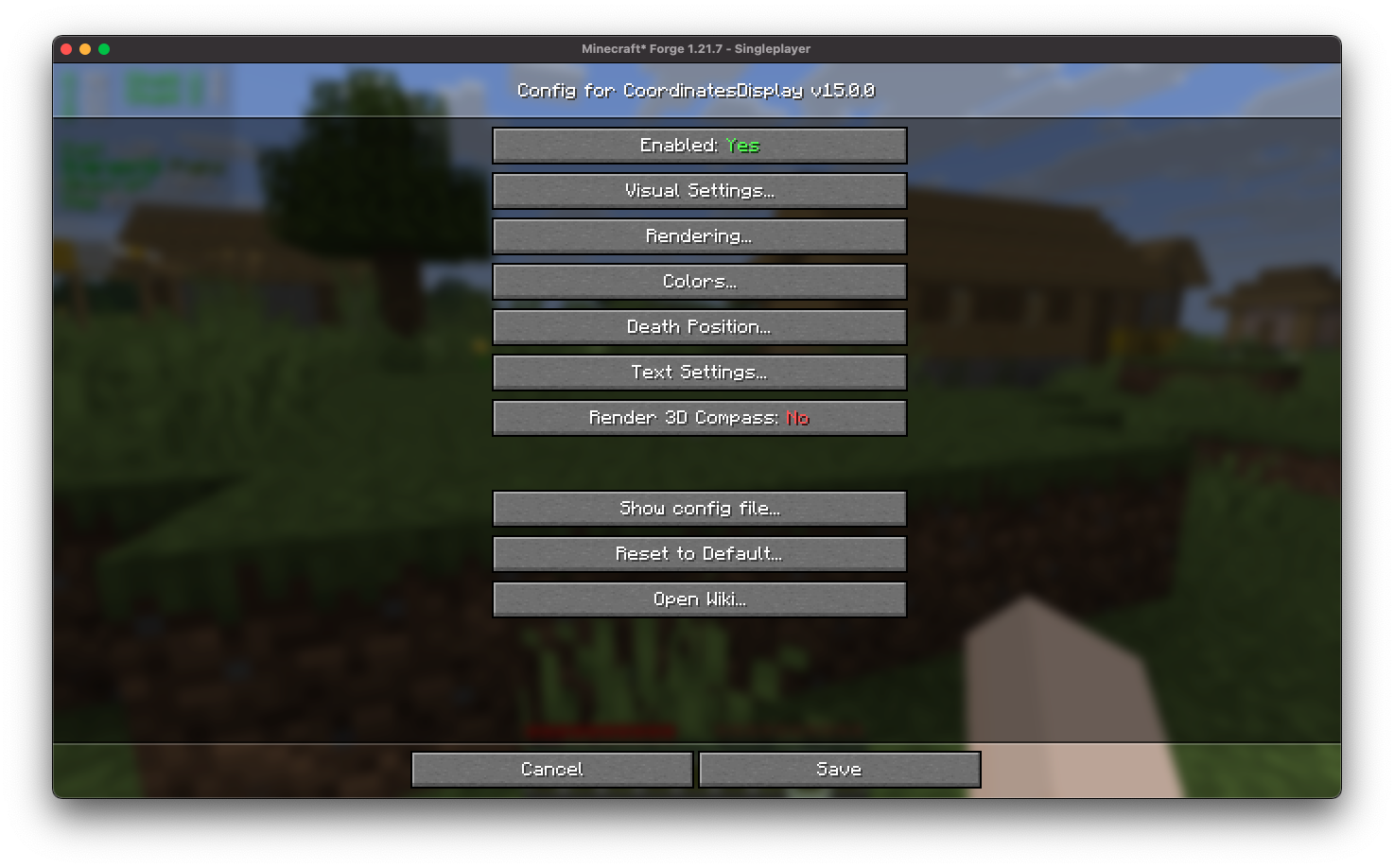
An in-game configuration screen lets you tweak everything without editing files.
Easy positioning
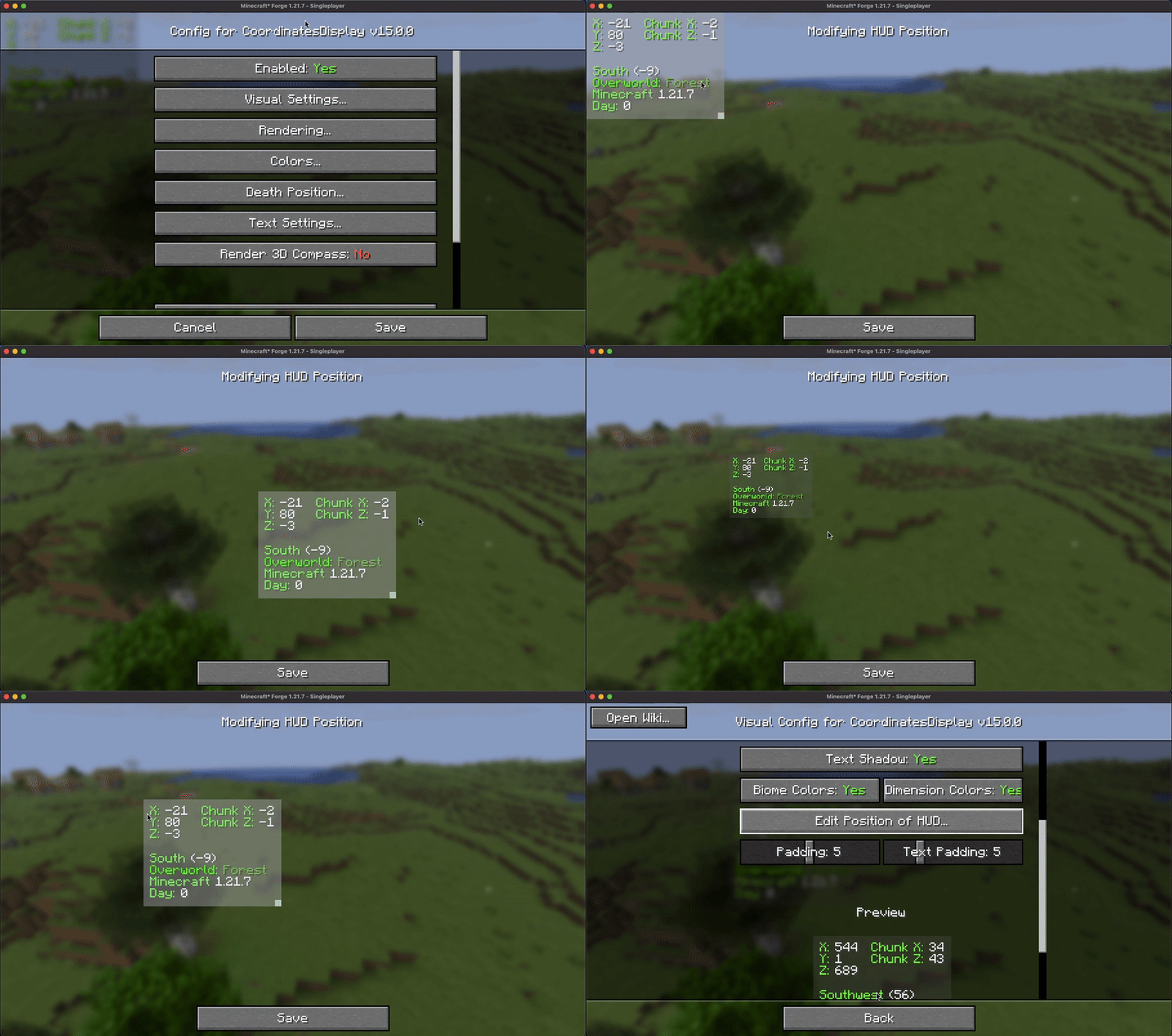
Drag and scale the HUD to wherever you want it on screen.
Custom colors
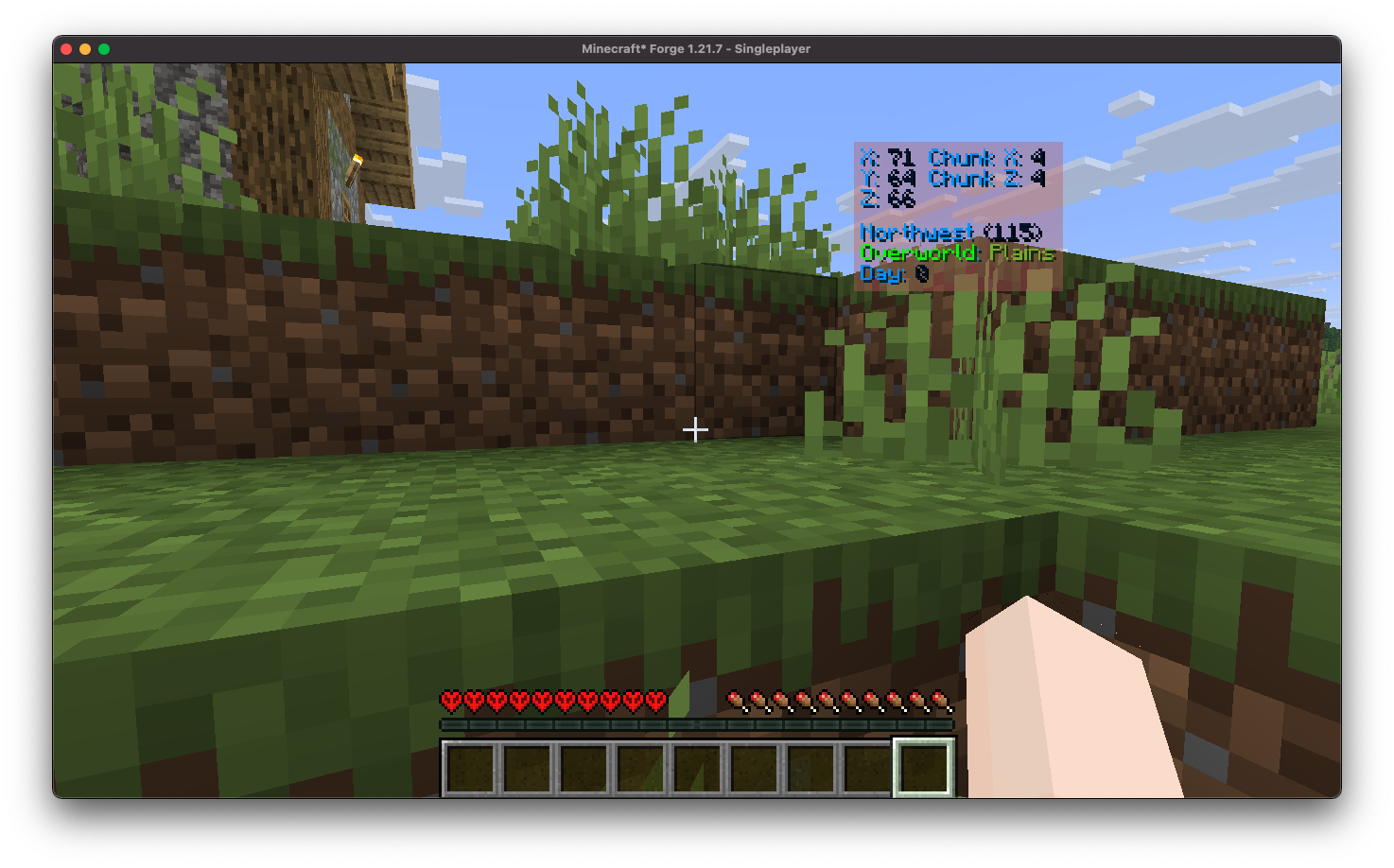
Change the color of the HUD text to match your style.
Death position saving
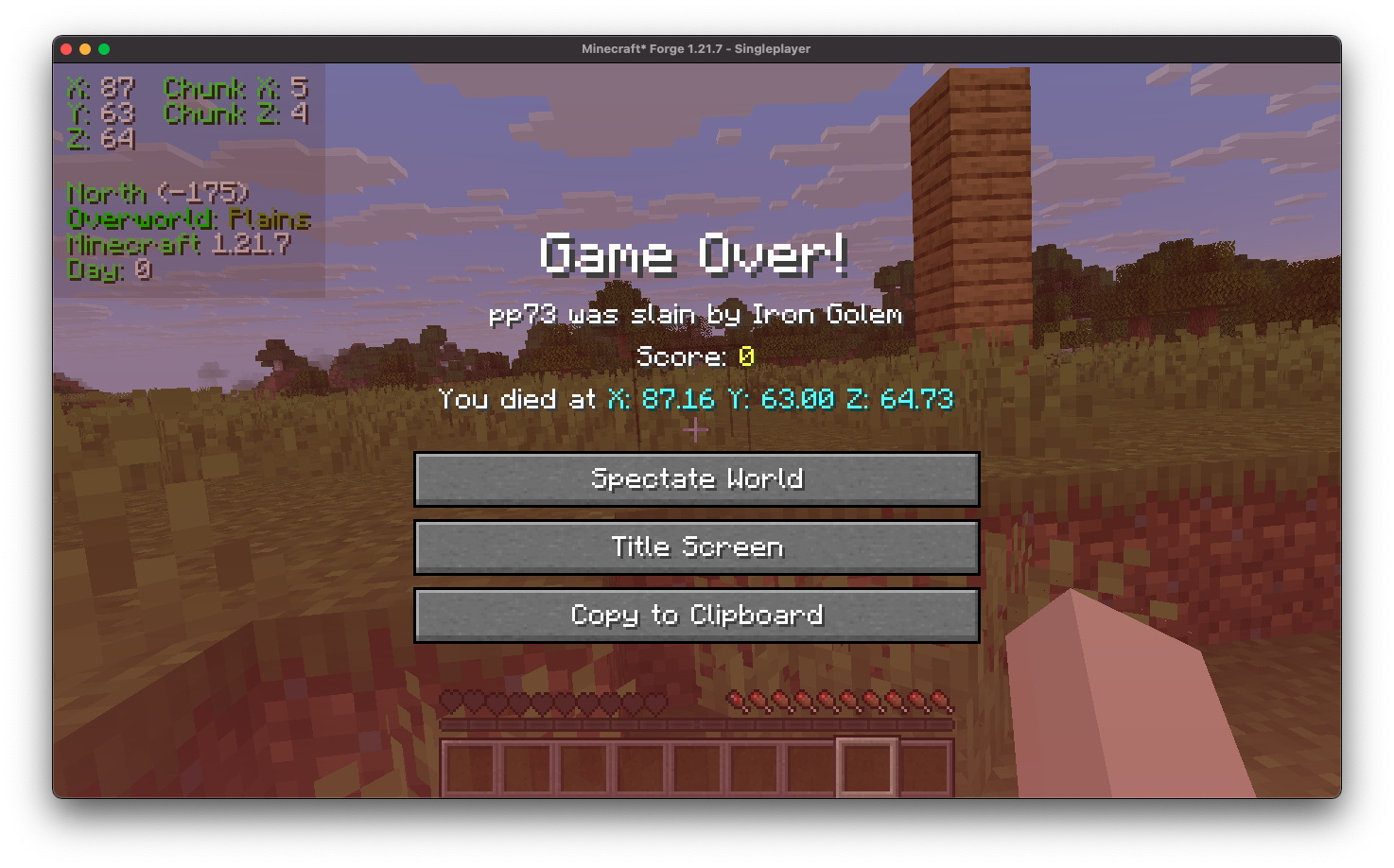
Your death location appears on the death screen and is logged in chat when you respawn, so you can get your items back.
Keybindings
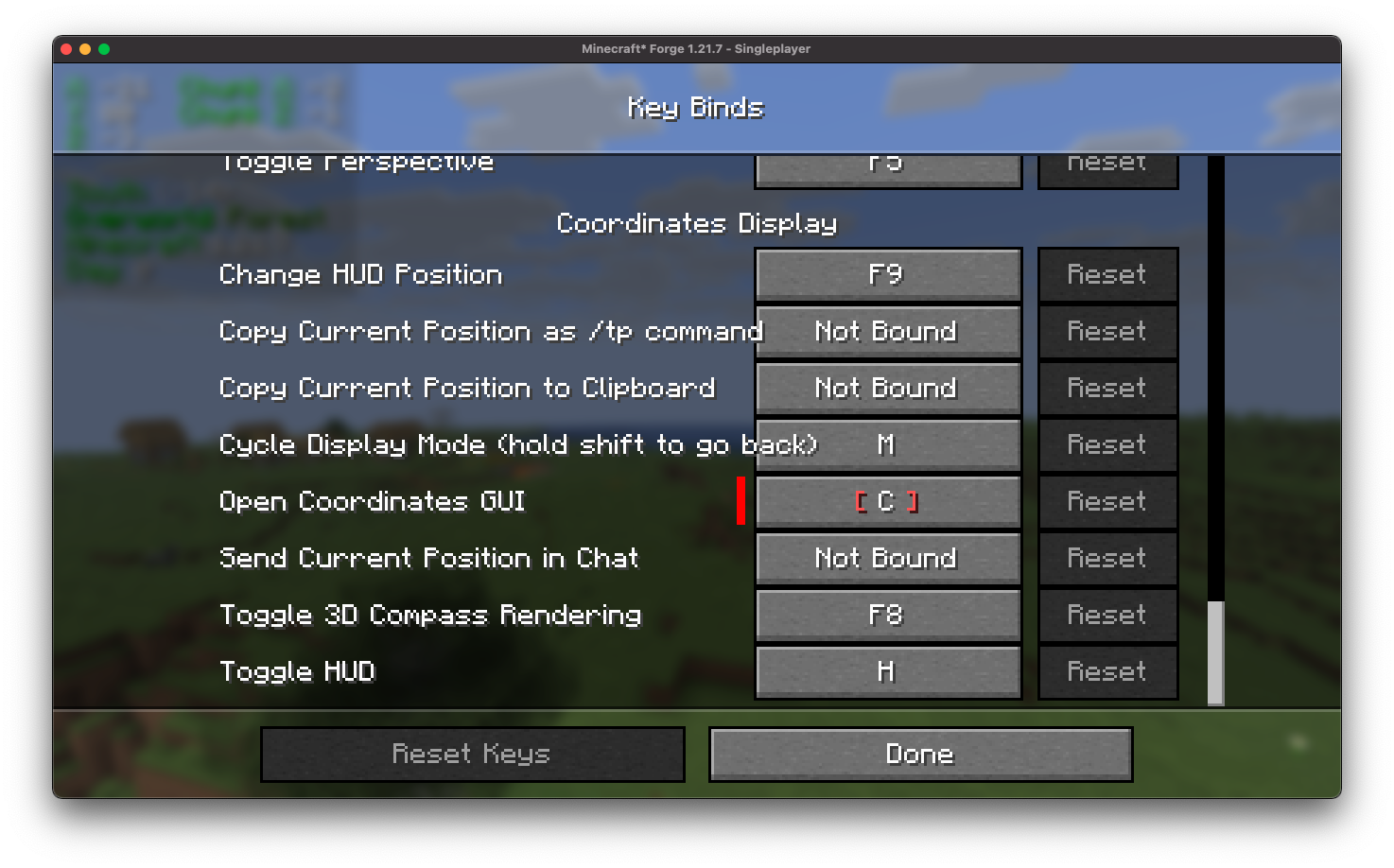
Customizable keybinds for the common actions.
Position marking and sharing
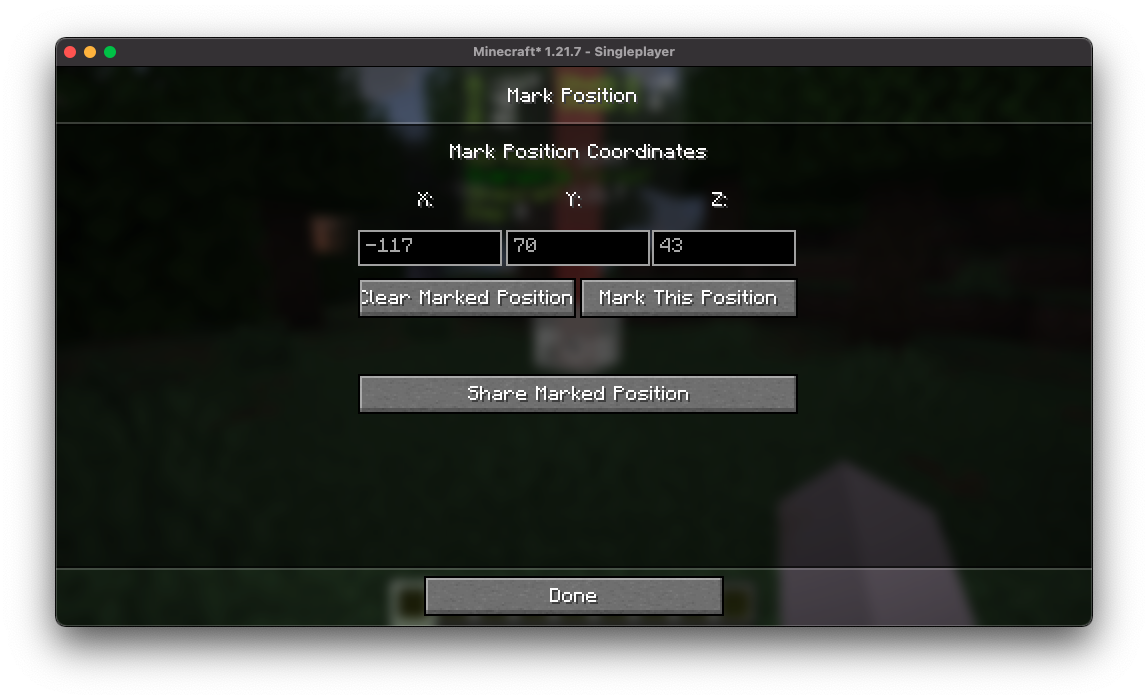
Mark and save locations, then share them with other players.
Installation
- Install Fabric or NeoForge for your Minecraft version.
- Download the latest Coordinates Display++ for your loader and version.
- Drop the jar into your
modsfolder.
Fabric users also need Fabric API. Mod Menu is recommended for opening the config screen.
Support and contributing
- Found a bug or want a feature? Open an issue.
- Pull requests are welcome, including translations.
- Source code: GitHub
Screenshots
Gallery
Versions
Files
Relations
Project Relations
More like this
Similar Mods
Suggestions use data such as tags, dependencies, dependents, descriptions, titles, and more to rank how much they overlap with this mod.
On ModDex
Community snapshot
By the numbers
Statistics

Get it on
Available Platforms
On ModDex
Community snapshot
By the numbers