Community listing page, reviews here may not be monitored by the author.
Create: Precision Engineering

No reviews yet
Build fully functional 7x7x7 miniature Create factories inside a single block, with kinetic, item, fluid, and redstone connections to the outside world.
Community voices
Reviews
No reviews yet. Be the first to review this project!
Get it on
Available Platforms
About
Project Details
For authors
Embed Badge
If you're the author of this project, you can embed a live badge anywhere that supports HTML or Markdown. It updates automatically whenever ratings change.
Use HTML for any page that supports it, or Markdown for README files and Markdown-based descriptions.
Identifiers
Platform IDs
Resources
External Links
About
Description
Create: Precision Engineering
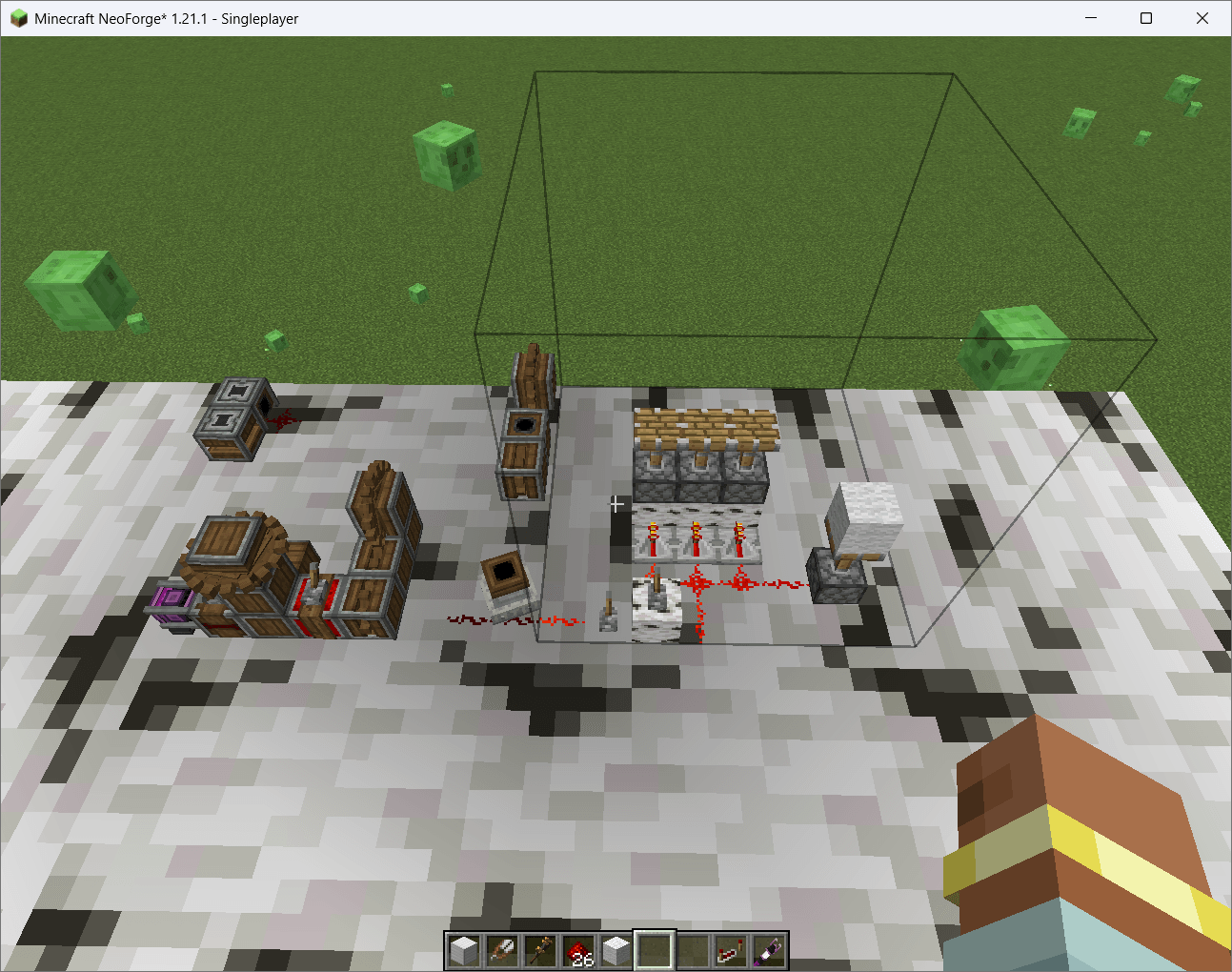
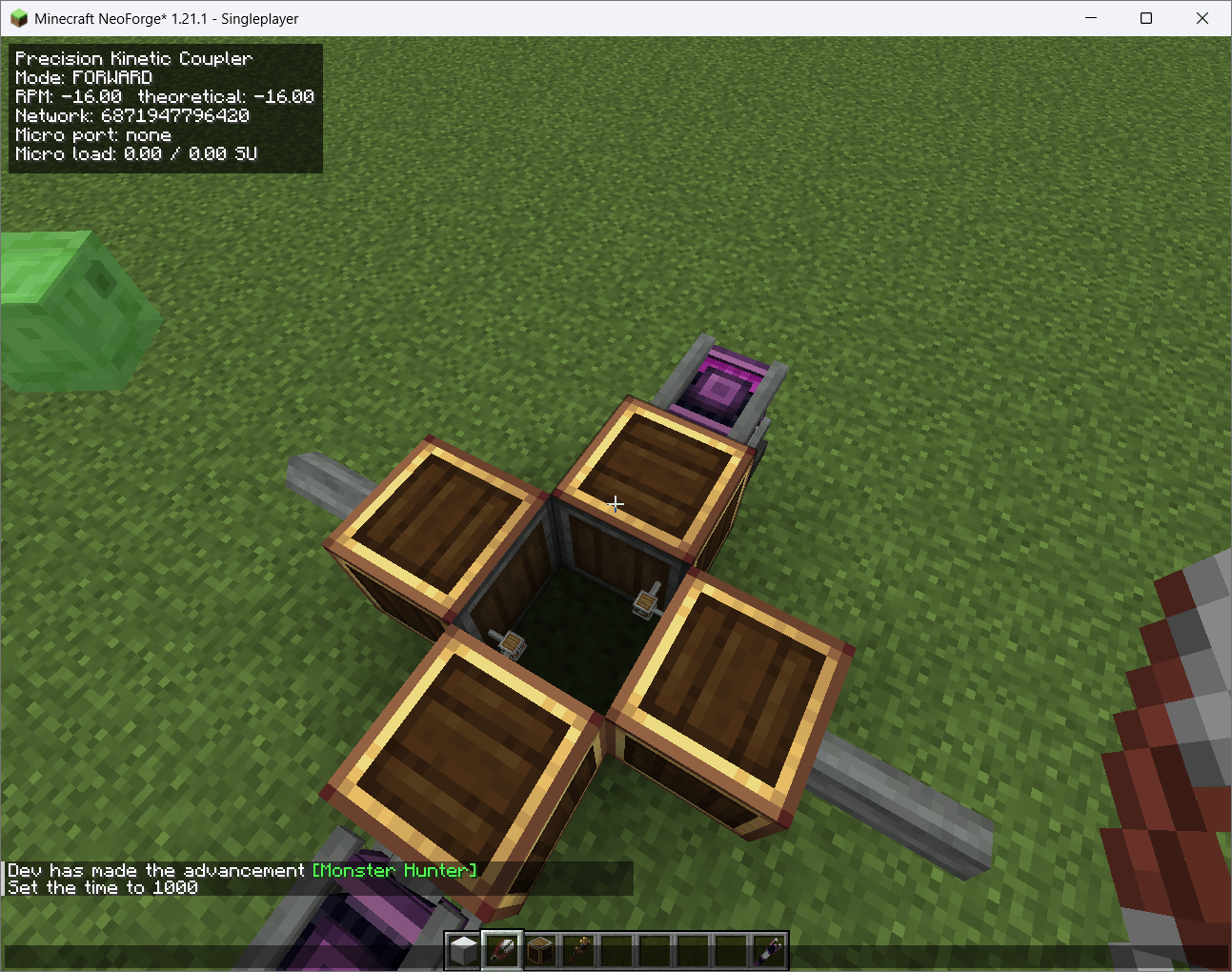
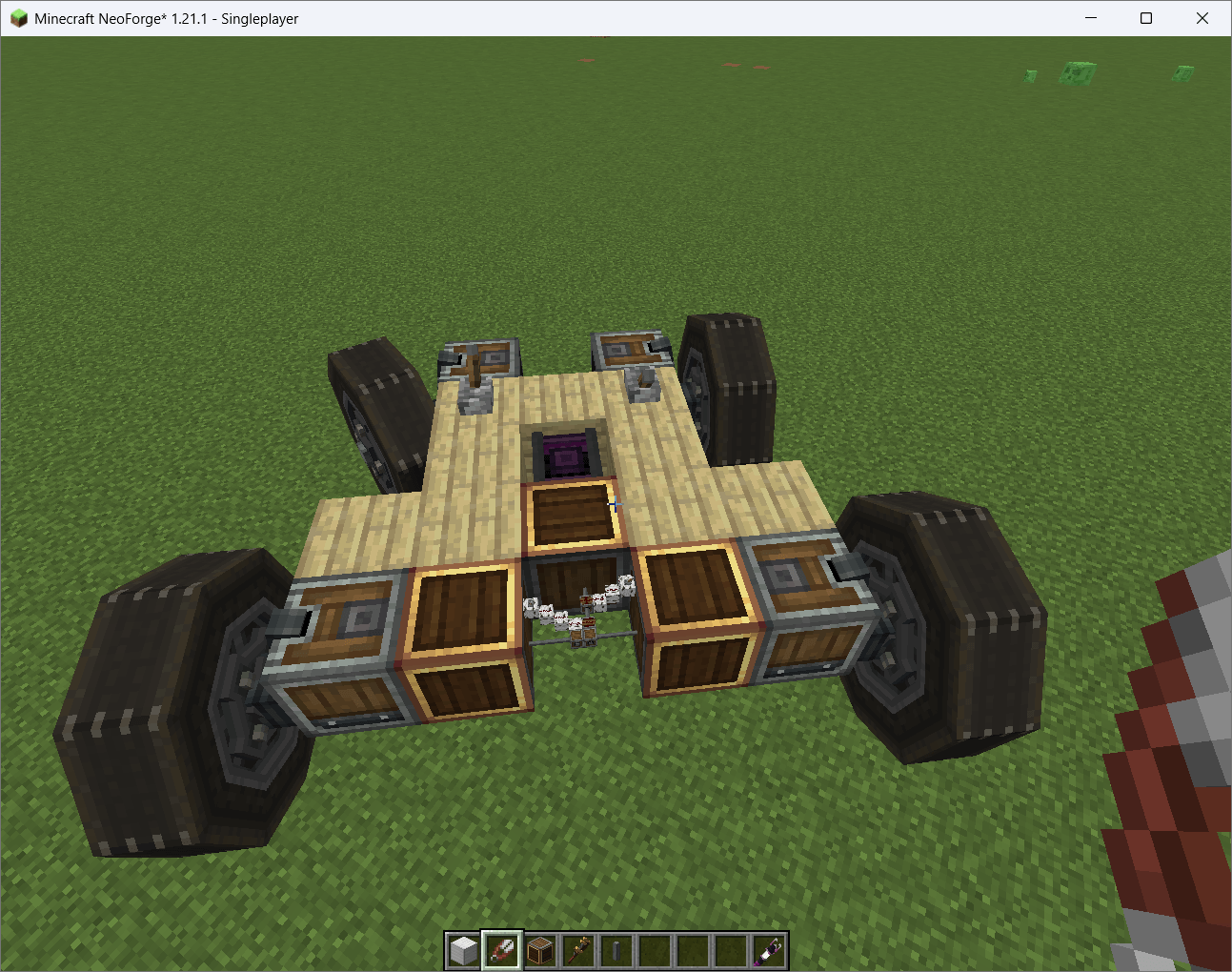
Create: Precision Engineering is a Minecraft 1.21.1 NeoForge addon that lets you build functional miniature Create factories inside a single block.
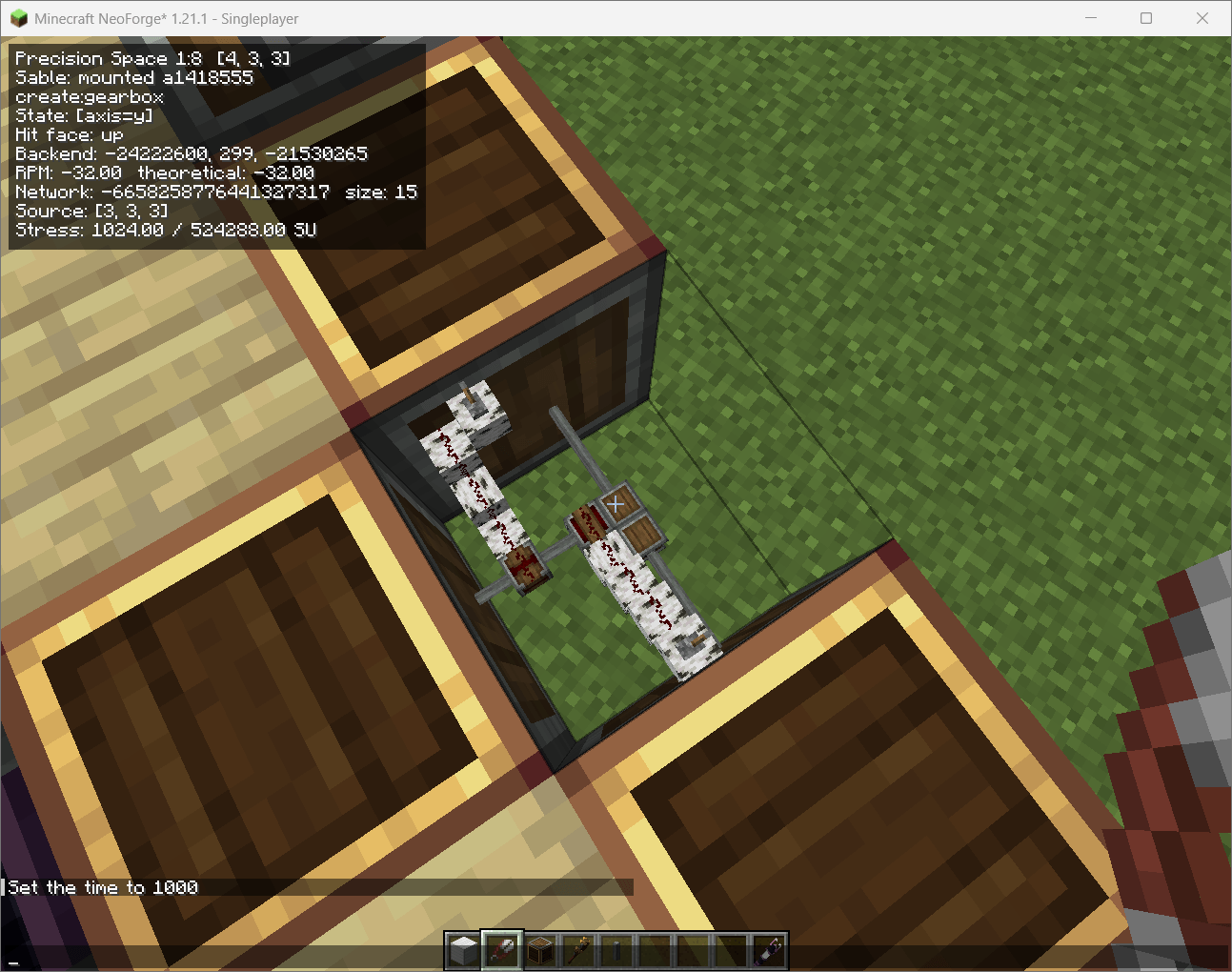
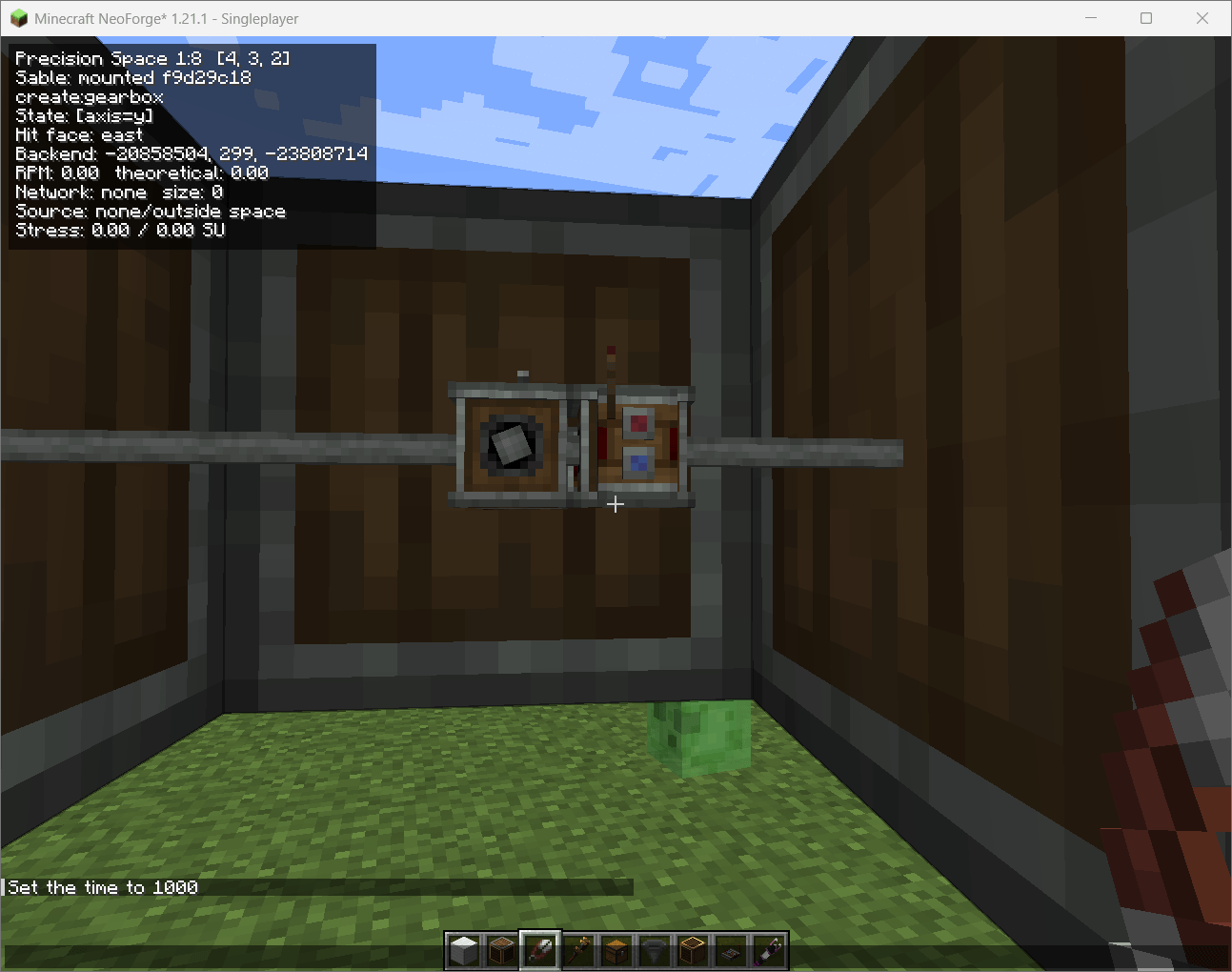
A Precision Engineering Space contains a 7×7×7 internal building area with up to 343 micro-cells. The machines inside are real Minecraft and Create blocks running in a hidden backend — not decorative models or simulated recipes.
Build smaller. Engineer smarter.
Requirements
Required:
- Minecraft Java Edition 1.21.1
- NeoForge 21.1.228 or newer
- Create 6.0.10
Supported:>= 6.0.10and< 6.1.0 - Sable 2.0.3 or newer
Supported:>= 2.0.3and< 3.0.0
Optional compatibility:
- Create Aeronautics / Simulated 1.3.x
Sable is required because Precision Engineering uses its sub-level and moving-structure systems.
Sable Companion is bundled inside the mod JAR, so it does not need to be installed separately.
Precision Spaces
Each Precision Engineering Space contains a functional 7×7×7 miniature factory area.
You can use it for things such as:
- Create processing machines
- Compact production lines
- Gearboxes and transmissions
- Item and fluid systems
- Redstone controls
- Small kinetic networks
- Reusable factory modules
The goal is to save space without removing Create's engineering mechanics.
Engineering Mode
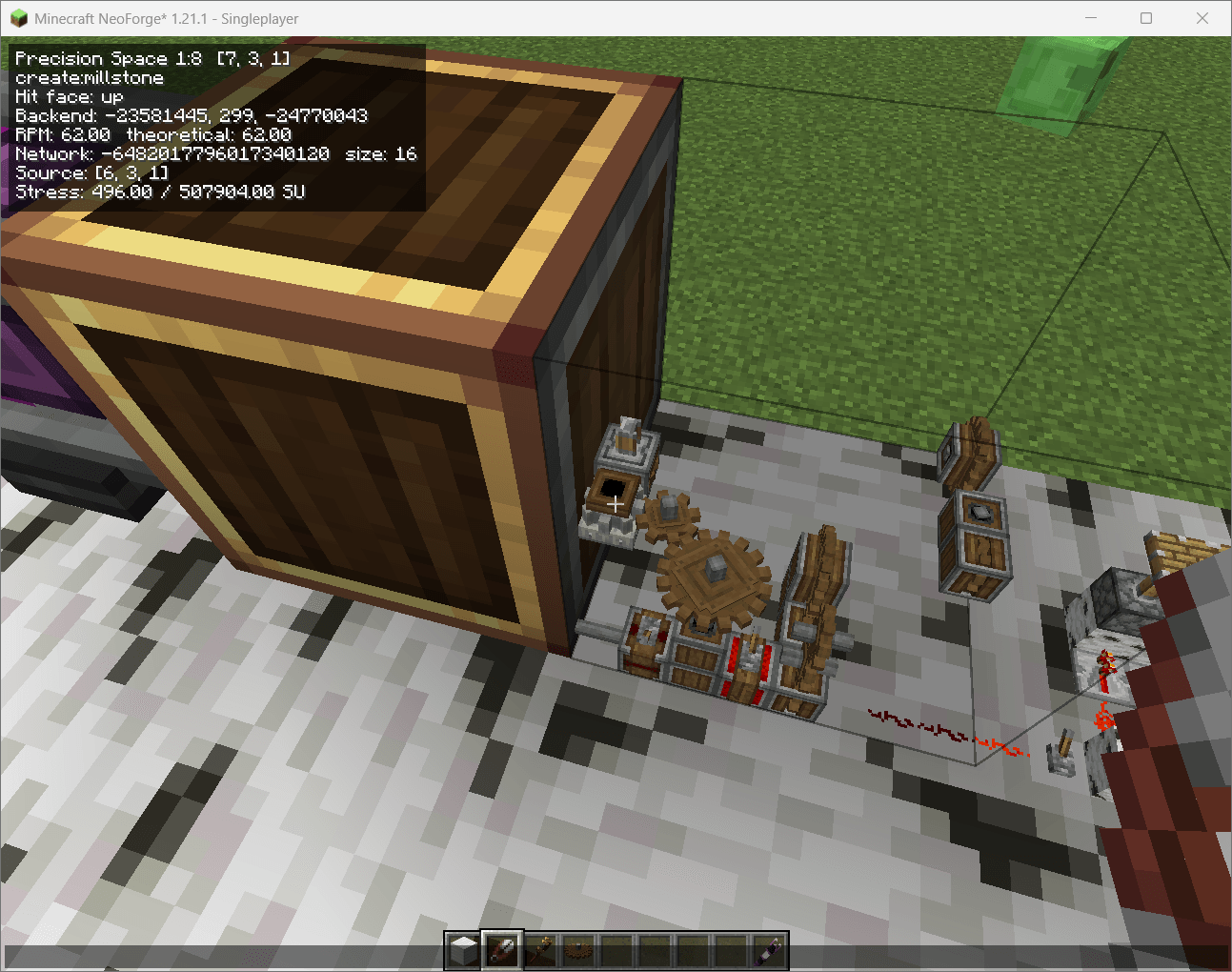
Use the Engineering Tool on a Precision Space to enter Engineering Mode.
You can directly:
- Place blocks
- Break blocks
- Interact with machines
- Inspect Block Entities
- Build Create belts and machinery
- Use Engineer's Goggles
Your actual player remains outside while you control a virtual camera inside the miniature factory.
Create Kinetics
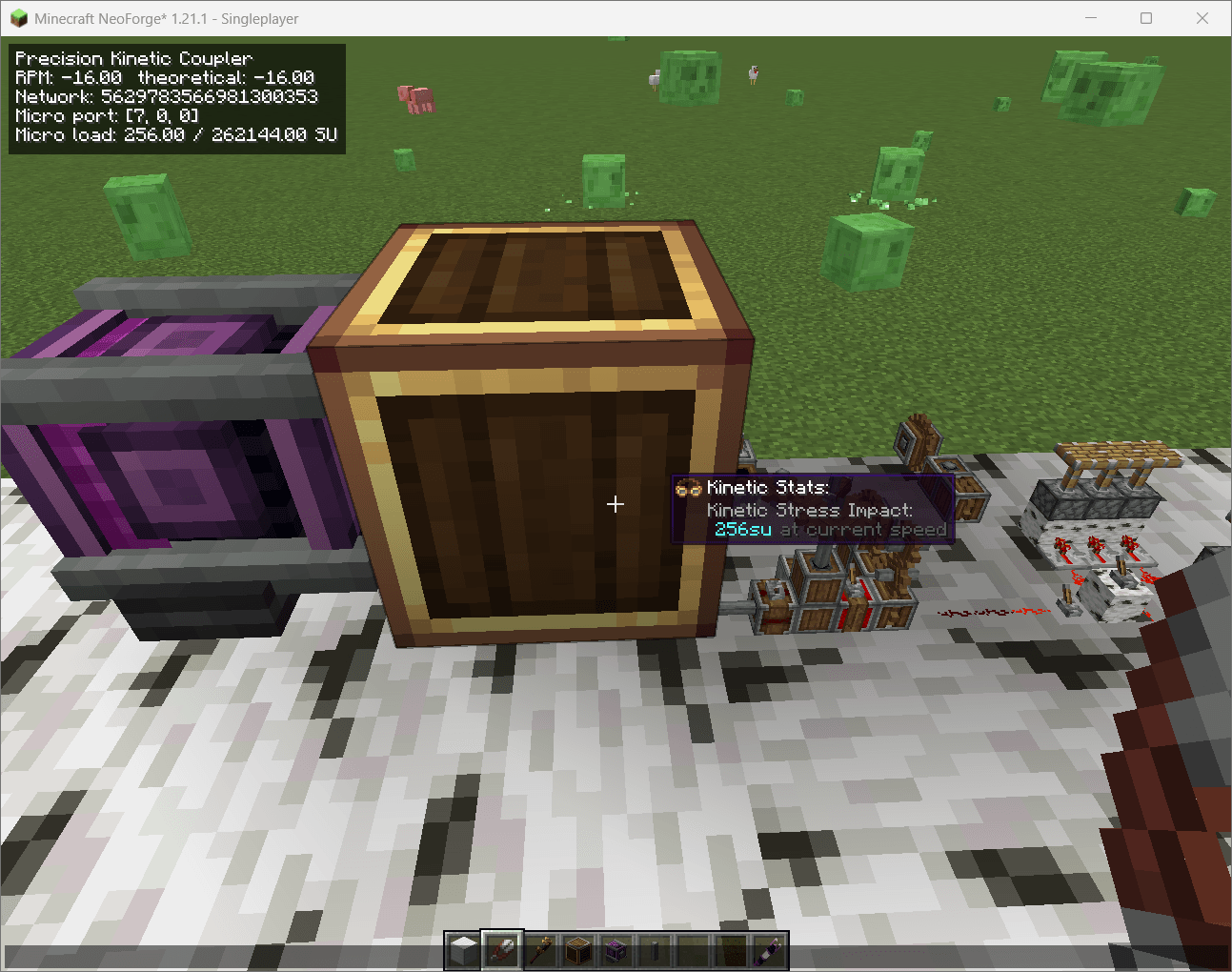
Precision Engineering works with Create's normal rotational system.
It supports:
- RPM
- Rotation direction
- Stress capacity
- Stress impact
- Imported power
- Internal generation
- Exported power
- Bidirectional kinetic transfer
- Multiple kinetic ports
Machines inside a Precision Space still follow normal Create stress and speed rules.
Optional Internal Generator Scaling
Servers can optionally reduce the Stress Unit capacity produced by generators built inside Precision Spaces.
Default:
[kinetics]
nativeMicroSourceMultiplier = 1.0
1.0 keeps normal Create behavior.
Suggested balance setting:
nativeMicroSourceMultiplier = 0.125
This gives internal generators 12.5% of their normal SU capacity.
The actual micro-grid scale is 1:7, so an exact linear setting would be approximately:
nativeMicroSourceMultiplier = 0.142857
Only power generated inside the Precision Space is reduced.
Power imported from outside remains at 100% capacity, even if it passes through one or more Precision Spaces.
The multiplier does not change:
- RPM
- Rotation direction
- Gear ratios
- Machine speed
- Recipe duration
- Recipe output
- Consumer stress requirements
Item, Fluid, and Redstone Ports
Precision Spaces can connect to the outside world using dedicated ports.
Item Couplers
Move items between full-size Create logistics and inventories inside the Precision Space.
Belts, funnels, chutes, and other Create logistics still work normally.
Fluid Couplers
Move fluids across the scale boundary while keeping Create pumps, pipes, valves, and pressure meaningful.
Redstone Ports
Send redstone signals between the normal world and the miniature factory.
Useful for:
- Machine controls
- Clutches
- Sensors
- Shutdown systems
- Compact logic
Universal Precision Port
The Universal Precision Port can be configured for:
- Kinetics
- Items
- Fluids
- Redstone
This allows more compact and flexible factory connections.
Engineer's Goggles
Create's Engineer's Goggles work with Precision Engineering.
Inside Engineering Mode, goggles can inspect the actual miniature Create machines.
Kinetic diagnostics can also show information such as:
- Native-source multiplier
- Native capacity
- Scaled capacity
- Imported capacity
- Total available capacity
- Whether power is native or imported
Performance
Precision Engineering uses an optimized shared backend system designed to support many active Precision Spaces.
Optimizations include:
- Packed backend allocation
- Shared chunk loading
- O(1) backend lookups
- Sparse Block Entity indexing
- Per-cell synchronization
- Reduced kinetic and redstone updates
The goal is to keep real functional blocks inside each Space without requiring an expensive isolated backend for every block.
Moving Structures
Precision Engineering includes Sable-aware support for moving sub-levels and transformed structures.
Create Aeronautics / Simulated compatibility is optional and is not required for normal stationary Precision Spaces.
Screenshots, Suggestions, and Textures
Got a cool Precision Engineering build?
You're welcome to send me:
- Screenshots
- Suggestions
- Feature ideas
- Feedback
- New texture ideas or artwork
Community contributions are very welcome and may help improve future versions of the mod.
Alpha Status
Create: Precision Engineering is currently in Alpha.
The main systems are functional, but bugs, balance changes, compatibility problems, rendering issues, and save-related problems may still occur.
Back up important worlds before updating between alpha versions.
Build smaller. Engineer smarter. Fit an entire Create machine where one block used to be.
Screenshots
Gallery
-
 Screenshot 2026-08-19 084606.png Screenshot 2026-08-19 084606.png
 -
 Screenshot 2026-08-19 102336.png Screenshot 2026-08-19 102336.png
 -
 Screenshot 2026-08-19 102832.png Screenshot 2026-08-19 102832.png
 -
 Screenshot 2026-08-19 110900.png Screenshot 2026-08-19 110900.png
 -
 Screenshot 2026-08-19 114355.png Screenshot 2026-08-19 114355.png
 -
 Screenshot 2026-08-19 114417.png Screenshot 2026-08-19 114417.png
 -
 Screenshot 2026-08-19 132733.png Screenshot 2026-08-19 132733.png
Versions
Files
Relations
Project Relations
More like this
Similar Mods
Suggestions use data such as tags, dependencies, dependents, descriptions, titles, and more to rank how much they overlap with this mod.
- Create: Easy Mechanisms
- Ultra Precision Mechanism
- AfterWorld - The Dance at the end of Times - Origin Reimagined-Si fi/industrail
- Create
- Create Crafts & Additions
- Create: Steam 'n' Rails
- Create: Enchantment Industry
- Create Slice & Dice
- Create: Copycats+
- Create Deco
- Create: Central Kitchen
- Create Stuff 'N Additions
On ModDex
Community snapshot
By the numbers
Statistics
Want to reach Minecraft players?
We're looking for a server hosting partner to feature here and other parts of the site. Interested? Send us a message!
Get in touchGet it on
Available Platforms
On ModDex
Community snapshot
By the numbers
Statistics
Resources