
Community listing page, reviews here may not be monitored by the author.
Cutscene Engine

No reviews yet
A professional cinematic scene creation system for Minecraft
Community voices
Reviews
No reviews yet. Be the first to review this project!
Get it on
Available Platforms
Compatibility
Supported Environments
The author has not specified where this runs.
About
Project Details
For authors
Embed Badge
If you're the author of this project, you can embed a live badge anywhere that supports HTML or Markdown. It updates automatically whenever ratings change.
Use HTML for any page that supports it, or Markdown for README files and Markdown-based descriptions.
Identifiers
Platform IDs
About
Description
🎬 Cutscene Engine
Professional cinematic scene creation system for Minecraft
📖 Description
Cutscene Engine is an advanced data pack that allows you to create smooth cinematic scenes directly in-game without the need for external tools. Ideal for creators of adventure maps, RPG servers, and story-driven projects.
✨ Main Features
🛠️ Visual Editor
- Intuitive Interface — Control with the mouse wheel and right-click
- Add Camera Points — Create a camera path directly in the game
- Preview — Instantly check the result
- Motion Interpolation — Automatically create smooth transitions between points
🎥 Camera System
- Smooth Motion — Interpolation between keypoints
- Duration Adjustment — From 10 ticks to any value
- Spectator Mode — Automatic control of the player's camera
- Save State — Restore position and game mode after a cutscene
💬 Message System (in dev)
- Title/Subtitle — Large titles on the screen
- Actionbar — Text above the hotbar
- Chat — Messages in Chat
- Font Settings — full support for JSON formatting (color, bold, italic, underline)
- Point Snapping — automatically displays text at the right moment
⚙️ Ending Settings
- Teleportation — player movement after a cutscene
- Game Mode — automatic mode change
- Final Title — ending message
🌐 Localization
- Russian and English — full bilingual support
- Dynamic Switching — change languages at any time
💾 Save System
- Workspace — temporary workspace for editing
- Save Cutscenes — export finished scenes with a unique ID
- Load — import saved cutscenes for editing
- Autosave — data loss protection
🎮 How to use
Creating a cutscene
- Open the editor:
/function _cutscene:editor_on
- Add camera points:
- Position yourself in the desired position
- Scroll the wheel to "➕ Add point"
- Right-click
- Adjust the settings:
- Select "⚙ Settings" in the menu
- Set the cutscene length
- Adjust the ending (teleport, game mode, title)
- Add messages:
- Select "💬 Messages" in the menu
- Adjust the Title, Subtitle, Actionbar, or Chat
- Apply text to the nearest point
- Render:
- Select "🎬 Render" to generate frames
- Use "▶ Preview" for verification
- Save:
- Open "⚙ Settings" → "💾 Save"
- Enter a unique ID for the cutscene
Play a cutscene
/function _cutscene:play_cutscene {id:"your_cutscene_id"}
🔧 Specifications
- Minecraft Versions: 1.21.8 - 1.21.10
- Performance: Optimized for minimal impact on TPS
🎯 Usage Examples
- Adventure Maps — intro and outro cutscenes
- RPG Servers — quest cutscenes
- Tutorial Maps — mechanic demonstrations
- Story Projects — cinematic cutscenes
📝 Commands
| Command | Description |
|---|---|
/function _cutscene:editor_on |
Open the editor |
/function _cutscene:play_cutscene {id:"..."} |
Play a cutscene |
/function cutscene:cutscene/list |
List of saved cutscenes |
/trigger cutscene_engine_localization set 1 |
Russian language |
/trigger cutscene_engine_localization set 2 |
English language |
🤝 Compatibility
- ✅ Works with other datapacks
- ✅ Does not require mods
- ✅ Multiplayer support
- ✅ Compatible with command blocks
🐛 Support
Found a bug or have a suggestion? Create an issue in the project repository!
Create cinematic masterpieces right in Minecraft! 🎬✨
Screenshots
Gallery
-
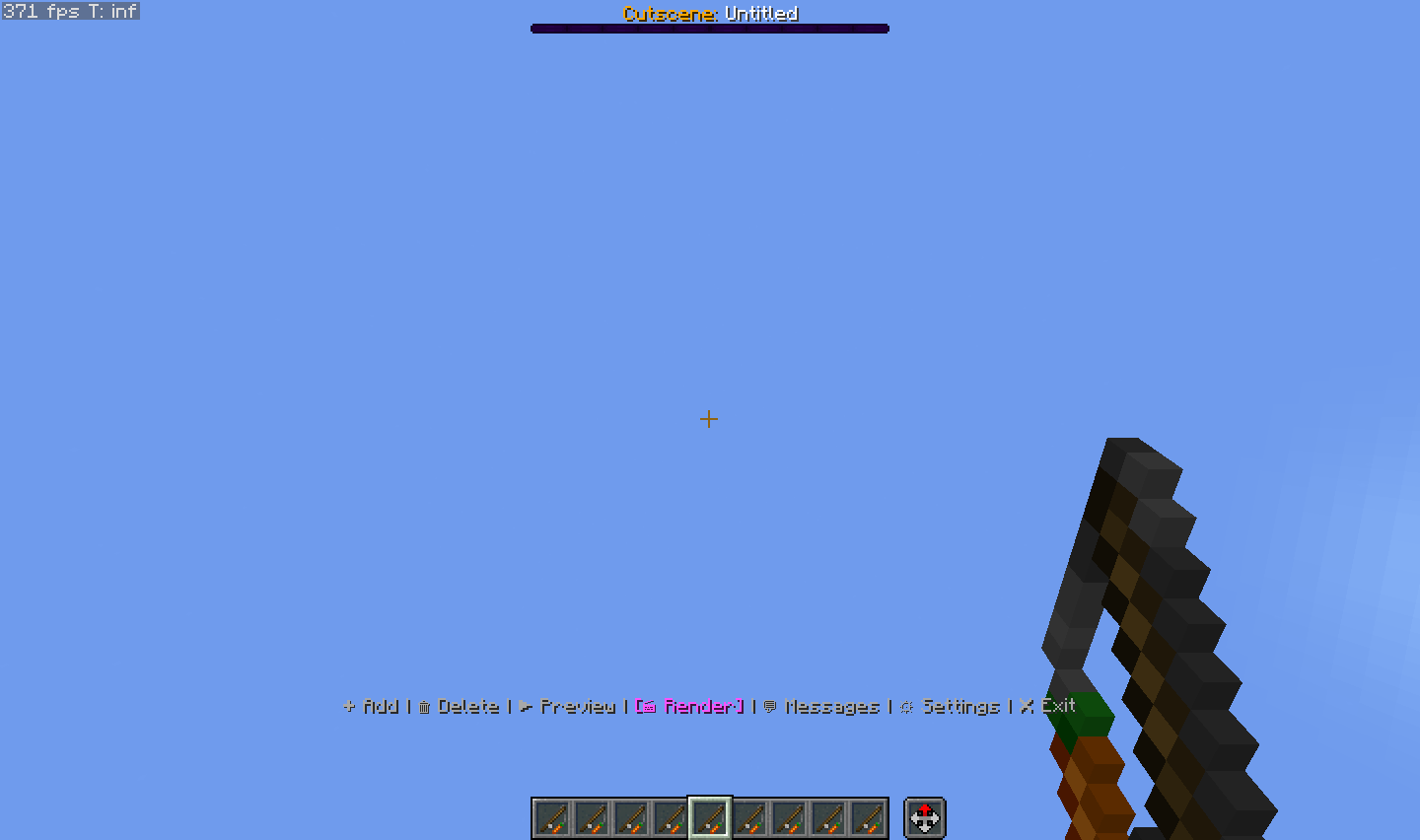 Main editor
 -
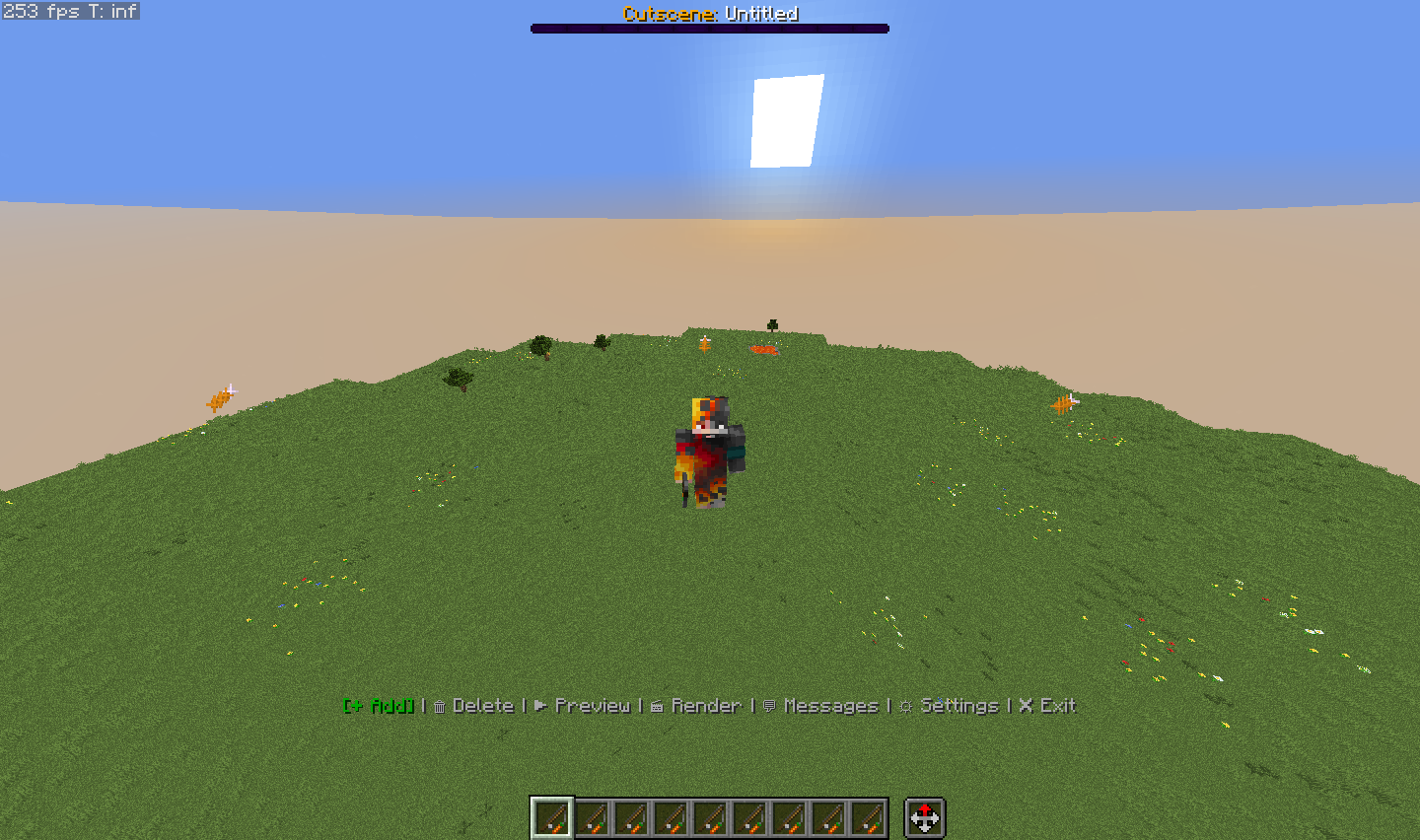 Points
 -
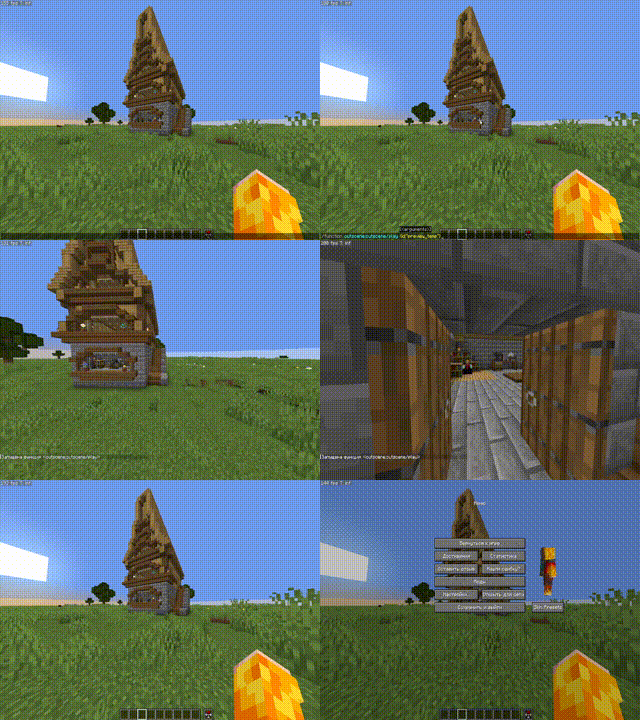 Cutscene
 -
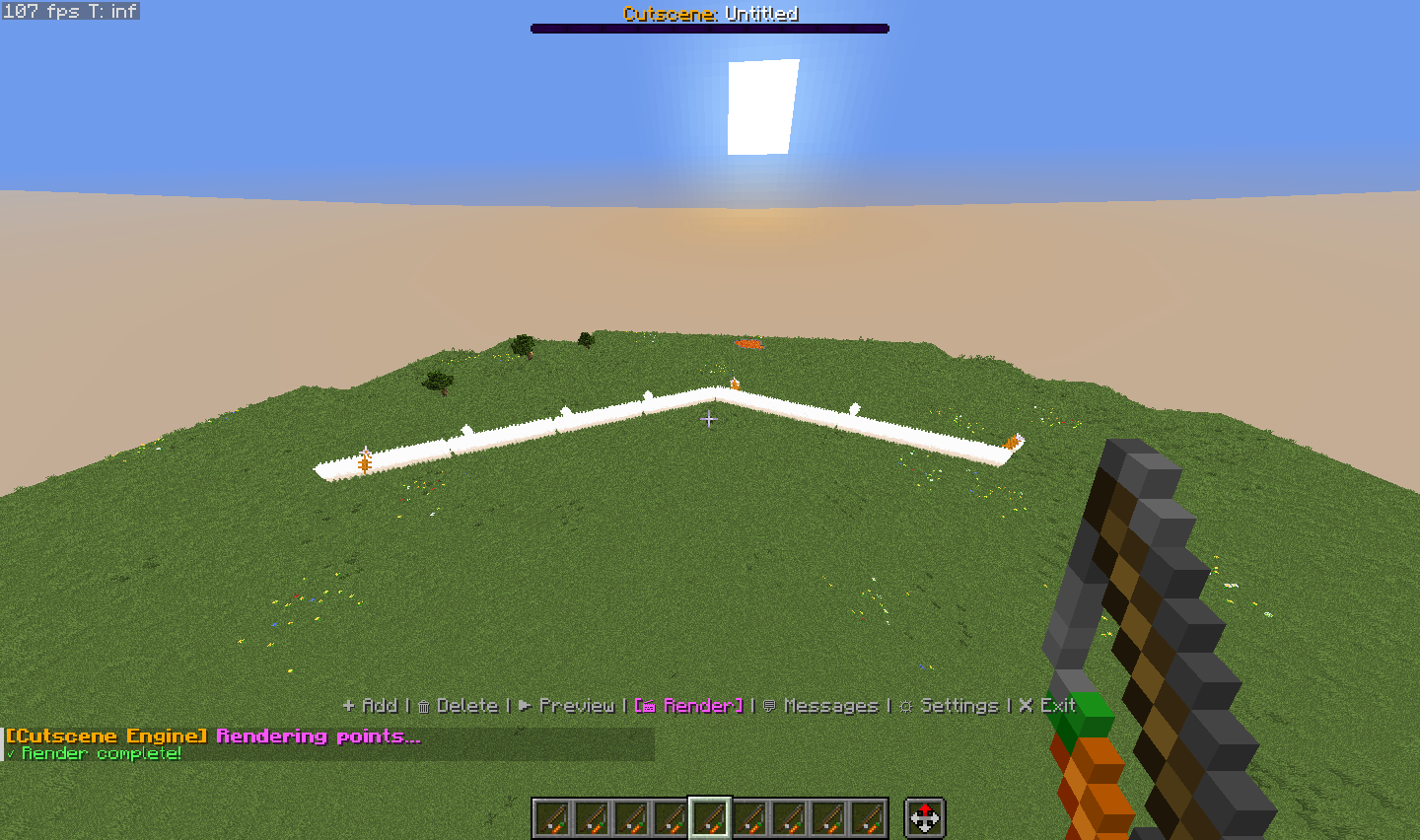 Generated path
 -
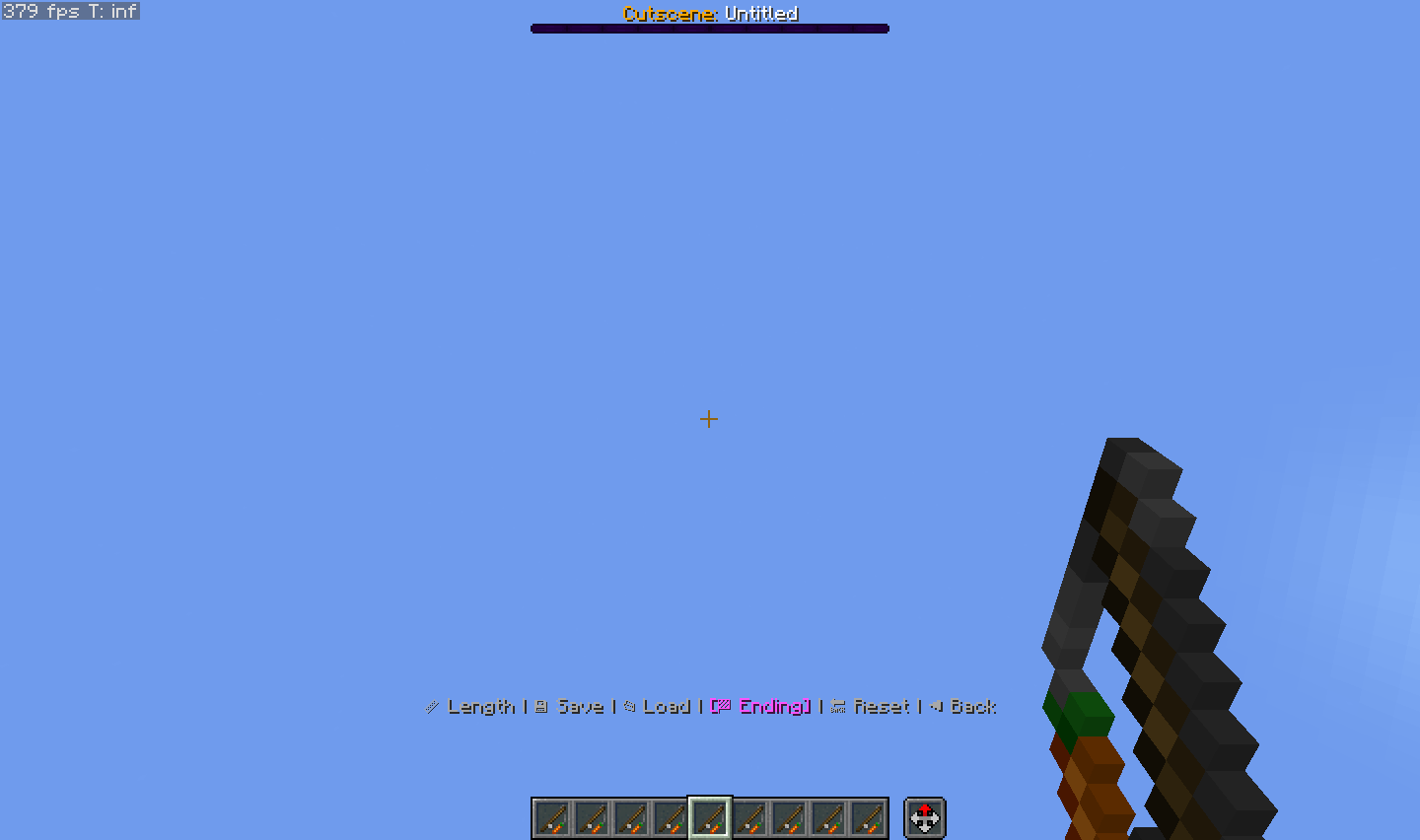 Settings
Versions
Files
Relations
Project Relations
More like this
Similar Mods
Suggestions use data such as tags, dependencies, dependents, descriptions, titles, and more to rank how much they overlap with this mod.
On ModDex
Community snapshot
By the numbers
Statistics

Want to reach Minecraft players?
We're looking for a server hosting partner to feature here and other parts of the site. Interested? Send us a message!
Get in touchGet it on
Available Platforms
On ModDex
Community snapshot
By the numbers