Community listing page, reviews here may not be monitored by the author.
Cyberspace


No reviews yet
Transfer your machines into the Cyberspace
Community voices
Reviews
No reviews yet. Be the first to review this project!
Get it on
Available Platforms
Compatibility
Supported Environments
Must be installed on both the client and the server.
Install on the client or the server; either alone gives full functionality.
Works on the client or the server alone, but does more when on both.
Varies by version.
About
Project Details
For authors
Embed Badge
If you're the author of this project, you can embed a live badge anywhere that supports HTML or Markdown. It updates automatically whenever ratings change.
Use HTML for any page that supports it, or Markdown for README files and Markdown-based descriptions.
Identifiers
Platform IDs
Resources
External Links
About
Description

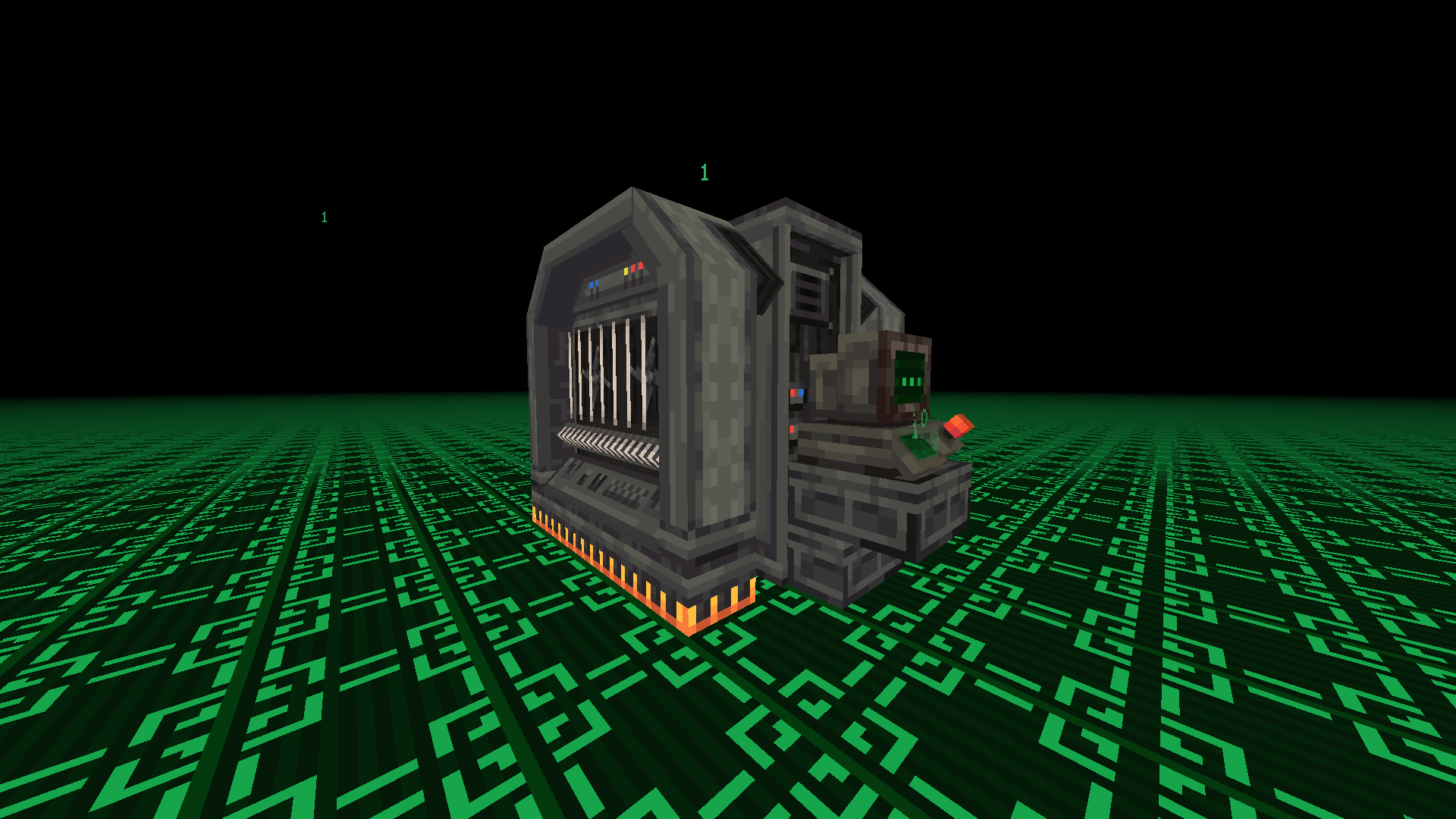
{ Description } Cyberspace adds a private digital pocket dimension for every player, plus a shared Public Cyberspace. Invite friends, visit their spaces, control visitor permissions, fly in Survival, and return to the exact location you entered from.
Also check out the Continuum addon to share one Cyberspace across multiple Minecraft saves.
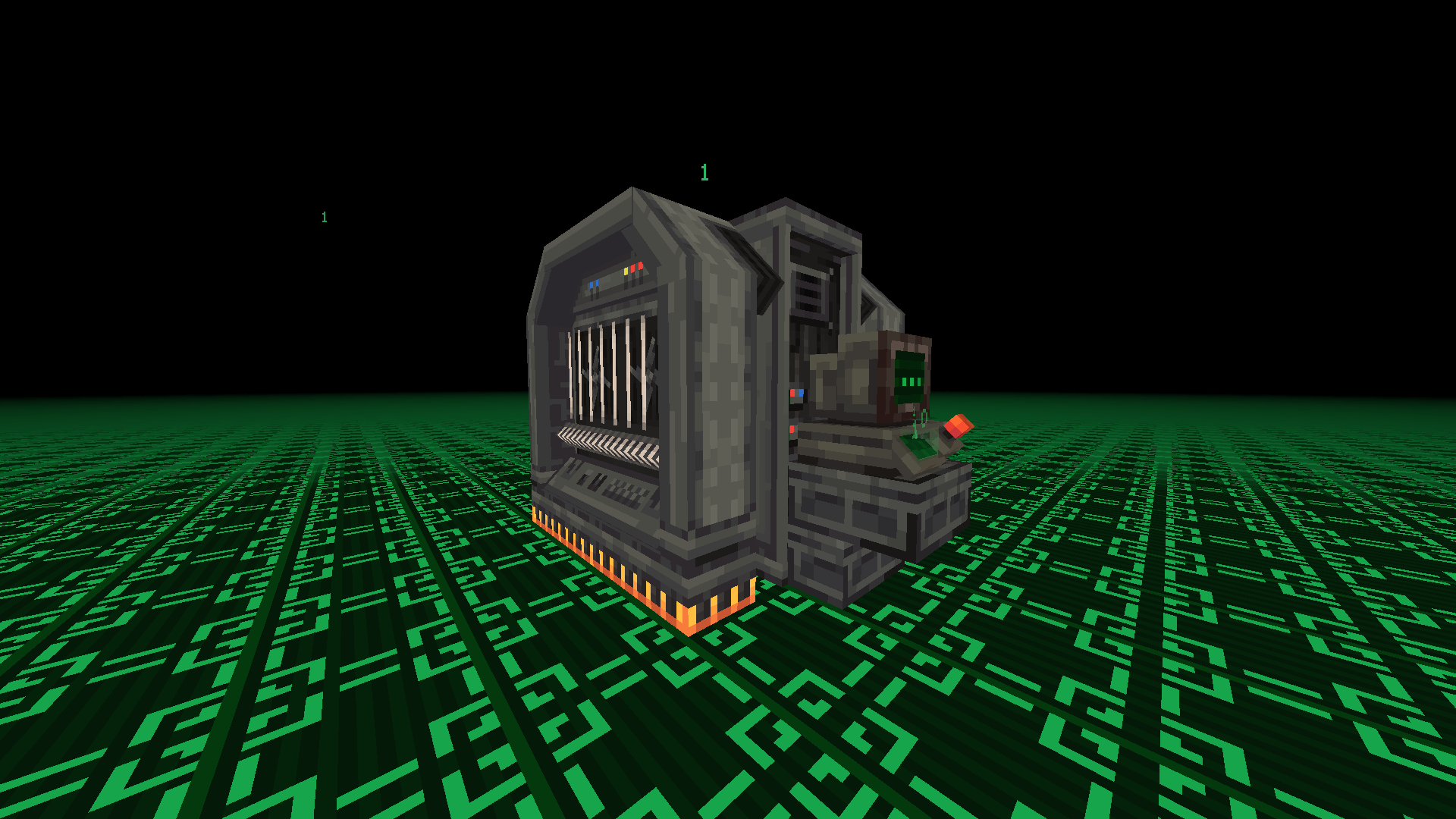
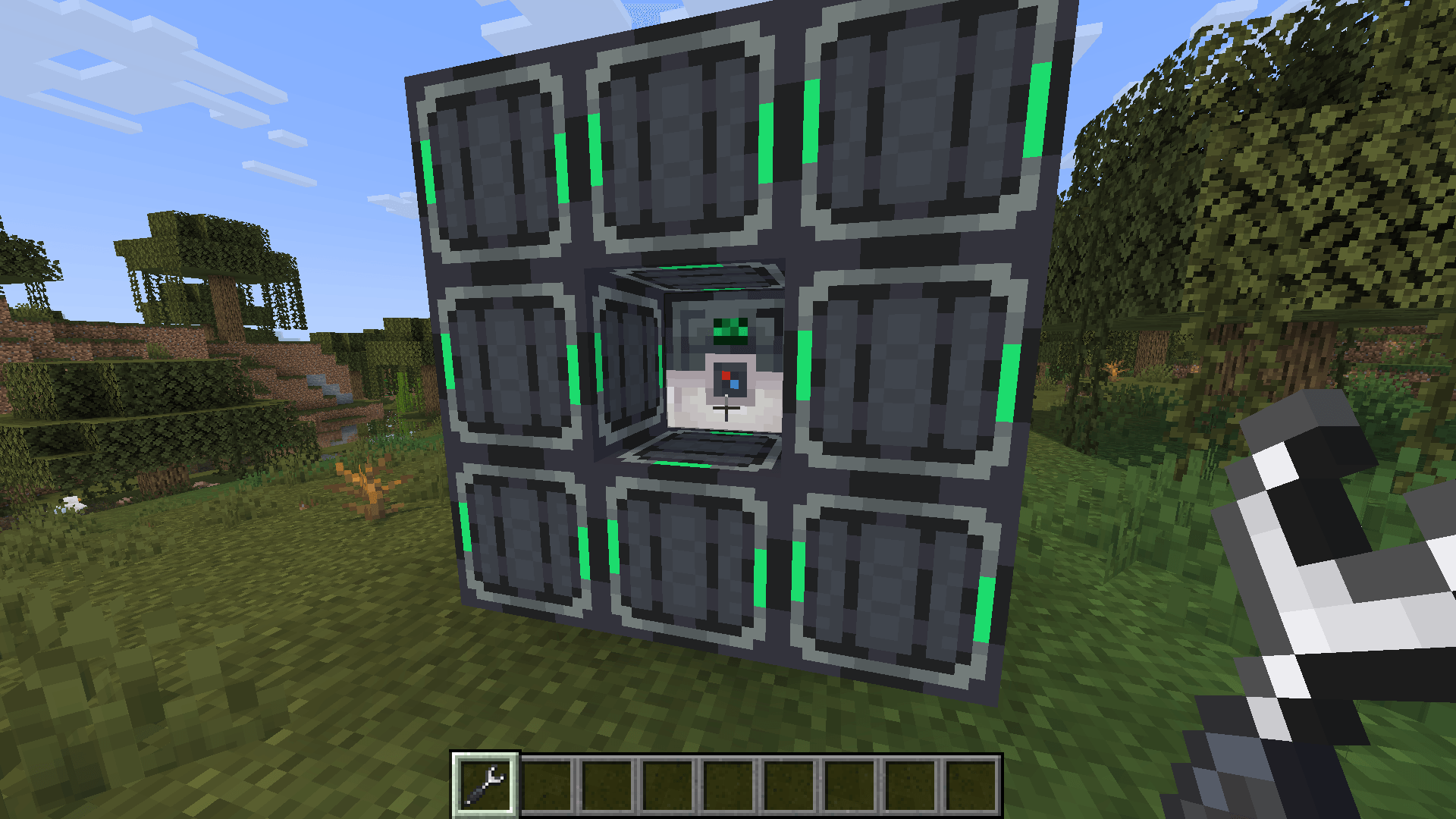
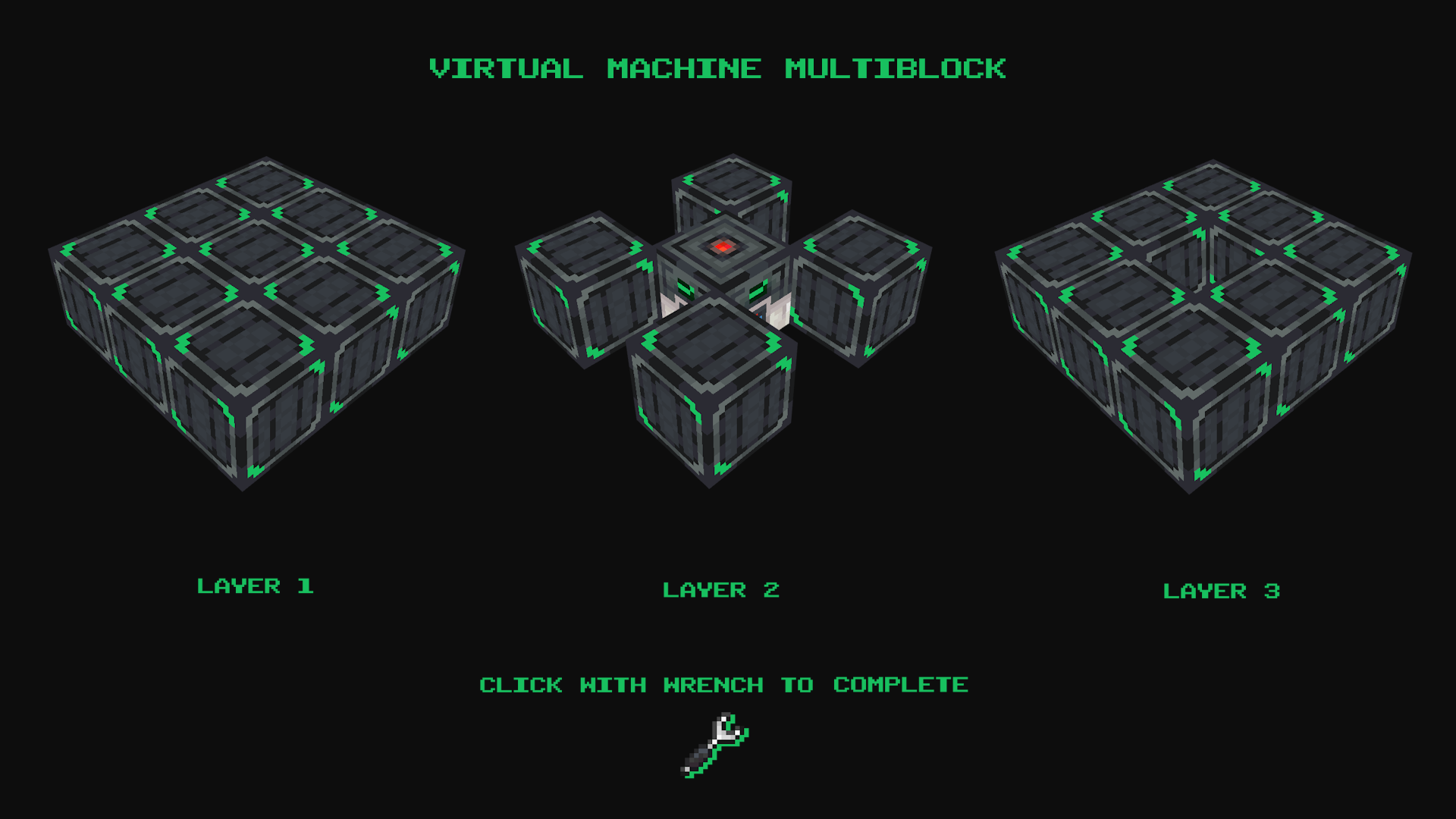
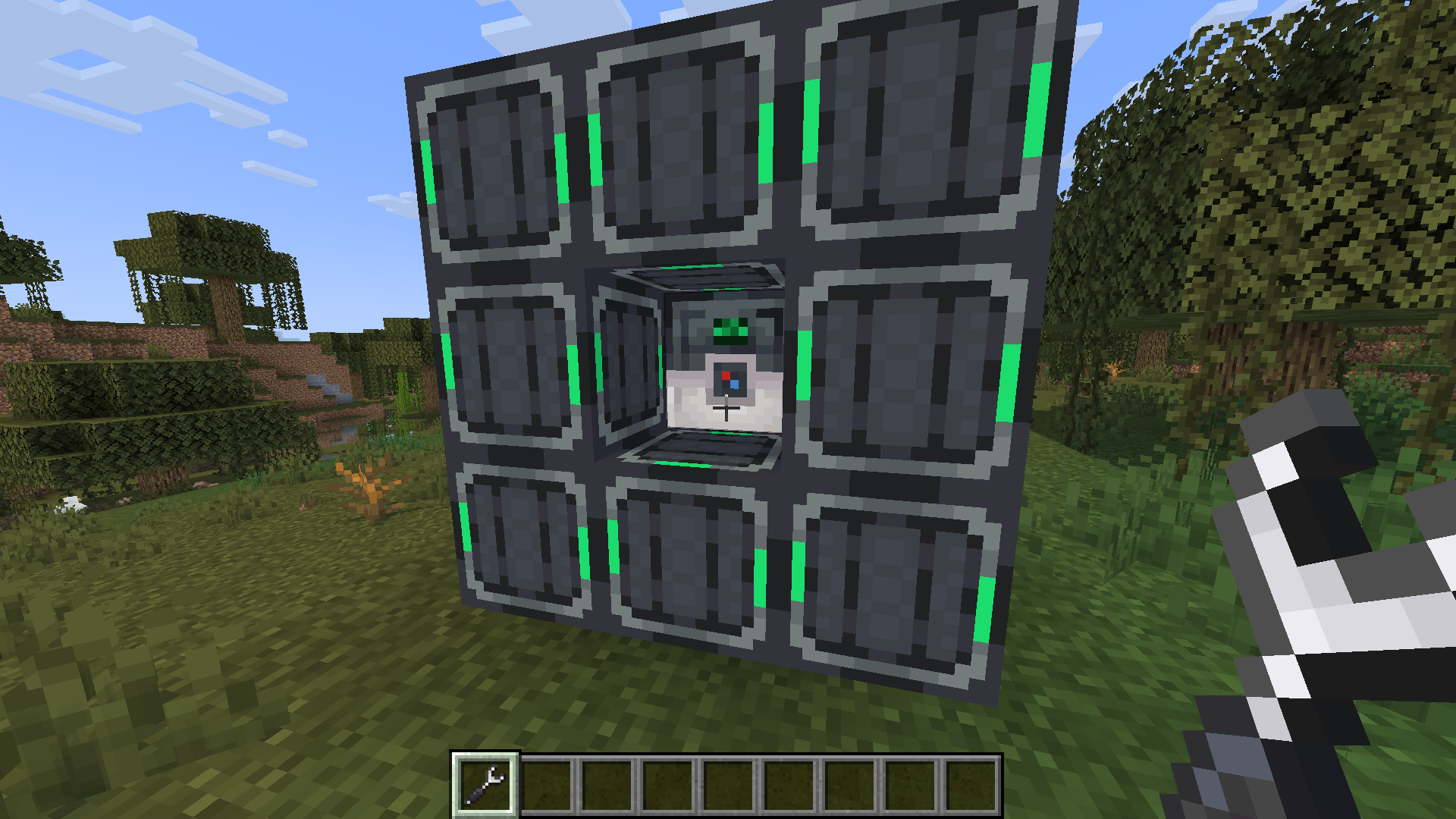
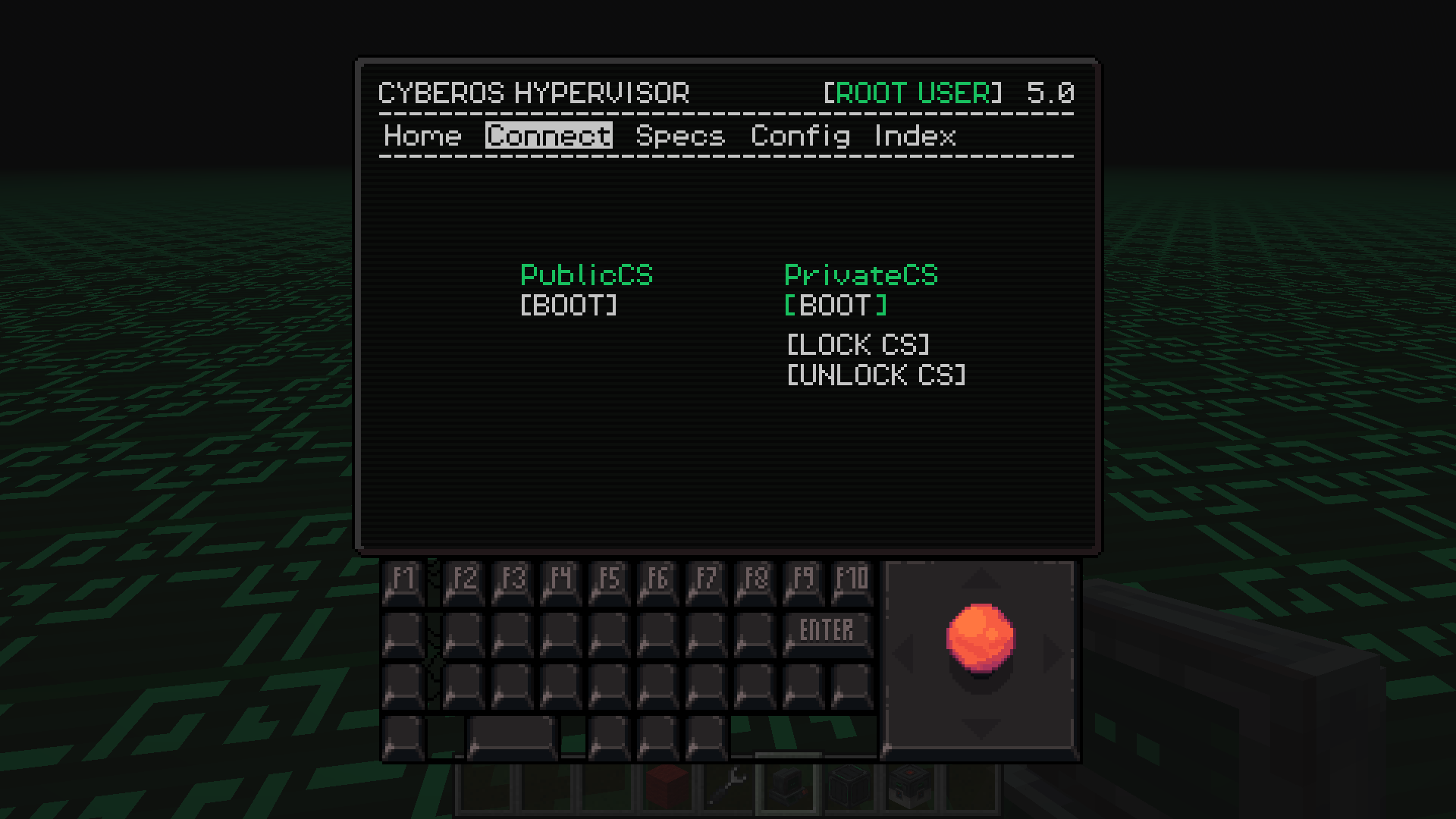
{ Guide } To access Public & Private Cyberspace, first build a Virtual Machine. A tutorial showing how to build it is available in the Gallery.
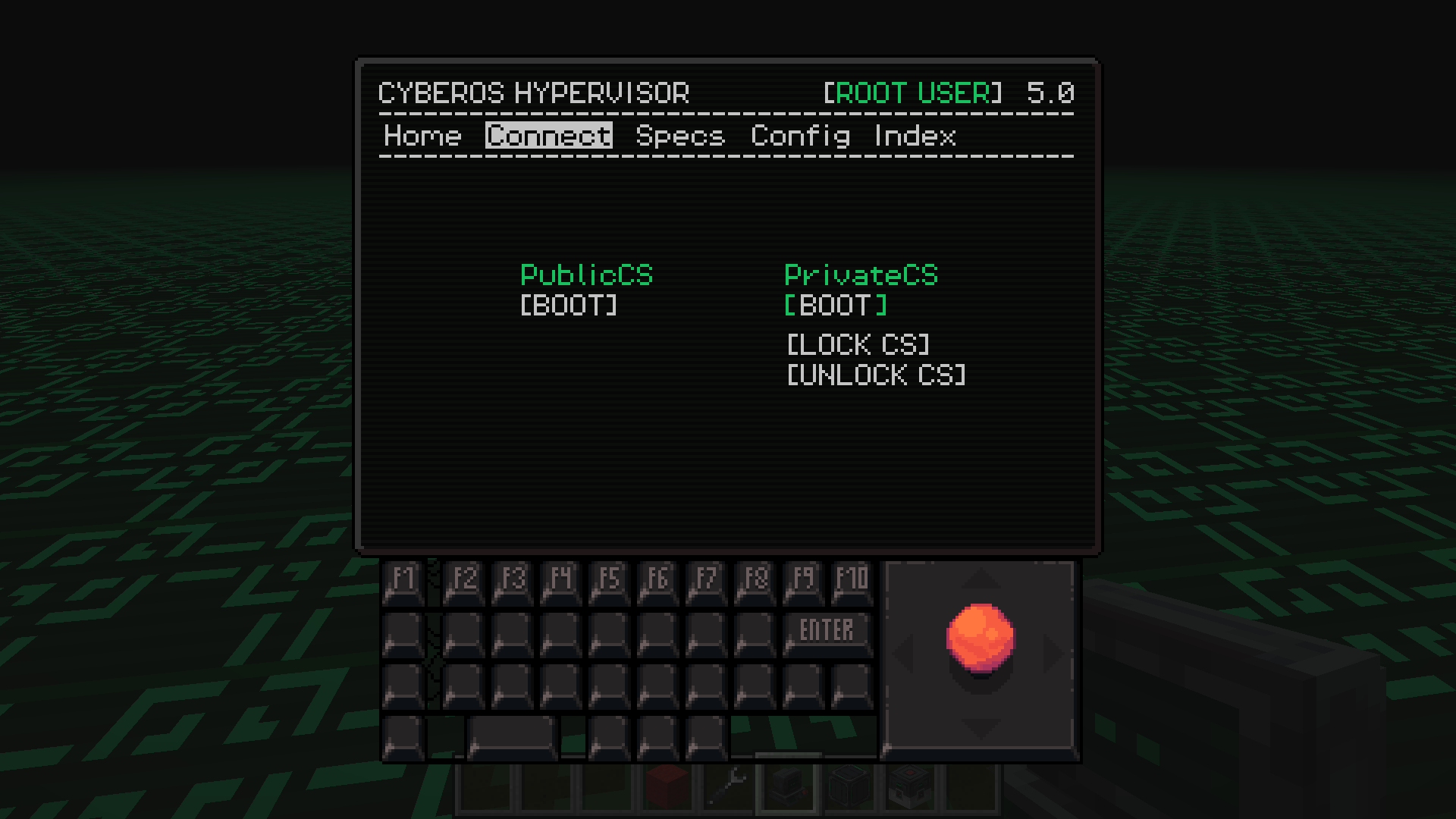
Each player gets their own protected 4096×4096 region inside the Private Cyberspace dimension. Regions are separated from each other, so every player has a huge personal area while still sharing the same dimension. You can invite friends, visit their regions, manage visitor permissions, and use the shared Public Cyberspace.
Use /cyberspace invite, /accept, /decline, /visit, /home, and /revoke to manage multiplayer access. Press C (Keybind can be changed) to leave Cyberspace and return to the exact dimension and location you originally entered from.
Survival flight is enabled inside both Private and Public Cyberspace.
Cyberspace also works great with chunk loader mods, making it ideal for farms, machines, storage systems, and other automated builds.
{ Discord } If you need help, have any questions or suggestions, or want to follow the mod's development, join our Discord!
Support the project by donating on Ko-fi.
{ Description }
Cyberspace adds a private digital pocket dimension for every player, plus a shared Public Cyberspace. Invite friends, visit their spaces, control visitor permissions, fly in Survival, and return to the exact location you entered from.
Also check out the Continuum addon to share one Cyberspace across multiple Minecraft saves.
{ Guide }
To access Public & Private Cyberspace, first build a Virtual Machine. A tutorial showing how to build it is available in the Gallery.
Each player gets their own protected 4096×4096 region inside the Private Cyberspace dimension. Regions are separated from each other, so every player has a huge personal area while still sharing the same dimension. You can invite friends, visit their regions, manage visitor permissions, and use the shared Public Cyberspace.
Use
/cyberspace invite,/accept,/decline,/visit,/home, and/revoketo manage multiplayer access. Press C (Keybind can be changed) to leave Cyberspace and return to the exact dimension and location you originally entered from.
Survival flight is enabled inside both Private and Public Cyberspace.
Cyberspace also works great with chunk loader mods, making it ideal for farms, machines, storage systems, and other automated builds.
{ Discord & Support }
If you need help, have any questions or suggestions, or want to follow the mod's development, join our Discord!
Support the project by donating on Ko-fi.
Screenshots
Gallery
-
 2026-04-30_02.41.59.png 2026-04-30_02.41.59.png
 -
 2026-08-30_15.44.38.png 2026-08-30_15.44.38.png
 -
 2026-04-30_02.43.02.png 2026-04-30_02.43.02.png
 -
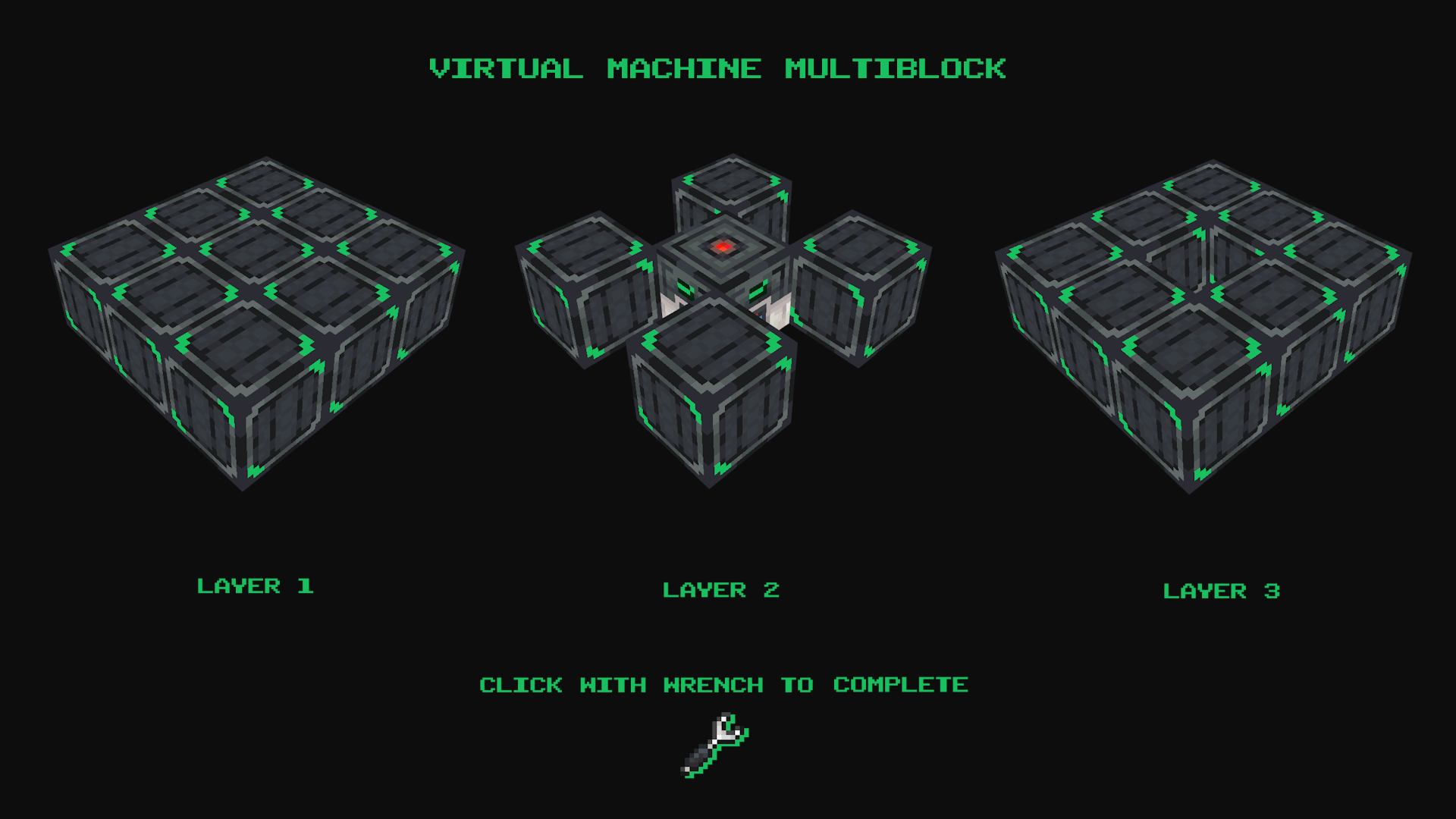 VIRUAL_MACHINE_BLUEPRINT.png VIRUAL_MACHINE_BLUEPRINT.png
Versions
Files
Relations
Project Relations
More like this
Similar Mods
Suggestions use data such as tags, dependencies, dependents, descriptions, titles, and more to rank how much they overlap with this mod.
On ModDex
Community snapshot
By the numbers
Statistics
Want to reach Minecraft players?
We're looking for a server hosting partner to feature here and other parts of the site. Interested? Send us a message!
Get in touchGet it on
Available Platforms
On ModDex
Community snapshot
By the numbers
Statistics
Resources