Community listing page, reviews here may not be monitored by the author.
Dash's Custom Background Music Changer


No reviews yet
An OpenAL based mod that allows the user to upload MP3 files to play as background music.
Community voices
Reviews
No reviews yet. Be the first to review this project!
Get it on
Available Platforms
Compatibility
Supported Environments
Runs entirely on the client. Works on vanilla servers.
About
Project Details
For authors
Embed Badge
If you're the author of this project, you can embed a live badge anywhere that supports HTML or Markdown. It updates automatically whenever ratings change.
Use HTML for any page that supports it, or Markdown for README files and Markdown-based descriptions.
Identifiers
Platform IDs
About
Description
Dash's Custom Background Music Mod
Tired of the same old tracks? Dash's Custom Background Music Mod gives you total control over your game's atmosphere by allowing you to replace the vanilla soundtrack with your own music files. Tutorials Below!
🎵 Key Features
- Total Replacement: This mod automatically overrides Minecraft's native music system. You’ll never have to worry about your custom tracks overlapping with the default game music.
- Easy MP3 Support: No complex conversions needed. Simply upload your
.mp3files and you're ready to go. - Per-Track Volume Control: Fine-tune your experience with built-in volume sliders for every song you add. Make that boss theme epic or keep the building music subtle.
- Seamless Integration: Designed to feel like a native part of the Minecraft UI.
- Custom Playlists: As many playlists as you want!
📋 Compatibility
| Loader | Version | Status |
|---|---|---|
Neoforge |
1.21.1 |
✅ Supported |
🧑🏫 Playlist Tutorial
- Go to the instance root folder.

- Go to the instance config folder.

- Go to custom background music's congfig.
- Create a new folder and name it whatever you'd like.

5. Add your .mp3 files and launch the game!
💬 Frequently Asked Questions
Q: Will I hear the original Minecraft music? A: No. This mod completely overrides the vanilla music engine to ensure only your custom tracks play.
Q: Can I change the volume while a song is playing? A: Yes! The volume buttons update the audio levels in real-time.
Q: What file formats are supported? A: Only .mp3 files are supported thus far, I am unfortunately not planning to add compat for other formats.
Created by Dash Your world. Your music.
Dash's Custom Background Music Mod



Tired of the same old tracks? Dash's Custom Background Music Mod gives you total control over your game's atmosphere by allowing you to replace the vanilla soundtrack with your own music files. Tutorials Below!
🎵 Key Features
- Total Replacement: This mod automatically overrides Minecraft's native music system. You’ll never have to worry about your custom tracks overlapping with the default game music.
- Easy MP3 Support: No complex conversions needed. Simply upload your
.mp3files and you're ready to go. - Per-Track Volume Control: Fine-tune your experience with built-in volume sliders for every song you add. Make that boss theme epic or keep the building music subtle.
- Seamless Integration: Designed to feel like a native part of the Minecraft UI.
- Custom Playlists: As many playlists as you want!
📋 Compatibility
| Loader | Version | Status |
|---|---|---|
| Neoforge | 1.21.1 | ✅ Supported |
🧑🏫 Playlist Tutorial
- Go to the instance root folder.
- Go to the instance config folder.
- Go to custom background music's config.
- Create a new folder and name it whatever you'd like.
- Add your .mp3 files and launch the game!
💬 Frequently Asked Questions
Q: Will I hear the original Minecraft music? A: No. This mod completely overrides the vanilla music engine to ensure only your custom tracks play.
Q: Can I change the volume while a song is playing? A: Yes! The volume buttons update the audio levels in real-time.
Q: What file formats are supported? A: Only .mp3 files are supported thus far, I am unfortunately not planning to add compat for other formats.
Created by Dash Your world. Your music.
Screenshots
Gallery
-
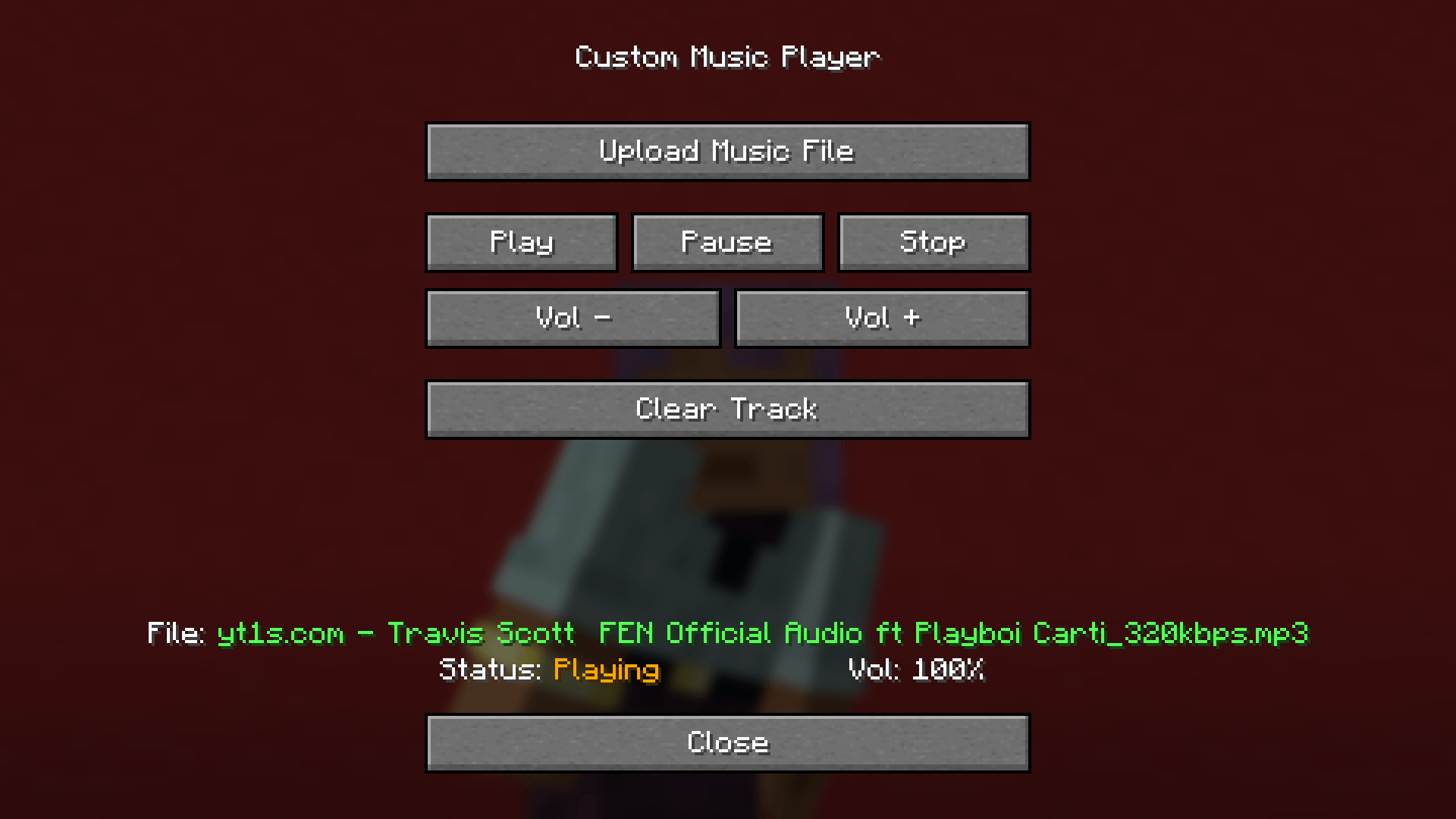 FE!N
FE!N
-
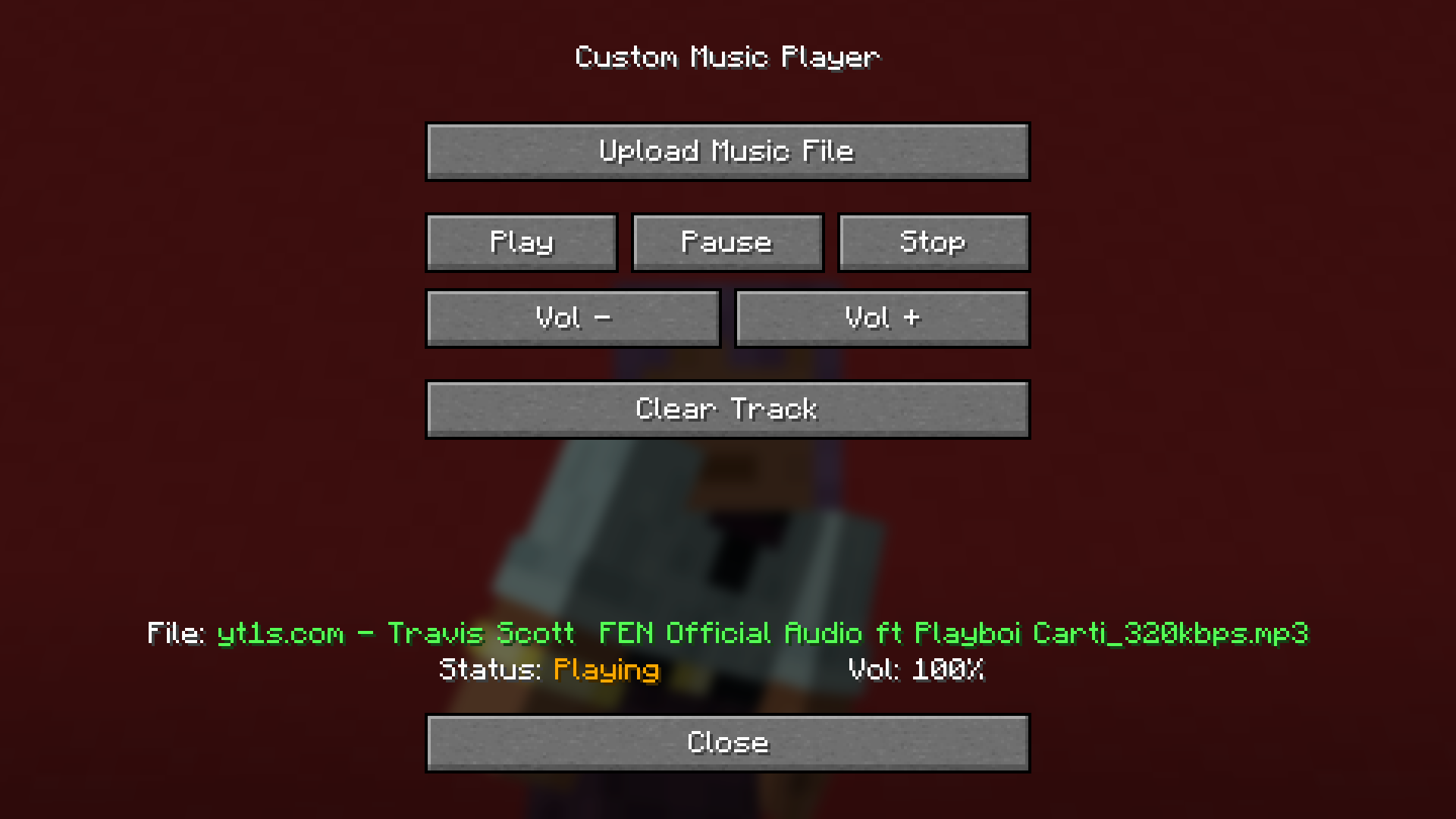 FE!N
FE!N -
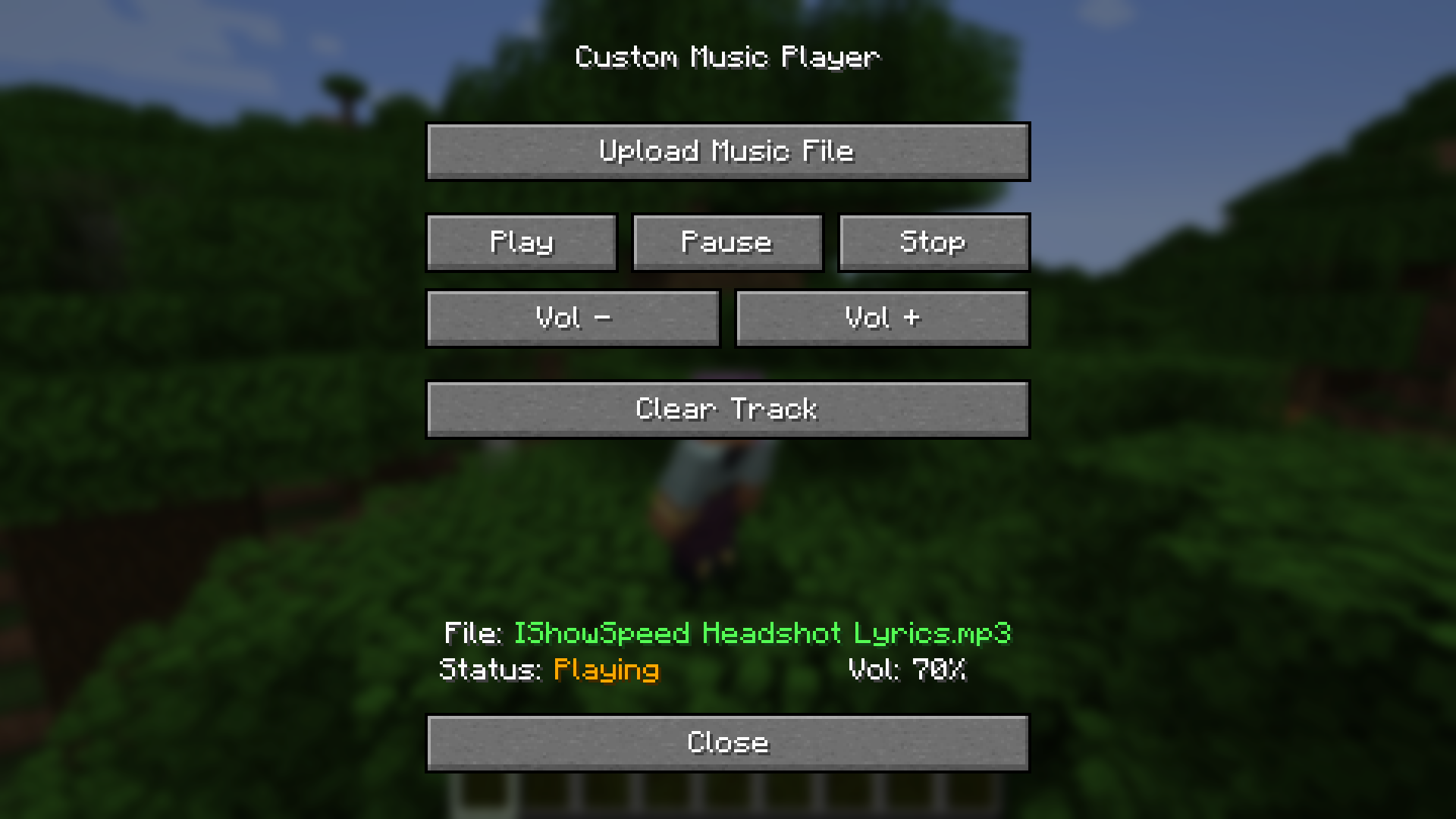 Headshot
Versions
Files
Relations
Project Relations
More like this
Similar Mods
Suggestions use data such as tags, dependencies, dependents, descriptions, titles, and more to rank how much they overlap with this mod.
On ModDex
Community snapshot
By the numbers
Statistics
Want to reach Minecraft players?
We're looking for a server hosting partner to feature here and other parts of the site. Interested? Send us a message!
Get in touchGet it on
Available Platforms
On ModDex
Community snapshot
By the numbers