
Community listing page, reviews here may not be monitored by the author.
Debug Entity Data

No reviews yet
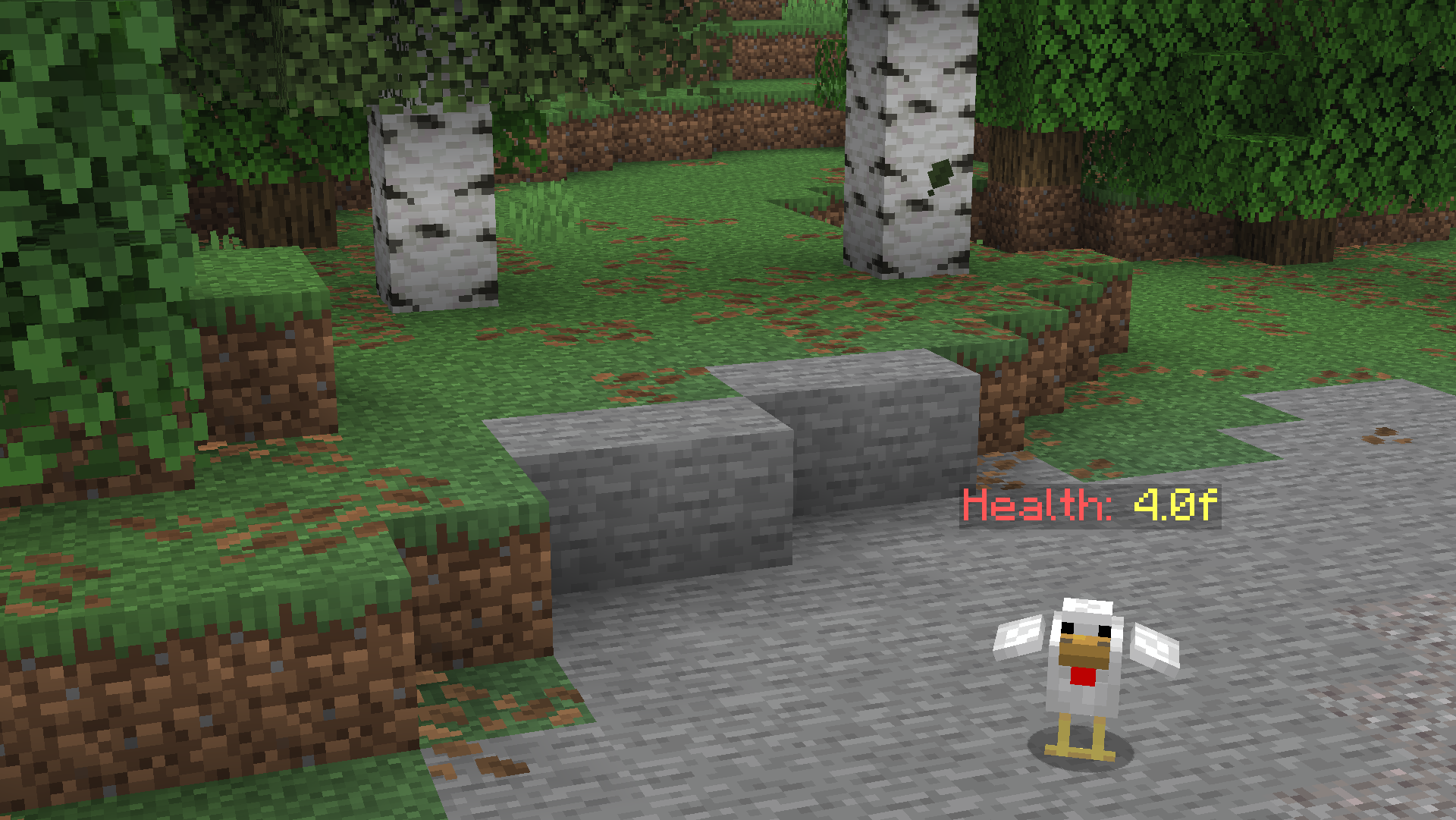
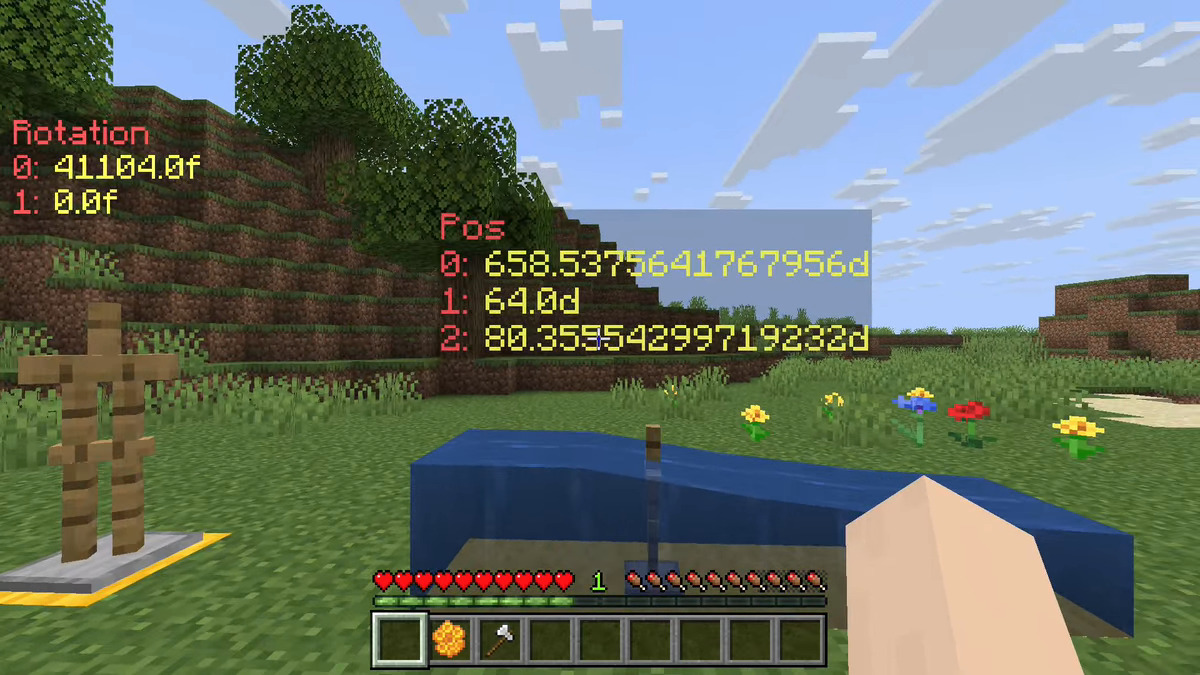
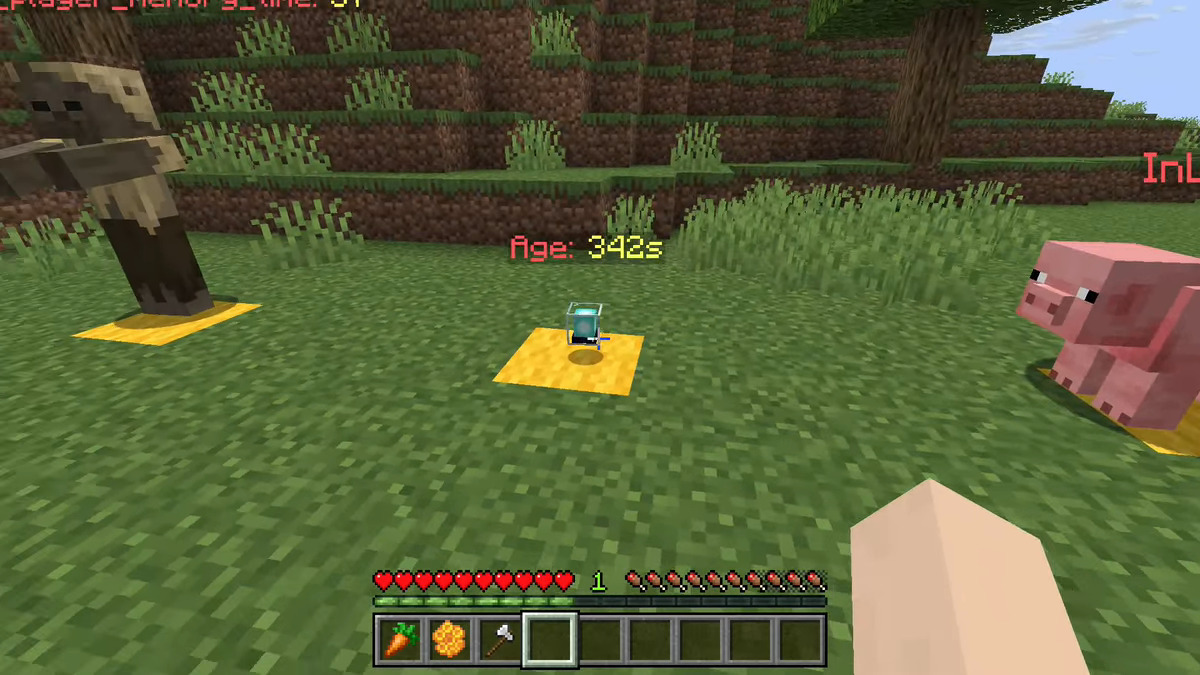
Simple utility datapack which allows you to easily view a data path of entities
Community voices
Reviews
No reviews yet. Be the first to review this project!
Get it on
Available Platforms
About
Project Details
For authors
Embed Badge
If you're the author of this project, you can embed a live badge anywhere that supports HTML or Markdown. It updates automatically whenever ratings change.
Use HTML for any page that supports it, or Markdown for README files and Markdown-based descriptions.
Identifiers
Platform IDs
Resources
External Links
About
Description
Debug Entity Data
Showcase video

Installing
Download the latest release from the releases tab, or from these alternative sites:
open your Minecraft world directory and place the downloaded pack inside the datapack directory.
If the world is loaded, execute /reload or quit and rejoin.
How to use
Execute the function :
/function ded:bind
This will output a list of close entities to the chat. Click the message of the one you want, and a dialogue will appear.
In the dialogue, input the NBT data path that you want to debug. You can see all valid data paths by doing /data get entity <ENTITY>.
If you sneak+interact with the debug display you get the option to either rebind it to another path, or remove the display.
Screenshots
Gallery
Versions
Files
Relations
Project Relations
More like this
Similar Mods
Suggestions use data such as tags, dependencies, dependents, descriptions, titles, and more to rank how much they overlap with this mod.
On ModDex
Community snapshot
By the numbers
Statistics

Want to reach Minecraft players?
We're looking for a server hosting partner to feature here and other parts of the site. Interested? Send us a message!
Get in touchGet it on
Available Platforms
On ModDex
Community snapshot
By the numbers
Statistics
Resources