
Community listing page, reviews here may not be monitored by the author.
Deprived

No reviews yet
This project adds sleep deprivation symptoms to players either client-side or server-side. These symptoms include auditory and visual hallucinations, distortions, and subtle effects.
Community voices
Reviews
No reviews yet. Be the first to review this project!
Get it on
Available Platforms
Compatibility
Supported Environments
Must be installed on both the client and the server.
About
Project Details
For authors
Embed Badge
If you're the author of this project, you can embed a live badge anywhere that supports HTML or Markdown. It updates automatically whenever ratings change.
Use HTML for any page that supports it, or Markdown for README files and Markdown-based descriptions.
Identifiers
Platform IDs
About
Description
Deprived
Stay awake. Lose confidence in what you see. Sleep before reality becomes unusable.
Deprived is an analog-horror sleep-deprivation mod for Minecraft. The longer you avoid sleep, the more the world begins to feel unreliable: distant footsteps circle beyond the light, something knocks from places that should be empty, figures occupy the edge of your vision, and the image itself slowly starts to lose its signal.
This is not a constant jumpscare mod. Symptoms build gradually, arrive at irregular intervals, and respond to where you are. Darkness, isolation, caves and storms can all influence what happens next. Sleeping clears the deprivation and allows reality to settle again.
Before installing
I highly, highly recommend using Hysteria shaders alongside this mod.
Current release
Version 1.3.1 — Control Room
Minecraft 1.20.1 · Fabric
Deprived is in active playtesting. Its central progression, events, custom audio, hallucinations and configuration tools are playable, but balance and presentation may change in later releases.
Features
Sleep-deprivation progression
- Uses Minecraft's persistent time-since-rest statistic.
- Progresses through six stages over approximately seven sleepless Minecraft days by default.
- Begins with ambiguous sounds and environmental inconsistencies.
- Develops into peripheral movement, false entities, visual degradation and gameplay pressure.
- Sleeping resets deprivation and clears active hallucinations.
- Each player receives a stable symptom profile emphasizing different combinations of auditory, visual, paranoia and physical effects.
Unreliable events
- Footsteps anchored to distant positions in the world rather than following the player.
- Knocking, scratching, breathing, whispers, doors and unexplained impacts.
- Distant radio interference, singing, rising drones and long environmental tones.
- Figures that disappear when directly observed.
- False Creepers and watchers visible only to the affected player.
- Context-aware selection influenced by darkness, caves, isolation and weather.
- Irregular quiet periods and occasional clusters instead of a predictable event timer.
Analog-horror visuals
- Resolution-aware film grain and fragmented scanline noise.
- Slowly moving noise around the edges of the screen.
- Exposure breathing and rolling interference.
- Chromatic edge bleed and phosphor-like trails.
- Tracking tears, film burns and temporary channel drift.
- Peripheral silhouettes and client-only world hallucinations.
- Effects grow with deprivation but remain configurable.
Live Control Room
Press F6 while playing, or open Mod Menu → Deprived → Config, to access the Control Room.
It includes:
- Live analog intensity, grain and edge-noise sliders.
- Individual visual-effect toggles.
- An immediate analog-fault preview.
- Master and per-family audio controls.
- Footstep, disturbance, voice and ambience volume sliders.
- Audio-distance and event-pacing controls.
- Progression thresholds and extreme-stage damage settings.
- Developer stage presets and individual event triggers.
Visual preferences apply immediately. Server/gameplay settings require operator permission and must be confirmed with Apply Server Settings.
Requirements
- Minecraft 1.20.1
- Fabric Loader
- Fabric API
Optional
- Mod Menu provides access to the configuration button. The Control Room remains available with F6 without Mod Menu.
- Sodium and Iris are supported by the current overlay-based visual system.
Installation
- Install Fabric Loader for Minecraft 1.20.1.
- Install Fabric API.
- Place the Deprived JAR in your instance's
modsfolder. - Optionally install Mod Menu.
- Launch the game and avoid sleeping—if you trust yourself to continue.
For multiplayer, install the mod and Fabric API on both the server and affected clients. Visual hallucinations are client-specific; progression and event selection remain authoritative on the server.
Default progression
- Uneasy — distant doors, knocks, whispers and ambience.
- Disturbed — scratching, impacts and environmental inconsistencies.
- Delirious — film grain, peripheral movement, breathing, footsteps and watchers.
- Fractured — stronger interference, darkness and false impacts.
- Unraveling — false creatures, multiple figures, weakness and event clusters.
- Lost — severe signal failure, survival pressure and uncertain real damage.
The default stage thresholds and pacing can be changed from the Control Room.
Playtesting and developer commands
These commands are intended for testing and require operator permission where appropriate:
/deprived status— show exact awake time and deprivation stage./deprived profile— show the current player's symptom weighting./deprived debug— toggle the developer signal monitor./deprived setdeprivation <hours>— set deprivation to a test value./deprived trigger random— immediately select an event from the current stage./deprived trigger <event>— trigger a specific event./deprived reload— reload the configuration file.
Press F8 to trigger a random event without opening chat. The binding can be changed in Minecraft's Controls menu.
Useful test values are 24, 53, 82, 111, 140 and 168 hours.
Accessibility and content notice
Deprived contains darkness, screen noise, color distortion, flashing effects, unsettling audio, simulated hallucinations and optional gameplay impairment.
Flashing effects, film grain, tracking artifacts, peripheral figures, world hallucinations and other visual families can be disabled individually. Overall visual intensity and audio families can also be reduced or disabled from the Control Room.
If you are sensitive to flashing or high-contrast visual effects, disable Flashing Effects before testing severe deprivation stages.
Feedback
This release is being actively balanced. Reports are especially useful when they include:
- Your deprivation stage.
- Whether you were underground, isolated or in a storm.
- Which event felt too quiet, loud, frequent or obvious.
- Whether shaders were enabled.
- Your screen resolution and GUI scale for visual-effect feedback.
Sleep is the only reliable cure. Probably.
Screenshots
Gallery
-
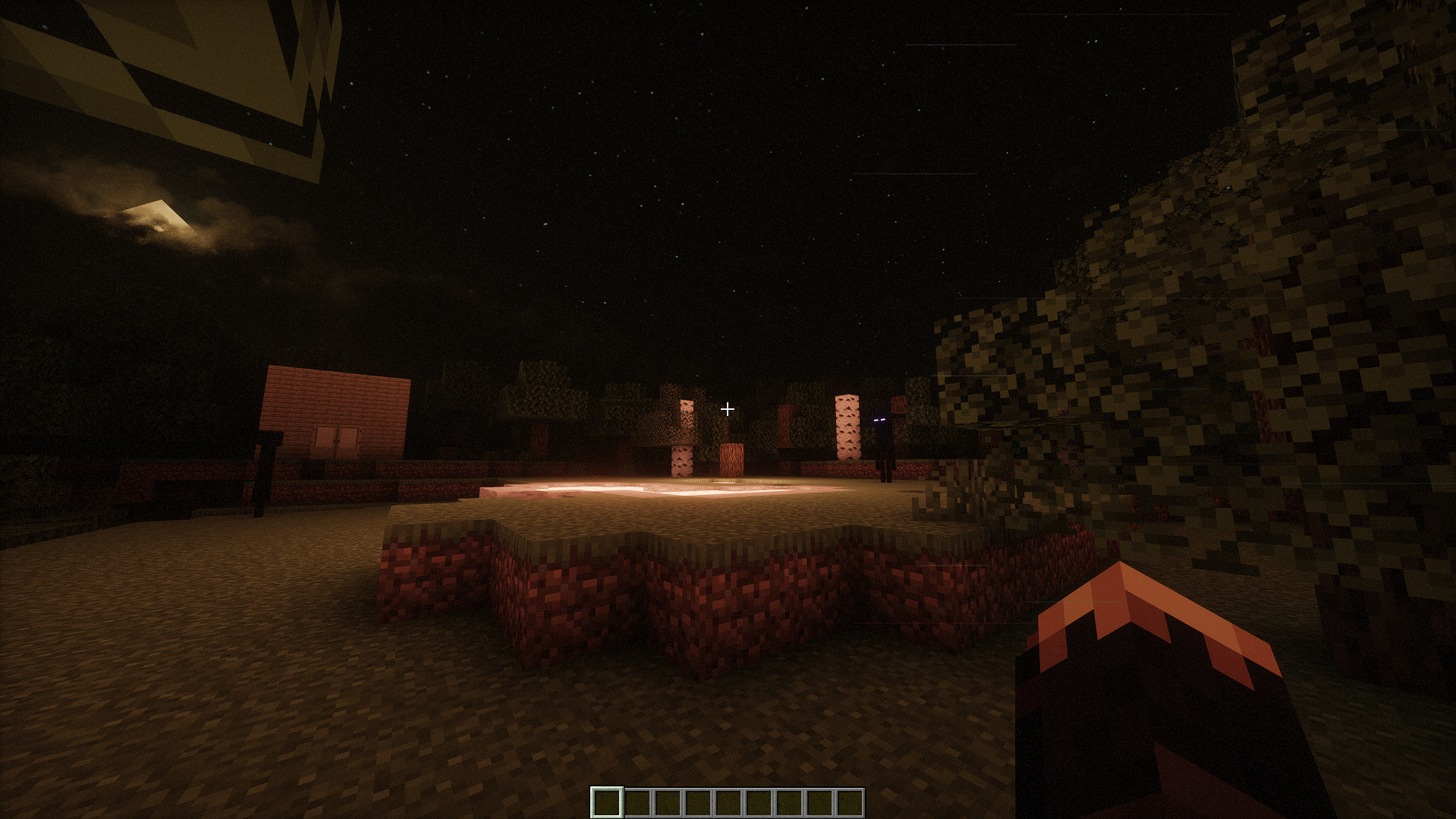 Deprivation Stage 1
 -
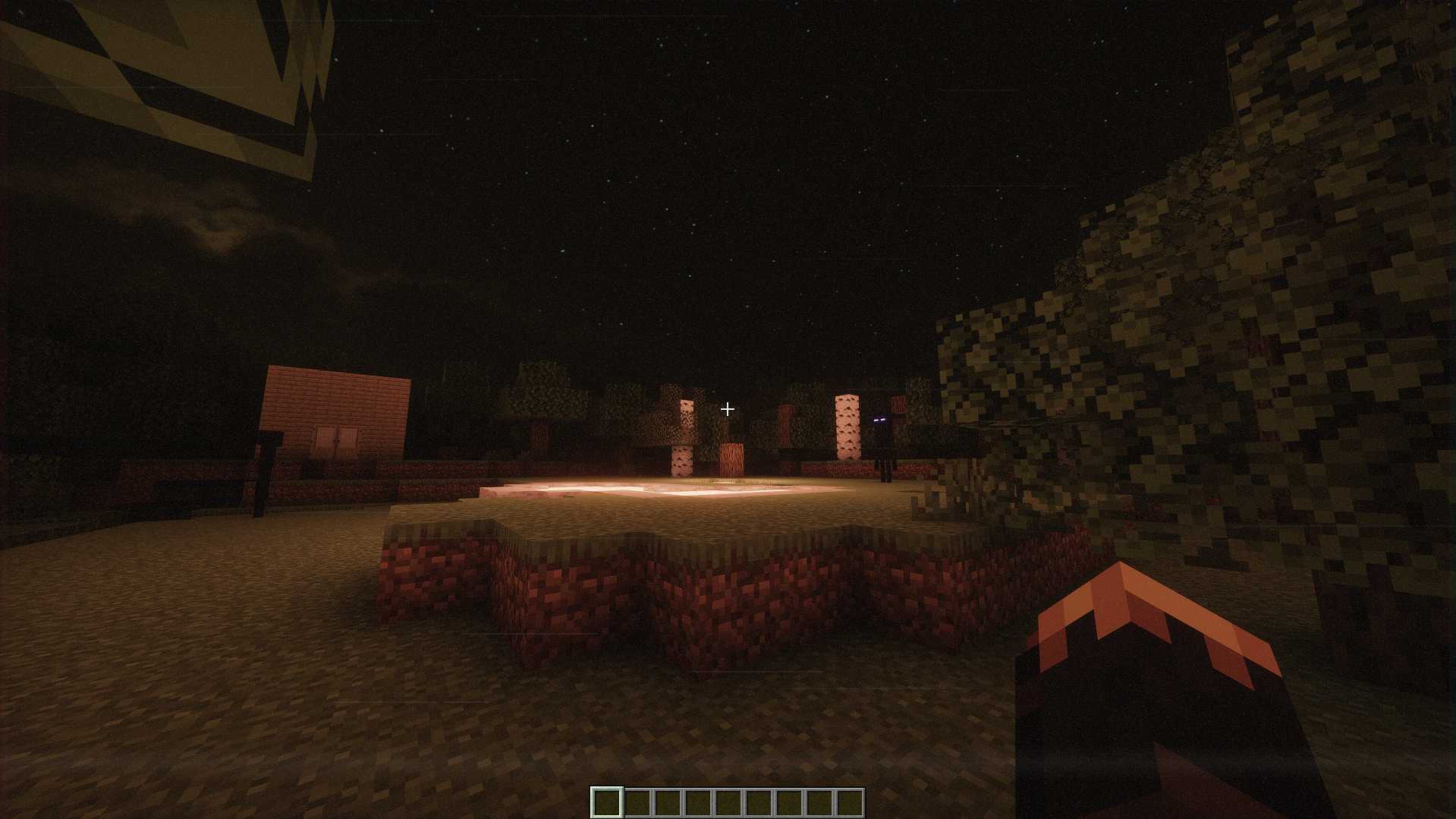 Deprivation Stage 3
 -
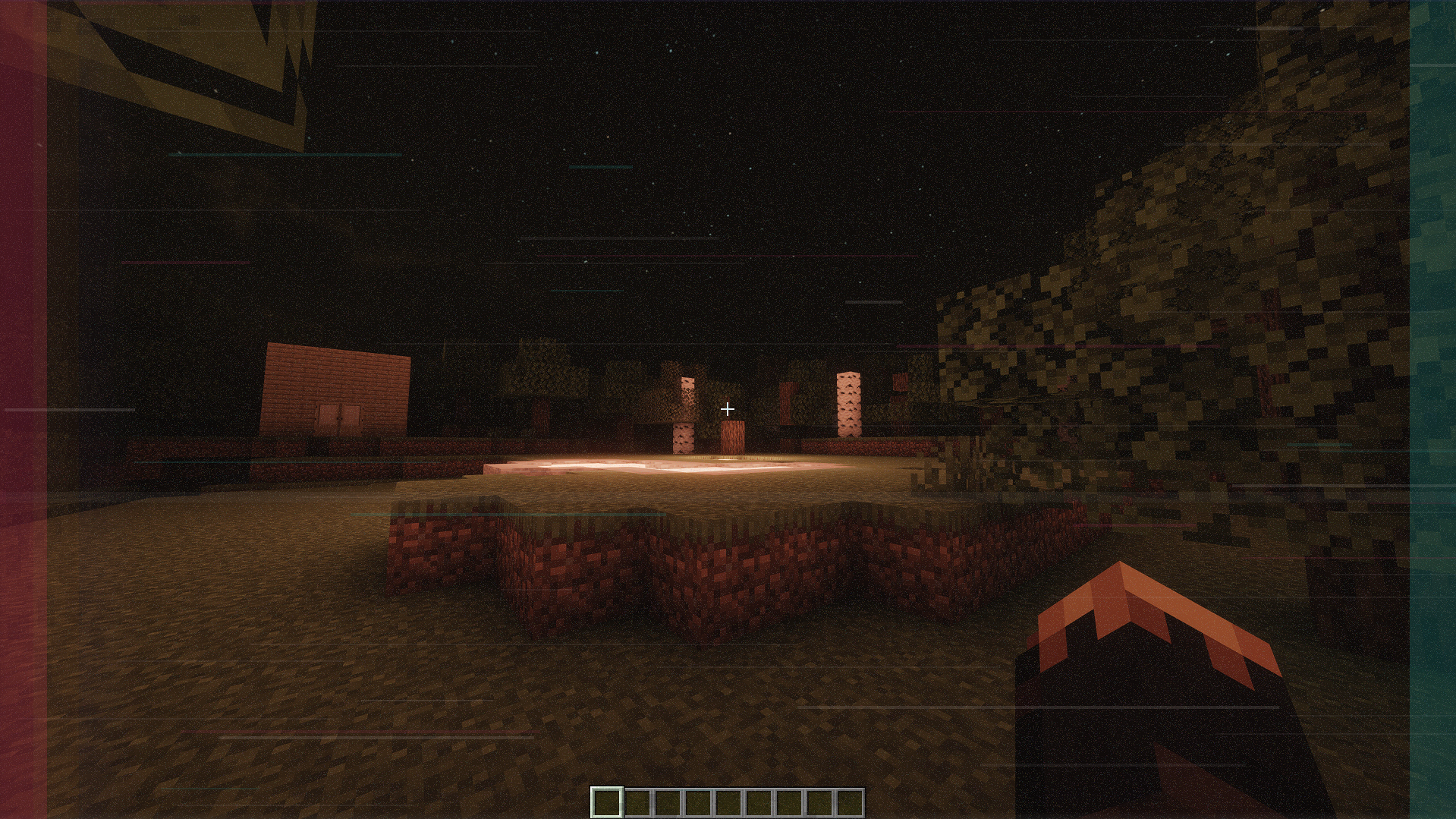 Deprivation Stage 6
 -
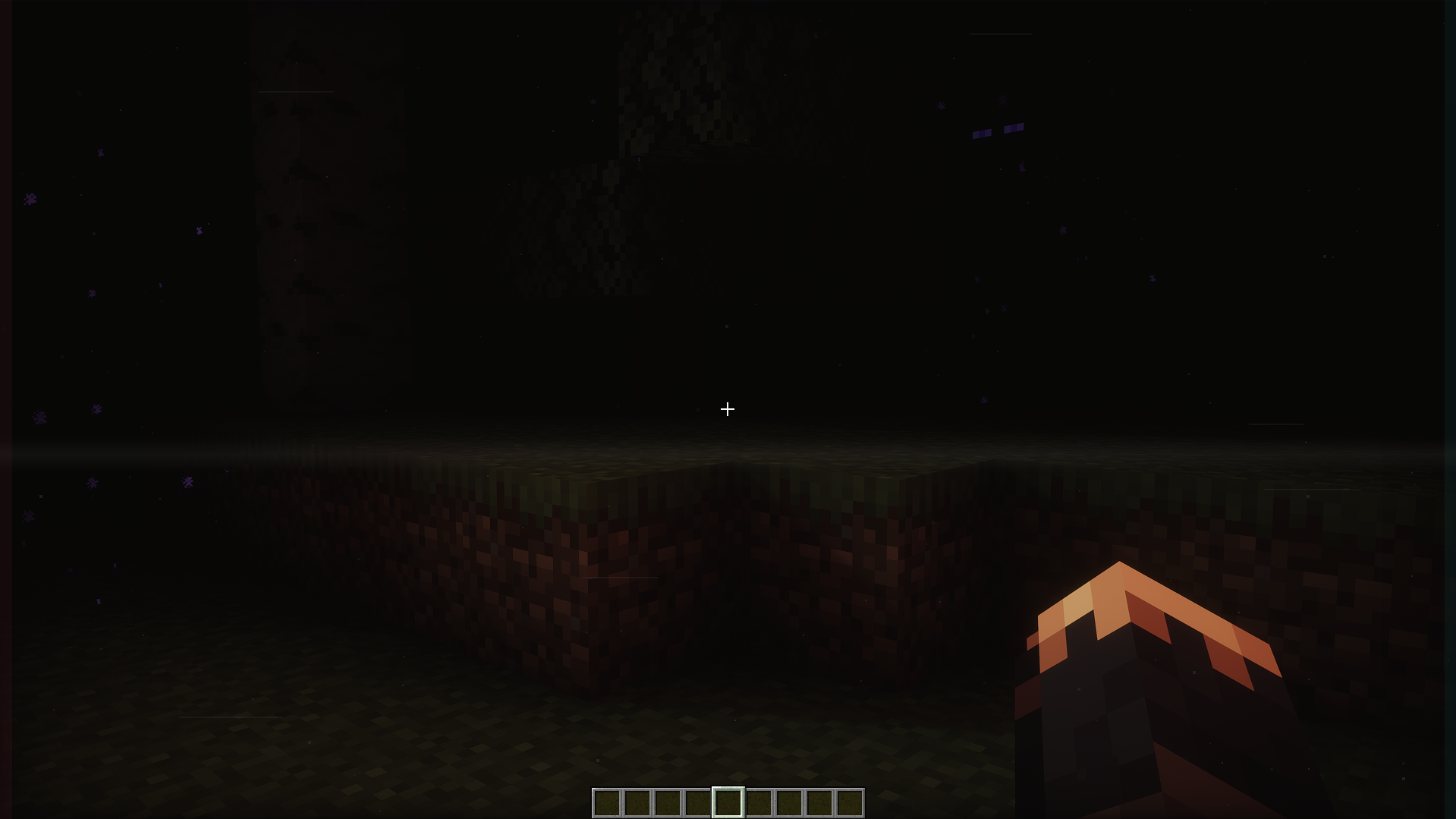 Collapse
 -
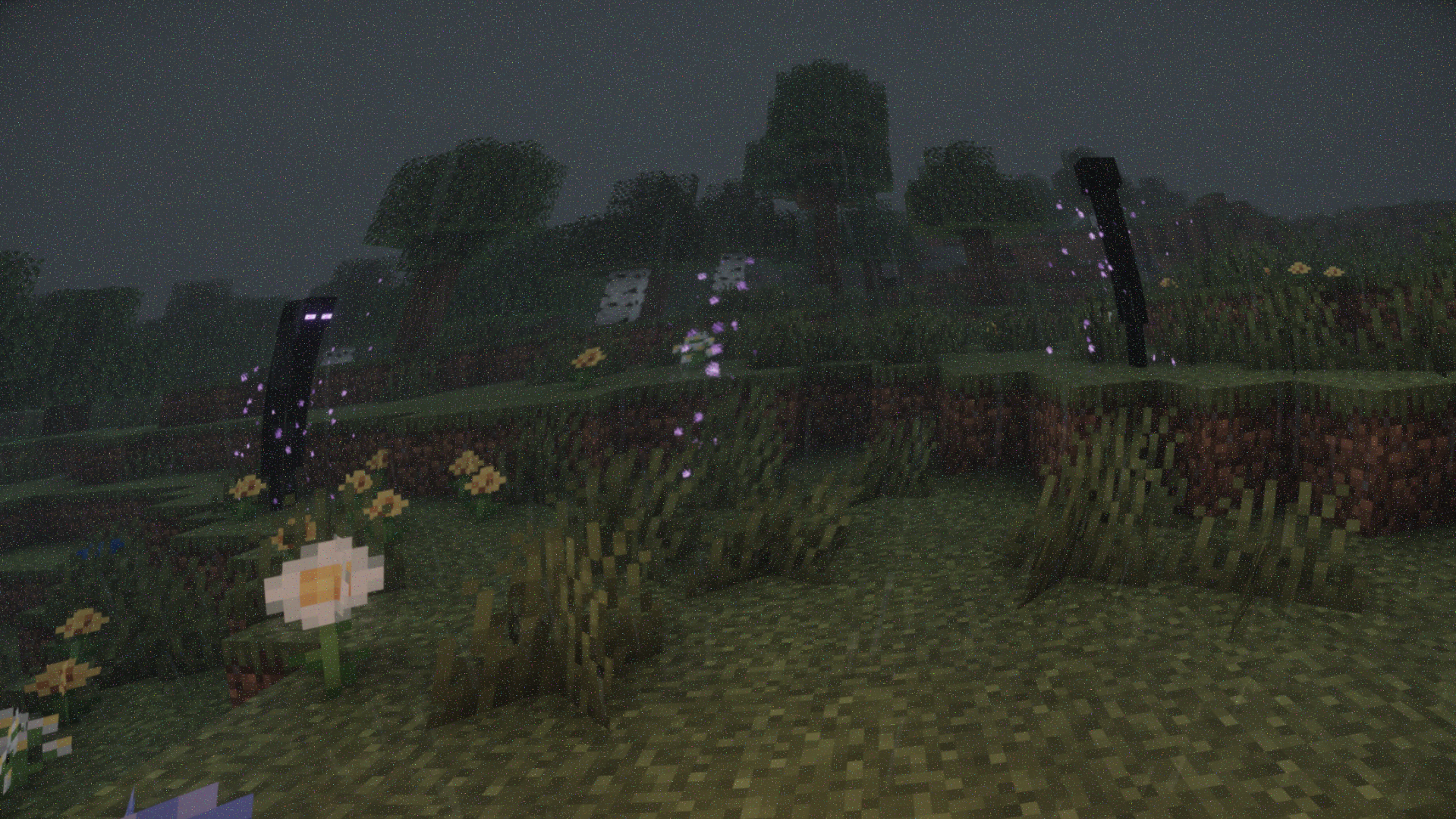 Watchers
 -
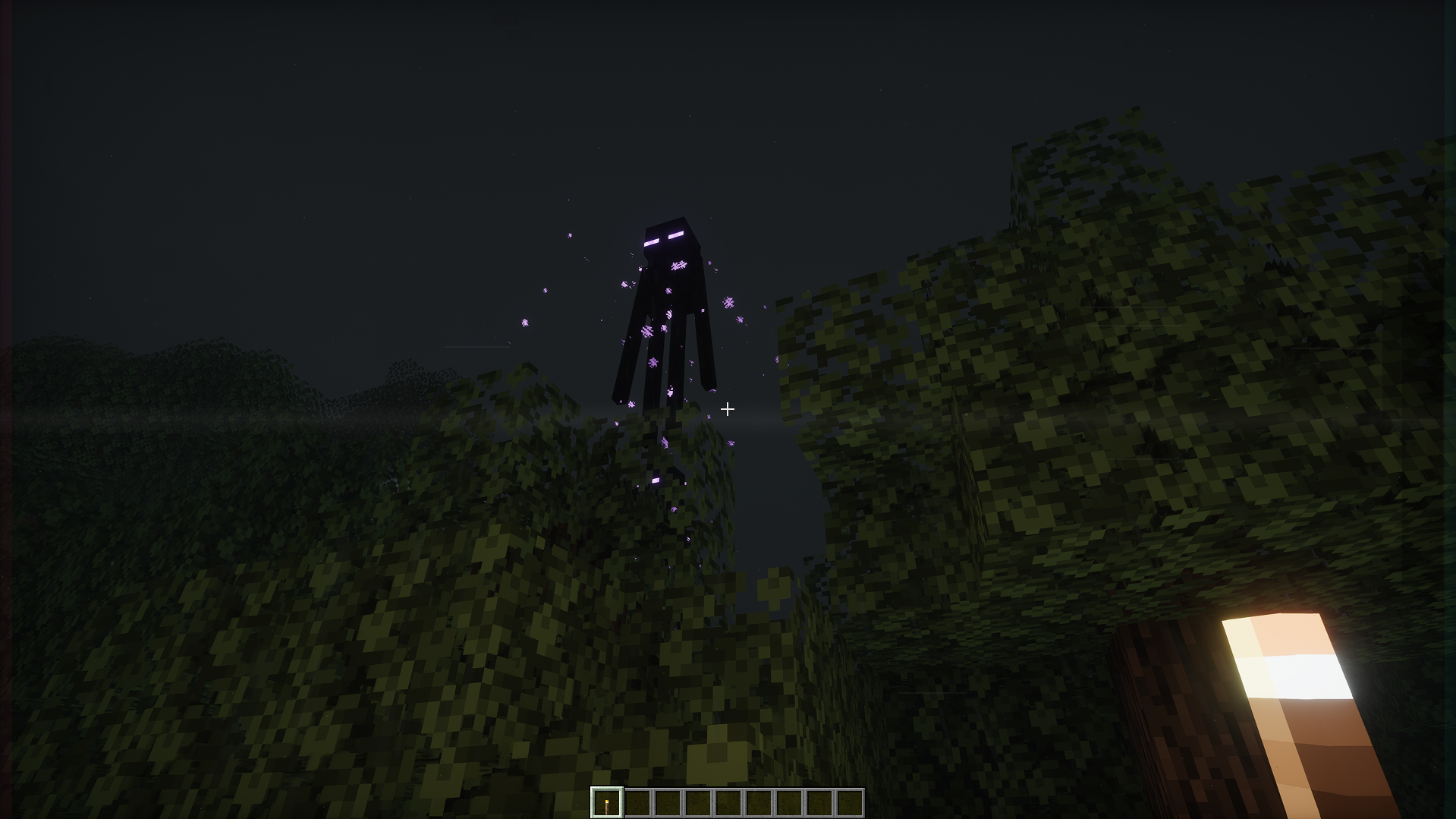 Watcher
 -
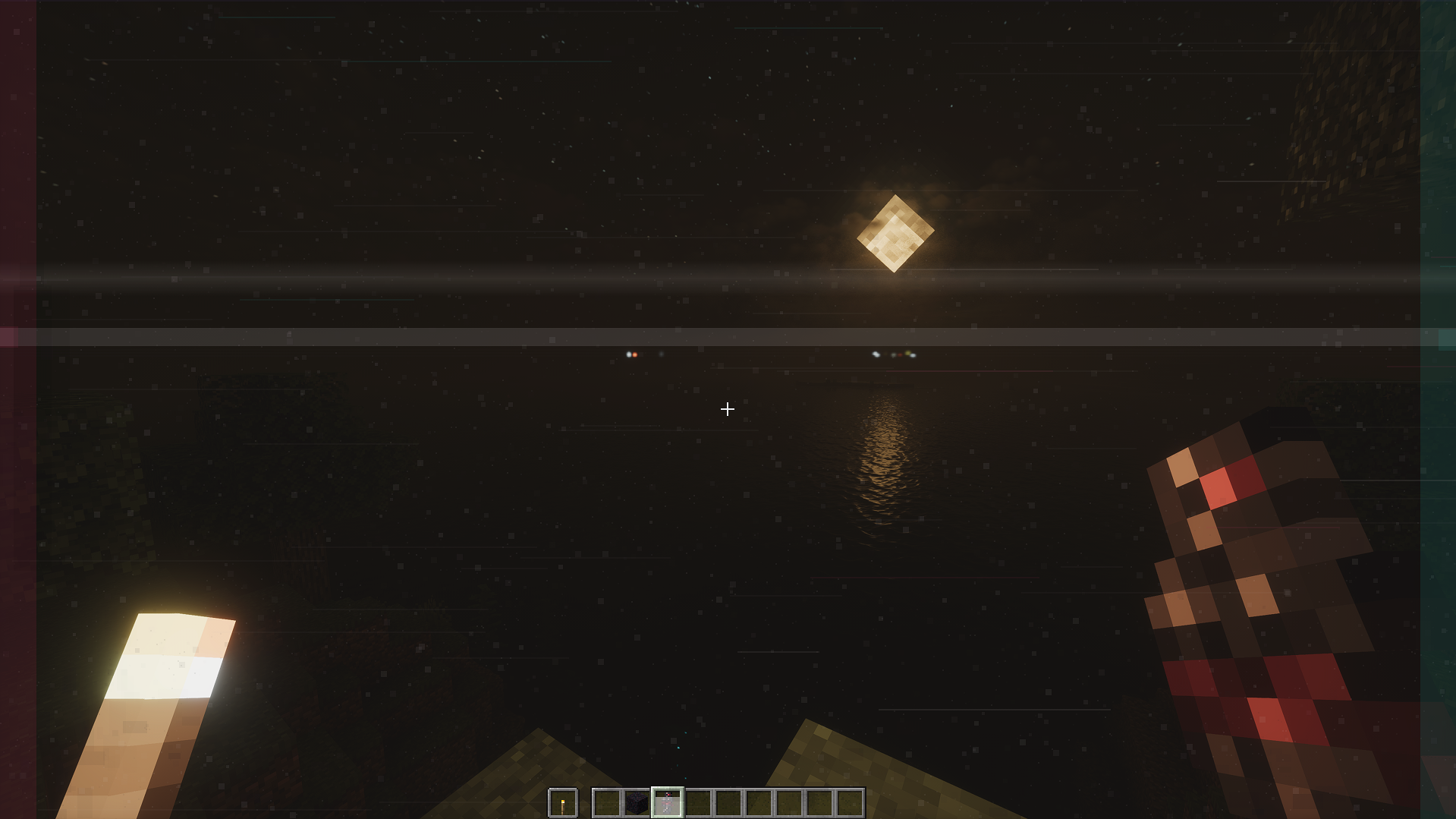 Visual Distortions
Versions
Files
Relations
Project Relations
More like this
Similar Mods
Suggestions use data such as tags, dependencies, dependents, descriptions, titles, and more to rank how much they overlap with this mod.
On ModDex
Community snapshot
By the numbers
Statistics

Want to reach Minecraft players?
We're looking for a server hosting partner to feature here and other parts of the site. Interested? Send us a message!
Get in touchGet it on
Available Platforms
On ModDex
Community snapshot
By the numbers