
Community listing page, reviews here may not be monitored by the author.
Desert Storms

No reviews yet
Mod add unique sandstorm expierence with different phases,visuals and other things

Community voices
Reviews
No reviews yet. Be the first to review this project!
Get it on
Available Platforms
About
Project Details
For authors
Embed Badge
If you're the author of this project, you can embed a live badge anywhere that supports HTML or Markdown. It updates automatically whenever ratings change.
Use HTML for any page that supports it, or Markdown for README files and Markdown-based descriptions.
Identifiers
Platform IDs
Resources
External Links
About
Description
Overview
Desert Storms is an immersive weather and survival mod for Minecraft's desert and badlands biomes. It adds large, multi-phase sandstorms that can be seen approaching from a distance and gradually turn the surrounding landscape into a dangerous, low-visibility environment.
Storms affect much more than the player's screen. Wind pushes players, mobs, dropped items and projectiles, animals try to find shelter, hostile mobs struggle to see through heavy dust, debris flies through the air, sand accumulates across exposed terrain, and powerful storms can bring lightning and other environmental hazards.
Features
Five-Phase Storm System
Sandstorms progress through five different intensity levels. Early phases reduce visibility and introduce stronger winds, while later phases become significantly more dangerous with severe fog, stronger wind forces, environmental effects and lightning.
Storms can naturally intensify or weaken over time, and their duration, phase behaviour and many other values can be configured.
Large World-Space Sandstorms
Sandstorms are not limited to a screen overlay. Large clouds of airborne sand fill the affected desert and can be seen from outside the biome before you enter the storm.
Higher phases greatly reduce visibility, while the strongest storms can make travelling through open desert extremely difficult.
Pre-Storm Warning
Naturally triggered sandstorms do not appear instantly. Before a storm begins, distant sand clouds, wind, atmospheric effects and sounds gradually build up, giving players time to find shelter.
The warning duration can be configured.
Wind Physics
Storm wind physically affects the world.
- Players are pushed by the wind
- Crouching reduces the effect on player movement
- Mobs are pushed depending on their size
- Smaller mobs can be partially lifted during powerful storms
- Dropped items are carried by the wind
- Arrows and other projectiles are affected by crosswind
- Wind strength changes depending on the current storm phase
Sheltered entities are affected much less than entities exposed to the open storm.
Mob Behaviour
Animals, villagers and some other passive mobs attempt to seek covered areas during stronger storms.
Sandstorms also reduce mob visibility. Hostile mobs can lose distant targets when the storm becomes too dense, while nearby targets remain dangerous.
Shelter System
The mod detects roofs, walls and exposure to the direction of the wind.
Proper shelter protects players from many storm effects, including wind, particles and reduced visibility. Deep caves are also detected correctly, preventing storm fog and airborne sand from appearing underground.
Flying Debris
Strong storms carry low-poly environmental debris through the air, including:
- Sticks
- Dry branches
- Leaf clumps
- Gravel
- Sandstone fragments
- Tumbleweeds
Debris uses a dedicated client-side renderer instead of Minecraft's particle engine, allowing large amounts of moving debris without adding server-side entities.
Sand Accumulation
Powerful Phase 4 and Phase 5 storms can leave thin sand drifts across exposed natural terrain.
Sand accumulation only occurs outdoors and is limited per chunk to avoid covering entire areas or heavily modifying player builds.
The system can be disabled or configured on the server.
Lightning and Screen Effects
Strong storm phases can produce lightning strikes with distance-based screen shake and bright flashes.
Lightning frequency is controlled to prevent excessive flashing during the strongest phases.
Navigation Interference
During a sandstorm, the F3 debug screen remains available, but coordinate information becomes unreliable.
Displayed XYZ, block and chunk coordinates can continuously change, swap axes, invert directions or show completely incorrect positions.
The system is designed to work without requiring individual integrations for every minimap or navigation mod.
Dynamic Audio
Storm ambience changes depending on storm intensity and the player's surroundings.
Sounds transition immediately when phases change and no longer have long silent gaps between tracks.
Storm audio is heavily muffled underground or inside enclosed shelters, while exposed areas feature stronger wind, gusts and occasional environmental impact sounds.
In-Game Configuration
Desert Storms includes a dedicated configuration screen accessible directly from the pause menu.
Graphics presets are available for:
- LOW
- MEDIUM
- HIGH
- ULTRA
- CUSTOM
Available client settings include:
- Storm cloud rendering
- Cloud density
- Render distance
- Fog
- World darkness
- Vignette
- Particle density
- Wind debris
- Debris density
- Lightning flash
- Camera shake
- Storm sounds
- Sound volume
- Storm fade timings
- Navigation interference
Server-side settings control gameplay mechanics such as storm duration, wind physics, damage, mob behaviour, sand accumulation and automatic storm triggering.
Biome Support
Desert Storms uses a data-driven biome tag system.
Supported biomes can be added through:
#desertstorms:storm_biomes
Biomes can be excluded through:
#desertstorms:storm_biome_blacklist
Vanilla Desert and Badlands variants are supported by default.
The mod can also automatically recognize many modded desert, badlands, wasteland and other arid biomes without requiring dedicated Java integrations.
Compatibility
Desert Storms is designed to support modded world generation through biome tags and automatic arid-biome detection.
Known compatible world-generation mods include:
Other biome mods can add support through the Desert Storms biome tags without requiring a dedicated compatibility patch.
Multiplayer (Pray)
Storm state, phases and major visual effects are synchronized between the server and connected players.
Gameplay mechanics such as wind physics, mob behaviour and sand accumulation are controlled by the server, while visual quality can be configured independently by each player.
Dependencies
Desert Storms does not require Lodestone or Rubidium Extra.
No additional dependency mods are required.
Commands
The mod includes commands for testing and administration:
/sandstorm start phase <1-5>— starts a sandstorm at the selected phase/sandstorm stop— immediately stops the current sandstorm
Discord

Screenshots
Gallery
-
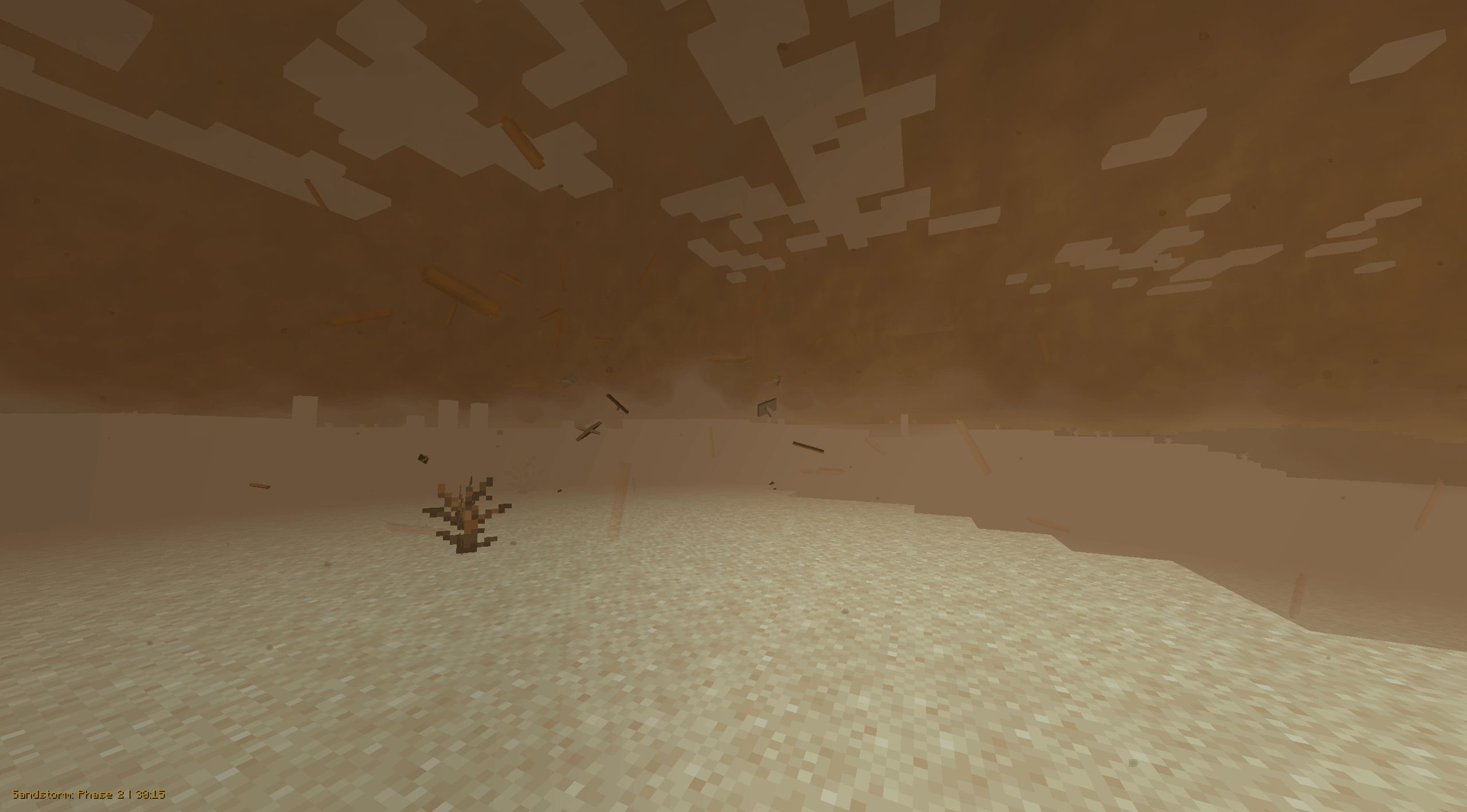 Phase 2 2.0 Phase 2 Desert storm
 -
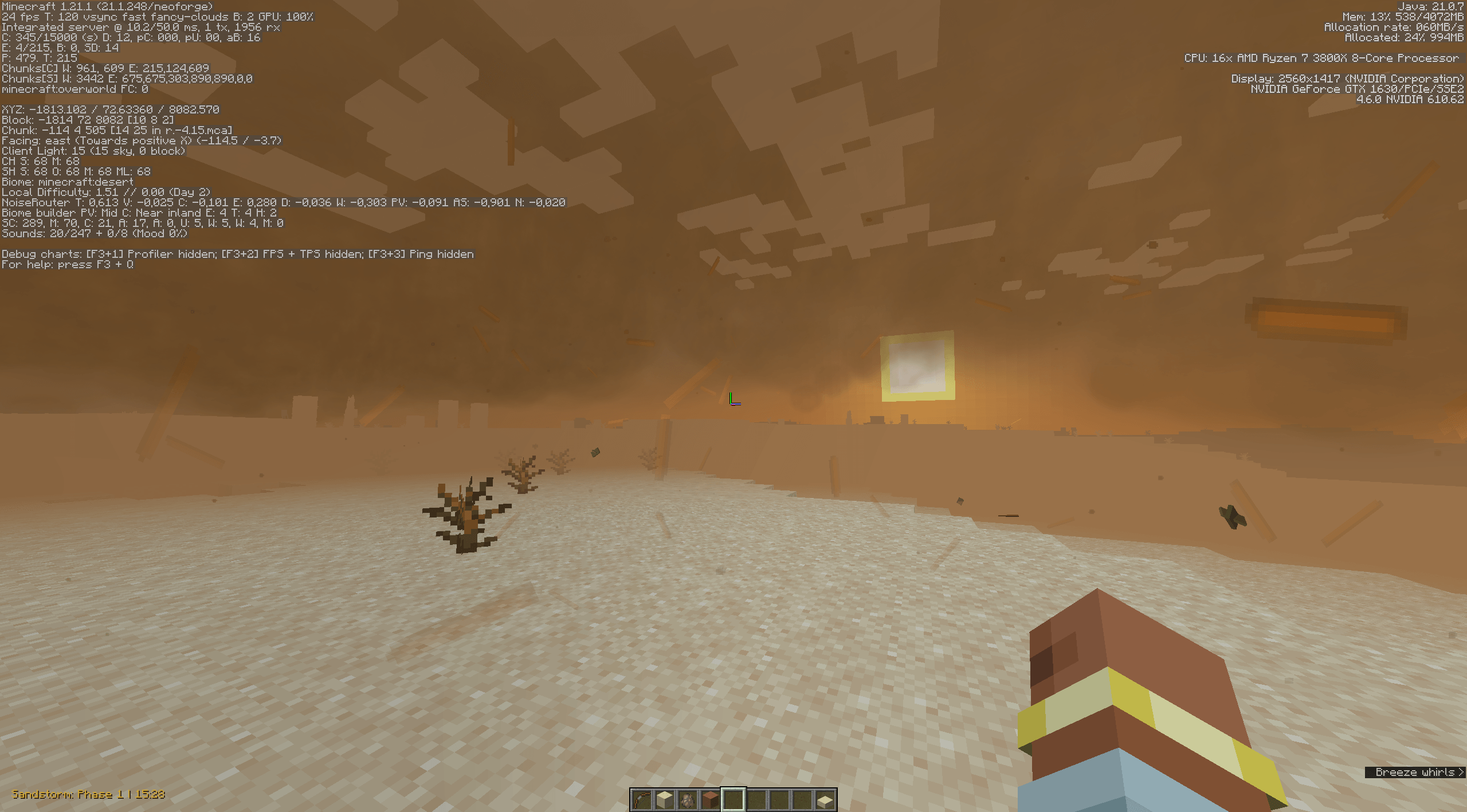 F3 Navigation Scrumble F3 Navigation Scrumble 2.0
 -
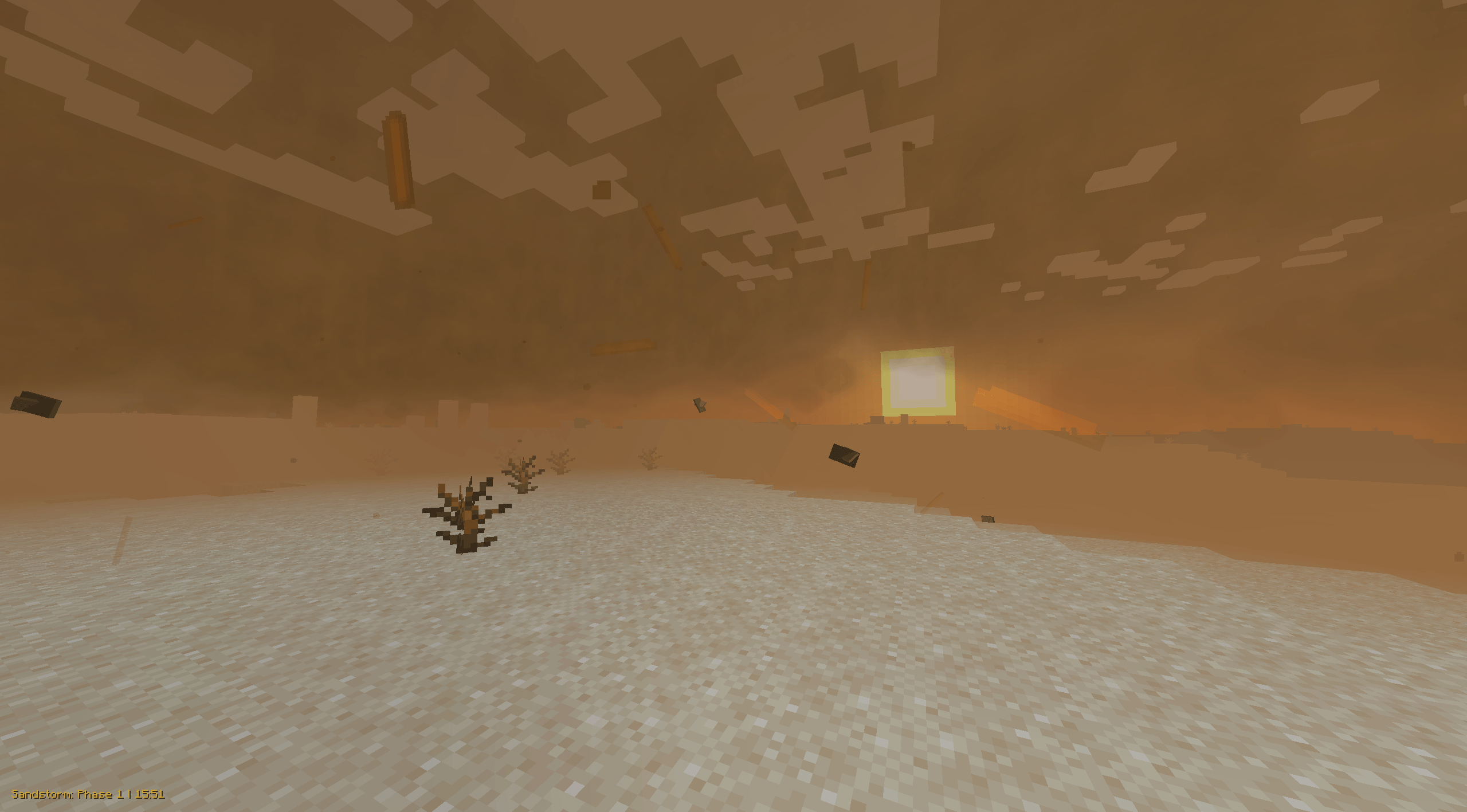 Phase 1 2.0 Phase 1 Desert storm
 -
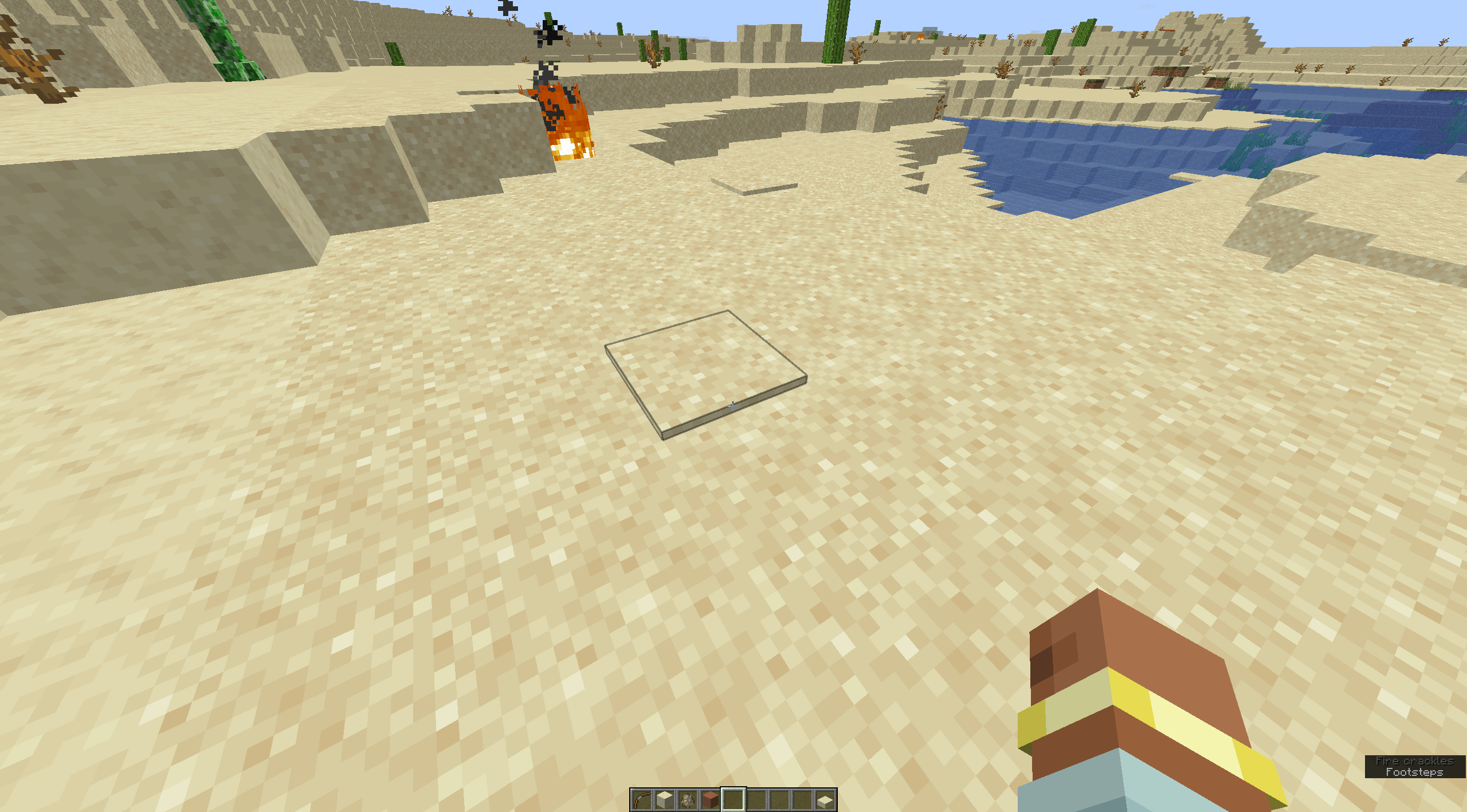 Phase 4/5 Desert Storm Aftermath Phase 4/5 Desert Storm Aftermath
 -
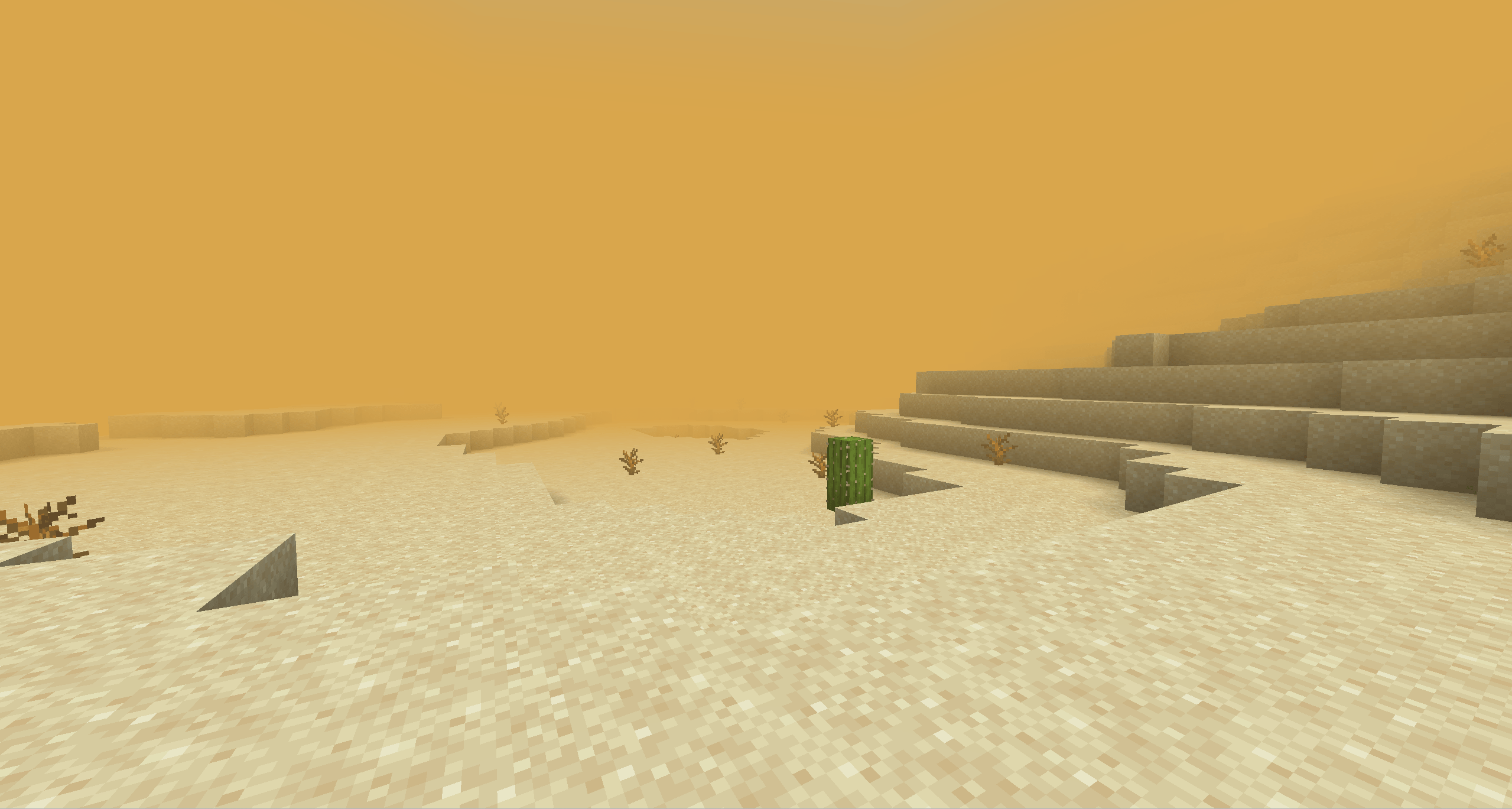 Old Desert Storms Old Desert Storms
 -
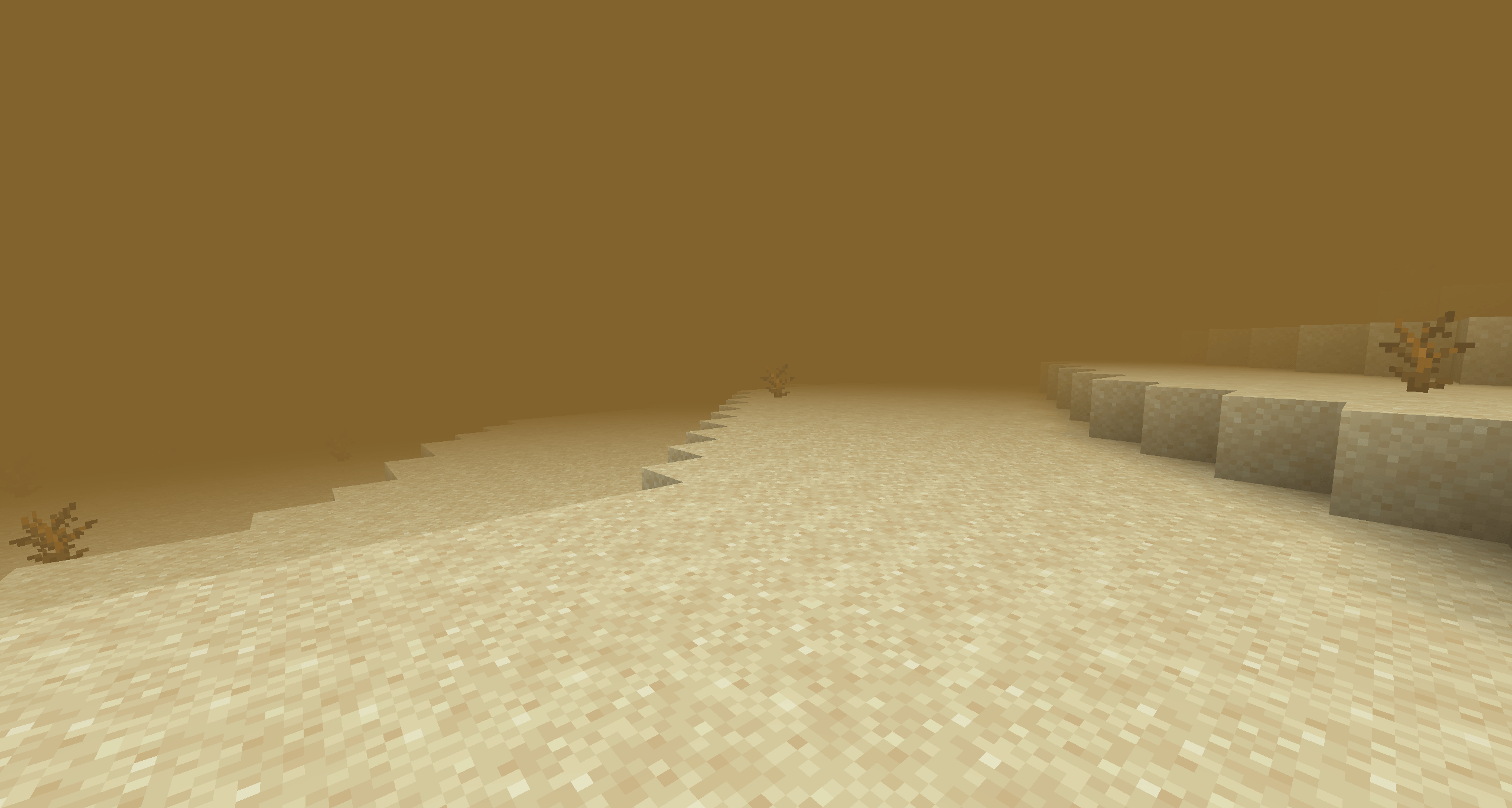 Old Desert Storms Old Desert Storms
 -
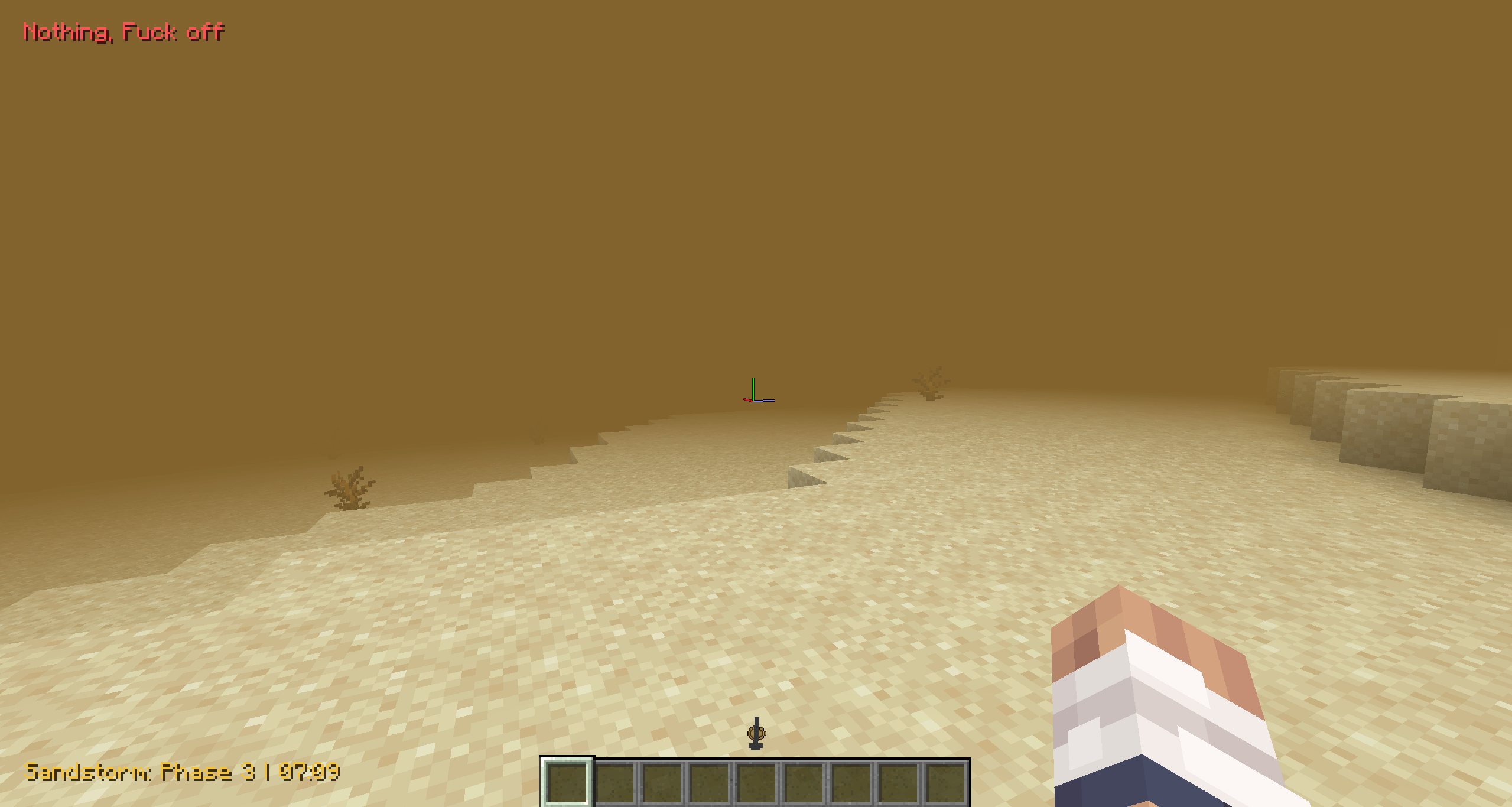 Old Desert Storms NOT A BUG!!!
Versions
Files
Relations
Project Relations
More like this
Similar Mods
Suggestions use data such as tags, dependencies, dependents, descriptions, titles, and more to rank how much they overlap with this mod.
On ModDex
Community snapshot
By the numbers
Statistics
 (opens in a new tab)
Get it on
Available Platforms
On ModDex
Community snapshot
By the numbers
Statistics
Resources