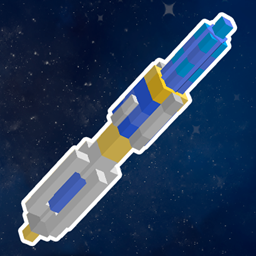
Community listing page, reviews here may not be monitored by the author.
Doctor Who - Sonic Screwdriver

No reviews yet
Add Sonic Screwdriver in Minecraft.
Community voices
Reviews
No reviews yet. Be the first to review this project!
Get it on
Available Platforms
About
Project Details
For authors
Embed Badge
If you're the author of this project, you can embed a live badge anywhere that supports HTML or Markdown. It updates automatically whenever ratings change.
Use HTML for any page that supports it, or Markdown for README files and Markdown-based descriptions.
Identifiers
Platform IDs
Resources
External Links
About
Description
(you can add this mod in any modpack,no need to ask)
This mod has added the Sonic Screwdriver from the Doctor Who.
If you don`t like the model,you can change it by using resource pack.
Such as this:Click me(Tip:****_e.png,is the glowing texture,need OptiFine)
First of all,change the sonic key button to Right Button to get better experience
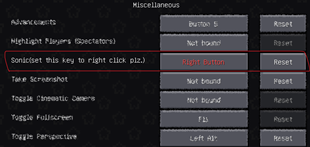
Sonic Screwdriver has 4 different modes,Scan, Redstone, Attack, Mining
To change the Sonic Screwdriver`s mode,you need put the Sonic Screwdriver on you Off Hand,then left click any block you want
Scan mode
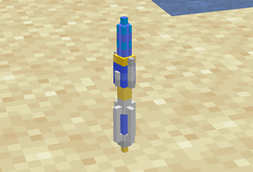
- You can scan any block you want,to get the block`s type,hardness,mining level,enchantments and opacity.
- Also can scan any mob you want,to get there name,race,health,hunger,saturation,master,dimension and xp level.
Redstone mode
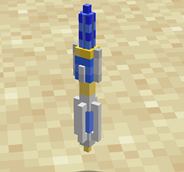
- You can turn on the Redstone Lamp,Redstone Torch,Heavy/Light Weighted Pressure Plate by right click.Turn on the Redstone Wire by sneak+right click
- You can turn off the RedStone Lamp,Redstone Torch,Heavy/Light Weighted Pressure Plate,Redstone Repeater/Comparator by sneak+right click
- But be attention,if you turn on a Redstone Lamp with out power,it will turn off after a few seconds,same to the Redstone Torch and Heavy/Light Weighted Pressure Plate
- Also if you turn off a powered Redstone Lamp,it will turn on after a few seconds,same to the Redstone Repeater/Comparator,Redstone Torch and Heavy/Light Weighted Pressure Plate
- You can also open the Iron Door/Trapdoor,ignite TNT by right click.
- Activate Dispenser/Dropper,locked the hopper by sneak+right click
- To unlocked the hopper,just left click it.
- And the last,you can right click the floating Sand/Red sand/Gravel,if you do that,it will falling after 3 seconds
Attack mode
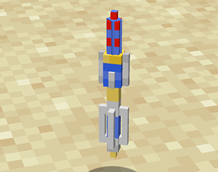
- To use this mode,you need at least 1 XP level
- Right click any mob you want,sonic them!it`s will cost you 10 experience values to hurt the mob you choose.
Mining mode
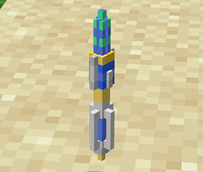
- To use this mode,you need at least 1 XP level
- Right click any block you want,sonic the block,and get the block.it`s will cos you 1 XP Level to do that.
That`s all,have fun:)
Screenshots
Gallery
-
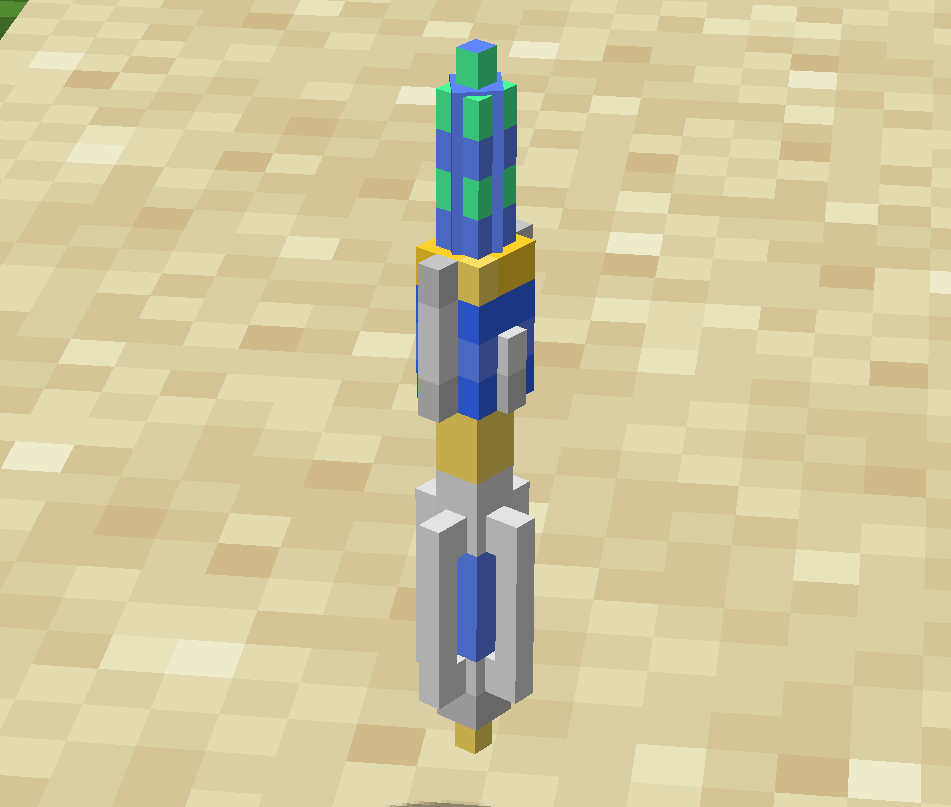 mode 4
 -
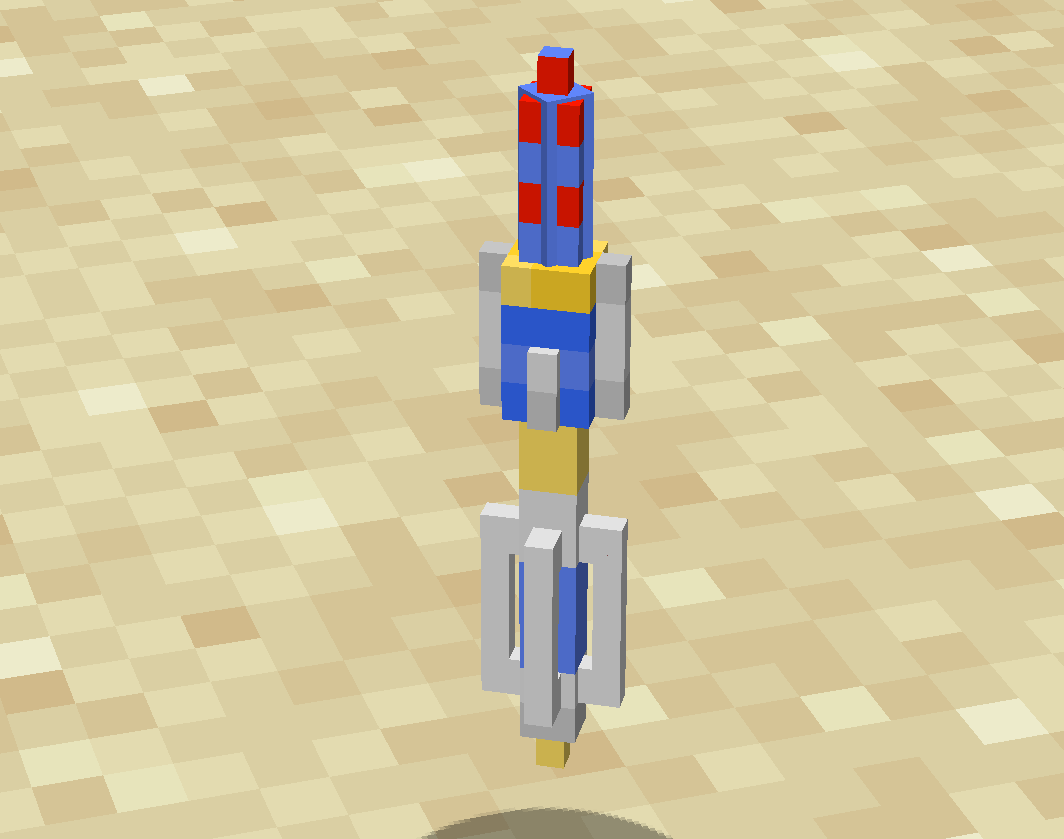 mode 3
 -
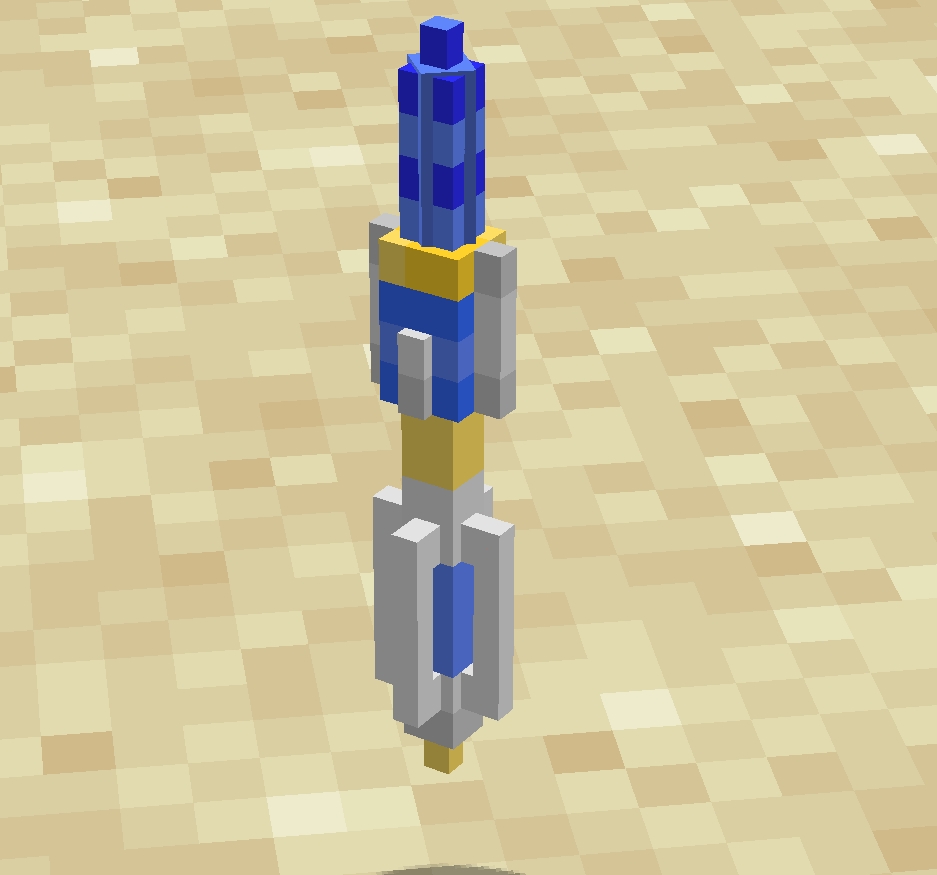 mode 2
 -
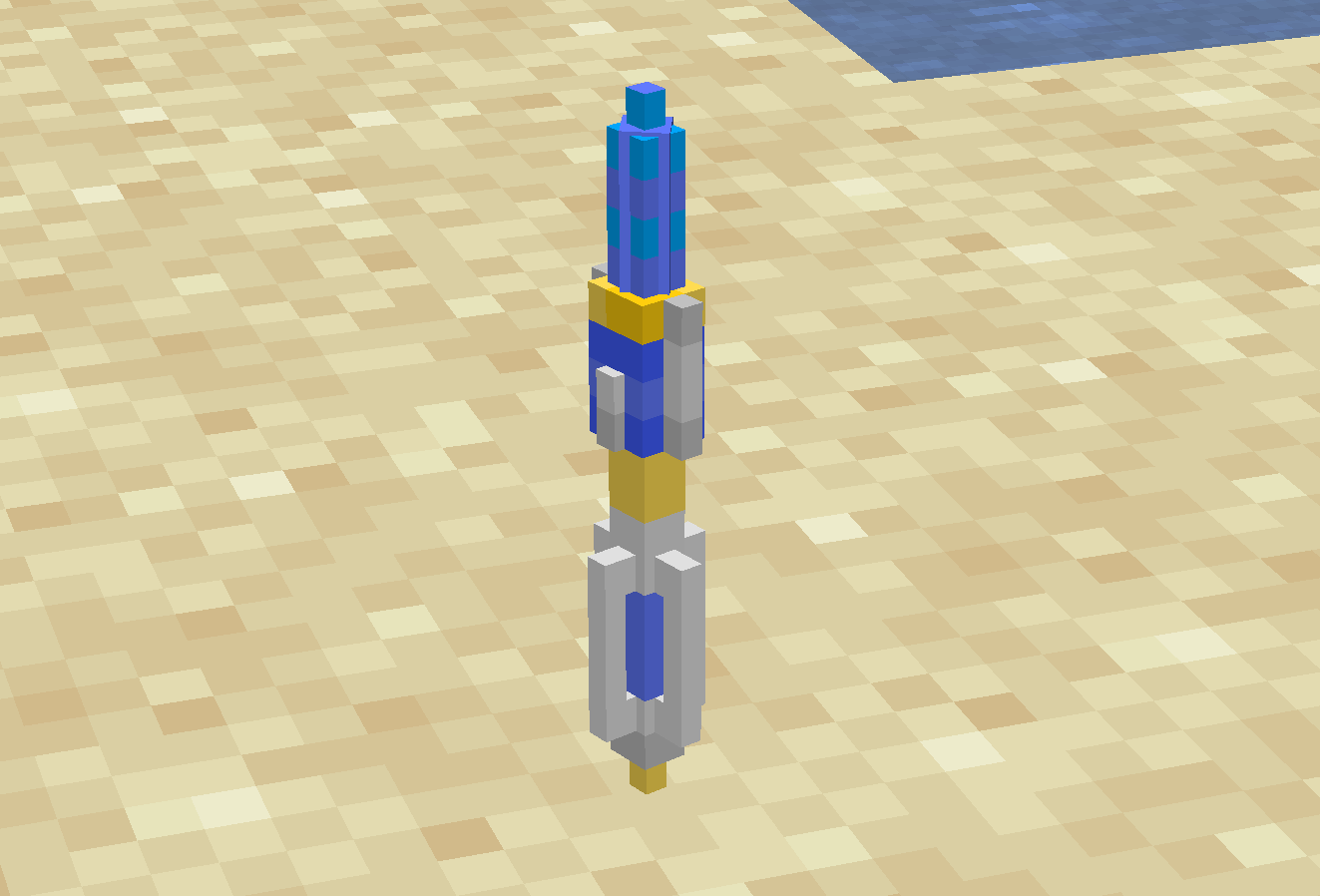 mode 1
 -
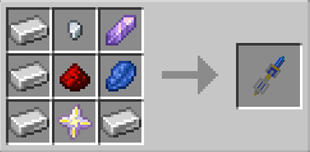
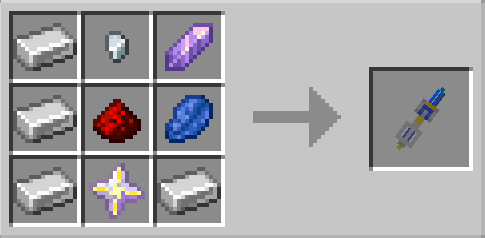 crafting sonic screwdriver
 -
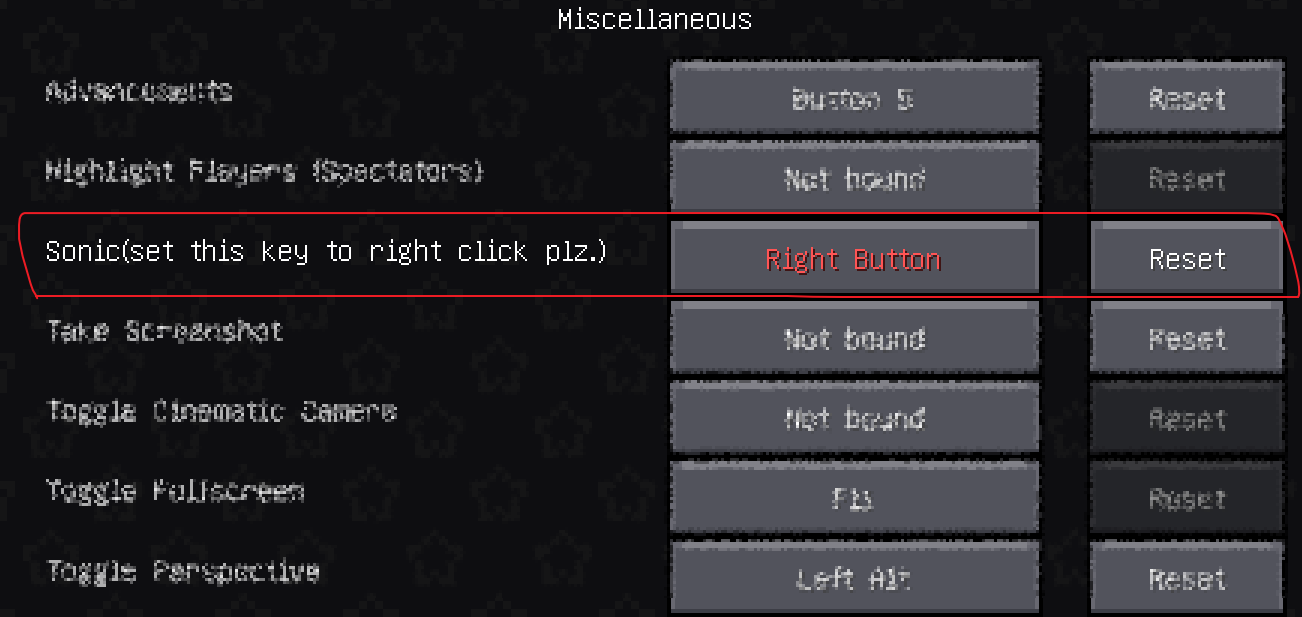 key set
Versions
Files
Relations
Project Relations
More like this
Similar Mods
Suggestions use data such as tags, dependencies, dependents, descriptions, titles, and more to rank how much they overlap with this mod.
On ModDex
Community snapshot
By the numbers
Statistics
Want to reach Minecraft players?
We're looking for a server hosting partner to feature here and other parts of the site. Interested? Send us a message!
Get in touchGet it on
Available Platforms
On ModDex
Community snapshot
By the numbers
Statistics
Resources