Community listing page, reviews may not be monitored by the author.
DPS Meter


No reviews yet
A real-time DPS tracking with configurable HUD and auto-reset functionality.

Community voices
Reviews
No reviews yet. Be the first to review this project!
Get it on
Available Platforms
Compatibility
Supported Environments
Required on the server. Installing it on the client adds functionality.
About
Project Details
For authors
Embed Badge
If you're the author of this project, you can embed a live badge anywhere that supports HTML or Markdown. It updates automatically whenever ratings change.
Use HTML for any page that supports it, or Markdown for README files and Markdown-based descriptions.
Identifiers
Platform IDs
Resources
External Links
About
Description
DPS Meter
DPS Meter is a lightweight, highly customizable combat analysis tool for
Minecraft 1.20.1 on Forge. It gives you real-time feedback on your damage
output, survivability, and pacing so you can optimize gear, compare builds, and
understand what is actually happening mid-fight.
Features
Real-Time Combat Stats
- Current DPS and average DPS for burst and sustained damage tracking.
- Total damage, damage taken, hit rate, average hit, and combat timer.
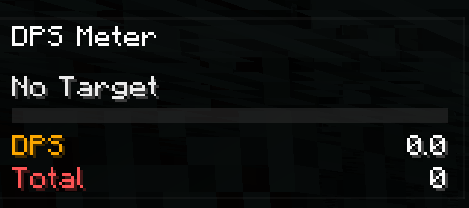
- Target name and target health integrated directly into the overlay.
Floating Combat Text
- Floating damage numbers for outgoing hits.
- Optional floating numbers for incoming damage.
- Critical hits stand out with brighter styling and stronger animation.
Full In-Game Customization
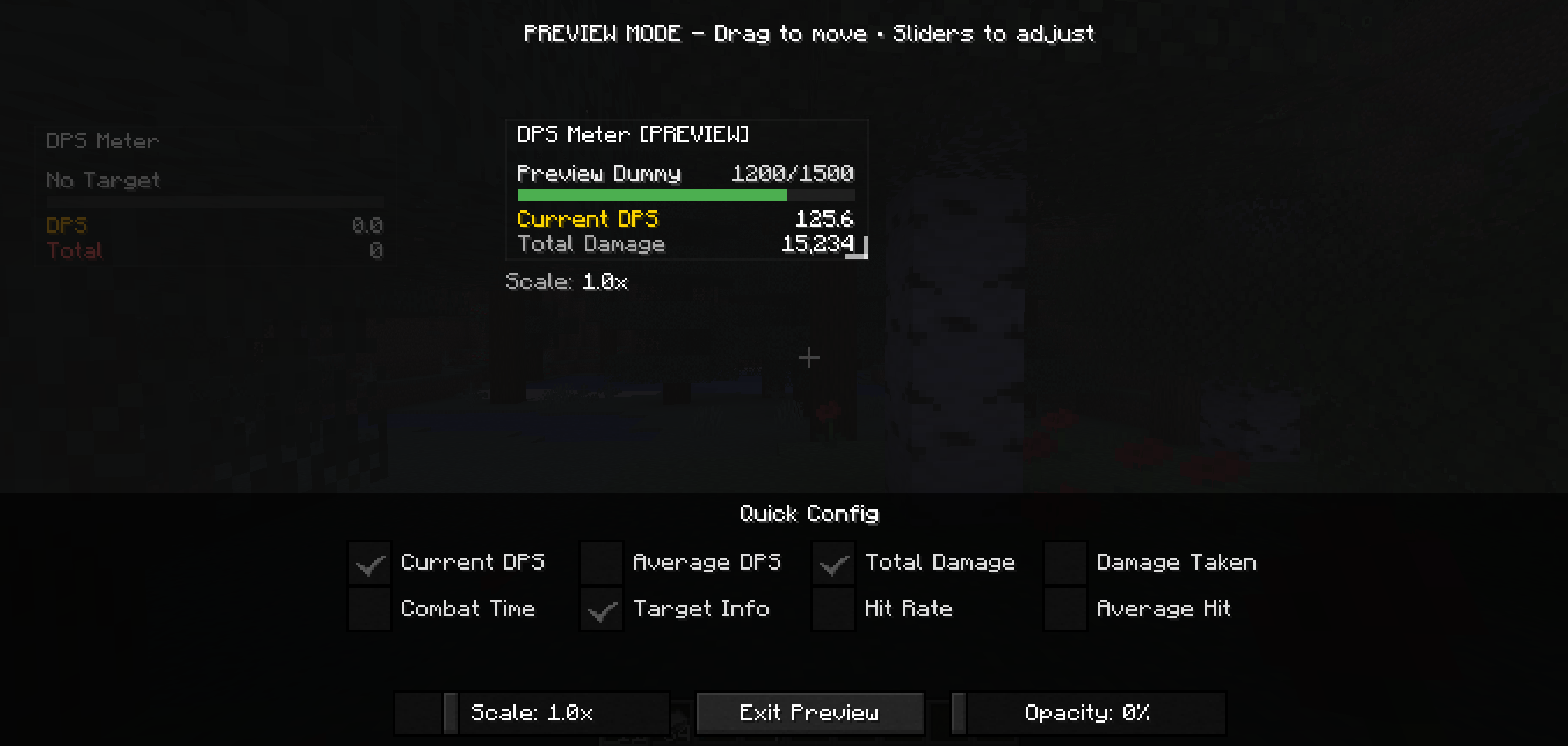
- Overlay preview for position, scale, opacity, and visible metrics.
- HUD dragging for quick placement.
- Floating number size and intensity controls.
- Pet and summon damage tracking options.
- Auto-reset controls for inactivity, death, and dimension changes.
Requirements
- Minecraft
1.20.1 - Forge
47.4.0or newer in the47.xline - Java
17
Installation
- Place the mod jar in your
modsfolder. - For singleplayer, install it on the client.
- For multiplayer, install it on both client and server for the best tracking accuracy.
Default Keys
F9: Toggle overlayF10: Reset DPS statsO: Open config
Quick Usage
- Start fighting and the meter will begin tracking automatically.
- Let it reset on its own after inactivity, death, or dimension changes, or
use
F10when you want a clean comparison. - Open the config with
Oand use the overlay preview as the main place to tune how the HUD looks.
Community
Questions, feedback, or ideas for the mod? Join the community on Discord:

DPS Meter ⚔️
DPS Meter is a lightweight, highly customizable combat analysis tool for Minecraft. It provides real-time feedback on your damage output, helping you optimize your gear and playstyle.
✨ Features
📊 Real-Time Statistics
Get instant feedback on your combat performance with a sleek data overlay:
- Current & Average DPS: Know your burst and sustained damage.
- Total Damage: Track cumulative damage over a fight.
- Combat Timer: See exactly how long you've been fighting.
- Hit Rate: Attacks per second tracking.
- Damage Taken: Monitor your survivability.
💥 Floating Combat Text
Experience RPG-style numbers popping off your enemies!
- Standard Hits: Crisp Red numbers.
- Critical Hits: Animated Gold numbers that scale and bob for satisfying feedback.
🛠️ Complete Customization
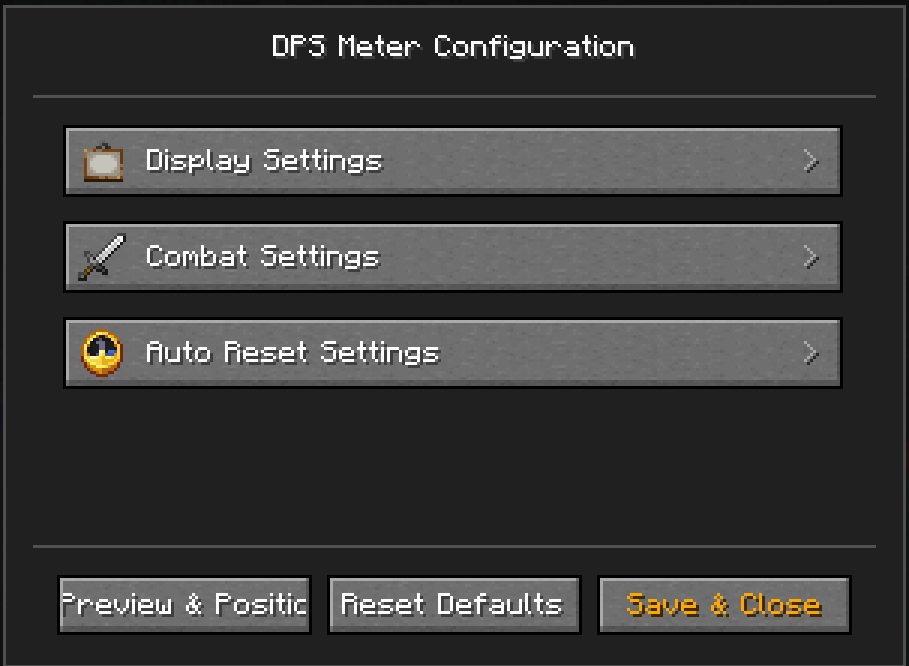
Access the in-game menu (Default Key: O) to tweak everything:
- HUD Editor: Drag the status panel to any position on your screen.
- Visual Control: Scale the UI size (
0.5x-3.0x) and adjust background opacity. - Selective Display: Toggle specific metrics on/off to keep your screen clean.
- Pet Tracking: Choose whether to include your pets' damage in your DPS (Summoners rejoice!).
🎮 Usage
- Start Fighting: Valid attacks automatically start a combat session.
- Auto-Reset: The meter resets automatically after a configurable timeout (default 10s) or when you switch dimensions/die.
- Manual Control: Use keybinds to Reset Stats (
P) or Toggle the Overlay completely.

Screenshots
Gallery
-
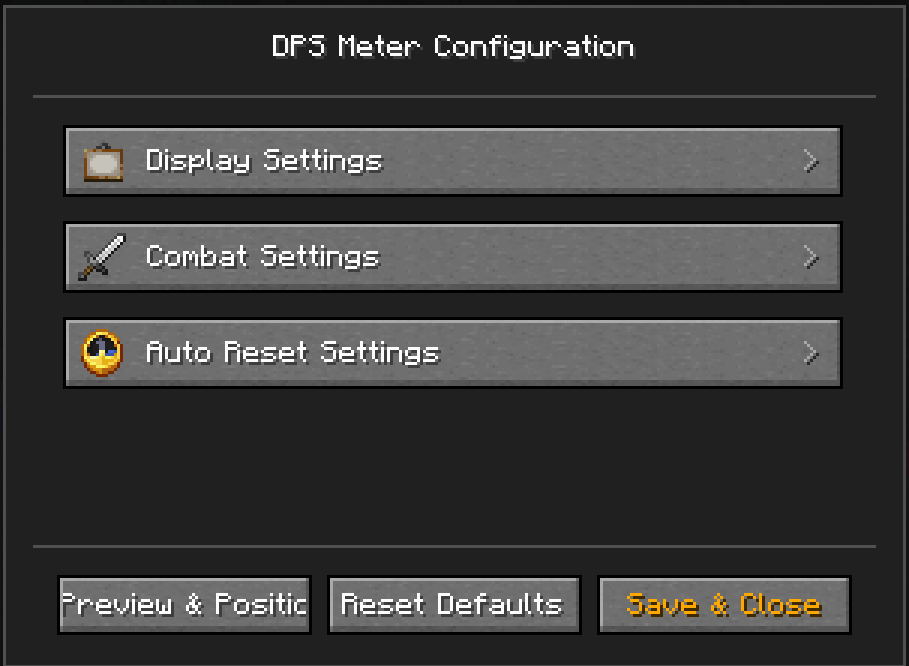 Config.png Config.png
 -
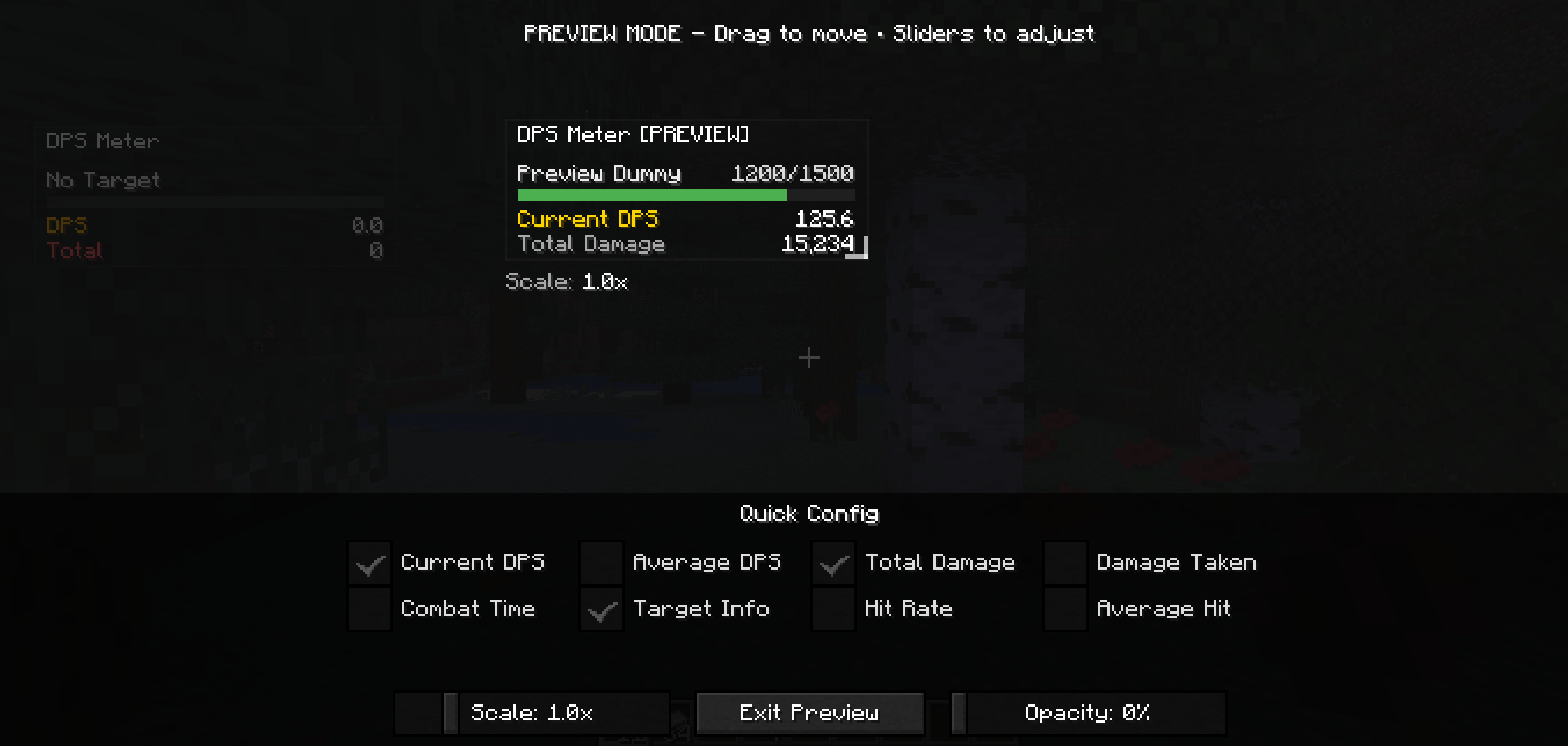 PreviewMode.png PreviewMode.png
 -
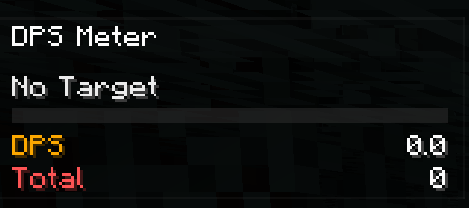 NewOverlay.png NewOverlay.png
Versions
Files
Relations
Project Relations
More like this
Similar Mods
Suggestions use data such as tags, dependencies, dependents, descriptions, titles, and more to rank how much they overlap with this mod.
On ModDex
Community snapshot
By the numbers
Statistics

Get it on
Available Platforms
On ModDex
Community snapshot
By the numbers
Statistics
Resources